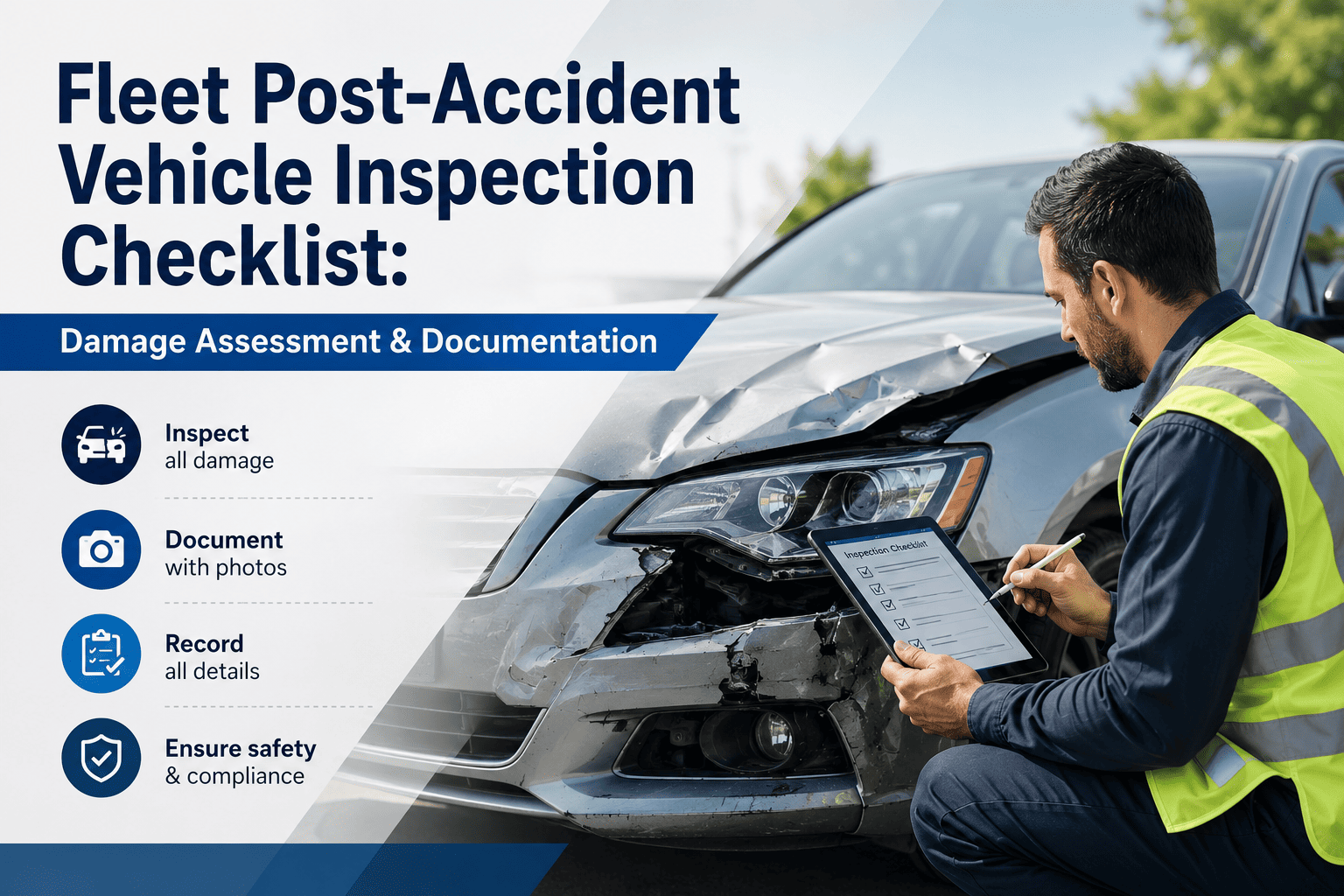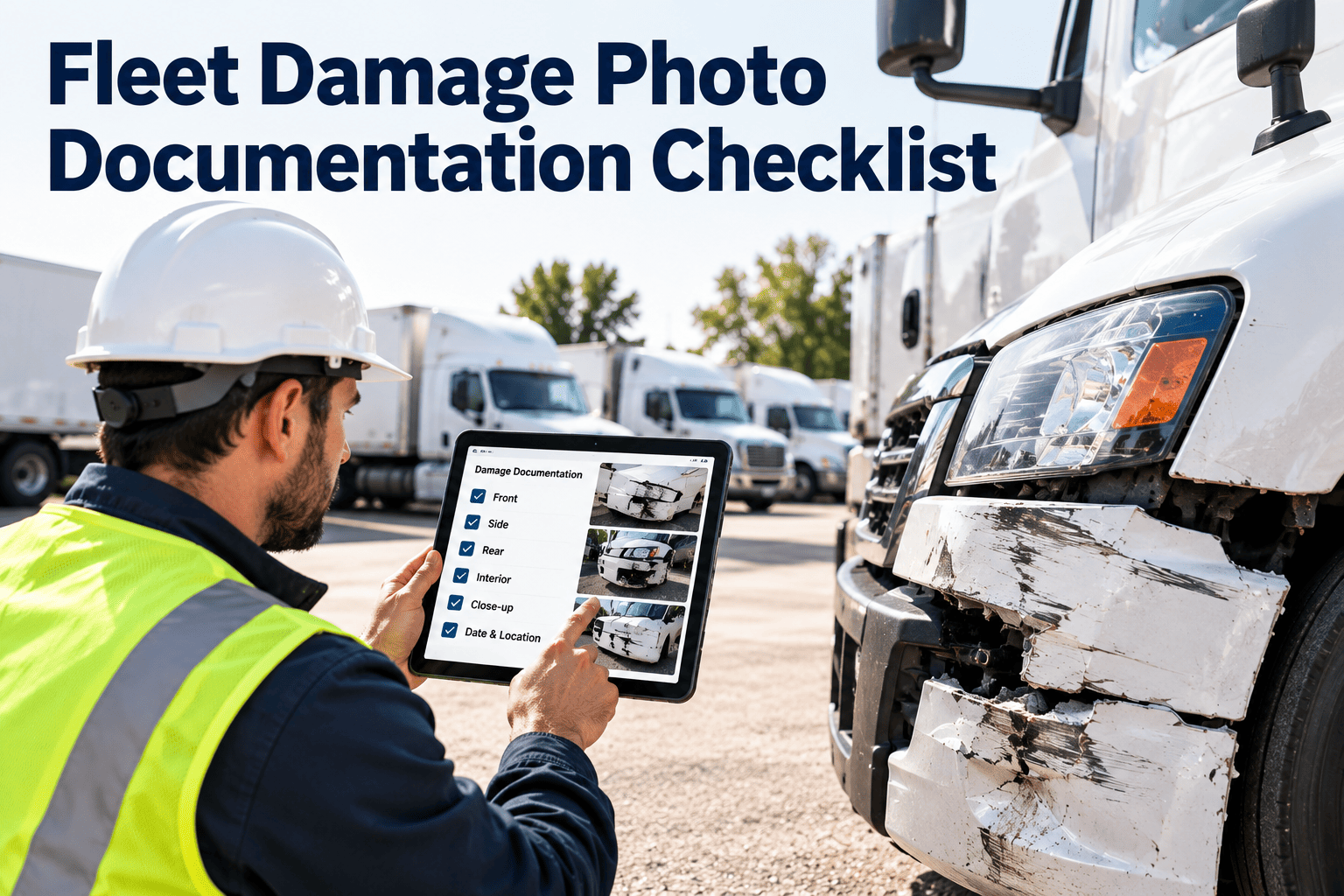
When a vehicle comes back with a dent, a cracked lens or a crushed corner, the first few minutes decide whether anyone can later prove what happened. Blurry, unlabeled or missing photos turn a simple repair into a dispute over who caused the damage and when. This checklist sets a repeatable photo standard for drivers, yard staff and technicians: what to capture, in what order, and what to record with every image. When photos and findings are attached to the asset record in fleet maintenance software, damage history stays searchable by unit, driver and date.
Fleet Damage Photo Documentation Checklist
Capture damage the same way every time. Use a fixed shot sequence, label each image to the asset, and carry the evidence straight into the repair work order.
Photo checklist by moment
Before you photograph
- Make the scene and the vehicle safe first.
- Clean heavy dirt only if it will not destroy evidence.
- Confirm the asset number, plate and VIN are readable.
- Use the phone or tablet registered to your workflow.
- Turn on date, time and location stamping.
At the vehicle
- Take wide shots from all four corners.
- Photograph the odometer or hour meter.
- Take each damaged area from a distance, then close up.
- Add a coin, ruler or glove for scale.
- Photograph the cargo area and cab if affected.
- Capture fluid leaks, broken parts and debris on the ground.
After the shoot
- Review each image for focus and framing.
- Retake any shot that is blurred or glare-struck.
- Upload the originals without editing or cropping.
- Link the images to the asset and the work order.
- Write a short factual description of the damage.
Vehicle zone map
Roof and top
- Roof panels and vents
- Antennas and lights
Driver side
- Doors and mirrors
- Fuel tank and steps
- Wheels and tires
Photograph each zone in order
Passenger side
- Doors and mirrors
- Body panels and trim
- Wheels and tires
Front
- Bumper, grille, lamps
- Windshield and wipers
Rear
- Bumper, doors, lamps
- Lift gate or coupling
Underside
- Fluid leaks and hanging parts
- Frame and suspension
Interior and cargo
- Seats, dash, load area
- Securing points
The shot list: what to capture and why
| Shot | What to capture | Why it matters |
|---|---|---|
| Identification | Unit number, license plate, VIN plate, odometer | Ties the image set to the exact vehicle and its mileage at the time |
| Four corners | Front left, front right, rear left, rear right at a distance | Shows overall condition and the damage in context |
| Damage overview | The damaged panel with surrounding parts visible | Lets reviewers locate the damage on the vehicle |
| Close-up | Cracks, dents, paint transfer, torn metal, broken glass | Supports repair estimates and cause analysis |
| Scale | Ruler or known object next to the damage | Gives a size reference when photographs are reviewed remotely |
| Surroundings | Road, yard, other vehicles, obstacles, signs | Documents the scene when third parties may be involved |
| Secondary damage | Hidden parts, leaks, loose cargo, lamp housings | Prevents a second visit for damage found late |
Severity classes and the evidence each requires
Cosmetic
- Scratches, small dents, faded trim
- Four-corner set plus close-ups
- Repair at next scheduled visit
Functional
- Lights, mirrors, doors, bumpers affected
- Full zone set and part numbers
- Work order within the day
Safety-critical
- Brakes, steering, tires, glass, coupling
- Full set plus underside and component detail
- Remove from service until inspected
Incident
- Collision, injury, third-party damage
- Full set, scene, plates, documents
- Notify the manager and insurer per policy
Data to attach to every photo set
- Asset or unit number and license plate.
- Date, time and location of capture.
- Name of the person who took the photos.
- Odometer or engine hours at the time.
- Driver on duty or last driver assigned.
- Description in plain facts, without blame.
- Related inspection report or incident reference.
- Linked work order number once raised.
Keep every photo attached to the right asset
Oxmaint helps fleet teams record inspection findings, raise work orders and keep damage history against each vehicle, so evidence is easy to find when you need it.
From photo to repair: documentation workflow
Capture
Take the shot set at the time damage is found.
Record
Log the asset, driver, time and description.
Classify
Assign a severity class and decide if the unit stays in service.
Raise work order
Create the repair task with photos attached.
Repair
Technician uses the images to scope parts and labor.
After photos
Photograph the finished repair from the same angles.
Close
Review and close with before and after images on file.
Common photo mistakes and fixes
| Mistake | Problem it causes | Fix |
|---|---|---|
| Only close-ups | No one can tell where on the vehicle the damage sits | Always shoot wide, then medium, then close |
| Poor light and glare | Cracks and dents disappear in reflections | Change angle, shade the panel, or retake in better light |
| Unlabeled files | Images cannot be matched to a unit or event | Upload through the asset record, not a personal gallery |
| Edited or filtered images | Evidence is questioned and may be rejected | Keep originals unaltered and store them as submitted |
| No before and after set | Repair quality and vendor charges cannot be verified | Require after photos before the work order closes |
| Late reporting | Damage cannot be tied to a driver, shift or location | Report at handover or end of trip, before the vehicle is reassigned |
Retention, privacy and review
Policy points to define
- How long images are kept, based on insurer and legal requirements.
- Who can view, download or share the images.
- Rules for people, license plates and private property in the frame.
- Whether photographs are taken on company devices only.
Monthly review checklist
- Sample ten damage records for complete shot sets.
- Check that every closed repair has after photos.
- Look for units or drivers with repeated damage.
- Feed findings back into driver coaching and inspections.
Events that should trigger a photo record
- A defect found during a pre-trip or post-trip inspection.
- Damage discovered at vehicle handover between drivers or shifts.
- Any collision, however minor, including yard and dock contacts.
- Vandalism, theft attempts or suspected tampering.
- Vehicle intake at a workshop and release after repair.
- Return of a rental, leased or loaned vehicle.
- Cargo damage found on delivery or loading.
- Delivery to or from a towing vendor.
Camera technique that makes photos usable
Light and glare
- Shoot with the light behind you where possible.
- Move a few steps to remove reflections on glass and paint.
- Use the flash at night and check that it does not wash out details.
Distance and angle
- Start wide, then move closer in steps.
- Shoot square to the panel, then once at an angle to show depth.
- Keep the whole component in frame for at least one shot.
Clarity and consistency
- Hold the camera steady and wait for focus.
- Use landscape orientation for wide views.
- Follow the same order and angles for every vehicle.
Damage type guide: what to capture for each
| Damage type | What to capture | Extra notes |
|---|---|---|
| Body dents and scrapes | Full panel, close-up of the deepest point, paint transfer | Note direction of impact and any matching marks on other objects |
| Windshield and glass | Crack length against a ruler, location in the driver's view area | Record whether the crack is spreading since the last inspection |
| Tires and wheels | Sidewall bulges, cuts, tread wear pattern, bent rims | Photograph the tire position and the DOT or serial markings where visible |
| Lamps and mirrors | Cracked lenses, missing housings, loose mounts | Check whether lamps still work and note it |
| Undercarriage | Hanging parts, scrapes on frame, fluid trails, bent components | Use a flashlight and safe access such as a pit or lift |
| Fluid leaks | Source, spread pattern on the ground and fluid color | Photograph again after a set time to show leak rate |
| Cargo area and body | Floor, walls, door seals, tie-down points, load position | Photograph the load before and after movement |
| Hitch and coupling | Fifth wheel, kingpin, pintle, safety chains, air and electrical lines | Mark whether the unit was safe to operate |
| Interior | Seats, controls, dash warning lights and cab damage | Record the odometer and any warning messages |
Handover photo standard between drivers and workshops
- Outgoing driver takes the four-corner set and odometer photo at the end of the shift.
- Incoming driver reviews the photos and records any new damage before moving the vehicle.
- Workshop takes an intake set that includes every reported defect.
- Technician adds photos of damage found during repair that was not visible at intake.
- Release set is taken after repair and cleaning, from the same angles as intake.
- Any difference between sets is explained in the work order notes.
Using photos in disputes
With vendors and repair shops
- Compare intake photos with the invoice scope to catch unrelated or unapproved repairs.
- Use after photos to confirm quality before payment.
- Show towing damage through before and after sets taken at pickup and delivery.
- Keep every set linked to the same work order number.
With insurers, drivers and third parties
- Provide complete original images with time and location data.
- Show the vehicle condition at the last handover to separate new from old damage.
- Describe the damage factually and avoid guessing at fault.
- Use consistent records to coach drivers fairly, not to assign blame without evidence.
File naming and storage standard
| Element | Standard | Reason |
|---|---|---|
| Asset reference | Unit number in every record, never only in the file name | Search and reporting by vehicle |
| Date and time | Stored in the image data and the record | Establishes sequence of events |
| Event type | Pre-trip, incident, intake, release, vendor handover | Filters and review sampling |
| Originals | Kept unedited and read-only after upload | Evidence integrity |
| Access | Role-based viewing and downloading | Privacy and control of sensitive incident images |
Training drivers and yard staff
- Run a ten-minute practical session using a real vehicle and the zone map.
- Give each person a pocket card with the shot sequence.
- Show examples of good and poor photos from your own fleet.
- Explain why early, factual reports protect drivers as well as the company.
- Check the first ten photo sets from each new user and give feedback.
- Refresh the training after any change to forms or devices.
Safety and conduct while photographing
- Secure the scene before taking any photo, and never step into traffic to get a better angle.
- Do not move a vehicle after an incident unless required for safety or by the responding authority.
- Avoid capturing faces, bystanders or private documents unless required for the record.
- Do not photograph injured people for the damage record. Follow your incident procedure instead.
- Use the approved device and upload path, and do not share images on personal channels.
- Tell the driver why photos are being taken and how they will be used.
Measuring photo documentation quality
| Measure | What it shows | How to review it |
|---|---|---|
| Complete shot sets | Share of damage records with all required shots | Monthly sample of closed work orders |
| Time to upload | Delay between finding damage and recording it | Compare capture time with record creation time |
| Retake rate | How often images are unusable the first time | Count of requests for new photos |
| Before and after coverage | Share of repairs closed with both image sets | Work order closure audit |
| Repeat damage by unit | Vehicles or routes that need attention | Damage history report by asset |
Frequently asked questions
How many photos should a damage record include?
Use a fixed minimum such as four corners, one overview and several close-ups per damaged area. Serious incidents need a full zone set.
Should drivers take damage photos on personal phones?
It depends on your policy, but images must reach the asset record quickly and unedited. Company devices or a controlled app are safer.
When should after-repair photos be taken?
Take them before the work order closes, from the same angles as the originals. They confirm quality and support vendor invoice checks.
How do photos link to maintenance history?
Attach them to the inspection or work order for the unit in a system such as Oxmaint, so every repair keeps its evidence.
Can this process be set up for our fleet?
Yes. You can book a demo to see inspection forms, work orders and asset history set up for your vehicle types.
Make every damage record complete
Standardise your photo evidence, connect it to inspections and work orders, and keep a clear damage history for every vehicle in the fleet.