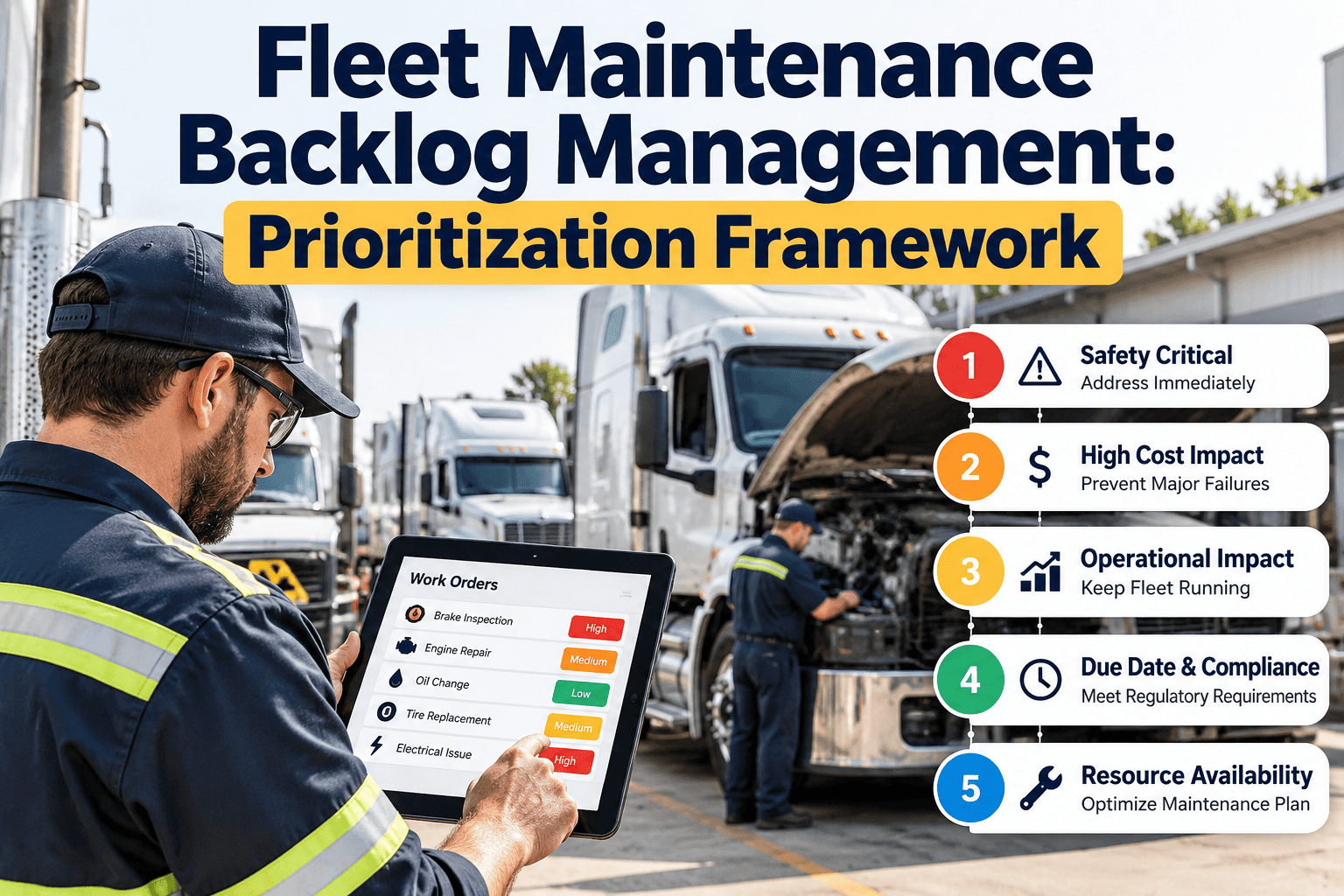
Every fleet carries a backlog of deferred repairs, open inspection findings, jobs waiting on parts and services that keep slipping a week. The size of the list is rarely the real problem. The problem is that every item looks equally urgent, so the loudest unit gets the next bay while a quiet brake defect keeps aging. This checklist gives your shop a repeatable way to capture, score, schedule, defer and close every item, using a fleet maintenance management system so the ranking stays accurate each day.
Fleet Maintenance Backlog Management Checklist: A Prioritization Framework
Seven checklist categories that take every open defect, overdue service and deferred repair from capture to verified closure, ranked by risk instead of noise.
P1 Safety and complianceSame shift
P2 Reliability and uptimeWithin 72 hours
P3 Planned and preventiveNext service window
P4 Deferrable and cosmeticBundled with other work
DDaily
WWeekly
MMonthly
QQuarterly
EEvent-driven
The Five-Factor Score Behind the Checklist
Score each open item from 1 to 5 on five factors and apply the weights. These weights are a practical starting point to tune to your duty cycle.
Scoring formulaPriority score = (Safety x 0.35) + (Criticality x 0.20) + (Likelihood x 0.20) + (Downtime x 0.15) + (Delay cost x 0.10)
Priority Tiers and Response Targets
Convert scores into four tiers so nobody needs a calculator on the shop floor. Adjust response windows to your own operation.
P1CriticalScore 4.0 and above or any safety override. Unit is held from dispatch. Start the same shift.
P2HighScore 3.0 to 3.9. Likely to cause a road call or compliance risk. Schedule within 72 hours.
P3PlannedScore 2.0 to 2.9. Fits the next preventive maintenance visit.
P4DeferrableScore below 2.0. Tracked with a review date and bundled when the unit is already in the shop.
Category 01Intake and Capture
Backlogs start with leaks at the front door. Every defect, alert and overdue service must become a visible, tracked work order.
Inspection findings converted to work orders. Every failed item on a driver or technician inspection creates a work order with asset ID, defect description and photo, so nothing lives only on paper or in a message thread.DDriver / Dispatcher · Inspection-to-work-order log
Duplicate requests merged. Search open work orders on the same unit and system before creating a new one, so the backlog count reflects real jobs and history stays in one place.DService writer · Duplicate review log
Fault codes and telematics alerts logged. Active diagnostic trouble codes and warning alerts are reviewed and recorded against the unit with severity noted, so likelihood can be scored later.DShop supervisor · Fault code review log
Roadside and out-of-service findings entered within the shift. Findings are raised as high-priority work orders with the report attached and linked to the repair that clears them.ESafety manager · Roadside finding log
Overdue preventive maintenance generated automatically. Services past their calendar, mileage or engine-hour trigger appear as work orders, not as a monthly spreadsheet export that is already out of date.DMaintenance planner · PM due report
Reporter and source recorded. Each item notes who raised it and from which channel, which shows which sources surface the most real defects.DService writer · Intake source log
Meter reading captured at intake. Odometer or engine hours are recorded when the item is raised, which supports likelihood scoring and warranty eligibility checks.DDriver / Technician · Meter reading log
Category 02Classification and Scoring
Consistent scoring is what makes the queue trustworthy. Two supervisors scoring the same item should land within one point.
Lane assigned to every item. Tag each item as safety and compliance, reliability, preventive or deferrable so the correct rules and response windows apply.DShop supervisor · Classification log
Five factors scored with written guidance. Safety, criticality, likelihood, downtime and delay cost are scored 1 to 5 against the table above, not by gut feel or by who is asking.DShop supervisor · Scoring record
Safety override applied. Any item scoring 5 on safety and compliance becomes P1 regardless of total, and the unit is held from dispatch until it is closed.DShop supervisor / Dispatcher · P1 hold log
Likelihood rescored on new evidence. A new fault code, repeat defect or inspection finding triggers a rescore of related open items on the same unit.WMaintenance planner · Rescore log
Criticality register kept current. Route-critical, contract-critical and no-spare units are reviewed so criticality scores reflect today's operation, not last year's.MFleet manager · Asset criticality register
Scoring calibration sample reviewed. Re-score five closed items blind each quarter. Large gaps show that weights or scoring guidance need adjustment.QFleet manager · Calibration review log
Category 03Readiness: Parts, Labor and Bay Capacity
A job that cannot start is not progress. Confirm readiness before scheduling so bays and technicians are not blocked.
Parts reserved at approval. Reserve required parts against the work order when it is approved, not when the unit arrives in the bay.DParts counter · Parts reservation log
Waiting-on-parts status flagged. Mark jobs waiting on parts so they do not occupy a bay or distort technician capacity and backlog-in-weeks figures.DParts counter · Waiting-on-parts report
Labor hours estimated on every order. Estimated hours let the weekly plan reflect real capacity, and actual hours improve future estimates.DShop supervisor · Estimated vs actual hours log
Skills matched to the job. Brake, electrical, refrigeration and hydraulic work goes to certified technicians, with certifications visible to the planner.DShop supervisor · Technician certification matrix
Long-lead parts reviewed. Parts with repeat demand and long lead times are reviewed for stocking so the same shortage does not stall jobs again.MInventory manager · Stockout and lead time report
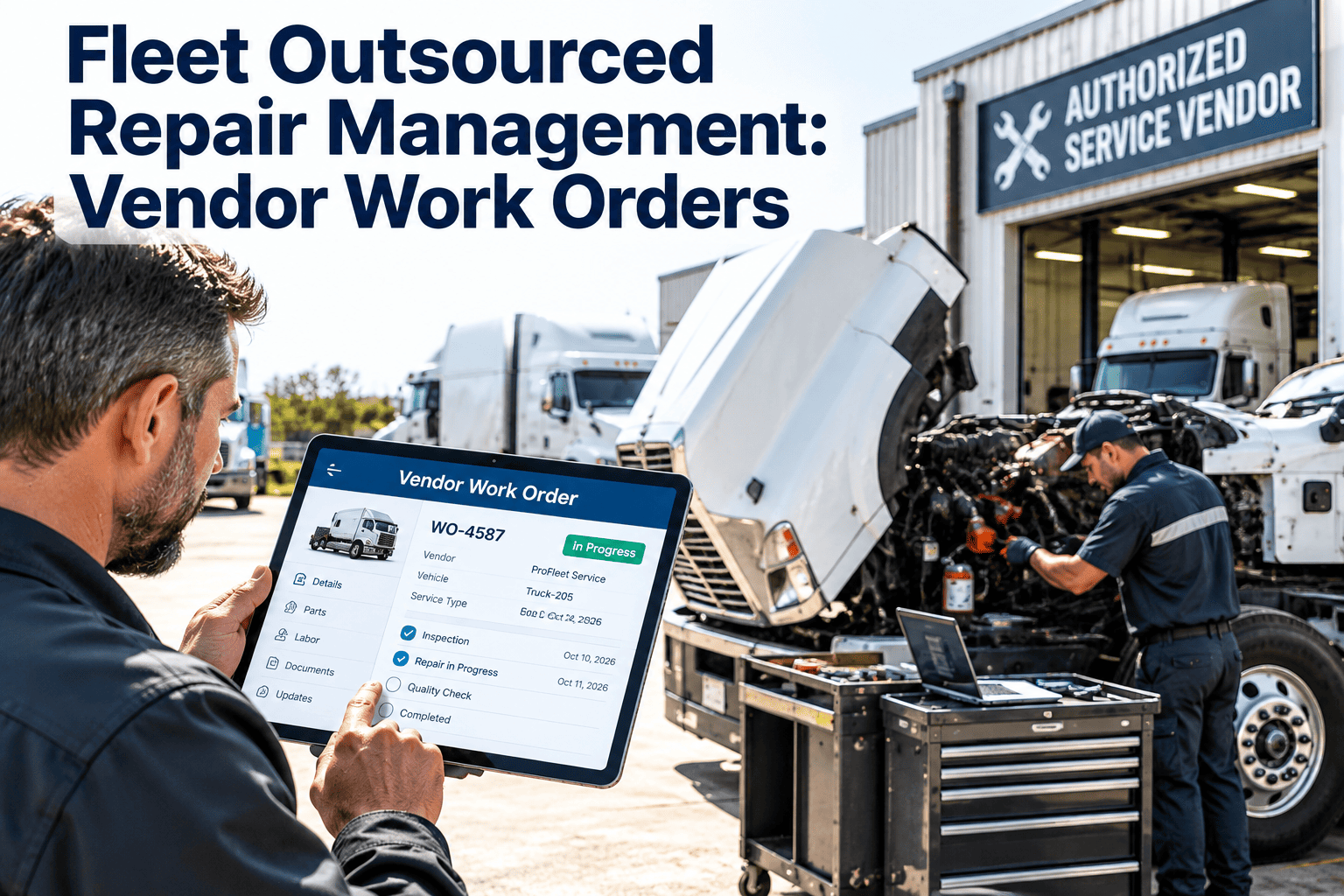
Outside vendor jobs tracked. Work sent to dealers or vendors has a due date, owner and follow-up so it does not age unseen.WMaintenance planner · Vendor job tracker
Stop Negotiating Priority Job by Job
Put the scoring model into your maintenance software so every defect arrives ranked, assigned and visible to dispatch.
Category 04Scheduling and Dispatch Coordination
Prioritization fails when dispatch and maintenance negotiate in the yard. Agree the rules in advance and publish the plan.
P1 and P2 capacity reserved each week. Set aside a fixed share of technician hours for urgent work so planned work is not constantly displaced.WShop supervisor · Capacity plan
Ten-day downtime forecast published. Dispatch sees upcoming planned downtime so substitutions and customer commitments can be arranged early.WMaintenance planner · Downtime forecast
Open items bundled by unit. When a unit is in the bay, related P3 and P4 items are grouped into the same visit to avoid a second trip.DMaintenance planner · Bundled visit log
Dispatch release criteria confirmed. No unit with an open P1 item is released. The check is recorded at release, not assumed.DDispatcher · Release check log
P2 reschedule requests approved by a manager. Moving a P2 window needs a named approver and a reason, so schedule changes stay visible.EFleet manager · Schedule change log
Planned versus completed work reviewed. Compare what was planned with what was finished, and record the reasons for gaps.WShop supervisor · Plan attainment report
Category 05Deferral Control
Deferral is a legitimate tool when it is controlled. These checks stop it from becoming neglect.
Safety defects never deferred in service. If a safety or compliance defect cannot be repaired now, the unit is removed from dispatch until it is.DShop supervisor · Deferral decision log
Named approver, reason and review date recorded. Every deferral needs all three before it leaves the active queue, so it can be audited later.EFleet manager · Deferral register
Second deferral escalated. An item deferred more than twice is automatically escalated to the fleet manager for a decision.WMaintenance planner · Escalation log
Same-system deferrals combined. Two or more deferred items on one system become a single repair order, reducing the chance of a compound failure.WShop supervisor · Combined order log
Deferral rate trended. Track items deferred as a share of items scored. A rising rate signals capacity or parts problems.MFleet manager · Deferral trend report
Risk acceptance documented past 90 days. Items open longer than 90 days are repaired, formally risk-accepted in writing, or retired.QFleet manager · Risk acceptance record
Ageing Bands Used by the Next Checklist
0 to 7 daysNormal flow. Owned by the shop supervisor.
8 to 30 daysReview the cause: parts, capacity or access.
31 to 90 daysEscalate to the fleet manager for a decision.
Over 90 daysRepair, formally accept the risk, or retire.
Category 06Ageing and Escalation
Age is the early warning that your ranking is being ignored. Review it on a fixed rhythm.
Ageing report reviewed by tier. Open items are grouped by tier and age band, so any P1 or P2 outside its target is visible immediately.WShop supervisor · Backlog ageing report
P1 and P2 overruns escalated the same day. Items beyond their response window go to the fleet manager with a cause, such as parts, labor or access.DMaintenance planner · Escalation log
31 to 90 day items decided. Each item in this band gets a decision: schedule, bundle, defer with approval, or close.MFleet manager · Aged item decision log
Items beyond 90 days resolved. Nothing remains open past 90 days without a repair, written risk acceptance, or retirement.MFleet manager · Aged item register
Ageing trend by unit and by team reviewed. Look for units that repeatedly appear and teams that struggle with certain work, to target fixes.QFleet manager · Quarterly backlog review
Category 07Closure and Verification
A closed order is only useful if it proves the problem is gone and records what was done.
Orders closed only when complete. Labor, parts, findings, meter reading and technician sign-off are all present before closure is allowed.DTechnician · Work order closure record
Safety repairs verified by a supervisor. A second person checks safety and compliance repairs before the unit is released.DShop supervisor · Repair verification log
Post-repair test or re-inspection performed. Brake, steering, lighting and coupling repairs are tested or re-inspected, with results recorded.DTechnician · Post-repair test log
Repeat repair check completed. Review the same unit and system for repeat repairs within a set window, and open a root cause review when found.MMaintenance planner · Repeat repair report
Root causes recorded for the top failures. Document causes for the most frequent and most costly failures, and feed them into preventive maintenance plans.QFleet manager · Root cause review
KPIs That Show Whether the Backlog Is Under Control
How Oxmaint Supports This Checklist
Oxmaint keeps the queue live without spreadsheets, so the checklist runs as part of daily work.
- Mobile inspections convert failed items into work orders with asset, defect and photo attached.
- Asset history shows prior repairs and repeat failures before you score likelihood or approve another fix.
- Preventive maintenance schedules by calendar, mileage or engine hours create due services automatically.
- Inventory links parts to work orders, so readiness is clear before a unit is scheduled.
- Dashboards and reports track backlog age, tier mix, completion rates and compliance records.
Frequently Asked Questions
What is a healthy fleet maintenance backlog size?It depends on fleet size and crew capacity. Many teams track backlog in weeks of labor and aim for a shrinking trend with no aged P1 or P2 items.
Should safety defects ever be deferred?Not while the unit is in service. Remove it from dispatch until repaired, and keep the record in your maintenance system. How often should the backlog be rescored?Review weekly, and rescore immediately when a new inspection, fault code or failure changes the likelihood of an item.
How does preventive maintenance reduce the backlog?On-time services catch wear early, which reduces urgent corrective jobs that crowd out planned work.
Can we use this checklist without new software?You can start on a spreadsheet, but scores go stale fast. You can book a demo to see it automated. Turn Your Backlog Into a Ranked, Trusted Work Queue
Give your fleet one prioritization model, one live queue and one record of every decision.