Emergency repairs break every schedule a fleet has built. Without a written policy, each breakdown triggers a different response: unclear authority, unplanned spending, missing records, and arguments over what counts as an emergency. A clear emergency work order policy defines severity, response, approval, and documentation before the call comes in. Running that policy through a digital work order system keeps every urgent job traceable.
Fleet Maintenance Emergency Work Order Policy
Define what qualifies as an emergency, who can authorize it, how fast to respond, and what must be recorded, so urgent repairs stay controlled.Why fleets need a written emergency policy
When everything is urgent, nothing is. Policies protect both response speed and budget discipline.
Emergency inflation
Drivers and dispatchers label routine defects as emergencies to jump the queue, which overloads the shop.Unclear authority
Nobody knows who can approve spending after hours, so vehicles wait or money is spent without review.Lost documentation
Roadside repairs are approved by phone and never recorded, leaving gaps in asset history and compliance files.Disrupted planned work
Unmanaged emergencies push preventive services aside, which creates more emergencies later.Severity tiers with response rules
Adapt these tiers and response targets to your own operation. The values shown are structure examples, not standards.
| Tier | Definition | Examples | Response expectation |
|---|---|---|---|
| Level 1 | Safety risk or vehicle cannot move safely | Brake failure, steering fault, fluid leak, fire risk | Immediate dispatch, vehicle taken out of service |
| Level 2 | Vehicle unusable, assigned service at risk | Engine failure, transmission fault, electrical loss | Same-shift assessment and recovery plan |
| Level 3 | Defect needs fast action but can be scheduled | Cooling issue, lighting defect, minor leak | Next available bay, priority over routine work |
| Not an emergency | Convenience or cosmetic issue | Interior wear, minor trim, noise | Normal work order queue |
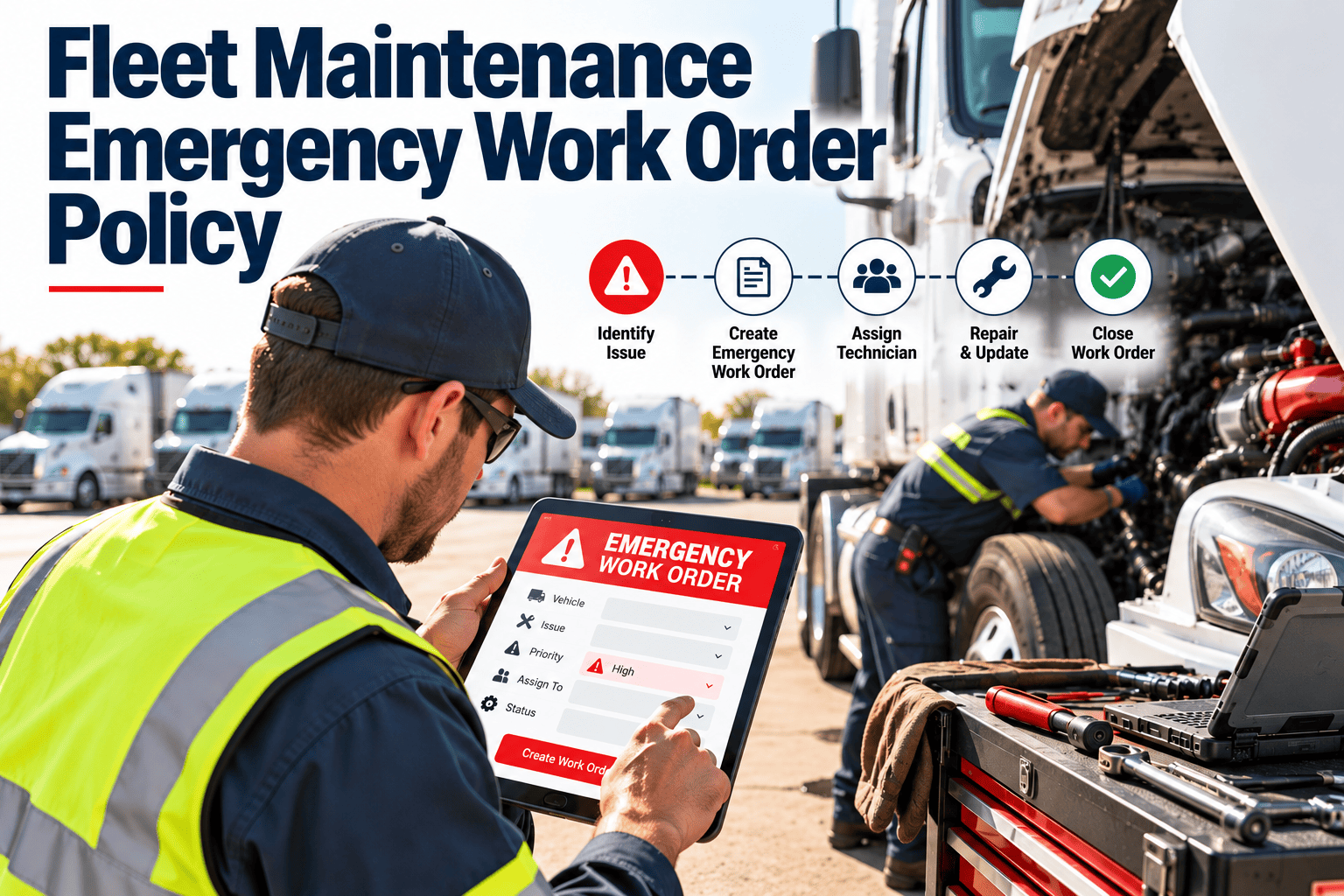
Emergency decision flow
Is the vehicle safe to operate?
If not, stop the vehicle, secure the driver and load, and classify as Level 1.Can it complete the assigned service?
If not, classify as Level 2 and notify dispatch so a substitute can be arranged.Can repair wait for a scheduled slot?
If yes, use Level 3 or a normal work order and record the reason.Open the emergency work order
Capture the tier, location, defect, and who authorized action before work begins.Repair, verify, release
Complete the fix, run a final check, and release the vehicle with a recorded sign-off.Give every emergency a record and an owner
Open, authorize, and close urgent work orders from the road or the shop, with the history kept on the vehicle.Roles and authority
| Role | Responsibility | Authority |
|---|---|---|
| Driver | Report defect, secure vehicle, follow stop rules | Can declare a vehicle unsafe and stop operating |
| Dispatcher | Reassign loads, notify customers, log the event | Can request emergency status |
| Maintenance supervisor | Confirm tier, assign technician or vendor | Approves spending up to a set limit |
| Fleet manager | Review costs, approve large repairs, handle escalation | Approves above the supervisor limit |
| Technician or vendor | Diagnose, repair, record work and parts | Can recommend scope changes for approval |
Spending and vendor rules
Authorization rules
- Pre-approved spending limit for roadside and after-hours repairs
- Required estimate above that limit
- Named backup approver for each shift
- Written exception process for urgent cases
Vendor rules
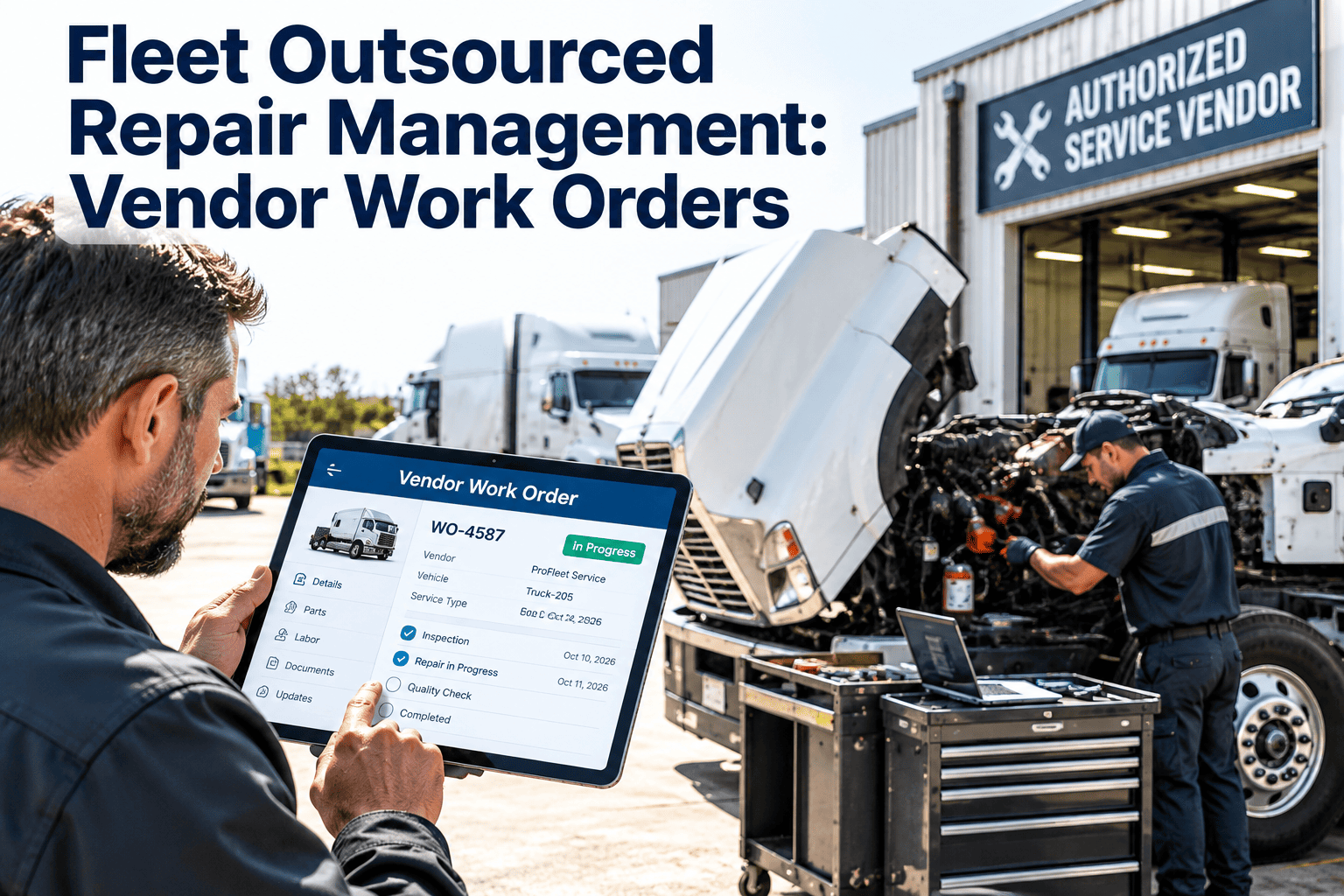
- Approved emergency and roadside vendor list
- Agreed rates for after-hours work
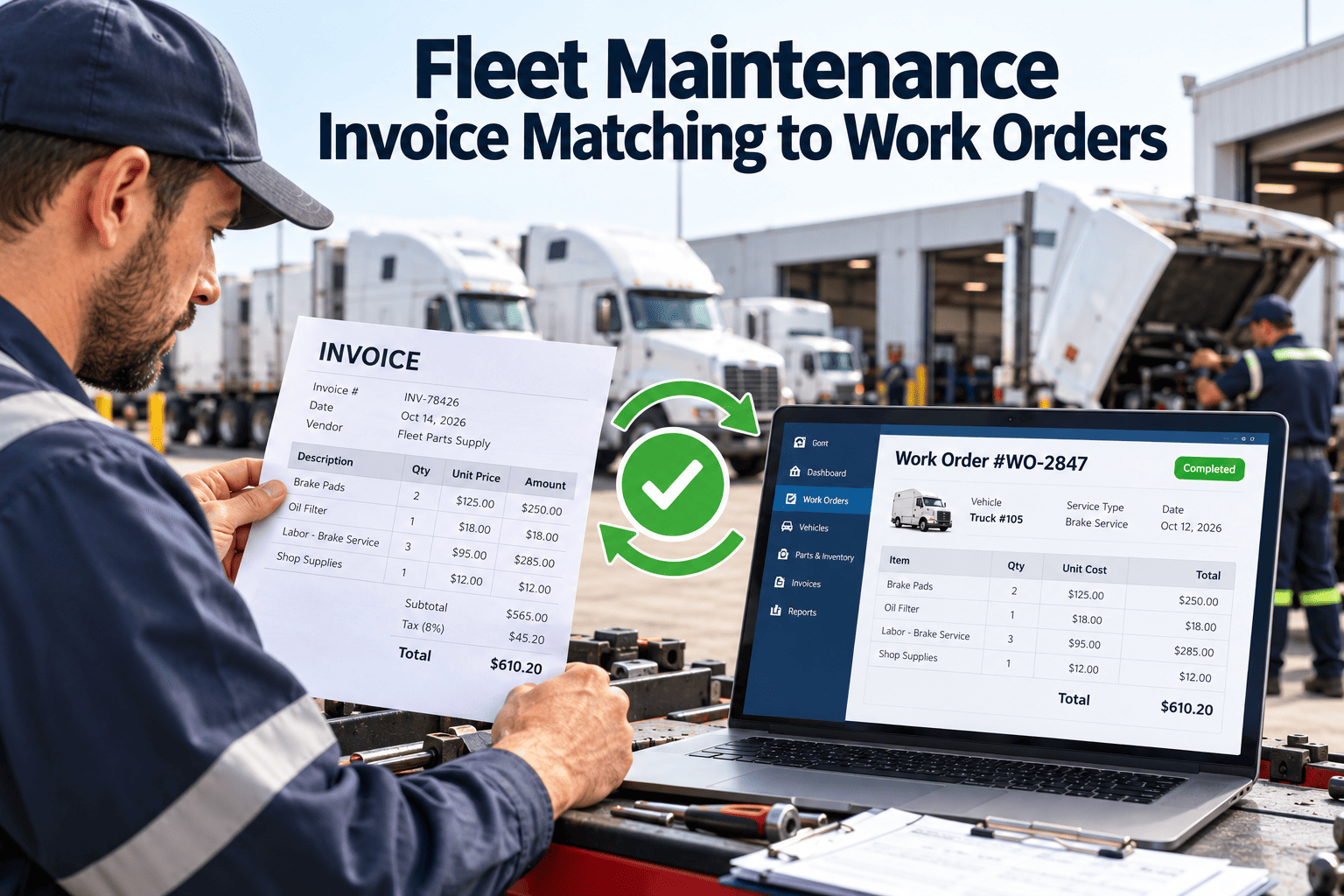
- Itemized invoice tied to the work order
- Warranty terms noted on completion
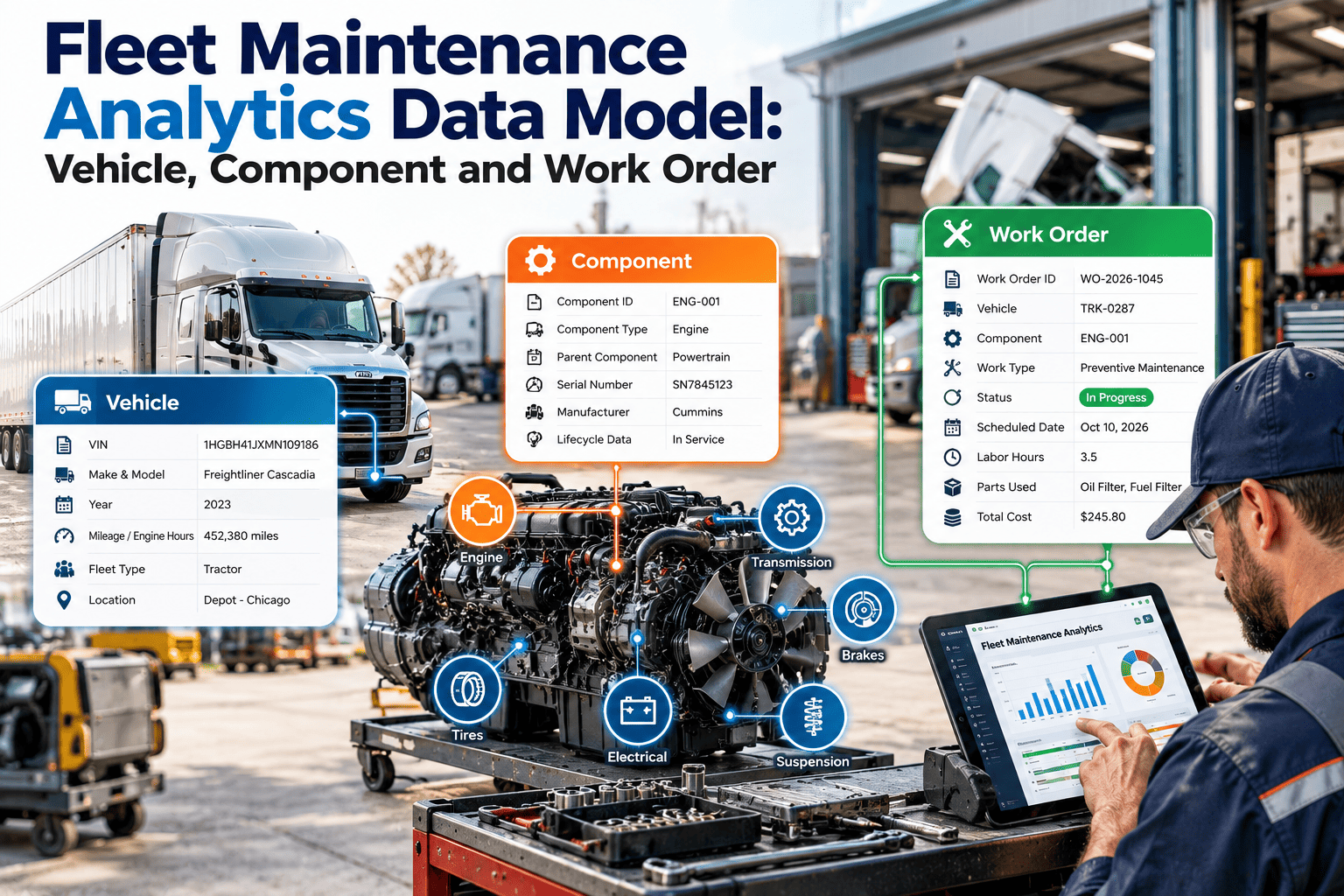
Fields every emergency work order must contain
Compliance considerations
For regulated commercial vehicles, rules on driver vehicle inspection reports and out-of-service conditions affect when a vehicle can return to service. Check current FMCSA and local requirements, then reflect them in your policy.
Do not release without proof
Safety-affecting defects need a recorded repair and sign-off before the next dispatch.Keep records retrievable
Emergency repairs are part of the maintenance file and must be easy to find during an audit.Document exceptions
If policy is bypassed in a real emergency, record why, who decided, and when it was reviewed.After-action review: turn emergencies into prevention
Policy KPIs to review monthly
How Oxmaint supports emergency work orders
Oxmaint maintenance management software keeps urgent repairs inside the same workflow as planned work.
Write clear criteria for what counts as an emergency
Criteria should be specific enough that two supervisors classify the same event the same way.
Safety
Any condition that makes operation unsafe for the driver, the public, or the load, such as brake, steering, or fire hazards.Legal status
Defects that put the vehicle out of service or make it non-compliant with inspection requirements.Service impact
Failures that stop a critical route or customer commitment with no available substitute.Damage escalation
Faults that will cause serious further damage if the vehicle keeps running, such as overheating or loss of oil pressure.Who can declare an emergency and who can downgrade it
Declaring should be easy. Downgrading or cancelling should require review.
Easy to declare
- Drivers can stop a vehicle they believe is unsafe
- Dispatch can request emergency handling
- Technicians can escalate a found hazard
- No spending approval needed to stop operation
Reviewed to downgrade
- Supervisor confirms the final tier
- Reason for downgrade is recorded
- Safety items cannot be downgraded without inspection
- Disputes go to the fleet manager
Sections to include in the written policy
| Policy section | What it states | Why it matters |
|---|---|---|
| Purpose and scope | Which vehicles and locations the policy covers | Avoids gaps for leased, contracted, or remote units |
| Definitions | Tier criteria with examples and exclusions | Gives consistent classification |
| Response targets | Expected time to assess and act by tier | Sets measurable expectations |
| Authority and spending | Who approves what, and the after-hours backup | Prevents delay and uncontrolled spending |
| Documentation | Required work order fields and attachments | Supports audits and warranty claims |
| Communication | Who is notified and when | Keeps dispatch and customers informed |
| Review and revision | How often the policy is updated | Keeps it aligned with real experience |
Communication during an emergency
Most confusion in an emergency comes from people not knowing what happened. Decide who tells whom before it happens.
Roadside and after-hours handling
Emergencies do not wait for business hours, and records are most often lost when they happen away from the shop.
Secure the scene
The driver protects people first, then the load and vehicle, following company safety procedure.Call the on-duty contact
A named person answers every call. The contact opens the work order and records the first details.Use approved providers
Roadside vendors from the approved list reduce price disputes and ensure invoices match the work order.Parts and inventory for emergency repairs
Stock the common failures
Use repair history to identify the parts used most in urgent jobs and keep a minimum level on hand.Record every part used
Emergency repairs often skip parts logging, which leaves inventory wrong and costs unassigned.Arrange fast supplier access
Agree after-hours contacts and delivery options with key suppliers before they are needed.Preventing emergency overuse
A policy only works if the emergency channel stays credible. Watch for patterns that erode it.
Queue jumping
Routine jobs labeled emergency to skip the line. Review misclassification monthly and share the results.Deferred prevention
Skipped preventive services show up later as emergencies. Compare emergency causes with overdue tasks.Ignored inspection items
Defects reported repeatedly without action become breakdowns. Track the age of open defects.Poor handoff at shift change
Open emergencies lost between shifts. Require a status note on every open urgent job.Rolling the policy out to the team
Controlling emergency repair cost without slowing the response
Cost control and speed are not opposites. The goal is to decide spending rules before the emergency, not during it.
Before the repair
- Pre-approved limit for first response
- Written scope with a clear estimate
- Check for warranty or service contract coverage
- Confirm the repair, replace, or retire decision for older units
After the repair
- Compare invoice with the approved amount
- Review labor hours against the job scope
- Record parts costs against the vehicle
- Flag units with repeated emergency spending
Escalation timeline when the repair stalls
Even good responses sometimes stall. Define when a stuck emergency moves up the chain.
First checkpoint
If no technician or vendor has arrived by the agreed time, the supervisor contacts the backup provider.Second checkpoint
If diagnosis is unclear or parts are unavailable, the manager is informed and options are weighed, including towing to another shop.Final checkpoint
If the vehicle remains down past the planned limit, operations is told to arrange a longer-term substitute.Return to service: the release checklist
Urgent repairs are the ones most likely to be released in a hurry. A short, mandatory check protects safety and records.
Using emergency data to improve preventive maintenance
Every emergency work order is evidence about what the preventive program missed.
Special cases the policy should address
Edge cases cause the most disputes. Settle them in writing while nobody is under pressure.