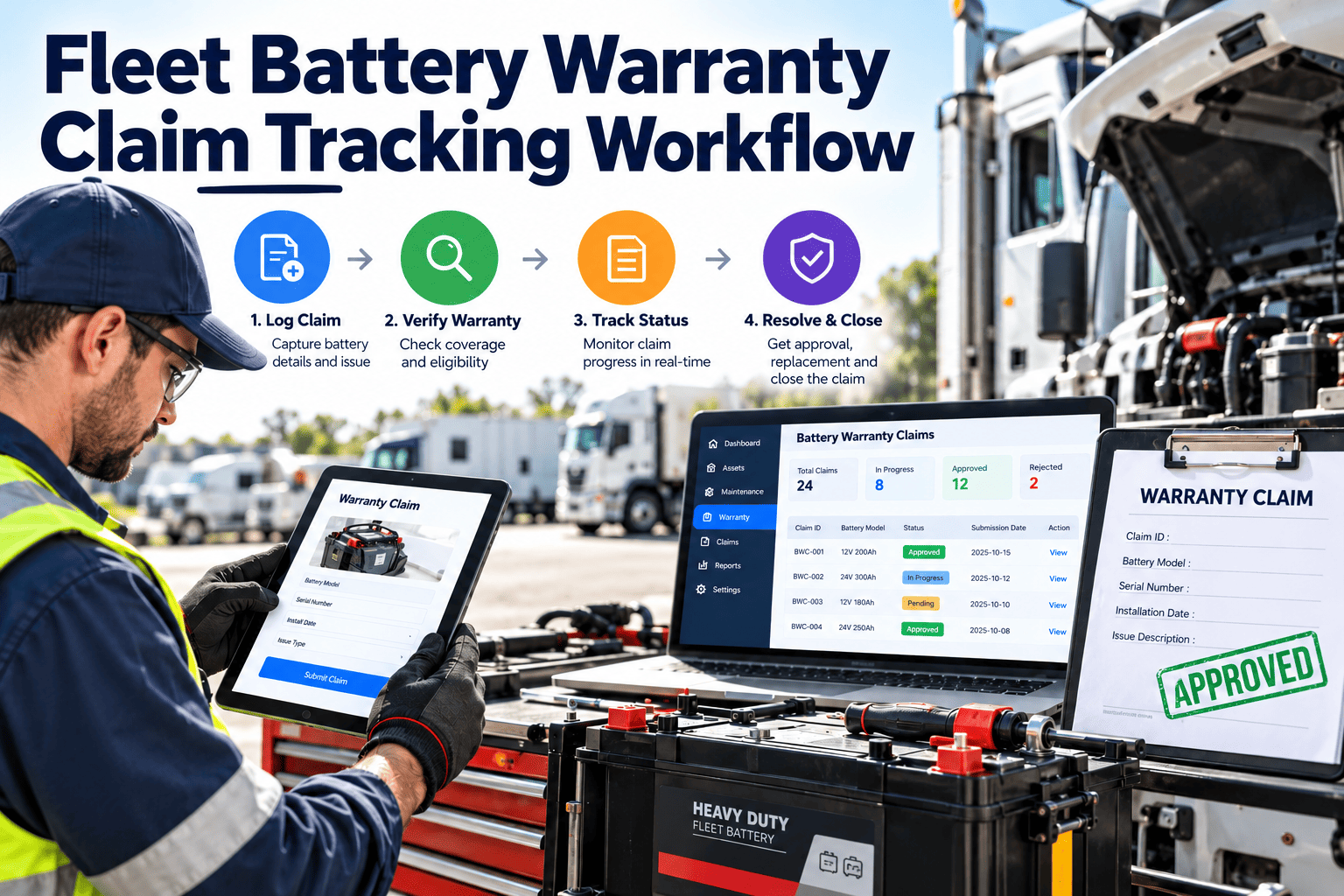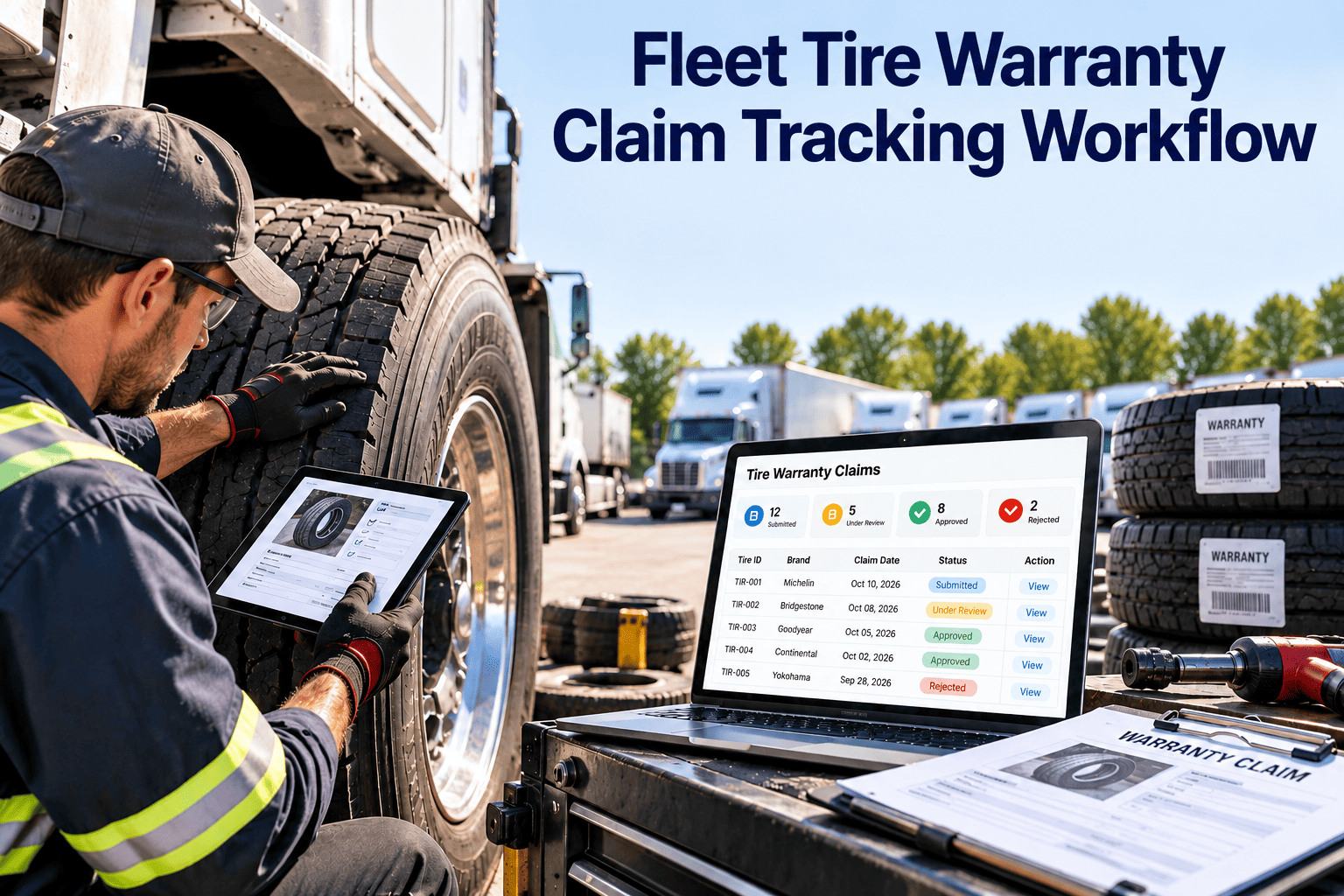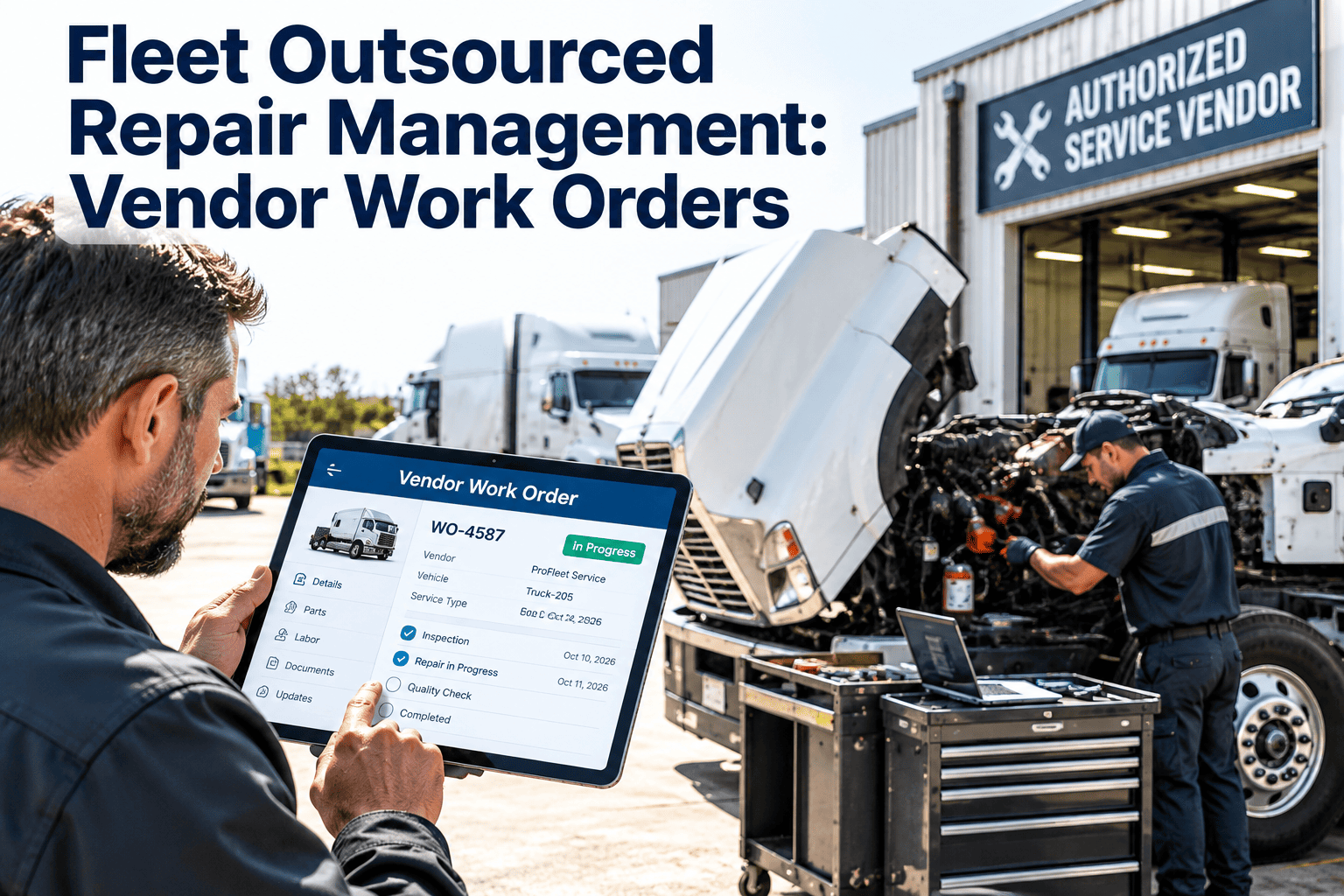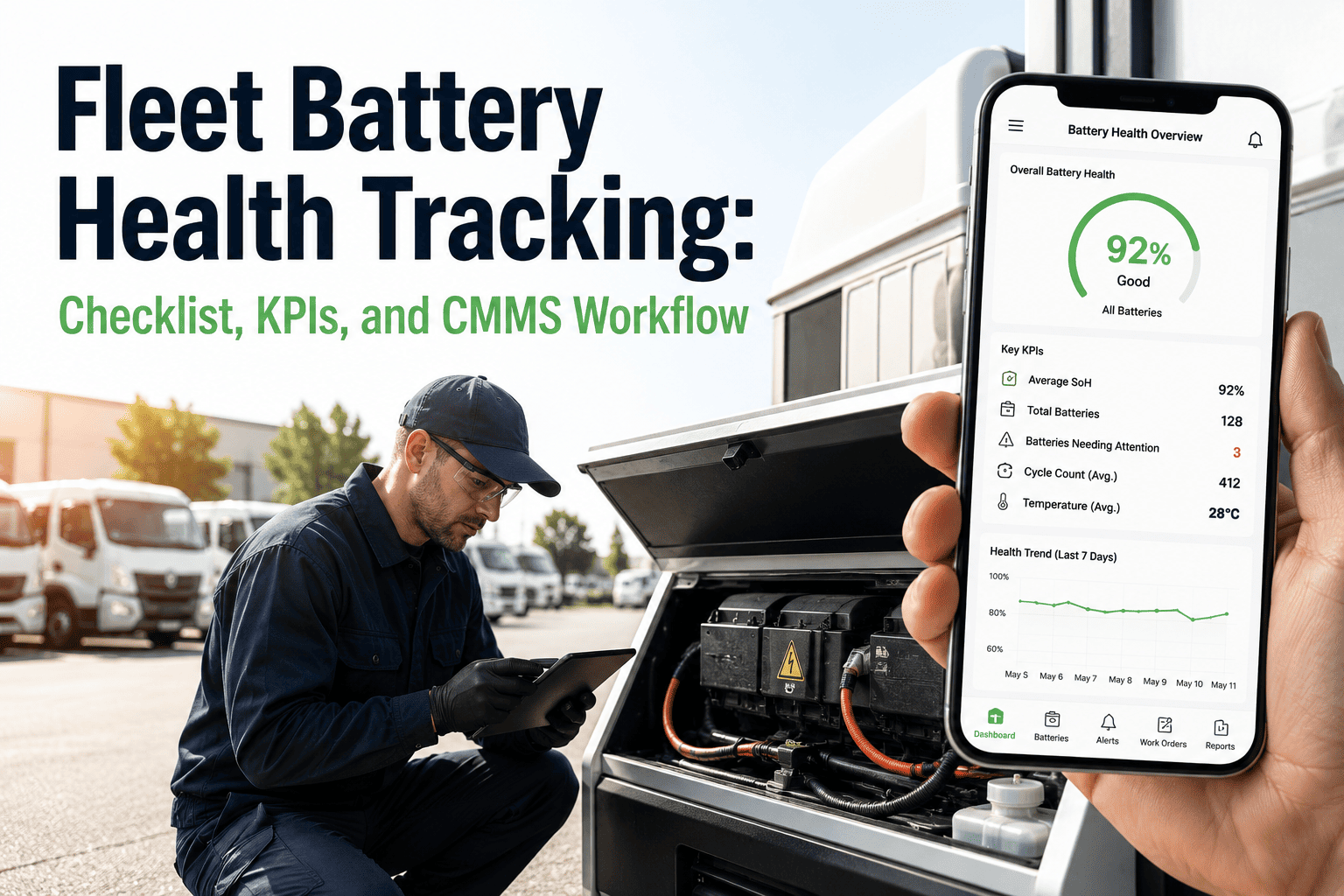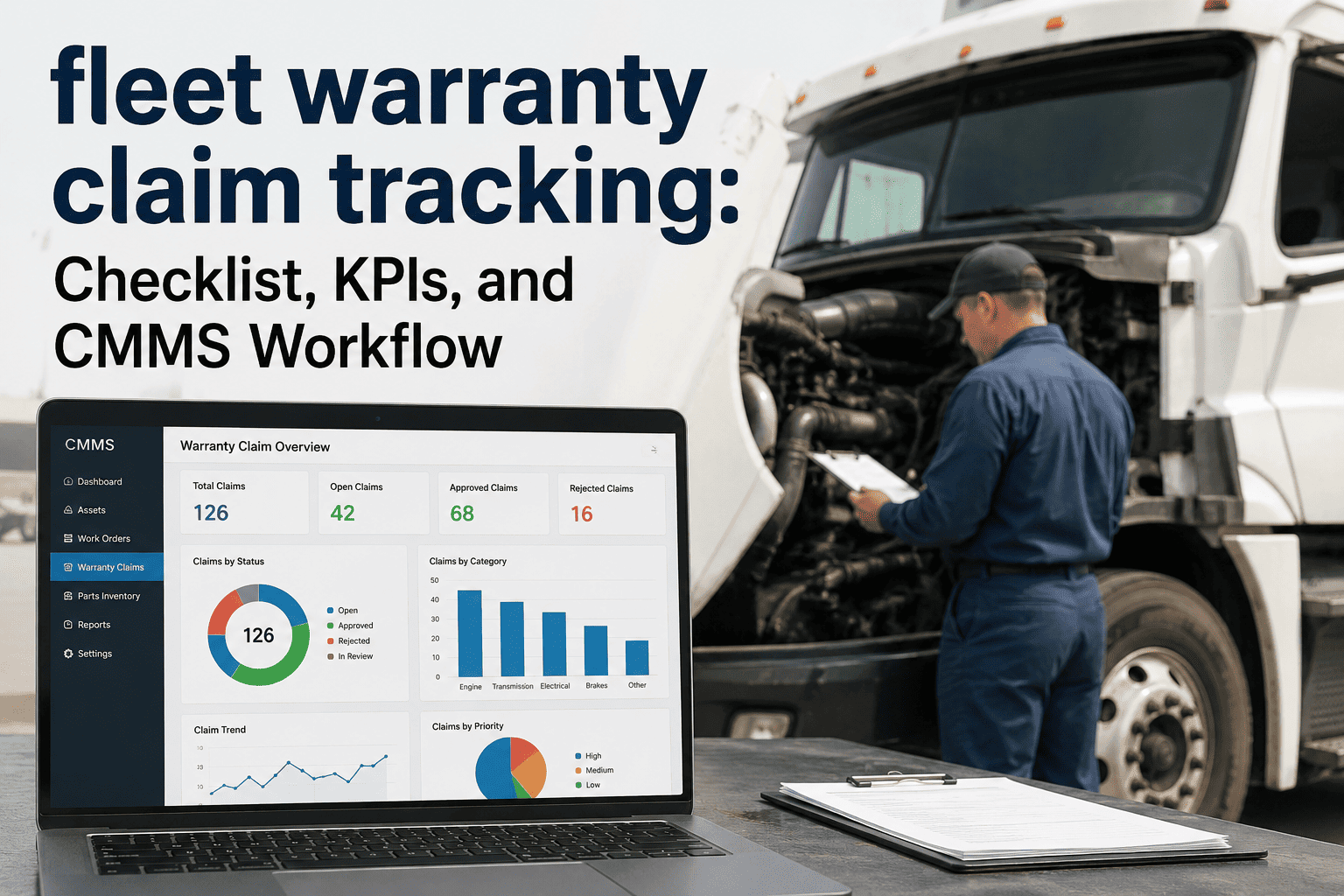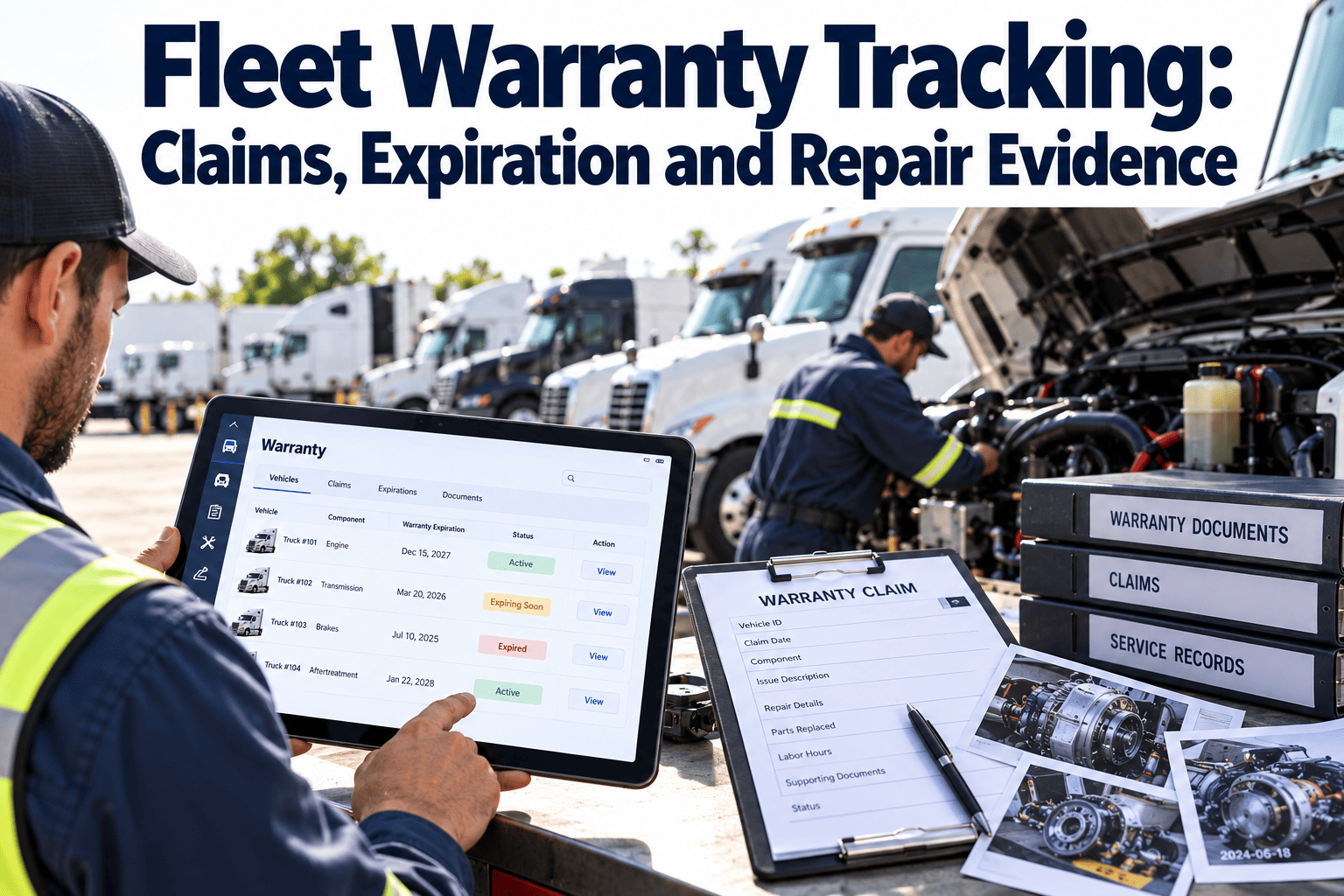
Warranty money is easy to lose in a busy fleet shop. A repair gets finished, the truck goes back to work, and nobody checks whether the part, the labor, or the failure was still covered. Fleet warranty tracking means recording coverage terms, watching expiration limits, and keeping repair evidence that supports every claim. When coverage, work orders, and parts history sit together in a fleet maintenance system, claims stop depending on memory and paper files.
Fleet Warranty Tracking: Claims, Expiration and Repair Evidence
Know what is covered, know when coverage ends, and keep the proof that gets a claim paid instead of denied.
Coverage on record
- Terms stored per asset
- Time and mileage limits
- Alerts before expiry
Evidence captured
- Failure description
- Photos and part numbers
- Labor and meter reading
Claim tracked
- Claim filed on time
- Vendor decision logged
- Recovery recorded
Where Fleet Warranty Value Leaks Away
Most lost claims trace back to five ordinary gaps
Nobody knows the coverage
Terms sit in purchase files, dealer portals, or a manager's memory, so technicians repair covered failures as normal paid jobs.
Expiry arrives unnoticed
A unit passes its time or mileage limit while a suspect problem is still being monitored, and the claim window closes.
Evidence is thin
A repair order that says "replaced part" rarely proves cause, failure date, or condition at removal.
Claims are filed late or not at all
Busy shops treat claim paperwork as optional work that can wait, and small claims are never submitted.
Outcomes are not tracked
Without a record of what was filed and paid, teams cannot see which vendors, parts, or models create recurring recovery.
Know What Coverage You Actually Have
Different coverage types follow different rules
| Coverage type | Usually applies to | Track these fields |
|---|---|---|
| Base vehicle warranty | Most vehicle components | In-service date, time limit, mileage limit |
| Powertrain or engine warranty | Engine, transmission, axles | Separate limits, covered components, exclusions |
| Extended service contract | Selected systems after base coverage | Contract number, deductible, approved facilities |
| Parts warranty | Replacement parts from a supplier | Install date, part number, supplier terms |
| Tire warranty or adjustment | Casings and manufacturing defects | Position, tread depth, brand, removal reason |
| Vendor repair warranty | Outside shop labor and parts | Invoice, repair date, labor coverage period |
- Terms vary by manufacturer and contract, so always record the figures from your own agreement.
- Store the coverage against the exact asset, not just the fleet or model.
Expiration Is Usually Two Clocks, Not One
Coverage often ends at whichever limit arrives first
- High-mileage tractors often reach the usage limit long before the calendar limit.
- Low-use units, such as spares and trailers, may hit the time limit first.
- Set alerts on both clocks, not just the date.
A simple alert ladder
- First notice: flag units approaching either limit so inspections can be scheduled.
- Second notice: review open concerns and unresolved intermittent faults on those units.
- Final notice: file any known claim and document the condition of suspect components.
Stop Letting Coverage Expire Quietly
Keep coverage terms, work orders, and repair evidence on the same asset record so the next claim is ready before the deadline.
The Repair Evidence Checklist
Capture proof while the failed part is still on the bench
At failure
- Date, location, and driver report
- Meter reading
- Fault codes and symptoms
- Whether the unit was towed
At repair
- Photos of the failed part in place
- Part numbers removed and installed
- Technician notes on cause
- Labor time by task
At claim
- Coverage terms confirmed
- Service history showing PM was done
- Invoices and vendor authorization
- Failed part retained if required
- Service history matters because some claims are reviewed against maintenance records.
- If the vendor requires prior authorization, record who approved the repair and when.
Claim Lifecycle by Role
| Stage | Owner | Output |
|---|---|---|
| Identify possible coverage | Technician or service writer | Coverage flag on the work order |
| Capture evidence | Technician | Photos, notes, part numbers |
| Review and prepare claim | Warranty coordinator | Complete claim package |
| Submit and follow up | Warranty coordinator | Claim number and due dates |
| Record outcome | Warranty coordinator | Paid, partial, or denied with reason |
| Review patterns | Maintenance manager | Vendor, model, and part decisions |
- Smaller fleets may combine these roles, but the stages should stay separate.
A Claim Priority Matrix
Decide where to spend claim effort first
File now
High repair value and coverage ending soon.
Schedule this week
High repair value with time still remaining.
Batch and file
Lower value but coverage ending soon.
Routine queue
Lower value and time remaining.
- Small claims add up, so batching them is better than ignoring them.
Why Claims Get Denied or Never Filed
- Limit exceeded before the claim was filed
- Missing proof of required maintenance
- Unclear failure description
- Repair done without needed authorization
- Claim paperwork not completed
- Dual-limit alerts on every covered asset
- PM history stored on the same record
- Required failure and cause fields
- Approval notes on the work order
- Claim status visible to the coordinator
Evidence to Collect by Failure Type
Different failures need different proof
| Failure type | Evidence that helps | Common gap |
|---|---|---|
| Engine | Fault codes, oil analysis if available, photos of damage, service history | No record of operating conditions before failure |
| Transmission or driveline | Fluid condition, fault codes, removed component photos | Missing fluid change history |
| Aftertreatment | Codes, sensor readings, regeneration records, part numbers | Repeat visits logged as unrelated jobs |
| Brakes and air system | Measurements, failed component photos, install date | No proof of how long the part was in service |
| Electrical | Circuit tested, connector photos, voltage readings | Intermittent faults described as "checked OK" |
| Structure or body | Photos of cracks or corrosion, location, load history | Damage not separated from accident or misuse |
- Add a short evidence list to each failure code so technicians know what to capture.
Weak and Strong Repair Notes
- "Replaced leaking part."
- No meter reading or failure date.
- No part number removed or installed.
- No indication of how the leak was confirmed.
- Names the component, position, and symptom.
- Gives the meter reading and failure date.
- Lists part numbers and the test used to confirm cause.
- Attaches photos of the part before removal.
- A reviewer should be able to understand the failure without calling your shop.
Working With Dealers and Repair Vendors
Authorization
- Confirm whether repairs must be done at an authorized location to remain covered.
- Record who approved the repair, when, and under which authorization number.
Communication
- Log calls and emails with the dealer or vendor on the work order.
- Note promised timelines so follow-up does not depend on one person's inbox.
Parts and labor differences
- Compare your shop labor rate with what the vendor reimburses so you know the true recovery.
- Track whether failed parts must be returned, and where they are stored until then.
Warranty Coverage Depends on Maintenance Proof
Preventive maintenance history can support or weaken a claim
- Some agreements require that scheduled service be completed at specified intervals.
- Missing oil changes or inspections can give a vendor a reason to question a claim.
- Fluid, filter, and lubrication records belong on the asset, not in a separate binder.
- Using approved parts and fluids matters when agreements specify them.
- Review your agreements for maintenance conditions and set PM tasks that satisfy them.
Work Order Fields That Make Claims Easier
| Field | Purpose | Who completes it |
|---|---|---|
| Possible warranty | Flags the job for claim review | Technician or service writer |
| Coverage type | Identifies which agreement applies | Warranty coordinator |
| Failure cause | Supports the claim narrative | Technician |
| Meter at failure | Proves the unit was inside limits | Technician |
| Removed part status | Tracks retention or return | Parts clerk |
| Claim number and status | Shows filing and payment progress | Warranty coordinator |
- Make fields required only where the information is needed, so technicians are not slowed on every job.
A Monthly Warranty Review
- List expiring coverage. Identify units near time or usage limits and review open concerns.
- Check unfiled repairs. Find completed jobs flagged as possible warranty that have no claim.
- Chase open claims. Review claims awaiting a vendor decision beyond the expected time.
- Review denials. Group denied claims by reason and decide what to fix in the process.
- Look for patterns. Check repeat failures by part, model, and supplier for escalation.
A hypothetical example
- A review finds several completed jobs with the warranty flag but no claim number.
- The coordinator files them in order of repair value and records each outcome.
- The team then adds a closeout rule so flagged jobs cannot be closed without a claim decision.
- This describes a process, not a measured result.
Warranty KPIs Worth Tracking
Claim recovery value
Total amount recovered against total claimable cost.
Claim cycle time
Days from repair completion to claim submission and to payment.
Denial reasons
Count of denied claims grouped by cause, so process gaps are visible.
Expiring coverage count
Assets approaching a limit with unresolved concerns.
Repeat failures under coverage
Parts or models that fail more than once during the coverage period.
Contract Terms Worth Capturing
Details that change whether a repair is covered
- Start date, which may be the delivery date or in-service date rather than the purchase date.
- Time and usage limits, and whether usage is measured in miles, kilometers, or engine hours.
- Covered and excluded components, including wear items and consumables.
- Deductibles, labor rate limits, towing allowances, and approved repair locations.
- Required maintenance, approved fluids, and notice periods for filing a claim.
- Transfer terms if the unit is sold or moved between entities.
- Summarize these on the asset record and attach the full agreement so the shop does not guess.
Warranty for Trailers, Equipment, and Parts
Do not limit warranty tracking to new tractors
Trailers
- Structure and component coverage
- Reefer unit warranties
- Axle and suspension terms
Equipment
- Lift gates and PTO systems
- Auxiliary power units
- Telematics hardware
Parts
- Remanufactured components
- Batteries and tires
- Aftermarket brake and wheel parts
- Parts warranties are often overlooked because they start on the install date, not the vehicle date.
- Record install dates and part numbers so a failed part can be matched to its warranty.
Questions to Ask Before Closing a Repair
- Is the unit, the failed part, or the repair vendor still under any coverage?
- Was the failure inside both the time limit and the usage limit?
- Do we have photos, part numbers, and a written cause?
- Does the service history satisfy the maintenance conditions?
- Has the vendor approved the repair where approval is required?
- Who owns the claim, and when is it due?
- If any answer is unclear, hold the work order open rather than closing it and losing the chance to claim.
Keeping Warranty Tracking Honest
Habits that keep recovery data trustworthy
- Record denied and partial claims with the reason, not just paid claims, so the real recovery rate is visible.
- Separate warranty labor from customer or internal labor so cost reports stay accurate.
- Reconcile vendor payments against filed claims each month to catch short payments.
- Close the loop with technicians by showing which documentation habits led to paid claims.
- Update coverage records when a unit is rebuilt, re-engined, or moved to a new owner.
- Clean data lets managers judge vendors and models fairly when making purchase decisions.
Who Should Own Warranty in Your Shop
- Small shops: one service writer owns coverage checks and claim follow-up.
- Mid-size fleets: a part-time coordinator handles filing, with technicians supplying evidence.
- Large fleets: a dedicated warranty role manages vendors, deadlines, and recovery reporting.
- Whatever the size, name one person accountable for deadlines so claims do not fall between roles.
How Oxmaint Supports Warranty Tracking
One asset record connecting coverage, repair, and parts
- Asset management stores coverage terms, in-service dates, and documents against each vehicle or trailer.
- Work orders capture failure details, labor, parts, photos, and technician notes at the time of repair.
- Preventive maintenance records show that required service was completed on schedule.
- Scheduling and reminders can prompt inspection of units approaching coverage limits.
- Inventory tracks part numbers and install dates for parts warranties.
- Reports and dashboards help review claim activity by asset, vendor, and failure type.
- Mobile workflows help technicians add photos and notes while the part is still in front of them.
Setting Up Warranty Tracking in Order
Gather agreements for newer units and note time, usage, and exclusion terms.
Load coverage onto each asset record with in-service date and current meter.
Add a coverage flag and evidence fields to the repair work order.
Name a claim owner and set a standard submission deadline.
Review claim outcomes monthly and adjust documentation habits.
Fleet Warranty Tracking FAQs
What should be recorded for a warranty claim?
Record coverage terms, failure date, meter reading, cause, part numbers, photos, labor, and service history.
How do I track warranty expiration?
Track both time and mileage or hours limits per asset, and alert on whichever is closest.
Should failed parts be kept?
Some vendors require return of the part, so check terms and note storage location on the work order.
Do PM records affect claims?
They can, since proof of required maintenance may be requested. You can book a demo to see PM history on the asset.
Can small fleets use this process?
Yes. A simple coverage field and evidence checklist help, and you can start with Oxmaint to organize them.
Turn Repair Records Into Recovered Cost
Give your shop a single place to track coverage, capture evidence, and follow every claim through to payment.