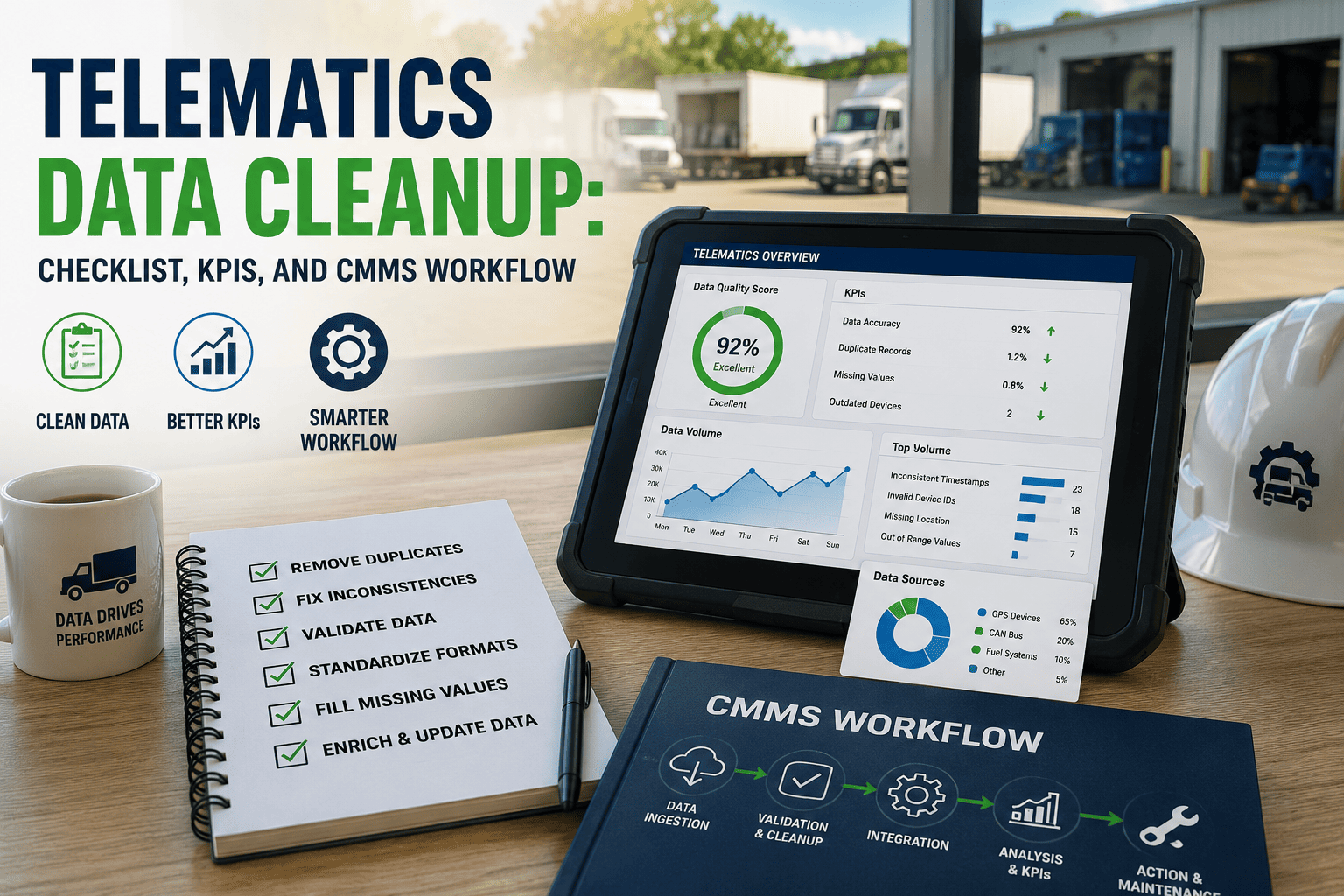
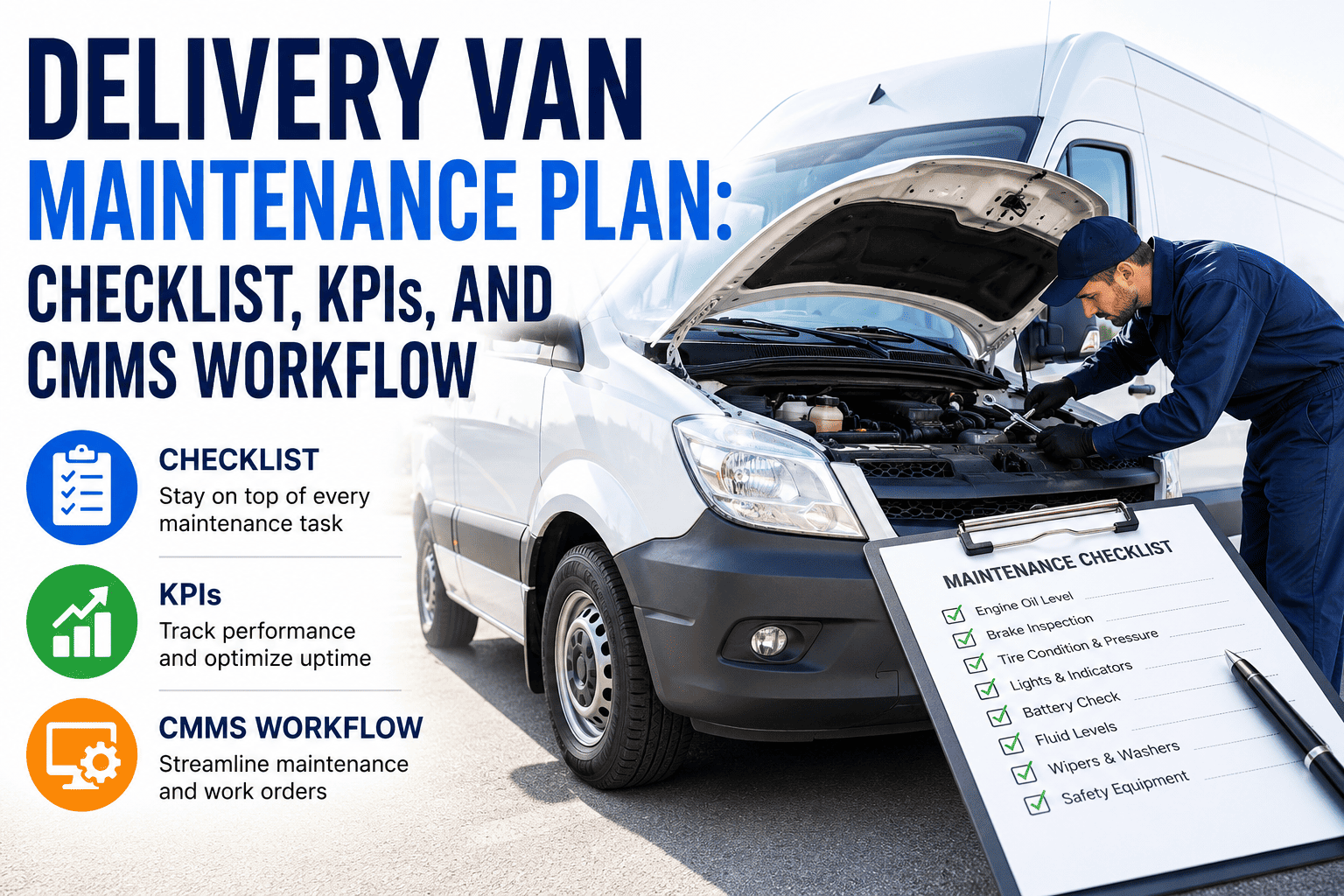
A telematics feed goes live. Odometer readings start flowing into the CMMS. Everyone celebrates the integration and moves on to the next project. Three months later, a fleet manager notices that half the preventive maintenance schedules never triggered, because the odometer field silently stopped updating for a subset of vehicles two weeks after go-live. Nobody noticed because nobody was testing for silence — only for success. This is the failure mode that formal integration testing exists to catch before it reaches production, and it is the difference between an integration that quietly works and one that quietly fails while everyone assumes it is fine. OxMaint's integration testing framework closes that gap before go-live, not after the damage is already done.
Fleet Integration Testing · CMMS & Telematics · 2026
Fleet Integration Testing: Prove Data Flows Before Go-Live
A staged unit, integration, and UAT testing plan that catches silent data failures before they corrupt maintenance schedules, compliance records, and fleet decisions, so nothing reaches your live fleet unverified or unchecked.
68%
Of fleet integration failures go undetected for over 30 days
3
Testing stages required before any integration reaches production
41%
Of missed PM triggers trace back to an unvalidated data field
2 wks
Typical time saved on go-live by testing integrations in stages
The Silent Failure Problem
Why Integrations Fail Quietly Instead of Loudly
A broken integration rarely throws an error message. It simply stops sending data, sends the wrong data, or sends data late — and every one of those failure modes looks identical to a normal day until someone goes looking for the gap. By the time the gap is found, the cost has usually already compounded.
Missing Data
Fields Stop Updating Without Warning
A sensor feed can go stale while the last known value keeps displaying as current, giving a false sense that everything is still working normally when it has actually stopped.
Wrong Mapping
Fields Land in the Wrong Place
A field mapping error can push engine hours into an odometer field, silently corrupting downstream maintenance triggers without any visible error appearing anywhere in the system.
Timing Drift
Data Arrives Too Late to Matter
An integration that works but delivers data six hours late can miss a maintenance window entirely while technically reporting a successful sync to the dashboard.
Partial Coverage
Some Vehicles Silently Drop Out
A subset of the fleet can fall out of sync while the rest reports normally, hiding the gap inside an otherwise healthy-looking dashboard until someone audits every vehicle individually.
The Testing Stages
Unit, Integration, and UAT — What Each Stage Actually Proves
Skipping straight to a production pilot feels faster, but it means every failure mode gets discovered by a fleet manager instead of a tester. Each of these three stages exists to catch a different category of problem before it reaches a live vehicle, and skipping any one of them just shifts the discovery cost downstream.
1
Unit Testing
Validate each data field in isolation — correct type, correct range, correct unit of measure — before it is ever combined with another system's output.
2
Integration Testing
Confirm that data actually flows correctly between the telematics platform and the CMMS end to end, including error handling when a field arrives malformed or missing entirely from the payload.
3
User Acceptance Testing
Have the actual fleet managers and technicians who will use the system daily confirm the data behaves the way their real maintenance workflows expect it to, under real operating conditions.
Test Before You Trust
A Dashboard That Looks Healthy Is Not the Same as Data That Is Correct
OxMaint's staged testing plan validates every field, every mapping, and every timing assumption before an integration goes live, so the first time your team discovers a problem is not the day a maintenance window gets missed and a vehicle goes unserviced.
Test Coverage Checklist
What a Complete Integration Test Plan Actually Checks
A test plan that only checks "did the data arrive" misses most of the failure modes that actually cause problems in a live fleet. Coverage needs to extend into edge cases, timing, and recovery behavior, not just the happy path everyone tests by default.
| Test Category | What It Validates | Failure It Catches |
|---|
| Field-level validation | Type, range, and unit correctness | Corrupted or mistyped values |
| Mapping accuracy | Source field lands in correct target field | Cross-wired data corrupting records |
| Latency thresholds | Data arrives within an acceptable window | Missed maintenance triggers |
| Fleet-wide coverage | Every vehicle reports, not just a sample | Silent partial dropout |
| Failure recovery | System behavior after a dropped connection | Data loss during outages |
| Workflow validation | Real users confirm expected behavior | Technically correct but unusable data |
Go-Live Readiness
Signals That an Integration Is Actually Ready for Production
Go-live decisions made on a demo that worked once are the leading cause of the silent failures described above. These are the signals worth confirming before flipping the switch on a live fleet.
01
Run the Full Fleet, Not a Sample
A test against ten vehicles can pass cleanly while the eleventh vehicle's slightly different telematics hardware produces a field the mapping was never built to handle correctly.
02
Simulate a Dropped Connection
Deliberately interrupt the data feed mid-test to confirm the system recovers cleanly and backfills missed records instead of simply losing them.
03
Trigger a Real Maintenance Event
Push a test vehicle past a PM threshold and confirm the work order actually generates, rather than assuming the trigger logic works because the field updated.
04
Get Sign-Off From the People Who Use It Daily
Technical validation from an engineer is not the same as operational validation from the fleet manager whose team depends on the data being right every single shift, on every route, without exception.
Building the Test Plan
What to Document Before Testing Even Starts
A test plan built on the fly tends to skip exactly the edge cases that later cause problems. Documenting expectations before testing begins turns the process from an improvisation into something repeatable across every future integration the fleet adds, saving weeks of rework on the next rollout.
| Document | What It Defines | Why It Matters |
|---|
| Field mapping sheet | Source field to target field, with units | Prevents cross-wired data before it starts |
| Latency requirements | Maximum acceptable delay per data type | Sets a measurable pass or fail threshold |
| Test vehicle list | Which vehicles represent every hardware variant | Avoids sample bias hiding edge cases |
| Rollback plan | Steps to revert if go-live fails validation | Limits exposure if a problem surfaces late |
Common Mistakes
Where Fleet Integration Testing Plans Usually Fall Short
Most integration failures are not caused by bad code. They are caused by test plans that never exercised the specific condition that later broke in production, because nobody thought to check for it in advance, and every one of these gaps is preventable with the right checklist.
Happy Path Only
Never Testing the Failure Case
A plan that only confirms data arrives correctly under ideal conditions says nothing about what happens when a device loses signal or sends a malformed packet.
Sample Bias
Testing a Convenient Subset
Testing against the newest vehicles in the fleet hides problems that only appear on older hardware or a different telematics device model entirely.
One-Time Validation
Never Retesting After Updates
A firmware update on the telematics side can silently change a field format, and without retesting, that change reaches production undetected and stays that way for weeks.
No Business Sign-Off
Skipping User Acceptance Testing
Engineers confirming the data pipeline works is not the same as fleet managers confirming the data actually supports their daily decisions on the ground.
Ownership
Who Should Actually Own Each Stage of Testing
Integration failures often trace back not to a technical gap but to an ownership gap — a stage nobody was explicitly assigned to run, so it quietly got skipped under deadline pressure. Assigning clear ownership at each stage closes that gap before it becomes a production incident.
Unit Testing
Vendor or Integration Engineer
The team building the connector owns field-level validation, confirming each data point is typed, ranged, and unit-checked before it ever touches a live system or a real vehicle.
Integration Testing
IT or Systems Administrator
Whoever manages the CMMS environment owns end-to-end pipeline validation, including how the system behaves when a feed drops or a field arrives malformed unexpectedly.
UAT
Fleet Manager and Technicians
The people who will actually rely on the data daily are the only ones qualified to confirm it behaves the way their real maintenance workflows expect it to behave.
Ongoing Monitoring
Operations Leadership
Once live, someone needs standing responsibility for reviewing data health dashboards, not just the one-time go-live sign-off that everyone assumes covers the future too, months down the line.
After Go-Live
Testing Does Not Stop the Day the Integration Goes Live
The most dangerous assumption in fleet integration work is that a successful go-live means the job is finished. Data pipelines degrade quietly over time, and ongoing monitoring is what catches that drift before it becomes a missed maintenance cycle.
01
Set Automated Freshness Alerts
Flag any vehicle whose telematics data has not updated within an expected window, so a stale feed gets caught in hours rather than discovered weeks later during a routine review.
02
Run a Monthly Spot-Check Against Source Data
Compare a small sample of CMMS records against the raw telematics feed directly to catch mapping drift that automated alerts alone might miss.
03
Retest After Any Vendor-Side Change
Treat every firmware update, API version change, or device swap as a trigger for a scoped retest rather than an assumption that everything still works as before it changed.
Practical Techniques
Methods That Make Silent Failures Visible During Testing
Standard functional testing confirms a feature works. These additional techniques are specifically designed to expose the quiet failure modes that ordinary testing tends to miss until they surface in production, often at the worst possible time.
Boundary Testing
Push Values to Their Limits
Send zero, negative, and maximum-range values through the pipeline deliberately to confirm the system handles edge cases instead of silently truncating or rejecting them without any log entry.
Chaos Testing
Break the Connection on Purpose
Interrupt the network mid-transfer to confirm the system queues and retries correctly rather than dropping the record without any indication that data was lost or delayed.
Shadow Testing
Run New and Old Systems in Parallel
Compare output from a new integration against the legacy system it is replacing for a set period, catching discrepancies before the old system is retired entirely from service.
Regression Testing
Confirm Old Fixes Still Hold
Re-run the full test suite after every change, not just the tests related to that specific change, since fixes in one area frequently reintroduce problems in another part of the pipeline.
Fleet Manager Questions
Fleet Integration Testing — Common Questions
How long should integration testing take before a fleet system goes live?+
Most fleets can complete unit, integration, and UAT testing within one to two weeks when the plan is scoped up front, and that window is far shorter than the time typically lost cleaning up a silent production failure that went unnoticed for a month or more.
Start a free trial to see a staged test plan in practice.
What is the difference between integration testing and user acceptance testing?+
Integration testing confirms the data pipeline itself works correctly end to end. User acceptance testing confirms that the people who rely on that data every day agree it behaves the way their actual workflows expect, which is a different and equally necessary check.
Book a demo to see both stages side by side.
Why do integrations that pass testing still fail once they reach production?+
Testing on a limited sample of vehicles or under ideal network conditions frequently misses edge cases that only appear at full fleet scale, which is why fleet-wide and failure-recovery testing matter as much as basic field validation. A test plan that only covers the newest hardware in the fleet is not a complete test plan.
Should integration testing be repeated after a telematics firmware update?+
Yes. A firmware update can change field formats or timing behavior without any visible announcement, and skipping a retest after any vendor-side change is one of the most common causes of silent data corruption.
Try OxMaint free to see automated retest tracking.
What is the fastest way to detect a silent integration failure already in production?+
Automated monitoring that flags stale fields, unexpected value ranges, or vehicles that have stopped reporting catches most silent failures within hours instead of the weeks it typically takes a human to notice a missing update. Pairing that monitoring with a monthly spot-check against source data closes most of the remaining gap.
OxMaint · Fleet Integration Testing · Verified Before Go-Live
Prove Your Data Flows Before You Bet Maintenance Decisions On It
OxMaint's staged testing framework validates every field, mapping, and timing assumption across your full fleet before an integration ever reaches production, so the data your maintenance schedules depend on is verified, not assumed, from day one and every day after go-live.