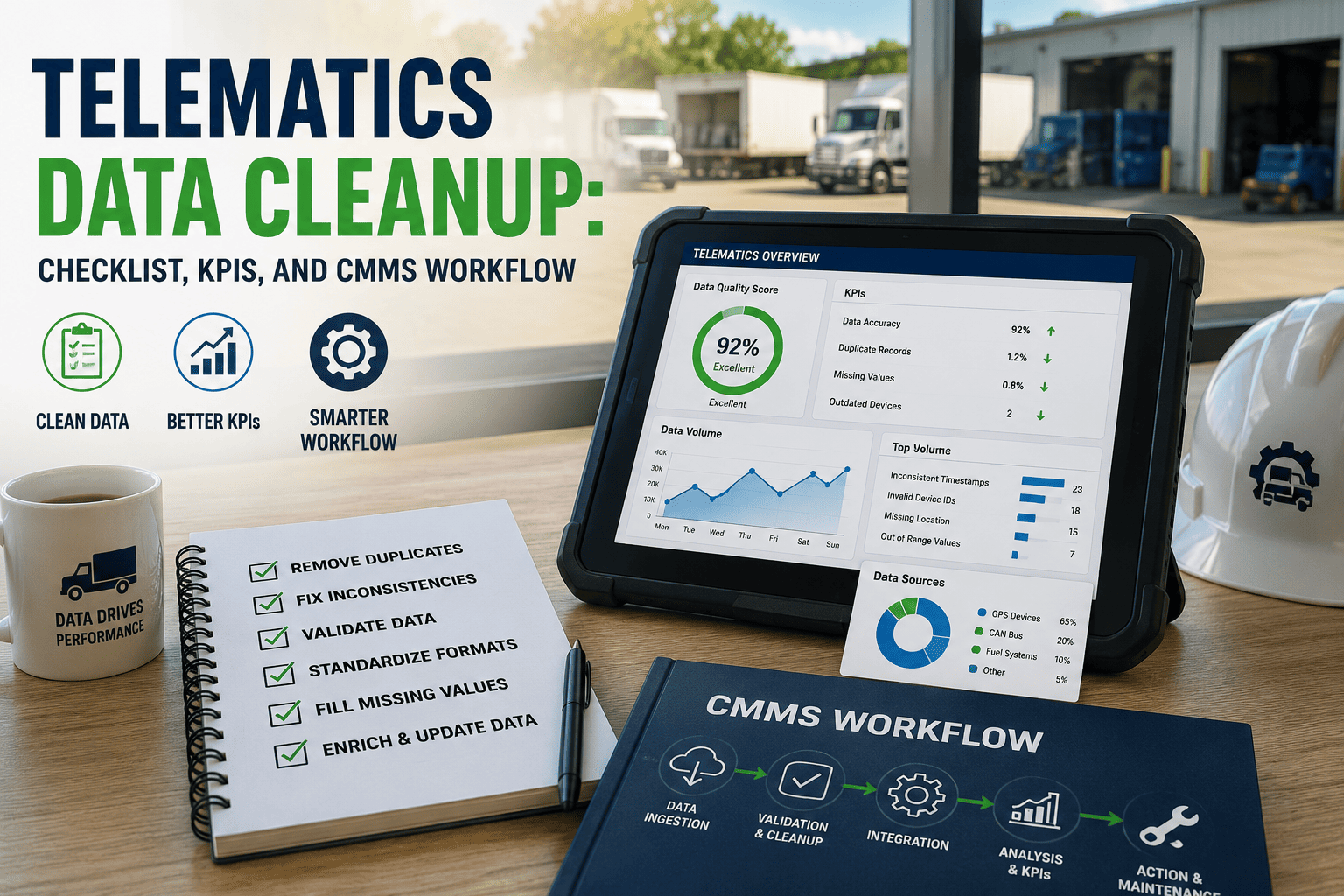
A fleet dashboard showing 94% PM compliance can still be hiding a dozen vehicles that never appear in a report because their telematics device is registered under a truck that was sold eight months ago. Telematics data decays quietly — GPS units get swapped between vehicles, drivers change trucks without a system update, and duplicate device IDs pile up until nobody can say with confidence which reading belongs to which asset. This checklist walks fleet and IT teams through a structured telematics data cleanup so that mileage, engine hours, and location data actually match reality before it feeds into maintenance scheduling, and every corrected record stays tracked inside OxMaint's inspection management workflow instead of a spreadsheet that only one person understands.
Telematics Data Cleanup Checklist: A 5-Stage Pipeline for Clean Fleet Data
A structured audit-dedupe-normalize-validate-signoff pipeline for fleets whose GPS, engine hour, and driver-assignment data has drifted out of sync with actual vehicle operations.
Audit: Establish What the Telematics System Actually Contains
Cleanup cannot start until someone has a complete count of every device, vehicle record, and driver assignment currently in the system — including the ones that no longer correspond to anything real.
Deduplicate: Merge Split Records Into One Source of Truth
Every duplicate vehicle record splits maintenance history in two, which means neither copy shows a complete picture when a technician pulls up the asset before a repair.
Clean telematics data only stays clean if the maintenance system built on top of it enforces the same rules. OxMaint links every device to a single asset record and flags mismatched readings automatically, so drift gets caught the week it happens.
Normalize: Standardise Formats Across the Fleet
Mixed units, mixed timezones, and mixed naming conventions make cross-vehicle reporting unreliable even when the underlying data is technically correct.
Validate: Confirm Every Record Matches Reality
A spot check against physical vehicles is the only way to confirm the cleaned data reflects what is actually on the road, not just what looks consistent on screen.
Sign-Off: Lock the Clean Baseline and Set Ongoing Rules
A one-time cleanup without ongoing rules simply decays back into the same mess within a few months, so sign-off should include the process that keeps the data clean going forward.
Metrics That Confirm Telematics Data Is Staying Clean
| Metric | How to Measure | Target |
|---|---|---|
| Device-to-Asset Match Rate | Devices linked to a current vehicle / Total active devices | 100% |
| Duplicate Record Rate | Duplicate vehicle records found / Total records | 0% |
| Driver Assignment Accuracy | Correct current assignments / Total active drivers | 98%+ |
| Data Sync Lag | Days between a change event and system update | <1 day |
Frequently Asked Questions
How often should a fleet run a full telematics data cleanup?
A full audit and cleanup once a year is typical, but fleets with high driver turnover or frequent device swaps benefit from a lighter quarterly check. OxMaint flags mismatches continuously so a full annual sweep catches far less.
Why does duplicate telematics data affect maintenance scheduling?
If a vehicle's hours are split across two records, neither one shows the true total, which means PM intervals calculated from either record will be wrong and the vehicle can pass its actual service due point unnoticed.
What causes GPS or odometer drift after a device swap?
A replacement device is often installed without transferring the old unit's cumulative reading, so the new device starts counting from zero while the system still shows the vehicle's true lifetime total elsewhere.
Who should own the telematics data cleanup process?
Fleet administration typically owns the process with IT support for system-level exports, while fleet supervisors handle the physical validation step against vehicles on site.
Can bad telematics data be fixed without disrupting active maintenance schedules?
Yes, cleanup can run in parallel with normal operations as long as merges are logged and reversible. Book a demo to see the merge and audit trail process.
One Clean Record Per Vehicle, Every Time
OxMaint links every telematics device to a single validated asset record and flags mismatches the moment they appear, so your maintenance schedules are always built on data you can trust.