On-Premise CMMS for FMCG: Data Security Guide

By Jack Edwards on April 25, 2026

on-premise-cmms-fmcg-data-security-deployment

Food manufacturing plants managing proprietary recipes, production formulas, and supply chain data can't afford cloud platforms where sensitive information flows through third-party servers. With 68% of food and beverage manufacturers citing data security as a top barrier to CMMS adoption, and cybersecurity incidents in the food sector increasing 43% year-over-year, the choice between convenience and control has become non-negotiable for plants handling confidential production data. Start your OxMaint deployment—on-premise or cloud, your data stays under your control

On-Premise CMMS · Data Security · Private Deployment

Run CMMS Behind Your Firewall—Complete Control Over Production Data

Cloud platforms force your maintenance records, equipment data, and production schedules through external servers you don't control. On-premise CMMS deployment gives FMCG plants full data sovereignty—private servers, air-gapped networks, zero external data transfer, and complete audit trail ownership. Critical for plants managing proprietary formulas, trade secret processes, and confidential supply chain relationships.

68%
Of FMCG manufacturers cite data security as top CMMS adoption barrier

43%
Year-over-year increase in food sector cybersecurity incidents
100%
Data sovereignty with on-premise deployment—no external servers

Zero
Cloud dependencies—run fully air-gapped if security demands it
Cloud Security Risks

Why FMCG Plants Choose On-Premise Over Cloud CMMS

Cloud platforms offer convenience but force compromise on data control. FMCG manufacturers managing proprietary production data, confidential supplier relationships, and trade secret formulas face risks cloud providers can't eliminate—third-party server access, regulatory jurisdiction conflicts, and vendor lock-in that prevents data extraction. On-premise deployment removes these vectors entirely. Discuss your security requirements in a 30-minute consultation

Third-Party Server Access
Cloud platforms store your data on servers you don't own or control. Provider employees, contractors, and government data requests can access production records without your knowledge or consent.
Proprietary Formula Exposure
Recipe data, ingredient ratios, processing parameters, and production sequences stored in cloud CMMS become accessible to platform administrators and subject to data breach if provider security fails.
Regulatory Jurisdiction Conflicts
Cloud servers located in foreign jurisdictions create compliance nightmares—GDPR conflicts with US regulations, Chinese data residency laws, and audit trail requirements that cloud vendors can't satisfy.
Vendor Lock-In Risk
Cloud platforms control your data extraction process. Switching providers means re-implementation from scratch if vendor goes bankrupt, raises prices 400%, or changes terms unilaterally.
Security Architecture

On-Premise CMMS Deployment Architecture for FMCG Plants

On-premise deployment means the CMMS server runs inside your facility network—behind your firewall, on your hardware, with zero external connectivity if security policy demands it. Three deployment models serve different security requirements, from internet-connected private servers to fully air-gapped installations for maximum data isolation. Start a free trial and explore deployment options that fit your security policy

Standard On-Premise
Private Server with Internet Access
CMMS server hosted on plant-owned hardware inside facility network
Internet connectivity enabled for software updates and mobile app sync
Firewall rules restrict inbound traffic to authorized IPs only
Data never leaves facility except encrypted mobile sync to technician devices
Suitable for: Most FMCG plants needing data control without extreme isolation
Hybrid DMZ
Dual-Network Segmentation
CMMS database server in internal network with zero internet access
Application server in DMZ handles mobile app connections only
Data replication one-way from internal to DMZ—no reverse flow permitted
Production data isolated behind additional firewall layer
Suitable for: Plants with strict IT security policies and network segmentation
Air-Gapped
Complete Network Isolation
CMMS runs on isolated network with zero internet connectivity
Technicians access via facility WiFi or wired connections only
Software updates delivered via USB or secure file transfer station
No external data transmission under any circumstance—complete air gap
Suitable for: Defense contractors, pharmaceutical R&D, trade secret protection
Security Controls

Eight Security Controls On-Premise CMMS Enables

01
Full Encryption Key Ownership
Your facility generates and stores all encryption keys—database, file storage, backup archives. Cloud providers hold keys to your data even when encrypted at rest. On-premise means zero external key access.
02
Physical Server Access Control
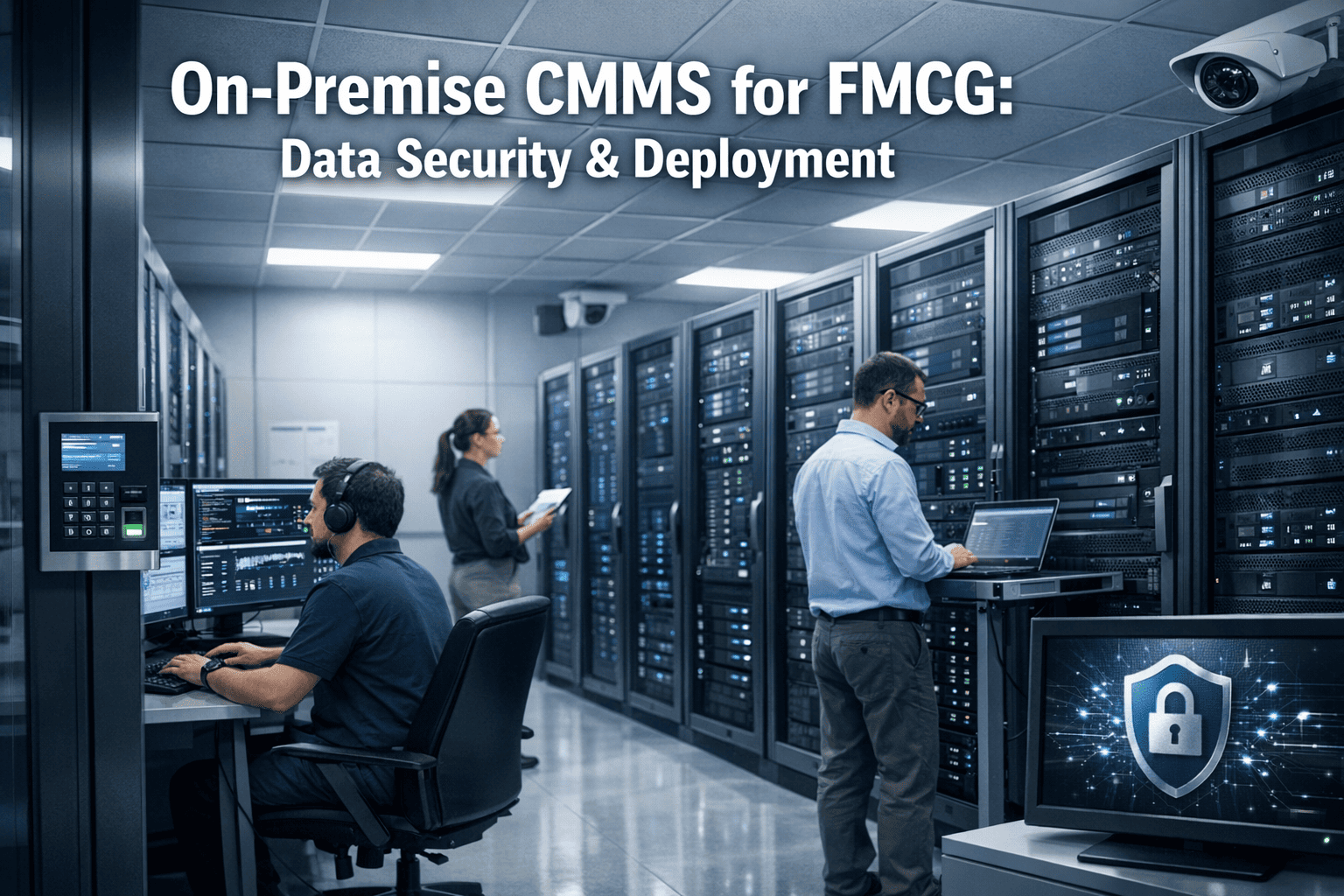
Server hardware sits in your locked server room behind your badge readers and security cameras. No cloud data center technician can physically access drives containing production records.
03
Network Traffic Isolation
CMMS traffic stays inside facility network perimeter. SCADA integration, production data feeds, and maintenance records never traverse public internet—even encrypted.
04
Audit Log Immutability
On-premise deployment lets you write audit logs to write-once media or append-only storage that even administrators can't modify—proving data integrity for FDA inspections.
05
Active Directory Integration
CMMS user authentication ties directly to your existing AD infrastructure—single sign-on, password policies, multi-factor authentication, and automatic deprovisioning when employees leave.
06
Backup Sovereignty
Database backups stay on-site or replicate to your chosen offsite location—not cloud provider's backup infrastructure subject to their retention policies and legal discovery requests.
07
Zero Vendor Telemetry
On-premise installations disable all vendor analytics, usage tracking, and diagnostic reporting. Your production patterns, equipment counts, and maintenance schedules stay private.
08
Regulatory Compliance Control
Meet ITAR, EAR, CMMC, GDPR, and industry-specific data residency requirements by keeping all data within jurisdictional boundaries you control—no cloud multi-tenancy conflicts.
Deployment Comparison

Cloud vs. On-Premise CMMS for FMCG Data Security

Cloud CMMS (Shared Infrastructure)
Data stored on provider's multi-tenant servers in undisclosed locations
Encryption keys managed by vendor—they can decrypt your data
Provider employees have database access for support and maintenance
Subject to provider's security practices—you can't audit their controls
Data residency determined by vendor's data center locations, not your policy
Backup and disaster recovery on provider's schedule and retention rules
Vendor telemetry collects usage patterns and feature adoption metrics
Data extraction dependent on vendor cooperation if relationship ends
On-Premise CMMS (Private Infrastructure)
Data stored on your hardware inside your facility network perimeter
Encryption keys generated and stored by your organization—full control
Zero external access—only your authorized IT staff touch the database
Your security team audits controls—implement standards you choose
Data residency guaranteed by physical server location you control
Backup and disaster recovery on your infrastructure following your policies
Telemetry disabled completely—no usage data leaves your network
Data extraction performed by your team using standard SQL exports
Infrastructure Requirements

What You Need to Run On-Premise CMMS

On-premise deployment requires server hardware, network infrastructure, and IT resources to manage the installation. Requirements scale with plant size—small facilities need minimal infrastructure, large multi-site operations require enterprise-grade hardware and redundancy. Most FMCG plants already have the basics in place. Schedule a technical consultation to review your infrastructure requirements

Small Plant (50–200 Assets)
Server Hardware
Single physical or virtual server · 8GB RAM · 4-core CPU · 100GB storage
Network
Standard facility network · 100Mbps minimum · WiFi for mobile devices
IT Resources
Part-time admin for updates and backups · No dedicated database staff
Estimated Setup
2–4 hours installation · 1 day configuration · Single-person deployment
Mid-Size Plant (200–1000 Assets)
Server Hardware
Dual server HA cluster · 16GB RAM each · 8-core CPU · 500GB storage
Network
Segmented VLAN for CMMS traffic · Gigabit backbone · Enterprise WiFi
IT Resources
Dedicated IT contact · Weekly maintenance windows · Database backup automation
Estimated Setup
1 day installation · 2–3 days configuration · Two-person team recommended
Enterprise Multi-Site (1000+ Assets)
Server Hardware
Redundant server cluster · 32GB+ RAM · 16+ core CPU · 2TB+ SAN storage
Network
DMZ segmentation · Site-to-site VPN · Load balancers · Firewall policies
IT Resources
Full-time DBA · Network admin · Security team oversight · 24/7 monitoring
Estimated Setup
3–5 days installation · 1–2 weeks configuration · IT project team required
On-Premise Deployment · Full Data Control · Private Infrastructure

Your Production Data. Your Servers. Your Control.

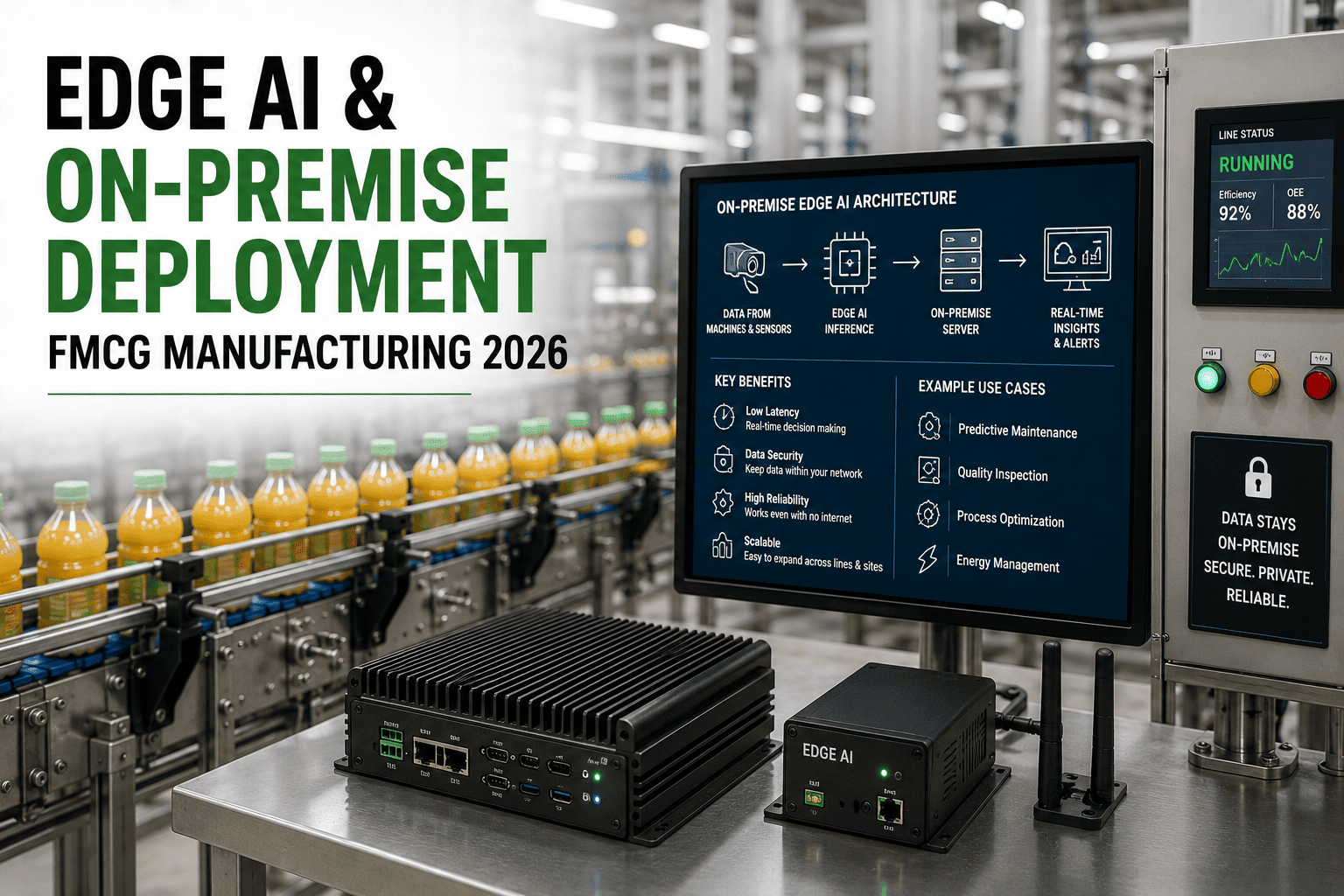
Cloud platforms force you to trust external providers with proprietary formulas, supplier relationships, and production data you can't afford to expose. On-premise CMMS deployment keeps everything behind your firewall on infrastructure you own and control—from standard internet-connected private servers to fully air-gapped installations for maximum security. Zero vendor access. Complete data sovereignty.
Frequently Asked Questions

On-Premise CMMS Deployment for FMCG—What IT Teams Ask

Can we run OxMaint on-premise while other sites use cloud deployment?
Yes. OxMaint supports hybrid deployments where high-security facilities run on-premise installations while satellite sites or lower-risk locations use cloud infrastructure. Data synchronization between on-premise and cloud instances is configurable—you control which data replicates and which stays isolated. This model works well for FMCG companies where R&D facilities or proprietary formula production runs on-premise while packaging-only sites use cloud deployment to reduce IT overhead.
What happens to mobile app functionality with air-gapped on-premise deployment?
Air-gapped installations support mobile app functionality via facility WiFi network connectivity—technicians access CMMS through internal network only, never via internet. Mobile devices connect to on-premise server when inside facility perimeter, complete work orders offline if needed, and sync data when reconnected to facility network. This maintains mobile workflow benefits while keeping all data transmission within your controlled network environment. No external connectivity required for mobile app operation. Test air-gapped mobile workflows in a trial environment
How do software updates work without internet connectivity to the server?
On-premise installations receive updates via manual deployment package—your IT team downloads the update file to a secure workstation with internet access, transfers to USB drive or internal file server, then applies to CMMS server following standard change control procedures. Update packages include full regression testing documentation and rollback scripts. Most FMCG plants on quarterly or semi-annual update schedules to minimize change frequency—critical security patches deployed immediately, feature updates batched during planned maintenance windows.
What level of IT expertise is required to manage on-premise CMMS long-term?
Small plants (under 200 assets) need part-time IT administrator capable of basic server management, database backups, and user account administration—no specialized database expertise required. Mid-size operations (200–1000 assets) should have dedicated IT contact familiar with SQL Server or PostgreSQL administration and network security basics. Enterprise multi-site deployments (1000+ assets) require full-time database administrator, network engineering support, and security team oversight for proper redundancy, monitoring, and disaster recovery. Most FMCG plants already have required IT resources in place for other manufacturing systems. Schedule a technical review to assess your team's readiness

Share This Story, Choose Your Platform!