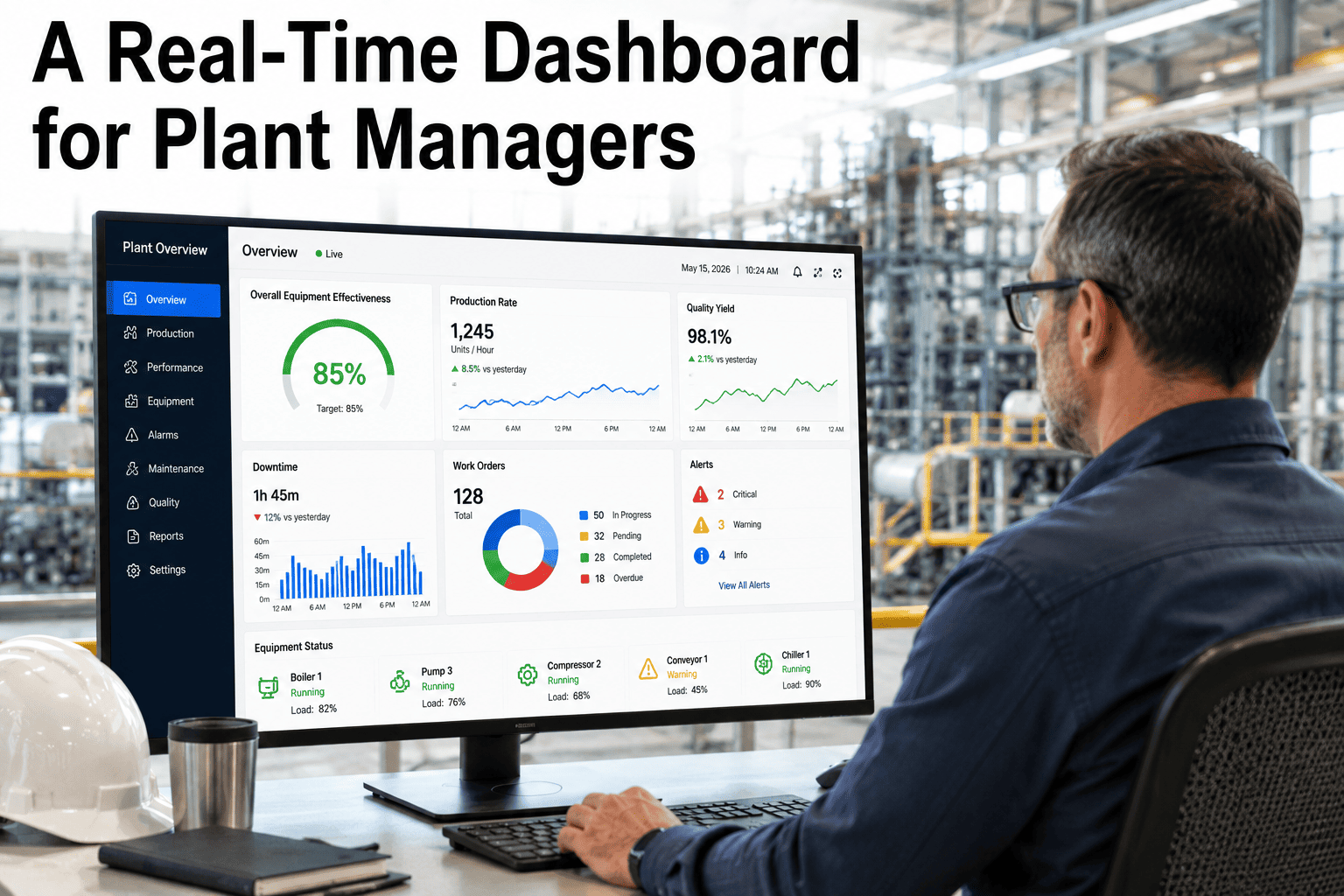
It's 6:47 AM. Your maintenance manager opens the dashboard to check overnight work orders before the morning shift meeting. The screen shows a spinning indicator and the words "Retrieving data" It's been doing this for four minutes. He refreshes. Same thing. He opens the asset history for a conveyor that tripped an alarm at 3 AM — "Retrieving data" He tries the PM compliance report — "Retrieving data" The shift meeting starts in 8 minutes. He has no information. This exact scenario plays out in food manufacturing plants across the country every single day, and most maintenance managers have simply accepted it as normal. It is not normal. It is a symptom of a CMMS architecture built for a world that no longer exists — and it has a direct, measurable cost in delayed decisions, missed failure windows, and frustrated technicians who stop trusting the system they are supposed to rely on. Sign up for Oxmaint to experience a maintenance platform where your dashboard loads in under 2 seconds — every time, on any device, from anywhere on the plant floor.
Why Your Maintenance System Keeps Showing "Retrieving Data" — And How AI Fixes It
A spinning "Retrieving data" indicator on your CMMS dashboard isn't a minor inconvenience. It's a system failure happening in slow motion — costing your team decision-making speed, PM execution accuracy, and confidence in the very tool they depend on to prevent equipment failures in your food plant.
You're Not Imagining It — Your CMMS Is Getting Slower Every Year
The "Retrieving data" problem in CMMS platforms follows a predictable pattern. The system works reasonably well in the first 1–2 years when the database is small and queries touch limited records. As work order history accumulates, as asset counts grow, and as more users connect simultaneously, the system bogs down. Most CMMS platforms were not architected to handle the data volumes that modern food manufacturing operations generate. Here is the technical reality behind the spinning circle.
What "Retrieving Data…" Actually Costs a Food Plant in a Single Week
How Oxmaint's AI-Optimized Data Layer Eliminates "Retrieving Data" Forever
Solving the "Retrieving data" problem permanently requires re-architecting how maintenance data is stored, pre-processed, and delivered — not just adding more server capacity to the same broken approach. Oxmaint's AI-optimized data layer was designed from the ground up for the data volumes and usage patterns of food manufacturing operations.
Before vs. After: System Performance Benchmarks in Food Manufacturing
These performance comparisons represent documented load time measurements from food manufacturing CMMS deployments. Legacy system measurements taken from facilities running IBM Maximo, Infor EAM, and older versions of Fiix. Oxmaint measurements from the same facility types after migration.
What Happens to Your Maintenance Program When the System Actually Works
The performance fix is not just about eliminating frustration — it fundamentally changes technician behavior and maintenance data quality in ways that directly improve reliability outcomes. When the system responds instantly, your team actually uses it.
CMMS Performance Issues — Questions Answered
These are the questions maintenance managers, IT directors, and reliability engineers ask when evaluating whether slow CMMS performance is fixable — and whether migrating to a better-architected platform is worth the effort.
Your Next Equipment Failure Won't Wait for Your Dashboard to Load
Every minute your maintenance system spends "Retrieving data" is a minute your team is operating blind. Oxmaint delivers every dashboard, every report, and every work order in under 2 seconds — on any device, on any network, in any corner of your food plant. The same AI architecture that makes the system fast also makes it predictive. You get both, from day one.