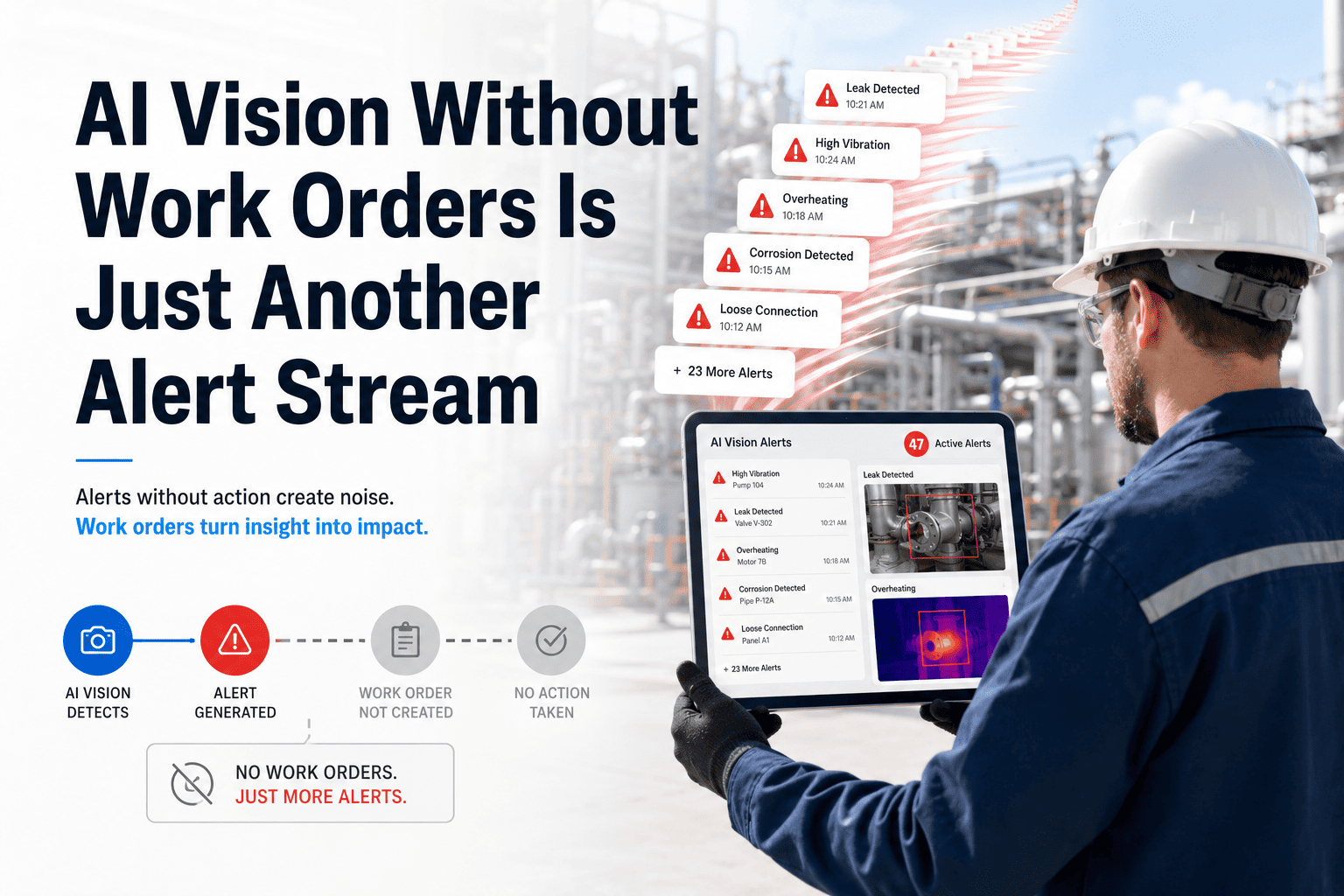
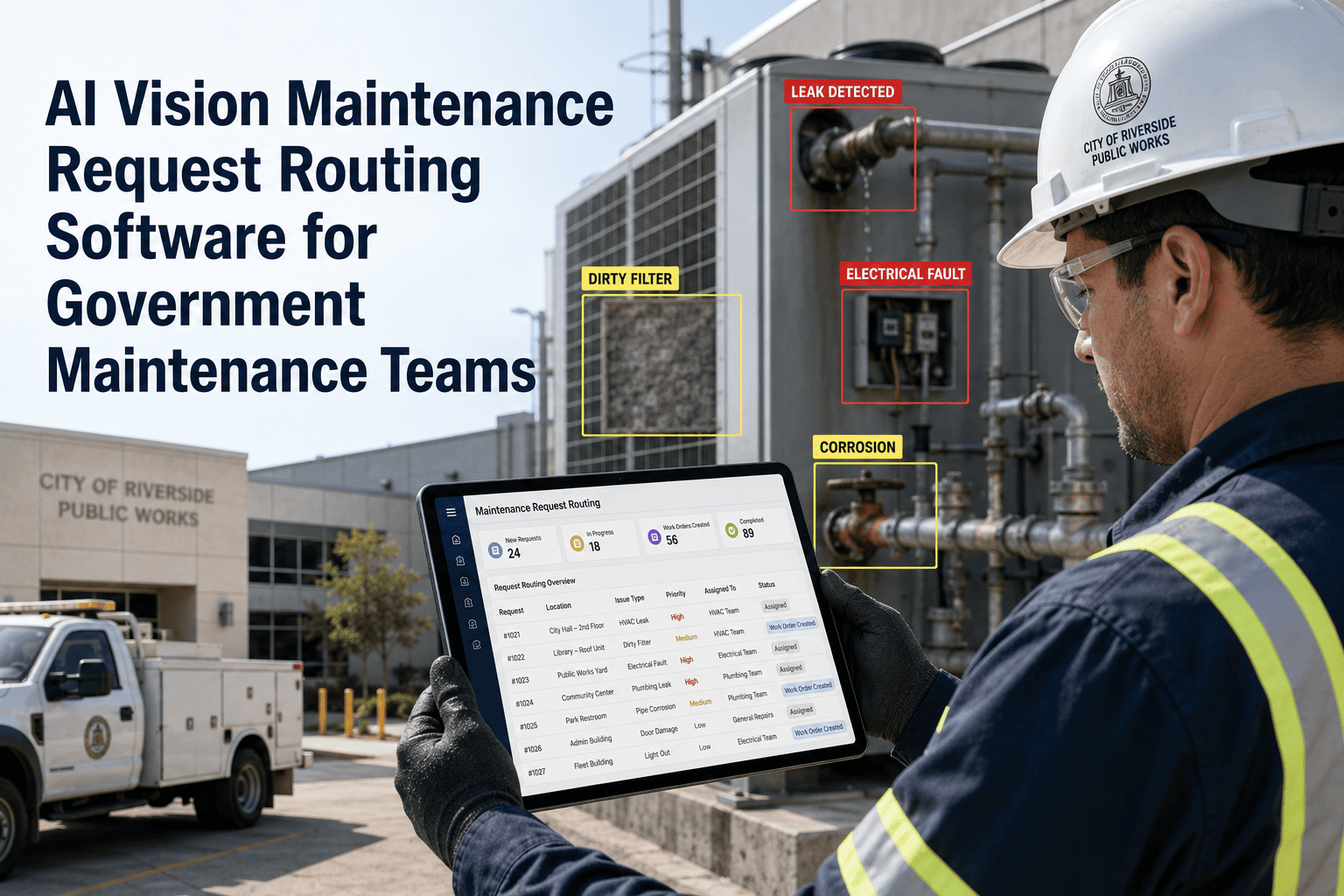
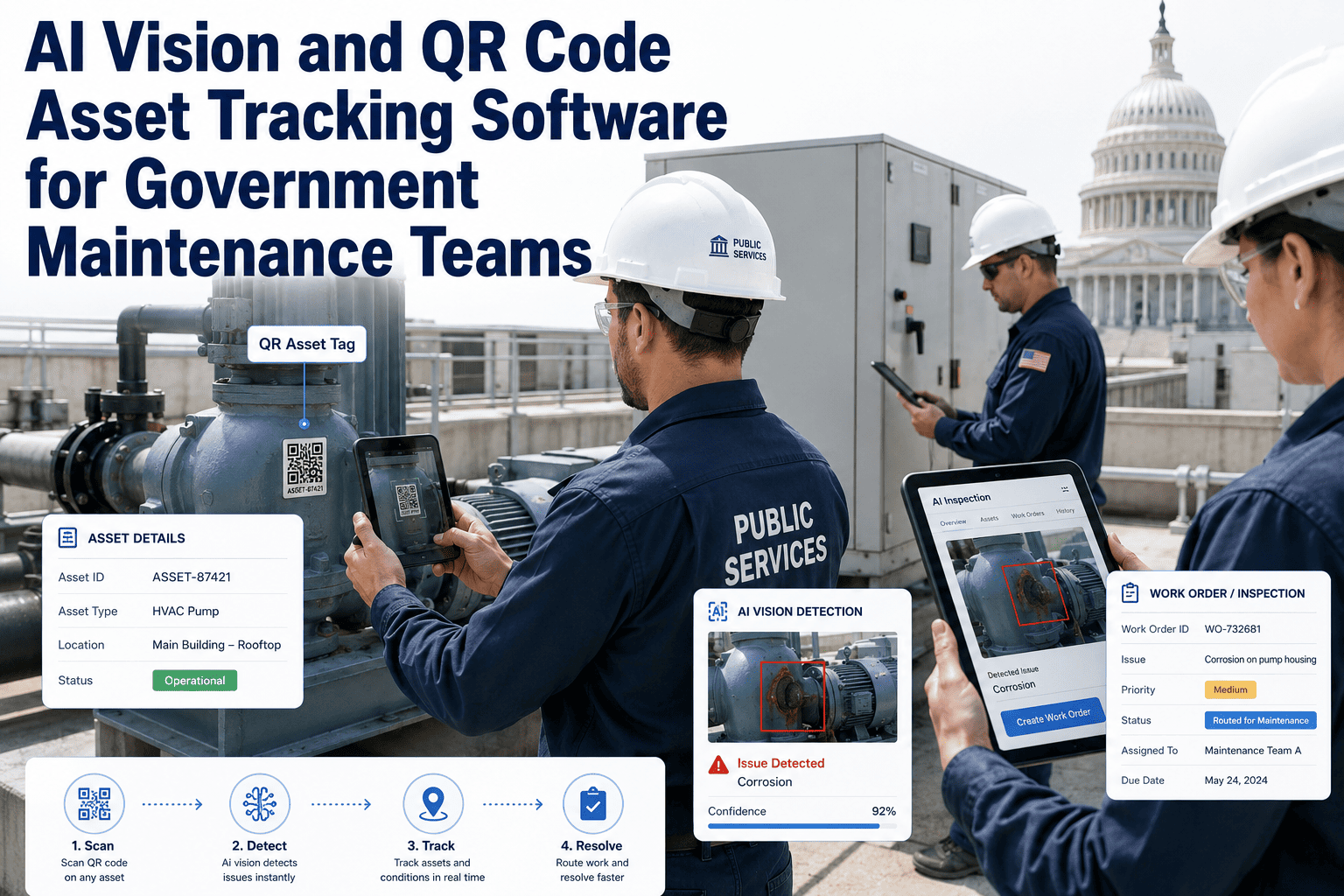
A pothole reported on Monday and fixed three weeks later isn't just a maintenance delay — it's a service level commitment your agency failed to meet, and most public works departments have no automated way to even know it happened. Without SLA tracking tied to the original alert, breaches go unnoticed until a council member or local news outlet brings it up. OxMaint's AI Vision Alert SLA Tracking starts the clock the moment a defect photo is classified, so your team sees response-time risk before it becomes a public complaint. Book a demo to see SLA tracking on your agency's asset types.
Government & Public Works · SLA Tracking Software
AI Vision Alert SLA Tracking Software for Government Maintenance Teams
On Time
Alerts auto-classified and assigned an SLA clock at creation
At Risk
Escalation triggers before the response window closes
Breached
Logged automatically for transparency and audit reporting
How the SLA Clock Starts
From Photo Alert to Tracked Response Window
01
Visual Alert Captured
A field crew or citizen submission triggers an AI Vision alert the moment a defect photo is classified and logged.
02
Severity Sets the SLA Window
Each defect category carries a predefined response window — a downed traffic signal and a scuffed curb don't share the same clock.
03
Approval and Dispatch
The work order routes for any required approval, and the SLA clock keeps running through that step, not just after dispatch.
04
Closure or Escalation
Crews close the work order with a completion photo before the window expires, or the system escalates automatically if it doesn't.
Know About a Breach Before the Public Does
OxMaint tracks every alert against its SLA window in real time, escalating automatically so nothing quietly expires.
SLA Tiers by Defect Severity
Response Windows Mapped to Public Risk
| Severity Tier |
Example Alert |
Target Response Window |
Escalation Trigger |
| Critical |
Downed traffic signal, exposed live wire |
Within 4 hours |
Auto-escalates at 75% of window |
| High |
Large pothole, broken guardrail |
Within 48 hours |
Auto-escalates at 75% of window |
| Medium |
Faded crosswalk markings, minor leak |
Within 7 days |
Supervisor reminder at day 5 |
| Low |
Cosmetic signage wear |
Within 30 days |
Included in weekly backlog review |
Accountability Dashboard
What Leadership Sees Without Asking for a Report
Live SLA Status
Every open alert shown as on time, at risk, or breached, filterable by department, ward, or asset type.
Crew Response History
Average time-to-close by crew and category, surfacing where staffing or routing adjustments are needed.
Breach Log
A permanent, timestamped record of every missed SLA window, ready for council or audit review without manual compilation.
Public Transparency Export
Response-time summaries formatted for public dashboards, supporting agencies that publish service performance data.
Expert Review
What Public Sector Researchers Say About SLA-Driven Maintenance
Agencies that tie maintenance response times to a tracked service level commitment consistently improve citizen satisfaction scores, since the metric that residents actually notice is how quickly a reported problem gets resolved, not how it was logged internally.
— Public Works Management and Policy, Service Level Performance Research
Automated SLA escalation removes a major point of failure in municipal maintenance operations, where breaches have historically gone undetected until a constituent complaint forced manual review of an individual case.
— Journal of Urban Infrastructure, Municipal Accountability Studies
FAQs
Frequently Asked Questions
Can SLA windows be customized for our agency's existing service standards?
Yes, response windows and escalation thresholds are fully configurable per defect category during onboarding, so the system reflects your agency's existing commitments rather than a generic default.
Book a demo to map your current SLA standards.
Does the SLA clock pause while a work order waits for approval?
By default the clock continues running through approval steps so internal process delays are visible, though agencies can configure pause rules for specific approval types if needed.
Start a free trial to test clock behavior against your workflow.
Who receives the escalation alert when an SLA is at risk?
Escalation rules can route to a supervisor, department head, or a defined chain depending on severity tier, ensuring at-risk alerts reach someone who can act before the window closes.
Can breach data be exported for a public transparency dashboard?
Yes, response-time and breach summaries can be exported in a format suited for public-facing performance dashboards if your agency publishes that data.
Sign up free to see the export format before your next reporting cycle.
AI Vision Alert SLA Tracking
Turn Every Reported Issue Into a Tracked Commitment
OxMaint connects AI Vision alerts to live SLA tracking, so your team always knows what's on time, what's at risk, and what already breached.