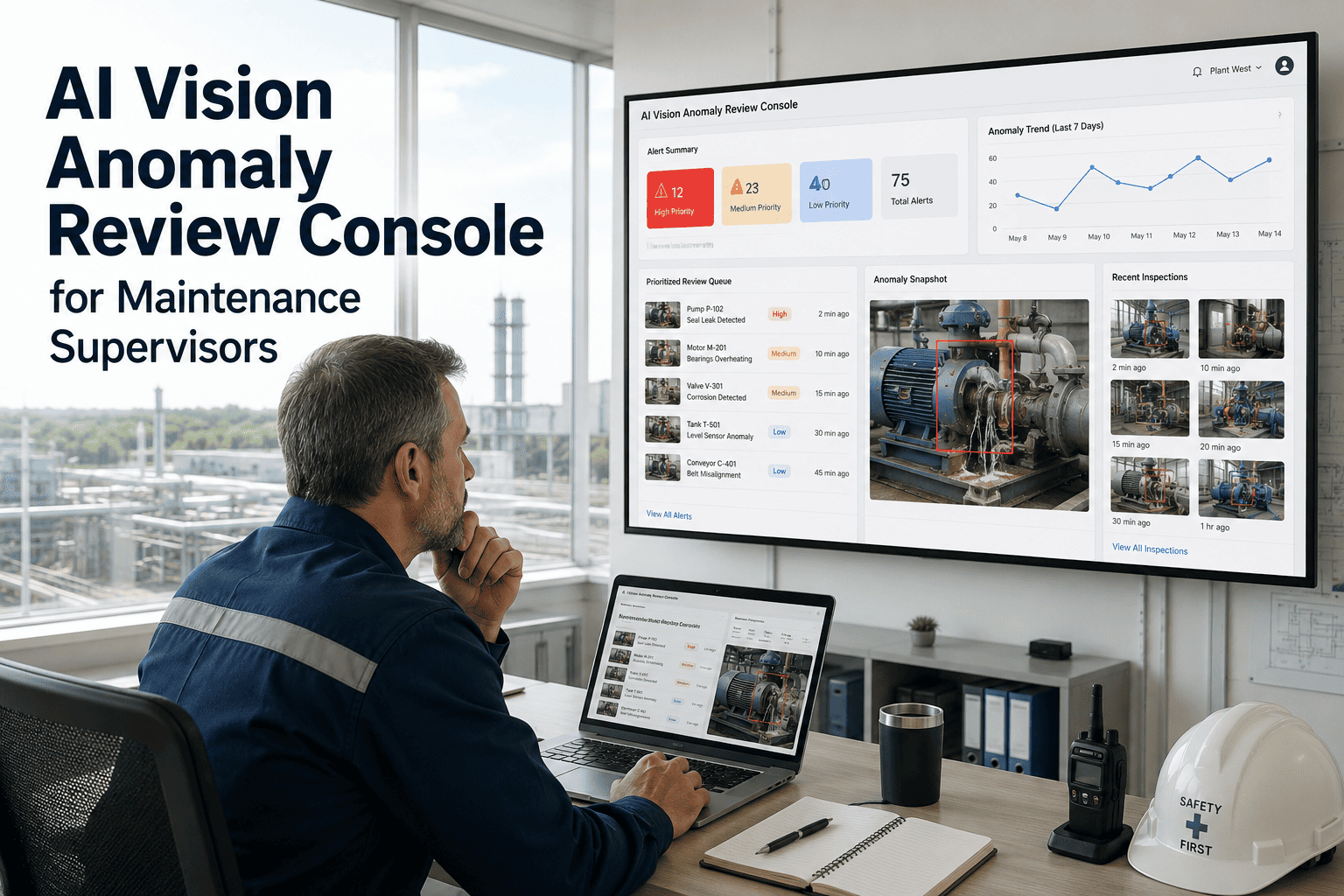
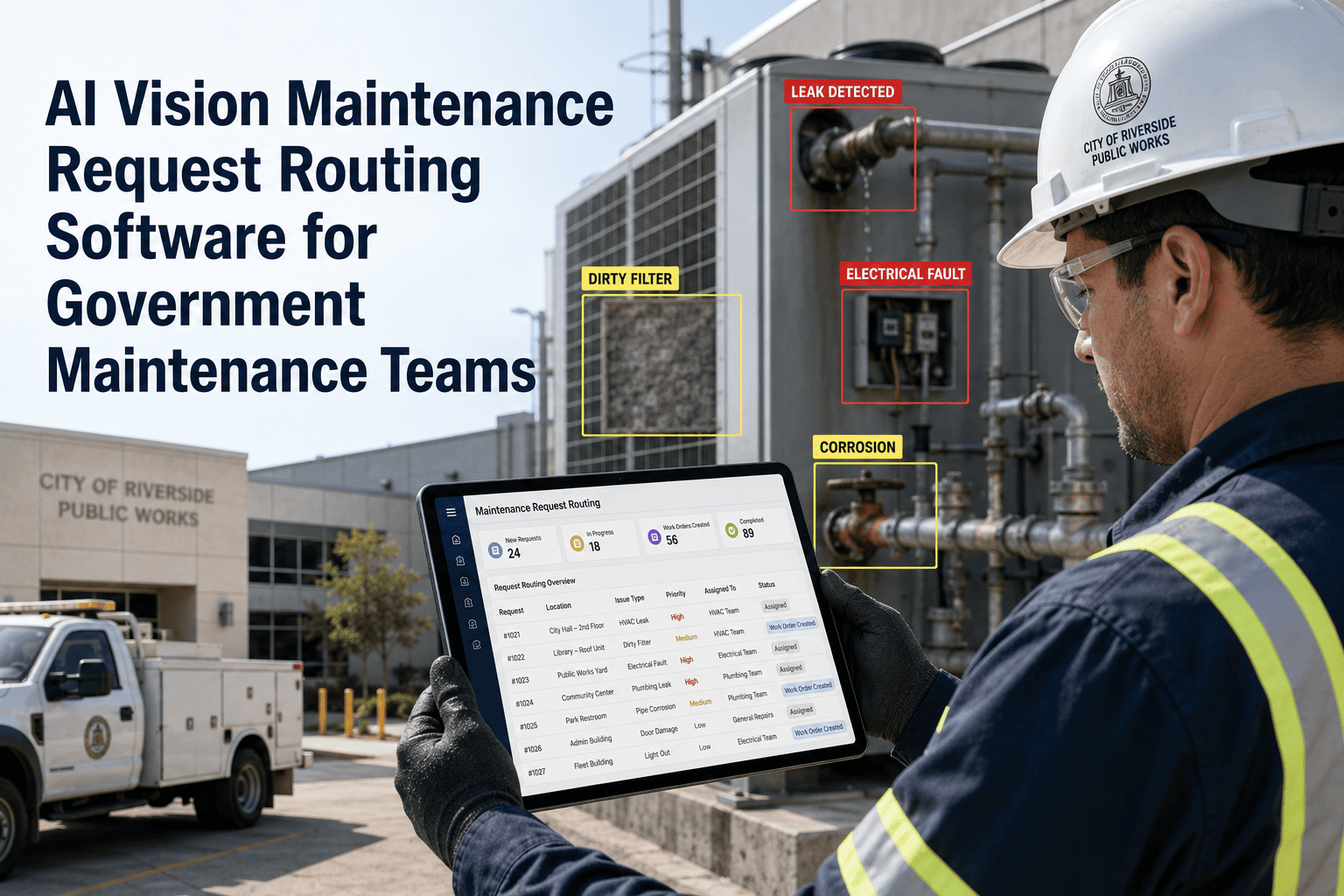
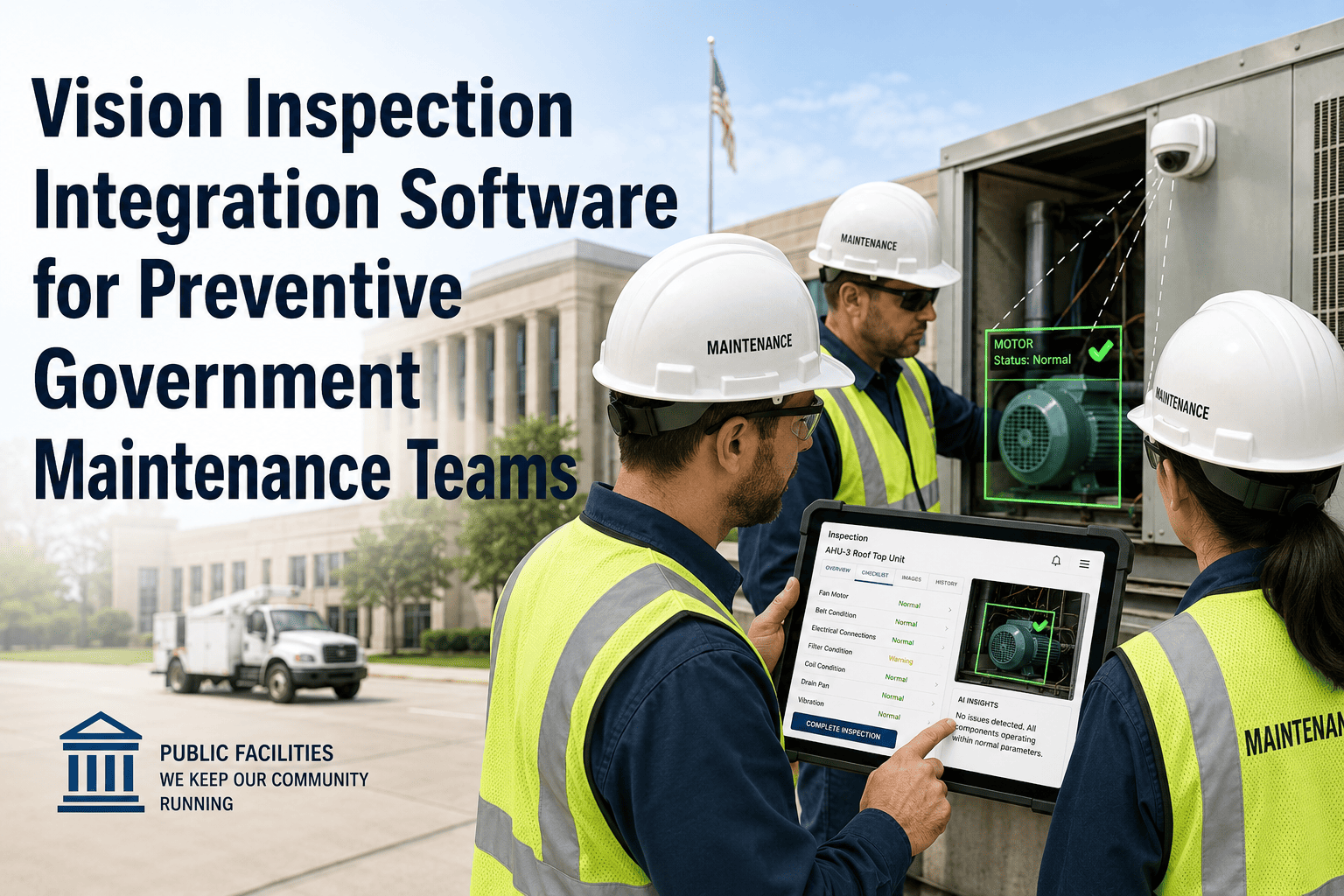
A supervisor reviewing flagged anomalies one screenshot at a time, in a separate app from the one running work orders, is doing two jobs that should be one. Every minute spent switching between a vision-detection tool and a CMMS to approve or dismiss a flagged anomaly is a minute that delays the crew. Sign in to OxMaint for a single review console where every AI-flagged anomaly, its image, and its recommended action sit next to the approve button. Book a demo to see a supervisor clear a full anomaly queue in one sitting.
The Supervisor's Queue
What a Review Console Should Show at a Glance
Critical
Conveyor Bearing — Zone 4
Thermal anomaly detected, confidence high. Recommended action: dispatch now.
2 min ago
High
Pump Housing — Line 2
Vibration pattern deviation from baseline. Recommended action: schedule this shift.
11 min ago
Moderate
Guard Panel — Sector 7
Surface wear flagged. Recommended action: batch into next maintenance round.
34 min ago
Each card carries the image, the model's confidence, and a recommended action — so a supervisor approves, reassigns, or dismisses without opening a second screen. Sign in to see your own anomaly queue.
Stop Reviewing Anomalies in One App and Dispatching Work in Another
OxMaint's review console puts detection, evidence, and dispatch decisions in one place, so supervisors spend their time deciding — not switching screens.
Decision Logic
Three Actions, One Console
Approve
Confirms the anomaly is real and converts it directly into a work order with the image and asset reference already attached.
Reassign
Routes the anomaly to a different technician, shift, or zone owner without losing the original detection record.
Review Console Benchmarks
Why Consolidated Review Matters
| Inspection Approach |
Typical Defect Miss Rate |
Inter-Reviewer Agreement |
Accuracy Over a Long Shift |
| Manual visual review only |
20-30% |
55-70% |
Drops 15-25% after 2 hours |
| AI-flagged, console-reviewed |
Consistent detection layer + human judgment |
Standardized confidence scoring |
Stable — fatigue affects review, not detection |
Figures reflect patterns reported across published industrial visual-inspection research. Sign in to see live accuracy trends for your own anomaly queue.
Expert Review
A Practitioner's Perspective
"
The mistake most plants make with AI vision is treating detection as the finish line. Detection without a fast, low-friction review step just creates a new backlog — now supervisors are triaging a flood of flagged images instead of a flood of raw footage. The consoles that actually change behavior are the ones where approving an anomaly and creating the work order are the same click, not two separate systems a supervisor has to reconcile by hand.
Frequently Asked
Questions Supervisors Ask About the Review Console
Can the console show anomalies from multiple cameras and zones in one queue?
Yes. The console aggregates flagged anomalies across every connected camera and zone into a single prioritized queue, ordered by severity, so a supervisor never has to check zone-by-zone manually.
Sign in to view your unified anomaly queue.
What happens to the data when a supervisor dismisses a flagged anomaly as a false positive?
Can supervisors customize what severity level requires their personal sign-off?
Severity-based routing is configurable, so supervisors can require manual review only for critical and high-severity anomalies while lower-severity items move through with lighter-touch or automated handling.
Sign in to configure your review thresholds.
Does approving an anomaly automatically create a dispatched work order?
Give Your Supervisors One Console, Not Three Disconnected Tools
OxMaint's anomaly review console turns AI vision detections into fast, confident decisions — approve, reassign, or dismiss, all from one queue.