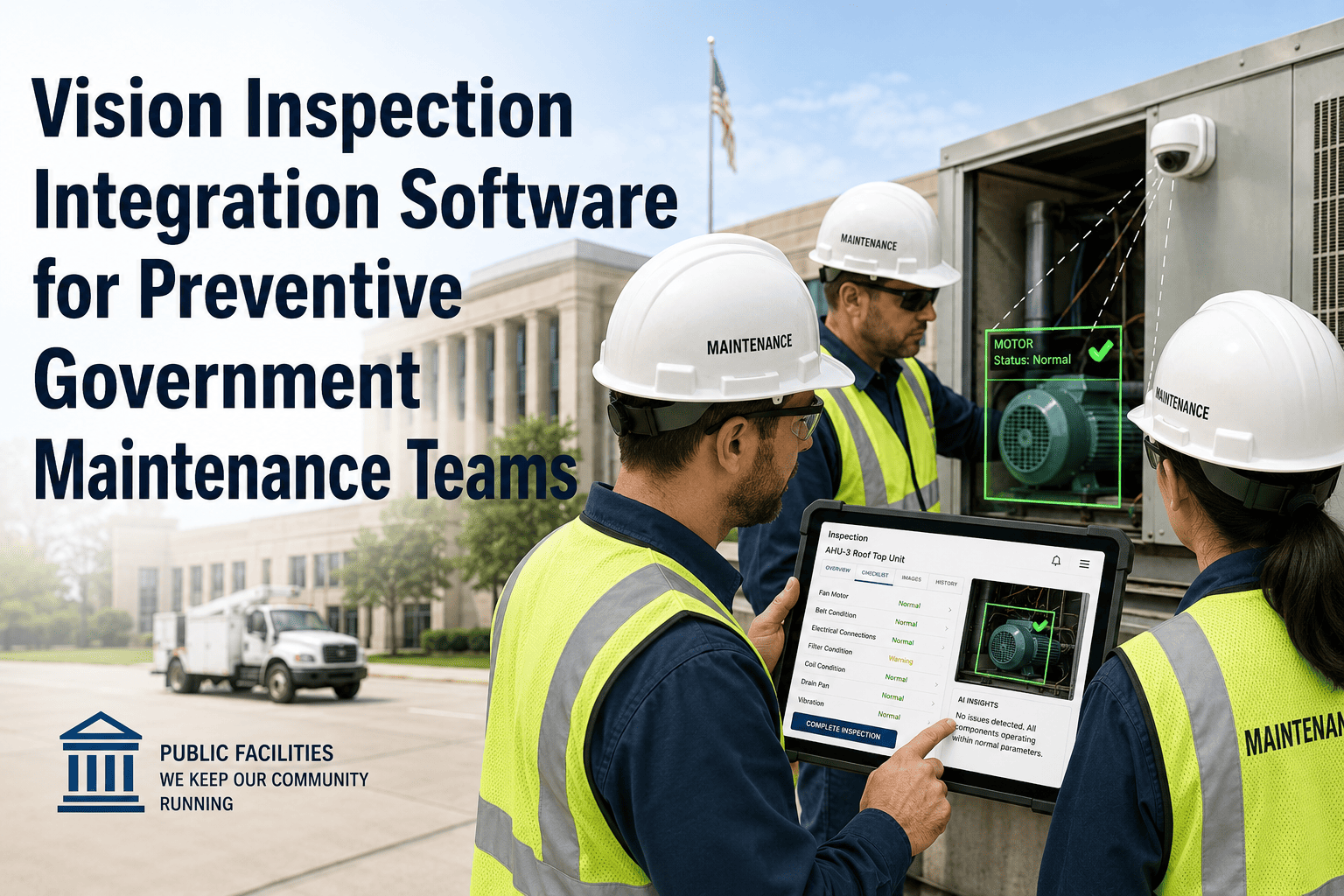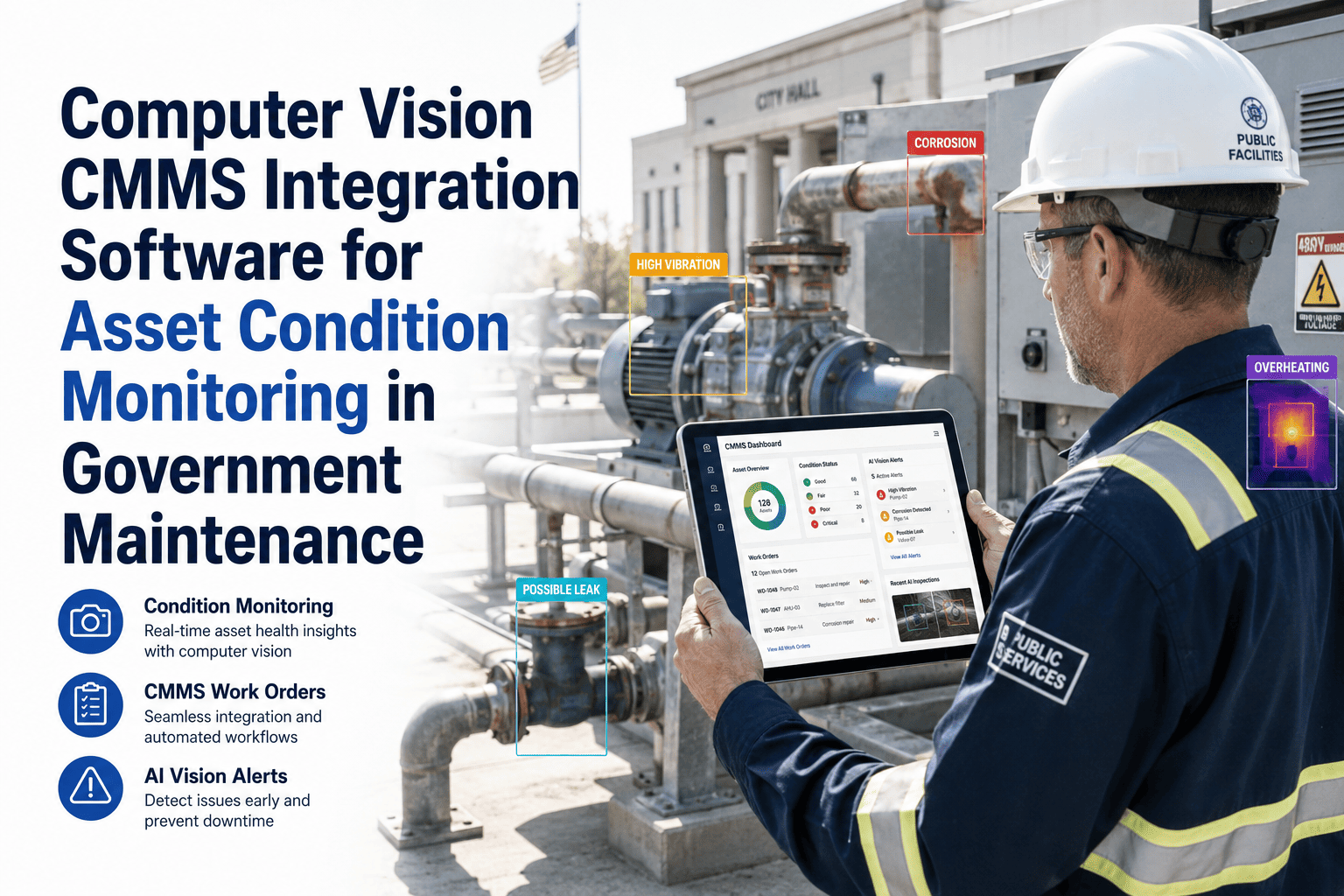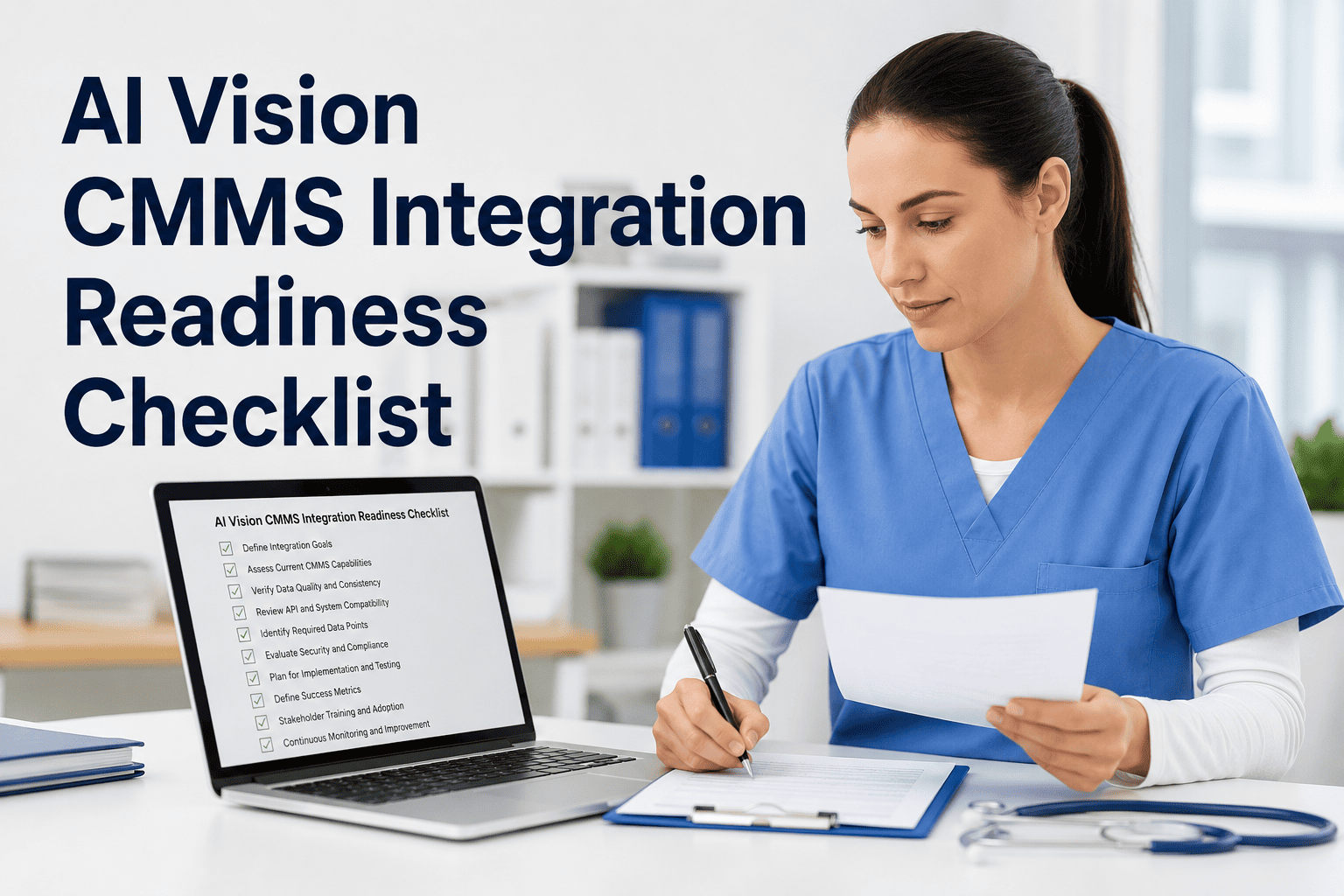
Public works and facilities teams across cities, counties, and state agencies are pointing AI-powered cameras at roads, water systems, and public buildings to catch defects before they turn into safety incidents — but connecting that AI vision feed to a CMMS that isn't ready for it produces false alerts, duplicate assets, and work orders nobody can trace back to a real inspection. OxMaint's readiness framework checks your asset data, hardware, workflows, field crews, and compliance records before integration goes live, so every AI-flagged defect lands as a clean, audit-ready work order instead of noise in the system. Book a free readiness review and see exactly where your agency stands across all five pillars.
Why Skipping This Checklist Backfires on Launch Day
AI vision inspection only works as well as the system receiving its output. Agencies that connect cameras to a CMMS without confirming data, hardware, and workflow readiness end up with defect alerts pointing to assets that don't exist in the register, work orders missing the approvals auditors expect, and field crews who ignore an app they were never trained on. None of that is a software failure — it's a readiness gap, and it's almost always visible weeks before go-live to anyone checking for it.
5 Readiness Pillars Before You Connect AI Vision to Your CMMS
Each pillar below maps to a specific point of failure in government AI vision rollouts. Confirm every item before integration goes live — a partially complete pillar doesn't block AI vision from running, it just guarantees the gaps surface as broken work orders after launch instead of fixable issues before it.
Score Your Agency's Readiness
Count how many of the five pillars above are fully checked off. The table below shows what that score means in practice — and what to do next before flipping AI vision on for the whole agency.
| Pillars complete | Readiness level | What it means for your rollout |
|---|---|---|
| 0–1 of 5 | Not ready | Pause integration. Data and hardware gaps will surface as false alerts and orphaned work orders within the first week. |
| 2–3 of 5 | Partially ready | Pilot with one department only. Expect manual cleanup on flagged items until the remaining pillars close. |
| 4 of 5 | Nearly ready | Safe to schedule integration with close monitoring. Close the outstanding pillar within 30 days of go-live. |
| 5 of 5 | Fully ready | Proceed with agency-wide rollout. Full automation and audit trail benefits are available from day one. |
What Changes Once Integration Is Live
Readiness work pays off the moment AI vision and your CMMS start operating as one system instead of two disconnected tools. The comparison below shows the same five tasks before and after a properly integrated rollout.
| Maintenance task | Manual inspection process | AI vision + CMMS integrated |
|---|---|---|
| Defect detection | ✕ Relies on inspector memory and visual walkthroughs | ✓ Continuous AI-flagged detection from every capture |
| Work order creation | ✕ Typed manually, often hours after the inspection | ✓ Auto-generated and assigned the moment a defect is confirmed |
| Evidence documentation | ✕ Photos scattered across phones, texts, and email | ✓ Time-stamped, GPS-tagged evidence attached to the asset record |
| Audit preparation | ✕ Three to six weeks compiling records by hand | ✓ Audit-ready exports generated in minutes |
| Missed-inspection risk | ✕ High — depends on inspector availability and memory | ✓ Low — every flagged condition is logged automatically |
"Most failed AI vision rollouts in government aren't technology failures — they're readiness failures. Agencies that skip asset data cleanup or field crew training end up with a system that flags real defects nobody trusts, because the integration was rushed past the gates that actually determine whether it works." Reviewed by OxMaint's Government & Public Sector Advisory Team, drawing on rollout patterns across municipal, county, and state maintenance deployments.
Book a free readiness review and OxMaint's team will walk through your asset data, hardware setup, workflow design, field adoption plan, and compliance requirements — so your AI vision integration goes live clean the first time, not the third.