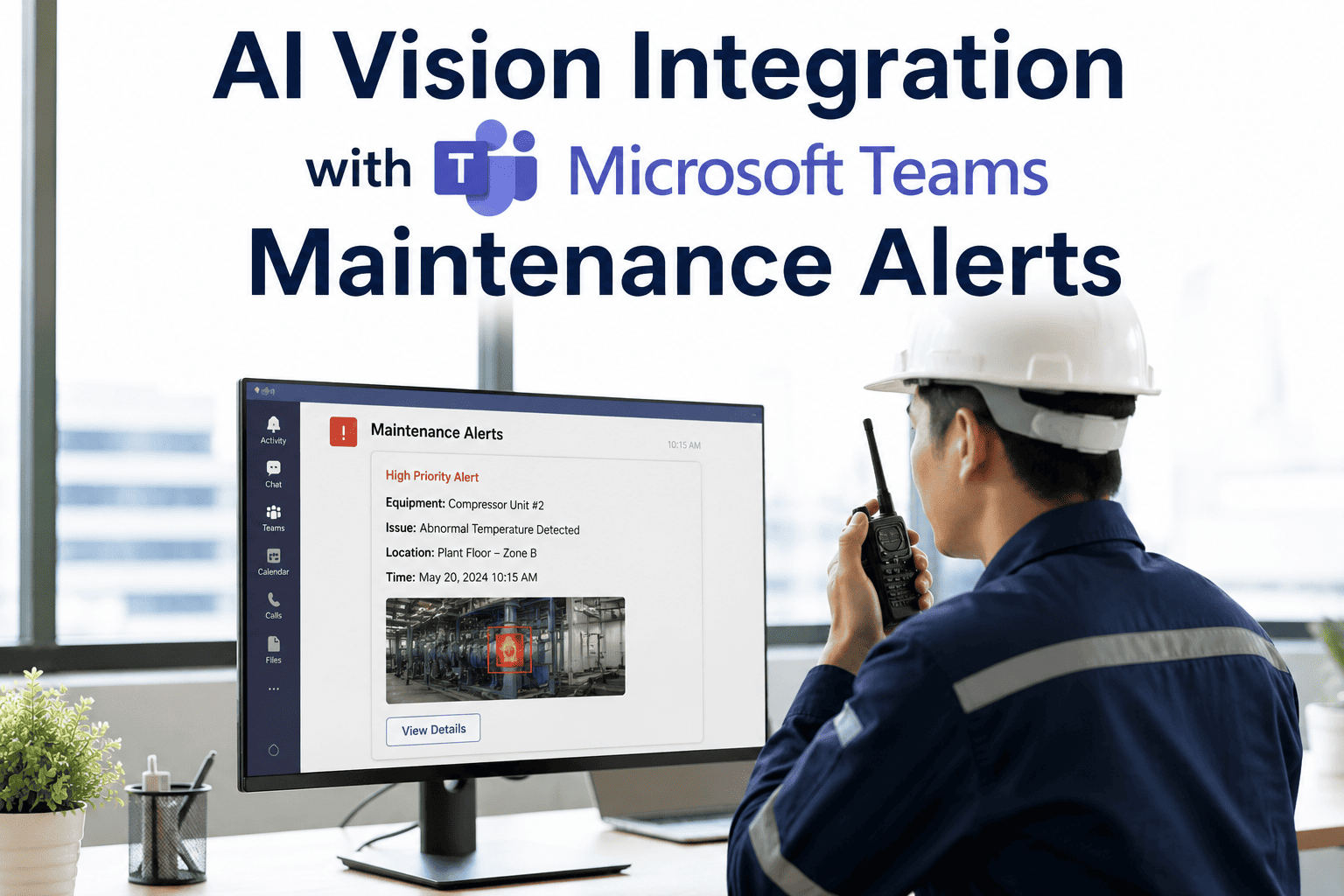
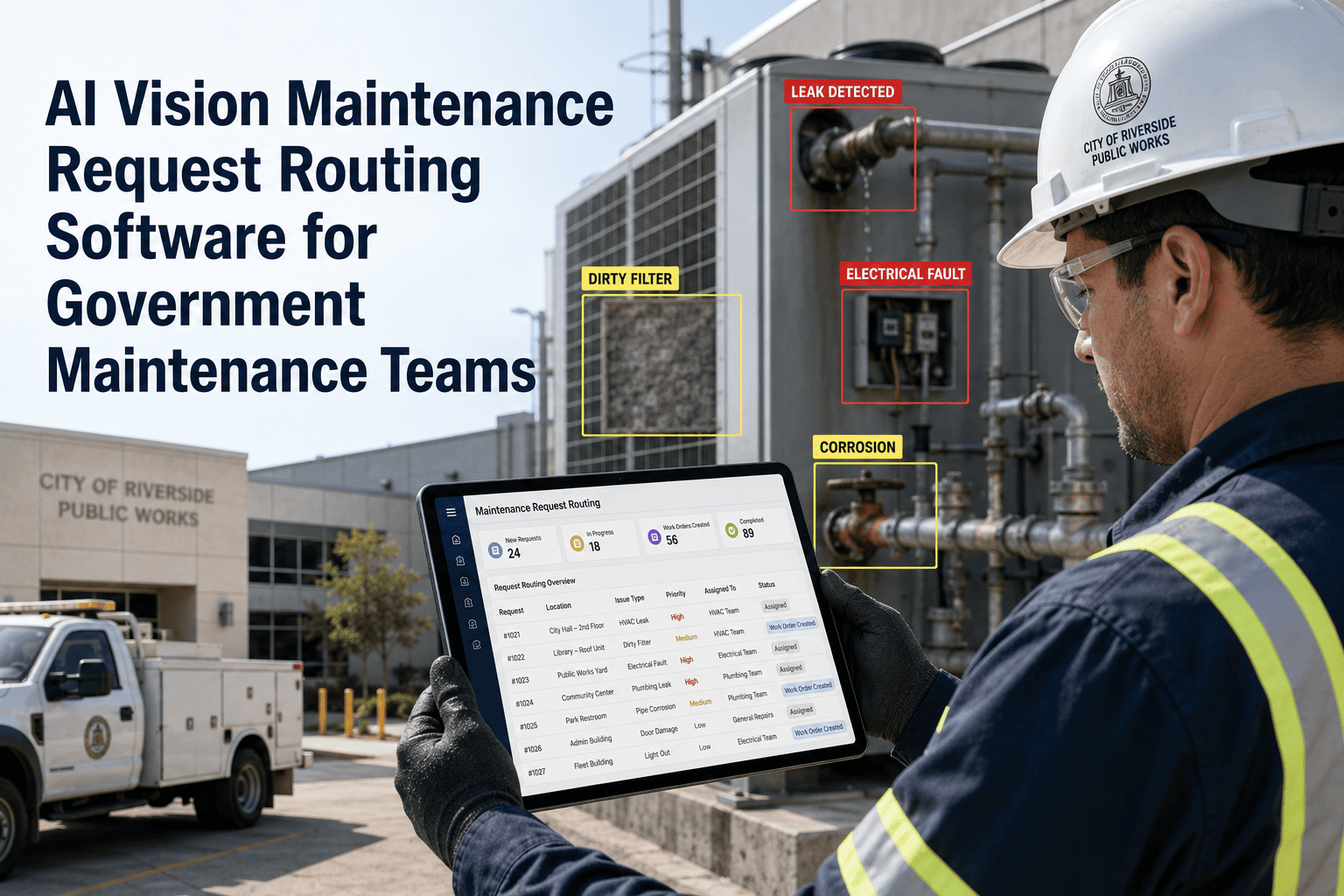
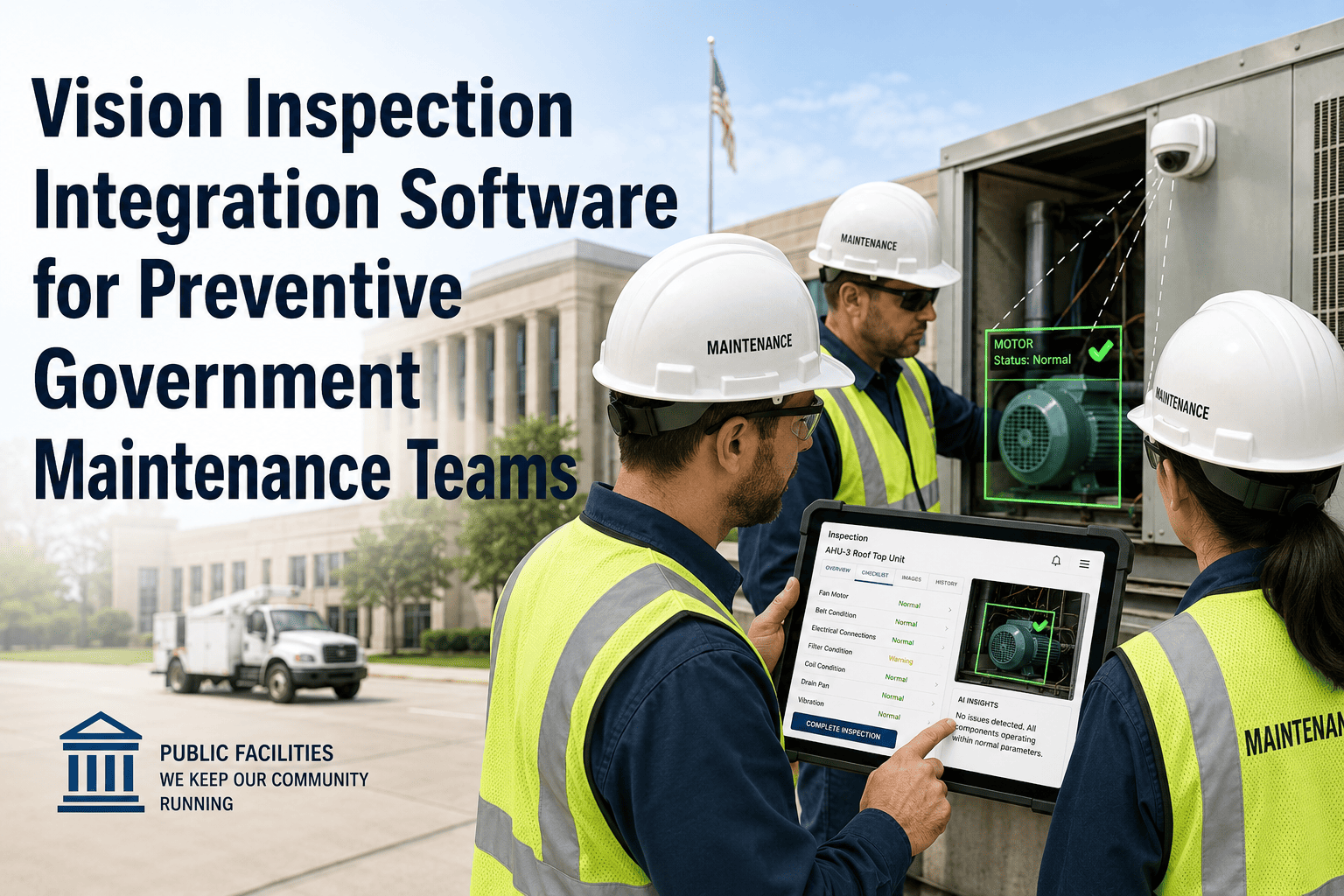
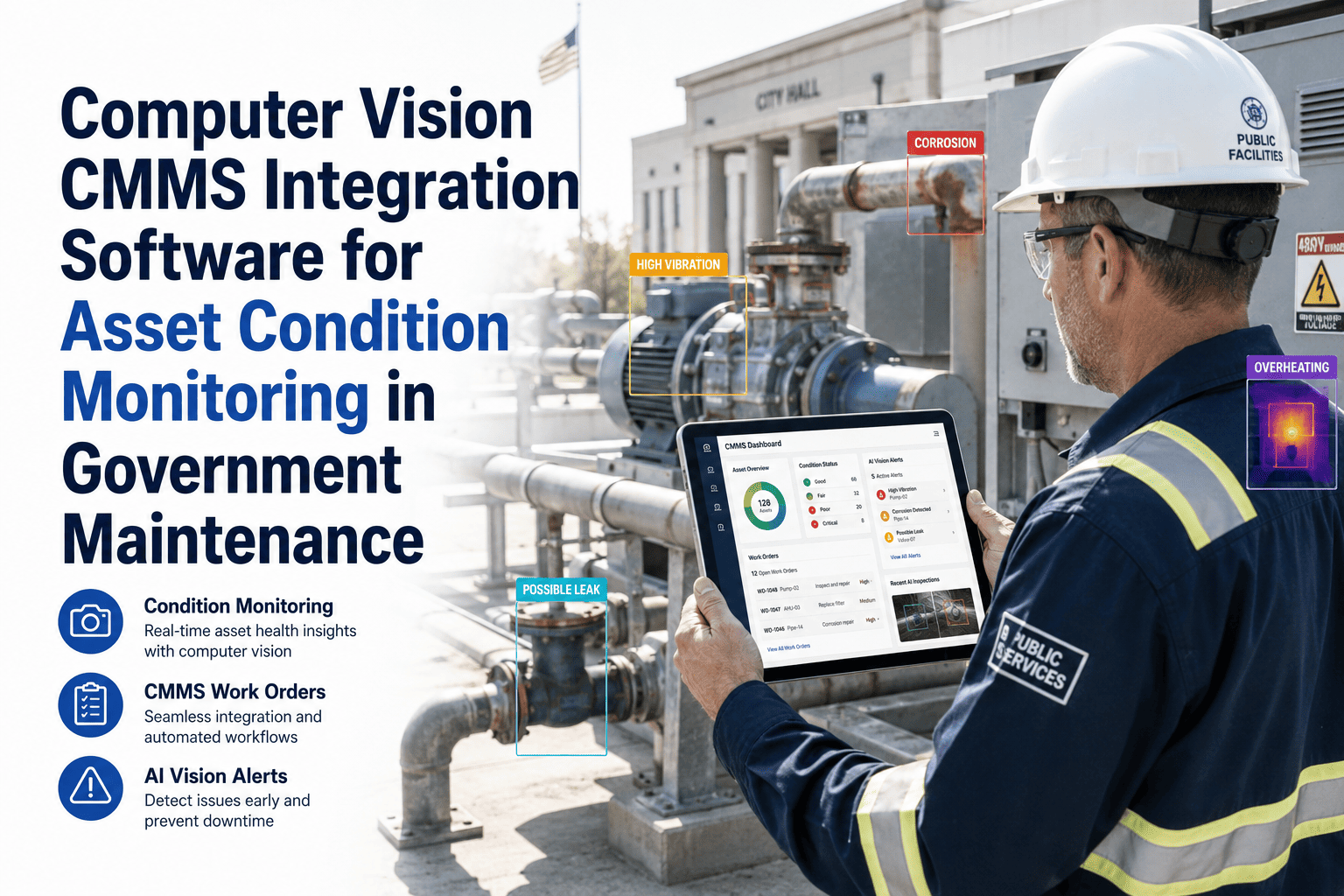
Government maintenance supervisors and asset managers spend a disproportionate amount of time chasing status updates — calling technicians in the field, checking inboxes for contractor reports, and manually reviewing CMMS dashboards to find out what has happened since their last check. When AI vision detects a severity-4 finding on a water pump at 2 PM, the right person needs to know immediately — not when they next log into the CMMS. Book a demo to see how OxMaint AI vision delivers structured, evidence-backed maintenance alerts directly into Microsoft Teams — so your government maintenance team acts on critical findings in minutes, not hours. Integrating AI vision alerts with Microsoft Teams puts the right information — the inspection image, the AI severity score, the asset reference, and the recommended action — into the communication channel government teams already work in every day, eliminating the gap between detection and response.
Government / Public Works · Microsoft Teams · AI Vision Alerts
AI Vision Integration with Microsoft Teams Maintenance Alerts for Government Maintenance Teams
Critical asset findings delivered as structured Teams alerts — with the image, severity score, asset context, and response link — the moment AI vision detects a problem.
Detection-to-Response Timeline: With vs. Without Teams Alert Integration
Without Integration
0 minAI detects finding — stored in CMMS
60–240 minSupervisor logs into CMMS to check dashboard
+30 minSupervisor calls technician for context
+45 minWork order manually created and assigned
3–6 hrsTechnician dispatched to critical asset
With OxMaint + Teams Integration
0 minAI detects finding — severity scored instantly
< 1 minTeams alert sent with image, score, asset reference
< 5 minSupervisor reviews alert in Teams — approves action
< 10 minWork order auto-assigned to available technician
< 30 minTechnician on site — critical asset response initiated
Alert Structure
What a Teams Maintenance Alert Contains
A generic notification saying "maintenance issue detected" is not useful. OxMaint's Teams integration sends structured alerts that contain everything needed to decide and act — without opening the CMMS.
AssetWater Pump Station B — Unit WP-044 (Eastern Water Treatment)
FindingSeal degradation detected — AI confidence 94% — oil contamination visible in bearing housing
Previous ScoreSeverity 2 (12 days ago) → Now Severity 4 — escalation rate above threshold
Recommended ActionSchedule unplanned maintenance within 24 hours — seal replacement required before next inspection cycle
Create Work Order
View in CMMS
View Image
Alert Configuration
Configurable Alert Rules for Government Maintenance Teams
Severity Threshold Triggers
Configure which severity levels trigger a Teams alert. Most government teams alert at severity 3 (watch), severity 4 (urgent), and severity 5 (critical) — with different channels and notification groups for each level.
Asset Class Routing
Route different asset class alerts to different Teams channels and teams. Electrical alerts to the electrical team channel, HVAC findings to building services, infrastructure to the civil team — keeping alerts relevant to recipients.
Escalation Velocity Rules
Alert when a severity score increases rapidly — for example, an asset that moves from severity 2 to severity 4 within 7 days triggers an escalation alert regardless of the absolute severity level. Rapid deterioration is often more critical than current severity alone.
Response Confirmation Alerts
Send a follow-up Teams notification if a severity 4+ alert has not had a work order created within a configurable time window — ensuring critical findings are not missed in busy notification environments.
| Alert Scenario |
Severity Level |
Teams Channel |
Response SLA |
| Minor surface corrosion detected |
Severity 2 |
#asset-monitoring |
Next scheduled maintenance cycle |
| Structural crack — early stage |
Severity 3 |
#maintenance-actions |
Work order within 5 working days |
| Mechanical seal degradation |
Severity 4 |
#maintenance-urgent |
Work order within 24 hours |
| Critical equipment failure imminent |
Severity 5 |
#critical-alerts + SMS |
Immediate response — escalate to director |
| Rapid severity escalation (2→4 in 7 days) |
Velocity trigger |
#maintenance-urgent |
Review and schedule within 48 hours |
Put Critical Asset Findings Where Your Team Already Works
Government maintenance teams using OxMaint + Microsoft Teams respond to critical AI vision findings in under 30 minutes — compared to 3–6 hours without alert integration. Book a demo to see the integration configured for your team structure.
"
The value of AI vision is not in the detection — it is in how fast the organisation responds to what is detected. In government maintenance, the gap between detection and response has historically been measured in hours or days. When AI vision findings are pushed directly into Teams with the image, the severity score, and a one-click work order button, that gap collapses to minutes. The response time improvement alone justifies the integration investment — but the compounding benefit is that your team builds a culture of acting on evidence rather than waiting for things to fail.
Head of Digital Operations, Government Infrastructure Maintenance
16 Years Government Maintenance Technology · Microsoft 365 Integration Specialist · Led Digital Maintenance Transformation for Regional Council
Frequently Asked Questions
Does OxMaint integrate directly with Microsoft Teams or does it require middleware?
Can supervisors approve work orders or assign technicians from within Teams?
Yes — OxMaint Teams alerts include action buttons that allow supervisors to create and assign a work order, acknowledge the finding, or view the full inspection record in OxMaint — all from within the Teams notification. For severity 4 and 5 alerts, supervisors can initiate the corrective response without switching to the CMMS, significantly reducing the time from alert to action in busy operational environments.
Start a free trial to configure your first Teams-integrated alert workflow.
How do we prevent alert fatigue if AI vision is monitoring many assets?
Alert fatigue is a real risk with any automated notification system. OxMaint addresses this through configurable severity thresholds — only findings above your configured minimum severity trigger a Teams alert. For large asset portfolios, severity 1 and 2 findings are visible in the OxMaint dashboard but do not generate Teams notifications. Severity 3+ findings alert the relevant team channel, and severity 5 findings can trigger additional escalation paths including direct manager notification. Government teams typically configure Teams alerts for severity 3 and above, which represents 15–20% of total inspection findings.
Book a demo to discuss alert configuration for your asset portfolio size and team structure.
Is the Teams alert system compatible with government Microsoft 365 tenants with strict security policies?
OxMaint's Teams integration uses the standard incoming webhook connector mechanism that is widely supported in government Microsoft 365 tenants. The integration does not require any elevated permissions or access to broader tenant data — it only posts outbound alert messages to the specified channels using the webhook URL generated by the Teams channel administrator. Most government IT security teams approve this integration pattern as it represents an inbound-only data flow from OxMaint to Teams, with no outbound access to government systems required.
OxMaint · Microsoft Teams · Government AI Vision
Respond to Critical Asset Findings in Minutes, Not Hours
OxMaint delivers AI vision maintenance alerts directly into Microsoft Teams — with the image, severity score, asset context, and one-click work order creation — so your government maintenance team acts at the speed the finding demands.