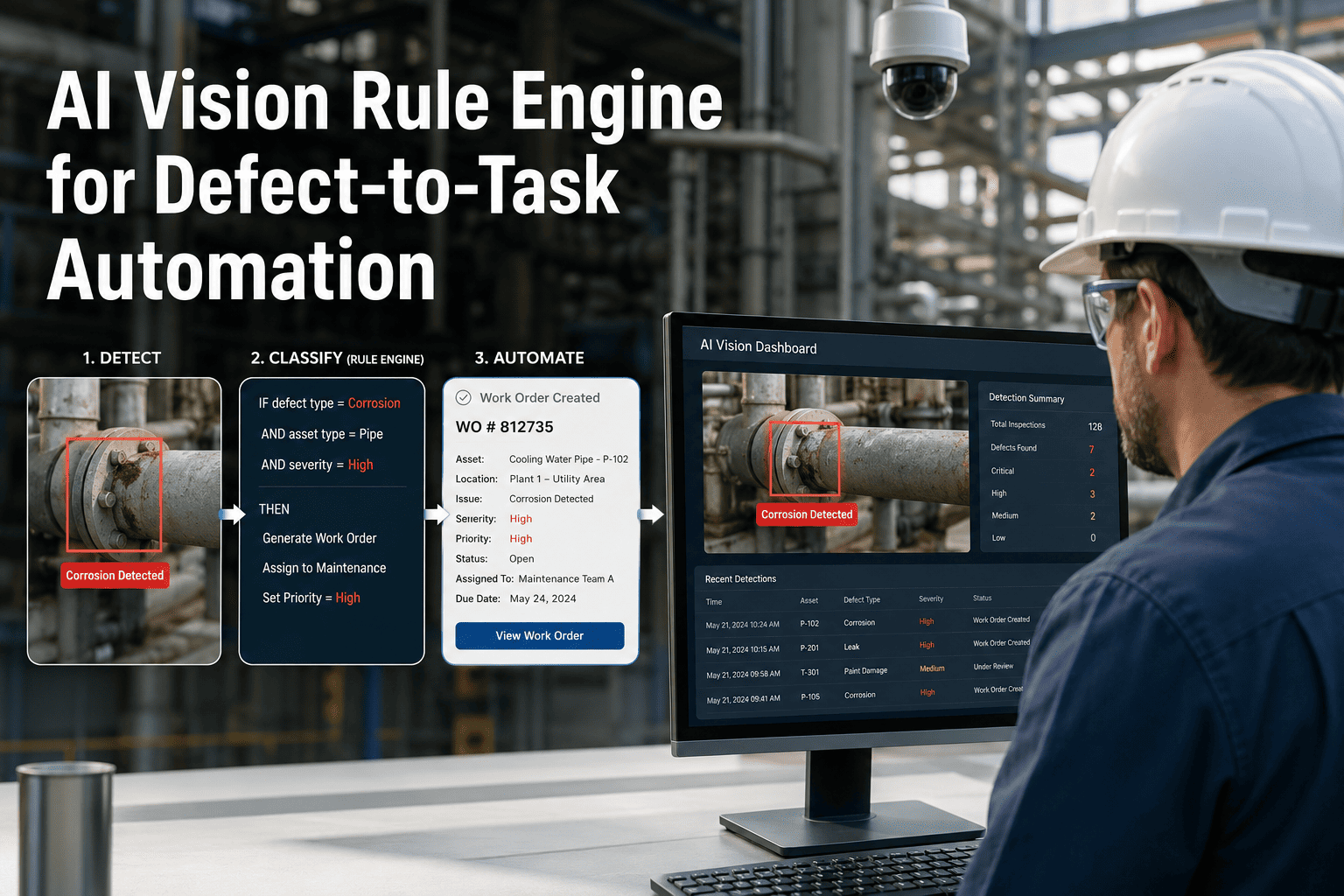
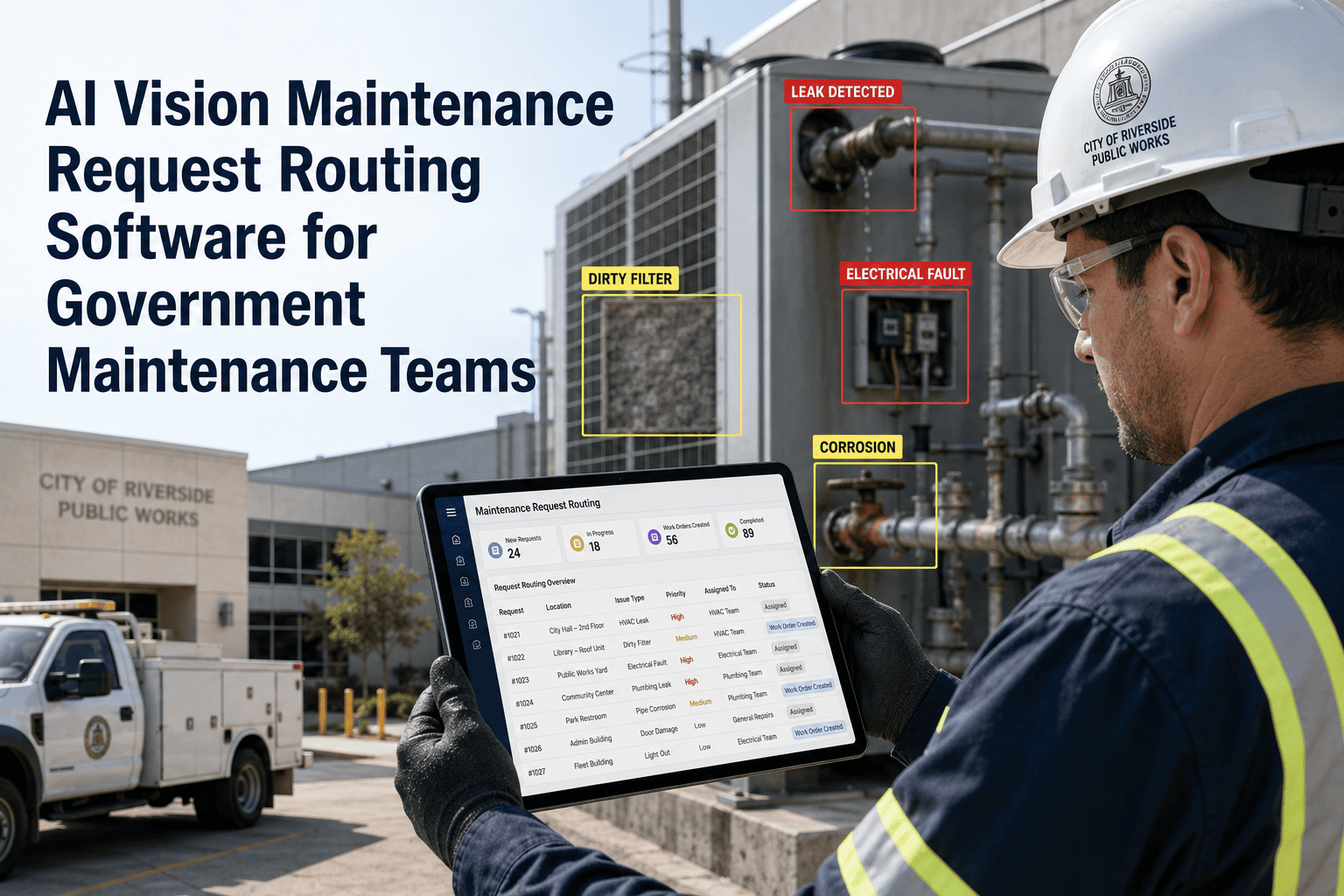
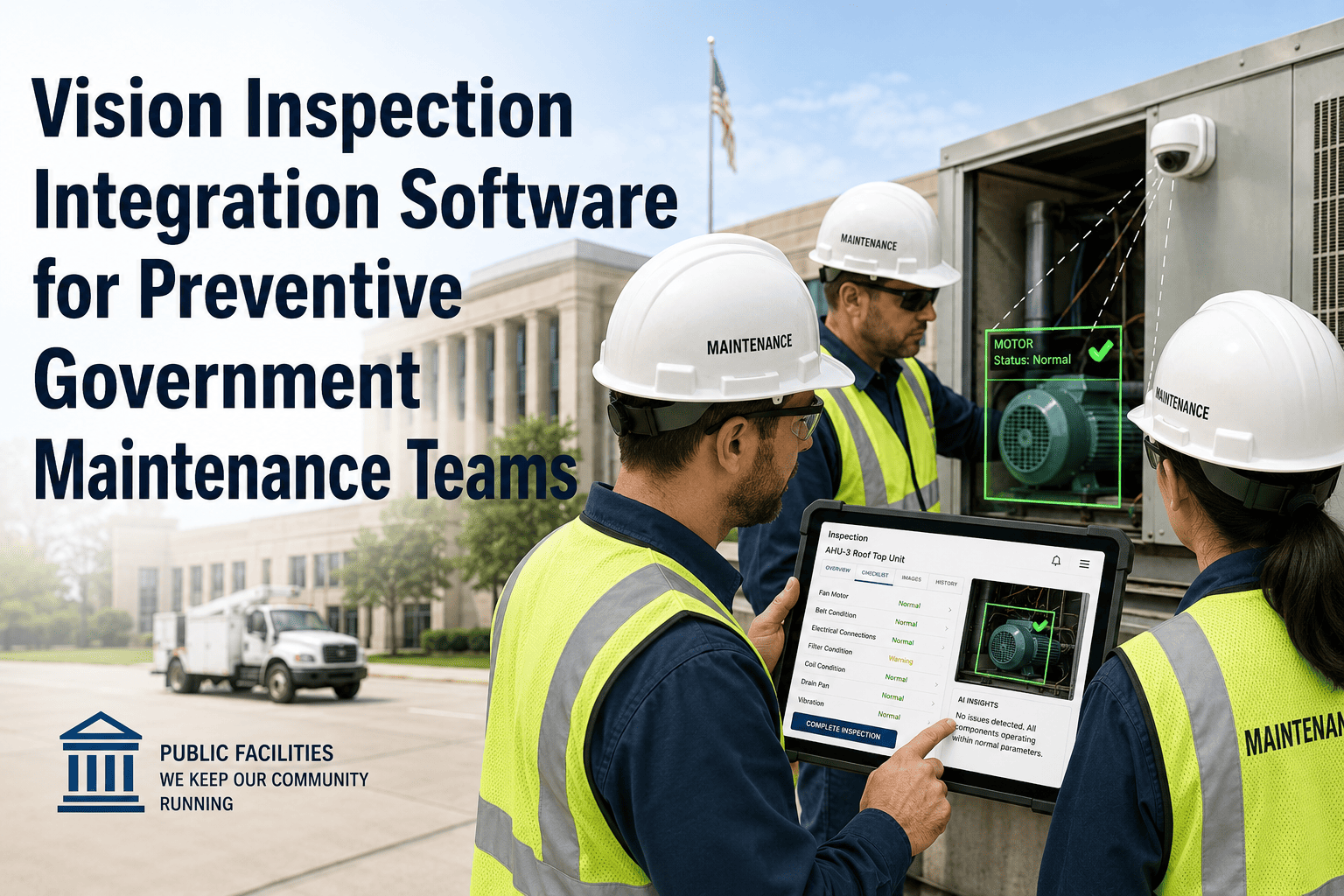
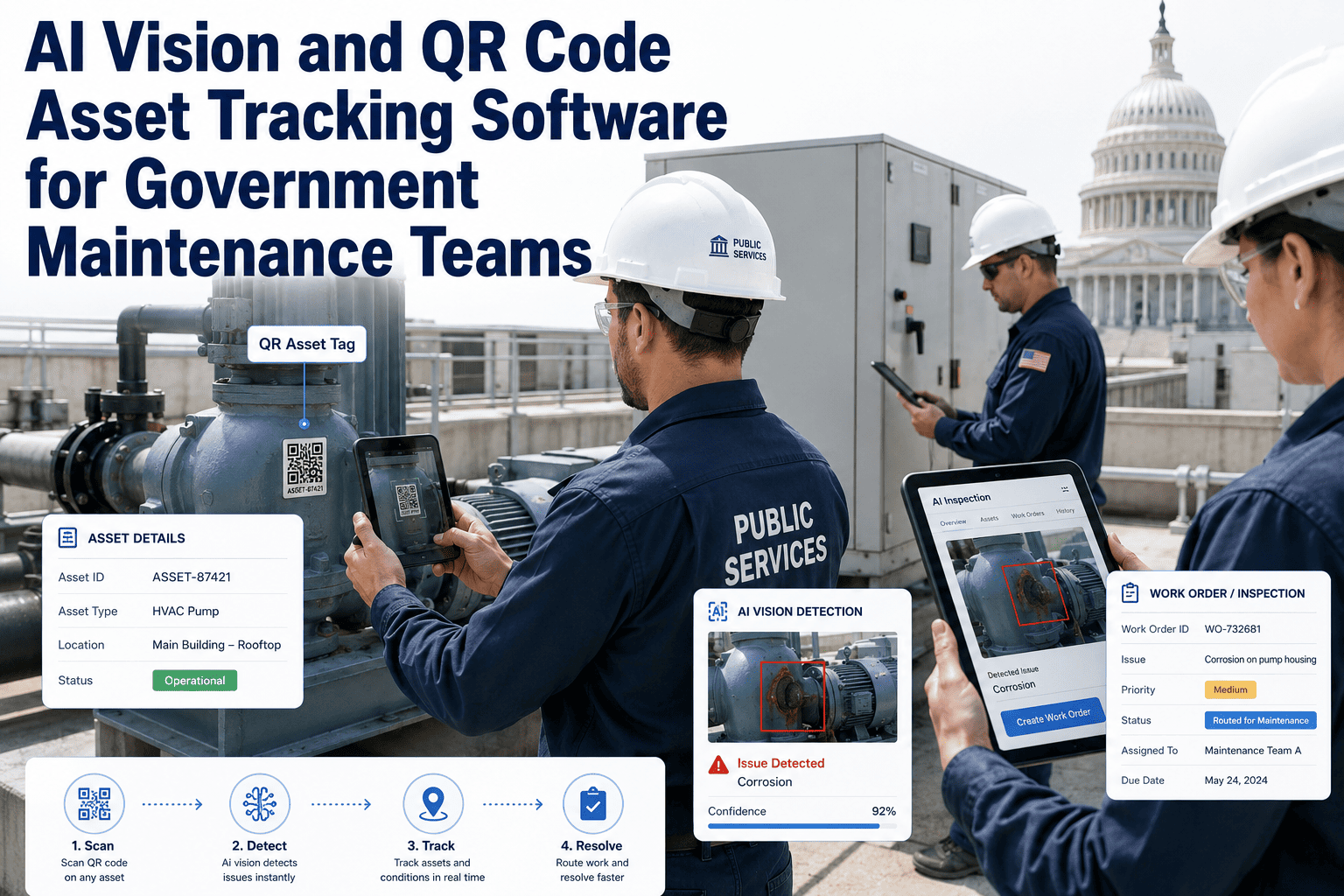
Detecting a defect is the easy part of AI vision now. The harder, more valuable part is deciding what happens next — automatically, consistently, the same way every time, without someone deciding case by case whether a flagged crack warrants a work order today or next month. A rule engine is what turns a detection feed into a dependable automation layer instead of a longer list of things a human still has to interpret. Sign in to OxMaint to build defect-to-task rules that fire the same way every time, for every asset. Book a demo to see a rule turn a detection into an assigned task with zero manual steps.
How a Rule Reads
If This Defect, Then This Action
IF
Thermal anomaly detected on a critical asset, confidence above 85%
THEN
Create urgent work order, notify on-shift technician, attach evidence image
IF
Surface corrosion detected, severity moderate, non-critical asset
THEN
Add to next scheduled inspection batch, no immediate alert
IF
Same defect type recurs on the same asset within 30 days
THEN
Escalate to root-cause review instead of a routine repair task
Rules combine defect type, severity, asset criticality, and recurrence — so the same detection can trigger different actions depending on context. Sign in to build your own rule set.
Stop Deciding the Same Thing Manually, Every Time It Happens
OxMaint's rule engine encodes your team's judgment once, then applies it consistently to every future detection, across every asset and shift.
Building a Rule
Four Inputs That Shape Every Rule
1
Defect Type
The specific classification the vision model returned — crack, leak, hotspot, misalignment.
2
Severity Threshold
The confidence or severity score above which the rule should activate.
4
Resulting Action
What happens automatically — task creation, notification, escalation, or scheduled batching.
Rule Engine Reference
Common Defect-to-Task Automation Patterns
| Trigger Pattern |
Condition |
Automated Outcome |
| Single critical detection |
High severity on a vital asset |
Immediate task + urgent notification |
| Routine low-severity detection |
Low severity on a routine asset |
Batched into next maintenance cycle |
| Recurring detection |
Same defect repeats within a set window |
Escalated to root-cause review |
| Conflicting detections |
Multiple defect types on one asset simultaneously |
Consolidated into a single multi-issue task |
Patterns shown are common starting templates. Sign in to customize trigger patterns for your operation.
Expert Review
A Practitioner's Perspective
"
Detection models have gotten very good very quickly, but a model only tells you what it sees, not what your organization should do about it. That decision logic — what counts as urgent, what can wait, what means something is getting worse — is institutional knowledge that usually lives in one experienced supervisor's head. A rule engine is how you get that knowledge out of one person's head and into something that runs consistently at 2am on a weekend shift, too.
Frequently Asked
Questions About the Defect-to-Task Rule Engine
Can rules combine multiple conditions, like defect type and asset criticality together?
Yes. Rules support combined conditions, so a single rule can require a specific defect type, a minimum severity, and a particular asset classification all at once before triggering an action.
Sign in to build a multi-condition rule.
What happens if no rule matches a particular detection?
Can we adjust rules after they've been running, based on what we learn?
Rules can be edited, disabled, or replaced at any time, and changes apply to new detections immediately without requiring a system restart or redeployment.
Sign in to adjust your existing rules.
Does the rule engine work with our existing asset criticality classifications?
Turn Your Team's Judgment Into a Rule That Runs Every Time, Without You
OxMaint's rule engine takes the decision logic your best supervisors already use and applies it automatically to every detection, on every shift.