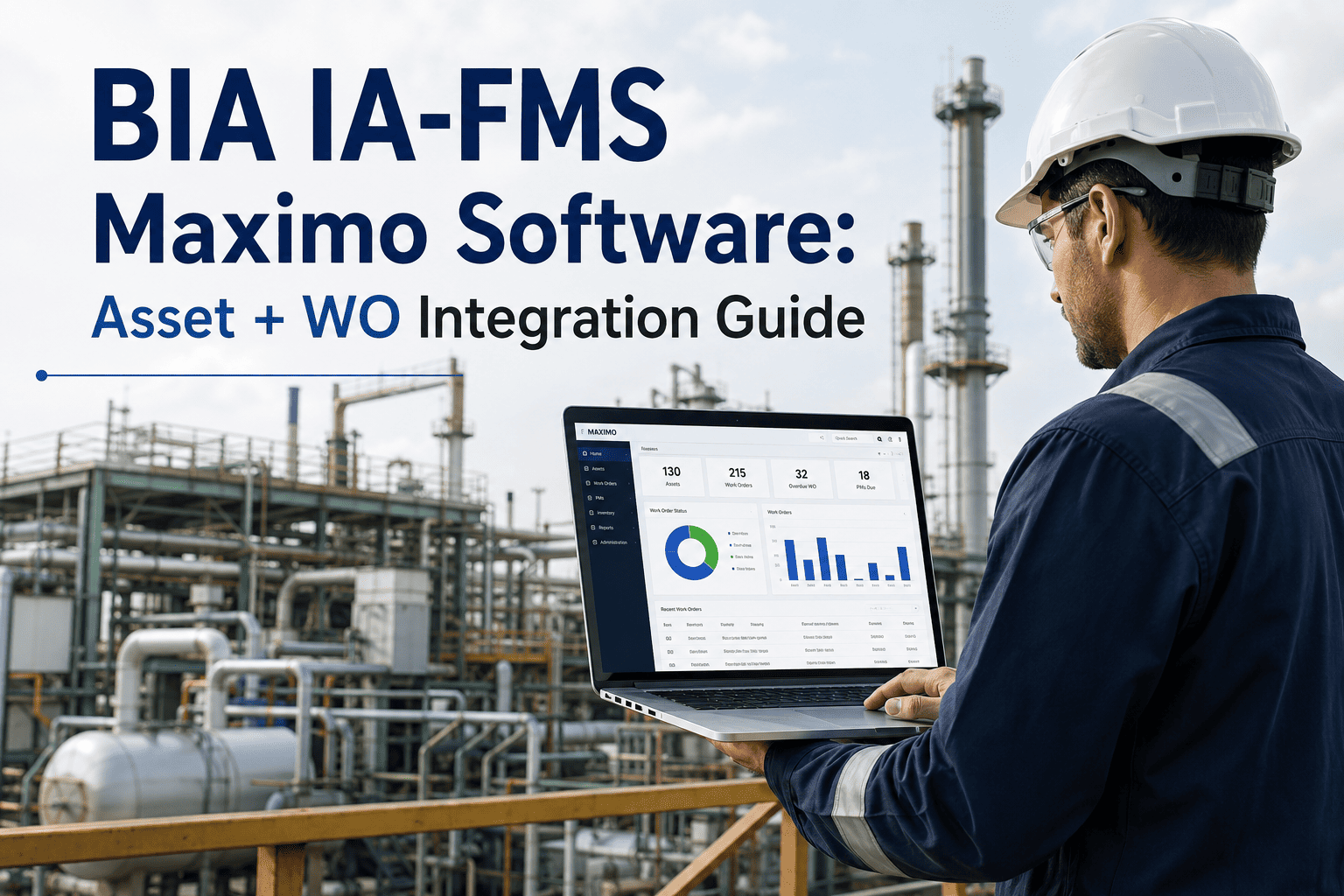
IA-FMS runs on IBM Maximo, and for BIA and BIE facility staff that system already holds years of asset records, work order history, and condition assessments across a nationwide portfolio of schools, quarters, and agency buildings. The question most facility managers ask isn't whether to leave Maximo behind — it's how to bring what already works forward when modernizing, without losing the asset numbers, PM schedules, and work order trail that IA-FMS has built up. That data carries the audit history DOI OIG has scrutinized in past deferred maintenance reviews, so the integration has to be exact, not approximate. This guide walks through what a disciplined IA-FMS Maximo to modern CMMS migration actually involves.
Federal Facilities · IA-FMS Maximo · Migration Guide
BIA IA-FMS Maximo: What Carries Forward When You Modernize
IA-FMS is Indian Affairs' Facility Management System, built on IBM Maximo, used across BIA regions, agencies, and BIE-funded schools to track real property condition, deferred maintenance, and work order activity. Federal oversight reports have repeatedly flagged gaps between what's recorded in the system and what's actually true on the ground. An integration done right closes that gap instead of widening it.
$1B+
Deferred maintenance backlog identified across BIE-funded school facilities as of 2022
.1026
Facility Condition Index reported for IA education facilities — inside the "poor" band
183
BIE-funded schools whose asset and work order data lives inside IA-FMS today
Why This Comes Up Now
Federal Oversight Has Already Told BIA Where IA-FMS Falls Short
This isn't a theoretical modernization exercise. DOI's Office of Inspector General has published findings on exactly where facility data breaks down between the system of record and the buildings it's supposed to track — and the gap shows up as unresolved work orders, unreliable condition scores, and repair requests that sit for years without resolution.
Work orders open for decades
Federal audits found repair requests placed in 2000 — for items like exit signs and fire alarm replacements — still unresolved more than two decades later, with no clear reason the record stayed open that long.
Condition data confidence gaps
Oversight reviews of sampled deferred maintenance work orders raised questions about whether the data entered into the facility system reliably reflects the true condition and status of the asset.
Emergency conditions missed
Inspectors have documented cases of failing boilers and gas leaks discovered during walkthroughs rather than surfaced by the system that was supposed to be tracking asset condition proactively.
Funding threshold changes underway
In response to these findings, Indian Affairs has already raised O&M funding approval thresholds and tightened condition assessment currency rules — meaning the data standard your CMMS needs to meet is rising, not staying flat.
What Actually Moves
Six Categories of IA-FMS Maximo Data That Need to Survive the Move
A facility modernization effort succeeds or fails on data fidelity, not on how modern the new interface looks. Here's what a properly scoped integration carries forward from IA-FMS Maximo into a modern CMMS, in roughly the order most migrations tackle it, from foundational identifiers through to the operational records staff touch every day.
01
Asset Register and Real Property IDs
Every building, system, and major component tracked under IA-FMS carries a real property identifier tied to location, region, and agency. These IDs have to map one-to-one into the new system — a broken link here breaks every downstream report and every historical work order tied to that asset.
02
Work Order History and Status
Open, closed, and long-stalled work orders all need to transfer with original creation dates intact. Losing the timestamp on an aging repair request erases the exact evidence that makes a deferred maintenance case fundable.
03
Facility Condition Assessment Scores
FCI ratings and the underlying deficiency line items behind them are the backbone of BIA's Improvement and Repair prioritization process. These scores must migrate with their assessment date so staff can tell a current score from a stale one.
04
Preventive Maintenance Schedules
PM frequencies and task lists tied to specific asset classes — boilers, HVAC, life safety systems — need to keep firing on schedule through the transition, not reset to zero the day the new system goes live.
05
Deferred Maintenance and Repair Cost Estimates
DM&R figures reported up through the region and Central Office roll into national backlog totals reviewed by Congress. Every dollar figure needs a traceable path back to the asset and deficiency it came from.
06
Vendor, Contract, and Warranty Records
Active service contracts, warranty terms, and vendor performance history need to be available on day one — technicians shouldn't have to call around to confirm who's contracted to service a given system.
Migration Planning
A Facility System Modernization Is Only as Good as the Data That Survives It
Every one of the six categories above has to reconcile before go-live, not after. Facility teams that skip reconciliation end up rebuilding trust in the data all over again — the exact problem federal oversight has already flagged in IA-FMS.
The Cost of Waiting
What Happens When Facility Data Stays Fragmented
IA-FMS was designed to give Indian Affairs one consistent picture of asset condition across regions, agencies, and BIE-funded schools. When the underlying data isn't trusted, the consequences don't stay contained to a spreadsheet — they show up in funding decisions, safety outcomes, and the pace of repair work on buildings students and staff use every day.
R1
Funding requests get harder to defend
Regional and Central Office deferred maintenance rollups depend on asset-level data being current and traceable. When condition assessments are stale or work order histories are incomplete, the backlog numbers used to request Improvement and Repair funding lose credibility with reviewers.
R2
Safety issues surface reactively, not proactively
Federal inspectors have found failing boilers and gas leaks during physical walkthroughs rather than through the system meant to flag deteriorating conditions ahead of time. A CMMS that tracks condition trends closes that gap before it becomes an emergency evacuation.
R3
Work order backlog keeps compounding
Requests that sit open for years without a forced review cycle don't resolve themselves — they accumulate. Every additional year a repair request goes unaddressed typically raises the eventual cost of the fix and the risk to occupants in the meantime.
R4
Staff lose confidence in the system of record
Once facility managers learn the data in front of them might not reflect reality, they start keeping parallel records outside the official system — which only deepens the fragmentation the original system was built to solve.
Who This Guide Is For
Roles That Depend on Accurate IA-FMS Data
Facility modernization decisions rarely rest with one person. The people who feel the effects of a data integration — good or bad — sit at several different points in the organization, each with a different stake in the outcome.
BIA Regional Facility Managers
Responsible for O&M program execution across agencies in their region, and the first to feel the pain of asset records that don't match what's on the ground during a site visit.
BIE School Facility Staff
Managing day-to-day repair requests and PM tasks across school buildings and dormitories, often with limited on-site technical staff and no time to reconcile conflicting records.
Central Office Asset Management
Rolling up deferred maintenance totals and condition scores across the full IA portfolio for budget justification and congressional reporting.
Tribal Facility Program Staff
Working under self-governance agreements where accurate asset data directly affects funding allocation and the ability to plan major renovation projects.
System Comparison
IA-FMS Maximo vs. a Modern CMMS — Where the Gaps Show Up
Maximo itself is a capable enterprise asset management platform — the gaps that show up in IA-FMS usually trace back to how the system was configured and used over time, not the underlying software. A modern CMMS deployment gets a chance to close those configuration gaps from day one rather than working around years of accumulated workarounds.
| Capability | IA-FMS (Legacy Maximo) | Modern CMMS |
|---|
| Mobile work order access | Limited field access, largely desktop-driven | Full mobile work order creation and closeout on-site |
| Condition assessment currency | Assessments can go stale without an automatic flag | Automated aging alerts on assessments past their review window |
| Work order aging visibility | Old work orders can sit open with no forced review trigger | Configurable aging thresholds that escalate stalled work orders |
| Deferred maintenance rollups | Manual roll-up from agency to region to Central Office | Real-time backlog dashboards across the full asset hierarchy |
| Preventive maintenance triggers | Calendar or meter-based scheduling | Calendar, meter, and condition-based triggers combined |
| Audit trail depth | Depends on consistent manual data entry discipline | System-enforced timestamps and status history on every record |
Integration Approach
Five Steps to a Clean IA-FMS Maximo Integration
There's no shortcut that skips validation. Every migration that has gone wrong in federal facility management traces back to a step that got rushed or skipped entirely — usually the reconciliation step, because it's the least visible part of the project until something breaks downstream.
1
Export and Inventory
Pull a full export of assets, work orders, PM schedules, and condition assessments from IA-FMS, then inventory record counts by category so nothing gets missed in reconciliation later.
2
Map Real Property IDs
Build the field-level mapping between IA-FMS asset identifiers, location hierarchy, and the new CMMS structure before any data moves, so every asset lands in the right place the first time.
3
Migrate in a Test Environment
Run the full migration into a sandbox first. Reconcile counts and spot-check a sample of high-value assets — boilers, life safety systems, HVAC — against the source records.
4
Parallel-Run and Validate
Operate both systems briefly in parallel so field staff can confirm work orders, PM schedules, and condition scores behave as expected before IA-FMS is retired for daily use.
5
Cutover and Archive
Go live on the new system for daily operations while keeping a read-only archive of the original IA-FMS records for audit and historical reference.
What Changes After Migration
What Facility Teams Gain Once the Data Is Clean and Current
The value of a clean migration isn't the migration itself — it's what facility staff can do with trustworthy data once it's done. These are the operational changes teams report most consistently after moving off a legacy configuration and onto a system built around current condition data and mobile field access.
Work orders stop aging silently
Configurable aging rules surface stalled requests before they sit for years, closing the exact gap federal audits identified in legacy IA-FMS data.
Condition scores stay current
Automated review reminders keep FCI-style condition data from going stale, so prioritization decisions are made on real numbers, not last year's snapshot.
Backlog reporting takes minutes, not weeks
Regional and Central Office deferred maintenance rollups pull directly from live records instead of manually assembled spreadsheets.
Field staff work from mobile, not paper
Technicians close out work orders on-site with photos and notes attached, instead of writing up notes for someone else to enter later.
Common Questions
IA-FMS Maximo Integration — Frequently Asked Questions
Can we migrate from IA-FMS Maximo without losing historical work order data?
Yes. A properly scoped export captures work order history with original timestamps intact.
Book a demo to walk through the export and mapping process for your facility portfolio.
Do deferred maintenance cost estimates transfer accurately during migration?
DM&R figures should migrate with a traceable link back to the originating asset and deficiency line item, preserving the audit trail regional and Central Office rollups depend on.
How long does a facility system migration typically take?
Timelines depend on portfolio size, but a phased export, test-migration, and parallel-run approach generally spans several weeks per facility group rather than a single overnight cutover.
Does preventive maintenance scheduling continue uninterrupted during the switch?
PM schedules should be validated in a test environment before cutover specifically so scheduled tasks keep firing without a gap on go-live day.
Can old IA-FMS records still be accessed after we cut over to a new system?
Yes. A read-only archive of the original system of record should be preserved for audit and historical reference even after daily operations move to the new CMMS.
Ready to Modernize
Bring Your IA-FMS Maximo Data Forward Without Losing the Audit Trail
Oxmaint helps facility teams migrate asset registers, work order history, PM schedules, and condition assessments out of legacy Maximo deployments into a system built for real-time visibility and mobile field work.