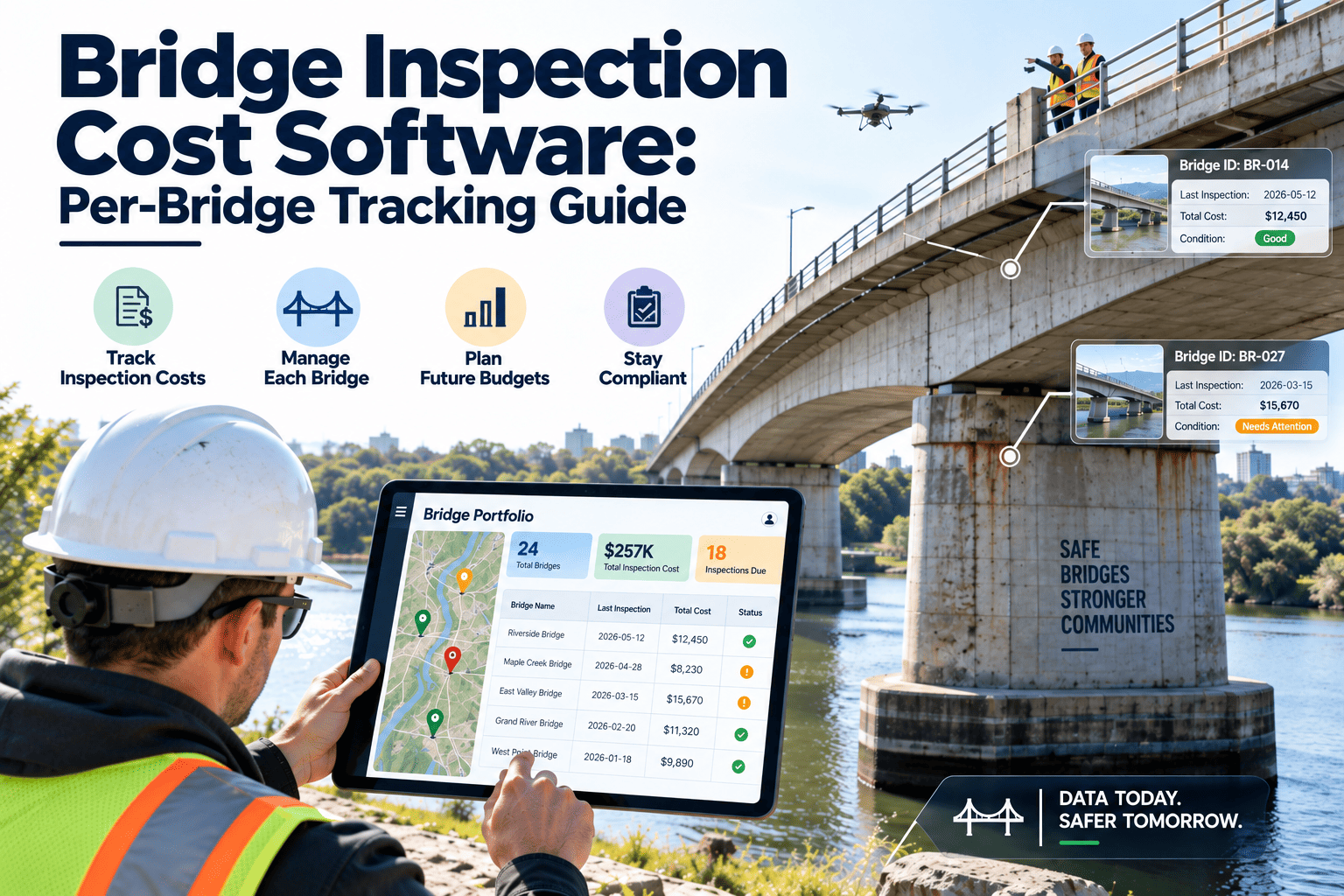
Bridge inspection scheduling gets difficult the moment more than one party is involved. A state or municipal owner may rely on in-house crews, several consultant firms, specialty teams for underwater or fracture critical work, and separate contractors for traffic control and access equipment. Each group has its own calendar, certifications, and constraints, yet the National Bridge Inspection Standards expect every bridge to be inspected on time and documented. The right bridge inspection scheduling software puts crews, equipment, and lane closures on one plan so deadlines are met without last-minute scrambling.
Bridge Inspection Scheduling Software: Multi-Vendor Guide
Where Multi-Vendor Bridge Scheduling Breaks Down
Most missed or rushed inspections are coordination failures, not capability failures. These are the points where plans typically fall apart.
The Inspection Requirements Driving the Calendar
Under federal regulation at 23 CFR Part 650 Subpart C, public bridges on public roads must be inspected to NBIS requirements. FHWA updated the NBIS in 2022, so confirm current provisions and your state's own policy before building cycles.
| Inspection type | Typical purpose | Scheduling impact |
|---|---|---|
| Routine | Regularly scheduled visual check of condition; commonly a 24-month cycle unless a different interval is approved | Large recurring volume; suits in-house or term-contract crews |
| In-depth | Close-up examination of selected members, often with special access | Needs equipment and traffic control booked together |
| Fracture critical member | Hands-on review of steel tension members whose failure could cause collapse | Requires qualified staff and reach equipment |
| Underwater | Assessment of substructure below the waterline | Dive teams, weather, and water level windows |
| Special or damage | Targeted visits after impact, flood, or a known concern | Unplanned work that must fit into a full calendar |
Why intervals alone are not a schedule
- A due date does not say which vendor, equipment, or closure the visit needs.
- Seasonal limits such as ice, high water, and bird nesting reduce workable windows.
- Bridges in the same corridor can often share a closure if grouped sensibly.
Mobilisation Sequence: From Due Date to Field Day
A reliable plan works backward from the due date. Each handoff below should be a tracked task with an owner.
Coordinating Traffic Control and Equipment
Traffic control and access equipment are the two most common sources of rescheduling. Temporary traffic control follows the plans and practices your agency requires, commonly based on the MUTCD.
Equipment mobilisation checklist
- Confirm equipment type matches the bridge geometry and clearances
- Check operator certification and inspection date of the unit
- Reserve backup dates for weather delays
- Plan transport and staging near the structure
- Record actual usage hours for cost allocation
Traffic control checklist
- Link closure permit status to the inspection task
- Group bridges on the same route into one closure window
- Avoid peak commute hours and local event dates
- Confirm flagger or contractor crew availability
- Attach approved plan sheets to the work record
Spreadsheet and Email Scheduling Versus a CMMS
| Scheduling task | Spreadsheets and email | CMMS-based scheduling |
|---|---|---|
| Due date tracking | Manual formulas that break when rows change | Recurring schedules generated per bridge |
| Vendor assignment | Sent by email; confirmations scattered | Work assigned to a team with status visible to all |
| Credential check | Memory or separate list | Qualification notes held with the team or resource record |
| Equipment booking | Phone calls and shared calendars | Equipment treated as a schedulable resource |
| Findings follow-up | Retyped from reports | Defects become work orders from the inspection |
| Portfolio visibility | Monthly manual rollup | Dashboards by region, vendor, and status |
Managing a Large Fleet Across Regions
State DOT programs often oversee thousands of structures across districts, so scheduling has to scale without losing local control.
Practical ways to group inspections
- By corridor, so one closure covers several structures
- By equipment need, so a single lift serves all bridges that require it
- By vendor contract, so workloads match contracted capacity
- By season, so water and weather limits are respected
Why local flexibility still matters
- District staff know local access problems, detours, and community events that affect closure timing.
- Regional crews can swap visits when weather changes without breaking the statewide plan.
- Central reporting stays consistent because every district uses the same checklists and statuses.
Oxmaint Capabilities for Bridge Inspection Scheduling
Oxmaint is built around assets, schedules, and work orders. These features map directly to multi-vendor bridge programs.
Which Bridges Need Special Handling on the Calendar
Not every structure fits the standard routine visit. Flagging special requirements on the asset record lets the scheduler plan the right team and equipment from the start.
| Bridge feature | Scheduling consideration | Resource to book |
|---|---|---|
| Steel girder with fracture critical members | Hands-on access to tension members at defined intervals | Qualified team leader, reach equipment |
| Piers in water | Water level, current, and seasonal access windows | Boat, dive team, or alternate underwater method |
| Tall or long-span structures | Limited access from deck or ground | Under-bridge unit, lift, or rope access crew |
| High-traffic corridors | Narrow low-traffic windows and strict closure approval | Traffic control contractor, night work crew |
| Posted or scour-critical bridges | Closer attention after floods and heavy events | Flexible crew capacity for special inspections |
| Remote rural structures | Long travel time and limited communications | Multi-bridge routes, offline-friendly checklists |
A Hypothetical Week: Before and After Coordinated Scheduling
The scenario below is illustrative, not a customer case study. It shows how the same resources behave under two planning methods.
- Consultant arrives but the lift is booked elsewhere
- Closure permit approved for a different day
- In-house crew waits for a vendor handoff
- Three bridges on one route inspected on three separate closures
- Findings arrive weeks later and are retyped
- Lift, crew, and closure reserved against the same date
- Route grouped so one closure covers all three bridges
- Vendor handoffs visible as tracked tasks
- Backup date held for weather delays
- Defects become work orders as soon as the inspection closes
Seasonal Planning: Matching Work to Workable Windows
A good annual plan spreads effort across the year while respecting conditions that limit access.
Documentation That Should Travel With Every Inspection
Regardless of who performs the work, the record needs consistent content. Standardizing it simplifies review and audits.
- Structure identifier, date, inspection type, and team members with credentials
- Condition observations tied to specific elements and locations
- Photos taken to a defined standard and linked to the finding
- Recommended action and urgency for each deficiency
- Equipment used and traffic control reference
- Reviewer name and approval date
Handling urgent findings
Technology Trends Affecting Bridge Inspection Planning
New tools change how teams inspect, but they still need a reliable schedule and a home for the data.
- Drones can reduce the need for some lane closures and special access on hard-to-reach elements, though they supplement rather than replace required hands-on work.
- Mobile tablets and offline checklists shorten the gap between the field visit and the finished record.
- Sensors and structural health monitoring can add condition data that informs when to schedule special visits.
- Data analytics on past findings helps identify which bridge types and regions deserve earlier attention.
- Standard photo and naming conventions make vendor reports easier to compare and review.
Common Scheduling Mistakes to Avoid
Metrics That Keep the Schedule Honest
Vendor Onboarding Checklist
Setting Expectations in Vendor Agreements
Software works best when contracts and schedules say the same thing. Align agreement terms with the data your team will track.
| Agreement term | What to define | What to track in the system |
|---|---|---|
| Scope and volume | Bridge count, inspection types, regions | Assigned work orders per vendor and period |
| Turnaround | Days from field visit to submitted report | Visit date, submission date, review date |
| Quality | Checklist completeness, photo standards, rating consistency | Review comments and rework counts |
| Urgent notification | Time limit and contact path for critical findings | Time stamps of flagged defects and responses |
| Equipment and traffic control | Who supplies, books, and pays for each resource | Reservations, usage hours, and closure references |
Questions the scheduler should answer weekly
- Which inspections are due within the next 90 days and have no assigned team?
- Which vendors are above or below their planned workload?
- Which planned visits still lack equipment or closure approval?
- Which reports are late, and which defects still lack work orders?