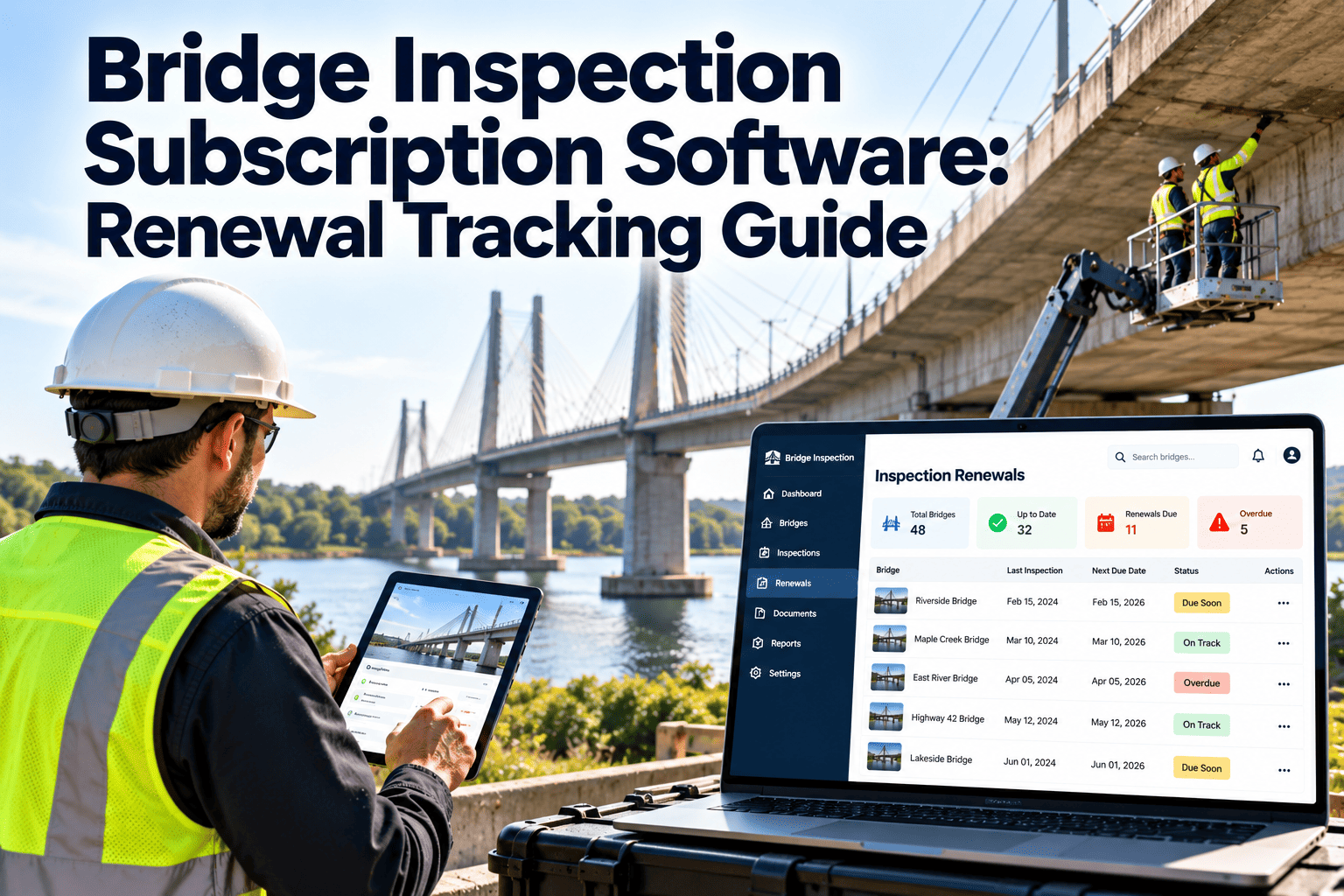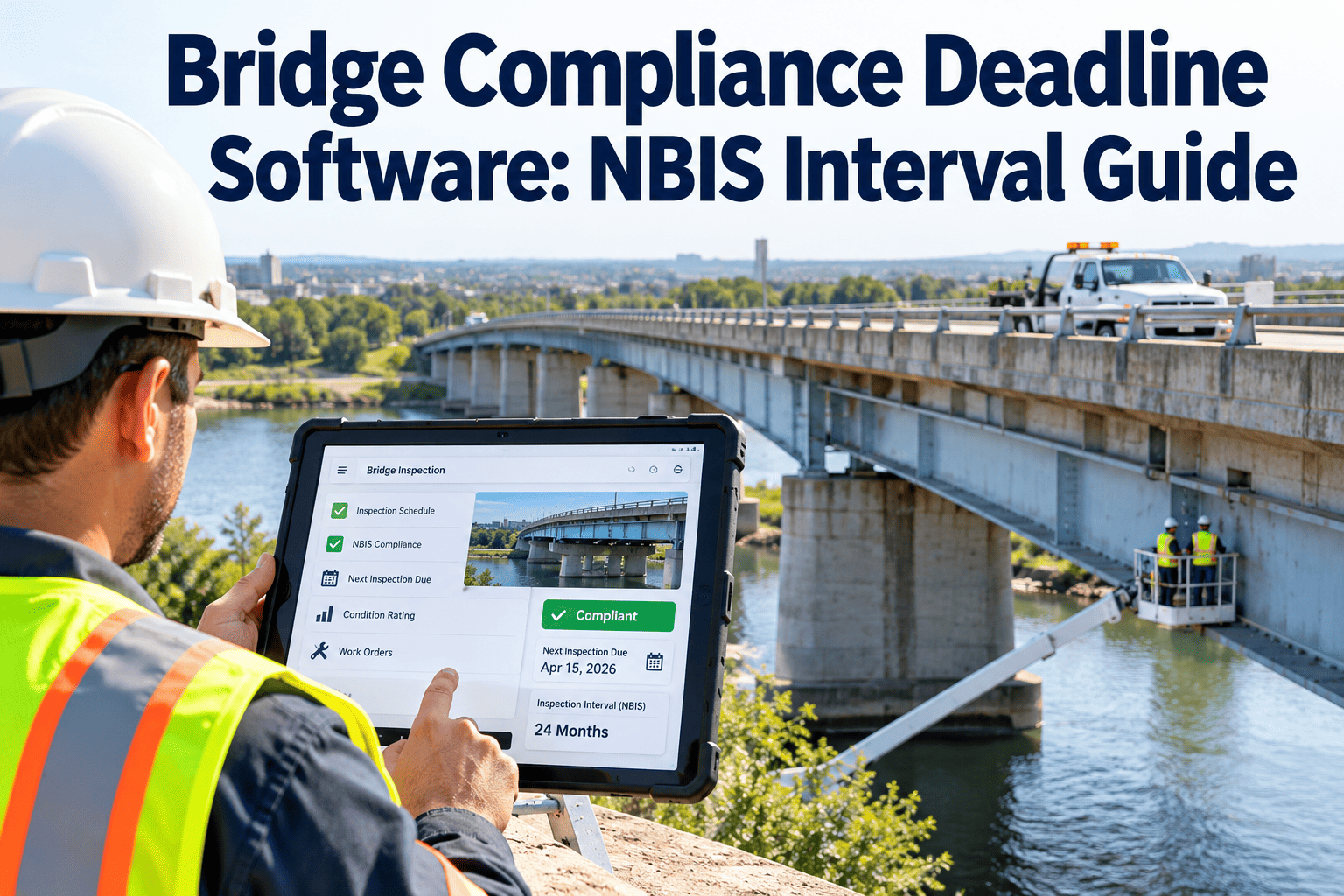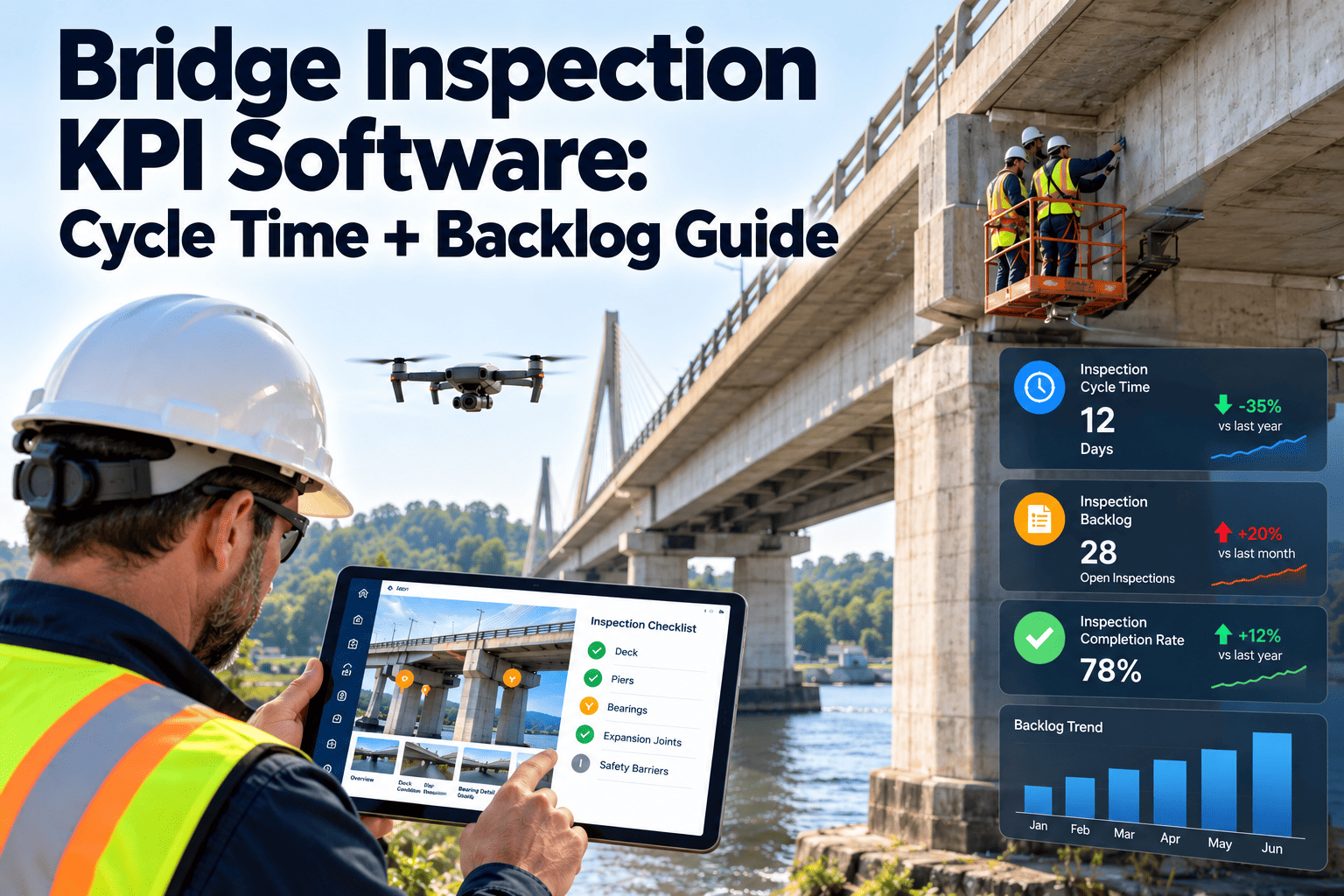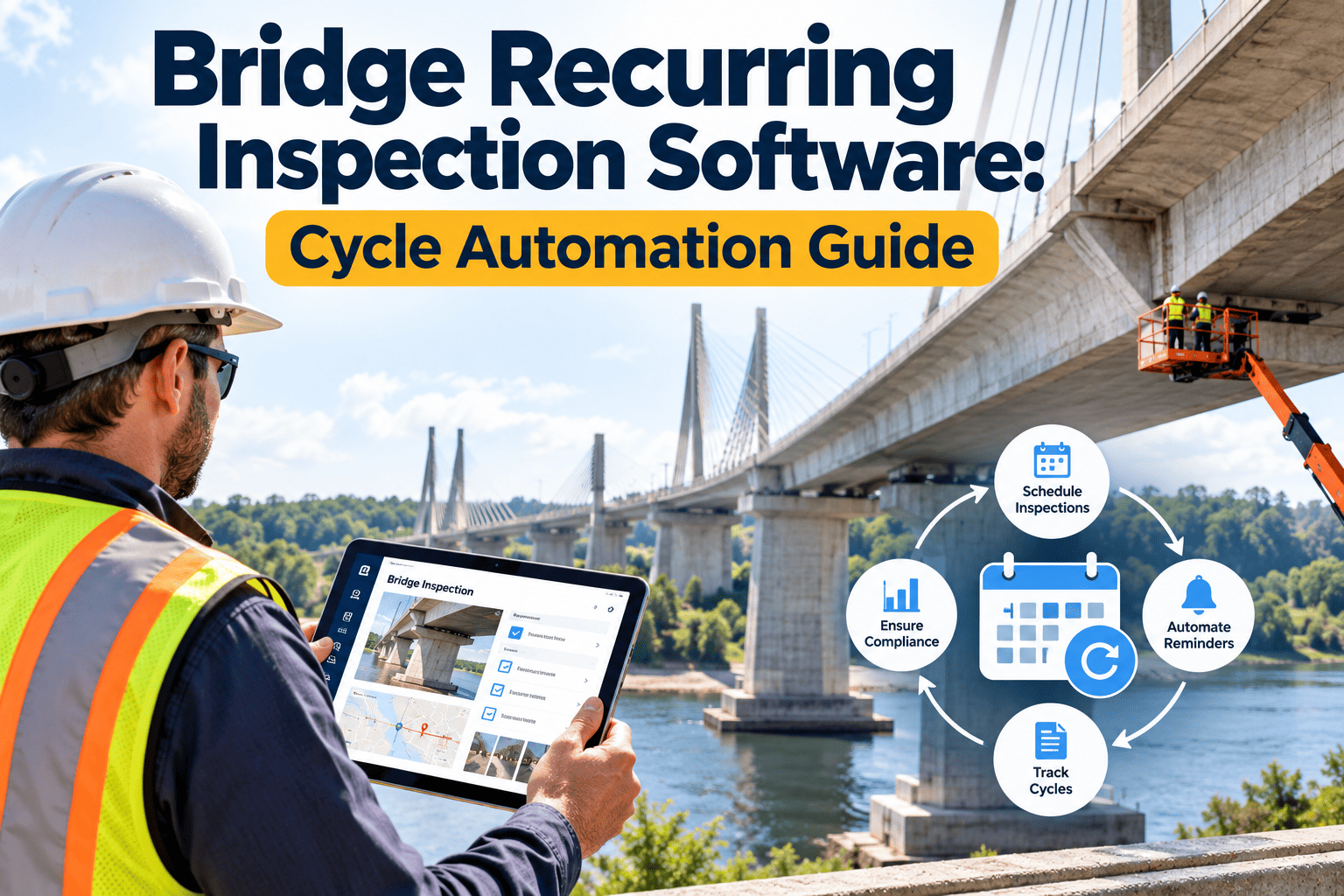
Every bridge in the National Bridge Inspection Standards (NBIS) program lives on a clock. Routine inspections generally cannot go longer than 24 months apart, and other inspection types, such as fracture critical, underwater, and special inspections, run on their own cycles. Missing a due date creates compliance risk, reporting gaps, and safety blind spots, yet many agencies still track dates in spreadsheets. This guide shows how recurring inspection software automates the cycle so work orders appear on time, not after the deadline. Teams that want to see it in practice can start with a CMMS built for scheduled inspections and map their own bridge inventory.
Bridge Management · NBIS Inspection Cycles
Bridge Recurring Inspection Software: Automate the Cycle Before the Due Date Becomes a Problem
Trigger inspection work orders from interval rules, hold them against the previous inspection date, and escalate before a bridge slips out of compliance.
Routine
Up to 24 months
Fracture critical
Up to 24 months
Underwater
Up to 60 months
Special
As conditions require
The Problem
Why Manual Inspection Tracking Fails at Scale
Calendar and spreadsheet tracking
- Due dates calculated by hand after each inspection
- Different intervals for the same bridge type across districts
- Special inspection triggers noticed late or not at all
- Inspector assignments made when someone remembers
- Overdue lists compiled the week before a reporting deadline
Rule-driven recurring cycles
- Next due date generated when the inspection closes
- One interval rule per inspection type, applied consistently
- Condition and event triggers create special inspection orders
- Assignments routed by district, qualification, and workload
- Overdue risk visible weeks ahead in a live dashboard
What makes bridge cycles harder than ordinary PM
- Intervals are tied to inspection dates, not just calendar months, so late work shifts the next date.
- Multiple inspection types can apply to the same bridge, each with its own clock.
- Access needs, such as lane closures, under-bridge units, divers, or rail flagging, require lead time.
- Inspection findings change the schedule through follow-up reviews, load rating updates, and scour monitoring.
- Reporting to federal oversight depends on dates and ratings being accurate and defensible.
Compliance Frame
NBIS Inspection Types and Cycle Logic
| Inspection type | Purpose | Typical interval logic | Automation trigger |
|---|---|---|---|
| Initial | Baseline record for a new or modified bridge | Before opening to traffic, per program rules | Asset creation or construction completion |
| Routine | Condition and rating of all elements | Up to 24 months, with risk-based extensions allowed under FHWA approval | Previous routine inspection close date |
| Fracture critical member | Hands-on review of tension members whose failure could cause collapse | Up to 24 months unless a different interval is justified | Fracture critical flag on the bridge record |
| Underwater | Substructure units below the waterline | Up to 60 months, with approved extensions in limited cases | Underwater unit flag and last dive date |
| In-depth | Close review of a known concern | As the program manager determines | Open deficiency or engineer request |
| Damage | Assessment after impact, flood, fire, or seismic event | As soon as practical after the event | Incident report or emergency work order |
| Special | Monitoring of a specific condition | Set by engineering judgment | Scour critical, section loss, or crack status |
Intervals and eligibility for extended cycles are set by 23 CFR 650 Subpart C and your FHWA division. Confirm the rules that apply to your agency before configuring any interval.
Let the System Own the Calendar, Not Your Inspection Team
Create bridge records, set inspection rules once, and let work orders generate with due dates, assignments, and checklists attached.
Trigger Logic
How a Recurring Inspection Work Order Is Generated
Input
Inspection closes
Inspector submits findings, ratings, and sign-off for a bridge.
Rule
Interval applied
System reads the interval for that inspection type and bridge category.
Date
Next due date set
Due date is calculated from the completed inspection date.
Lead time
Work order released
Order is created ahead of the due date with room for access planning.
Output
Assigned and tracked
Crew, equipment, and checklist attached, with escalation if the date nears.
Release lead times by access need
- Walk-up inspections: release 60 to 90 days ahead so weather and crew availability have buffer.
- Under-bridge unit or lift: release further ahead to book equipment and traffic control.
- Rail or waterway crossings: allow time for flagging, permits, and railroad or marine coordination.
- Underwater: allow for dive teams, water level windows, and seasonal restrictions.
Event Triggers
When the Cycle Should Break and Start a Special Inspection
Trigger event
System response
Flood or high water event
Create scour and damage inspection orders for bridges in the affected watershed.
Vehicle strike on a girder or pier
Open an emergency damage inspection and flag a load rating review.
Condition rating drops
Shorten the next interval or add an in-depth inspection for the affected element.
Scour critical status
Schedule monitoring tied to flow events and track the plan of action.
Crack or section loss under watch
Generate a recurring special inspection with measurements compared over time.
Posting or restriction change
Notify engineering, update the asset record, and schedule verification of signage.
Roles
What Each Team Sees in a Cycle-Automated System
Program manager
Sees upcoming, due, and overdue inspections by district, type, and inspector team, along with risk to compliance metrics.
Team leader
Receives a work order with bridge history, prior findings, access notes, and the right checklist for the structure.
Maintenance engineer
Receives defects as corrective work orders, ranked by condition, traffic, and safety risk.
Scheduler
Balances crews, equipment, and lane closures against the forecast of upcoming inspections.
Overdue Prevention
Escalation Stages That Keep Bridges From Going Overdue
120 days before due
Forecast and capacity check. Planners see the upcoming volume by district and equipment need.
90 days before due
Work order released with assignment, access plan, and traffic control request.
45 days before due
Unscheduled orders flagged to the supervisor with a required plan.
15 days before due
Program manager is alerted, and crews are reprioritized if necessary.
These stages are an example. Set the thresholds that fit your agency's size, weather, and access constraints.
Data Capture
What the Inspection Record Should Contain
Before the field visit
- Prior inspection report and photos
- Known defects and open work orders
- Load rating and posting status
- Scour and fracture critical flags
- Access, hazards, and traffic control notes
During and after
- Element condition ratings and quantities
- Geotagged photos tied to defects
- Inspector and team leader credentials
- Recommended maintenance and urgency
- Review, approval, and next due date
Performance
KPIs for a Bridge Inspection Program
On-time inspection rate
Share of inspections completed before the due date, by type and district.
Days of lead time at release
Average days between work order creation and the due date.
Report turnaround
Days from field completion to approved report and updated ratings.
Critical findings response
Time from a critical finding to a work order and a first action.
Special inspection coverage
Open triggers that have a scheduled follow-up inspection.
Data completeness
Records with all required fields and photos at sign-off.
Root Causes
Why Bridges Go Overdue Even in Well-Run Programs
Capacity bunching
Many bridges built or inspected in the same period come due together, and crews cannot absorb the peak.
Access delays
Lane closure approvals, rail permits, and equipment bookings take longer than the inspection itself.
Weather windows
Winter, high water, and heat limit when underwater, deck, and under-bridge work is practical.
Consultant handoffs
Reports return late, so ratings and next due dates update well after the field work.
Inventory errors
Missing flags, wrong bridge types, or stale dates cause the wrong interval to apply.
Staff turnover
Tribal knowledge about tricky structures leaves with experienced inspectors.
Automation does not remove these constraints. It shows them early enough to plan around.
Workload Planning
Smoothing the Inspection Peaks Across the Cycle
A 24-month cycle means roughly half of an inventory is due in any given year, but real calendars rarely split evenly. Use the forecast to shift work early and flatten the peaks.
- Group bridges by route and region so crews inspect several structures per trip.
- Pull inspections earlier, within the allowed window, when a nearby bridge needs a lane closure or an under-bridge unit.
- Reserve capacity for damage and special inspections so emergencies do not push routine work late.
- Track inspector qualifications so each team leader receives only orders they are certified to lead.
- Review a rolling 12-month forecast monthly and adjust crews before backlog forms.
A note on inspecting early
Inspecting ahead of schedule resets the next due date to the earlier inspection, so repeated early inspections shorten the real cycle. Weigh the benefit against the extra workload in future years.
Structure Types
How Bridge Type Shapes the Inspection Plan
| Structure type | Typical focus areas | Planning consideration |
|---|---|---|
| Steel girder or truss | Fatigue cracks, corrosion, connections, bearings | May include fracture critical members needing hands-on access |
| Concrete beam or slab | Cracking, spalling, exposed rebar, deck condition | Deck and joint repairs often follow inspection findings |
| Prestressed or post-tensioned | Strand corrosion, anchorage, grout condition | Specialized inspection techniques may be required |
| Culverts and short spans | Scour, invert wear, joint separation, blockage | Storm events are a common trigger for extra visits |
| Bridges over water | Scour, substructure undermining, debris | Underwater units and flood monitoring add cycles |
| Movable bridges | Mechanical, electrical, and structural systems | Machinery needs its own preventive maintenance routine |
Technology Shifts
Trends Reshaping Bridge Inspection Workflows
- Structure Inventory and Bridge Elements (SNBI). The new national data format changes how bridge data is coded and reported, so your system should store fields in a structure that supports the transition.
- Drones and remote imaging. Aerial and robotic tools can reach difficult areas, but their images and findings still need to attach to the same bridge record and inspection order.
- Structural health monitoring. Tilt, strain, and scour sensors can feed condition-based triggers that create special inspection orders when readings pass set limits.
- Digital field forms. Mobile checklists reduce transcription errors and speed up report delivery compared with paper notes.
- Risk-based intervals. Programs that qualify for longer intervals need strong data and documentation, which depends on consistent recurring records.
Check current FHWA guidance on SNBI implementation dates and data requirements for your state.
Audit Readiness
Records Reviewers Expect to See for Each Inspection Cycle
Proof of timeliness
- Previous inspection date and calculated due date
- Work order creation, assignment, and completion timestamps
- Documented reason for any approved interval change
- Evidence of follow-up on missed or delayed dates
Proof of quality
- Team leader and inspector qualifications on file
- Complete checklists, ratings, and supporting photos
- Critical findings and the actions taken in response
- Load rating and posting updates after significant changes
Federal oversight reviews look at how consistently programs meet inspection requirements, so a clear history of each cycle is as important as the latest report.
Capabilities
Oxmaint Features That Support Bridge Inspection Cycles
- Preventive maintenance scheduling: recurring inspection tasks with intervals, lead times, and automatic generation of work orders.
- Asset management: a record per bridge and per major component, with flags, history, and attached reports.
- Mobile inspections: checklists, photos, and notes captured on site and synced to the record.
- Corrective work orders: defects from inspection forms become tracked repairs with priority and cost.
- Dashboards and reports: overdue and upcoming inspections, backlog by district, and completion trends.
- Compliance records: an audit trail from the due date through completion, review, and follow-up.
Rollout
Setting Up Cycle Automation Without Disrupting Current Work
1
Clean the inventory
Import bridge IDs, locations, types, flags, and last inspection dates, and resolve duplicates.
2
Define the rules
Document intervals for each type with your program manager and confirm any approved extensions.
3
Build checklists
Create forms for routine, fracture critical, underwater, and special inspections.
4
Pilot one district
Run a full cycle of work orders, adjust lead times, and collect inspector feedback.
5
Expand and report
Roll out statewide and review compliance dashboards monthly with district leaders.
Common configuration mistakes
- Applying one interval to every bridge instead of using separate rules for each inspection type.
- Forgetting to flag fracture critical or underwater units, so those clocks never start.
- Releasing work orders too close to the due date for crews to secure access.
- Letting reports close without updating the next due date and open defects.
- Skipping a monthly review of the overdue and upcoming forecast.
Review each rule with your program manager after the first full cycle, because real inspection dates will show where lead times need adjusting.
FAQ
Recurring Bridge Inspection Questions
How does the system calculate the next inspection date?
It applies the interval rule for each inspection type to the completed inspection date and generates the order ahead of time.
Can it handle risk-based extended intervals?
Yes, once your agency has approval, you configure the interval per bridge group. Book a demo to see the setup.
What happens after a flood or vehicle strike?
You create an emergency or damage inspection order that runs alongside the normal cycle without resetting it.
Does it replace our bridge management system?
It manages the schedule, crews, and maintenance work, and exports data your bridge management system or federal reporting needs.
How fast can we start?
Import your bridge list and rules, then sign up to test with one district first.
Put Every Bridge Inspection on an Automatic Schedule
Move from tracking due dates to preventing late ones, with inspections, follow-ups, and repairs tied to the same bridge record.