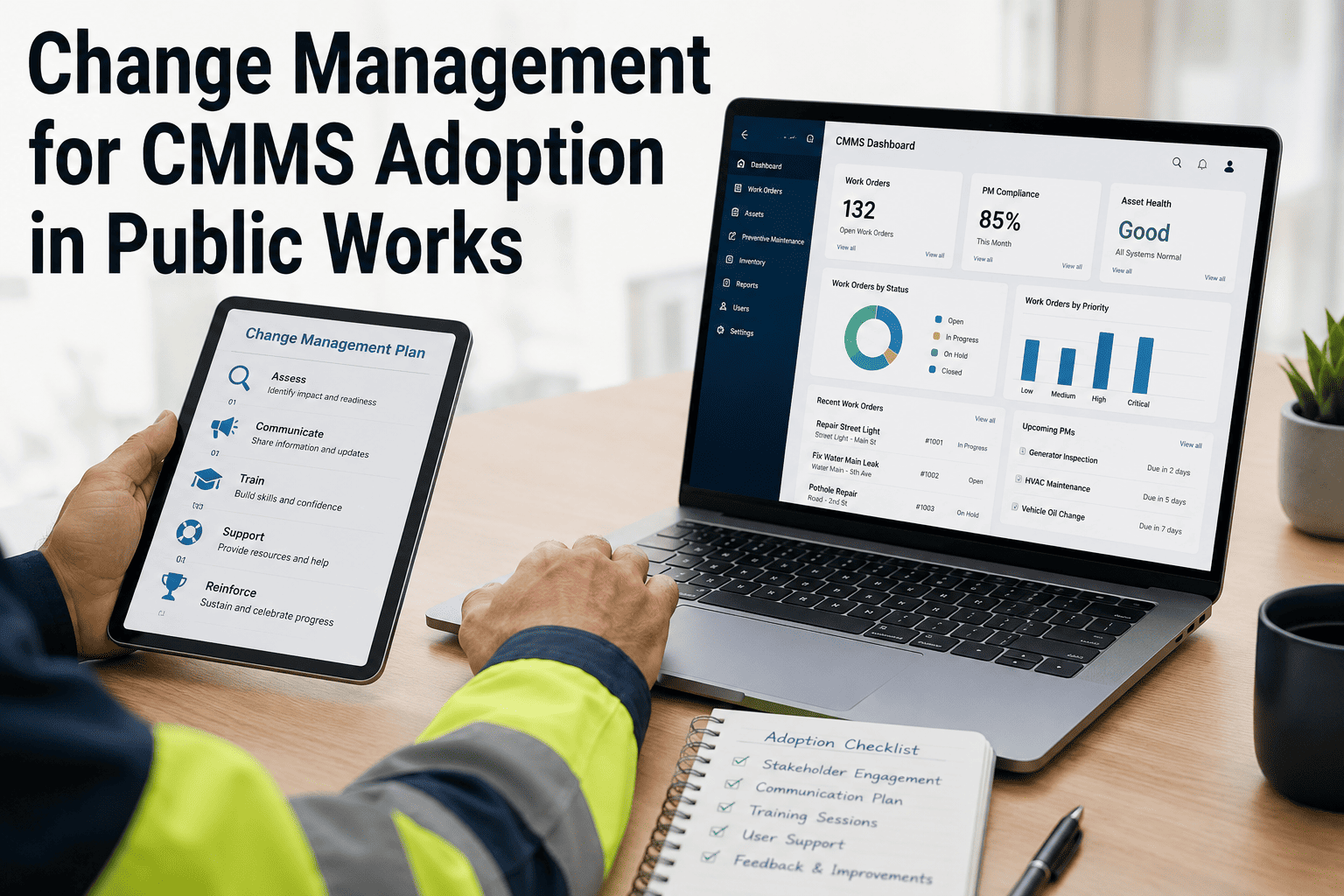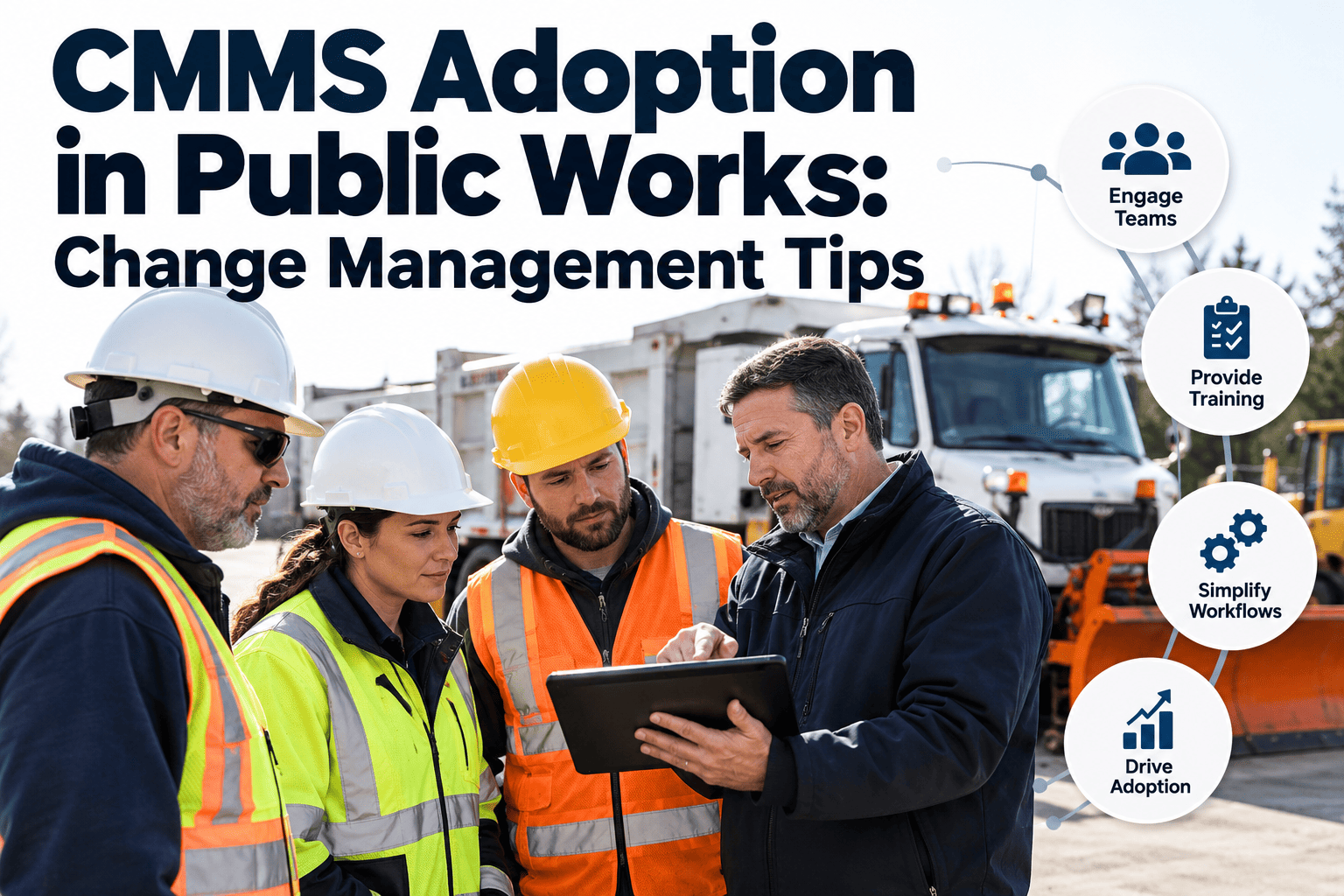
CMMS adoption in public works rarely fails because the software is missing a feature. It fails when crews see it as extra paperwork, supervisors keep their own spreadsheets, and nobody explains what happens to the data once it is entered. A new system only pays off if the work orders in it are real, current and complete, and that depends on people choosing to use it every day. This guide covers who resists and why, how to train by role, how to work with unions and champions, and which quick wins build momentum. If you are still comparing tools, you can try a CMMS with your own crews before committing to a full rollout.
CMMS Adoption in Public Works: Change Management Tips That Stick
Plan for people first. Explain the why, train by role, start with champions and show quick wins so daily use becomes the normal way to work.
Who resists, and what they are really worried about
Resistance is usually a reasonable response to unclear answers. Address each group’s concern directly instead of repeating the benefits of the software.
Four levers that move people from resistance to use
Purpose
Explain the problems the system solves, such as lost requests, repeated calls and budget arguments with no data. Use local examples crews recognize.
Ease
Remove clicks. Configure only the fields you will use, and make closing an order from a phone faster than writing it on paper.
Support
Give each shift a person to ask. Fast answers in the first weeks prevent small frustrations from becoming a reason to quit.
Proof
Show results the crews feel, like fewer duplicate calls and faster parts requests, not only reports for managers.
Working with unions and labor agreements
Practices that build trust
- Involve representatives from the start. Invite them to demos and the configuration review, not only the announcement.
- Put data use in writing. State clearly what information is collected and how it will be used for planning, safety and budgeting.
- Train on paid time. Treat learning as part of the job and schedule sessions around shifts and emergencies.
- Keep job duties clear. Explain that the system records work already done and changes how it is requested and reported.
Check the agreement
Collective agreements and local rules differ. Review monitoring, training and job-classification terms with HR and labor counsel before rollout.
Train by role, not by feature
| Role | What to teach | Best format | Timing |
|---|---|---|---|
| Crew members | Find assigned orders, add notes and photos, record time and parts, close the job | Hands-on practice on a phone, in small groups | Just before their zone goes live |
| Crew leads | Assign and reassign work, review open orders, handle exceptions | Workshop using last week’s real work | One week before go-live |
| Dispatchers and clerks | Intake, priority choice, duplicate handling, resident updates | Scenario practice with live requests | Two weeks before go-live |
| Managers | Dashboards, backlog and aging views, cost reports | Short briefing tied to decisions they make | After the first month of data |
| Administrators | Users, permissions, schedules, asset records, templates | Admin session with documented standards | Before configuration is finalized |
Start with software crews will actually open
Oxmaint gives public works teams mobile work orders, preventive maintenance schedules, asset records and reporting in one workspace, so field updates take less effort than the paperwork they replace.
Build a champion network
Select
Pick respected crew members and leads, not only the most technical ones.
Equip
Give them early access, extra training and time in their schedule to help others.
Deploy
Place one on every shift and in every zone to answer questions on the spot.
Listen
Meet weekly, collect friction points and fix the top three before the next week.
What a good champion looks like
- Trusted by peers and willing to say what is not working
- Comfortable with a phone and patient with others
- Has time to help, not only a title
- Recognized by supervisors for the extra effort
Quick wins that build momentum
Pilot first or launch everywhere?
Phased pilot
- Learn from one crew or district before scaling
- Smaller support load in the early weeks
- Needs a clear schedule so late groups do not stall
All at once
- One system of record from the first day
- Higher support demand and more risk of confusion
- Works best for small departments with simple processes
Measure adoption, not only go-live
| Measure | Healthy sign | If it lags |
|---|---|---|
| Active users per week | Most assigned crew members log in regularly | Check access, devices and shift coverage |
| Orders closed from the field | Closeout happens on the day of the work | Shorten the form and review mobile signal issues |
| Requests with an asset and location | Nearly all orders link to an asset | Simplify asset lists and add lookup help |
| Parallel spreadsheets in use | Falling to zero by the retirement date | Find what the sheet does that the system does not |
| Support questions per week | Declining after the first month | Add a quick guide and refresher session |
Common adoption mistakes and their fixes
A communication plan for the rollout
People accept change more easily when they hear about it early, from people they trust, and more than once. Plan each message instead of relying on a single announcement.
Handling the objections you will hear
Prepare honest answers before the first meeting. Dismissing a concern usually strengthens it.
Data entry standards that keep the load light
Every extra field costs time across thousands of work orders. Agree on a short standard and defend it.
- Required at creation. Request source, asset or location, short description and priority.
- Required at closeout. Work done, time spent, parts used and any follow-up needed.
- Optional but encouraged. Photos, failure cause and condition rating when something unusual is found.
- Standard lists. Use pick lists for priority, trade and failure type so reports can be grouped.
- Naming rules. Use one format for asset and location names to avoid duplicates.
- Review cycle. Remove fields nobody uses after the first quarter.
Supervisor playbook for the first four weeks
Week 1
Review new requests with the crew each morning and assign work only through the system.
Week 2
Check that orders are closed on the day of the work and coach anyone who is struggling.
Week 3
Use the open work list in the planning meeting instead of a separate spreadsheet.
Week 4
Share what the data shows, retire the old tracker and report problems to the project lead.
The executive sponsor’s job
What a strong sponsor does
- Explains the purpose publicly and often
- Protects training time and champion hours
- Sets the date to retire old tools and keeps it
- Uses the reports in real decisions
What a weak sponsor does
- Signs the contract and disappears
- Accepts exceptions for senior staff
- Asks for reports that come from other sources
- Lets the rollout slip when the season gets busy
Keep momentum after go-live
- Fix the top friction point each month. Visible fixes prove that feedback leads somewhere.
- Recognize good use. Name crews that close orders on time and add useful notes, and explain how their data helped.
- Refresh training at 30 and 90 days. Use real examples from the department’s own records.
- Add one capability at a time. Move from requests to preventive schedules, then inventory, then reporting.
- Tell the budget story. Show the council how crew data supported a staffing, equipment or capital decision.
Reaching remote, seasonal and shift workers
Public works teams rarely work on one schedule. Plan training and support around the people who are hardest to reach.
- Night and weekend crews. Hold sessions on their shifts and give each shift a named contact for questions.
- Seasonal staff. Provide a one-page quick guide and a short orientation in the first week.
- Remote sites. Test mobile access at the yard, plant or park before go-live and agree on an offline fallback.
- Contract crews. Give them the same access rules and a clear list of required fields.
Check sentiment with a short pulse survey
Usage numbers show what people do. A short survey at 30 and 90 days shows how they feel about it. Ask five questions and share the results openly.
Clarity
Do you understand why the department is using the system?
Effort
Is updating a work order quick enough for your day?
Support
Do you know who to ask when something does not work?
Value
Has the system made any part of your job easier?
Questions to settle before go-live
- Who approves changes? Name one owner for fields, priorities and templates so settings do not drift.
- What happens when the signal fails? Agree how crews record work and how it is entered later.
- Which reports replace the old ones? List each spreadsheet being retired and its replacement view.
- Who answers the first call? Publish a support contact for every shift during the first month.
Frequently asked questions
Why do public works crews resist CMMS adoption?
Common reasons are extra data entry, worry about monitoring, unclear benefits and weak training. Address each concern with specific answers and short mobile workflows.
How long does CMMS adoption take for a municipality?
It depends on size and data quality. Plan for a pilot first, then expand by zone, and measure usage for several months after go-live.
How should we involve the union?
Bring representatives in before configuration, agree in writing how data will be used, and confirm training terms with HR and labor counsel.
What is the best first workflow to move into the system?
Start with request intake and work order closeout. You can set this up in Oxmaint and add preventive schedules later.
Can a vendor help with training and rollout?
Ask any vendor what onboarding they provide. To discuss a rollout plan, book a demo with Oxmaint.
Make daily use the easiest way to work
Start small, train by role, support your champions and show quick wins. Oxmaint helps public works teams move work orders, schedules and asset records into one system their crews will use.