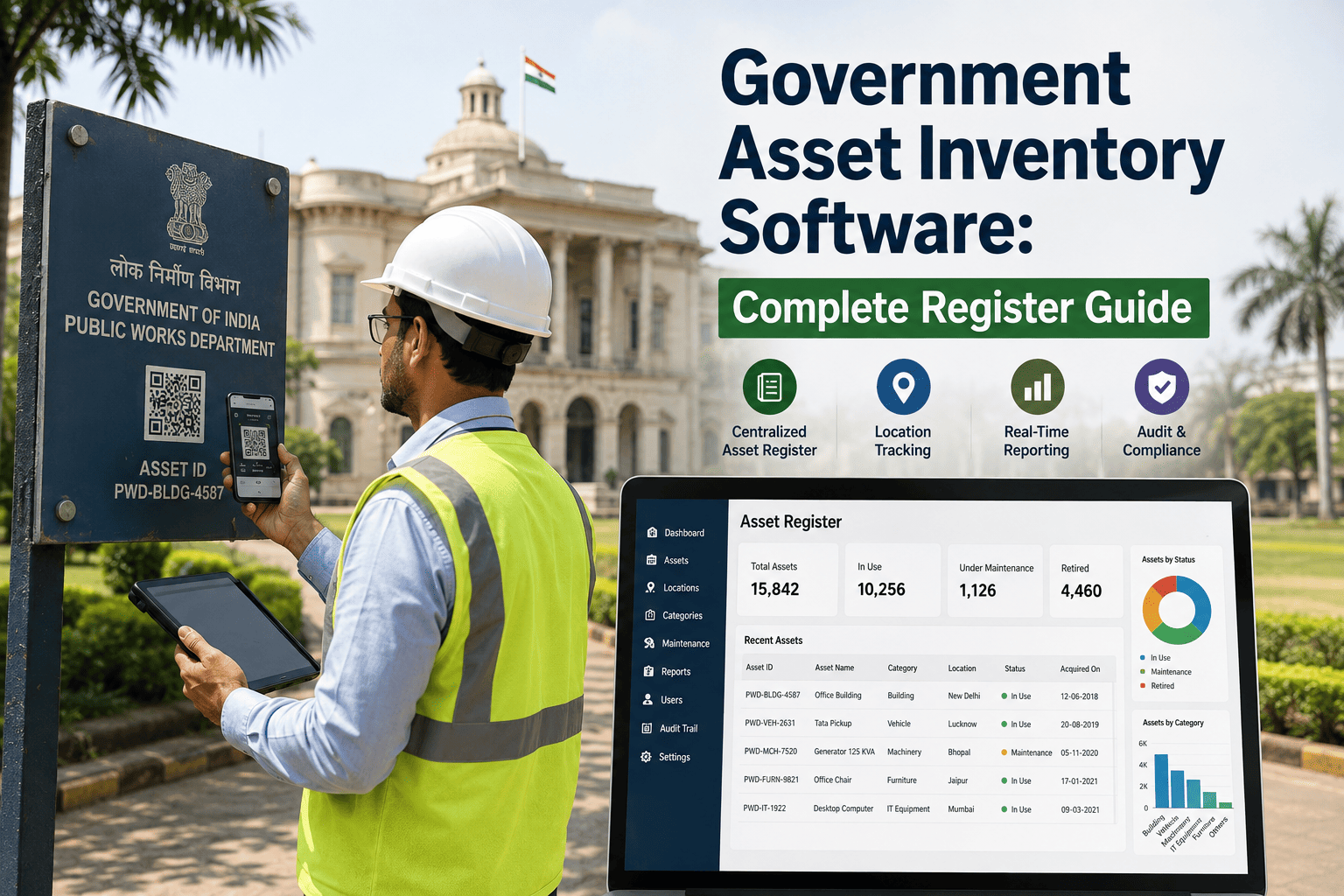
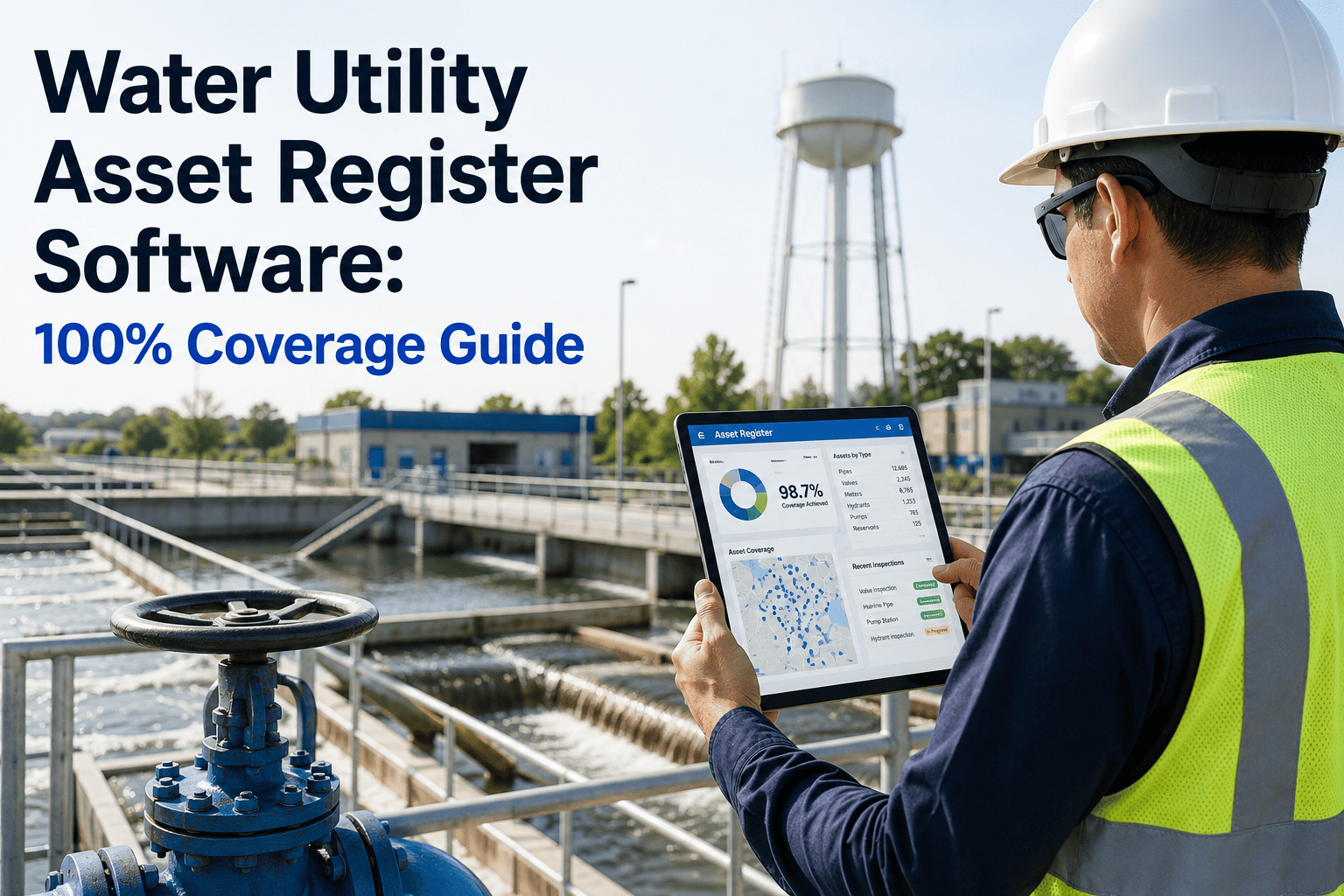
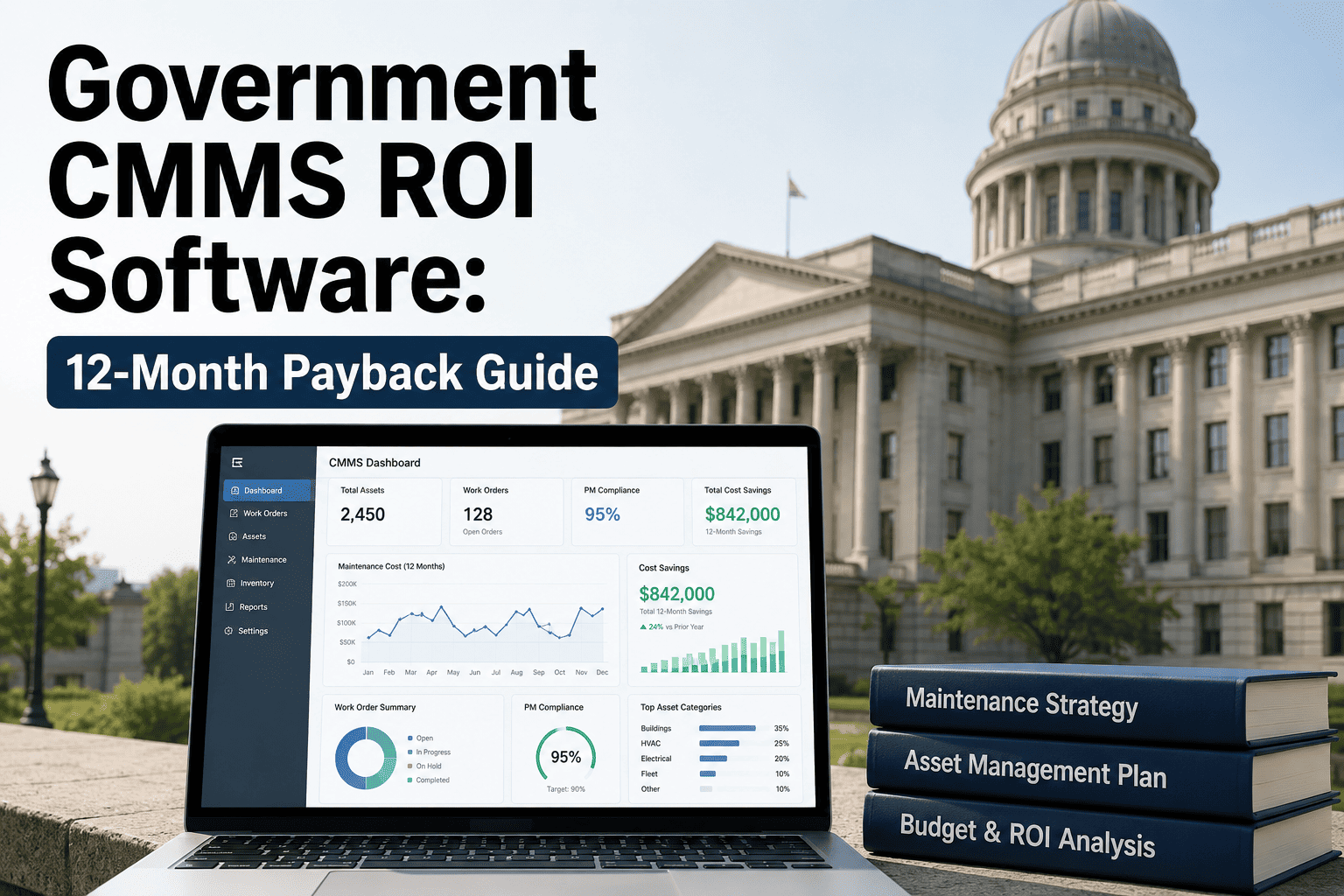
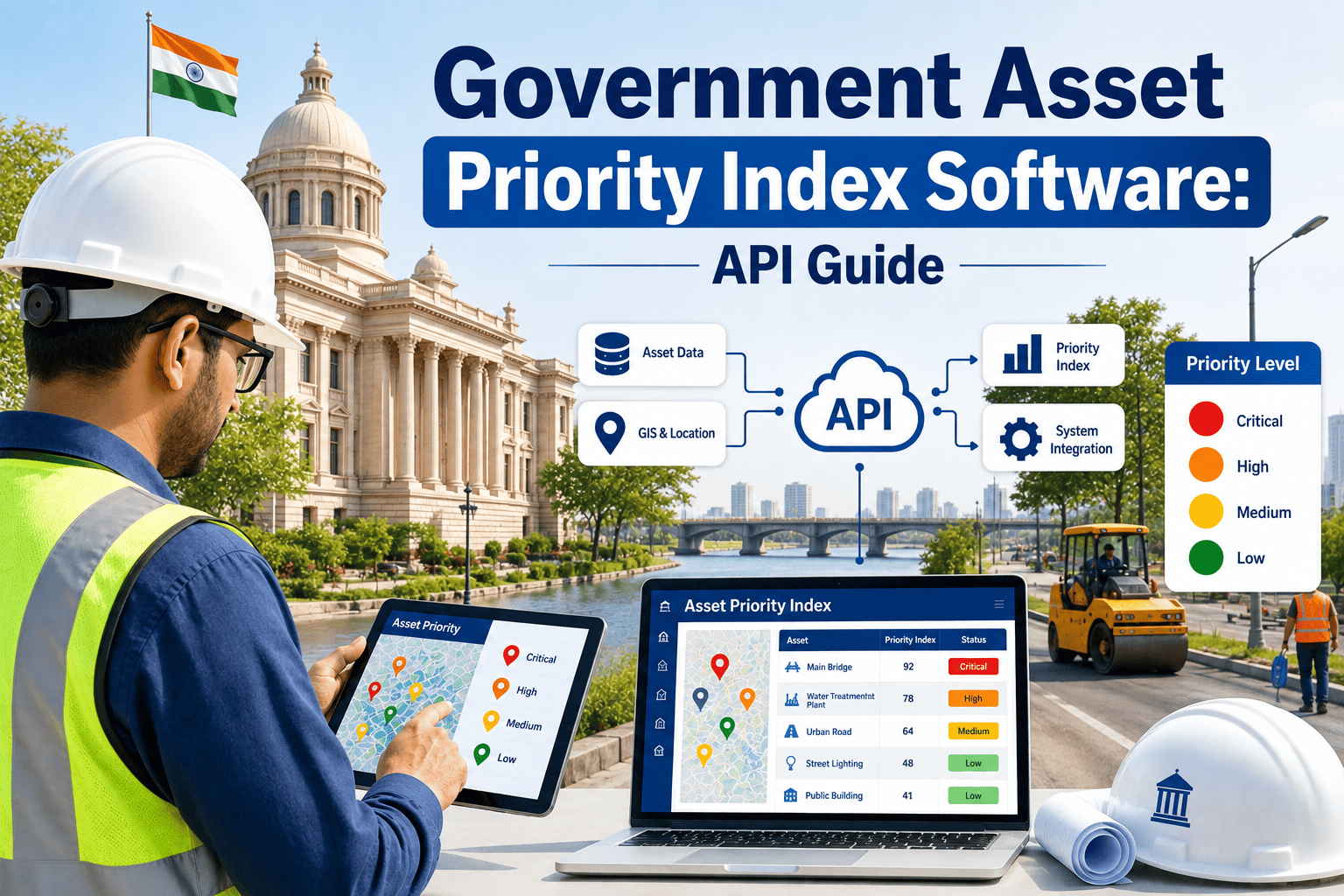
Most public agencies do not actually know what they own. A city might have a spreadsheet for buildings, a separate list for fleet vehicles kept by the motor pool, and a folder of PDFs for lift station equipment that nobody has opened since the technician who built it retired. When a federal grant reviewer, a state auditor, or a new finance director asks for a single asset register that ties every building, HVAC unit, vehicle, and utility asset to its condition and replacement cost, most agencies cannot produce one in less than a week. This guide shows what a complete government asset register actually requires, using the discipline behind systems like the Bureau of Indian Affairs' IA-FMS asset platform as a working reference point.
The Register Gap: What Most Government Asset Lists Are Missing
An asset register is not a list of names. It is the single source of truth that connects every physical thing a government owns to its condition, its cost, its maintenance history, and its remaining useful life. Most agencies have fragments of this. Very few have the whole picture, and the gap rarely shows up until a grant deadline, an audit finding, or a council meeting forces someone to produce numbers that hold together under questioning.
Fragmented Register
Buildings tracked in one spreadsheet, vehicles in another
No replacement cost or remaining useful life on record
Condition data based on memory, not inspection
Grant and audit requests take days to compile
Complete Register
Every asset class in one searchable, linked system
Acquisition cost, depreciation, and lifecycle tracked together
Condition scored from inspection and work order history
A complete evidence export in minutes, not days
GASB 34
requires state and local governments to capitalize and depreciate infrastructure assets in a complete register
FCI
the Facility Condition Index — deferred maintenance cost divided by replacement value — is the standard scoring metric
6 Fields
minimum data points auditors and grant reviewers expect on every recorded asset
Weeks → Minutes
typical time to compile a grant or audit-ready asset export, before and after a real register
These are not abstract targets. Every one of them maps to a specific question an auditor, a grant reviewer, or a new finance director will eventually ask, and the agencies that answer quickly are almost always the ones that built the data structure before they needed it.
Six Fields Every Government Asset Record Needs
A name and a location are not an asset record. Auditors under GAGAS, grant reviewers under federal programs, and finance teams following GASB 34 all expect the same underlying structure, even when the paperwork looks different from agency to agency. These six fields are the floor, not the ceiling, for a defensible register, and missing even one of them is usually what turns a routine audit into a documented finding.
Unique Asset ID
A permanent identifier — barcode, QR tag, or serial number — that never gets reassigned or reused across the asset's life, so history never gets mixed up between two different assets sharing one old label.
Acquisition Data
Purchase date, original cost, funding source, and vendor — the baseline every depreciation schedule and lifecycle calculation starts from, and the first thing a finance audit will ask to reconcile.
Location & Assignment
Facility, floor, department, or GPS coordinate — verified against the asset's actual location during a physical walkthrough, not just the record it was originally entered under years ago.
Condition Score
A current, inspection-based condition rating tied to the Facility Condition Index or an equivalent internal scale, refreshed on a set cycle rather than left static after the first entry.
Maintenance History
Every work order, repair, and inspection linked to the asset, timestamped and attributable to a technician, building a record that proves what actually happened rather than what was assumed.
Replacement Value & Lifecycle
Current replacement cost and expected remaining useful life, recalculated as condition data comes in, so capital planning is built on a moving picture instead of a purchase-year estimate.
Every Asset Category Your Register Must Cover
Government asset registers fail most often because they are built one department at a time. Facilities builds a list of buildings, public works builds a list of roads, and nobody builds the register that spans all of it. A complete register covers every category below, in one system, so a director can compare condition and cost across departments instead of collecting six separate reports before a single meeting.
Buildings & Facilities
City halls, libraries, fire and police stations, community centers, and schools — structure, roof, envelope, and interior systems tracked as linked sub-assets rather than one flat building entry.
HVAC & Building Systems
Air handlers, boilers, chillers, fire suppression, and elevators — the mechanical assets that drive the largest share of a facility's deferred maintenance backlog and the highest emergency-repair cost.
Fleet & Vehicles
Patrol cars, plows, buses, and heavy equipment — mileage, fuel, and service intervals tracked alongside acquisition and disposal data so replacement timing is planned, not reactive.
Utilities & Infrastructure
Water and wastewater plants, lift stations, hydrants, distribution lines, streetlights, traffic signals, and roadway assets — the category most likely to be tracked in a separate, disconnected system today.
Land & Real Property
Parcels, easements, parks, and leased or owned real estate — the property record that ties back to the agency's balance sheet and any capital-improvement plan.
IT & Equipment
Servers, radios, security systems, and shared department equipment — smaller-value assets that still need a lifecycle owner so replacement funding is requested before, not after, failure.
Common Mistakes That Break a Government Register
Most registers do not fail on day one. They fail quietly, months after launch, when the data stops matching reality and nobody notices until an auditor or a grant reviewer does. These are the four mistakes that cause it most often, and each one is preventable with the right ownership and process in place from the start.
Treating It as a One-Time Project
A register built once during a migration and never connected to daily work orders goes stale within a year, and stale data is worse than no data because it still looks trustworthy on the surface.
Letting Each Department Define Its Own Fields
When facilities, fleet, and utilities each use different condition scales or ID formats, the agency-wide report a director actually needs becomes impossible to produce without days of manual reconciliation first.
Skipping the Physical Verification Step
Copying an old spreadsheet into a new system inherits every error already sitting in it — assets disposed of years ago, locations that changed, and condition notes nobody has re-checked since.
No Owner Assigned to the Register
A register without a named owner responsible for its accuracy becomes everyone's low priority, and data quality drifts quietly until the next audit forces a costly, rushed cleanup effort.
Who Actually Uses the Register
A complete register is not a facilities-department tool. It is shared infrastructure that several teams pull from for very different reasons, which is exactly why it needs to live in one system instead of four separate ones that quietly drift apart from each other over time.
Public Works & Facilities Directors
Use condition scores and maintenance history to prioritize repairs and justify capital budget requests with real data instead of estimates pulled from memory.
Finance & Accounting Teams
Pull acquisition cost, depreciation, and disposal data directly from the register for GASB 34 reporting and annual financial statements without a separate reconciliation cycle.
Grant & Compliance Officers
Export condition assessments and maintenance histories on demand to support EPA, DOT, and HUD grant applications and their recurring reporting requirements.
Internal & External Auditors
Sample the register against the six core fields to test whether the agency's asset controls hold up under GAGAS or applicable state audit standards.
A Register Split Across Six Spreadsheets Is Not a Register
OxMaint gives every public agency one asset register — buildings, fleet, utilities, and equipment — with condition scoring, lifecycle tracking, and audit-ready exports built in from day one.
Building the Register: A Five-Step Rollout
Agencies that succeed at building a complete register do not try to digitize everything at once. They sequence the work so that the highest-risk assets get accurate data first, and the register earns trust before it earns full adoption across every department involved.
Step 1
Inventory the High-Risk Assets First
Start with life-safety and high-replacement-cost assets — HVAC, fire suppression, fleet, and utility infrastructure — where a missing or inaccurate record carries the most compliance and safety risk if something fails.
Step 2
Standardize the Data Fields
Lock the six core fields — ID, acquisition data, location, condition, maintenance history, and lifecycle — across every department before anyone starts entering records, so nothing needs to be re-entered later.
Step 3
Tag and Verify in the Field
Assign QR or barcode IDs during physical walkthroughs so every record is verified against the real, current asset, not copied forward from an old spreadsheet that may no longer be accurate.
Step 4
Score Condition on a Common Scale
Run a baseline condition assessment across every category using one scoring method, so buildings, fleet, and utilities can be compared on the same terms in a single capital plan.
Step 5
Connect the Register to Work Orders
Link every future work order back to its asset record automatically, so the register updates itself as maintenance happens instead of going stale within six months of launch.
Connecting the Register to Finance, GIS, and Grant Reporting
A register that only lives inside a maintenance team's software still leaves gaps for finance and compliance staff who need the same data in a different format. The strongest government registers sit at the center of three connected workflows instead of feeding them manually.
Finance teams need acquisition cost, depreciation schedules, and disposal records synced to the general ledger for GASB 34 reporting, without a separate year-end data pull. GIS teams need every asset's location plotted spatially so condition and maintenance data show up on the same map used for capital planning and public-facing dashboards. Grant and compliance officers need a filtered, exportable view of condition assessments and maintenance history that matches exactly what EPA, DOT, or HUD reporting templates ask for. When these three connections run automatically instead of through manual exports, the register stops being one more system to maintain and becomes the source every other system pulls from.
Spreadsheet Register vs CMMS Register
A spreadsheet can hold an asset list. It cannot hold an asset register, because a register has to stay accurate as work happens, not just at the moment someone typed it in.
| Capability |
Spreadsheet |
CMMS Register |
| Updates when a work order closes |
Manual, often skipped |
Automatic |
| Condition score tied to real inspection data |
Rare |
Standard |
| Searchable across every asset category |
Only within one file |
Agency-wide |
| Grant or audit export time |
Days to weeks |
Minutes |
| Survives staff turnover |
Knowledge leaves with the person |
Record stays with the system |
None of this means a spreadsheet is useless during the early stages of building a register — it is often the fastest way to capture a first-pass inventory. The problem shows up later, once work orders start closing and nobody goes back to update the file, or once two people edit the same tab and overwrite each other's changes. A CMMS-based register closes that gap by making the update automatic instead of optional.
Reading the Facility Condition Index
Most condition scoring in government asset management traces back to one formula: the Facility Condition Index, or FCI — deferred maintenance cost divided by current replacement value. An FCI under 0.05 generally signals an asset in good standing. An FCI climbing toward 0.10 or higher usually flags a building or system heading toward major capital replacement rather than routine repair. The number itself is simple. What makes it useful is having accurate deferred maintenance costs and replacement values behind every asset, which is exactly the data a complete register is built to hold.
What a Complete Register Returns
The payoff of a complete asset register shows up in three places: faster grant and audit responses, fewer emergency repairs on assets nobody was tracking, and budget requests that hold up in front of a council or board because the numbers come from real condition data instead of estimates. None of these require new headcount — they come from data that already exists in work orders finally being connected to the assets it belongs to.
Grant or SRF application asset-data compilation
Weeks reduced to under a day
Emergency repairs on unregistered or under-tracked assets
Materially reduced with condition tracking
Capital budget requests backed by lifecycle data
Higher approval confidence
Time to produce a full asset evidence export for an auditor
Minutes, not days
These returns compound over time rather than appearing all at once. The first grant cycle after a register goes live usually still involves some manual cleanup. By the second or third cycle, the export is close to instant because the register has been staying current through ordinary maintenance work instead of a scramble before the deadline.
KPIs to Track Once the Register Is Live
A register is a living system, not a one-time project. These are the metrics that tell a public works or facilities director whether the register is actually staying accurate.
Target: 100%
Asset Tagging Coverage
Share of physical assets with a scannable, verified ID linked to a register record — the foundation every other KPI on this list depends on.
Target: > 90%
Condition Score Currency
Share of assets with a condition score refreshed within the last twelve months, rather than carried forward from the original migration.
Target: 100%
Work Order to Asset Linkage
Share of closed work orders correctly tied back to a specific asset record, which is what keeps maintenance history from drifting out of date.
Target: < 1 day
Audit Export Turnaround
Time from an audit or records request to a complete, exportable evidence package covering every relevant asset and its history.
Every deferred maintenance backlog I have inherited started as a register problem, not a budget problem. Councils do not deny funding because the money is not there — they deny it because the request is built on an estimate instead of a real condition score. Once buildings, fleet, and utilities live in one register with actual inspection data behind every score, the same budget request gets approved on the first pass instead of the third. The technology matters less than the discipline of keeping the register connected to the work that happens every single day.
Renata Ashworth-Delacroix, CPFM
Director of Asset Management, Regional Public Works Authority — 16 Years in Municipal and Tribal Facilities Asset Management
Your Next Audit Will Ask for the Register Either Way
OxMaint gives public agencies one asset register across every category, with condition scores, lifecycle costs, and audit exports built to hold up under GASB, GAGAS, and grant-program scrutiny.
The questions below come up in nearly every conversation with a public agency starting or rebuilding its asset register, from small towns with a few hundred assets to state agencies managing tens of thousands.
Frequently Asked Questions
What is the difference between an asset inventory and an asset register?
An inventory is a list of what exists. A register adds acquisition cost, condition, maintenance history, and lifecycle data to each item, which is what auditors and grant reviewers actually require when they ask for evidence rather than a headcount.
See how a full register is structured before starting a rollout.
Do small agencies really need a CMMS-based register, or is a spreadsheet enough?
Spreadsheets work until the first grant application, audit, or staff departure exposes how much of the record lived in one person's head. Even agencies with a few hundred assets benefit once a register needs to stay accurate without manual upkeep.
How does a government asset register connect to GASB 34 reporting?
GASB 34 requires capitalization and depreciation of infrastructure assets for state and local governments. A register with accurate acquisition cost, useful life, and condition data feeds that reporting directly instead of requiring a separate year-end reconciliation project.
Can an asset register integrate with our existing GIS or finance system?
Yes. Most CMMS asset registers sync with GIS platforms and finance systems through standard integrations, so the register stays the single source of truth without duplicate data entry between departments.
Book a demo to review your specific integration needs.
How long does it take to build a complete register from scratch?
A mid-size agency with a few thousand assets across buildings, fleet, and utilities typically reaches a functioning register in eight to twelve weeks, starting with the highest-risk asset categories and expanding from there.
Build the Register Your Next Auditor Will Ask For
Start with the six core fields, cover every asset category in one place, and let work orders keep the register accurate automatically, department by department, without a separate spreadsheet ever again.