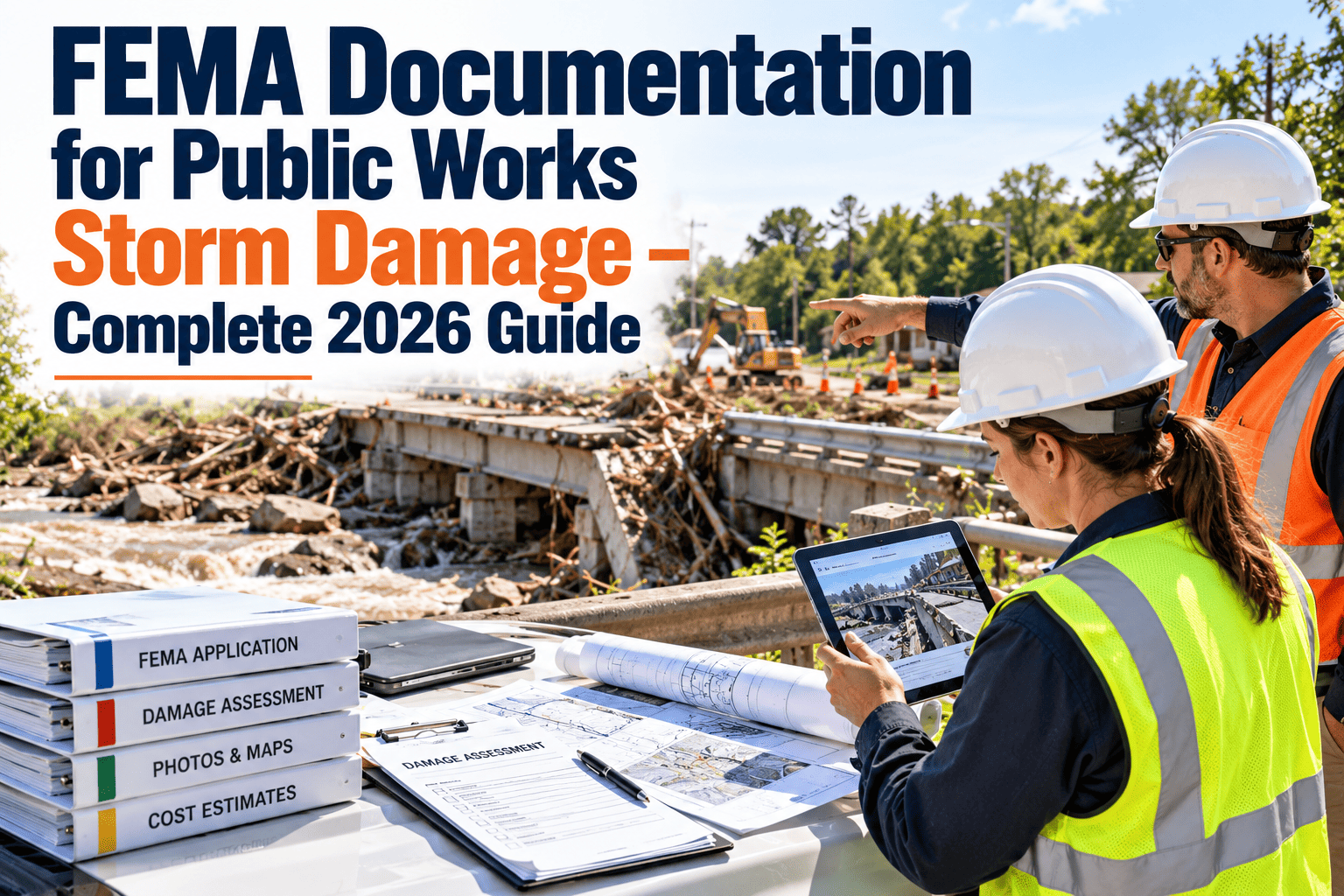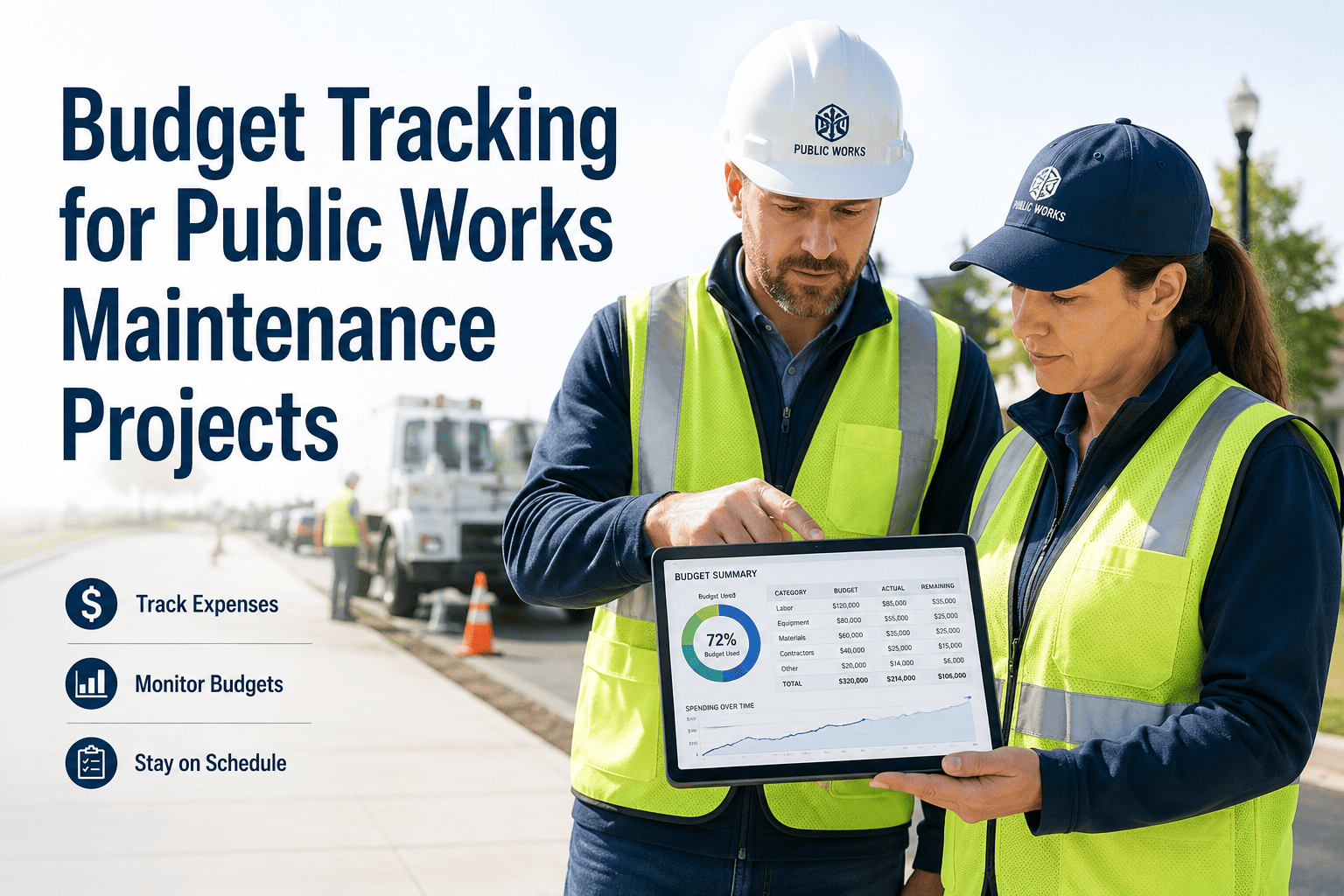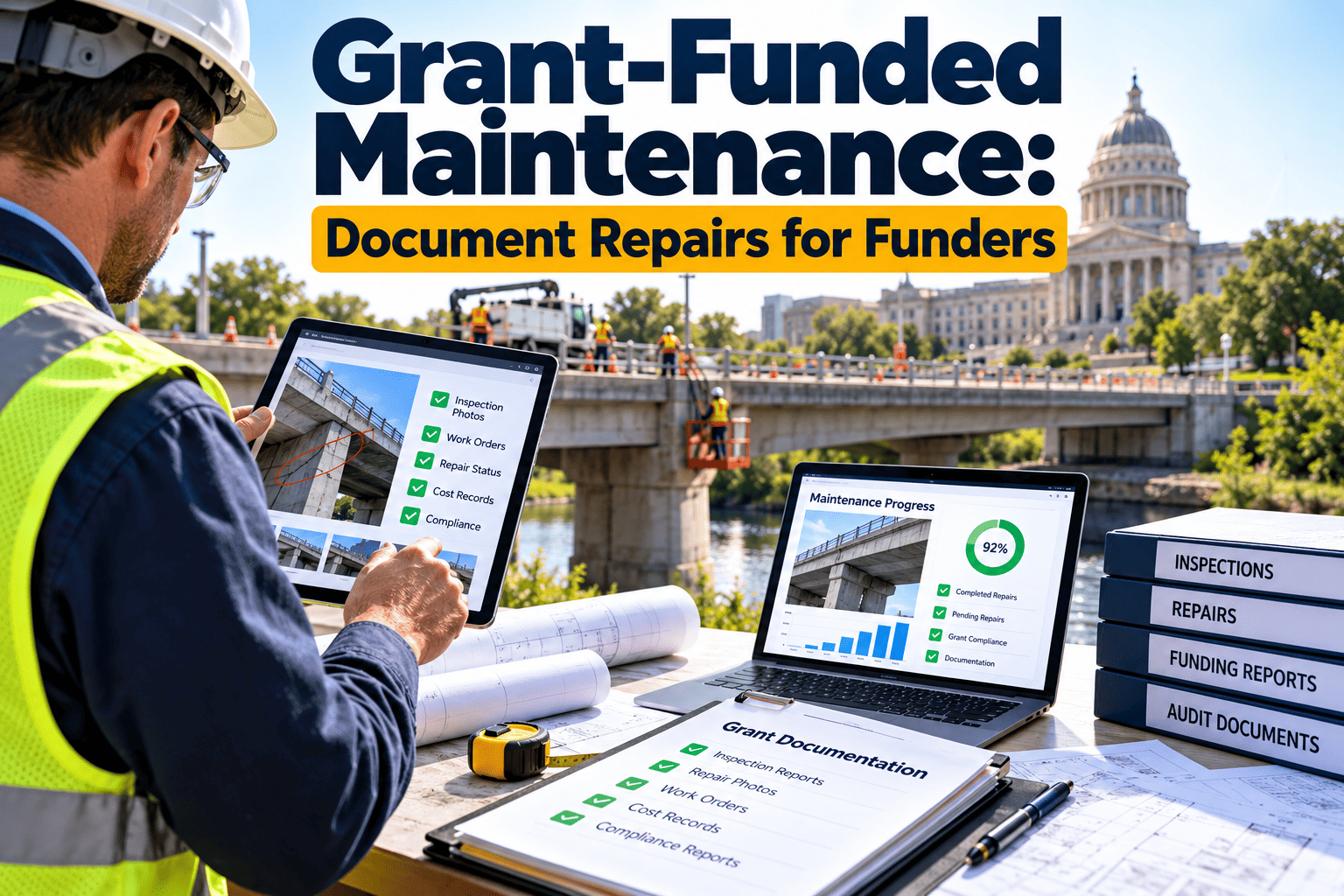
A grant pays for the repair, but the reimbursement depends on paperwork. Auditors and program officers want to see that the work happened, that it was eligible and that the cost was charged to the right award. When labor sits in one system, invoices in another and photos on someone's phone, assembling that proof after the fact is slow and risky. This guide shows how to track grant-funded maintenance as the work happens, which records funders usually expect, and how a CMMS such as Oxmaint can serve as the work record.
Grant-Funded Maintenance: Document Repairs for Funders
Tie every repair to its funding source at the work order level, so reimbursements, monitoring visits and audits start from complete records instead of a scramble.
Where grant documentation usually breaks down
Funding source added late
Work is performed first and charged to a grant afterwards, so nobody can show the link between the repair and the award at the time it was done.
Labor hours without detail
Timesheets show hours but not which asset or job they supported, which makes allocation hard to defend.
Photos and findings scattered
Before and after evidence lives in personal phones, email threads and shared folders that do not connect to the work order.
Mixed funding on one job
A repair partly funded by a grant and partly by local funds needs a clear split. Spreadsheets drift when several people edit them.
Staff turnover
The person who knew which invoices belonged to which award leaves, and the explanation leaves with them.
Retention gaps
Records must stay available for the period the funder requires, which can outlast the grant itself.
Always read your award terms first
Eligible costs, documentation rules and retention periods vary by program and agreement. Some programs restrict routine maintenance entirely. Federal awards generally follow the cost principles and record requirements in 2 CFR Part 200, but the grant agreement and your grants office decide what applies to you. This article is operational guidance, not legal or audit advice.
The grant life cycle and what to capture at each stage
- Confirm the repair is eligible under the award
- Create the funding source in the system
- Record baseline condition with photos
- Charge labor, parts and equipment to the work order
- Keep contractor quotes and approvals attached
- Log changes in scope with a reason
- Capture after photos and inspection sign-off
- Close with final hours and invoice numbers
- Reconcile cost to the funding line
- Generate cost and activity reports by award
- Match reports to the financial system
- Assemble the claim packet
- Archive records for the retention period
- Keep the asset history for future monitoring
- Note lessons for the next application
Fields every grant-funded work order should carry
| Field | What to record | Why a reviewer wants it |
|---|---|---|
| Funding source and award ID | Grant name, award number and any internal account code | Links the cost to the correct award |
| Asset and location | Unique asset ID, address or coordinates | Shows the work was done where the award intended |
| Problem and scope | Condition found, work description and reason for the repair | Supports eligibility and reasonableness |
| Dates | Requested, started and completed, plus the period of performance | Confirms costs fall inside the grant period |
| Labor | Who worked, hours and rate basis | Supports personnel charges |
| Materials and equipment | Parts used, quantities, equipment hours and sources | Matches invoices and inventory records |
| Contractor documents | Quotes, procurement record, contract, invoice and payment | Shows procurement rules were followed |
| Evidence | Before and after photos, inspection results, sign-off | Proves the work was performed |
Keep proof of work attached to every funded repair
Oxmaint stores work orders, photos, labor, parts and asset history together, so funded repairs can be traced from request to completion.
Handling mixed funding and shared costs
Many repairs draw on more than one source: a federal award, a state match and local operating funds. The split should be decided before the work starts and recorded on the work order, not reverse engineered at invoice time.
Practical ways to keep the split clean
- Create separate cost lines on the job for each funding source.
- Allocate shared labor by recorded hours, not estimates.
- Keep a note explaining any match or in-kind contribution.
- Reconcile to the finance system on a regular schedule.
Illustrative split on one job
Before and after: assembling a claim
Without a work record
- Finance asks departments for supporting files.
- Crews search email and phones for photos.
- Hours are reconstructed from memory.
- Gaps are found after the deadline is close.
- Some costs are withheld from the claim.
With funding tagged at the source
- A report filters work orders by award and period.
- Photos, hours and parts are already attached.
- Finance matches costs to invoices.
- Missing items show up early, while crews remember.
- The claim is complete and consistent.
An audit-ready packet checklist
How a CMMS supports grant tracking
Set it up once
Create a funding field or tag for each award, make it required on eligible work orders, and have the grants office confirm the list before the season starts. Oxmaint can then report on work by those tags.
Mistakes funders and auditors tend to find
Screen every repair for eligibility before work starts
| Question | Why it matters | Who confirms |
|---|---|---|
| Is this repair type allowed under the award? | Some programs fund capital improvements or disaster repair only, and exclude routine upkeep | Grants office, program officer |
| Is the asset covered by the approved scope? | Work on assets outside the application can be questioned | Project manager |
| Does the work fall within the performance period? | Costs incurred outside the period are generally not reimbursable | Grants office |
| Is the cost reasonable and necessary? | Funders review whether cost fits the scope and market | Finance and supervisor |
| Were procurement rules followed? | Contractor work often needs competition or documented justification | Purchasing |
| Are there environmental or historic review conditions? | Some awards require approvals before ground disturbance | Project manager, grants office |
Documenting labor, equipment and contractors
In-house labor
Record each worker, date, hours and the job they supported. Apply the pay rate method your finance team and the award terms allow, and keep the calculation reproducible.
Equipment use
Log equipment type, hours or miles and the work order. Use approved rates and note the source of the rate schedule.
Materials and parts
Link issues from stock to the job and keep supplier invoices. Show that purchased quantities match what was installed.
Contractors
Keep the solicitation, evaluation, award, contract, change orders, invoices, inspection records and proof of payment together under the job number.
Change in scope
When field conditions change the work, record the reason, who approved it and whether the funder needs to be told.
Inspection and acceptance
Record who inspected the work, what they checked and the date it was accepted as complete.
What monitoring visits and audits tend to ask for
Who owns which part of the record
| Role | Owns | Checks |
|---|---|---|
| Grants administrator | Award terms, reporting calendar, eligible cost list | Funding tags are correct before work starts |
| Maintenance supervisor | Work orders, labor and field evidence | Photos, sign-off and closure on time |
| Purchasing | Solicitations, contracts and vendor files | Contractor invoices match work orders |
| Finance | Ledger, claims and reconciliations | Costs charged agree with maintenance reports |
| Records manager | Archive and retention schedule | Records remain retrievable for the required period |
Extra care for disaster and emergency repairs
Emergency repairs after storms, floods or other declared events often draw reimbursement from public assistance programs. These programs commonly look closely at the condition before the event, the damage found and the link between the two. Records created in the first days matter most.
What to capture early
- Pre-event condition from recent inspections and photos
- Damage description with location, date, time and photos
- Emergency protective measures and why they were needed
- Separate work orders for emergency work and permanent repair
- Labor, equipment, materials and mutual aid used on each
Why history helps
Closeout checklist for a funded repair program
Questions to settle with your grants office before the season
Spreadsheets versus a work record
Spreadsheet tracking
- Funding is entered by hand after the job
- Several versions circulate by email
- Photos are stored separately from the entry
- Changes are hard to trace to a person and a date
Work order based tracking
- Funding is selected when the job is created
- One shared record, with permissions
- Photos and notes live on the job
- Activity history shows who changed what and when
Habits that keep records audit-ready all year
Do a small monthly check instead of one large yearly clean-up
Each month, filter work orders by funding tag and look for missing photos, open jobs older than expected and costs without invoices. Fixing three gaps while crews still remember the job is far easier than finding thirty at the end of the grant period. Share the result with the grants office so any eligibility question surfaces early.
Training crews to document as they work
- Show technicians why photos, hours and parts matter to reimbursement, using one real example from your own program.
- Keep the mobile form short, with required fields only where the funder needs them.
- Give supervisors a weekly list of work orders with missing evidence so gaps are fixed quickly.
- Recognize crews whose records pass review without corrections.
Frequently asked questions
What does grant-funded maintenance documentation include?
Typically the award reference, asset, scope, dates, labor, materials, vendor costs, photos and sign-off. Your grant agreement lists exactly what the funder requires.
Can maintenance records support a reimbursement request?
Yes, when they are complete, dated and tied to the award. Finance still reconciles the figures, and the funder decides eligibility.
How long should grant records be kept?
The retention period is set by the award terms and applicable rules, and it can run well past closeout. Confirm it with your grants office and note it on each record set.
How do we track repairs by funding source?
Add a required funding field to work orders and report by it. A CMMS makes that filter part of daily work.
Can Oxmaint help prepare for audits?
Oxmaint keeps work history, photos and costs in one record, which supports preparation. You can book a demo to review your grant workflow.
Make every funded repair easy to prove
Tag the funding source, record the work as it happens and report by award. Oxmaint helps public agencies keep clean records for funders and auditors.