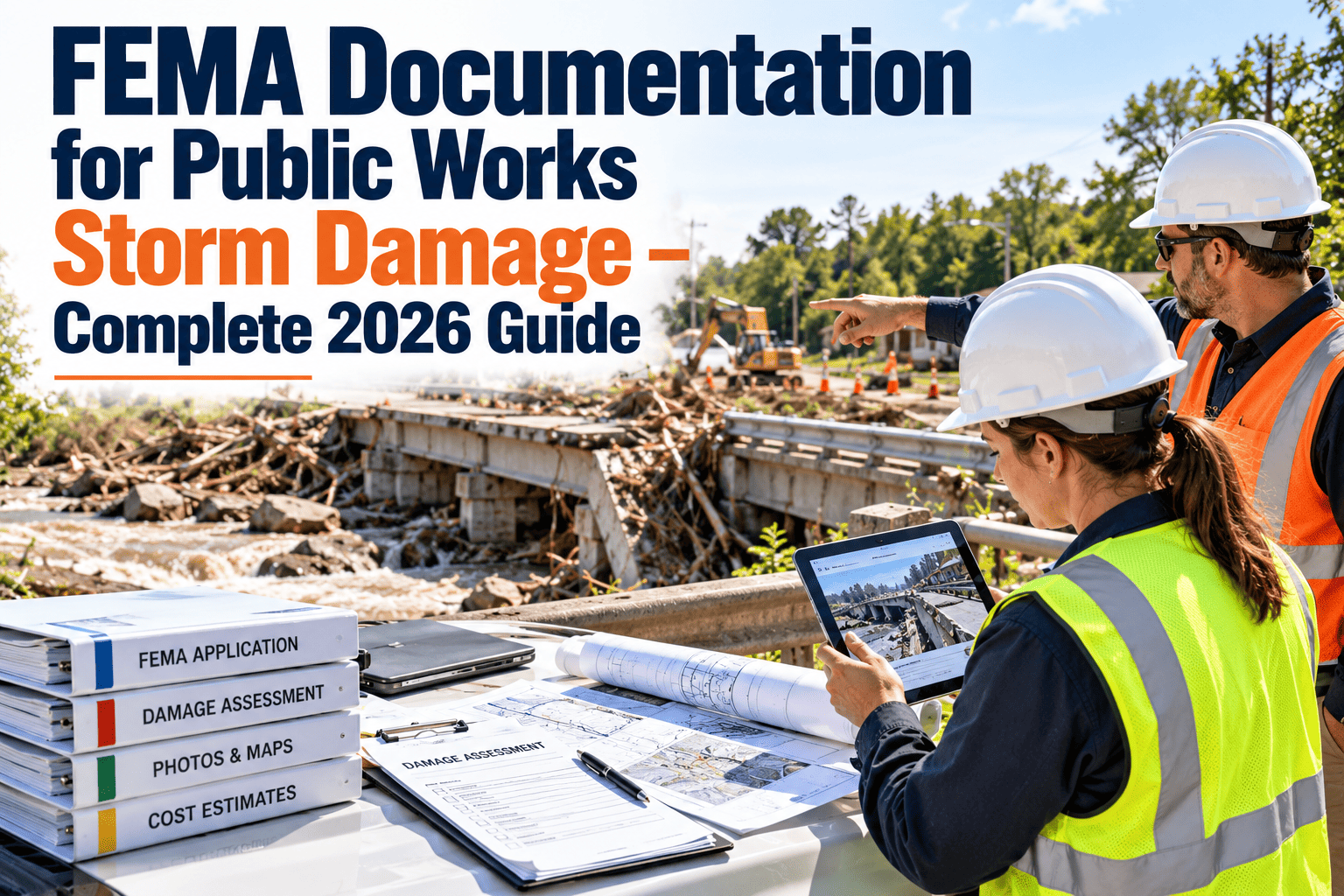
After a major storm, public works crews spend days clearing roads, pumping flooded streets and restoring power to critical facilities. Months later, the finance office has to prove every hour and every dollar to recover eligible costs. FEMA documentation is the bridge between those two moments, and gaps in it are a common reason reimbursement is reduced or delayed. This guide shows what to capture before, during and after a declared event, and how Oxmaint can keep damage, labor, equipment and contractor records tied to the right assets. Always confirm current requirements in FEMA's Public Assistance Program and Policy Guide and with your state recipient.
FEMA Documentation for Public Works Storm Damage: 2026 Guide
Build disaster records that connect damage, labor, equipment and contractor costs to specific facilities, so reimbursement requests can be supported line by line.
Why storm cost records fall apart
During the response
- Crews work around the clock and paperwork comes second
- Locations are described as street names, not asset IDs
- Photos sit on personal phones with no link to a job
- Mutual aid and contractor crews arrive with their own forms
After the response
- Timesheets cannot be matched to specific tasks
- Equipment hours are estimated from memory
- Normal repairs are mixed with disaster work
- Staff who knew the details have moved on or forgotten
Work categories and what each needs on file
| Category | Typical public works examples | Records to keep |
|---|---|---|
| Debris removal | Clearing roadways, hauling vegetative and construction debris | Locations, quantities, haul tickets, monitoring logs, contractor documents |
| Emergency protective measures | Barricades, pumping, sandbagging, temporary repairs to protect life and property | Time, crew, equipment used, purpose of work, dates and locations |
| Roads and bridges | Washouts, damaged culverts, pavement and signage | Pre-event condition, damage photos, repair scope, cost breakdown |
| Water control facilities | Storm drains, pump stations, channels | Asset records, inspection history, damage description, repair estimates |
| Buildings and equipment | Public works yards, shops, vehicles | Asset details, insurance information, damage assessment, invoices |
| Utilities and other facilities | Lighting, signals, treatment infrastructure | Failure description, restoration steps, materials, labor and contractor invoices |
A documentation timeline from before the storm to closeout
- Keep an accurate asset register with locations
- Capture baseline condition photos and inspection history
- Predefine emergency work order types and cost codes
- Review procurement rules and standby contracts
- Open a work order for each task or location
- Log labor hours by employee and activity
- Record equipment type, operator and hours
- Photograph damage with time and place
- Reconcile timesheets against work orders
- Collect contractor tickets, invoices and agreements
- Separate disaster work from routine repairs
- Document damage inspections for permanent work
- Organize records by project and facility
- Respond to requests from the state and FEMA
- Retain records for the required period
- Review lessons for the next event
Building a cost record that holds up
Cost types and how to record each
- Name, role and pay rate
- Regular and overtime hours separated
- Activity and location per entry
- Supervisor approval
- Equipment ID and type
- Hours used per task
- Operator and location
- Rate source documented
- Items drawn from stock
- Quantities and unit costs
- Purchase receipts
- Work order they were used on
- Procurement method and file
- Signed agreement and scope
- Daily logs and invoices
- Monitoring notes
Be ready before the next declaration
See how emergency work orders, mobile photos and cost tracking keep storm records organized from day one.
Common documentation gaps and their fixes
Where Oxmaint fits in emergency workflows
Storm readiness checklist for public works
FEMA documentation FAQs
Does software guarantee reimbursement?
No. Eligibility depends on FEMA and your state, but organized records make costs easier to support and review.
What is the biggest documentation mistake?
Recording hours without describing the work and location. Each cost should trace to a specific facility and task.
How long should disaster records be kept?
Retention is set by federal rules and your state agreement, so confirm the period with your recipient before disposing of anything.
Can routine work orders support a claim?
They can show pre-event condition and maintenance history. See it in practice when you book a demo.
Can we set this up before hurricane season?
Yes. You can get started by loading critical facilities and creating emergency templates.
Turn storm response into a defensible cost record
Capture damage, labor and equipment as the work happens so recovery paperwork starts ahead of the event.