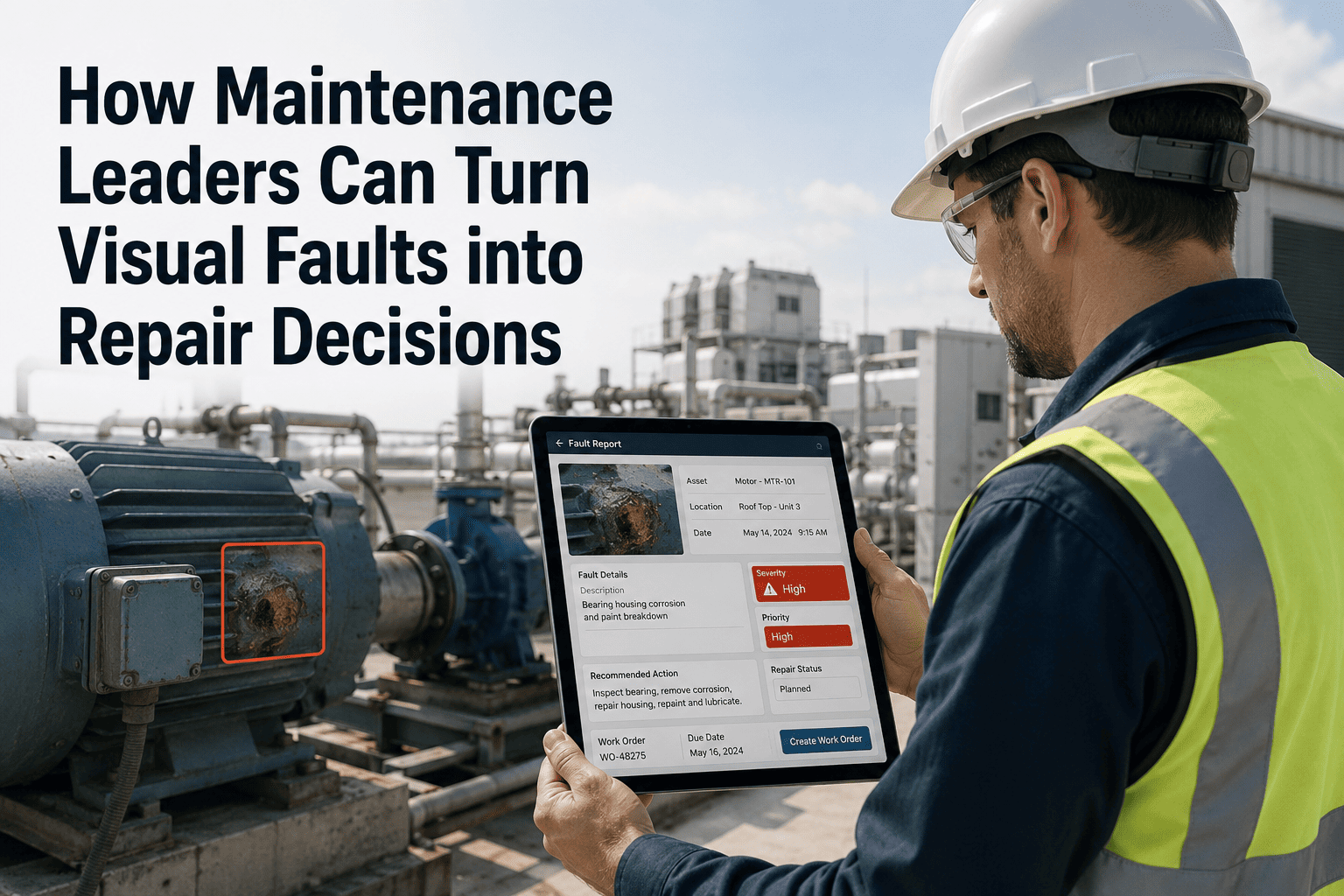
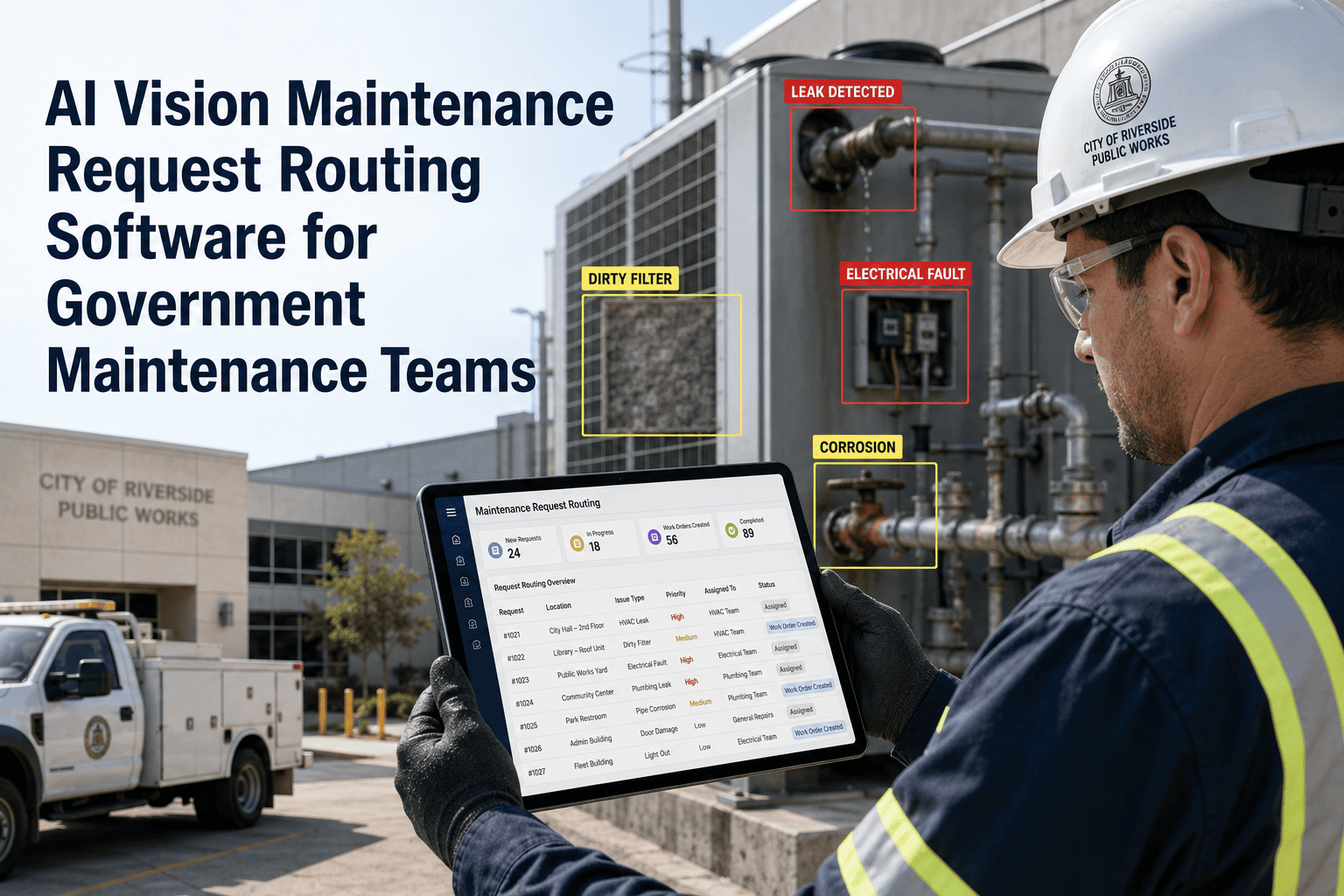
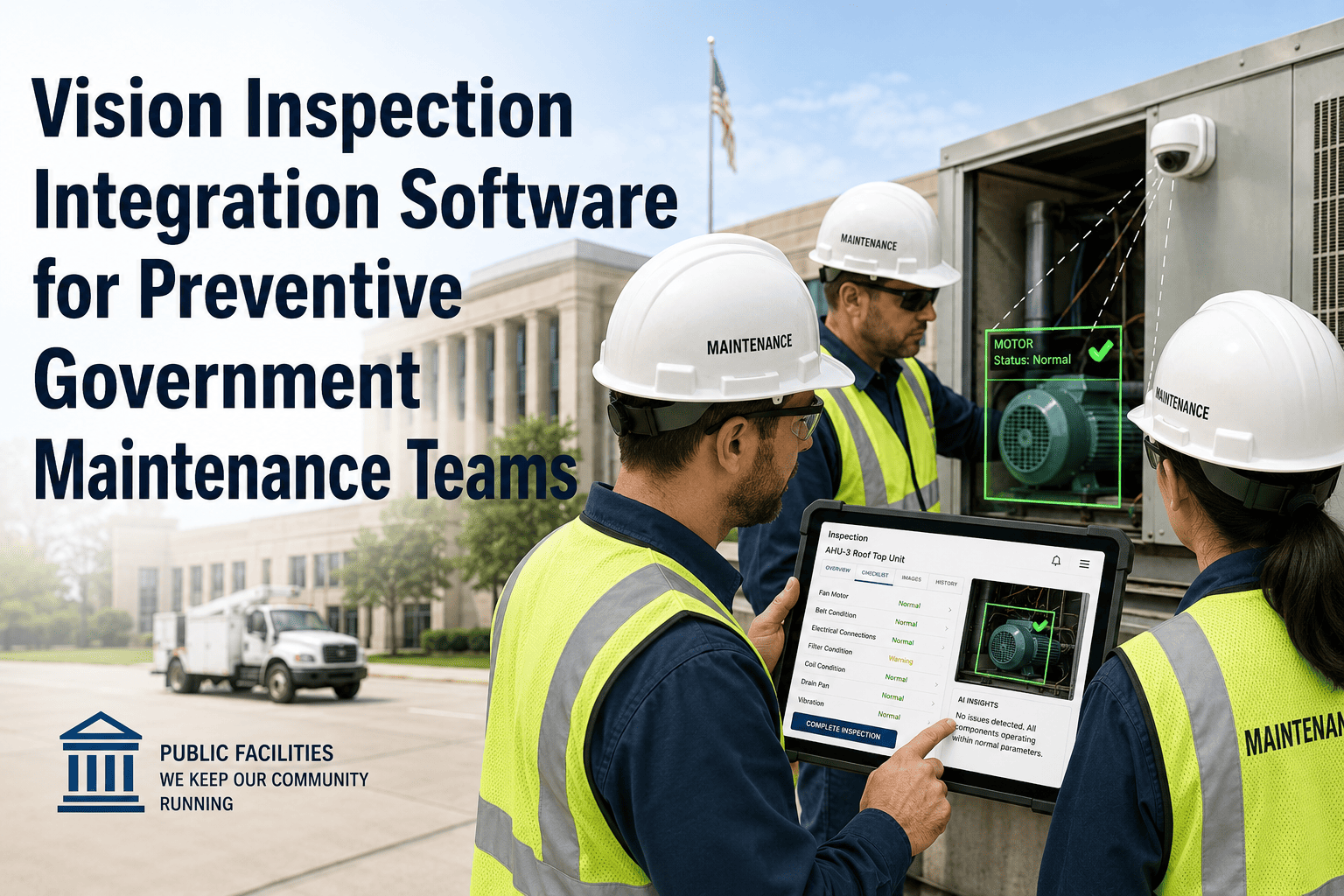
A cracked pump seal, a pooling fluid under a generator, a bearing showing visible heat discolouration — these are faults that a trained eye can see, but only if someone walks past at the right moment. For government maintenance leaders managing hundreds of assets across dispersed public infrastructure, that walk-past moment almost never comes at the right time. AI vision cameras create a continuous audit of visual asset condition, but they do not automatically turn what they see into a repair decision. That final step — from visual fault to prioritised, documented, dispatched repair — requires structured integration between your camera system and your CMMS. Book a demo with OxMaint to see how visual fault data becomes a work order in your maintenance system, or start your free trial and connect your first camera alert workflow today.
Visual Fault Management · AI Vision · Government Maintenance
From Visual Fault to Repair Decision: The Workflow Government Maintenance Leaders Need
AI cameras see the problem. Your CMMS needs to tell someone to fix it — with the right priority, the right technician, and the right documentation. Here is how that chain works in practice.
The Visual Fault Decision Chain
1
Visual Fault Detected
AI camera identifies a visual anomaly: fluid accumulation, unusual surface condition, equipment position deviation, or thermal signature outside baseline range.
2
Asset Context Applied
CMMS reads the asset ID from the alert payload, retrieves criticality tier, service history, and active PM schedule. The fault is understood in context, not in isolation.
3
Repair Decision Generated
Based on criticality tier and fault type, the CMMS generates a work order with priority, assigned skill level, required parts list, and regulatory documentation fields pre-populated.
4
Technician Dispatched
The assigned technician receives the work order on their mobile device with the camera image attached — so they arrive at the asset knowing what they are looking for before they open a panel.
5
Repair Documented and Closed
Technician photographs the repaired condition, logs parts used and time spent, and closes the work order. The fault image, repair image, and all field notes attach to the asset service history automatically.
Common Visual Fault Types
What AI Cameras Detect and What Repair Decision Each Fault Should Trigger
| Visual Fault Type |
Common Government Asset |
Detection Signal |
Repair Decision |
Response Window |
| Fluid accumulation / pooling |
Pumps, hydraulic equipment, vehicles |
Surface reflectivity change, discolouration pattern |
Seal inspection and replacement work order |
Under 2 hours (Tier 1 asset) |
| Surface cracking / spalling |
Bridge decks, road surfaces, building facades |
Crack pattern detection, width measurement over time |
Structural assessment work order with engineer review flag |
24–48 hours depending on severity |
| Thermal anomaly |
Electrical switchgear, motor housings, transformers |
Thermal camera: hot spot above baseline by defined threshold |
Electrical inspection work order — high priority, qualified electrician |
Under 4 hours (fire risk potential) |
| Abnormal equipment position |
Valve actuators, gate mechanisms, traffic barriers |
Position deviation from reference image baseline |
Mechanical inspection work order |
Same-shift response |
| Vegetation or debris intrusion |
Stormwater infrastructure, culverts, drainage channels |
Obstruction coverage percentage above threshold |
Clearance and cleaning work order |
Next scheduled maintenance window or rain-event forecast |
The Decision Gap
Where Visual Fault Data Gets Lost Before It Becomes a Repair
Alert Without Asset Context
Camera fires an alert, but the maintenance system does not know which asset the camera is monitoring. Without asset context, no repair decision can be made automatically. The alert sits in an inbox.
Alert Without Priority Rules
Camera fires an alert and a work order is created, but all work orders look the same in the queue. Critical infrastructure fault and parking lot gate fault receive identical treatment.
Work Order Without Visual Evidence
A work order is created and dispatched, but the technician arrives with no image of what the camera saw. They may find the fault, or they may not. Either way, the pre-repair condition is not documented.
Repair Without Closure Documentation
Technician completes the repair but the work order is never properly closed with post-repair condition photos and root cause code. Asset history is incomplete. Next year, the same fault recurs with no historical context.
OxMaint · Visual Fault to Work Order Automation
Close Every Gap Between Camera Alert and Completed Repair
OxMaint connects AI vision camera alerts to asset records, criticality rules, technician dispatch, and closed-loop repair documentation — so every visual fault becomes a tracked, documented, completed repair. Built for government maintenance teams managing complex public infrastructure.
Expert Review
Maintenance Leaders on Converting Visual Data to Repair Decisions
The image from the camera is the most important part of the work order. When a technician arrives at an asset and can see exactly what the camera saw — the exact location of the crack, the exact position of the fluid pooling — they diagnose and fix faster. We cut average repair time by 22% just from attaching camera images to work orders before dispatch.
Operations Manager, Water and Wastewater Authority · 17 years in public infrastructure maintenance
The moment that changed our programme was when we connected the camera fault type to the work order template. A thermal anomaly automatically triggered an electrical inspection template with the right skill requirement and regulatory fields. Technicians stopped arriving at electrical faults without the right qualifications because the system stopped letting that happen.
Director of Facilities Maintenance, Regional Government · 20 years in public asset operations
Frequently Asked Questions
Visual Fault Management — Government Maintenance Questions
How does the CMMS know which repair decision to make when a camera fires an alert?
The repair decision logic sits in the CMMS as a set of rules linked to fault type and asset criticality. When a camera alert arrives with a fault classification — thermal anomaly, fluid pooling, position deviation — the CMMS matches that fault type to the repair decision rules configured for that asset class and criticality tier. The result is a pre-populated work order with the appropriate template, skill requirements, and priority level. In OxMaint, these rules are configured during onboarding and can be updated by maintenance managers without IT support.
Book a demo to see the rule configuration in practice.
What happens if the camera detects a fault on an asset that is already under an active work order?
In OxMaint, when a new camera alert matches an asset with an active work order, the system can be configured to attach the new alert as additional evidence to the existing work order rather than creating a duplicate. This prevents the common problem of a single fault generating multiple work orders from multiple camera detections. The maintenance manager sees the updated evidence and can reassign or escalate the existing work order based on the new information. This closed-loop logic is essential for assets that generate frequent camera alerts during an ongoing fault event.
Start your OxMaint trial to configure alert deduplication rules.
How do we use historical visual fault data to prevent the same fault from recurring?
When every work order stores the fault image, repair actions, parts used, and root cause code, the CMMS builds a fault history per asset that supports pattern recognition. If a pump bearing generates a thermal fault three times in 18 months, the history shows whether each repair addressed the root cause or only the symptom. OxMaint's asset history view displays fault images chronologically, allowing maintenance managers to see whether visual fault patterns are recurring and triggering PM schedule adjustments before the next failure. Most government teams use this data in their annual asset management reviews to justify capital replacement decisions.
OxMaint · AI Vision Maintenance for Government
Every Visual Fault Your Cameras Find Should End With a Documented Repair
OxMaint turns camera alerts into structured repair decisions — with asset context, priority rules, technician dispatch, and closed-loop documentation built in. Government maintenance teams across public works, utilities, and facilities use OxMaint to close the gap between what cameras see and what maintenance teams do.