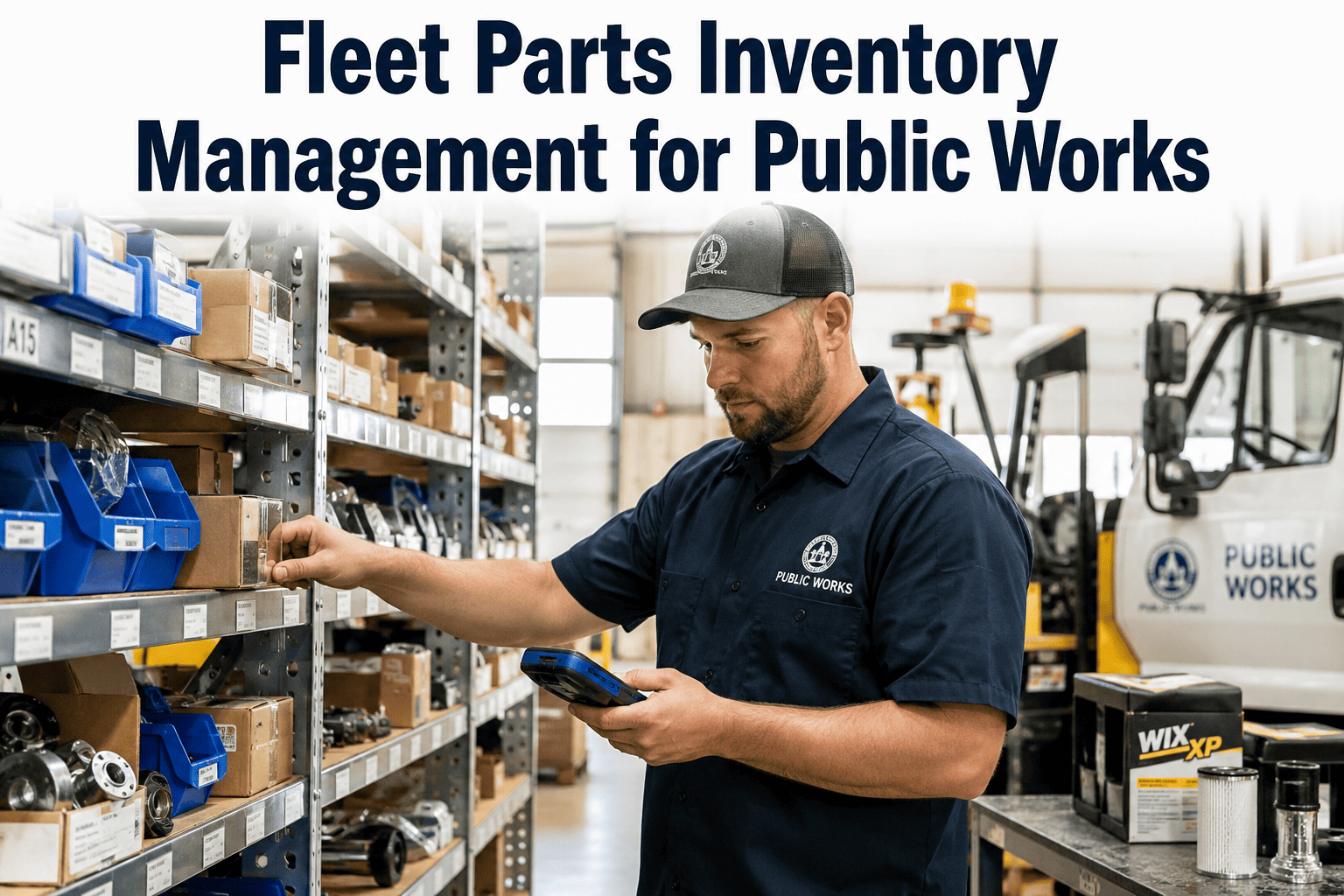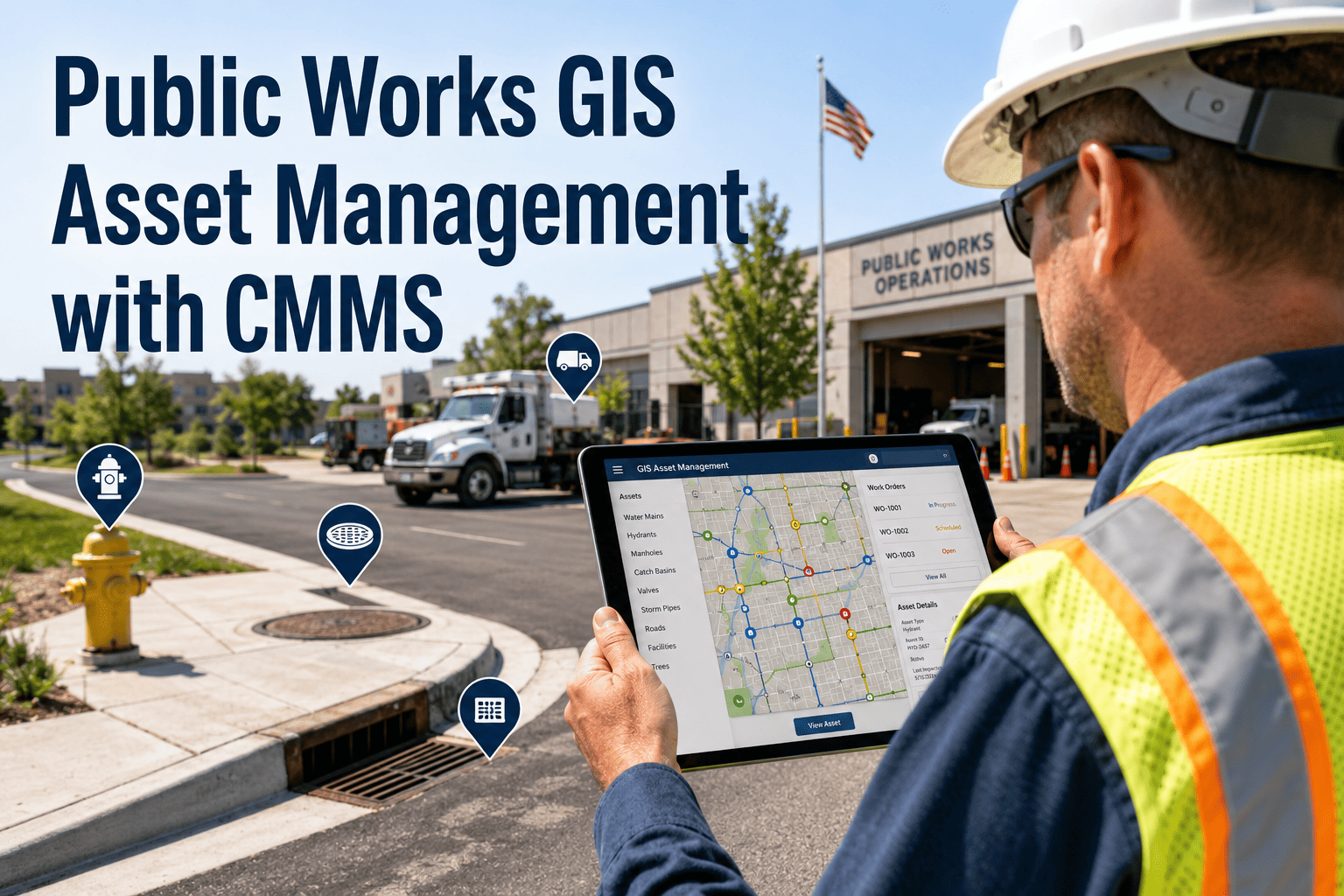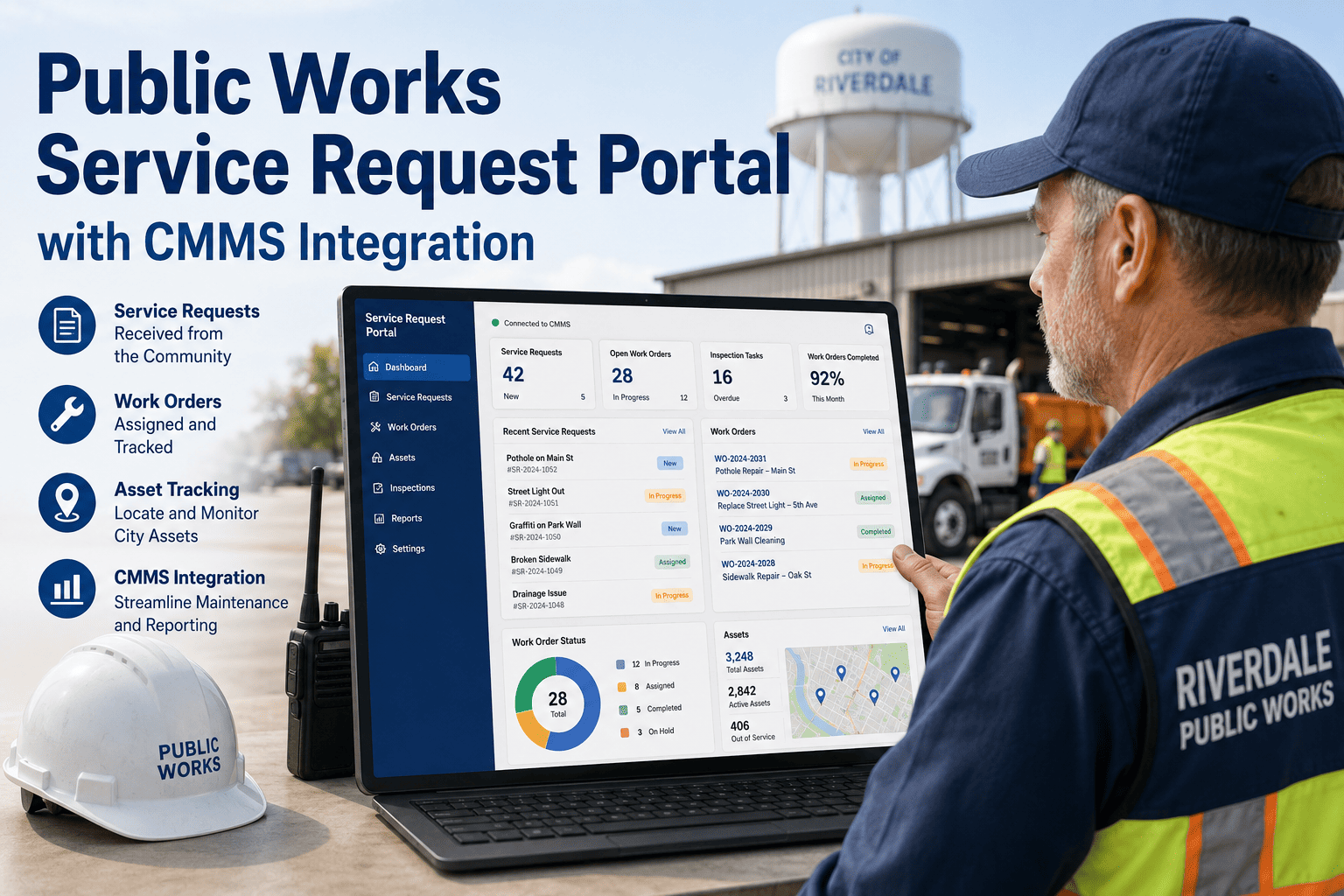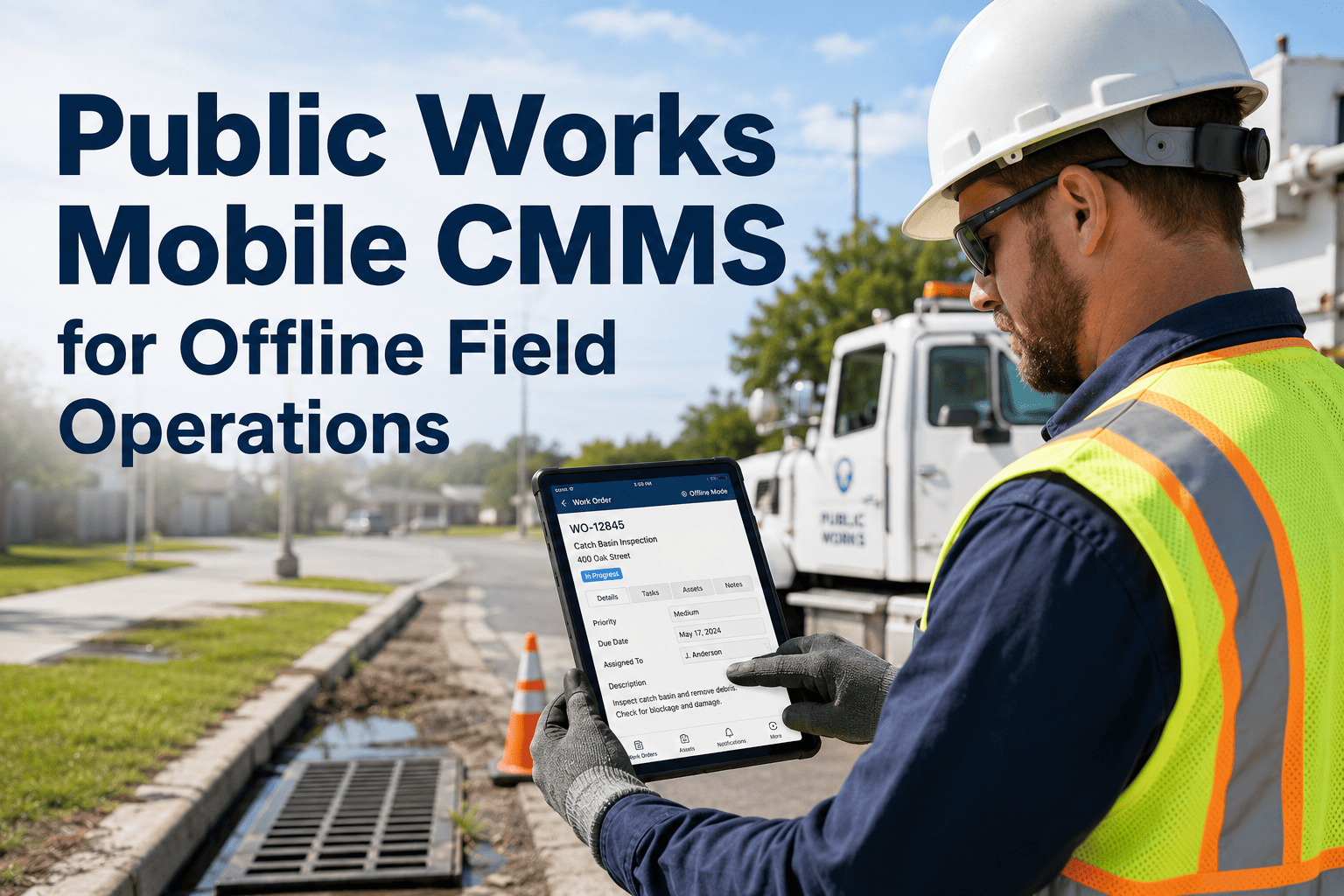
Municipal maintenance teams carry inventory across multiple locations — a central yard, satellite depots, fleet shops, pump stations, and building maintenance closets — and most of it is tracked by memory, clipboards, or a spreadsheet that nobody updates consistently. The result is predictable: stockouts on high-demand parts that delay critical repairs, and overstocking of slow-moving parts that tie up procurement budget. For a mid-sized city's public works department, inventory control failures typically account for 15 to 25 percent of preventable maintenance downtime. OxMaint's parts and inventory module tracks usage, triggers reorder alerts, and maintains accurate stock counts across every location — and a 30-minute demo shows how agencies configure it for their specific parts categories without a lengthy implementation project.
Spare Parts Inventory Control for Municipal Maintenance
The right part. The right location. The right quantity — without a stockout or a warehouse full of parts nobody uses.
Municipal Parts That Require Inventory Control
Track Every Part Across Every Location — From One Dashboard
OxMaint tracks parts usage by work order, auto-triggers reorder alerts at your configured minimum levels, and shows stock counts across all your storage locations in real time — without manual inventory counts.
From Parts Request to Reorder — Automated
What to Measure to Control Municipal Parts Spend
| KPI | What It Measures | Target Range | Action If Off Target |
|---|---|---|---|
| Stockout Rate | % of work orders delayed due to parts unavailability | Less than 3% | Review minimum stock levels for affected part categories |
| Parts Turnover Rate | How often total inventory is consumed and replenished per year | 4–8x annually | Reduce reorder quantities for slow movers; increase for fast movers |
| Average Days to Reorder | Time from reorder trigger to parts received at storeroom | Below vendor lead time | Raise minimum stock level to cover extended lead times |
| Parts Cost Per Work Order | Average materials spend per closed work order by asset type | Benchmark vs prior periods | Investigate asset types with rising parts cost as replacement candidates |
| Unplanned Parts Spend | Emergency purchases outside of standard PO process | Below 8% of total parts spend | Identify root parts for emergency buys; add to stocked inventory |
The classic municipal inventory problem is not about knowing what you have — it's about knowing what you're about to run out of before a technician shows up at the window asking for it. Manual inventory counts happen once a month at best, and the count is already out of date the day you do it. When parts usage records automatically against work orders, you always know current stock levels and you can set reorder points that reflect actual demand — not a guess. We cut emergency procurement events by 60 percent in the first six months, which had a direct impact on parts cost because we stopped paying premium pricing for rushed orders.
Give Your Storeroom Real-Time Visibility Across Every Location
OxMaint tracks every part consumed in every work order, maintains accurate stock counts without manual counting, and triggers smart reorder alerts before stockouts happen — at any scale from one location to a city-wide network of storerooms.
Frequently Asked Questions
Can OxMaint track inventory across multiple storeroom locations — yard, satellite depots, pump stations?
Yes. OxMaint supports multi-location inventory with separate stock counts and reorder levels per location. A technician at a satellite depot selects their location when recording parts used — inventory decrements at that specific location, not the central yard. Managers see stock levels at every location on one dashboard and can initiate inter-location transfers when one site is overstocked and another is running low. Set up your location structure in your OxMaint trial account to see how multi-site inventory tracking works for your department.
How does OxMaint handle parts that are supplied by contractors rather than stocked in-house?
Contractor-supplied parts can be tracked as vendor-provided materials against the work order cost record without depleting OxMaint's internal inventory. This keeps the cost accounting accurate — you see total job cost including contractor materials — without creating phantom inventory transactions. For parts that mix contractor supply and in-house stock on the same job, OxMaint tracks each source separately within the same work order. Book a demo to see how contractor-supplied materials appear in cost reports alongside internally stocked parts.
What happens when a technician uses a part that is not in the system yet?
Technicians can add new parts on the fly from the mobile app — entering part name, number, unit cost, and quantity used. The item is created in the parts catalog and the transaction records against the work order. The storeroom manager receives a notification for new part additions, allowing them to review, edit, and set reorder parameters for the new item before it is needed again. See how new parts are added through the technician mobile app in your OxMaint trial.
Can OxMaint generate purchase orders automatically when reorder levels are triggered?
OxMaint auto-generates a draft purchase request when stock hits the configured minimum level — pre-populated with part number, description, preferred vendor, unit cost, and reorder quantity. Procurement reviews and approves the request, converting it to a purchase order. The full PO lifecycle — request, approval, PO issuance, receipt, invoice matching — happens inside OxMaint, keeping inventory replenishment connected to your cost tracking system. Book a demo to walk through the full reorder-to-receipt workflow for municipal inventory replenishment.
How does OxMaint help identify which parts to add to the stocked inventory vs. order on demand?
OxMaint's parts usage analytics show consumption frequency, lead time, and stockout events for every part over any period. Parts used more than a set frequency threshold with a vendor lead time longer than acceptable downtime tolerance are flagged as candidates for stocked inventory. Parts with very low usage frequency and short lead times are flagged as on-demand candidates — helping agencies optimize their stocking strategy by category rather than guessing. Access the parts analytics module to see how inventory stocking decisions are supported with usage data in your OxMaint trial.