Bus stop shelters are among the highest-volume public assets a transit agency manages — yet they are often the least systematically inspected. A fractured glass panel, a failed lighting circuit, or deteriorated accessibility ramp creates direct injury risk to riders and triggers ADA Title II exposure for the transit authority. Transit agencies managing hundreds or thousands of shelter assets across a service area cannot rely on paper-based inspection programmes — the sheer geographic distribution makes accountability impossible without mobile technology. OxMaint's mobile CMMS gives transit maintenance teams GPS-stamped inspections, photo documentation, auto-generated repair work orders, and a complete asset history for every shelter in the network — all accessible from a smartphone in the field. Book a demo to see how transit agencies use OxMaint to manage distributed shelter assets.
Inspection Checklist · Transit Assets · Mobile CMMS · Work Order Management
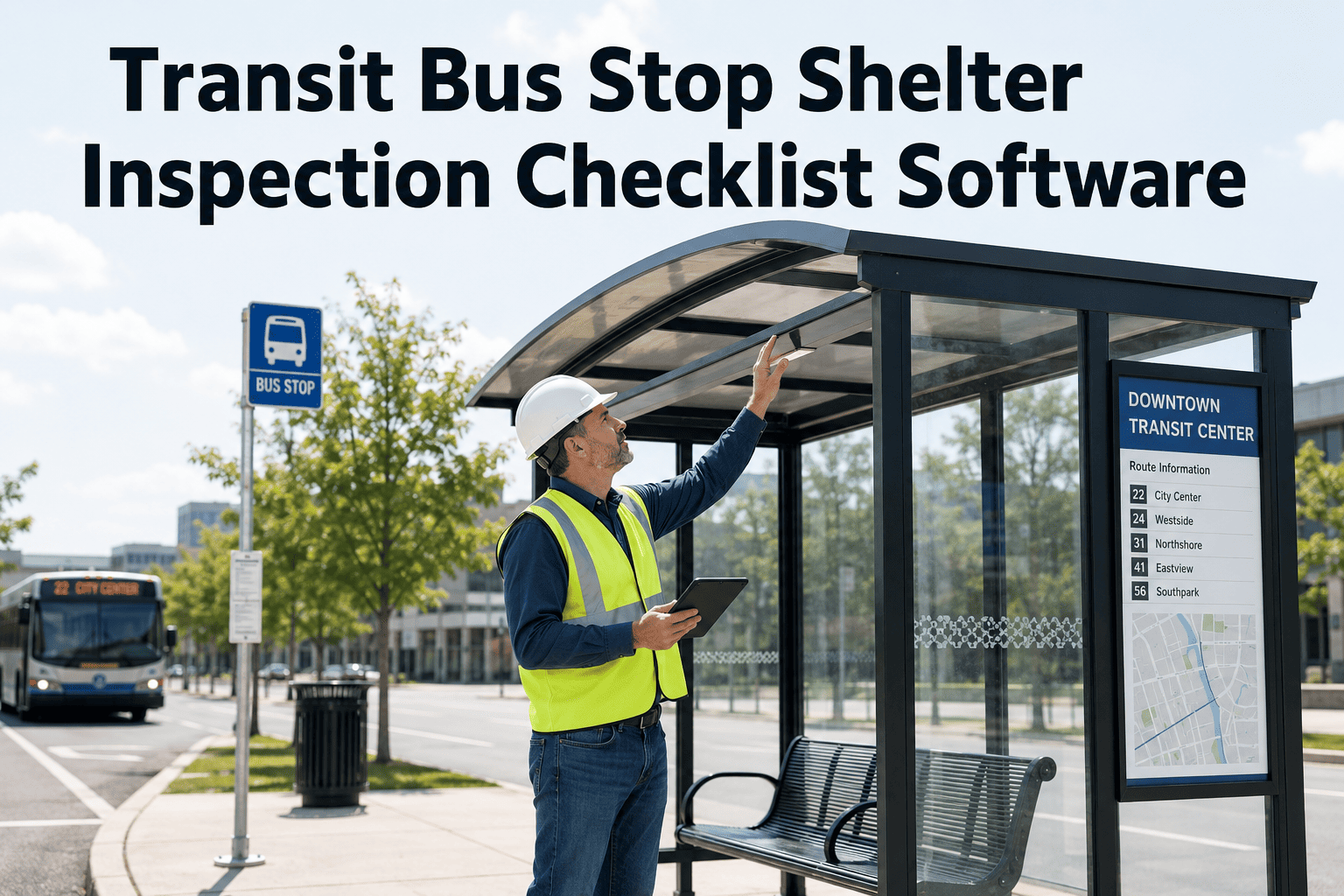
Transit Bus Stop Shelter Inspection Checklist Software
GPS-tagged mobile inspections, automatic work orders, ADA compliance tracking, and centralised asset history — purpose-built for transit maintenance managers with field inspection teams.
500+
Average shelter asset count in a mid-size transit agency network
61%
of transit agencies report inspection backlogs due to manual tracking limitations
ADA
Title II requires accessible shelter features maintained — with documentation
3x
faster inspection throughput with mobile-first digital checklist vs paper route sheets
Bus Stop Shelter — Asset Component Classification
Life Safety
Tempered glass panels
Structural frame integrity
Roof and overhead security
ADA Accessibility
Accessible landing pad surface
Bench height and clearance
Tactile warning strips
Rider Service
Route information displays
Shelter lighting circuits
Real-time information screens
Sanitation
Graffiti and vandalism condition
Litter and debris clearance
Drainage around pad area
Inspection Zone 01
Structural Integrity and Glass Panel Condition
Tempered glass panels in bus shelters shatter rather than crack — which means a damaged panel does not degrade gradually. A panel with edge damage, stress fractures, or frame seal failure can fail suddenly under wind load or minor impact, creating a lacerations risk for waiting riders. Structural inspections must cover not just visible panel condition but the mounting and framing system that keeps panels in place.
Structural & Panel Inspection
Monthly — All Shelter Assets
All glass panels inspected for cracks, edge chips, stress fractures, and delamination — any crack of any size triggers panel replacement work order; edge chips exceeding 5mm require specialist assessment within 72 hours; panel surface free from opaque damage that impairs visibility
Record: Photo of each panel face with defect marked · Role: Field Technician
Frame and panel mounting system inspected — all panel retaining clips, channel mounts, or adhesive bonds intact with no separation; frame welds and joints show no cracking or rust penetration; any frame deformation exceeding 10mm from original alignment logged as structural defect
Record: Frame condition photo · Role: Field Technician
Roof panel and overhead structure confirmed secure — roof panels seated in mounting channels with no movement under manual load; overhead advertising frame (if present) shows no corrosion at mounting points; no loose components that could become projectiles in wind event
Record: Overhead structure inspection log · Role: Field Technician
Foundation and anchor condition assessed — shelter base anchors visible and intact with no corrosion at ground level; concrete pad surrounding base anchors shows no cracking or heave that could affect structural stability; any settlement causing visible tilt exceeding 3 degrees logged for engineering review
Record: Foundation inspection log with photo if defect found · Role: Field Technician
Inspection Zone 02
ADA Accessibility and Landing Pad
ADA Title II requires that transit agencies maintain accessible features in working condition. A cracked landing pad surface, a displaced tactile strip, or a bench with broken accessible transfer space does not just fail an audit — it actively prevents use by wheelchair users and imposes discriminatory service conditions. FTA oversight reviews specifically examine maintenance records for accessible feature compliance, not just initial installation.
ADA Accessibility Checklist
Monthly — Mandatory Documentation
Landing pad surface condition assessed — concrete or paved surface free of cracks exceeding 13mm width or 19mm vertical change; surface maintains 2% maximum cross-slope in all directions; no depressions that collect standing water and create slip hazard in wet conditions
Record: Surface condition measurement log · Role: Field Technician
Tactile warning strips inspected for completeness and secure mounting — all tactile pads present at boarding zone edges; no missing, cracked, or loose tiles; colour contrast between tactile surface and surrounding pad maintained (minimum 70% contrast ratio required); any repair needs logged with photo
Record: Tactile strip condition photo · Role: Field Technician
Accessible clear floor space confirmed — minimum 60 x 96 inch clear area at boarding zone unobstructed by benches, signage, or vegetation; bench positioning does not encroach on wheelchair boarding space; path from public sidewalk to boarding zone free of obstructions and maintaining ADA slope requirements
Record: Clear space diagram with measurements · Role: Field Technician
Inspection Zone 03
Lighting, Signage & Rider Information Systems
Shelter lighting is a safety-critical component — dark shelters at night create personal safety risk for riders and reduce the visibility that deters vandalism. Non-functional real-time information displays directly degrade service quality and erode rider confidence. Transit agencies that track display uptime alongside shelter maintenance use the data to support capital replacement decisions for aging information systems.
Lighting & Information Systems Checklist
Weekly — During After-Dark Hours
Shelter lighting operational at nighttime inspection — all luminaires functional with no dark zones within shelter area; photocell or timer control activating correctly at appropriate light level; lighting level provides minimum 5 footcandles at boarding zone per transit safety standards; any failed luminaire triggers 48-hour repair work order
Record: Night inspection photo showing lit condition · Role: Field Technician
Route information panels and static signage legible and current — route numbers, maps, and schedule information panels undamaged, not obscured by graffiti, and displaying current service information; any outdated schedule panel logged as replacement work order; digital information screens (where installed) showing correct content with no error display or blank screen
Record: Signage condition photo · Role: Field Technician
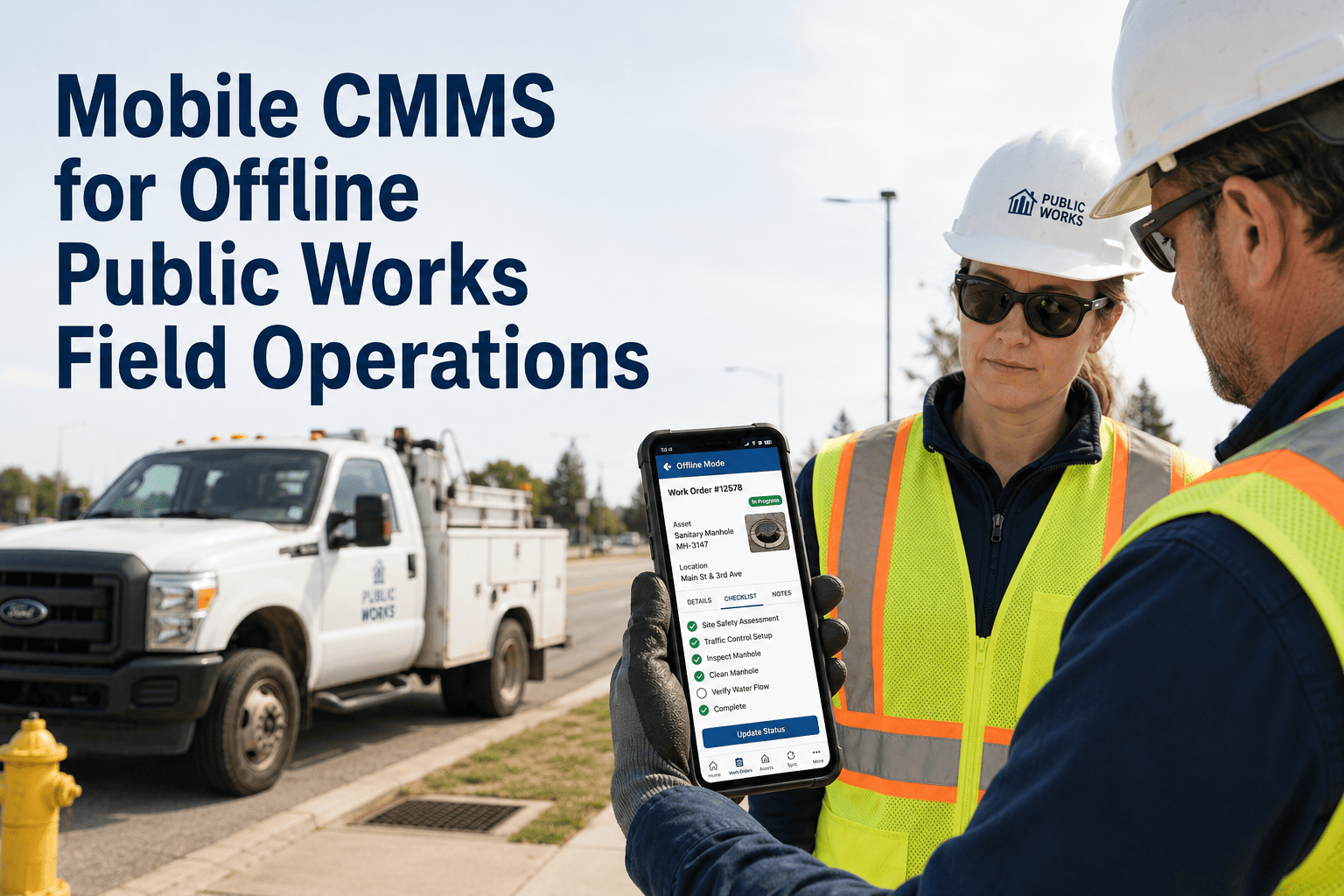
OxMaint field inspectors complete GPS-tagged shelter inspections on mobile, with photo evidence mandatory for any defect. Each defect auto-generates a work order with shelter ID, GPS location, defect type, and priority routing — so repair crews know exactly which shelter, what the issue is, and what photos confirm it.
Network-Wide Shelter Inspection Performance
| Performance Metric |
Industry Benchmark |
OxMaint-Managed Networks |
| Inspection coverage rate |
64% of shelters inspected on schedule |
93%+ on-schedule completion |
| Defect identification rate |
1 defect per 8 inspections (paper) |
1 defect per 3 inspections (mobile + photo) |
| Avg. defect-to-repair time |
14 days (manual work order) |
4 days (auto work order + routing) |
| ADA compliance documentation |
Typically missing or incomplete |
100% — photo-backed per shelter |
| Repeat defect rate |
38% (no root cause tracking) |
11% (asset history visible to repair team) |
Expert Review
DN
Diane Nguyen
Transit Asset Management Director · 17 years · FTA TERM Certified · ADA Transit Compliance Specialist
The hardest thing about managing a distributed shelter network is maintaining visibility. When your assets are spread across 400 intersections, you have no real-time view of condition — you only know what inspectors wrote down last time they were in the area, which may have been 6 weeks ago. The shift to mobile inspection tools like OxMaint changes the information model entirely: every shelter inspection is timestamped, GPS-verified, and photo-evidenced, and the system shows you exactly which shelters are overdue versus which were done this week. That visibility transforms how you allocate repair crews — instead of responding to rider complaints, you are proactively closing defects before they become complaints or injuries.
Frequently Asked Questions
How does OxMaint handle shelter inspections across hundreds of geographically distributed assets?
OxMaint's mobile app allows field technicians to pull up assigned shelter inspection routes on their phone, complete checklists at each shelter with GPS-verified location, capture photos directly into the inspection record, and submit reports without returning to the office. Supervisors see real-time completion status on a dashboard showing which shelters are inspected, overdue, or flagged with defects.
Book a demo to see a field inspection workflow live.
Can OxMaint track ADA compliance status for individual shelter assets?
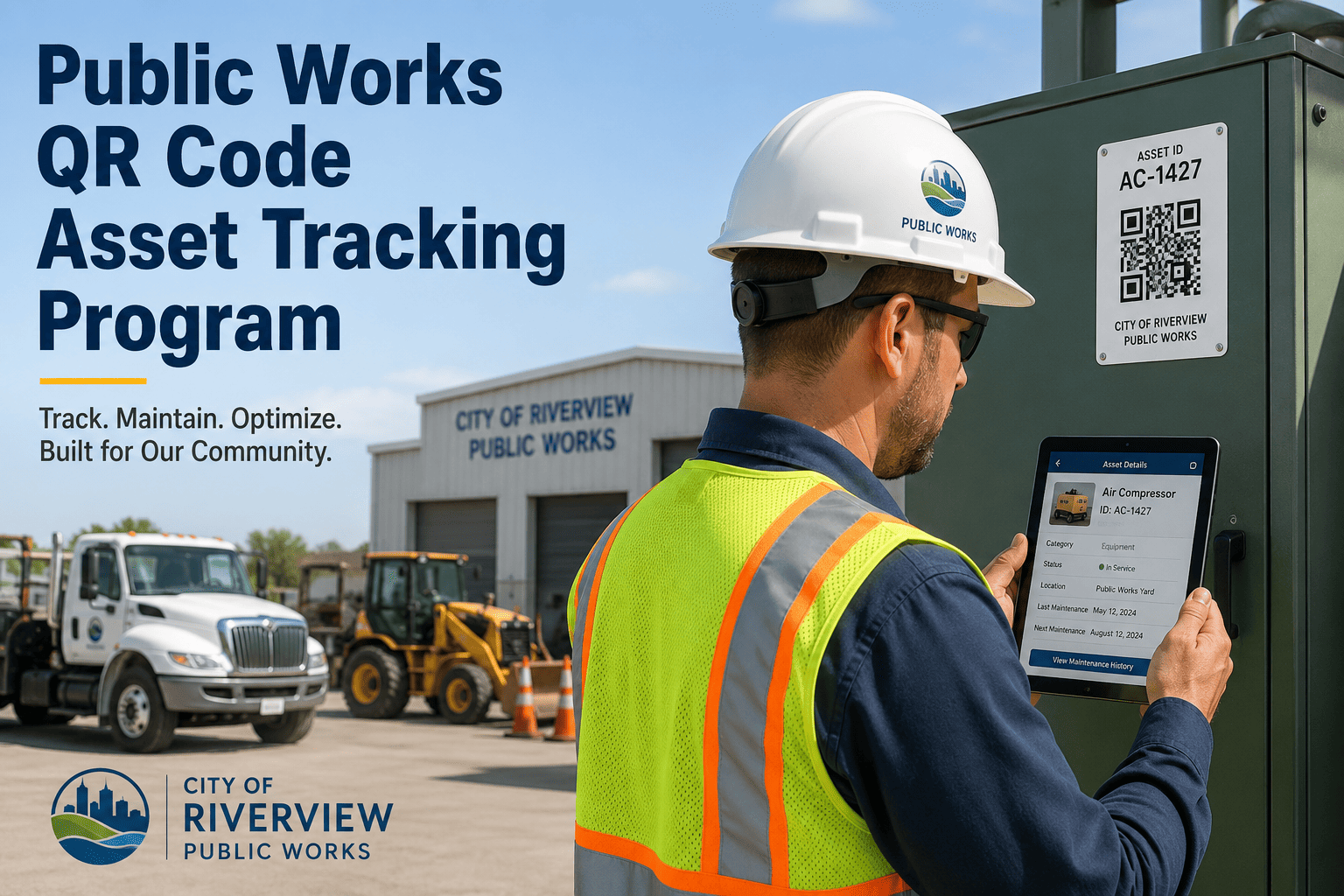
Yes. Each shelter can be set up as an asset record in OxMaint with specific ADA compliance inspection fields — landing pad condition, tactile strips, clear floor space measurements — completed at each inspection cycle. The compliance history for each shelter is stored and searchable, so FTA reviews or ADA compliance audits can be answered with a per-shelter report showing condition at each inspection date.
Start a free trial to configure ADA inspection forms for your shelter assets.
How are repair work orders managed when a shelter defect is found during inspection?
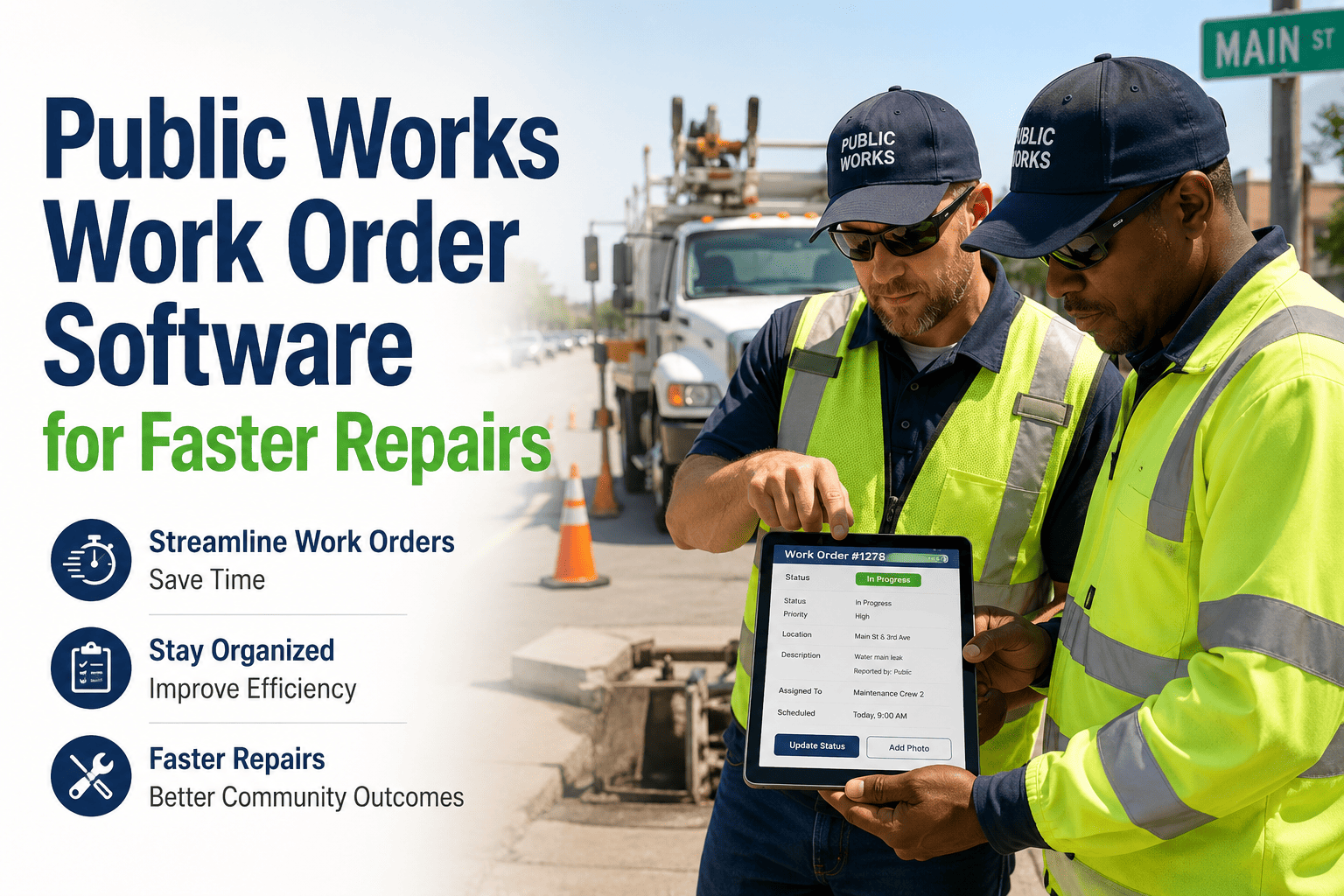
When a field technician logs a defect in OxMaint — broken glass, failed lighting, ADA non-conformance — the system automatically creates a corrective work order pre-populated with the shelter ID, GPS location, defect type, photos, and priority classification. The work order is routed to the assigned repair crew and appears on their task list immediately. No manual re-entry or office step is required.
See the auto-work-order workflow in a demo.
OXMAINT · TRANSIT ASSETS · MOBILE CMMS
Every Shelter. Every Inspection. Every Work Order — From One Mobile App.
OxMaint gives transit maintenance managers GPS-tagged field inspections, auto-generated work orders, ADA compliance records, and network-wide asset visibility — all from a mobile app designed for field teams.