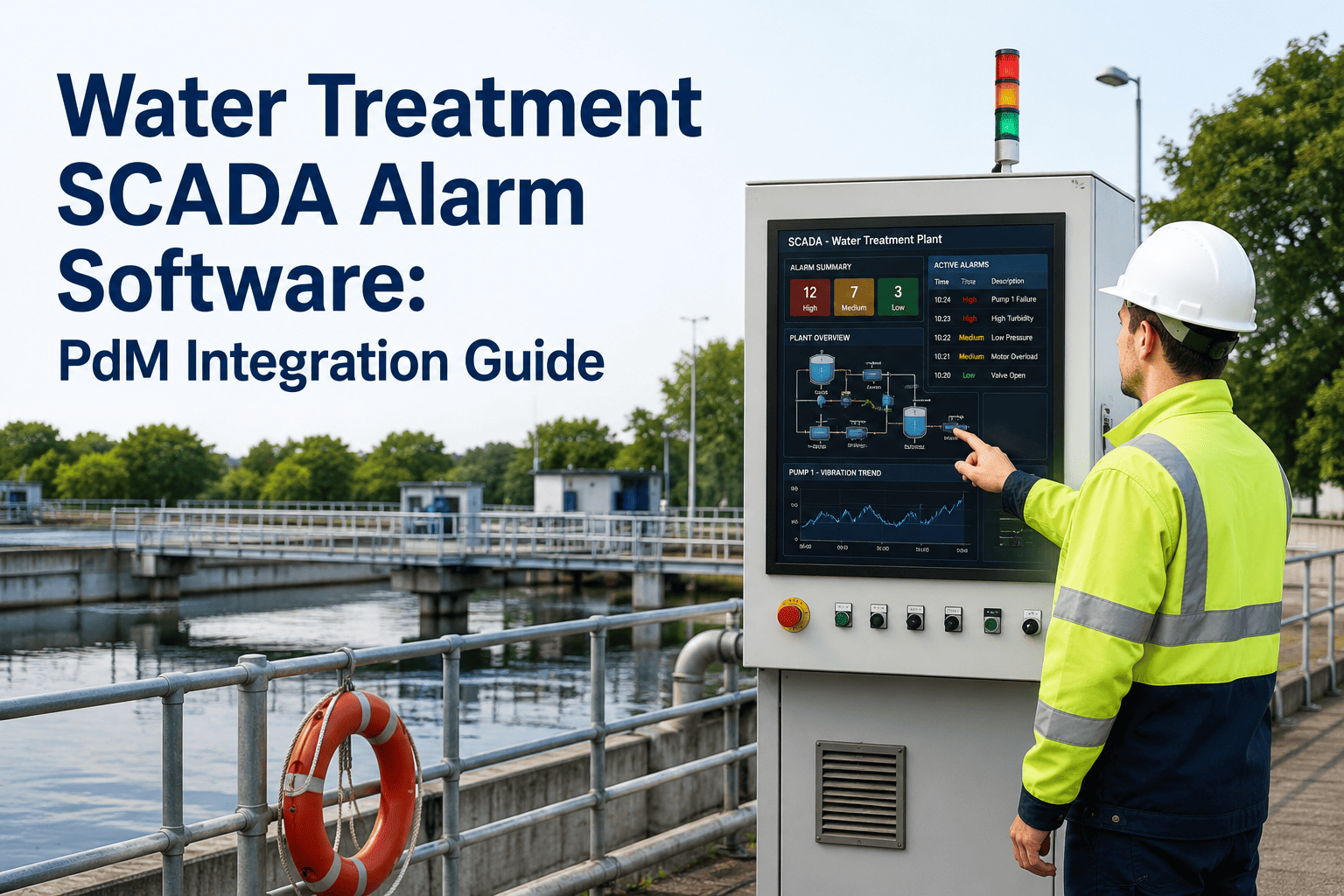
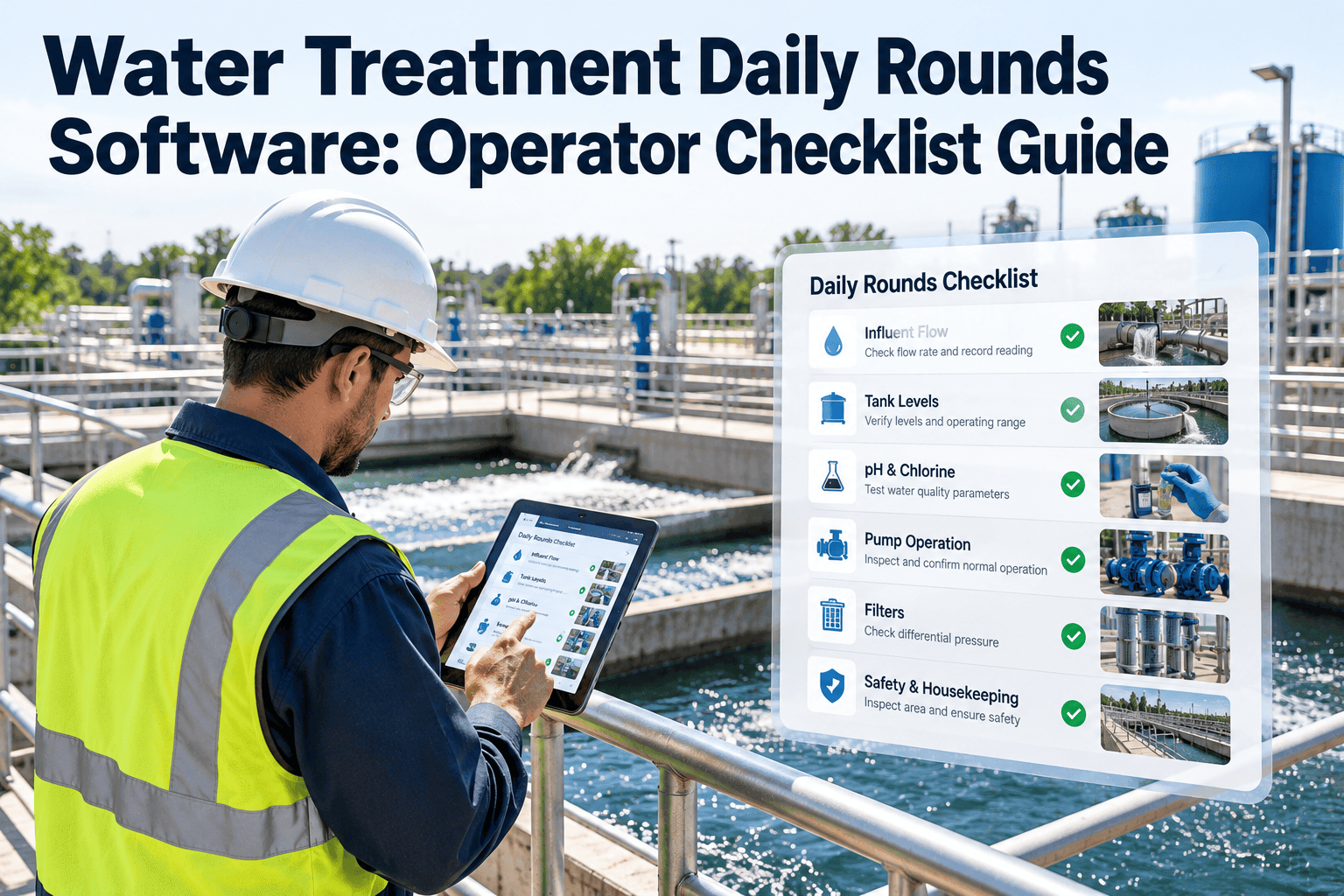
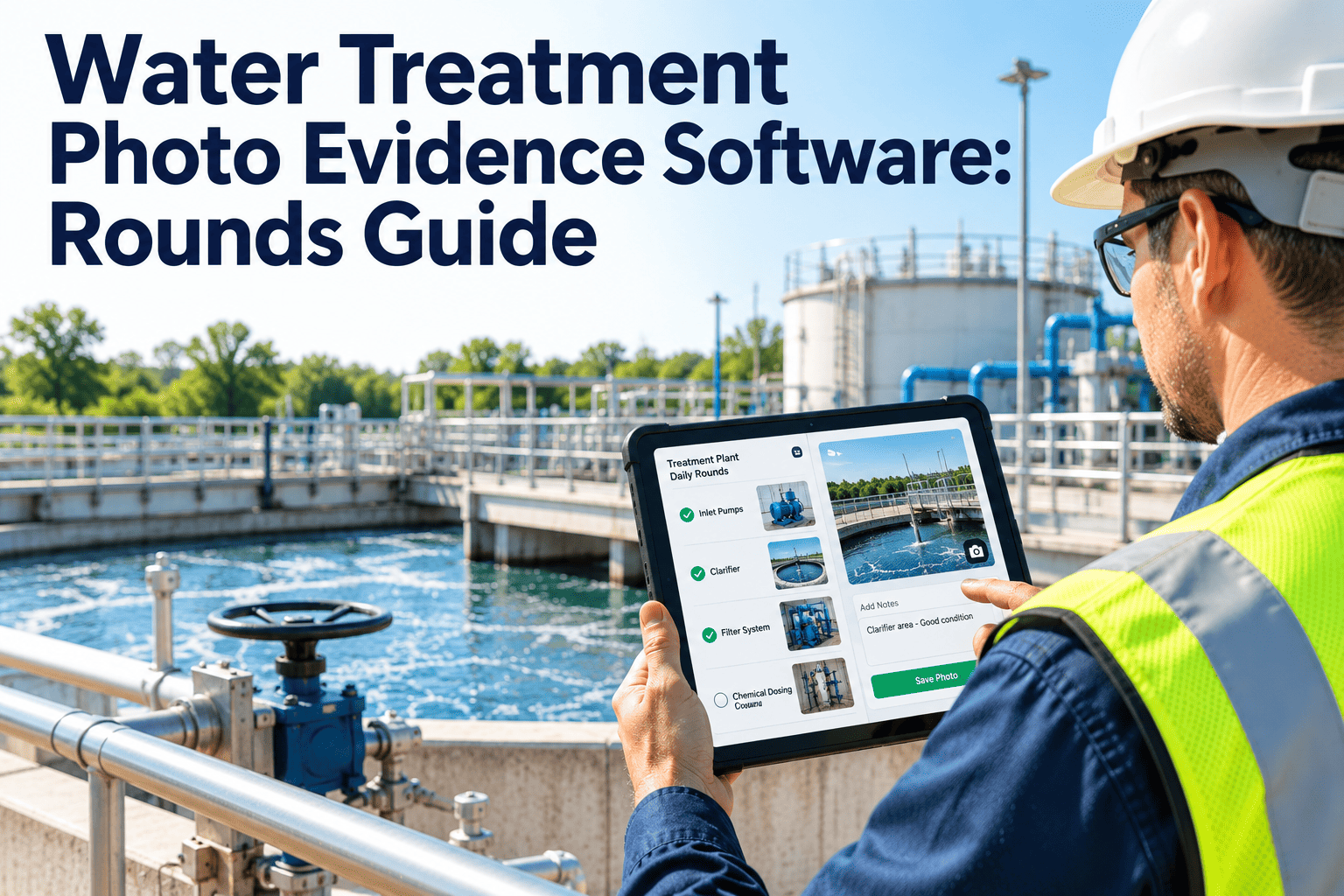
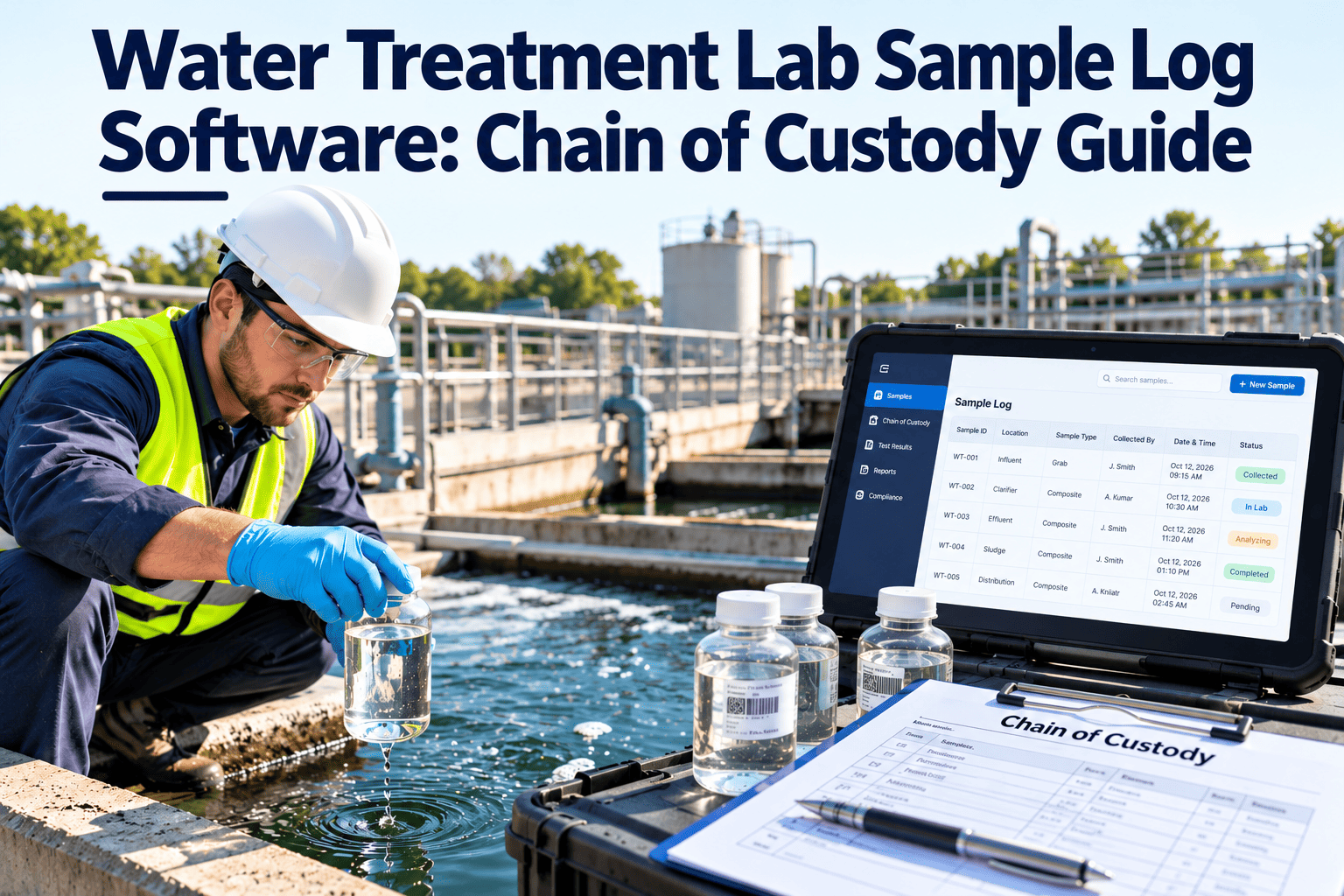
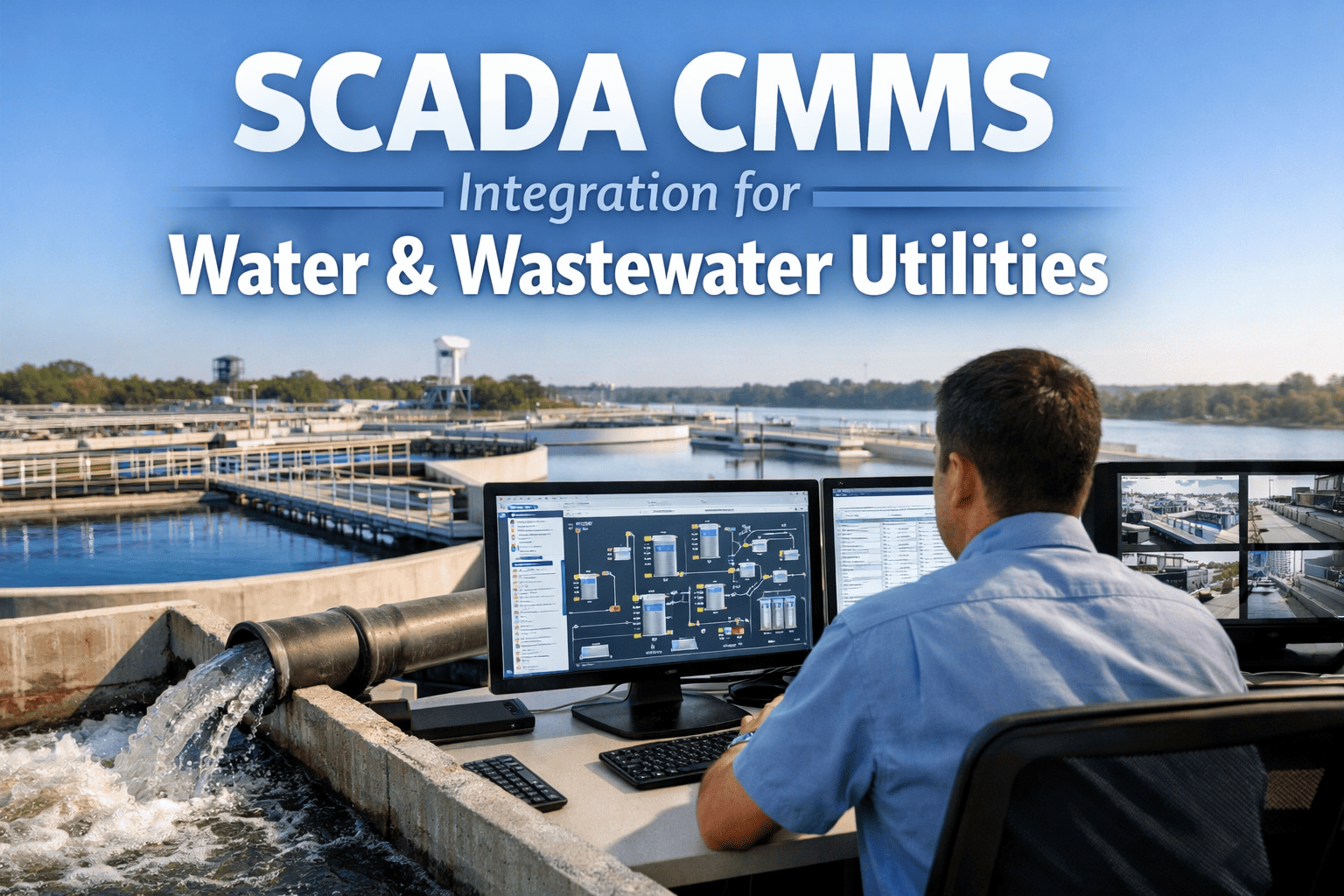
A water treatment plant SCADA system generates thousands of alarm events every single week — tank level deviations, pump fail-to-start signals, turbidity spikes, chemical dosing faults, and pressure excursions across every zone of the distribution network. In most utilities, every one of those alarms ends the same way: an operator acknowledges it on the HMI screen and the record disappears the moment the shift changes, with no work order, no technician assignment, and no timestamped proof that anyone acted on it. For a 24/7 treatment facility operating under EPA Safe Drinking Water Act reporting obligations, that gap between a SCADA alarm firing and a documented corrective action is exactly where compliance failures and preventable equipment failures both originate. Closing that gap is what SCADA-to-CMMS integration is built for, and utilities making the connection can book a demo to see the alarm-to-work-order workflow live.
6/hr
ISA-18.2 target average alarm rate per operator, per hour, during normal plant operations
50,000+
Public water systems regulated under the Safe Drinking Water Act across the United States
75%
Of required SCADA alarm data is typically already flowing — the gap is workflow, not sensors
21 days
Typical timeline for a utility to complete full SCADA-to-CMMS alarm integration
3 yrs
EPA minimum retention period for operational and maintenance records under SDWA
Regulatory Reality
EPA Safe Drinking Water Act primacy agencies and Clean Water Act inspectors expect a documented, timestamped chain from the moment a SCADA condition is detected to the moment a technician resolves it. An acknowledged alarm on an HMI screen with no follow-up record does not satisfy that expectation, and it leaves plant managers unable to prove a maintenance response ever occurred. AWWA G430 and IEC 62443 cybersecurity guidance now shape how utilities are expected to architect that data flow between operational technology and enterprise maintenance systems.
Why SCADA Alarms Alone Don't Protect Your Plant
ISA-18.2, the industry standard for alarm management, sets a target of fewer than six alarms per operator per hour during normal operations, with an acceptable ceiling around twelve. Most water treatment plants running standard PLC-configured alarms exceed that ceiling routinely, and during a storm event, a chemical feed fault, or a power blip, operators can see hundreds of alarms cascade across the console in minutes. When every fluctuation — a pump cycling, a valve repositioning, a momentary pressure dip — is configured as an alarm rather than a routine event, operators stop reading them individually and start clearing them in bulk. That single habit, repeated across thousands of shifts, is how a genuinely dangerous condition gets buried under nuisance noise and missed until it becomes a boil-water notice or an unplanned outage.
The deeper problem is not alarm volume on its own — it is what happens after the alarm clears. SCADA systems are built to detect and display abnormal conditions. They are not built to assign a technician, track parts inventory, generate a compliance record, or feed asset condition data into a capital replacement plan. That is maintenance management work, and without a live connection between the two systems, every alarm that matters has to be manually re-entered into a separate work order system by someone who remembers to do it, hours or days after the fact, if at all.
Console-Only Alarm Handling
What happens without CMMS integration
Operator acknowledges the alarm on the HMI and the console clears — no further action is tracked
Work orders are created hours or days later from memory, if a technician remembers the event
No timestamped link between the original SCADA condition and the repair that followed
Compliance audits require manually reconstructing events from shift logs and paper notes
Repeat "bad actor" alarms go unnoticed because no one tracks alarm frequency by asset
SCADA-to-CMMS Integration
What changes once alarms are connected
Alarm condition auto-generates a work order with asset ID, tag, and timestamp pre-filled
Technician is routed automatically based on location, certification, and current workload
Every repair carries a permanent digital link back to the exact alarm that triggered it
Audit packages export in minutes directly from the compliance dashboard, not from memory
Frequency data flags bad-actor assets automatically for rationalization or replacement
How a SCADA Alarm Becomes a Documented Work Order
The integration itself is not a forklift replacement of the control system. Most utilities already have 70 to 80 percent of the necessary tag data flowing through SCADA — the project is about connecting that existing data stream to a maintenance workflow, typically through OPC-UA, Modbus, or a REST API, in a read-only or read/write subscriber configuration that never modifies control logic or interrupts monitoring. The sequence below is the same six-stage flow whether the plant runs a legacy PLC network or a modern distributed control system.
Alarm-to-Work-Order Pipeline
1
Tag Trigger
A SCADA tag crosses a configured threshold — high turbidity, low tank level, pump fail-to-start
2
Rule Match
Integration layer checks the event against configured rules to filter routine flutter from real faults
3
Work Order Created
CMMS auto-generates a work order with equipment ID, alarm type, priority, and timestamp pre-populated
4
Technician Routed
Task assigns automatically to the nearest available, certified technician with mobile notification
5
Mobile Completion
Technician logs readings, photos, and parts used from the field — no paper, no re-keying data later
6
Compliance Record
Closed work order becomes a permanent, timestamped audit record linked back to the original alarm
Which SCADA Tags Should Trigger a Work Order
Not every alarm deserves a work order, and treating every minor flutter as a maintenance event just recreates the same fatigue problem inside the CMMS instead of the SCADA console. Effective integration filters tag data into four practical categories, each with its own trigger logic and response expectation.
Runtime Hours
Preventive maintenance triggered by actual equipment usage rather than the calendar — a pump reaching 500 operating hours generates a service order automatically, regardless of how many days that took.
Limit Alarms
High or low tank level, high pressure, or elevated turbidity readings that cross a configured threshold generate an inspection order for on-site verification before the condition escalates.
State Changes
Fail-to-start signals, unexpected pump shutdowns, or valve position mismatches generate a corrective maintenance work order immediately, flagged at the highest response priority.
Analog Trends
Rising vibration, motor temperature, or amperage draw trending outside the expected range over time generates a predictive inspection task before the asset actually fails.
Alert Severity Tiers Mapped to Maintenance Response
A rationalized alarm-to-work-order program assigns every incoming condition to a severity tier, and each tier carries its own response window and escalation path. This is the same tiered logic ISA-18.2 recommends for the console, extended into the CMMS so that a low-priority tag deviation and a fail-to-start on a high-service pump never compete for the same technician response time.
| Severity Tier |
Typical SCADA Condition |
CMMS Response |
Response Window |
| Advisory |
Minor tag deviation within expected seasonal range |
Logged, reviewed at next shift handover |
Within 24 hours |
| Watch |
Repeat or trending deviation on the same asset |
Inspection work order created, standard queue |
Within 8 hours |
| Warning |
Threshold exceedance — high turbidity, low tank level |
Priority work order, technician dispatched |
Within 2 hours |
| Emergency |
Fail-to-start, loss of disinfection, pressure loss |
Immediate dispatch, supervisor notified, EAP review |
Immediate |
Compliance Coverage Across SDWA, CWA, and Cybersecurity Standards
Government dam, distribution, and treatment programs face several overlapping compliance frameworks at once, and a documented alarm-to-work-order trail is the common thread that satisfies most of them without duplicate recordkeeping.
Safe Drinking Water Act
EPA and state primacy agencies require timestamped maintenance records for treatment equipment on demand, with a minimum multi-year retention window covering every corrective action tied to a monitored parameter.
Clean Water Act / NPDES
Discharge monitoring reports must reference the maintenance history of the equipment governing effluent quality, connecting alarm events to the corrective work performed in response.
AWWA G430 Security Practices
Sets expectations for how operational technology data — including SCADA alarms — is transmitted, logged, and protected as it moves into enterprise systems like a CMMS.
IEC 62443 / OT Cybersecurity
Governs the architecture of any connection between control system networks and business systems, favoring read-only or subscriber-based integration over direct SCADA modification.
State Primacy Reporting
Individual state drinking water programs increasingly request electronic, exportable maintenance records rather than paper logs during routine sanitary surveys and audits.
Turn Every SCADA Alarm Into an Accountable Work Order
See how your plant's existing SCADA tags map directly into automated work orders, technician routing, and audit-ready compliance records — without touching your control system.
Integration KPIs Every Plant Manager Should Track
Once alarm data is flowing into the CMMS, a handful of metrics tell plant managers and finance committees whether the program is actually working, rather than simply generating more digital noise.
100%
Alarm-to-Work-Order Coverage
Share of priority-2 and higher alarms that generate a tracked work order automatically
< 2 sec
Alarm-to-Dispatch Time
Time from alarm trigger to technician notification, with no manual phone calls or lookups
99.5%
Sensor and Tag Uptime
Data availability across every monitored SCADA channel feeding the integration layer
0
Unreviewed Alert Backlog
Open alarms awaiting technician acknowledgment beyond the tier response window
≤ 30 days
Instrument Deficiency Resolution
Average time from a failed sensor identification to repair or replacement
Minutes
Audit Package Export Time
Time to generate a complete SDWA or CWA compliance export from the dashboard
Frequently Asked Questions
Does connecting SCADA to a CMMS require modifying our existing control system?
No. Integration typically runs as a read-only or read/write subscriber connection over OPC-UA, Modbus, or REST API, with no firmware changes and no interruption to monitoring or control. You can
book a demo to review the exact architecture before committing to anything.
How long does a typical water treatment plant take to go live with alarm integration?
Most utilities complete asset registration, tag mapping, and rule configuration within roughly three weeks, since the bulk of the required SCADA data is already being collected and simply needs to be connected to a maintenance workflow.
Will every SCADA alarm generate a separate work order?
No — rules are configured to filter routine tag flutter from actionable conditions, so only alarms that meet defined thresholds for runtime, limits, state changes, or trending values generate a tracked work order.
How does this help with EPA Safe Drinking Water Act audits?
Every closed work order stores a permanent, timestamped, technician-attributed record linked to the originating alarm, so audit packages export directly from the platform instead of being reconstructed from shift logs and paper notes.
Can the same integration scale across multiple treatment facilities?
Yes — each facility connects its own SCADA independently while sharing preventive maintenance schedules, compliance templates, and a single portfolio dashboard. Utilities can
sign up free to see a multi-facility configuration.
Stop Losing Alarm Data at Shift Change
Connect your plant's SCADA tags to a maintenance workflow that documents every response automatically, keeps your utility audit-ready, and gives operators one place to work from instead of two.