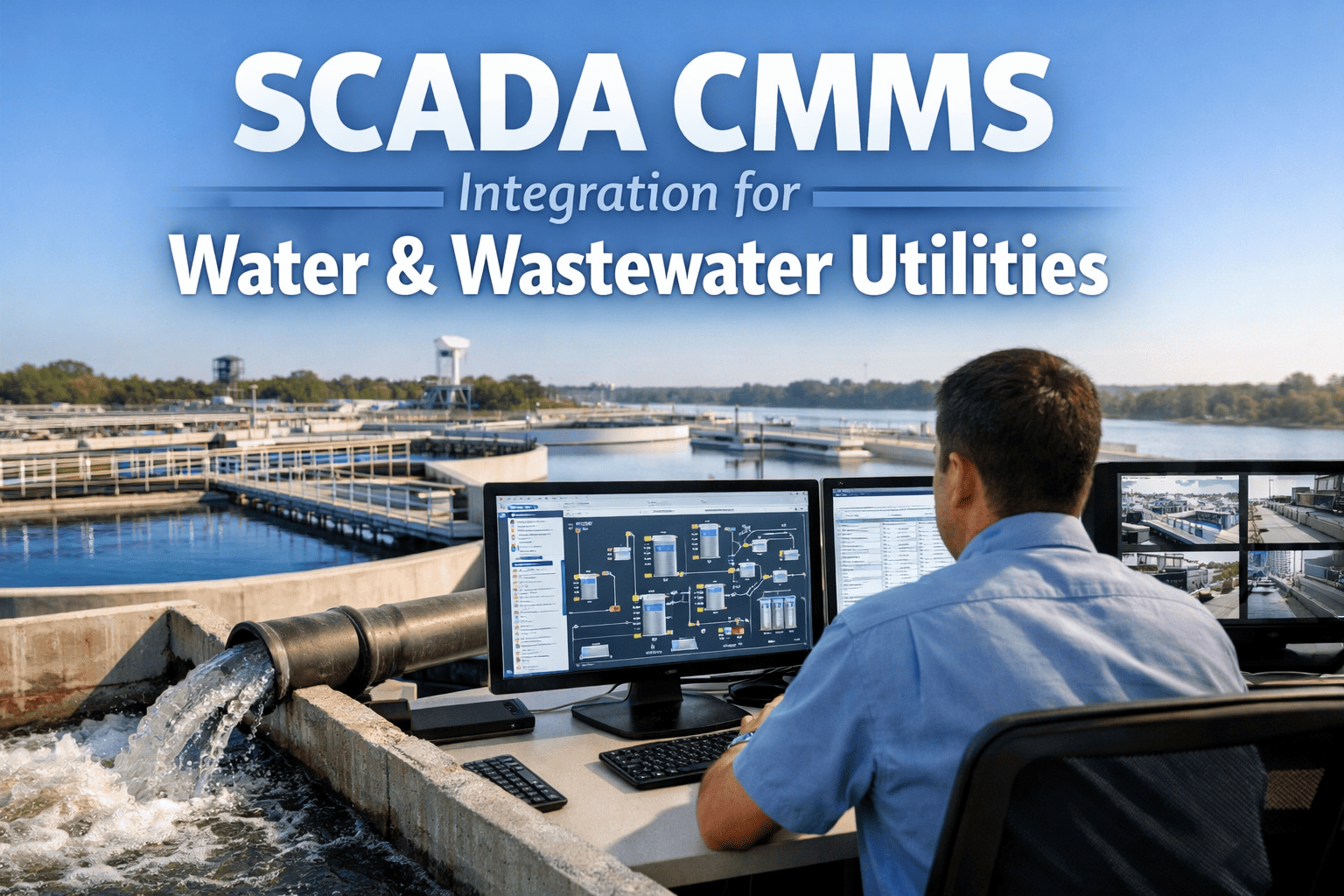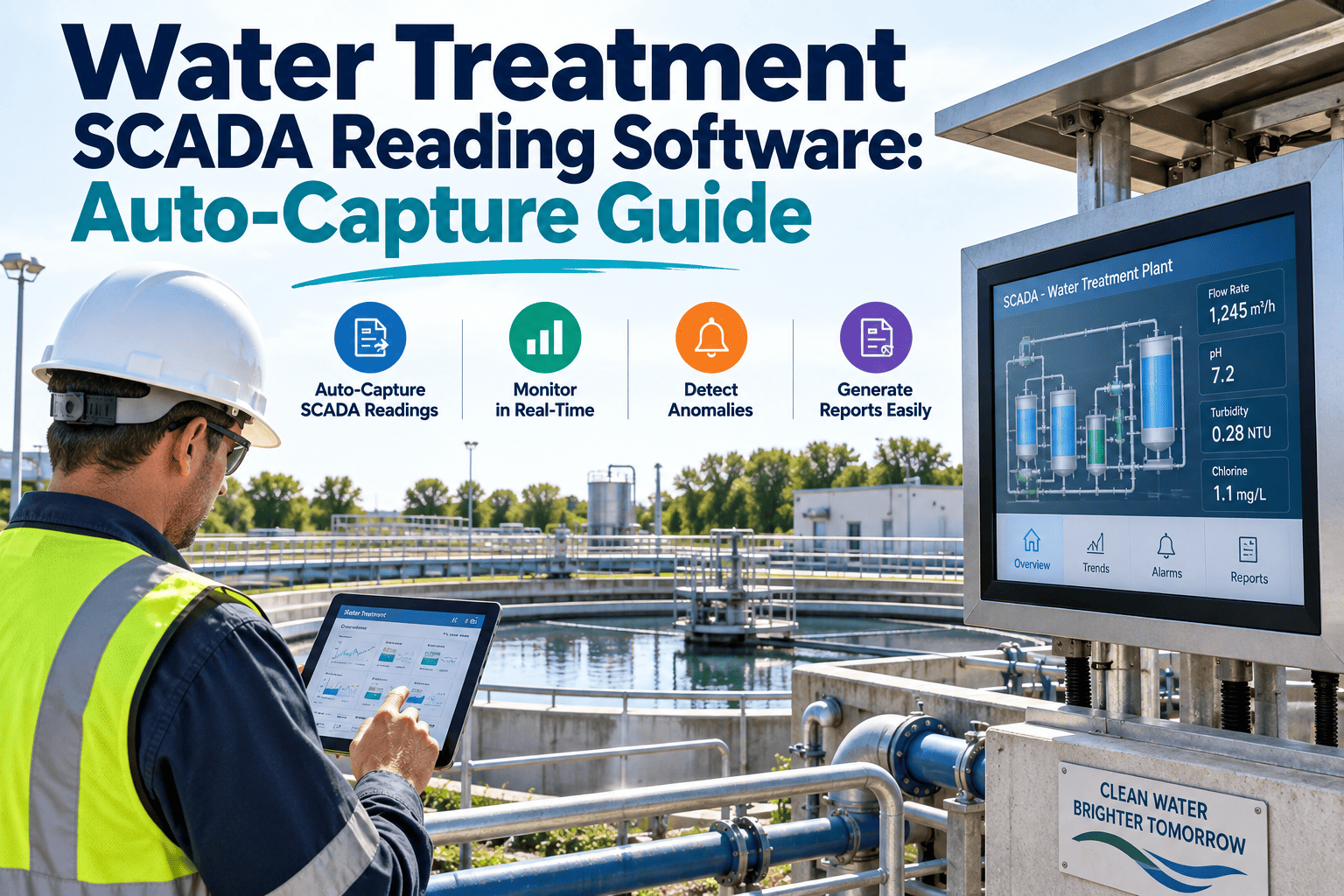
Every water treatment plant runs on numbers that never stop moving. Turbidity, pH, free chlorine residual, and flow rate shift by the minute, and someone on shift is responsible for getting those numbers off the SCADA screen and into a record a state primacy agency can trust. When that transfer happens by hand, plants inherit a second point of failure that has nothing to do with the water itself.
SCADA Reading Software for Water Treatment Plants: Ending the Manual Copy Step
Turbidity, pH, chlorine residual, and flow readings already exist inside your SCADA historian. The problem isn't data collection — it's the manual transcription between the screen and the round sheet. Auto-capture closes that gap.
Where Manual SCADA Transcription Breaks Down
Most water treatment plants still run a hybrid workflow. The SCADA system captures turbidity, pH, chlorine residual, and flow continuously, but operators are asked to walk the control room or a remote HMI panel and copy a snapshot of those values onto a paper log or a spreadsheet at set intervals throughout the shift.
The Copy Step Is Where Accuracy Erodes
A misread decimal on turbidity, a chlorine residual logged from the wrong analyzer, or a round sheet filled in retroactively at the end of a twelve-hour shift are common and largely invisible until an exceedance review or a sanitary survey asks for backup data that doesn't match the historian.
This isn't a training problem. Even experienced operators working a long shift, covering for a colleague, or managing an alarm elsewhere in the plant will occasionally round a number, skip a reading, or backfill a log sheet from memory. The SCADA historian already has the correct value sitting in it the entire time — the manual round simply never connects to it.
Transcription Drift
A single misread digit on a turbidity value can misrepresent filter performance for an entire monitoring period, and the error is rarely caught until it is compared against the raw historian trend.
Delayed Exceedance Detection
If readings are only reviewed once they reach a paper log or end-of-shift spreadsheet, a turbidity spike or chlorine residual drop can sit unaddressed for the length of an entire round.
Audit Gaps
When compliance monitoring data lives in a notebook instead of a system with a timestamped source, reconstructing what happened during a sanitary survey becomes a manual research project.
Operator Time Loss
Walking rounds solely to write down numbers that a historian already recorded is time an operator could spend on actual process checks, chemical feed verification, or equipment inspection.
Bringing SCADA Values Directly Into the Round, Without the Copy Step
Auto-capture is not a replacement for your SCADA system — it is a bridge between the historian and the maintenance and compliance record. Instead of an operator reading a screen and writing a number, the reading is pulled directly from the tag and attached to the round, the work order, or the compliance log at the moment it is needed.
Tag Mapping
Turbidity, pH, chlorine residual, and flow tags in the SCADA historian are mapped once to the corresponding asset and monitoring point inside the CMMS.
Scheduled or Triggered Pull
Values are pulled on the same interval your rounds already require, or triggered automatically when a round checklist item calls for that reading.
Threshold Comparison
Each captured value is checked against the plant's operating limits in real time, flagging anything approaching a regulatory or internal action level.
Logged With Full Context
The reading is stored with its source tag, timestamp, and the operator or round it was associated with, creating a defensible record for state reporting.
See Your SCADA Tags Mapped to Live Rounds
Walk through how OxMaint connects to your historian and turns manual round sheets into an auto-captured compliance record.
The Four Readings Every WTP Round Depends On
Not every SCADA tag needs to be auto-captured. Plants get the fastest return by starting with the readings that drive both operational decisions and regulatory reporting.
| Parameter | Why It's Captured | Typical Round Frequency | Regulatory Relevance |
|---|---|---|---|
| Turbidity | Indicator of filter performance and particulate removal | Continuous, reviewed hourly to every 4 hours | Surface Water Treatment Rule combined filter effluent limits |
| Free Chlorine Residual | Confirms disinfection is active entering distribution | Continuous, reviewed hourly to every 4 hours | Minimum residual entering the distribution system |
| pH | Affects disinfection efficiency and corrosion control | Continuous, reviewed each round | Lead and Copper Rule optimal corrosion control range |
| Flow Rate | Confirms treatment capacity and detention time | Continuous, reviewed each round | Contact time (CT) calculations for disinfection credit |
Once these four parameters are running reliably through auto-capture, most plants find it straightforward to extend the same approach to secondary readings like clearwell level, backwash rate, or individual filter effluent turbidity, since the tag-mapping process is already proven out.
What Changes on the Floor
The difference between a manual round and an auto-captured round is most visible in what the operator is actually doing during the shift.
Manual Round
- Operator walks to HMI panel to read the value
- Value is hand-written on a paper log or typed into a spreadsheet
- Exceedances are caught only when the log is reviewed
- End-of-month reports are built by re-keying weeks of logs
- Audit trail depends on legibility and honesty of handwriting
Auto-Captured Round
- Value pulls directly from the historian tag
- Reading attaches to the round automatically with a timestamp
- Exceedances trigger an alert the moment the threshold is crossed
- Monthly operating reports assemble themselves from captured data
- Audit trail is the original tag value, not a transcription of it
Rolling Out Auto-Capture Without Disrupting Operations
Most plants don't need a SCADA replacement to get auto-capture working. They need a CMMS that can read from the historian and slot readings into the existing round structure operators already know.
Start Small, Expand Once It's Proven
The rollout that tends to work best is deliberately small in scope at the start. Rather than mapping every tag in the plant on day one, most teams begin with the four core parameters, confirm the readings match the historian exactly for a full shift cycle, and only then expand to secondary monitoring points like backwash rates or clearwell levels.
Confirm Historian Access
Identify how the CMMS will read turbidity, pH, chlorine, and flow tags — OPC-UA, a historian API, or a data connector — without altering existing SCADA logic.
Map Tags to Assets
Match each monitoring point to the correct clearwell, filter train, or distribution entry point inside the asset registry so readings land in the right context.
Build the Round in Parallel
Run auto-captured rounds alongside the existing paper process for a short verification window before retiring manual entry entirely.
Set Threshold Alerts
Configure action-level notifications so operators are alerted the moment a captured reading approaches a regulatory or internal limit, not at the next manual review.
Connecting a CMMS to SCADA Without Introducing Risk
Any integration between a maintenance system and operational technology has to be built with the same caution water utilities already apply to their control networks. Auto-capture should never require write access into the SCADA system, and the connection method matters as much as the readings themselves. Plants that treat this integration as a checklist item rather than a security decision tend to run into pushback from IT or a cybersecurity assessment later in the project.
Read-Only by Design
The CMMS should only ever read tag values from the historian, never write commands back into the control network, keeping the integration one-directional and easy for an IT reviewer to reason about.
Network Segmentation
Reading from a historian on the business network, rather than reaching directly into the control network, keeps the plant's OT and IT zones properly separated.
Standard Protocols
Established methods like OPC-UA or a documented historian API let IT and operations teams review exactly what data is exposed before any connection is live.
Documented Access
Every tag mapped for auto-capture should be logged and reviewable, so a cybersecurity assessment can account for it alongside every other system touching the plant network, with no undocumented connections left for a future auditor to discover.
What Changes Once Rounds Stop Depending on Memory
The value of auto-capture shows up less in any single reading and more in the pattern it creates across a shift, a month, and a compliance cycle.
Fewer Transcription Errors
Readings that move directly from tag to record remove the hand-copy step where digits get transposed or the wrong analyzer gets referenced.
Faster Exceedance Response
Threshold alerts fire the moment a value crosses a limit, instead of waiting for the next scheduled round review to catch it.
Operator Time Back
Time previously spent walking a panel to copy numbers already sitting in the historian goes back into process checks and equipment inspection.
A Cleaner Audit Trail
Every value traces back to its original tag and timestamp, giving reviewers a direct line to source data instead of a transcription of it.
How OxMaint Supports Auto-Captured Rounds
OxMaint's CMMS is built to sit alongside your existing SCADA and historian infrastructure, not replace it. Readings captured from turbidity, pH, chlorine residual, and flow tags attach directly to scheduled rounds, mobile inspection checklists, and preventive maintenance work orders for the treatment assets those readings belong to.
Closing the Loop Between Detection and Response
When a captured value crosses a threshold, OxMaint can automatically generate a corrective work order and route it to the responsible operator, closing the loop between detection and response instead of leaving that step to whoever reviews the log next. Compliance records, inspection history, and asset condition data stay in one searchable system rather than split across a historian, a spreadsheet, and a filing cabinet of paper rounds.
This matters most during a sanitary survey or an unannounced state inspection, when a reviewer wants to see not just what a reading was, but how the plant responded to it. A system that ties the captured value directly to the work order created in response gives a reviewer that full picture in one lookup, rather than a paper trail spread across three departments.
Mobile Rounds
Operators complete rounds on a tablet or phone with auto-captured readings pre-filled, leaving manual entry only for observations SCADA can't measure.
Preventive Maintenance Triggers
Repeated drift in a chlorine residual or turbidity trend can automatically trigger a preventive maintenance work order for the related analyzer or feed pump.
Compliance-Ready Reporting
Monthly operating reports pull directly from captured, timestamped readings instead of being reconstructed from paper logs at month end.
Full Audit History
Every reading retains its source tag and timestamp, giving sanitary survey reviewers a direct line back to the original SCADA value.
What a First Ninety Days Typically Looks Like
Plants moving from paper or spreadsheet rounds to auto-captured readings tend to follow a similar arc. The first few weeks go into tag mapping and side-by-side verification against the historian, confirming that every captured value matches what an operator would have read manually.
Once that verification period builds confidence, most teams retire the manual entry step for the four core parameters and begin routing threshold alerts to the operators actually responsible for the affected process. From there, expanding auto-capture to secondary readings — backwash rates, clearwell levels, chemical feed rates — becomes a much smaller lift, since the tag mapping and integration pattern are already proven.
Frequently Asked Questions
Does auto-capture replace our SCADA system?
No. Auto-capture reads from the SCADA historian you already operate and attaches those values to rounds, work orders, and compliance logs inside the CMMS. Your SCADA system continues to run treatment control exactly as it does today.
Which readings should we auto-capture first?
Turbidity, free chlorine residual, pH, and flow are the highest-value starting points because they drive both daily operating decisions and required regulatory reporting under the Surface Water Treatment Rule and the Lead and Copper Rule.
What happens if the historian connection drops during a round?
Rounds built with a proper fallback allow operators to enter a manual reading if the connection is unavailable, and that manual entry is flagged in the record so reviewers know which values were auto-captured and which were entered by hand.
Can auto-captured readings trigger maintenance work orders?
Yes. Threshold-based rules can generate a corrective work order automatically when a reading crosses a set limit, routing it to the right operator without waiting for a manual log review. Learn more with a guided demo.
Is this feasible for a small or mid-size plant?
Plants of any size with a functioning SCADA historian can implement auto-capture. Smaller plants often see the fastest relative time savings, since the same operators are typically responsible for both rounds and compliance reporting.
Stop Copying Numbers Off a Screen
Connect your SCADA historian to OxMaint and let turbidity, pH, chlorine residual, and flow readings capture themselves — accurately, on time, every round.
Free 14-day trial · No credit card