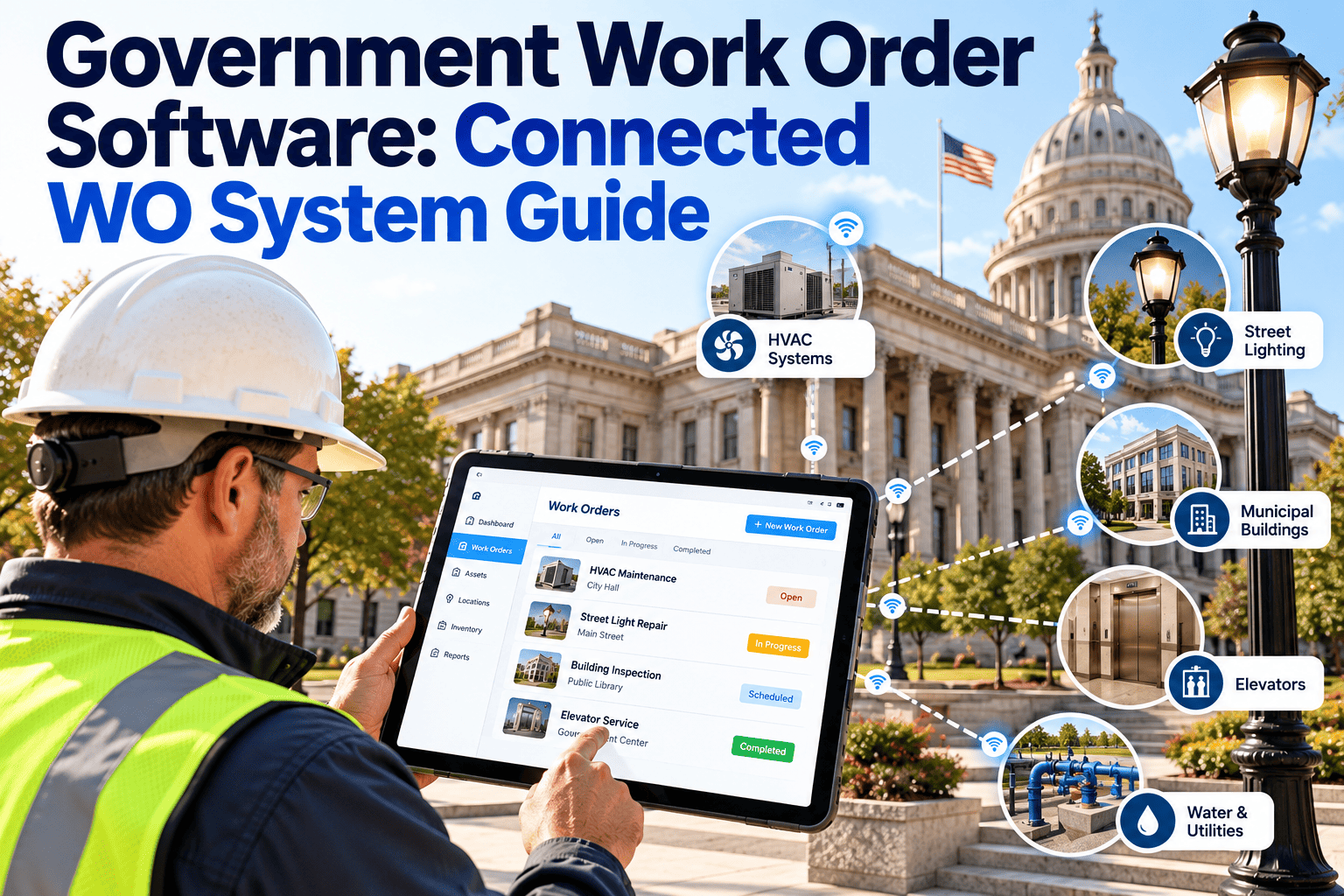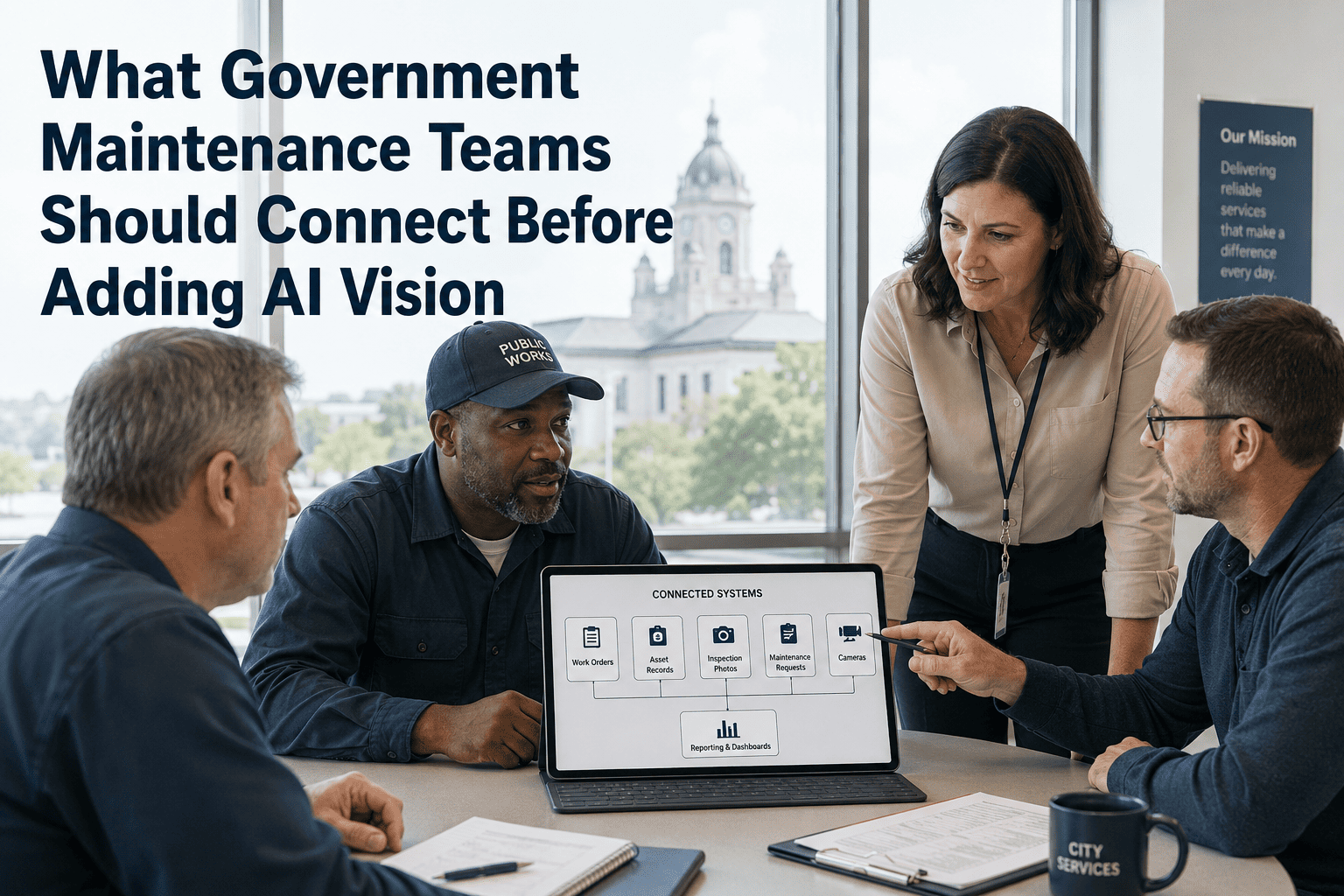
Government maintenance teams managing bridges, water infrastructure, public buildings, and fleet assets operate under a different accountability standard than private sector operations — every defect missed is a public safety liability, and every untracked repair is a potential audit finding. Adding AI vision cameras to field inspection workflows promises faster defect detection and automated documentation, but organizations that skip the foundational data connections first end up with visual evidence that lives in isolation: photos with no work orders, findings with no asset records, and AI alerts that generate noise instead of action. This guide walks through the infrastructure that must be in place before AI vision delivers real value for public works and government maintenance teams using OxMaint.
What to Connect Before Adding AI Vision to Government Maintenance
Why AI Vision Underperforms Without These Foundations
AI vision cameras can detect cracks, water intrusion, corrosion, and equipment wear with high accuracy. But detection is only 20% of the problem. The remaining 80% is what happens after the detection: who gets notified, what work order gets created, which asset gets tagged, and how the finding becomes part of a compliance record. Without those connections, AI vision is an expensive camera.
Every AI-detected defect must tie to a specific asset ID. Without a structured asset register connected to your inspection workflow, findings float as orphaned photos with no maintenance history, no ownership, and no repair timeline.
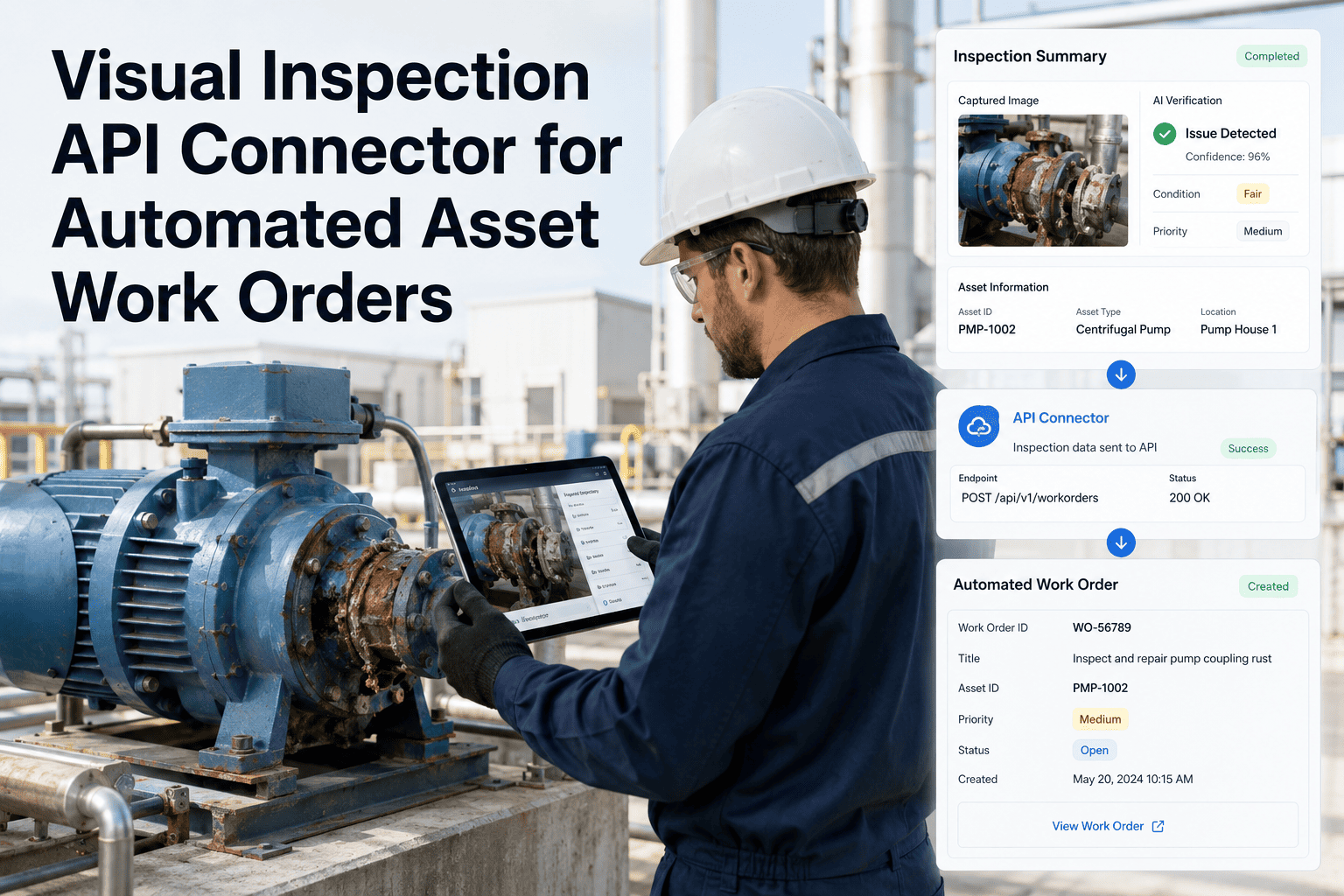
AI vision should trigger work orders automatically based on defect type and severity — not require a supervisor to manually review footage. Pre-configured routing rules eliminate the human bottleneck between detection and dispatch.
Government teams face audit requirements that private sector operations do not. Before adding AI vision, the compliance record architecture — who inspected, what was found, when, and what action was taken — must be fully defined and mapped in your CMMS.
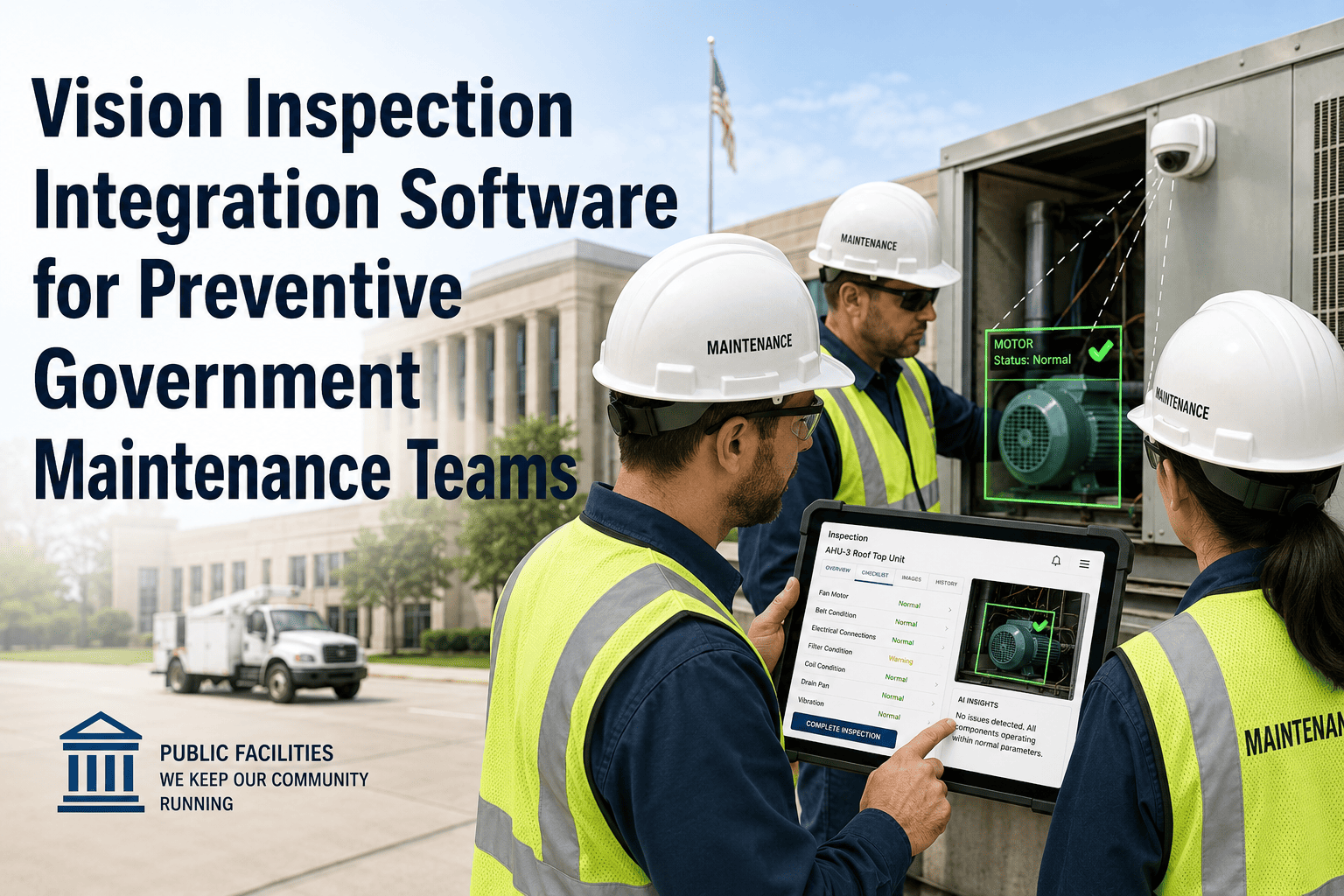
Field crews need a consistent way to validate, supplement, or escalate AI findings. A mobile workflow that connects the field technician's observation to the AI-flagged finding — without duplication — is the bridge between camera detection and human verification.
See How OxMaint Connects AI Vision to Government Work Orders
OxMaint integrates AI vision detection with asset registers, automated work order creation, and audit-ready compliance records — purpose-built for public works teams.
The 5-Layer Connection Framework
| Layer | What Must Be in Place | Common Gap | Impact if Missing |
|---|---|---|---|
| Asset Data | All inspectable assets tagged and in CMMS | Asset register outdated or incomplete | AI findings can't be assigned to records |
| Work Order Rules | Defect-to-priority routing logic defined | Manual triage still required post-detection | Delays between detection and response |
| Compliance Fields | Inspection fields mapped to audit requirements | Compliance fields added after deployment | Retro-documentation burden during audits |
| Mobile Verification | Field crew app connected to AI alert queue | AI alerts and mobile inspection run separately | Duplicate records, conflicting data |
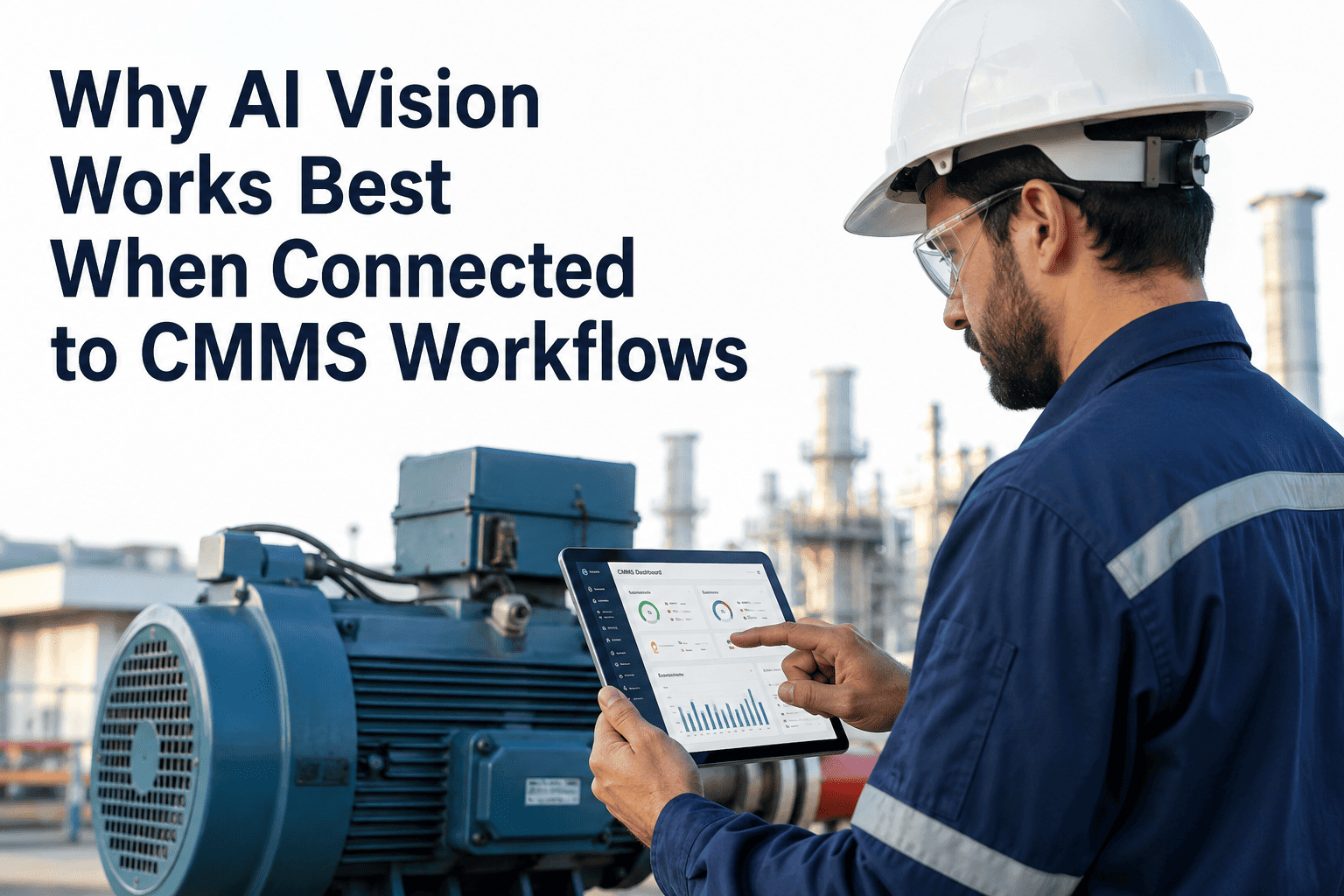
| Reporting Layer | Dashboard shows AI findings alongside KPIs | AI data in separate system from CMMS reports | Leadership decisions made on incomplete data |
Connect in This Order — Not the Other Way Around
Tag every asset that will be in AI camera view. Add location coordinates, maintenance history, and responsible department. This is the anchor point for everything that follows.
Map each defect type your AI cameras will detect to a work order priority, response time target, and responsible crew. These rules eliminate the need for manual triage on every alert.
Work backward from your audit requirements. Define every field an inspector or AI system must populate — inspection date, finding type, evidence photo, corrective action, closure verification. Build these into your CMMS before any camera goes live.
Configure your mobile workflow so field technicians can view AI-flagged findings, add their own observations, and close the verification loop — all within the same work order thread, not a separate system.
With all five layers in place, AI vision cameras become a detection layer that feeds a fully connected system. Every alert triggers a work order, every finding becomes a compliance record, and every trend is visible in your dashboard.
We piloted AI vision cameras on three bridge inspection routes before we had a proper asset register in our CMMS. The cameras detected real defects — but the findings went into a separate vendor portal, our maintenance crews had no visibility into them, and nothing was getting tracked against the assets in our system. We spent eight months doing manual re-entry. When we finally connected the AI output to OxMaint's work order engine with proper asset tagging, response time dropped from 11 days to under 2. The lesson: the camera is the easy part. The data infrastructure is the hard part — and it has to come first.
Frequently Asked Questions
How long does it take to connect an existing asset register to an AI vision system?
For government teams with a reasonably current asset register in a CMMS, the technical integration typically takes 2–4 weeks. The larger time investment is data quality work — verifying asset IDs, adding location data, and mapping inspection zones to asset records. Teams that skip this step often find that AI alerts reference locations their CMMS doesn't recognize, creating a manual reconciliation problem that grows over time. Start a free trial with OxMaint to see how asset mapping works before committing to an AI vision deployment.
Do we need to replace our existing CMMS to use AI vision, or can it integrate?
Most government teams do not need to replace their CMMS — they need to ensure it has an open API or webhook capability that AI vision platforms can write to. OxMaint connects to AI vision systems via standard integration endpoints, meaning detected defects automatically create structured work orders in the same CMMS your team already uses for preventive maintenance and compliance. The goal is to extend your existing workflow, not replace it. Replacements are only necessary if your current CMMS has no integration capability or cannot support the compliance record structure required by your audit framework.
What compliance record fields do government inspection teams typically need before deploying AI vision?
The minimum set for most government audit frameworks includes: asset ID, inspection date and time, inspector ID or AI system identifier, defect classification, severity rating, photographic evidence reference, assigned corrective work order number, target closure date, and actual closure date with technician signature. Some jurisdictions add regulatory code references or GIS coordinates. Building these fields into your CMMS before deployment means every AI-detected finding is audit-ready from day one, rather than requiring back-population. Book a demo to see how OxMaint structures compliance records for public works teams.
Can AI vision replace manual inspection for government assets, or does it only supplement?
Current AI vision technology is best positioned as a continuous monitoring and early-detection layer that supplements, rather than replaces, periodic human inspection for government assets. AI cameras excel at detecting visible surface defects, unauthorized access, and environmental conditions continuously — catching issues between inspection cycles. Human inspectors add structural assessment judgment, regulatory documentation sign-off, and defect context that visual detection alone cannot provide. The most effective government programs use AI vision to reduce the frequency of routine walkthroughs while maintaining scheduled deep inspections for compliance and safety certification purposes.
How should AI vision findings be handled when they contradict a recent human inspection report?
A conflict between an AI finding and a recent inspection report is a signal, not an error — it usually means either the defect developed after the inspection, the inspection missed something, or the AI system is generating a false positive. Your workflow should treat conflicting findings as a mandatory verification task: a field technician physically confirms the AI finding within a defined window, and the verification outcome updates both the work order and the inspection record. OxMaint's mobile verification workflow is designed specifically for this scenario, allowing technicians to accept, escalate, or dismiss AI findings with a documented rationale.
Connect Your Government Maintenance Data Before AI Vision Goes Live
OxMaint gives government maintenance teams the asset records, work order automation, compliance structure, and mobile workflows that make AI vision actually useful — not just another data silo.