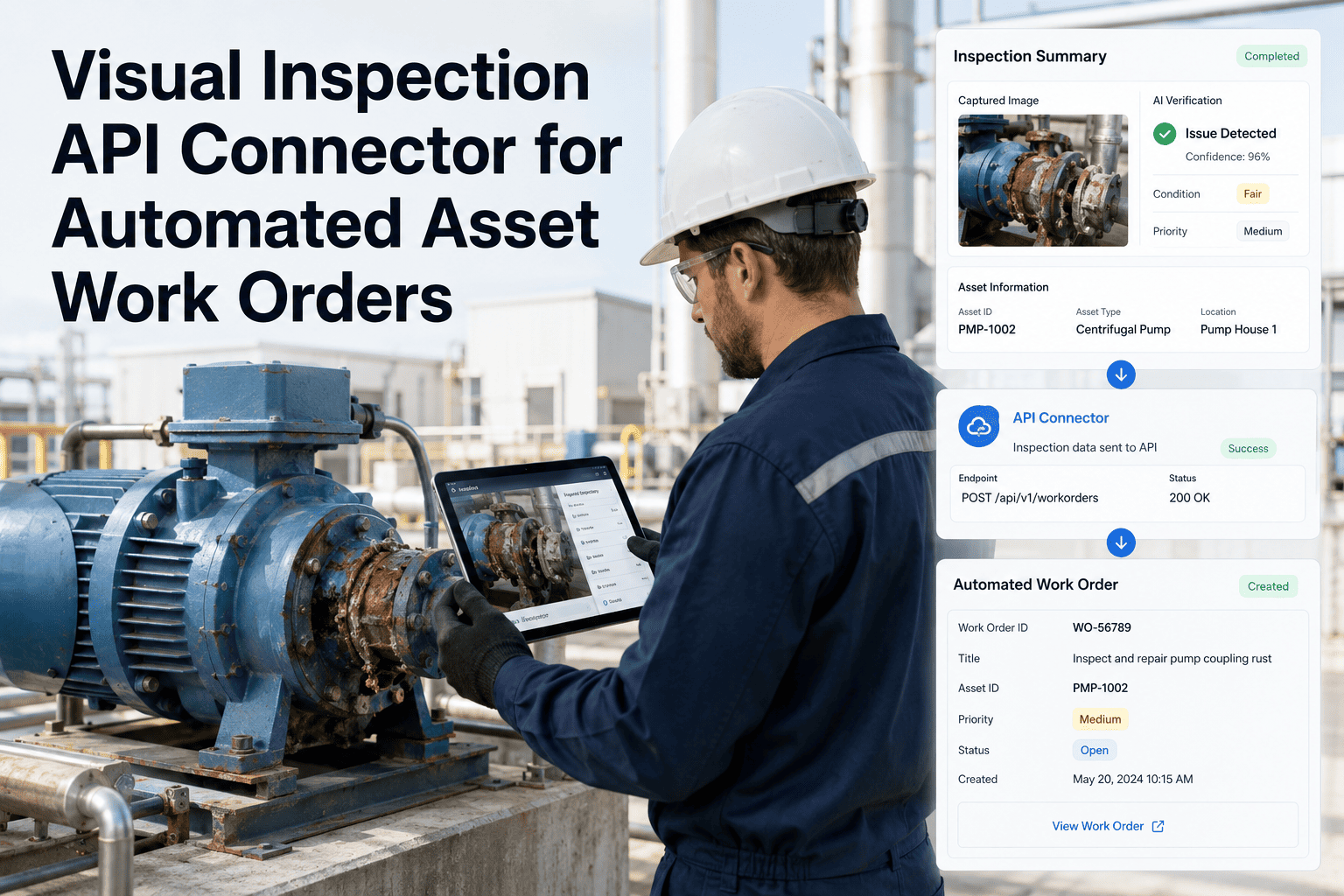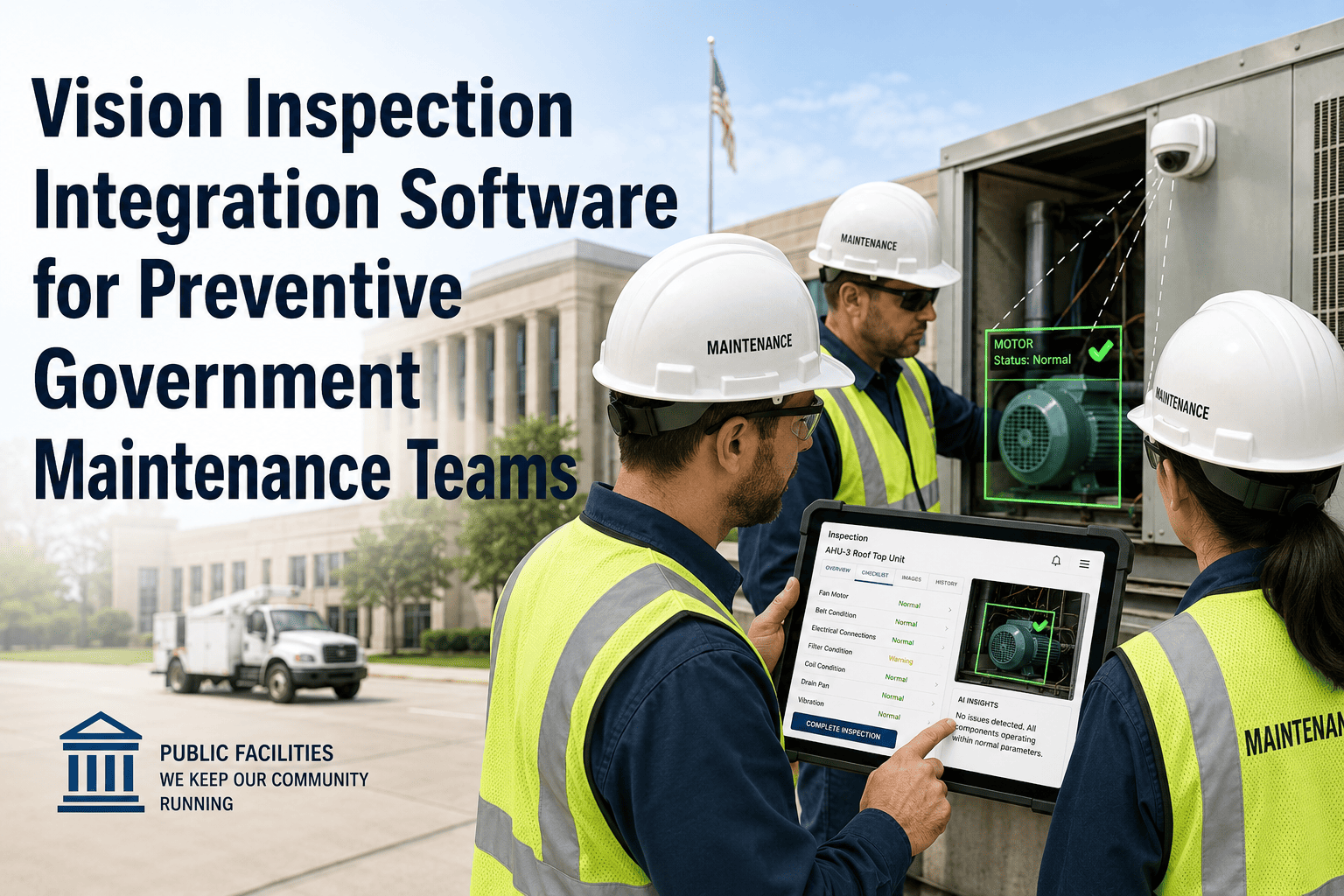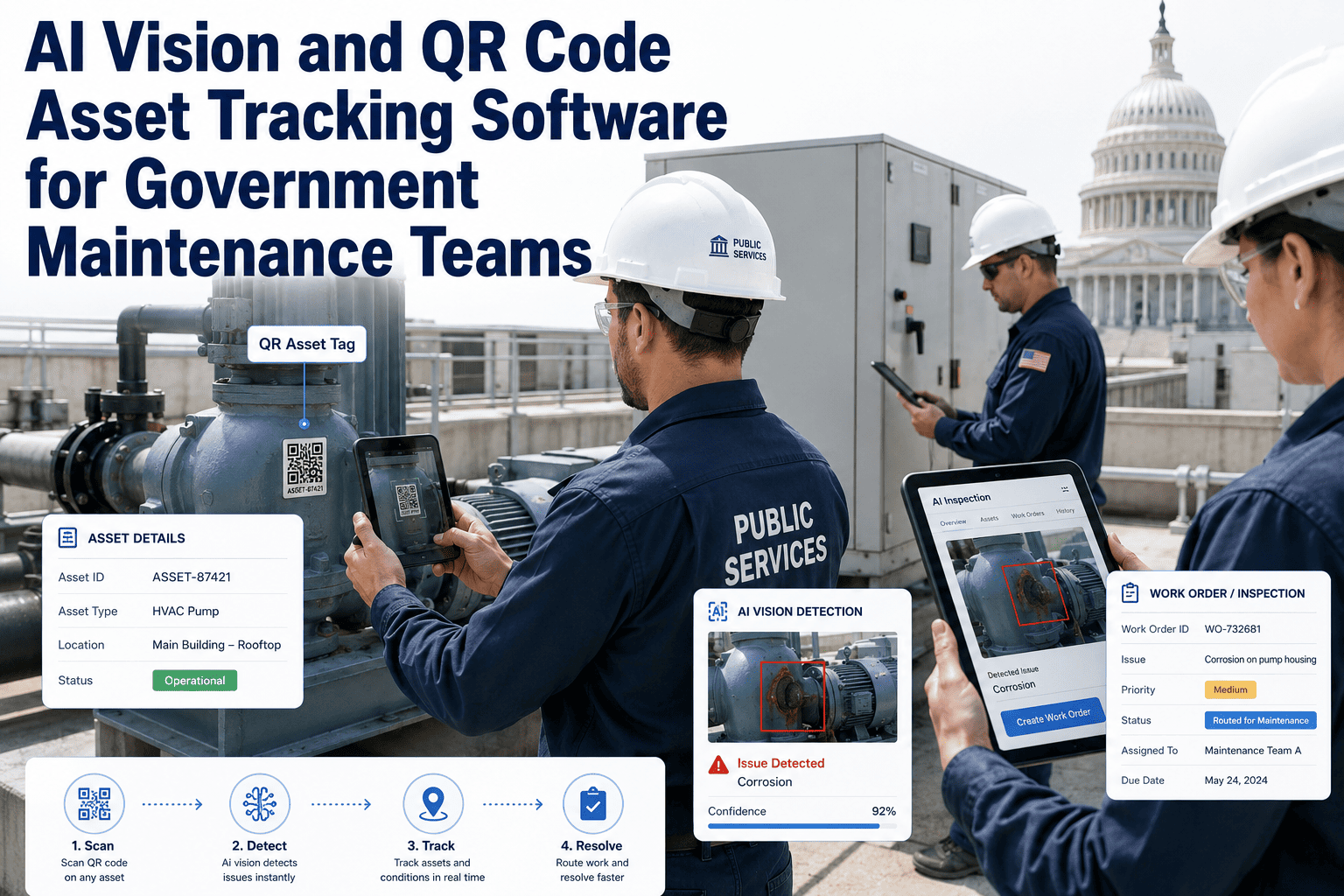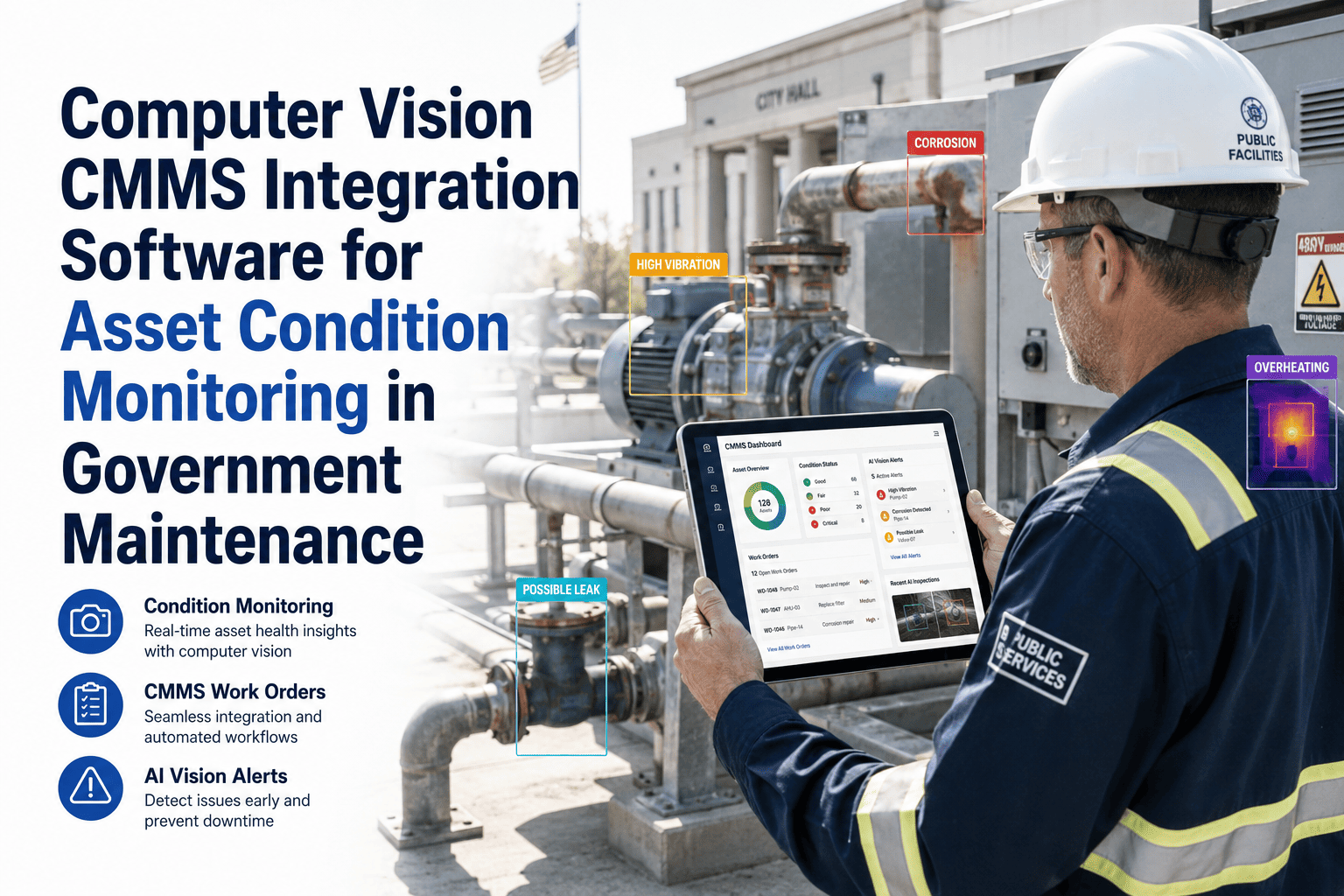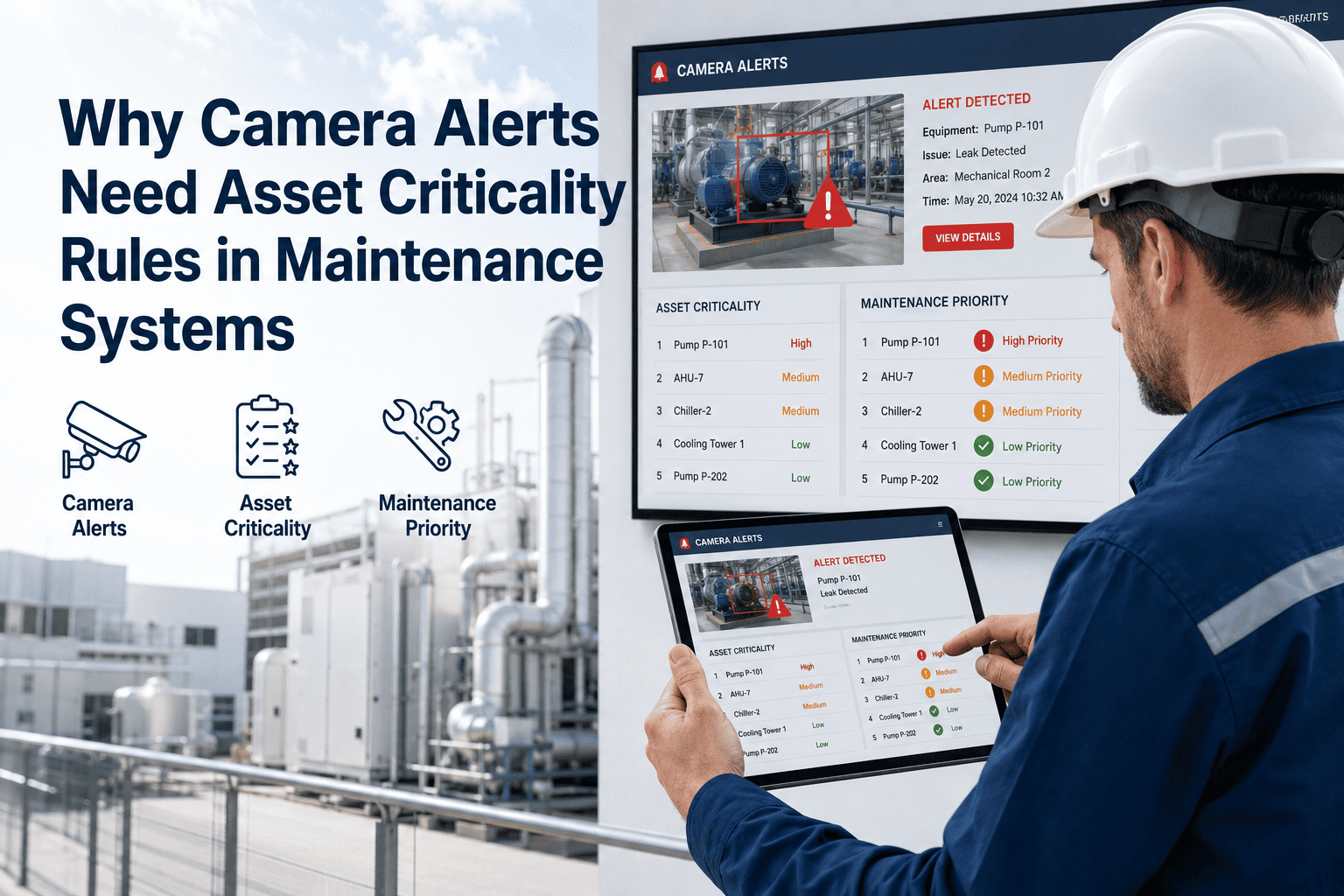
Without asset criticality rules, camera alerts are just noise — your AI vision system fires an alert, and nobody knows whether to drop everything or ignore it until morning. Government maintenance teams managing thousands of assets across water utilities, roads, buildings, and public infrastructure face this problem every day. When every alert looks the same, technicians either chase every notification (burning hours on low-priority equipment) or start ignoring alerts altogether (missing real failures on critical assets). Book a demo with OxMaint to see how criticality-based alert routing works in a live government maintenance environment, or start your free trial and configure your first criticality ruleset today.
Government Maintenance · AI Vision · Alert Management
Camera Alerts Without Criticality Rules Are Just Noise
Public-sector maintenance teams receive hundreds of AI vision alerts daily. Without asset criticality rules in your CMMS, every alert looks equally urgent — and that breaks your workflow faster than no alerts at all.
73%
of technicians report alert fatigue within 3 months of AI camera deployment
4.2x
faster response to critical failures when criticality rules filter alerts
61%
of government teams have no formal asset criticality classification in their CMMS
38min
average time wasted per shift chasing low-priority camera alerts without filters
The Core Problem
Why Camera Alerts Break Down Without Criticality Context
AI vision cameras can detect equipment anomalies, unauthorized access, fluid leaks, and structural issues in real time. But detection is only the first step. The system then asks: what do you do with that detection? In a government maintenance environment — where a pump failure at a water treatment plant is not the same as a flickering streetlight — every alert needs a criticality context before it becomes actionable. Without that context, your CMMS receives an alert and creates a work order with no prioritization. Every technician sees a flat queue.
Without Criticality Rules
Camera fires alert on a minor HVAC vibration at a non-critical office building
CMMS creates a work order — same priority as a pump failure at the water intake
Technician dispatched to check HVAC, misses the pump failure notification
Alert queue builds — team starts filtering emails and ignoring mobile notifications
Critical failure at water intake goes unaddressed for 4 hours
With Criticality Rules in CMMS
Camera alert hits CMMS with asset ID and system reads criticality tier: Tier 1 (critical infrastructure)
Alert automatically escalates to senior technician and supervisor via SMS and app notification
Work order created with Priority 1 status, 30-minute response SLA applied automatically
HVAC alert at non-critical site queued as Priority 3 — next available technician
Response time on critical assets cuts from 4 hours to under 45 minutes
Asset Criticality Framework
How Government Teams Should Classify Assets Before Connecting AI Cameras
| Criticality Tier | Asset Examples (Public Sector) | Camera Alert Response | CMMS Work Order Priority | Escalation Path |
|---|---|---|---|---|
| Tier 1 — Critical | Water intake pumps, sewage lift stations, traffic signal controllers, emergency generators | Immediate — under 30 minutes | Priority 1 | On-call technician + supervisor SMS |
| Tier 2 — Essential | HVAC at public buildings, fleet vehicles in active use, road lighting on primary routes | Same shift — under 4 hours | Priority 2 | Assigned technician + supervisor email |
| Tier 3 — Important | Park irrigation systems, secondary road signage, non-essential building systems | Within 24 hours | Priority 3 | Work order queue — next available |
| Tier 4 — Routine | Storage facility doors, decorative lighting, minor landscaping infrastructure | Scheduled — within 72 hours | Priority 4 | Weekly queue review |
CMMS Configuration
What Asset Criticality Rules Look Like Inside a CMMS
Criticality rules are not just labels you attach to assets. They are logic chains inside your CMMS that determine what happens the moment an AI camera alert arrives. Here is the four-layer structure that effective government maintenance teams use.
1
Asset Classification Layer
Every asset in the CMMS receives a criticality tier (1–4) based on impact to public service delivery, regulatory compliance requirements, and failure consequence. This classification is stored in the asset master record and updated at each annual review cycle.
2
Alert-to-Asset Mapping
When a camera alert arrives, the CMMS reads the asset ID embedded in the alert payload and looks up its criticality tier. This lookup happens automatically — no human has to decide priority in the moment. The camera installation phase must include tagging each camera to its monitored asset in the CMMS.
3
Work Order Generation Rules
Criticality tier triggers a matching work order template — priority level, required response time, skill requirements, parts checklist, and regulatory documentation fields. A Tier 1 alert automatically includes the regulatory reporting fields required by your compliance programme.
4
Escalation and Notification Rules
Each tier has a defined notification chain. Tier 1 alerts reach on-call technicians and supervisors within 2 minutes via SMS and app push. Tier 3 alerts land in the daily work queue without interrupting anyone. Tier 4 alerts batch into a weekly review report.
OxMaint · Government Maintenance Software
Configure Asset Criticality Rules and Connect Your AI Vision Cameras in One Platform
OxMaint lets public-sector maintenance teams set criticality tiers, map camera alerts to asset records, and automate work order priority — so your team responds to what matters first, every time.
Expert Review
What Maintenance Leaders Say About Criticality-Linked Camera Alerts
We deployed AI cameras across 14 sites before we had criticality rules in our CMMS. The first month was chaos — technicians were getting paged at 2am for a parking lot light. Once we mapped every camera to an asset tier and set escalation rules, response time to real failures dropped by half and the team actually started trusting the alerts again.
The criticality layer is what separates a camera installation from a maintenance programme. Any vendor can sell you cameras. What you actually need is the CMMS logic that decides what to do when the camera fires — and that logic has to be grounded in your asset classification data, not just the camera vendor's default settings.
Frequently Asked Questions
Asset Criticality Rules and Camera Alerts — Questions Answered
How do we classify assets if we have never done a formal criticality assessment?
Start with consequence-of-failure as your primary criterion: ask what happens to public service delivery if this asset fails today. Assets that affect health, safety, or regulatory compliance fall in Tier 1 or 2. Assets where failure is inconvenient but not service-threatening fall in Tier 3 or 4. Most government teams can complete a first-pass classification of their top 200 assets in a single workshop using this framework. Our team can guide you through the classification process as part of your OxMaint onboarding.
What data does the camera alert need to carry for the CMMS to apply criticality rules automatically?
At minimum, the alert payload needs an asset identifier that matches your CMMS asset master record — typically an asset ID, equipment tag, or location code. The camera installation process must include registering each camera against a specific asset or asset group in the CMMS. Alerts that arrive without a recognizable asset identifier cannot be automatically prioritized and will default to a generic queue, which defeats the purpose of the integration. OxMaint's camera integration setup walks your team through the asset-tagging process during commissioning.
Can criticality tiers change over time as our infrastructure priorities shift?
Yes, and they should be reviewed annually or whenever a significant infrastructure change occurs — new assets commissioned, old assets decommissioned, or service agreements modified. Criticality classification is a living document, not a one-time setup. In OxMaint, updating an asset's criticality tier automatically updates all connected alert routing and work order generation rules without manual reconfiguration. Most government teams schedule criticality reviews as part of their annual asset management planning cycle.
How does OxMaint handle camera alerts from multiple vendor systems in one dashboard?
OxMaint receives alerts via webhook or API from any camera platform that supports standard alert payloads. The system maps incoming alerts to asset records using the asset ID field, applies the appropriate criticality rules, and generates work orders regardless of which camera vendor originated the alert. This means government teams with cameras from multiple vendors — a common situation after years of departmental purchasing — can centralize alert management without replacing any hardware. Book a demo to see the multi-vendor integration in action.
OxMaint · AI Vision + CMMS for Government Teams
Your Cameras Are Ready. Is Your CMMS Ready to Handle What They Find?
AI vision without asset criticality rules creates more work, not less. OxMaint connects your camera alerts to asset records, criticality tiers, and automated work order logic — so your government maintenance team responds to real failures fast and stops chasing noise.