A nurse notices a broken bed rail, a flickering exam light, or a leaking sink — and then loses ten minutes to the one task no one trained them for: chasing maintenance. They dial the facilities office, wait on hold, describe the problem and the room twice, and hope it actually gets logged before the unit gets busy and the request slips their mind entirely. Every one of those phone calls is a clinical interruption, and nurses already lose a meaningful share of their patient-room time to phone interruptions alone. A QR code on the wall ends it: scan, snap a photo, tap submit, and the request is captured with the room, the asset, and a timestamp already attached — no call, no hold music, no lost ticket. See how OxMaint Work Order Management turns a five-second scan into a routed work order. Book a demo to walk the QR request flow on your own units.
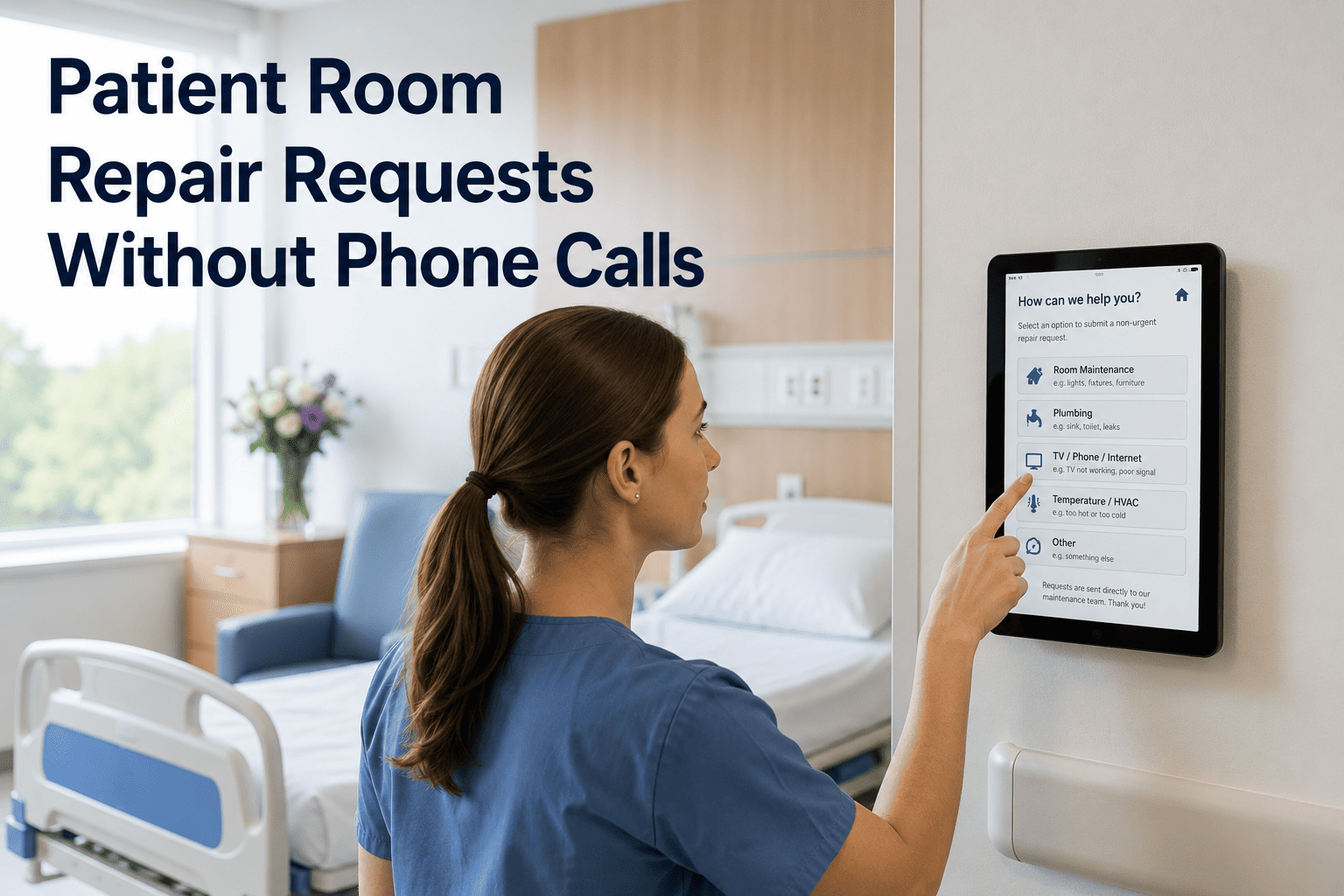
Patient Room Repair Requests Without Phone Calls
Let nursing staff report a bed, light, plumbing, or room-equipment issue by scanning a QR code — capturing the request with full context and routing the work automatically, with no phone call and no paper form.
The Phone Call Is the Bottleneck
When the only way to report a room problem is to call the maintenance office, three things go wrong at once: the nurse leaves the bedside to make the call, the request arrives stripped of any context the technician needs, and far too often it never gets logged at all because the shift got busy mid-dial. Nurses are meant to work at the top of their license — not act as a manual relay between a broken sink and a work-order queue. Every avoidable phone call is time taken from a patient.
One Scan, Start to Finish
A QR sticker lives on the headwall, the door, or each piece of room equipment. The nurse scans it with any phone camera — no app login required to submit — and the request builds itself from there.
The Same Report, Two Very Different Experiences
The phone call captures words; the scan captures evidence. That difference ends the back-and-forth clarification cycle that delays the actual repair.
| Step | Phone Call | QR Scan |
|---|---|---|
| Time spent | 5–10 minutes on hold and describing | Seconds at the bedside |
| Location | Read aloud, transcribed, often wrong | Carried by the code, exact |
| Detail | A verbal description | Photo plus tagged symptom |
| Record | Logged later, if at all | Timestamped the instant it's sent |
Minutes Returned to Patient Care
OxMaint puts a scannable code on every room and asset, captures the request with photo and location in one tap, and routes it to the right team automatically — so nurses report a problem in seconds and never pick up the phone.
Behind the Scan, an Automatic Work Order
The nurse's job ends at the scan. Everything after it happens without a dispatcher in the middle — classified, routed, and documented automatically.
What Removing the Phone Call Changes
These are the shifts nursing and facilities teams report after replacing call-the-office reporting with scan-to-submit.
What Clinical and Facilities Leaders Say
Every minute a nurse spends on hold with the maintenance office is a minute taken from a patient — and worse, half the time the call never gets made because the unit got busy and the broken thing got forgotten. A code on the wall they scan in five seconds changes the whole equation. The request actually gets reported, at the bedside, without anyone leaving the floor.
Director of Nursing Operations · 16 Years Inpatient UnitsMost of my old delay was not the repair — it was figuring out which room and what was actually wrong from a message taken third-hand. Now the scan hands me the room, the exact asset, and a photo before I even leave the shop. No callback, no wrong floor, no guessing. My team shows up once, with the right part, and closes it.
Hospital Facilities Supervisor · 19 Years Healthcare MaintenanceFrequently Asked Questions
How does a QR request actually work for a nurse?
The nurse points any phone camera at the code on the headwall, door, or equipment, and the request opens with the room, asset, and location already filled in. They tap the issue, add a photo, and submit — the whole thing takes seconds and needs no app login to send. The work order is timestamped and routed the instant it leaves their hand. Book a demo to try the scan flow.
Does this replace our nurse call system?
No — they solve different problems. A nurse call system connects patients to clinical staff for care; this connects staff to maintenance for a broken bed, light, or sink. The QR flow sits alongside your existing call system and simply removes the phone call to the facilities office that used to follow a maintenance issue. The two never overlap. Start free to add room codes to your units.
What does the QR code know that a phone call doesn't?
The code carries the room number, the specific asset, the location tier, the reporting unit, and the exact timestamp — context that a verbal call forces someone to read aloud, transcribe, and frequently get wrong. With it pre-filled, the technician arrives knowing precisely where to go and what to expect, which ends the clarification back-and-forth that delays repairs. Book a demo to see captured context.
Where does the request go after the nurse submits it?
Straight into one managed queue, where it is auto-classified by equipment, location, and symptom, split automatically between biomedical and facilities, and routed to the right technician by skill, shift, and proximity. No dispatcher has to read it first and no nurse has to chase it. The priority and the response clock are set the moment it is created. Start free to configure routing rules.
Will it slow nurses down or require training?
The opposite — scanning is faster than dialing, works with the native camera on any phone, and requires no login or app install for someone simply submitting a request. Mobile and QR intake cuts reporting friction by more than half precisely because there is nothing new to learn. If a nurse can take a photo, they can file a work order. Book a demo to see how little training it takes.
Does scan-to-request help at survey time?
Yes — every request and its resolution generate an immutable, timestamped record, and that timestamp is the legal record of when the issue was reported, not when someone finally logged it. For Joint Commission, CMS, and state surveys that scrutinize how facility issues are captured and closed, a complete digital trail on every room repair is exactly the evidence reviewers want. Book a demo to see the audit trail.
Give Nurses Their Minutes Back — One Scan at a Time
OxMaint puts a scannable code on every patient room and asset, captures the repair request with photo and location in a single tap, and routes the work automatically — so nursing staff report a problem in seconds and get straight back to the patient.