Hotel QR Code Maintenance System: Scan, Report, and Resolve in Minutes
By Peter Parker on February 26, 2026
Your housekeeper walks into Room 412 and finds the PTAC making a grinding noise. Old system: she calls the front desk, the front desk pages engineering, engineering calls back, nobody writes anything down, and the work order gets created four hours later — if at all. New system: she scans the QR code on the unit, selects the fault type, and engineering receives a prioritized work order on their mobile device in under 60 seconds. Hotels using Oxmaint QR asset tagging reduce fault-to-work-order time from hours to under a minute — across every room, every floor, every asset class.
Mobile CMMS · Asset Management
Hotel QR Code Maintenance System: Scan, Report, and Resolve in Minutes
Attach a QR code to every asset. Let any staff member — housekeeper, front desk agent, F&B supervisor — scan and report a fault in seconds. Engineering receives a work order instantly. No phone tag. No paper log. No issue lost between shifts.
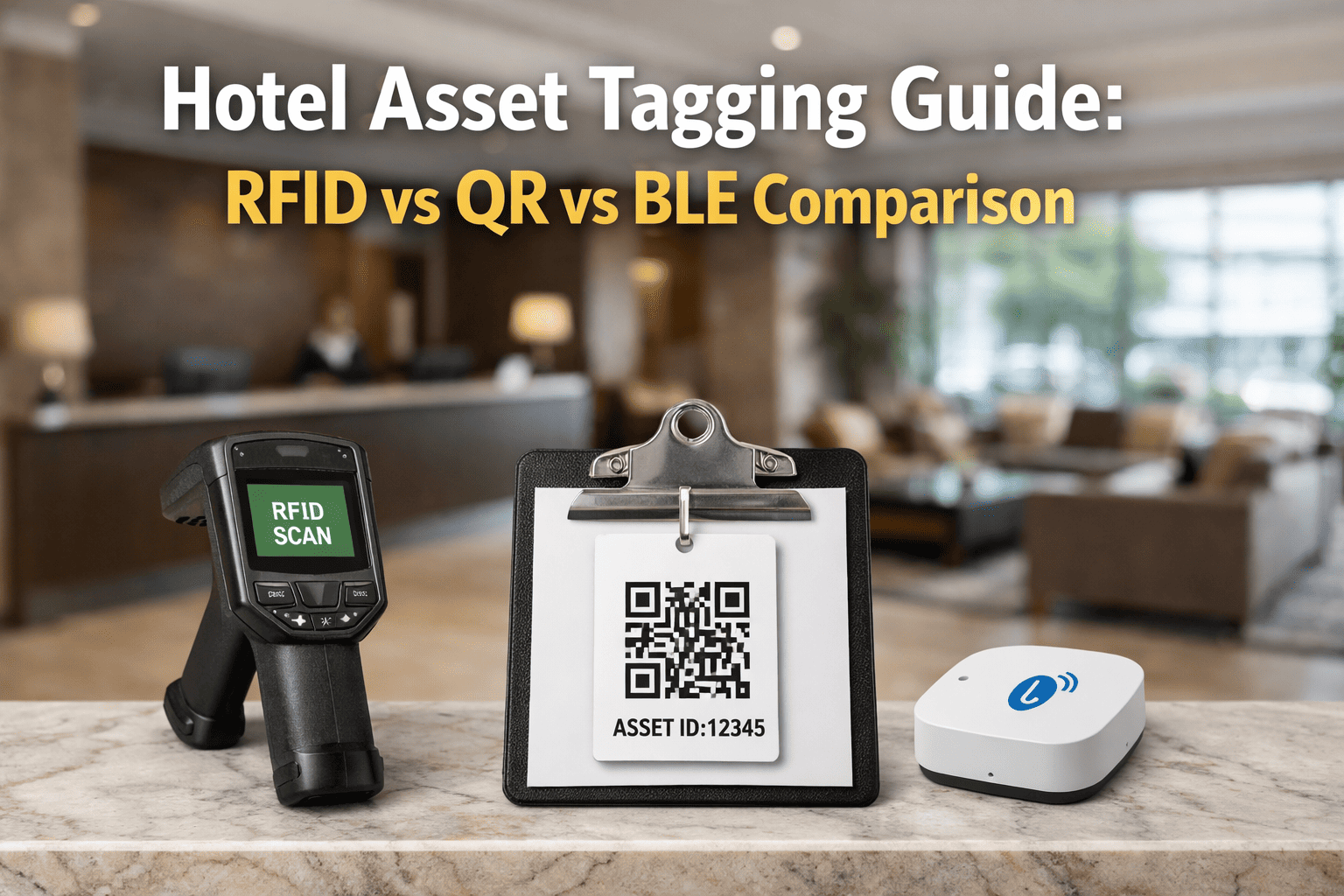
Staff member points phone camera at the QR code printed on the asset label — PTAC unit, elevator panel, gym machine, pool pump. No app download. Opens instantly in the browser.
→
02
REPORT
A pre-filled form opens showing the asset name, room number, and location. Staff selects the fault type, adds a description, and can attach a photo. Submits in under 60 seconds.
→
03
RESOLVE
Engineering receives a prioritized work order instantly — asset ID, location, fault type, photo, and reporter name already populated. The technician is dispatched with full context. Issue tracked to close.
<60sAverage scan-to-work-order time with Oxmaint QR
4 hrsAverage fault-to-work-order time without a QR system
0App downloads required — works in any phone browser
100%Of issues captured — nothing lost between radio calls and shift handoffs
Who Reports
Every Department Becomes Your Eyes on the Property
Engineering cannot be everywhere at once. With QR codes deployed across the property, every department becomes an active fault-reporter. Your maintenance coverage multiplies without adding headcount — because the people already in every room are now equipped to act.
01
Housekeeping
Daily scenario
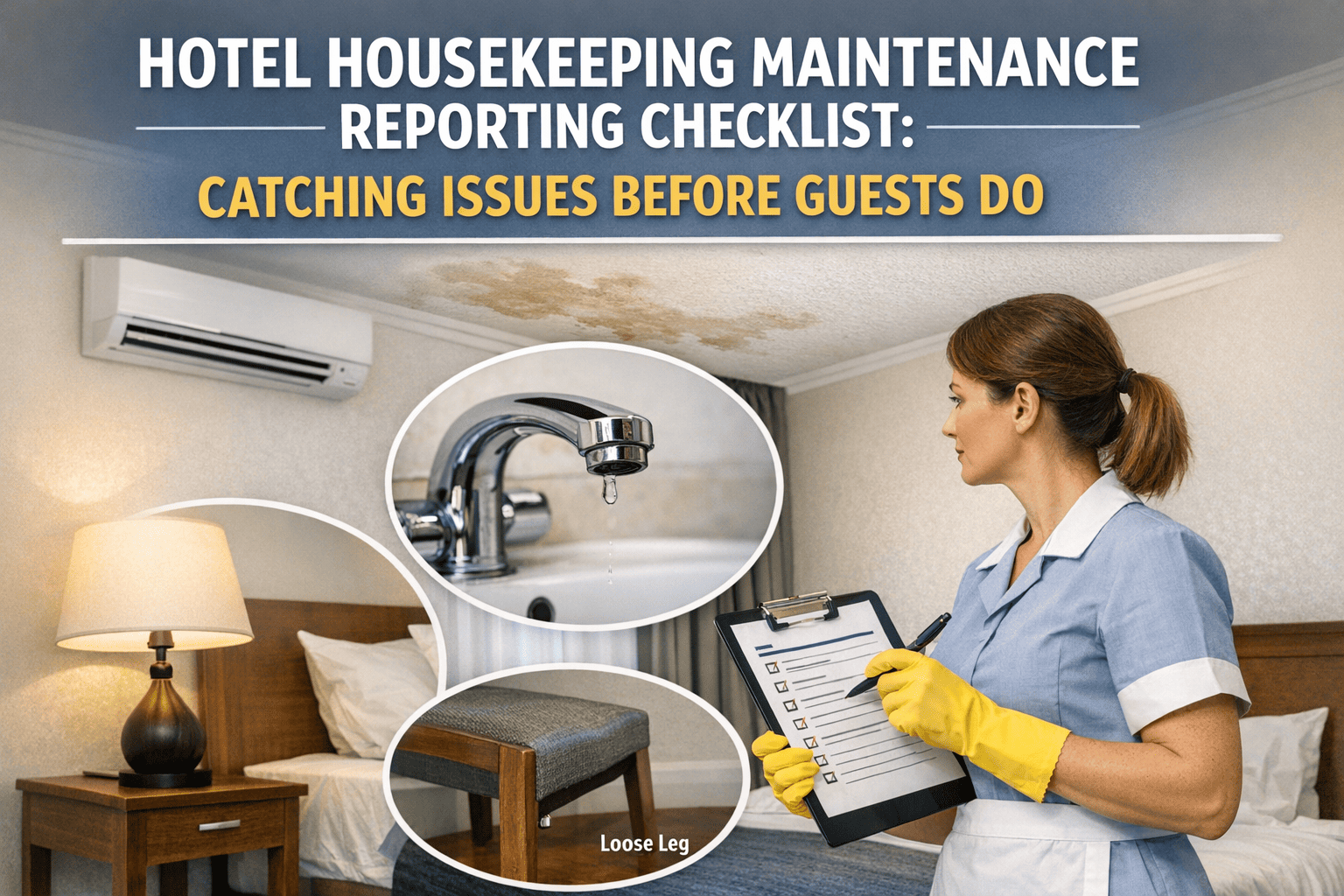
Cleaner enters Room 318. TV remote is missing, PTAC makes a clicking noise, bathroom faucet drips. She scans three QR codes in under 2 minutes — one per asset. Three separate work orders reach engineering before she finishes the room.
Housekeeping services every occupied room daily — making them the highest-frequency fault reporters on any property.
02
Front Desk
Daily scenario
Guest reports that the card reader at the elevator lobby is intermittent. Agent scans the QR code on the panel directly from the desk using a tablet. Work order created, engineering notified, guest told the issue is already logged.
Front desk handles guest complaints first. QR reporting closes the loop instantly — no radio relay, no delay between complaint and action.
03
F&B Team
Daily scenario
Line cook notices the walk-in cooler temperature gauge is reading 2°F above threshold. Scans the QR on the unit. Work order flagged as Priority 1 automatically — cooler asset type triggers the escalation rule in Oxmaint.
Kitchen equipment failures are time-critical. QR reporting with auto-escalation rules ensures P1 issues bypass the queue and reach engineering immediately.
04
Engineering
Daily scenario
Technician scans the QR on a pump during a routine inspection. Service history, last PM date, and open work orders for that asset appear instantly. He logs the inspection result on the same scan — no paper form needed.
For engineering teams, QR codes work both ways — fault intake from all departments, and instant asset record access during inspections and repairs.
Oxmaint generates print-ready QR labels for every asset in your property.Add asset name, room number, priority rules, and fault categories — then print and deploy. Start building your asset library free.
QR tagging works across every department and asset class in the hotel. A 200-room full-service property typically tags 800–1,200 individual assets across six property zones. Oxmaint manages all of them in a single dashboard.
AGuest Rooms4–8 assets / room
01PTAC / in-room HVAC unit
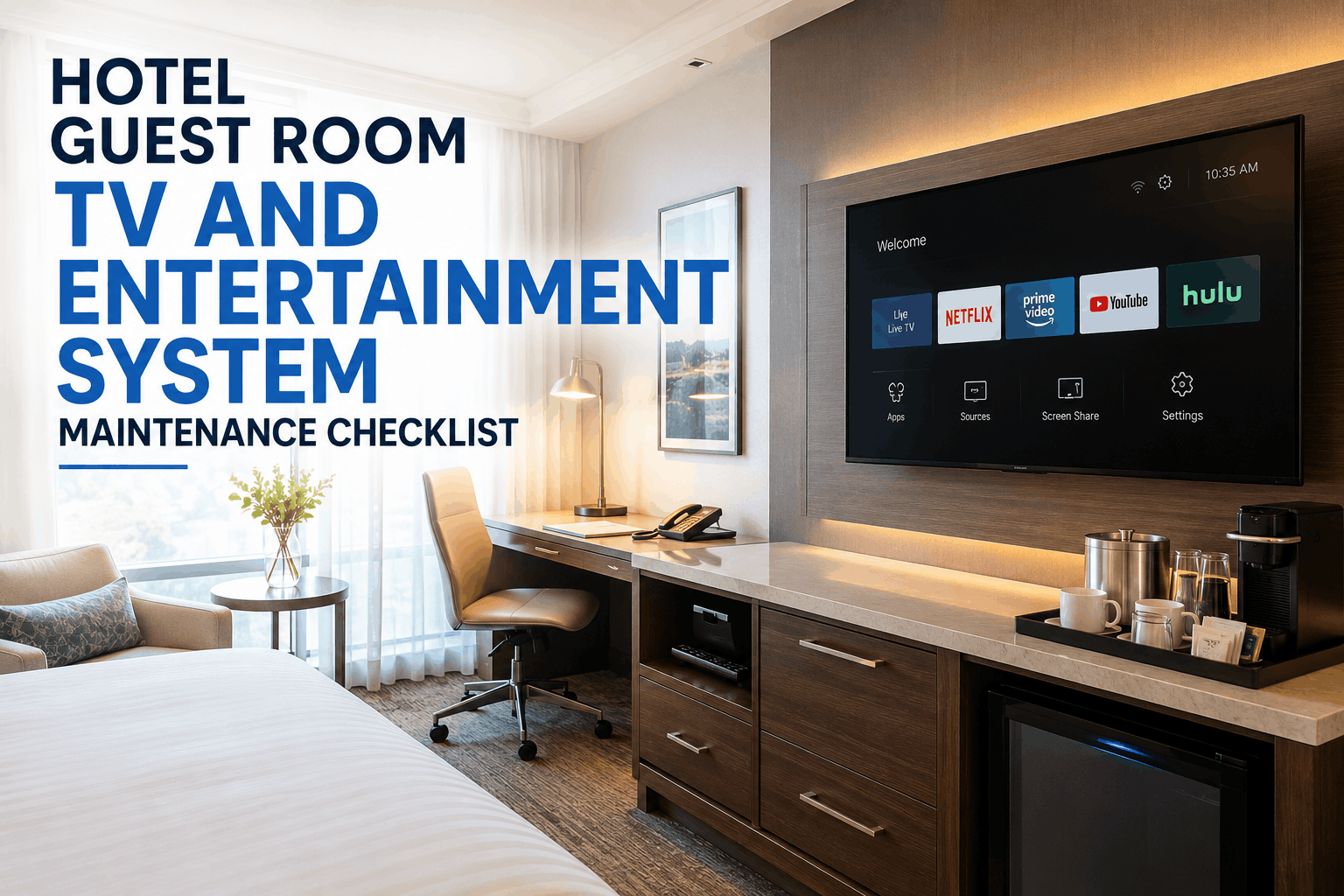
02Television and entertainment system
03Bathroom fixtures — shower, toilet, faucets
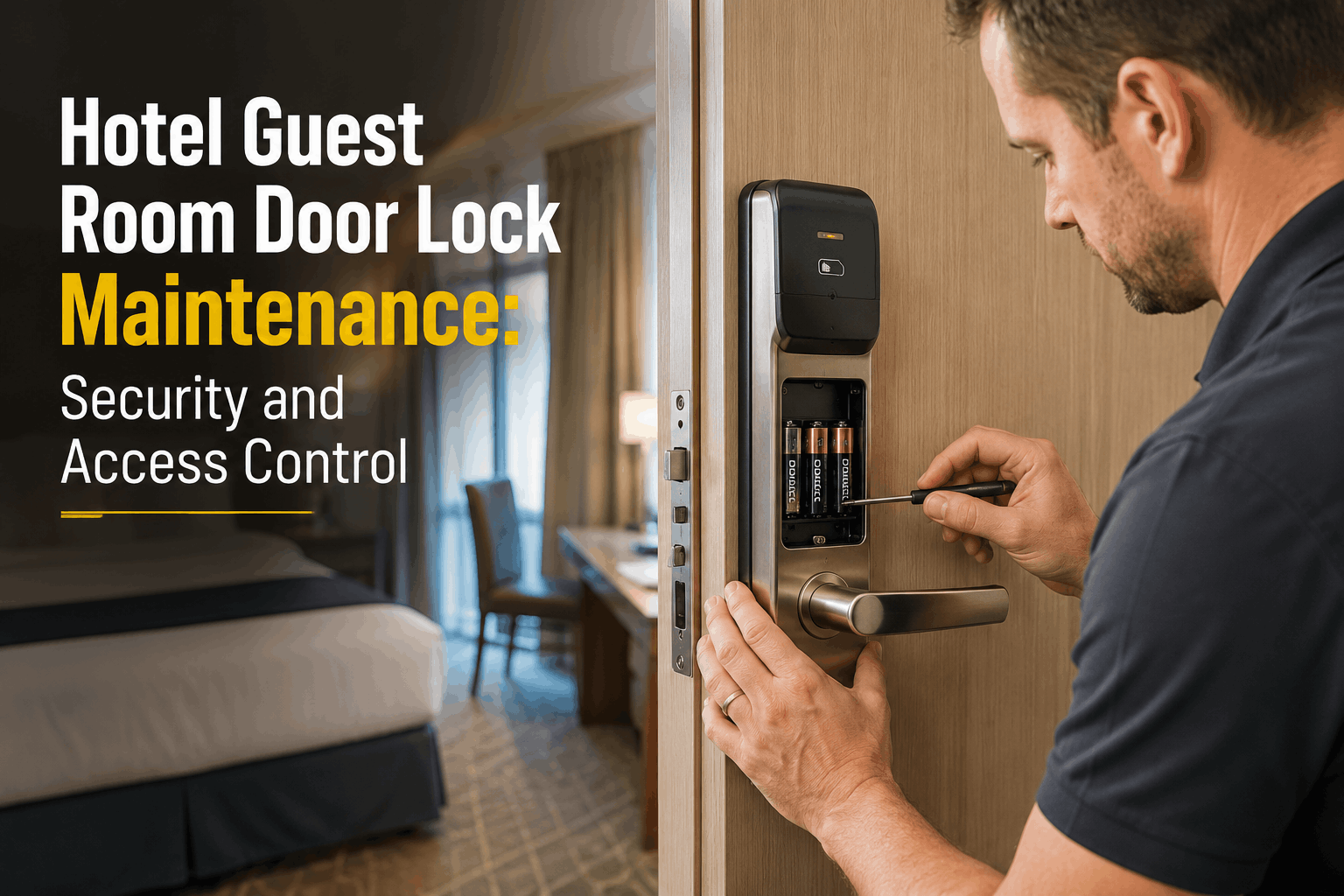
04Electronic door lock and card reader
05Safe, mini-fridge, and bedside controls
Most scan volume. Housekeeping reports faults here daily during room cleans.
BMechanical SystemsCritical assets
01Chillers, boilers, and AHUs
02Elevators — cab, motor room, pit
03Electrical panels and switchgear
04Domestic hot and cold water pumps
05Fire suppression and alarm components
Inspection scan history creates an automatic compliance audit trail per asset.
CFood & BeverageHigh-priority zone
01Walk-in coolers and freezers
02Commercial ranges, fryers, ovens
03Dishwashers and warewashing systems
04Ice machines and beverage dispensers
05Hood ventilation and suppression systems
Temperature failures auto-escalate to P1. Walk-in cooler faults bypass standard queue.
DPublic AreasGuest-visible zone
01Pool pumps, heaters, and chemical feeders
02Fitness equipment — treadmills, weights
03Lobby HVAC and AHU units
04Outdoor lighting and signage
05Access control and parking gates
Public-area faults are guest-visible. Fast reporting here directly protects review scores.
Implementation
From Zero Tags to Full Property Coverage in One Week
Rolling out QR asset tagging sounds like a large project. In practice, a 200-room property completes full deployment in 5–7 days using Oxmaint's bulk asset import and print-ready label system. Here is the exact sequence.
01
Build Your Asset Register in Oxmaint
Import your asset list via CSV or add assets manually. Each asset gets a unique ID, location code (room number or zone), asset type, and priority classification. A 200-room property typically completes this in 2–4 hours using a bulk import template. Oxmaint generates a QR code for each asset automatically on creation.
Time: 2–4 hours · Who: Engineering manager or GM
02
Print and Laminate Asset Labels
Oxmaint exports print-ready QR labels in standard formats — Avery sheet labels, badge-size cards, or weatherproof vinyl for mechanical assets. Each label includes the asset name, location, and QR code. Print from any office printer. Laminate for durability in wet areas like pool rooms and kitchens.
Time: 1–2 hours · Who: Admin or engineering tech
03
Deploy Labels Across the Property
Engineering team works floor by floor, department by department. Label placement takes 15–20 seconds per asset — peel, stick, scan to verify. Best practice: place labels at eye level on the asset or on the inside of the unit panel door for mechanical assets. Labels on guest-facing equipment should be discreet but accessible to staff.
Time: 1–3 days · Who: Engineering team
04
Brief Staff — 5 Minutes per Department
No formal training required. Show each department the label placement for their area, demonstrate one scan, and confirm they can see the form open on their phone. That's the entire training. Housekeeping briefing: show them the labels on PTAC and bathroom fixtures. F&B briefing: show them the labels on coolers and kitchen equipment. Front desk: show them lobby and elevator labels.
Time: 30–60 minutes total · Who: Engineering manager or supervisor
05
Set Priority Rules and Go Live
In Oxmaint, configure auto-escalation rules by asset type — walk-in cooler faults become P1, PTAC faults become P2, TV faults become P3. Set department routing so F&B reports go to the right technician. Once rules are live, every scan auto-routes without manual triage. The system is fully operational from the first scan.
Time: 1–2 hours · Who: Engineering manager in Oxmaint dashboard
4 hrs
The Hidden Cost of Slow Fault Reporting
The average fault-to-work-order time in hotels without digital reporting is over 4 hours — through a chain of radio calls, verbal relay, handwritten logs, and shift handoffs where context gets lost at every step. During those 4 hours, the asset continues to fail, the guest experience degrades, and the repair cost compounds. A QR reporting system does not change how fast technicians work. It eliminates the 4-hour gap before they are even dispatched. Oxmaint QR reporting closes this gap to under 60 seconds.
Oxmaint QR Features
What Makes Oxmaint QR Different From a Simple Google Form
Any QR code can link to a Google Form. What makes Oxmaint's QR system a maintenance tool rather than a survey tool is what happens after the scan — asset-linked history, auto-routing, priority escalation, and a closed-loop work order system that tracks every fault to resolution.
01
Asset-Linked Records
Every scan is permanently linked to the specific asset — not just a room number. When Room 412's PTAC generates its fifth work order in 90 days, Oxmaint flags the repeat failure pattern and surfaces it on the engineering dashboard automatically. A Google Form never knows it's the same unit.
Full asset historyRepeat fault detection
02
Auto-Priority and Routing
Walk-in cooler scan at 2°F over threshold becomes a P1 work order routed to the on-call technician via push notification. Guest-room TV fault becomes P3 routed to the next available tech during business hours. Rules set once in Oxmaint apply automatically to every scan, forever — no dispatcher required.
Auto-escalation rulesSmart routing
03
Photo Capture at Scan
Staff attach a photo directly in the scan form — no separate messaging app, no "I'll send it to you" that never happens. The technician sees the photo when the work order arrives, arrives prepared, and completes the repair in one visit. First-visit resolution rates improve measurably within the first month of deployment.
Inline photo uploadFirst-visit resolution
04
Inspection Mode — Same QR Code
The same QR code that accepts fault reports also opens a PM inspection checklist when scanned by an engineering technician with their Oxmaint credentials. One label on the asset serves both reactive reporting from all staff and proactive PM documentation from engineering. No duplicate labels. No separate system.
Dual-mode scanningPM + fault reporting
"
We had 14 housekeepers moving through 280 rooms every morning. Before QR codes, maybe 30% of faults they spotted actually made it to a work order. The rest got mentioned at shift briefing, forgotten, or called in late at night when the guest complained. Three weeks after deploying Oxmaint QR labels across all guest rooms, our work order volume from housekeeping alone went up 340%. Not because there were more problems — because we were finally capturing the ones that had always existed.
Do staff need to download an app to scan and report a fault?
No. Oxmaint QR codes open directly in the device's native camera app and launch the fault report form in a browser — no app installation, no login for reporters. The housekeeper, front desk agent, or F&B supervisor scans exactly like they would scan any QR code they encounter daily. The only people who need the Oxmaint app are engineering technicians who manage and close work orders. Sign up free to see how reporter access works.
How many assets should we tag in a typical hotel?
A full-service 200-room hotel typically tags 800–1,200 assets across all zones: 4–8 per guest room (PTAC, TV, door lock, bathroom fixtures), 15–25 mechanical assets per floor, all F&B equipment, and public area assets. A practical starting point: begin with guest rooms and walk-in coolers — the two zones that generate the highest fault volume and the most guest-facing complaints. Expand to full coverage over 60–90 days. Book a demo to see how Oxmaint handles bulk asset creation.
What happens to the QR system when staff turnover occurs?
QR reporting requires zero credentials from non-engineering staff — so turnover has no impact on reporting capability. A housekeeper on their first shift can scan and report a fault with no training beyond seeing another housekeeper do it once. The QR codes themselves are permanent — they stay on the asset for its entire lifecycle. Only Oxmaint user accounts for engineering staff require any onboarding, and those take under 10 minutes to set up.
Can QR codes handle inspection and preventive maintenance — not just fault reports?
Yes — this is one of Oxmaint's core QR use cases. The same QR code on an asset opens a fault report form for non-engineering staff scanning without credentials, and opens a PM inspection checklist for engineering technicians scanning with their Oxmaint account. One physical label handles both workflows. Inspection results, photos, pass/fail markers, and technician sign-off are all recorded against the asset record. This creates a full service history linked to each specific unit — not just a work order log.
How durable are the QR labels in a hotel environment?
Oxmaint's print-ready label templates are designed for laminated or UV-coated output, which holds up in high-humidity areas like pool rooms, kitchens, and bathrooms. For outdoor assets and mechanical rooms, polyester or vinyl labels rated for outdoor use withstand temperature extremes, cleaning chemicals, and direct moisture. Labels on guest-room PTAC units and electronics can use standard laminate. Average label lifespan exceeds the service cycle of the asset itself. Replacement takes under 30 seconds per asset if a label is ever damaged. Download label templates when you sign up free.