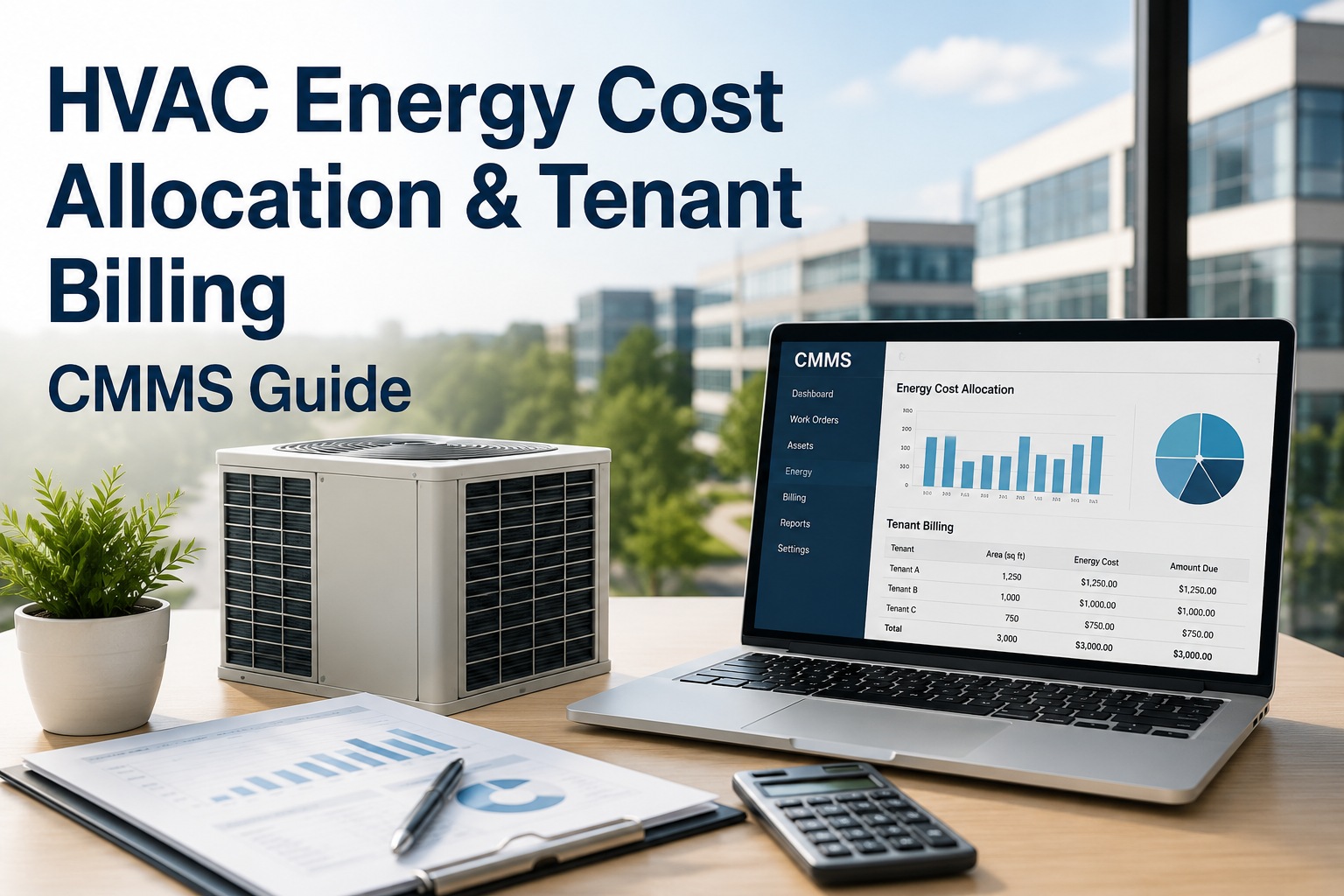
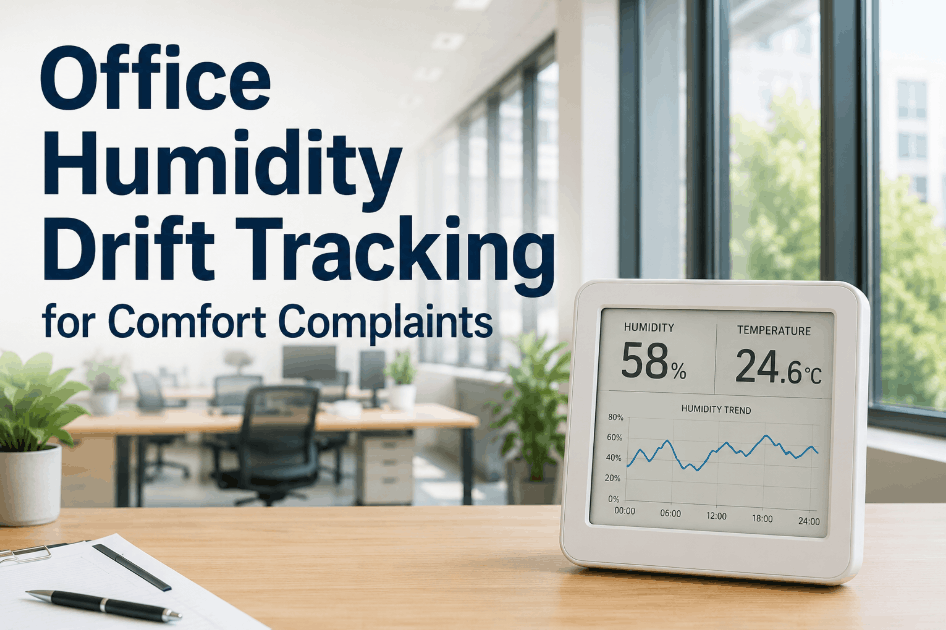
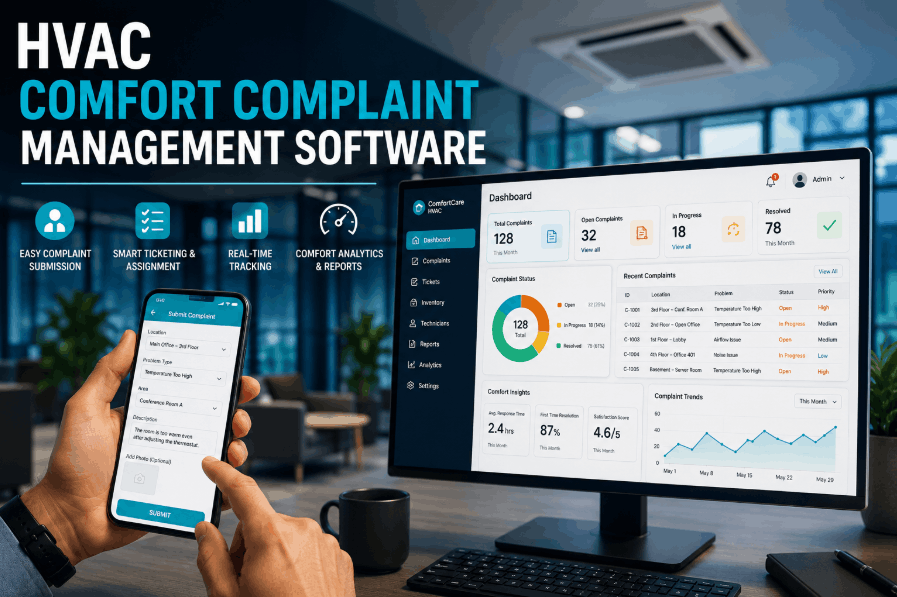
Managing HVAC in a multi-tenant office building is not a single problem — it is dozens of overlapping problems happening at the same time. Tenant A on Floor 3 is too cold. Tenant B needs after-hours cooling for a weekend event. Tenant C disputes their share of last month's energy bill. And your maintenance team is juggling all of it with spreadsheets, phone calls, and manual logs. Digital work order management and energy monitoring change every part of this equation — giving building managers zone-level control, transparent cost allocation, and documented SLA compliance without the chaos. Sign up free or book a demo to see how Oxmaint handles it.
68%
Comfort Complaints
of tenant service requests in commercial office buildings are HVAC-related — the single largest source of tenant dissatisfaction
$4.20
Per Sq Ft Wasted
average annual energy cost overrun when multi-tenant buildings lack zone-level energy tracking and allocation tools
3.4x
SLA Violations
more lease disputes arise in buildings using manual complaint tracking versus digital work order systems with timestamps
40%
After-Hours Overruns
of after-hours HVAC activations go unbilled or untracked in buildings without automated request and monitoring workflows
Why Multi-Tenant HVAC Is a Different Problem Entirely
A single-tenant building has one set of comfort preferences, one energy bill, and one stakeholder. A multi-tenant building has all of that — multiplied by every tenant on every floor, each with different occupancy schedules, different lease terms, and different expectations. Three things make this uniquely difficult to manage. If your team is still handling requests manually, sign up free to see the difference digital tracking makes from day one.
01
Conflicting Comfort Demands
Floor 2 runs hot because of server equipment. Floor 4 is always cold because of sun exposure on the north facade. Floor 6 wants 68°F while Floor 7 prefers 72°F. Without zone-level work order tracking, every complaint becomes a guessing game — and someone always ends up unhappy.
02
Unfair Energy Cost Allocation
When energy costs are split equally by square footage, high-usage tenants get a subsidy and low-usage tenants overpay. Without sub-meter or zone-level monitoring, you cannot prove who used what — and disputes become impossible to resolve with data.
03
Undocumented After-Hours Requests
Tenants call the building manager directly, HVAC gets activated, and nobody logs the time, duration, or cost. Multiply this across a 10-tenant building and you are absorbing thousands in unbilled after-hours energy every quarter.
Work Order Management: From Complaint to Resolution, Every Time
When a tenant submits a comfort complaint, the clock starts. Your SLA commitment — whether it is a 2-hour response or a 4-hour resolution — is on record in their lease. Digital work order management turns every request into a tracked, timestamped, assignable task with a documented outcome. Want to see this in action? Book a live demo with the Oxmaint team.
1
Request Logged
Tenant submits via portal, QR code scan, or phone. Work order is auto-created with zone, timestamp, tenant name, and complaint type. No lost emails. No forgotten voicemails.
2
Assigned by Zone
The system routes the work order to the right technician based on zone, skill, and availability. SLA timer starts automatically. Tenant receives confirmation with expected resolution time.
3
Resolved and Documented
Technician closes the work order from mobile with notes, photos, and parts used. Tenant is notified. SLA status — met or missed — is recorded automatically for compliance review.
4
Trends Identified
Recurring complaints in the same zone flag equipment issues before they escalate. You see patterns — not just incidents — and schedule preventive maintenance before the next complaint arrives.
Manual Process
Response time tracked in memory or spreadsheet
No tenant-facing confirmation or updates
SLA compliance reported by recall, not data
Dispute resolution relies on who remembers what
SLA compliance rate: estimated, unverifiable
VS
Digital Work Orders
Response time auto-logged from submission to close
Tenant receives real-time status notifications
SLA report generated in seconds for any period
Every action timestamped and tenant-attributable
SLA compliance rate: documented, defensible
Energy Allocation: Giving Every Tenant Their True Number
Fair energy billing in a multi-tenant building is only possible with zone-level monitoring. When you can see exactly how much energy each floor or suite consumed — and when — you can allocate costs accurately, bill after-hours usage correctly, and end disputes before they become lease problems. Sign up and connect your first zone meter in under a week, or book a demo to walk through energy monitoring for your building type.
Zone-Level Metering
Sub-meters at the zone or floor level capture actual HVAC energy consumption per tenant area. No more estimated splits. Each tenant's bill reflects their actual usage — not a formula.
After-Hours Billing
Every after-hours HVAC activation is logged with tenant, zone, start time, and duration. Billing is automatic. No more absorbing weekend event costs or chasing tenants for charges months later.
Monthly Tenant Reports
Energy monitoring generates per-tenant consumption summaries automatically. Share usage data with tenants who have ESG reporting obligations. Build trust through transparency, not assumptions.
Usage Anomaly Alerts
When a zone's energy consumption spikes outside normal patterns, the system flags it automatically. Catch equipment inefficiency, HVAC faults, and overnight equipment left running before they inflate the bill.
Stop Guessing. Start Tracking.
Oxmaint's Work Order Management and Energy Monitoring give multi-tenant building managers zone-level control, documented SLA compliance, and fair tenant energy allocation — all in one platform.
After-Hours HVAC: A System, Not a Favor
After-hours requests are where most building managers lose both money and goodwill. Without a structured process, every weekend call is an informal negotiation — and the building absorbs the cost either way. A digital request workflow turns after-hours HVAC into a service with clear terms, automatic logging, and zero surprises on either side. Book a demo to see the full request-to-billing workflow.
After-Hours Request Lifecycle
Tenant Submits
Portal or app request specifies zone, date, and time window. Tenant agrees to after-hours rate at submission — no surprises.
Auto-Approved or Reviewed
Requests within policy parameters are approved automatically. Edge cases route to the building manager for review — no phone tag required.
HVAC Activated
System logs activation time, zone, and duration. Energy monitoring captures actual consumption during the session.
Billed Accurately
Actual usage data flows directly to the billing summary. No estimation. No disputes. Tenant sees the same data you do.
92%
of after-hours requests self-serve via portal when the system is digital
Zero
unbilled activations when energy monitoring is linked to the request log
100%
audit trail for every after-hours session — date, tenant, zone, duration, energy used
What Building Managers See in the Dashboard
The difference between reactive building management and proactive building management is what you can see before a problem becomes a complaint. Oxmaint's dashboard surfaces the metrics that matter for multi-tenant HVAC operations. Sign up free to explore the full dashboard with your own building data.
Work Order Status by Zone
Floor 2 — Tenant A
2 open / 14 closed
Floor 4 — Tenant B
1 open / 9 closed
Floor 6 — Tenant C
0 open / 6 closed
Floor 8 — Tenant D
5 open / 3 closed
SLA Compliance This Month
6 SLA breaches flagged for review
After-Hours Usage This Month
Tenant A
14.2 kWh — $38.10
Tenant B
31.7 kWh — $85.40
Tenant C
0 kWh — $0.00
Tenant D
8.9 kWh — $23.90
Auto-generated for billing. No manual entry.
35%
reduction in comfort-related tenant complaints within 90 days of deploying digital work orders
$12K+
recovered in previously untracked after-hours HVAC costs per year in a typical 8-tenant building
6 hrs
saved per week by building managers who switch from email and phone-based request handling to digital work orders
Work Order Management
Every Complaint Tracked. Every SLA Proved.
From the moment a tenant submits a request to the moment your technician closes it, every action is logged by zone, timestamped, and reportable. No more disputes at lease renewal.
Sign up free or
book a demo to get started today.
35%
fewer tenant complaints within 90 days
94%
average SLA compliance rate on digital systems
6 hrs
saved per week by facility managers
Fair Bills. Zero Disputes. Full Visibility.
Sub-meter energy data per zone means every tenant pays exactly what they used — including after-hours. Generate monthly usage reports automatically and share them with tenants who have ESG reporting requirements.
Sign up and run your first energy report within a week, or
book a demo to see the full monitoring workflow.
Your Tenants Deserve Better Than Guesswork
Oxmaint gives multi-tenant office buildings the tools to track every comfort request by zone, allocate energy costs fairly, fulfill SLA commitments with documented proof, and handle after-hours HVAC without chaos. No spreadsheets. No disputes. No missed charges.
Zone-Level Work Order Tracking
Automated SLA Timer and Compliance Reports
After-Hours Request Portal and Auto-Billing
Per-Tenant Energy Monitoring and Allocation
Frequently Asked Questions
How does Oxmaint track HVAC comfort complaints by zone in a multi-tenant building?
When a tenant submits a comfort request — through the tenant portal, a QR code on the wall, or a phone call logged by staff — the work order is automatically tagged with their zone, floor, and tenant name. Every subsequent action (assignment, technician response, resolution) is stamped with a timestamp and tied to that zone. Building managers can filter the entire complaint history by zone, tenant, or date range at any time. Recurring hot spots or cold zones become visible as patterns, not just isolated incidents.
Sign up free to set up your first zones.
Can the system allocate HVAC energy costs fairly between tenants with different usage patterns?
Yes. Zone-level or floor-level energy metering captures actual HVAC consumption per tenant area rather than splitting the total bill by square footage. A tenant running dense server rooms or extended hours pays based on their real consumption. A tenant with a standard schedule is not subsidizing anyone else. Monthly energy summaries are generated automatically per tenant and can be exported directly for billing.
Book a demo to see how the allocation reports look for your building type.
How does the after-hours HVAC request system work?
Tenants submit after-hours requests through the portal, specifying the zone, date, and time window they need. Requests that fall within policy are approved automatically; edge cases route to the building manager. Once HVAC is activated, the energy monitoring system logs the session duration and consumption. That data flows directly into the billing summary — no manual entry, no estimates. Tenants see the same usage data the building manager sees, which eliminates almost all billing disputes.
What happens if a comfort request is not resolved within the SLA window?
The SLA timer starts the moment a work order is created. If the resolution deadline approaches without a status update, the system flags the ticket as at-risk so a manager can intervene. If the SLA is missed, the breach is recorded automatically — including the reason if the technician logs one. This documentation is available for any review period and gives building managers the data they need to identify staffing gaps causing repeat failures.
Does Oxmaint integrate with our existing BAS or building management system?
Oxmaint connects with major BAS platforms using standard protocols including BACnet, Modbus, and REST APIs. The work order and energy monitoring layer sits on top of your existing controls — no controllers are replaced and no wiring is modified. Buildings typically go live within four to six weeks. For buildings with older infrastructure, targeted gateway upgrades may be needed for specific equipment, which the implementation team identifies during the initial assessment.
Book a demo to walk through your specific BAS setup.
How quickly can a multi-tenant building get started with Oxmaint?
Most buildings are fully operational within four to six weeks of kickoff. The first two weeks cover system access, BAS integration, and tenant onboarding to the request portal. Weeks three and four handle calibration — verifying zone assignments, testing work order routing, and confirming energy meter feeds. By week five, the system is generating real-time data and building managers are already seeing the difference in how requests are handled and tracked.
Sign up free to begin your onboarding today.