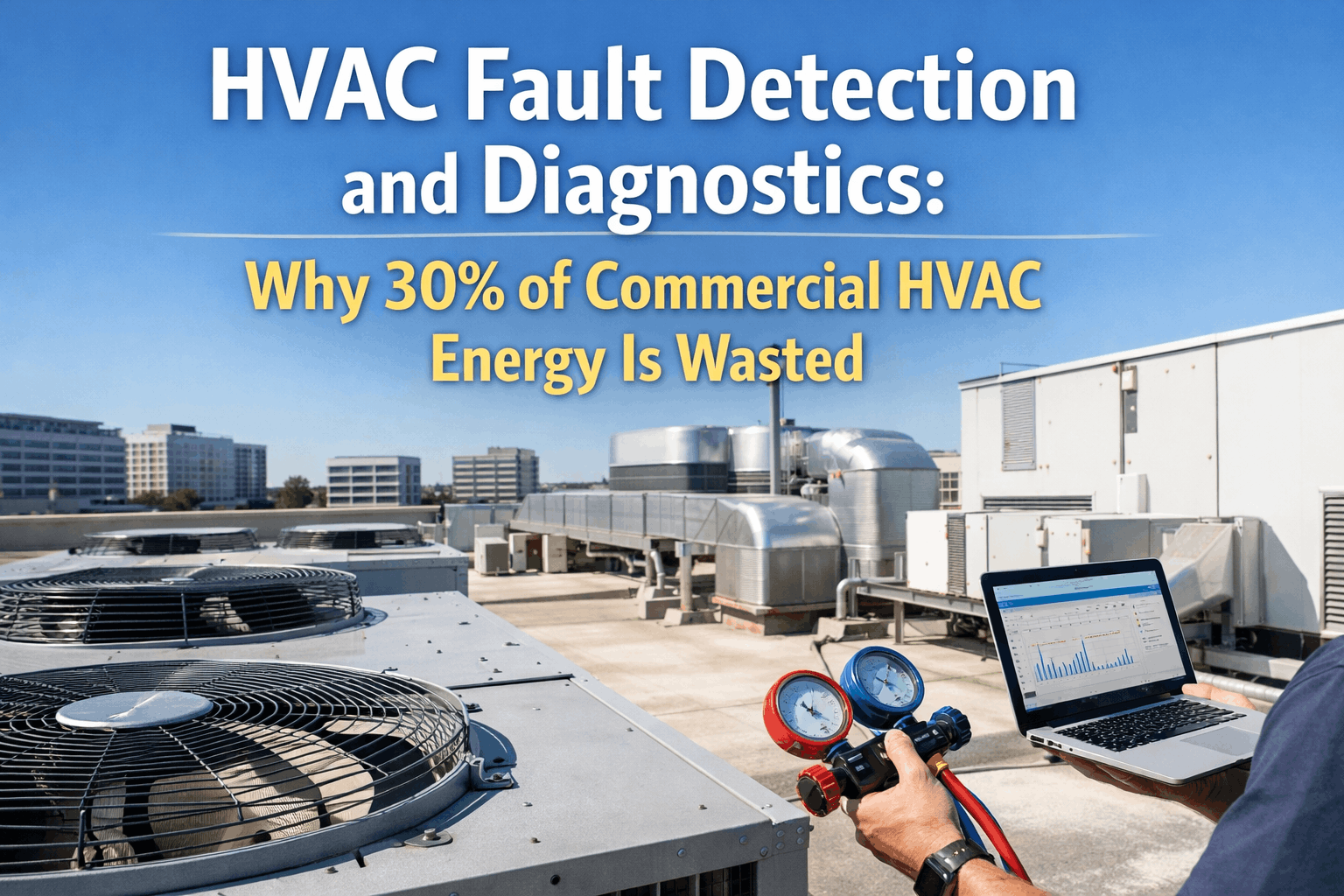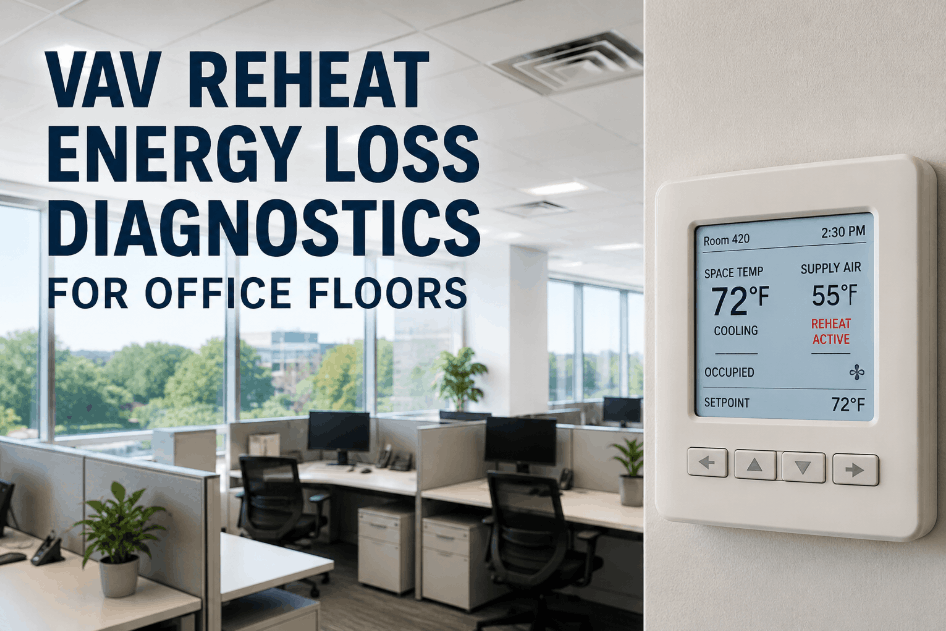
VAV reheat energy loss is one of the most common — and most overlooked — sources of wasted utility spend on office floors, because reheat coils often run to satisfy a control loop rather than an actual heating load. When a zone controller calls for reheat continuously, even on mild days with low occupancy, the floor pays for conditioned air twice: once to cool it centrally, then again to warm it back up at the box. Sign Up Free to see how OxMaint separates real occupancy-driven heating load from VAV control waste using BAS-connected diagnostics and automated work orders.
Stop Paying for Reheat You Don't Need
OxMaint connects to your existing BAS and flags VAV boxes running reheat against control waste instead of real zone load, before it shows up on the utility bill.
Why VAV Reheat Diagnostics Matter for Office HVAC Teams
Office floors run dozens to hundreds of VAV boxes, and each one makes its own reheat decision independently based on a zone setpoint, a discharge air sensor, and a damper position. A single drifting sensor or a valve that doesn't fully close can push one zone into near-constant reheat without ever tripping an alarm on the BAS front end, because the system reads as "satisfying setpoint" even while it wastes energy doing it. Facility teams that Book a Demo see how OxMaint pulls live VAV data and separates zones with a genuine thermal load from zones where the reheat call is really a control or calibration problem.
Every VAV box's reheat valve position and run-time is logged continuously, building a baseline for normal heating behavior by zone and by floor.
Discharge air temperature and zone setpoint are compared in real time, surfacing zones where reheat runs without a corresponding comfort need.
Boxes that call for reheat while supply air is still being cooled centrally are flagged immediately as the clearest sign of control waste.
Pre-built fault logic for VAV boxes reads BACnet and Modbus data directly, so diagnostics start on day one without months of custom tuning.
Schedule and occupancy data are layered against reheat behavior, distinguishing legitimate after-hours setback recovery from daytime control waste.
Floor-level and building-level reheat energy trends are tracked over time, so reductions in control waste are visible on the utility line.
VAV Reheat Energy Loss Diagnostics: Step-by-Step for Office Floors
Connect to the existing building automation system rather than installing new hardware, so every VAV box's setpoint, damper position, and valve status is visible immediately. Teams that Book a Demo can see how OxMaint reads this data over BACnet or Modbus without disrupting current controls.
Reheat behavior varies by exterior exposure, floor, and occupancy pattern, so a short baseline period establishes what normal reheat looks like for each zone before flagging anomalies.
Valves that don't fully close, or sensors drifting away from calibration, are the leading cause of silent reheat waste. Sign Up Free to see fault detection rules built specifically for VAV reheat behavior.
When a zone's reheat run-time crosses a defined threshold without a matching occupancy or load justification, a work order is created automatically with the diagnostic data attached.
Once a fault is corrected, reheat energy trends are tracked against the pre-fix baseline so the savings from each repair are measurable rather than assumed.
VAV Reheat Diagnostics Reference Table
| Diagnostic Phase | Primary Focus | Data Monitored | System Connected | Outcome |
|---|---|---|---|---|
| Phase 1 | BAS data connection | Setpoint, damper, valve position | BACnet / Modbus | Live VAV visibility |
| Phase 2 | Baseline build | Reheat run-time by zone | OxMaint analytics | Zone-specific normal range |
| Phase 3 | Fault detection | Valve drift, sensor calibration | OxMaint fault models | Flagged control waste |
| Phase 4 | Work order automation | Threshold breach events | OxMaint CMMS | Technician dispatch |
| Phase 5 | Savings verification | Pre- vs. post-fix energy use | OxMaint energy trending | Confirmed energy recovery |
How OxMaint Supports Office HVAC Energy Diagnostics
OxMaint connects to the building automation systems office portfolios already run, reading VAV box data continuously instead of waiting for a comfort complaint to surface a problem. Sign Up Free to begin mapping reheat behavior against zone load on your own floors before committing to a full energy audit.
Building a VAV Reheat Diagnostics Program: Implementation Steps
Inventory Existing VAV Boxes
Confirm box count, zone assignment, and BAS point lists before connecting diagnostics, so no zone is missed in the rollout.
Connect BAS Data Points
Map setpoint, discharge air temperature, and valve position points into OxMaint over the existing protocol, with no rewiring needed.
Run a Baseline Period
Collect two to four weeks of normal operating data per zone before activating fault thresholds, to reduce false alerts.
Set Zone-Specific Thresholds
Apply reheat run-time and valve position thresholds calibrated to each zone's exposure and occupancy pattern rather than one fixed rule.
Pilot on One Floor
Validate fault detection accuracy and work order routing on a single floor before expanding the program building-wide.
Expand Across the Portfolio
Apply the validated threshold configuration to additional floors and buildings using the pilot as the reference setup. Book a Demo to walk through a rollout plan for your office portfolio.
Turn VAV Diagnostics Into Measurable Energy Savings
OxMaint separates real heating load from reheat control waste and routes the difference straight into a work order — built for office portfolios running BAS-connected VAV systems.
Frequently Asked Questions
What causes VAV reheat energy loss on office floors?
Most reheat energy loss comes from valves that don't fully close, drifting discharge air sensors, or zone setpoints that conflict with occupancy schedules.
How is control waste different from real heating load?
Real load reflects an actual comfort need from exterior exposure or occupancy. Control waste is reheat running without a matching need, often from a fault.
Does OxMaint require new hardware on the VAV boxes?
No. OxMaint connects to the existing BAS over BACnet or Modbus, reading the data points already collected without new sensors.
How fast can a reheat diagnostics program show results?
A single-floor pilot typically surfaces the first confirmed control-waste faults within the first week of BAS connection and baseline analysis.
Can this approach scale across a multi-building office portfolio?
Yes. The same threshold logic and dashboard scale from one floor to a full portfolio, with performance benchmarked across buildings.
Start Diagnosing VAV Reheat Waste on Your Floors
OxMaint connects to your BAS, separates control waste from real load, and routes the fix straight to a technician — across one floor or a full office portfolio.