Most manufacturing plants are already running ERP, MES, and SCADA systems — yet maintenance teams are still the last to know when something goes wrong. The reason is not a lack of data. It is fragmentation: your SCADA captures the temperature spike, your CMMS never receives it, and your ERP finds out only after a production order is delayed and the cost is already logged. A single information gap like this accounts for up to 34% of total annual maintenance spend in emergency parts orders, repeat failures, and unplanned stoppages. Start connecting your systems in Oxmaint free and close the loop between your shop floor and your maintenance team — or book a live demo to see ERP, MES, and SCADA integration running on real manufacturing data.
CMMS Integration with ERP, MES & SCADA
A complete guide to connecting your maintenance system with ERP, MES, SCADA, and IoT — so every sensor alert, production event, and cost transaction flows automatically, without a single manual step.
Your Systems Are Generating the Right Data — In the Wrong Places
Every system on your plant floor speaks a different language. ERP runs in dollars and days. MES runs in cycles and yields. SCADA runs in signals and thresholds. Without a CMMS that translates all three into maintenance actions, your plant has data but no closed loop. Technicians manually copy SCADA alerts into work orders. Finance manually reconciles maintenance costs. Parts stock out because nobody checked both systems. Every manual step adds hours of lag and introduces errors that compound into real production losses.
Procurement, financials, inventory reconciliation, asset depreciation, purchase orders
Production schedules, OEE, quality results, downtime codes, shift outputs
Real-time sensor readings, equipment alarms, temperatures, pressures, motor states
Work orders, PM schedules, asset history, technician assignments, cost records
Technicians manually copy SCADA alerts into CMMS work orders. Finance manually reconciles maintenance costs with ERP. Parts run out because inventory was not synced. Every step adds lag, errors, and cost.
A sensor alert becomes a work order, a parts request, and a production update automatically in under 5 seconds. No manual step. No delay. No missed signal. Full loop closed every time.
CMMS + ERP: Turn Maintenance Costs Into Financial Decisions in Real Time
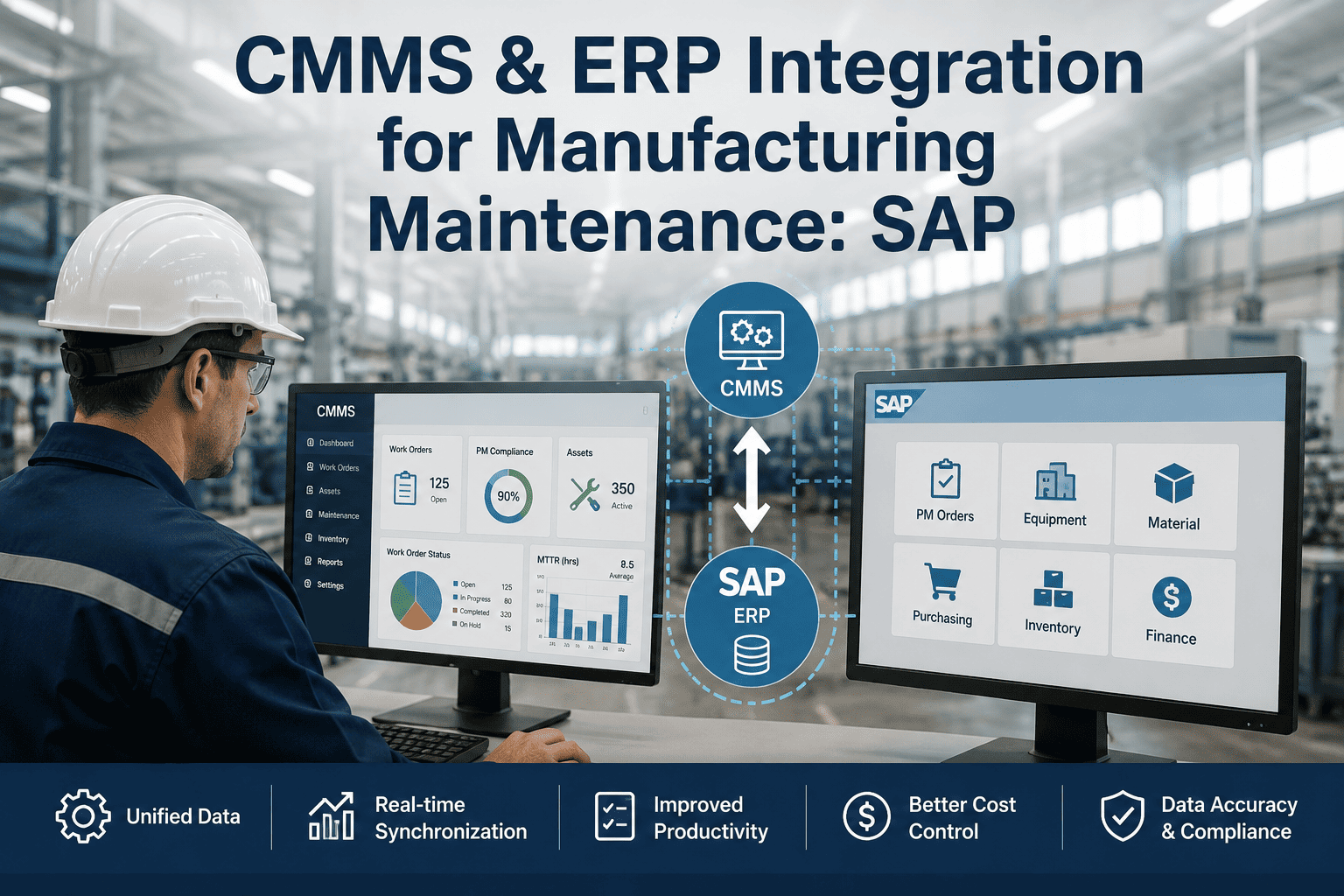
The ERP integration is the most financially impactful connection your CMMS can make. Without it, maintenance costs remain invisible to finance until they appear as variance on a P&L weeks after the damage was done. With it, every work order closed in your CMMS flows directly into the ERP cost centre structure, every spare part consumed triggers inventory reconciliation, and every reorder threshold breach generates a purchase requisition automatically — eliminating the emergency procurement premium that costs manufacturers $180,000 or more annually.
| CMMS Event | ERP Trigger (Automatic) | Business Outcome |
|---|---|---|
| Work order closed — labour and parts recorded | Cost posting to correct cost centre (CO/FI) | Zero manual re-entry. Real-time cost visibility across departments. |
| Spare part consumed from CMMS inventory | Stock level updated in ERP materials management | Eliminates stockouts on critical planned-maintenance parts. |
| Part stock falls below reorder threshold | Purchase requisition created with work order reference | Procurement distinguishes planned orders from emergencies. Removes premium cost. |
| Asset maintenance history logged over campaign | Asset register updated for depreciation and lifecycle planning | Capital replacement decisions based on real maintenance data, not estimates. |
| PM scheduled for future date | Pre-built purchase requisition for planned parts | Parts arrive before the job starts — not after an emergency call is placed. |
Scroll horizontally to view full table on smaller screens
CMMS + MES: When a Production Drop Triggers a Maintenance Response Instantly
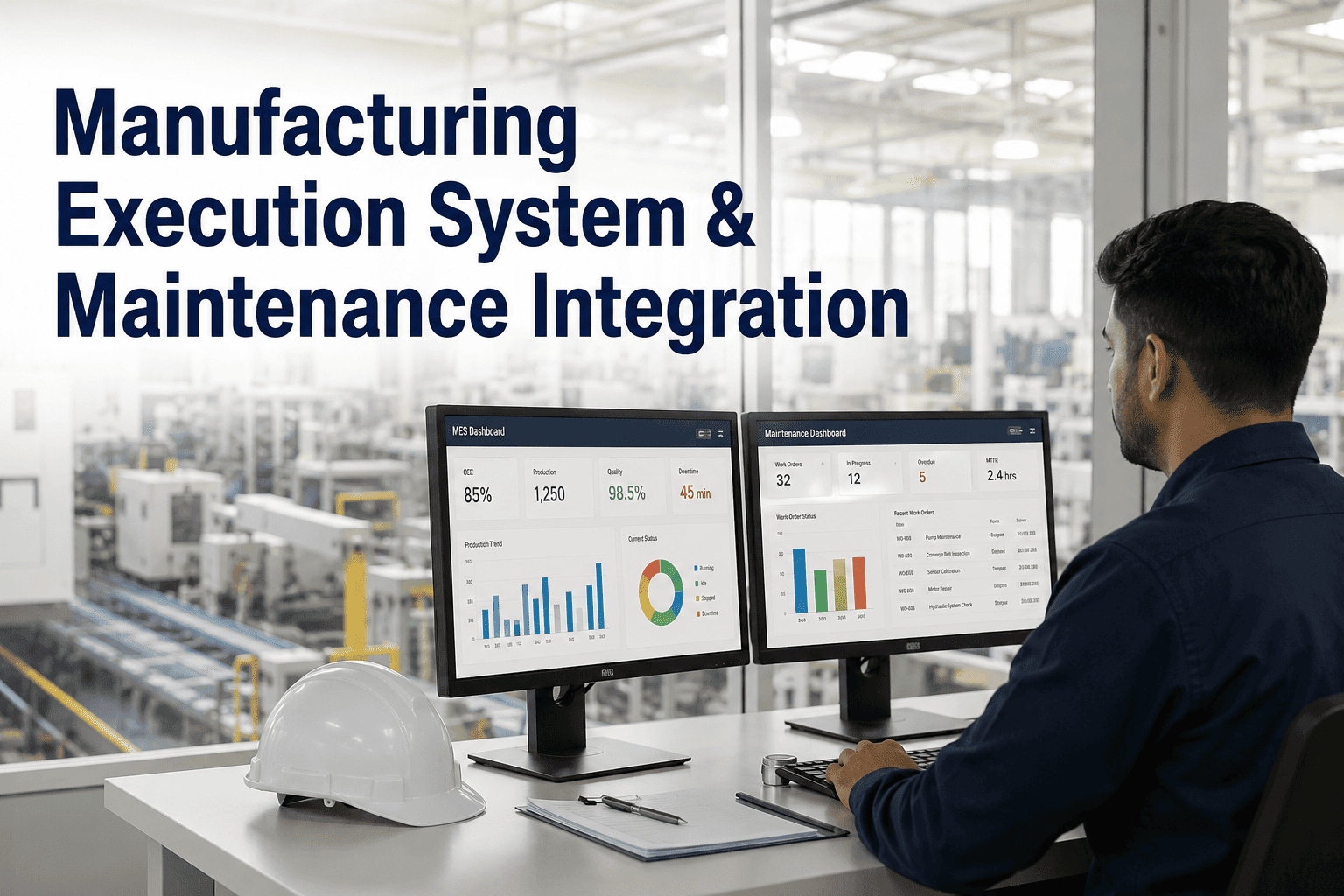
Your MES knows the exact moment a production line drops below its OEE target. Your CMMS holds the full maintenance history for every machine on that line. When these two systems are connected, a quality reject spike or an unplanned stoppage does not wait for a manager to investigate — it generates a diagnostic work order in seconds, pre-populated with asset ID, downtime code, and maintenance history, pushed directly to the right technician's mobile device. When the technician closes that work order with root cause and corrective action, that data flows back to the MES to close the downtime record. The loop is fully closed in both directions.
Stop Managing Four Disconnected Systems. Run One Connected Operation.
Oxmaint connects your CMMS to ERP, MES, SCADA, and IoT via pre-built connectors and an open REST API — no custom development required. Every alert, every cost, every production event flows where it needs to go, automatically.
CMMS + SCADA & IoT: Replace Calendar Schedules With Real Condition Triggers
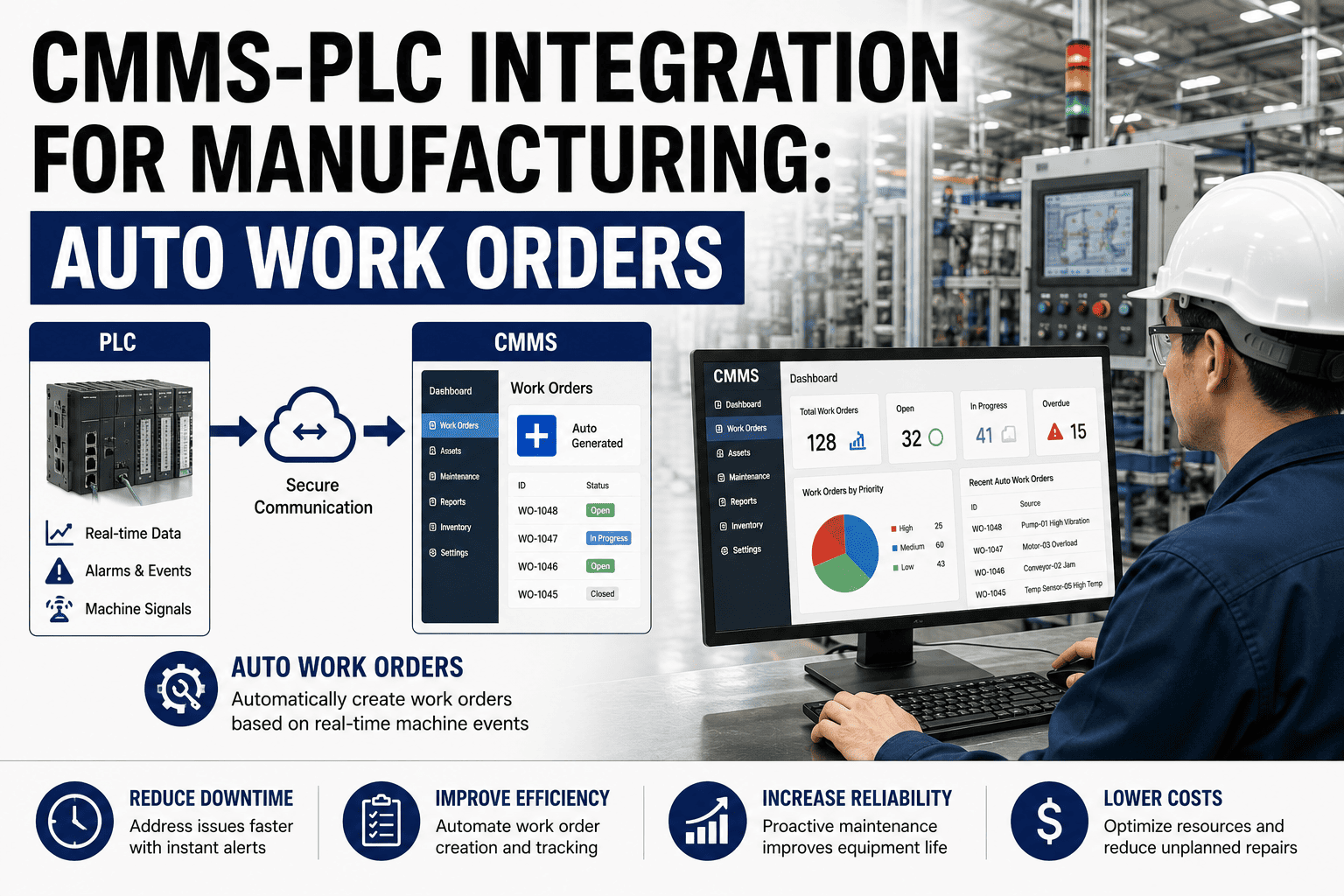
SCADA monitors your plant floor in real time — temperatures, pressures, vibration levels, motor currents. IoT sensors extend that visibility to assets that previously had none. When either system connects to your CMMS via OPC-UA or MQTT protocol, condition-based triggers replace arbitrary maintenance schedules. Maintenance happens when the equipment actually signals it needs attention — not when a spreadsheet says the date has passed. This shift from reactive to predictive maintenance is where manufacturers consistently report the most measurable ROI from CMMS integration.
Industry standard for SCADA and PLC-to-IT data exchange. Supported by Siemens, Rockwell, Schneider, ABB, and most major automation platforms. Polling intervals from 1 to 60 seconds. Alert-to-work-order latency under 5 seconds in subscription mode.
Dominant protocol for IoT sensor networks — vibration monitors, wireless temperature sensors, ultrasonic leak detectors, and edge computing devices. Oxmaint subscribes to MQTT broker topics and processes payloads against configurable threshold rules.
Fully documented open API for custom integrations with any system not covered by native connectors. JSON-based, bidirectional data flow. Used by IT teams and system integrators to connect BI platforms, quality systems, and fleet management tools.
How to Build a Connected CMMS Stack Without Disrupting Production
Most integration projects fail because teams try to connect everything at once. The right approach starts with one system, one data flow, and measurable ROI before scaling. This four-phase sequence reflects how manufacturers successfully build connected operations while maintaining production continuity throughout the rollout.
Audit Your Current Manual Handoffs
Map where data lives in each system and identify the highest-cost manual steps — typically SCADA-to-CMMS alert copying and ERP-to-CMMS parts reconciliation. These become your first integration targets with the clearest ROI baseline.
Connect SCADA First — Fastest Return
OPC-UA or MQTT connections to existing SCADA eliminate the highest-frequency manual step. Configure threshold rules in Oxmaint, test with one production line, and measure response time improvement against the pre-integration baseline.
Close the ERP Cost Loop
Connect work order closure to ERP cost postings and enable automatic purchase requisition creation from CMMS inventory triggers. Measure emergency procurement reduction in the first full quarter of integrated operation.
Add MES Bidirectional Flow
Connect MES downtime events to CMMS work order creation, and feed root cause data back to MES to close downtime records. Configure cycle-count-based PM triggers from production data. Full closed loop across all four systems.
What Oxmaint's Integration Layer Actually Delivers for Maintenance Teams
Oxmaint is built on an open architecture with pre-built connectors for SAP, Oracle, Microsoft Dynamics, leading MES platforms, OPC-UA SCADA systems, and MQTT IoT networks. The integration layer is not a multi-month project. It is a configuration — set up through a UI, not code. Here is what each capability delivers in practice.
Pre-Built ERP Connectors
Native connections for SAP S/4HANA via RFC and BAPI, Oracle ERP Cloud, and Microsoft Dynamics 365. Work order costs, inventory consumption, and purchase requisitions flow automatically without custom middleware or developer involvement.
OPC-UA and MQTT Native Support
Direct connection to SCADA systems running Siemens, Rockwell, or Schneider hardware. MQTT subscriber for IoT sensor networks. Threshold rules configured in the Oxmaint UI — no PLC programming or IT involvement required for standard configurations.
Bidirectional MES Sync
Receives production downtime events and OEE signals from MES. Returns root cause, corrective action, and maintenance cost data back to MES. Full closed loop in both directions, fully automated, no manual handoff at any stage.
Multi-Trigger PM Scheduling
PM tasks trigger from calendar date, equipment cycle count from MES, or sensor threshold from SCADA — whichever fires first. All three trigger types run simultaneously per asset. No spreadsheet coordination required.
Mobile Work Order Delivery
Every integration-triggered work order arrives on the assigned technician's mobile device immediately. Asset history, sensor context, and spare parts list pre-populated. Technicians act on real-time data without returning to a desktop or control room.
Open REST API
Fully documented REST API for custom connections to BI platforms, quality management systems, fleet tools, or any system not covered by native connectors. JSON-based, bidirectional, fully supported. No vendor lock-in at any integration layer.
Frequently Asked Questions About CMMS Integration
How long does a CMMS-to-ERP integration typically take to go live?
For SAP S/4HANA using BAPI or REST connectors, a basic work-order-to-cost-posting flow takes 4 to 8 weeks from configuration to go-live. Oracle and Dynamics integrations follow a similar timeline. The primary variable is the cleanliness of your ERP cost centre structure and asset master data — clean master data cuts implementation time significantly. Book a scoping call to get a timeline specific to your ERP version and current data state.
Do we need to replace our existing SCADA system to connect it to Oxmaint?
No. OPC-UA is platform-independent and supported by virtually every modern SCADA and DCS system — Siemens, Rockwell, Schneider, ABB, and most others. Oxmaint connects to the OPC-UA server already running on your SCADA layer without any modification to your control system. For older systems without OPC-UA, MQTT edge devices can bridge the gap at low cost. Start a free trial to test connectivity with your current SCADA configuration today.
Can a plant with limited IT resources manage these integrations without a development team?
Yes. Oxmaint's integration layer is designed to be configured by maintenance managers, not programmed by developers. Pre-built connectors and a UI-based threshold rule builder mean that most integrations — including SCADA alert triggers and ERP cost postings — are set up without writing code. Plants with minimal IT resources find the SCADA-to-CMMS connection is consistently the highest-value starting point. Start free and connect your first system in days, not months.
What happens to our existing CMMS data when migrating to Oxmaint?
Oxmaint supports structured data migration from all major CMMS platforms. Asset records, work order history, PM schedules, and spare parts inventory are migrated before go-live so your maintenance history is preserved and available on day one. Migration is part of the standard onboarding process — not a separate project with separate cost. Book a demo to walk through the migration process for your specific current system.
Your Systems Are Already Generating the Right Data. Connect Them.
Oxmaint integrates with ERP, MES, SCADA, and IoT to close every loop between your shop floor and your maintenance team. Pre-built connectors. Open API. No custom development. Start with one integration and scale at your own pace.