An industrial data historian is the time-series backbone of every modern maintenance program — the single source of truth where sensor readings, vibration waveforms, motor currents and flow rates are captured at millisecond resolution and stored for years. For plants pursuing IIoT data historian manufacturing strategies, the historian is what makes predictive maintenance possible: without long-term trend data, anomaly detection degrades to guesswork and asset health scores lose their statistical foundation. This guide covers how to select, deploy and integrate a data historian for maintenance — comparing PI System, AVEVA, Ignition, InfluxDB and TimescaleDB, tag naming conventions, retention policies and CMMS historian integration that turns raw trend data into automatic work orders. When you are ready to connect your historian to a modern maintenance platform, you can Start Free Trial or book a personalized walkthrough.
IIoT Data Historian for Manufacturing Maintenance
Is your historian data actually preventing failures — or just filling disk?
Over 80% of plants collect time-series data, yet fewer than 25% feed it into maintenance workflows that auto-trigger work orders. OxMaint bridges the gap — turning historian tags into predictive alerts, prioritized queues and closed-out corrective actions.
Why Historian Data Quality Drives Maintenance Outcomes
What a manufacturing data historian actually does for maintenance teams
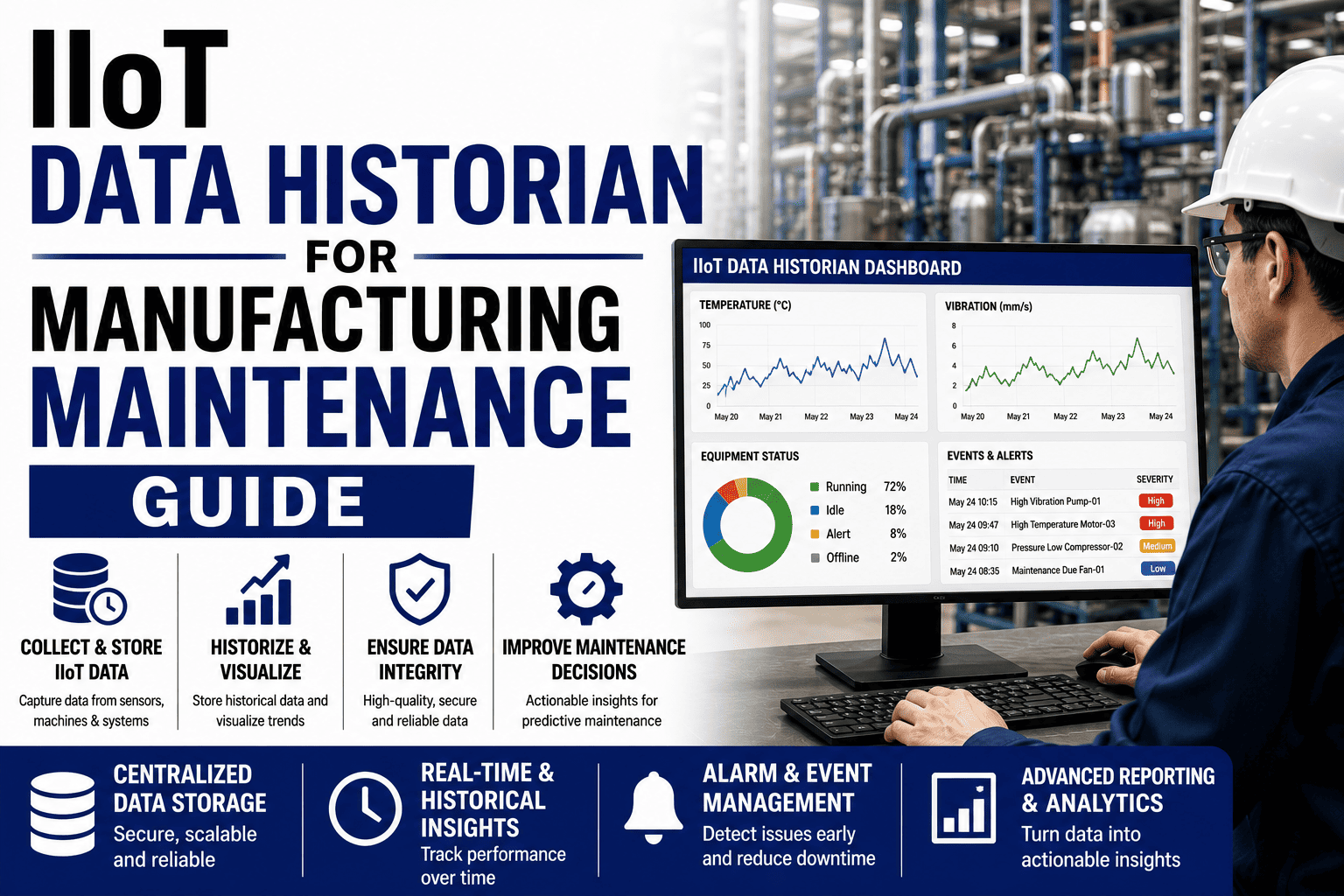
A data historian compresses and stores time-series readings from PLCs, SCADA gateways and IIoT edge devices at full resolution — typically 1-second or sub-second granularity — then makes that data queryable across months or years. For maintenance, this long-term record is the raw material for vibration trend analysis, bearing-fault detection, motor-current signature analysis and thermal degradation tracking. Without it, predictive algorithms have no training data and reliability engineers cannot distinguish a slow drift from a step-change failure.
Comparison Guide
PI System vs AVEVA vs Ignition vs InfluxDB vs TimescaleDB for maintenance
Choosing the right historian depends on tag volume, existing OT infrastructure, query patterns and whether you need built-in analytics or plan to pipe data into a separate CMMS. The five platforms below cover roughly 90% of manufacturing deployments — each with distinct strengths for maintenance use cases.
| Historian | Max Tag Scale | Compression / Resolution | CMMS Integration | Best For | Indicative Cost |
|---|---|---|---|---|---|
| OSIsoft PI System | Millions of tags | Exception & swing-door compression | PI Web API, AF Event Frames → REST | Large multi-site enterprises needing asset-framework hierarchy | $$$ — enterprise license |
| AVEVA Historian | 500K+ tags | Deadband + interpolated archive | AVEVA Connect, OData, OPC UA | Wonderware / System Platform shops with SCADA roots | $$ — mid-to-enterprise |
| Ignition (Tag Historian) | 100K+ tags per node | Adaptive — stores only changes | Native Webhooks + REST modules | Plants wanting SCADA + historian + MQTT in one platform | $$ — module-based, unlimited tags |
| InfluxDB | Millions (clustered) | Lossless or downsampling via CQs | Telegraf, Flux, HTTP API | Cloud-native, DevOps-savvy teams building custom pipelines | $ — open-source or cloud metered |
| TimescaleDB | Millions (Postgres) | Continuous aggregates, columnar | SQL, JDBC, any Postgres connector | Teams wanting SQL queries + relational joins with time-series | $ — open-source, self-hosted |
A 180-asset food-processing plant running Ignition Tag Historian was capturing 22,000 tags but generating zero maintenance actions from the data. After integrating the historian to OxMaint via webhook, bearing-vibration alerts on two packaging-line motors auto-created work orders — catching a pre-failure condition that would have cost an estimated $38K in unplanned downtime and scrap.
Architecture & Integration
How to set up IIoT historian integration with your CMMS
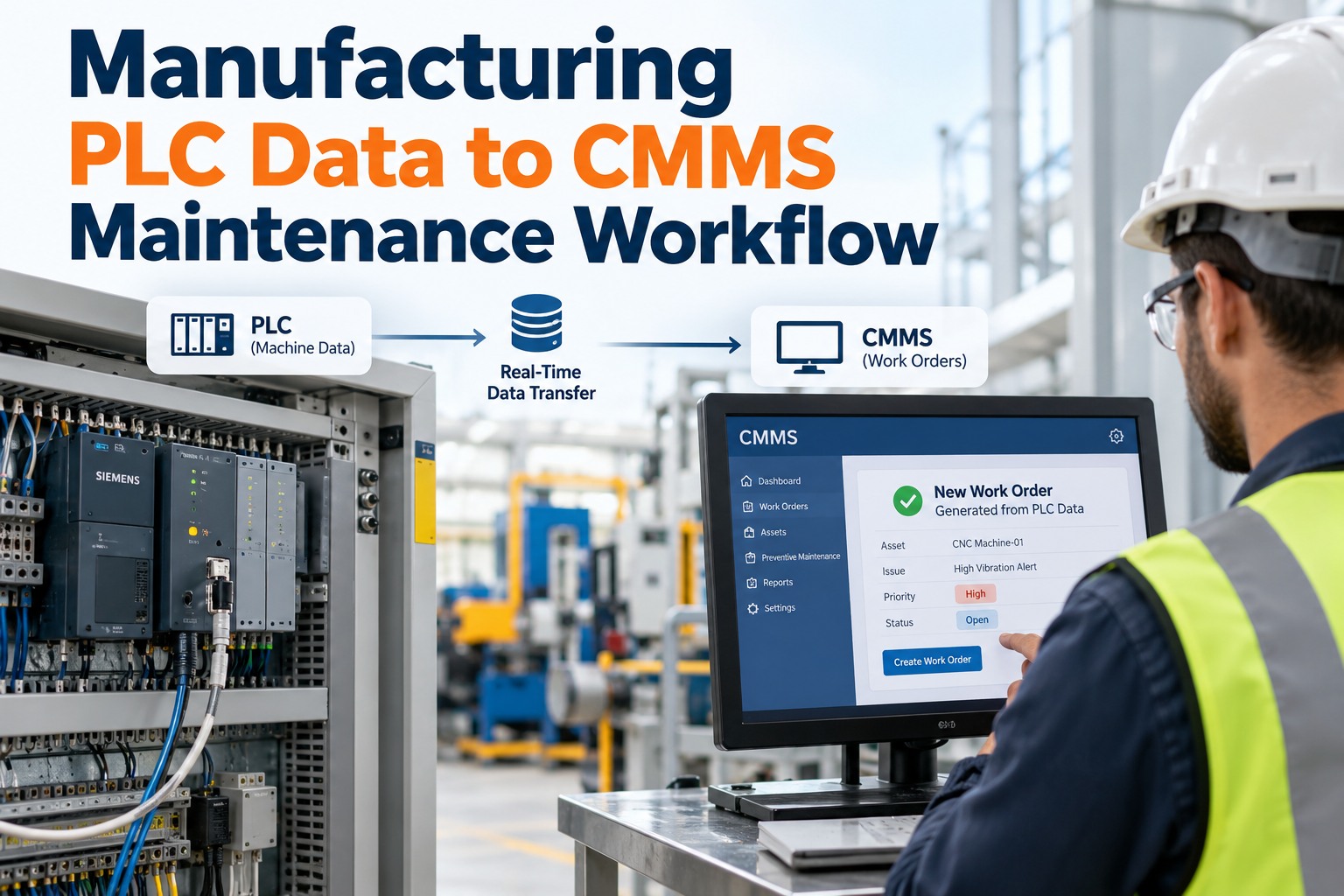
The value of a historian is not in storage — it is in action. IIoT historian integration with a CMMS turns passive trend charts into a closed-loop workflow: threshold breach → alert → prioritized work order → execution → verification. The four-step timeline below maps a typical deployment from data mapping through to measurable downtime reduction.
Standardize tag taxonomy and asset hierarchy
Audit existing tags, enforce an ISA-95 / KKS naming convention, and map each tag to an asset ID in the CMMS asset registry. This is the single most common point of failure — without clean mapping, alerts fire but nobody knows which machine they belong to.
Deploy the historian-to-CMMS connector
Configure REST webhooks, OPC UA subscriptions or a Telegraf agent to push exception events. Set retention policies: 1-second raw for 30 days, 1-minute aggregates for 12 months, hourly summaries for 5+ years — balancing storage cost against trend-analysis depth.
Define threshold and anomaly rules
Set static thresholds (RMS velocity > 7.1 mm/s for ISO 10816 Zone C), rate-of-change limits and statistical anomaly bands. Each rule maps to a work-order template — priority, assigned technician, spare-part kit and safety permit — so alerts become actionable in seconds, not hours.
Verify, tune and measure downtime impact
Compare pre- and post-integration MTBF, MTTR and unplanned-downtime hours. Retune thresholds to reduce false positives — aim for under 10% nuisance alerts. Roll out to additional asset classes and shift from reactive time-based PMs to condition-based triggers driven by historian data.
Best Practices
Tag naming conventions and retention policies for plant historian maintenance
Tag naming is the invisible foundation of every historian maintenance CMMS integration. A consistent convention lets you query, alert and report across hundreds of assets without manual lookup — and it makes scaling to new lines or sites trivial. Below are the conventions and retention tiers we recommend based on deployments across discrete and process manufacturing.
Recommended Tag Naming Convention (ISA-95 Aligned)
[Site]-[Area]-[Line]-[Asset]-[Measurement]_[Subtag]
Example: DET-PKG-L3-CMPR01-VIB_RMS_X
Detroit Plant · Packaging · Line 3 · Compressor 01 · Vibration RMS X-axis
Retention Tier 1 — Hot
Raw 1-second data · 30–90 days. Used for real-time dashboards, short-term troubleshooting and anomaly detection. Stored on fast NVMe or in-memory for sub-second queries.
Retention Tier 2 — Warm
1-minute aggregates · 12–18 months. Powers trend charts, monthly reliability reports and seasonal comparison. Standard query target for maintenance engineers reviewing drift.
Retention Tier 3 — Cold
Hourly summaries · 5+ years. Supports ISO 14224 failure-mode analysis, life-cycle cost modeling and capital-replacement decisions. Archived to object storage or parquet files.
Retention Tier 4 — Compliance
Event logs & audit trail · 7 years. Regulated industries (pharma, food, energy) retain alarm and work-order event logs per FDA 21 CFR Part 11, FSMA or NERC CIP requirements.
OxMaint Solution
How OxMaint turns historian data into maintenance action
Most plants have the data — they are missing the workflow. OxMaint connects directly to your existing historian (PI System, AVEVA, Ignition, InfluxDB or any REST/OPC UA source) and converts threshold breaches and AI-detected anomalies into prioritized work orders, complete with asset context, spare-part reservations and technician assignment. No more dashboards nobody acts on.
Auto-Generated Work Orders
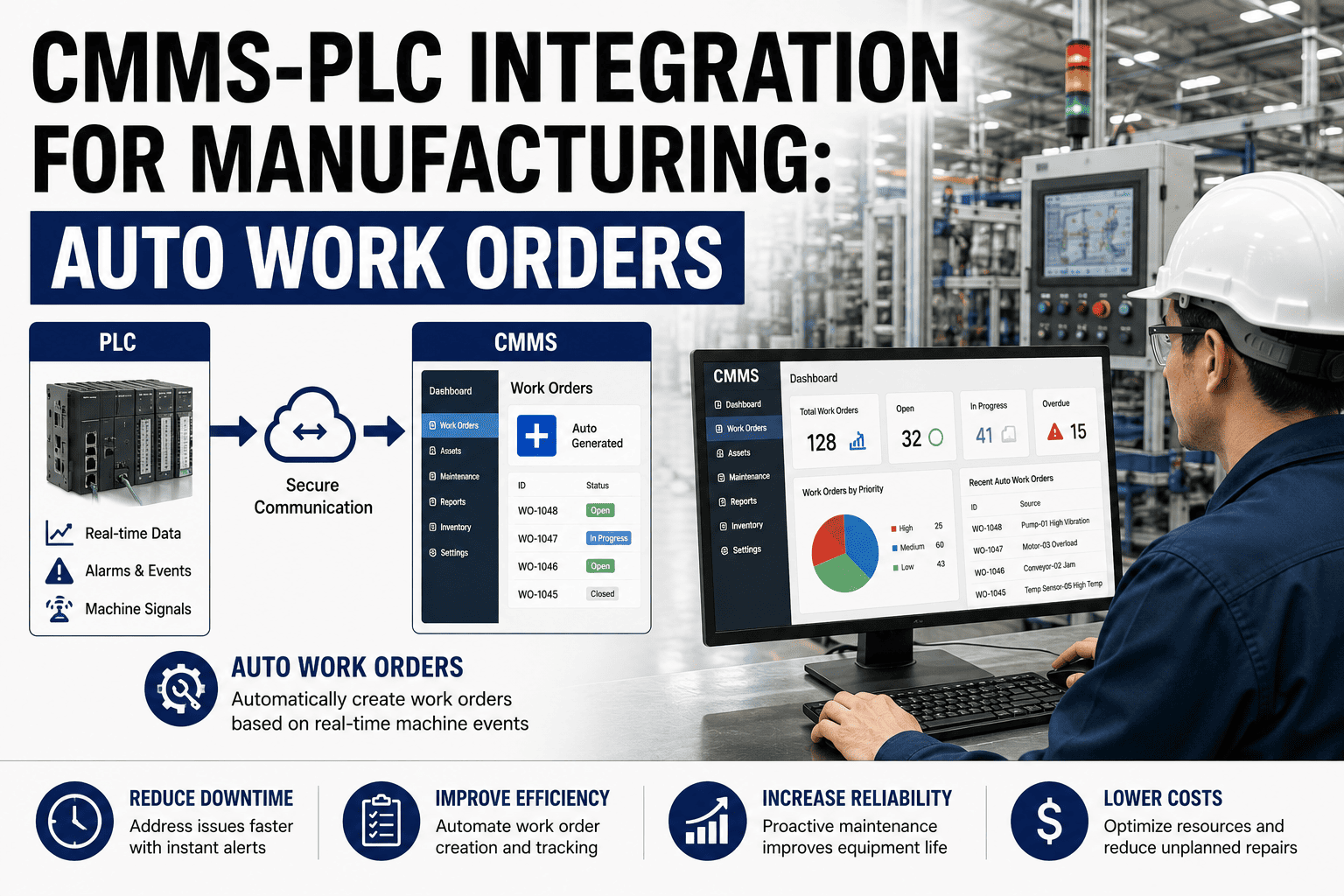
Historian alerts trigger structured work orders instantly — priority, asset, safety permit and parts kit pre-filled. Cuts alert-to-action time from hours to under 60 seconds and eliminates the "dashboards nobody checks" problem.
Predictive Trend Analytics
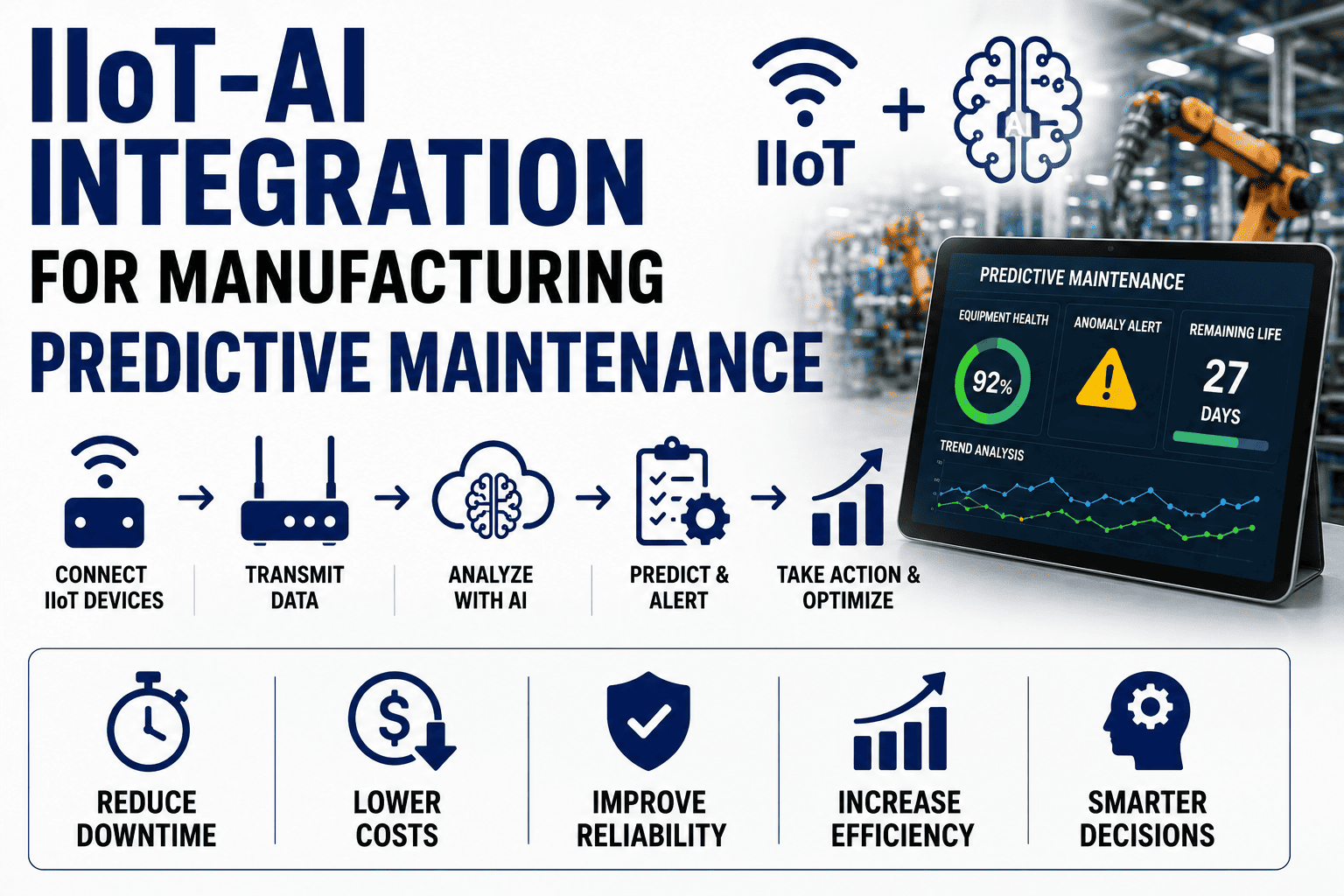
AI models ingest historian trends to detect bearing wear, thermal drift and cavitation weeks before failure. Plants using OxMaint predictive alerts report 30–50% fewer unplanned breakdowns within the first year.
Asset Health Dashboard
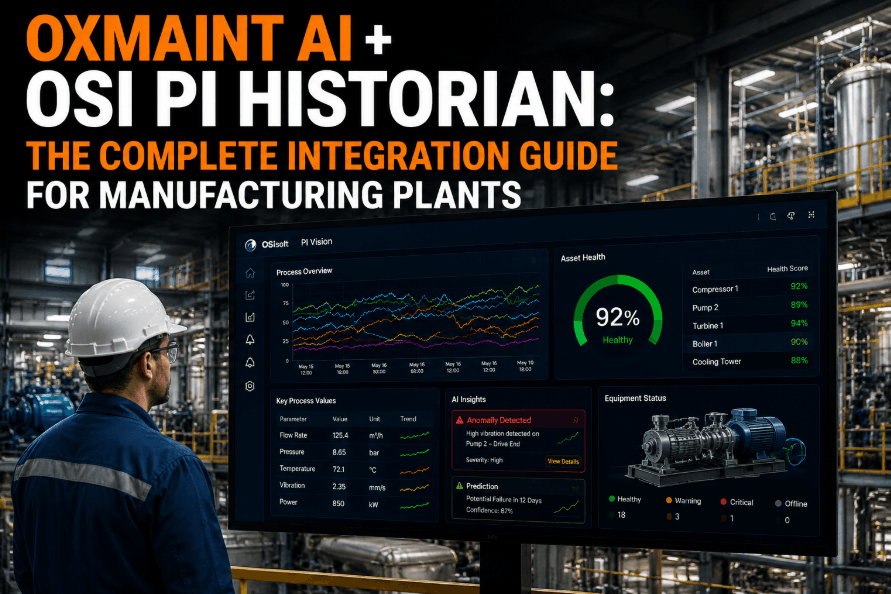
Every asset page pulls live historian tags alongside work-order history, PM schedule and parts inventory — giving technicians full context on a single screen and cutting mean-time-to-repair by 15–25%.
Closed-Loop Verification
After corrective work, OxMaint monitors the same historian tags to confirm the fix worked — automatically closing the loop and feeding outcome data back into AI model training for continuous improvement.
See OxMaint turn your historian data into downtime-preventing work orders
Book a 30-minute demo on your assets — we will connect a sample historian feed live and show threshold-to-work-order automation in real time.
FAQ
Data historian maintenance — your questions answered
What is an IIoT data historian used for in manufacturing maintenance?
A data historian stores high-resolution time-series sensor data — vibration, temperature, pressure, motor current — over months or years so maintenance teams can trend asset health, detect anomalies early and perform root-cause analysis. It is the data foundation for predictive maintenance: without a historian, condition-based decisions rely on snapshots instead of trends, and failure prediction loses accuracy.
How does a data historian integrate with a CMMS?
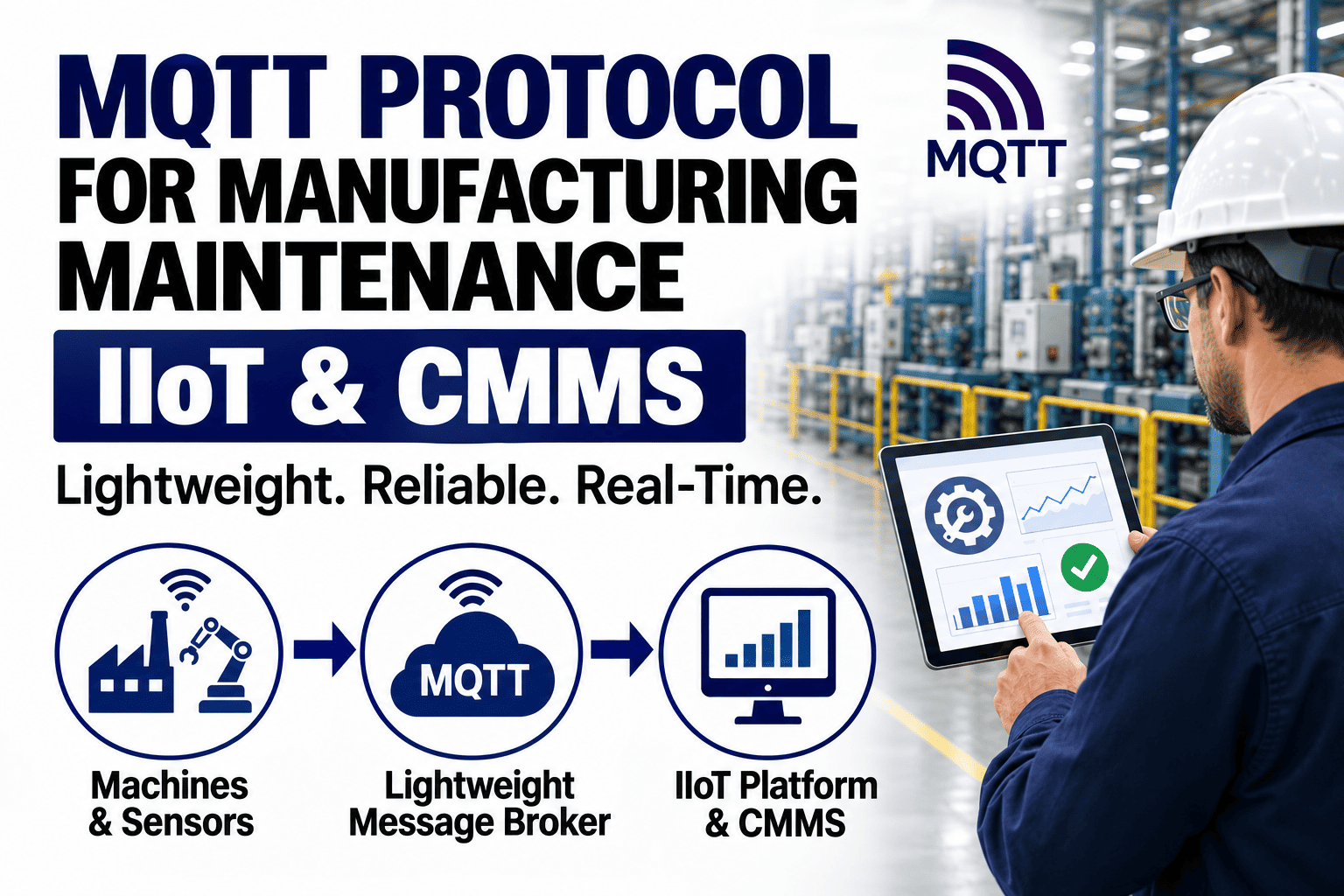
Integration typically uses REST webhooks, OPC UA subscriptions or a middleware agent like Telegraf. When a historian tag crosses a threshold or an AI anomaly score fires, the event is pushed to the CMMS, which auto-creates a work order with asset ID, priority, assigned technician and required parts. OxMaint supports native connectors for PI System, AVEVA, Ignition, InfluxDB and any REST or OPC UA source — book a demo to see a live historian-to-work-order flow.
Which is better for maintenance: PI System, AVEVA or InfluxDB?
It depends on your scale and stack. PI System dominates large multi-site enterprises needing asset-framework hierarchies and deep analytics. AVEVA fits existing Wonderware / System Platform SCADA environments. InfluxDB and TimescaleDB suit cloud-native or smaller teams wanting open-source flexibility and SQL queries. For maintenance, the historian itself matters less than how well it connects to your CMMS — that integration is what drives action.
How long should manufacturing historian data be retained for maintenance?
A tiered approach works best: 1-second raw data for 30–90 days (troubleshooting and anomaly detection), 1-minute aggregates for 12–18 months (trend analysis and reliability reports), and hourly summaries for 5+ years (ISO 14224 failure-mode analysis and capital planning). Regulated industries may need 7-year retention for audit and compliance under FDA 21 CFR Part 11 or NERC CIP.
Can OxMaint connect to an existing plant historian without replacing it?
Yes. OxMaint is designed to sit on top of your existing historian — it reads tag data via REST, OPC UA or webhook and converts events into work orders, asset-health scores and predictive alerts. You keep your PI System, AVEVA or Ignition investment; OxMaint adds the maintenance workflow layer that turns stored data into action. Start a free 14-day trial to connect a sample feed.
Stop storing data — start acting on it
Connect your historian to OxMaint and turn every threshold breach into a work order, every anomaly into a preventive action, and every trend into a decision. Your data is already waiting — give it a workflow.
Free 14-day trial · No credit card