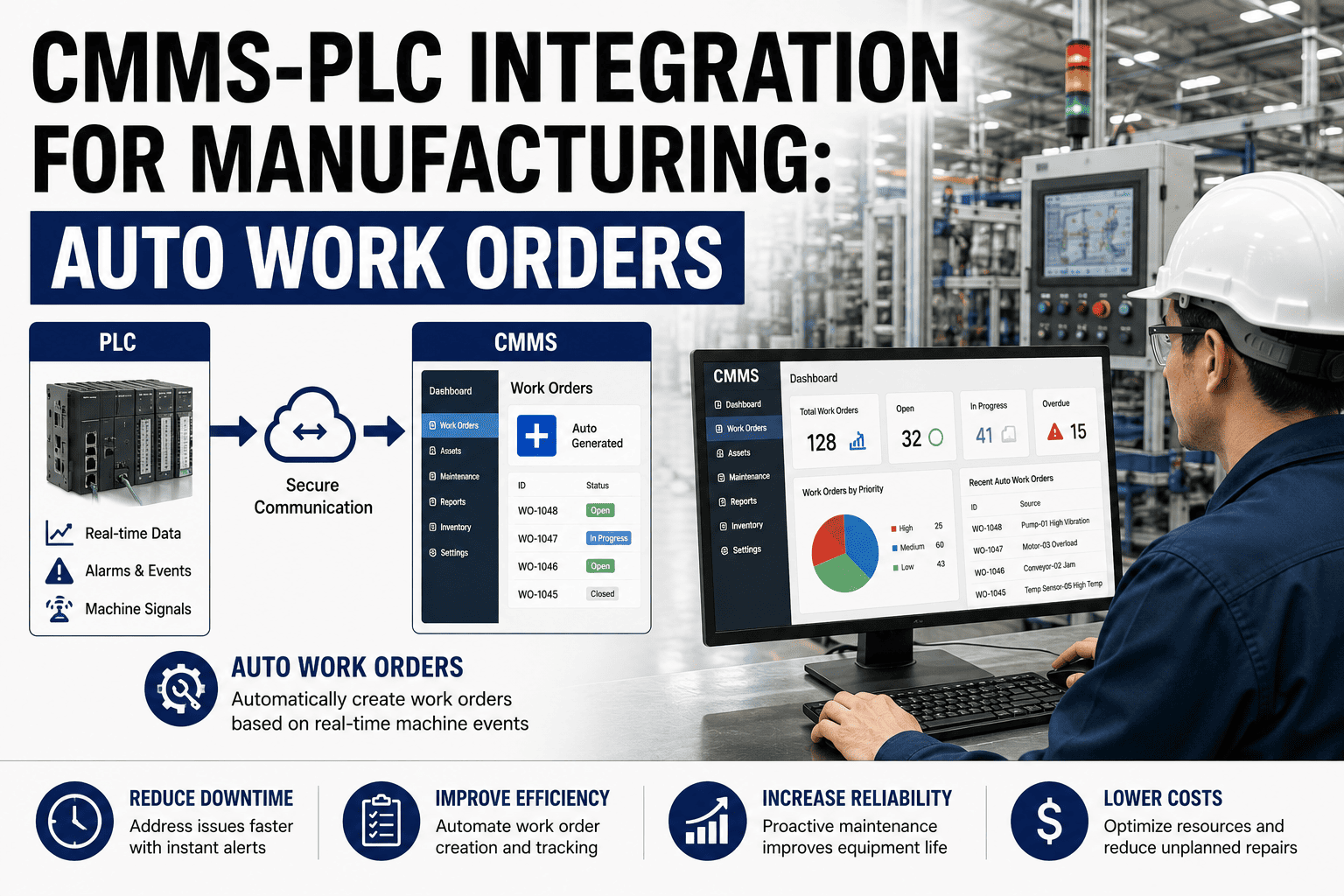
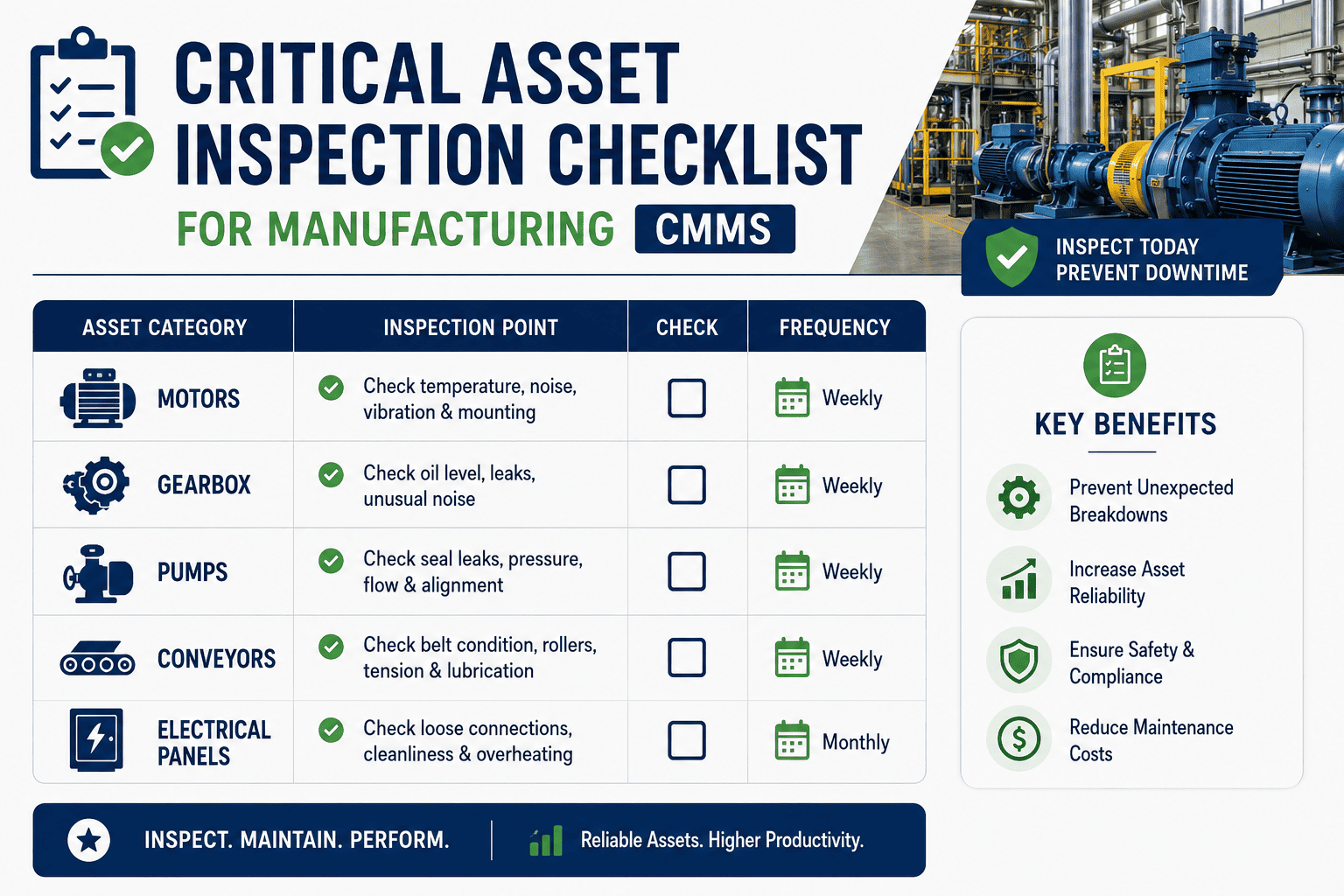
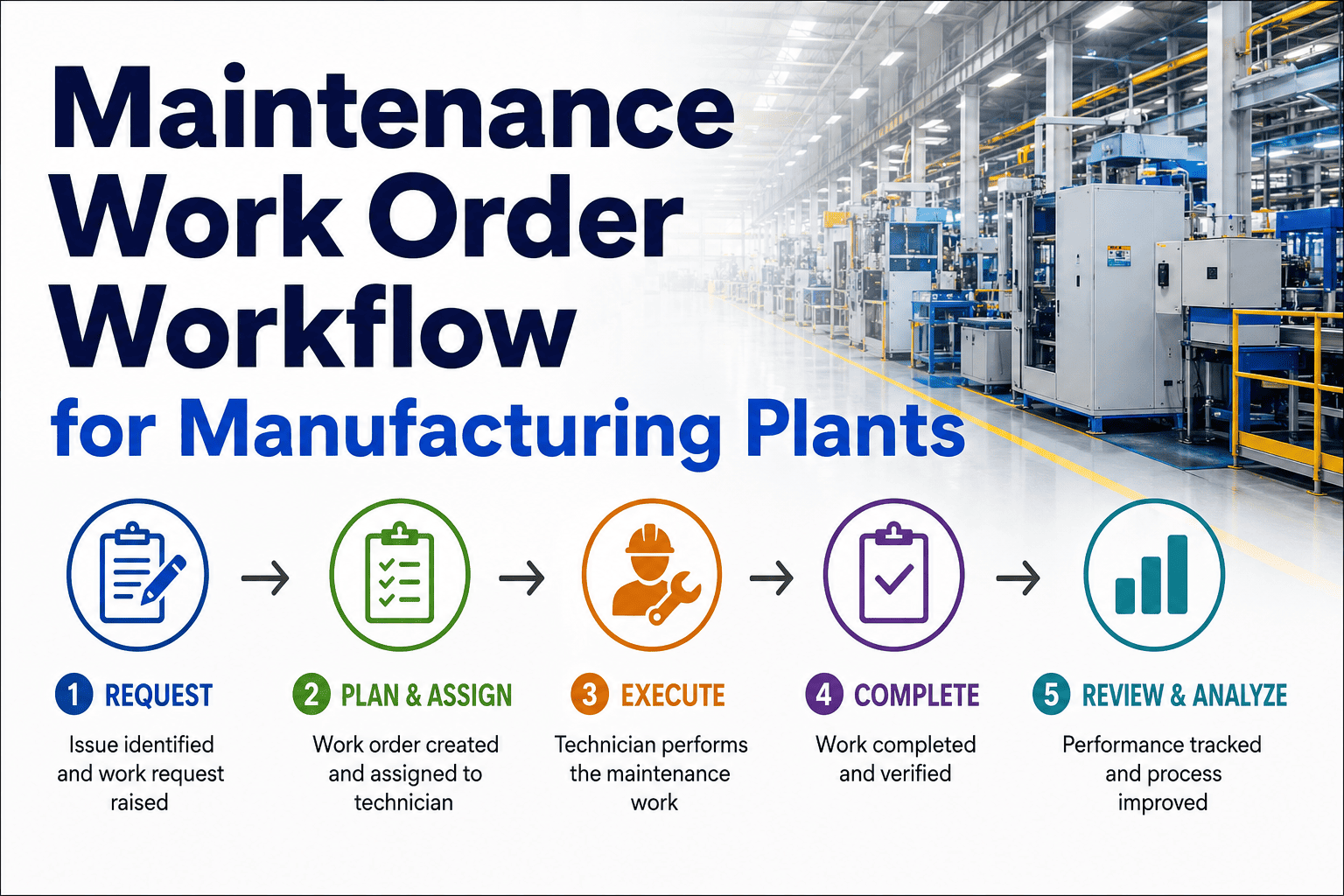
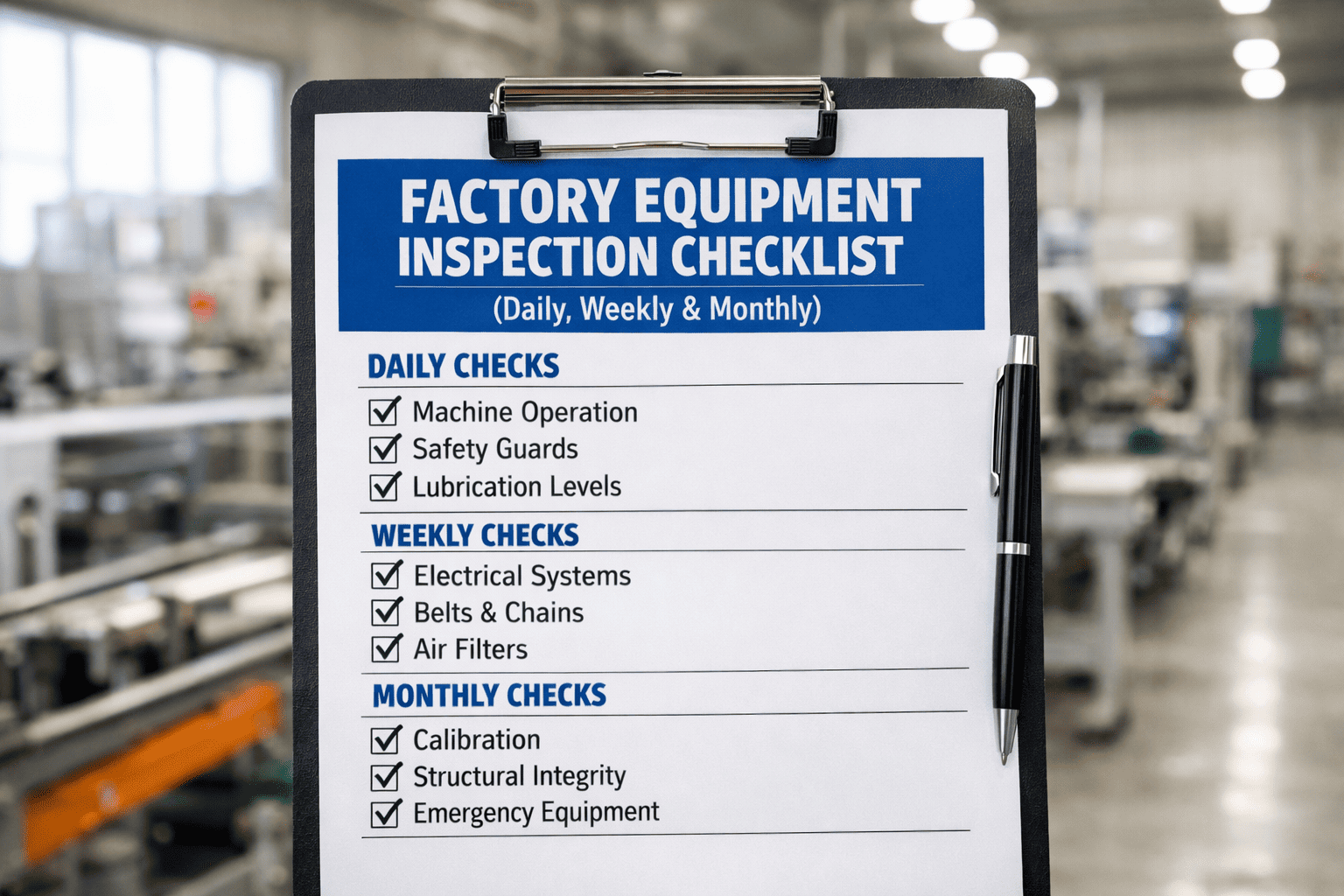
The difference between a plant that runs planned and one that firefights is often a single 30-minute meeting. Without a disciplined weekly planning meeting, next week's schedule is whatever lands in the inbox Monday morning — reactive, unprepared, and blown by Wednesday. With one, ready work is matched to available crews, parts and equipment windows before the week starts, and the numbers move. This checklist is that meeting's run-of-show, and OXMAINT AI, the AI-powered CMMS, supplies the backlog, the KPIs and the schedule the meeting runs on.
Manufacturing · Weekly Maintenance Planning Meeting · CMMS · 2026
Manufacturing Weekly Maintenance Planning Meeting Checklist
A schedule set by whatever breaks Monday. Backlog nobody reviews. A meeting that runs long and decides nothing. OXMAINT AI, the AI-powered CMMS and maintenance management software, gives the weekly meeting its backbone: last week's KPIs on screen, ready work orders sorted by priority, and next week's schedule built against real crew capacity, parts and equipment windows — so the plan is committed before the week begins.
1Review
→
2Prioritize
→
3Schedule
→
4Commit
LAST WEEK · AT A GLANCE
Schedule compliance88%
PM completion96%
Backlog5.2 wk
Reactive work31%
90%+
schedule compliance a healthy weekly plan should hit
2–4 wk
healthy backlog of planned, ready work per crew
80/20
target planned-to-reactive work ratio
95%+
PM completion rate a functioning program holds
Thirty Minutes That Decide the Whole Week
A weekly planning meeting isn't a status update — it's where next week gets committed. Skip it and the schedule is set by whatever fails first, crews arrive at jobs with no parts, and the reactive ratio climbs. Run it well and ready work flows to the right people against confirmed capacity, and the leading indicators — schedule compliance, backlog, reactive percentage — start moving in the right direction. OXMAINT AI puts the data the meeting needs on one screen so the 30 minutes are spent deciding, not digging. Start free and give your weekly meeting a backbone in OXMAINT AI.
Start With Last Week’s Scorecard
Every planning meeting opens the same way: how did last week's plan actually go? These five leading indicators tell you in seconds whether the program is healthy or heading for firefighting — and each off-target number is an agenda item. OXMAINT AI puts the scorecard on screen automatically. Book a demo to see the weekly scorecard in OXMAINT AI.
The Weekly Meeting Agenda — Six Parts
This is the run-of-show: six agenda items that take a meeting from "what broke" to "next week is committed." Work it in order, or load it into OXMAINT AI so the backlog, KPIs and draft schedule are ready before anyone sits down. Sign up free and run this agenda in OXMAINT AI.
1Review Last Week
Schedule compliance vs plan — what slipped and why
PM completion and any overdue preventive work
Reactive breakdowns — what drove them
Carryover jobs not finished last week
2Backlog & Priorities
Total backlog reviewed against the 2–4 week target
Highest-priority jobs ranked by criticality and risk
Aged work orders flagged before they escalate
Safety and compliance jobs given precedence
3Build Next Week’s Schedule
Only ready work orders scheduled (parts, permits cleared)
Work matched to crew capacity, not wishful hours
PMs due next week slotted in first
Reserve capacity held for the inevitable emergency
4Parts & Resources
Parts confirmed on hand or staged for each job
Special tools, rentals or contractors lined up
Required skills and certifications available
Waiting-on-parts jobs kept out of the active schedule
5Operations Coordination
Equipment availability windows confirmed with production
Planned shutdowns and changeovers aligned
Access, lockout and permit needs flagged early
Conflicts resolved before the schedule locks
6Commit & Assign
Schedule published before the week begins
Each job assigned to a named technician
Owners and follow-ups on open action items
Schedule frozen — changes need a real reason
Who’s in the Room
Planner
Brings the ready, fully-prepared work orders — parts identified, procedures attached, labor estimated.
Scheduler
Builds next week's schedule against confirmed crew capacity and owns schedule compliance.
Maintenance Supervisor
Speaks to crew availability, skills and what actually happened on the floor last week.
Operations Rep
Confirms equipment windows and production priorities so the plan is realistic.
A Week That Isn’t Planned Is a Week That’s Reacted To.
Without a committed weekly plan, the schedule belongs to whatever breaks first. OXMAINT AI hands the meeting a ready backlog, live KPIs and a capacity-checked draft schedule — so the plan is built, committed and assigned before Monday, not rebuilt every morning.
From Meeting to Executed Week
The meeting is worth having only if its decisions turn into work that actually gets done and measured. OXMAINT AI carries the plan from the room to the floor and back to next week's scorecard. Here's the loop. Book a demo to run this planning loop in OXMAINT AI.
01
Prep the Data
Before the meeting, the CMMS assembles last week's KPIs, the ranked backlog and the ready-work list — no one builds slides.
↓
02
Run the Agenda
Review last week, work the backlog, and build next week's schedule against real capacity, parts and equipment windows.
↓
03
Commit & Publish
The schedule is frozen, published and assigned to named techs before the week starts — everyone knows the plan.
↓
04
Execute & Track
Work orders run on mobile through the week; completions, delays and emergencies are captured as they happen.
↓
05
Measure & Feed Back
Actuals become next week's scorecard — schedule compliance and backlog roll into the next meeting automatically.
What the CMMS Brings to Planning
A planning meeting run off memory and spreadsheets decides less and takes longer. OXMAINT AI gives it live data, a ready backlog and a schedule that writes itself into work orders. Start free and put your planning on one platform in OXMAINT AI.
SCORECARD
Live Weekly KPIs
Schedule compliance, PM completion, backlog and reactive % on screen — last week's results ready before the meeting.
BACKLOG
Ranked, Ready Backlog
Work orders sorted by priority and flagged ready vs waiting, so the meeting schedules only what can actually run.
CAPACITY
Capacity-Checked Schedule
Work matched to confirmed crew hours and skills, not wishful capacity — a schedule that holds through the week.
PARTS
Parts & Readiness Check
Each job's parts and permits confirmed before scheduling, keeping waiting-on-parts work out of the plan.
ASSIGN
Publish & Assign
The committed schedule pushes to named technicians' mobile devices — the plan leaves the room as work orders.
FEEDBACK
Actuals Into Next Week
Completions and delays roll straight into next week's scorecard, closing the loop without manual tallying.
“
Our Monday meeting used to run an hour and settle nothing — everyone argued from a different spreadsheet, and the schedule fell apart by Tuesday because half the jobs had no parts. We rebuilt it around the CMMS: last week's numbers on the screen, a ready backlog, and a draft schedule checked against crew hours. Now it's thirty minutes, the schedule is committed before the week starts, and our schedule compliance went from something we couldn't even measure to a number we watch every week.
Maintenance Planning Lead · Manufacturing Plant
Frequently Asked Questions
What should a weekly maintenance planning meeting cover?
Six parts: review last week's KPIs, work the backlog and priorities, build next week's schedule against capacity, confirm parts and resources, coordinate equipment windows with operations, then commit and assign. This checklist lays out each, and OXMAINT AI supplies the data.
Start free and run the agenda.
Which KPIs do we review each week?
The leading indicators you can still act on: schedule compliance (target 90%+), PM completion (95%+), backlog (2–4 weeks), and reactive work percentage (under 20%). Trend metrics like MTBF and MTTR belong in the monthly review. OXMAINT AI puts the weekly set on one screen.
Book a demo to see the scorecard.
What does it mean to freeze the weekly schedule?
It means the schedule is committed before the week begins and changes only for a genuine emergency, not for every new request. Reserve capacity absorbs the real breakdowns. That discipline is what makes schedule compliance measurable and worth improving.
Start free and commit a real weekly plan.
What's the difference between the planner and the scheduler?
The planner prepares work orders — parts, procedures, labor estimates — so they're ready to run; the scheduler assigns that ready work to qualified techs within confirmed capacity. One owns work-order readiness, the other owns schedule compliance. Both are in the meeting.
Book a demo to see both roles supported.
How does a CMMS make the meeting shorter?
By ending the spreadsheet arguments — last week's KPIs, the ranked backlog and a capacity-checked draft schedule are ready before anyone sits down, so the time is spent deciding, not assembling data. The committed schedule then publishes straight to technicians.
Start free and shorten your meeting.
Commit the Week Before It Starts.
Run your weekly maintenance planning meeting on the OXMAINT AI maintenance management software — live weekly KPIs, a ranked and ready backlog, a capacity-checked schedule, and one-click publish to named technicians. Turn a meeting that decides nothing into thirty minutes that plan the whole week.