SAP PM Notification to Work Order Integration Guide
By Willam Jerry on October 14, 2026
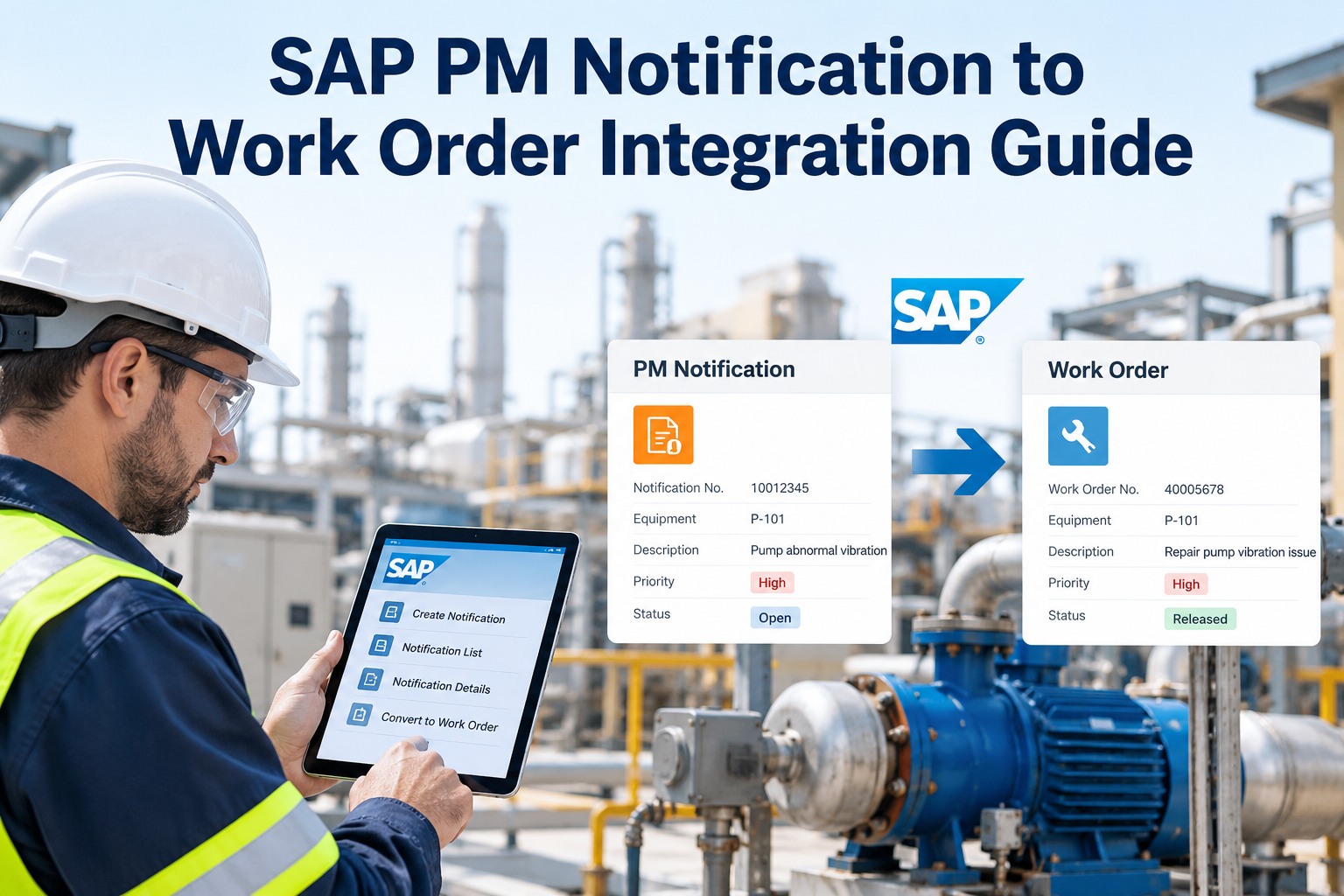
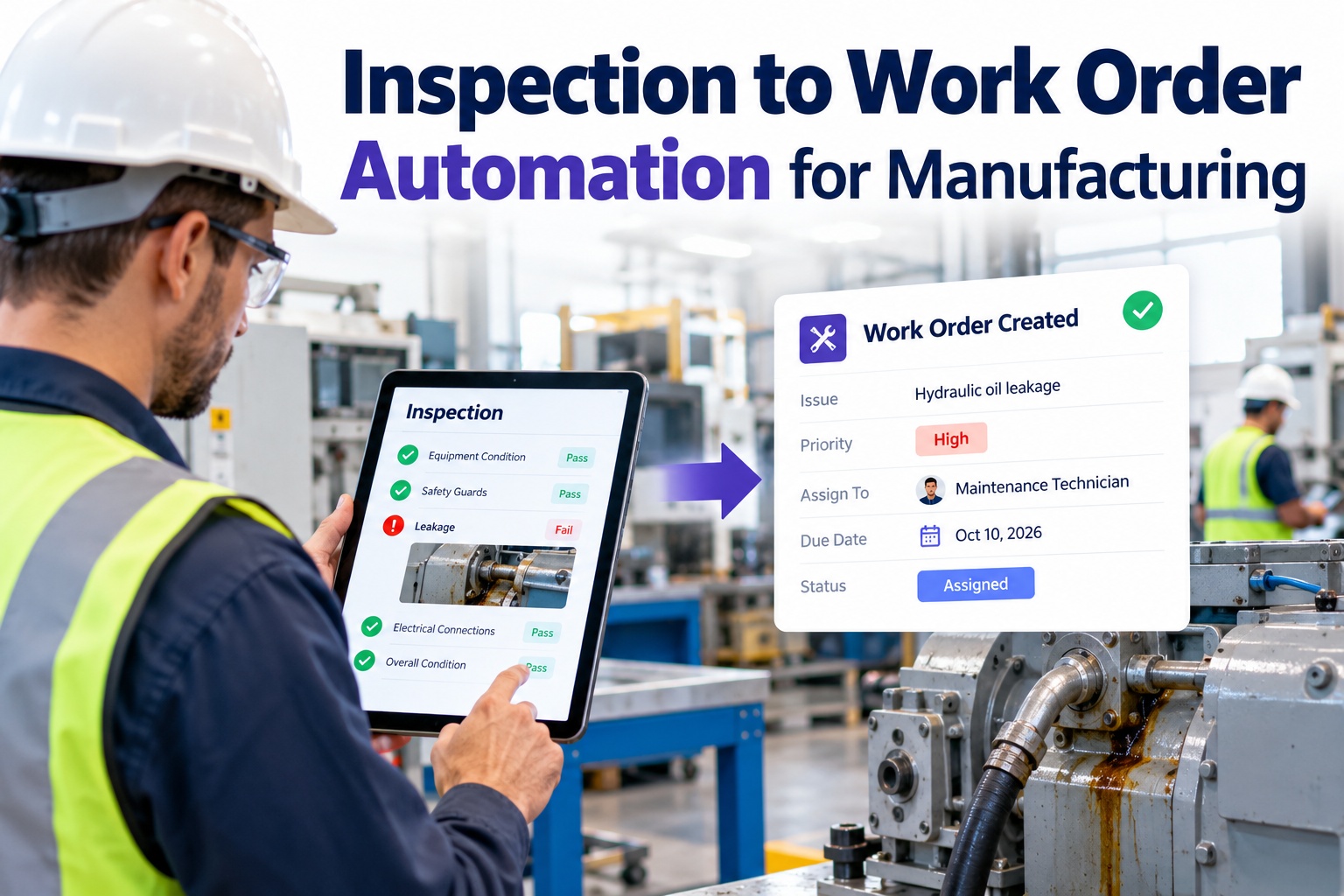
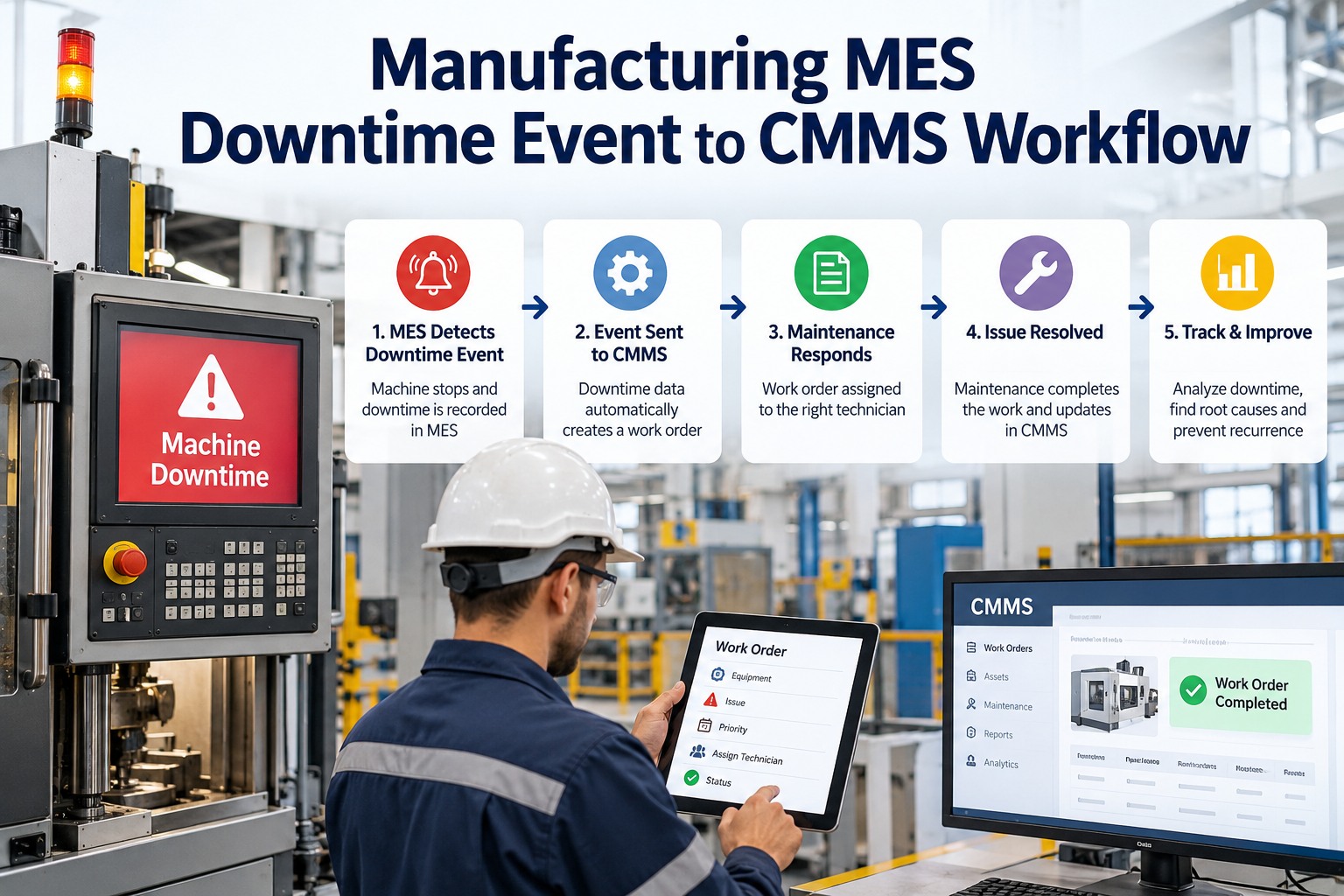
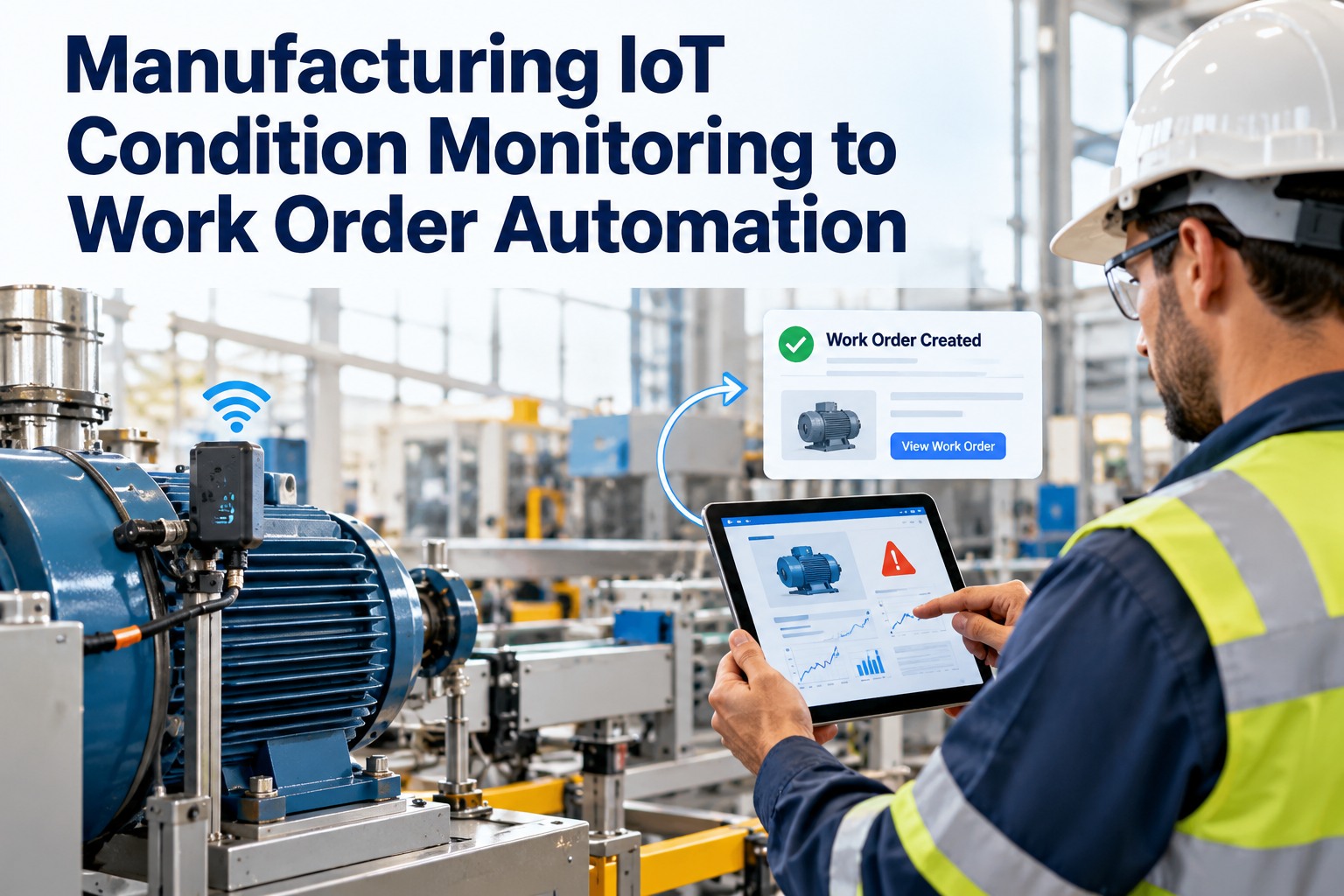
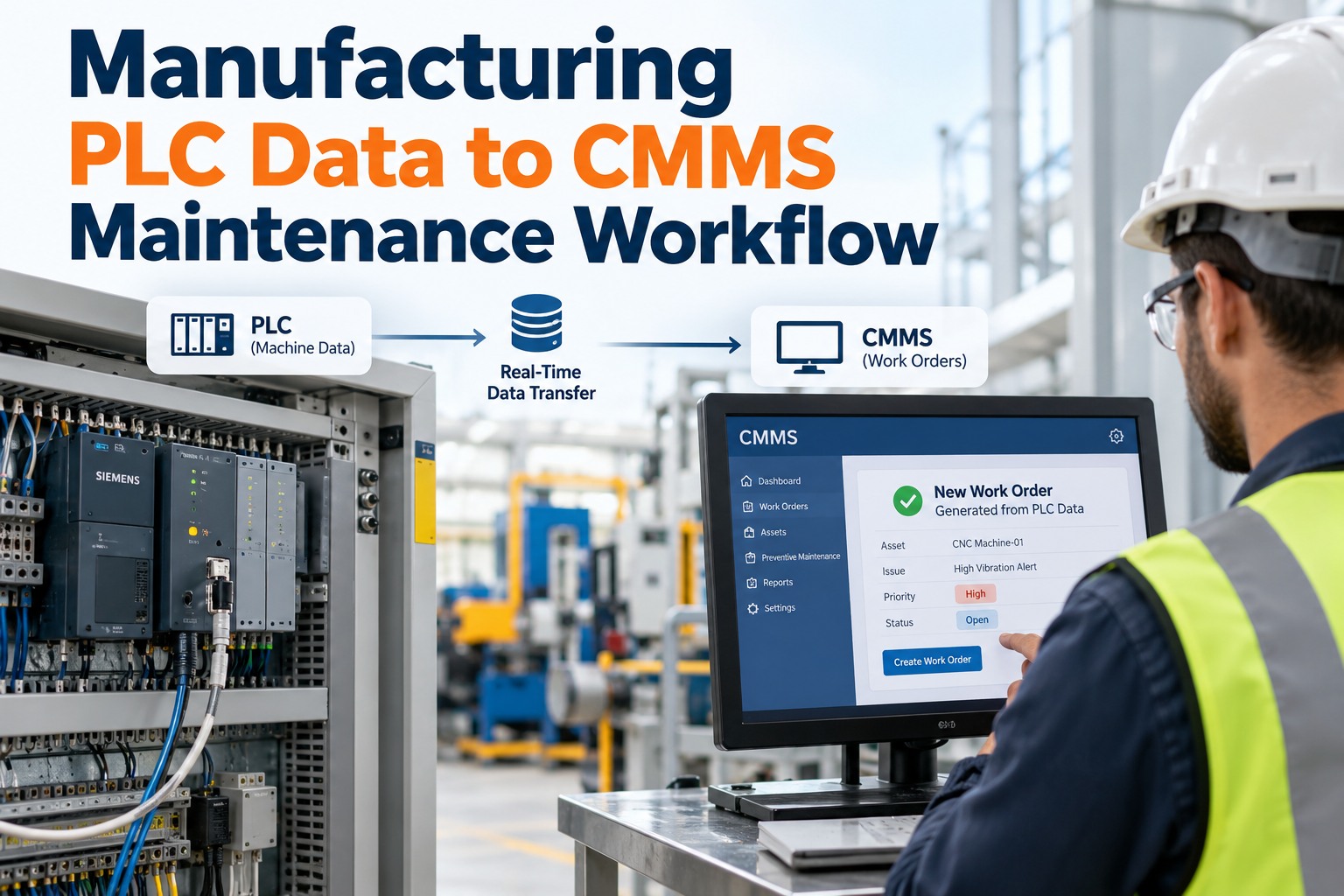
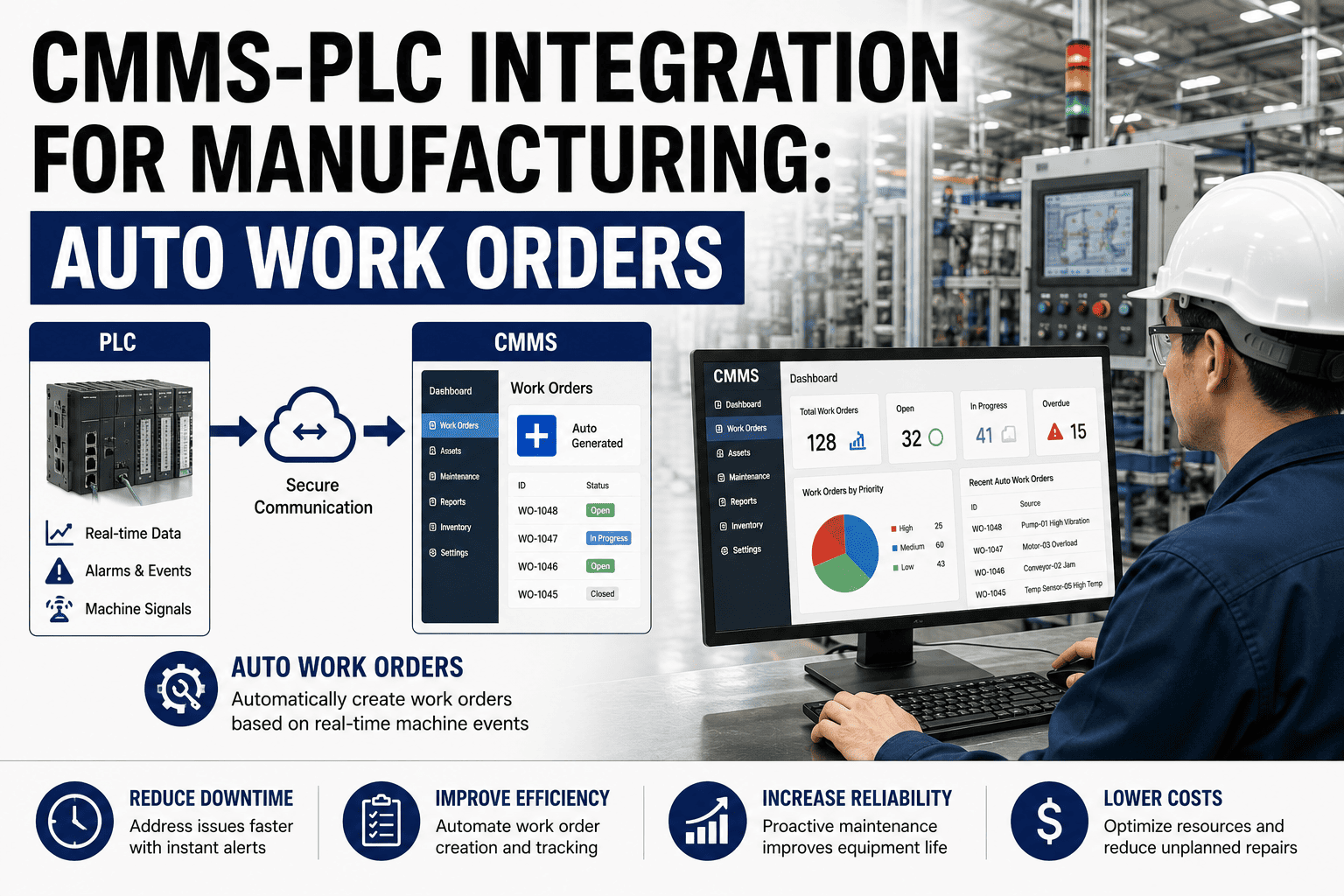
In SAP Plant Maintenance, a notification is where a problem is first reported and a maintenance order is where it finally gets done. The gap between the two is where most plants lose time: notifications pile up unconverted, planners re-key data, and the floor never sees the order on a phone. OXMAINT AI is the AI-powered maintenance management software that connects to your SAP ERP, automates the notification-to-order handoff, and puts the whole flow on a mobile device.
SAP PM · Notification → Work Order · ERP Integration · 2026
SAP PM Notification to Work Order Integration Guide
A clear walk-through of how SAP PM turns a maintenance notification into a maintenance order — the objects, the fields that carry across, and the steps in between. Then how OXMAINT AI, an AI-powered CMMS, integrates with SAP ERP to automate that handoff, capture work on mobile, and sync confirmations and costs back — so notifications stop piling up and nothing is re-keyed.
Inherits object, priority & dates — adds the work plan
M1 / M2 / M3
the three standard SAP PM notification types
PM01 / PM02
corrective and planned maintenance order types
1 : N
one order can bundle many notifications
IW24
the path that turns a notification into an order
First, the Three Notification Types
Every SAP PM flow starts with the right notification type, because the type sets what SAP expects you to capture. Pick the wrong one and the downstream data — downtime, cause analysis, planning — comes out wrong.
M1
Maintenance Request
Someone asks for work that isn't an active breakdown — "please inspect," "this needs attention." Planning-oriented; the start of planned work.
M2
Malfunction Report
Something has failed. This type captures the breakdown indicator and malfunction start/end, so downtime and MTBF are recorded, not lost.
M3
Activity Report
Documents work already carried out — what was found and done. Often used to record completed activity against the asset for history.
This is the heart of the process. A notification describes the problem; an order describes the work. When you convert, SAP carries the key fields across and the order adds everything needed to plan and cost the job. Here is what moves and what gets added.
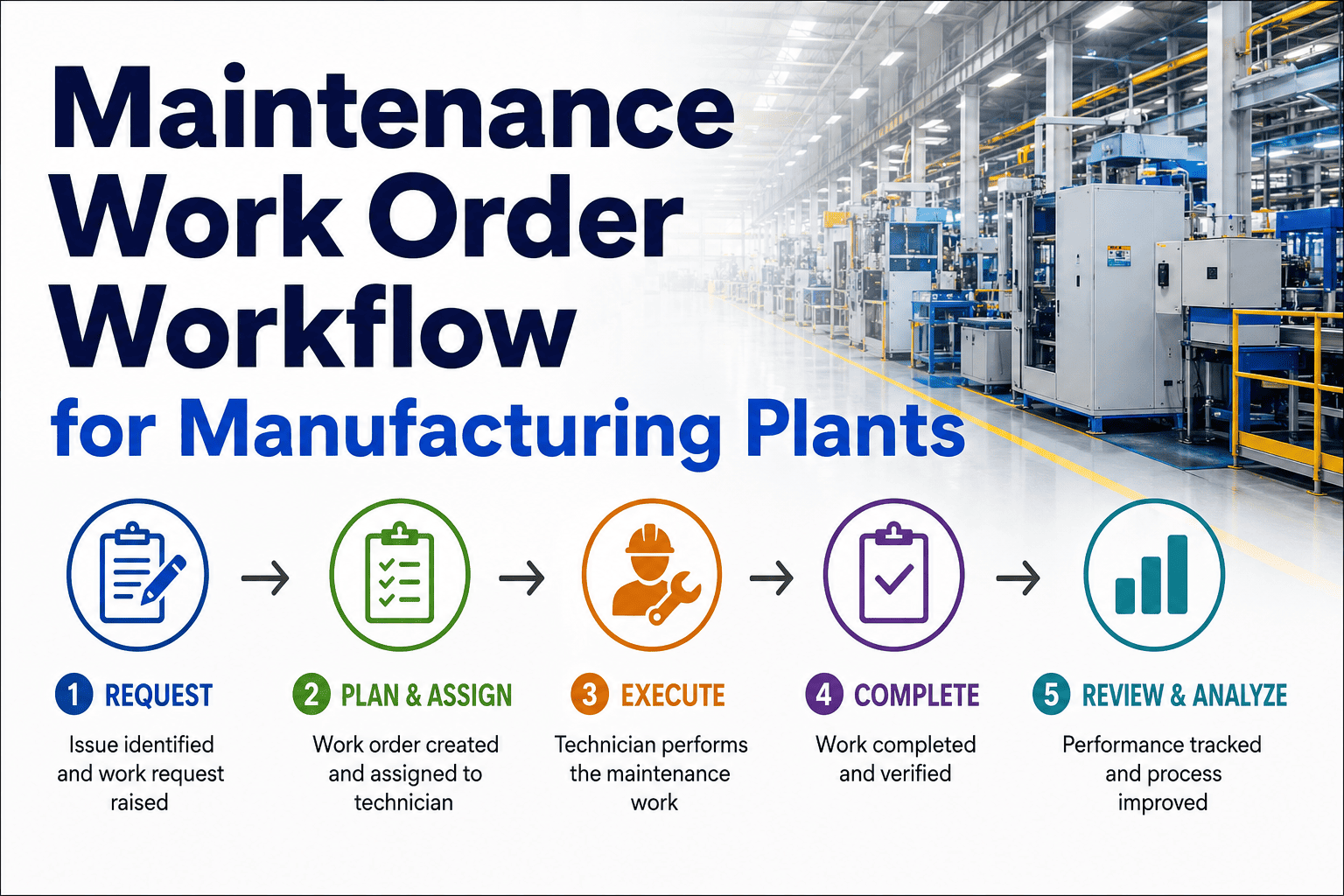
From first report to closed and settled, the SAP PM flow runs six stages. Each has its own transaction or Fiori app — and its own place where things stall.
01
Raise the notification IW21 / Report Malfunction
Log the problem against the reference object with type, priority, damage and cause. This is the record everything downstream hangs on.
02
Screen & plan IW28 / Manage Notifications
The planner reviews the queue, sets priority, and decides what becomes an order. The bottleneck lives here when the queue is long.
03
Convert to an order IW24 / Order button
The notification becomes a maintenance order. The order inherits the object, priority and dates, and gets its order type (PM01 / PM02).
04
Plan & release IW32 / Manage Orders
Add operations, components and work centers, then release. Release triggers material reservations, permits and printing.
05
Execute & confirm IW41 / IW42
The technician does the work and books time and materials. Notification tasks and activities get recorded against the asset.
06
Complete & settle TECO + settlement
Technically complete the order, close the notification, and settle costs to the cost center or WBS. The loop is closed and audit-ready.
The SAP PM model is solid. What fails in practice is the connective tissue — the moments a notification has to travel from the floor to a planner's screen and back out as an order.
Notifications pile up
Reports land faster than planners can screen them, so a backlog of unconverted notifications hides real downtime.
Planner bottleneck
Every conversion routes through one desktop. When the planner is out, the queue freezes and urgent jobs wait.
No order on the floor
Technicians work from paper printouts, so confirmations are written down and keyed in later — if at all.
Data re-keyed
The same asset, problem and parts get typed into a second system, inviting errors and double work.
OxMaint doesn't replace SAP — it sits alongside it as the mobile, automated execution layer. Master data and records stay aligned both ways: notifications and orders flow out to the field, confirmations and costs flow back to SAP.
If you know the SAP objects, here is how they line up on the OxMaint side — so nothing is lost in translation.
SAP PM object / field
What it holds
In OxMaint
Reference object
Equipment or functional location the problem is on
Asset record
Notification type (M1/M2/M3)
Request, malfunction or activity report
Issue category
Priority & dates
Urgency and required response window
Priority & due date
Damage & cause codes
What failed and why, for analysis
Failure & cause codes
Order operations
The steps and work centers for the job
Work order tasks
Components
Spare parts and BOM on the order
Parts & inventory
Confirmation (IW41)
Time and materials booked against the order
Mobile confirmation
A Notification Stuck in a Queue Is a Breakdown Nobody Is Working On.
The SAP flow is right — it just needs a faster, mobile front end. OxMaint auto-converts notifications to orders, routes them to the floor, and syncs every confirmation and cost back to SAP, so the backlog stops growing and the data stays clean.
Reviewed by OxMaint Integration & Maintenance Operations
SAP PM object names, notification types and transaction references were checked against standard SAP Plant Maintenance practice for ECC and S/4HANA. Integration scope varies by SAP release and landscape; confirm specifics against your own system.
Frequently Asked Questions
What is the difference between a SAP PM notification and an order?
A notification reports and describes a problem against an asset; a maintenance order plans, schedules and costs the work to fix it. The order inherits the notification's key fields when you convert.
Which notification type should I use?
M1 for a maintenance request, M2 for a malfunction or breakdown, M3 to document activity already done. Use M2 for failures so breakdown time is captured for downtime and reliability reporting.
How does a notification become a work order in SAP?
A planner converts it — through IW24 or the Order button in the notification — and the resulting maintenance order carries over the reference object, priority and dates, then adds operations, components and costs. Start free to automate that conversion.
Does OxMaint replace SAP PM?
No. OxMaint integrates with SAP ERP as a mobile, automated layer for the floor. SAP stays your system of record while OxMaint speeds up capture, conversion and confirmation.
Can confirmations and costs sync back to SAP?
Yes — the integration is two-way. Field confirmations of time, parts and completion flow back to the SAP order, so there is no duplicate data entry and costs settle correctly.
Keep SAP. Lose the Notification Backlog.
Connect OXMAINT AI to your SAP ERP and turn the notification-to-work-order flow into something fast and mobile — malfunction reports captured at the asset, orders raised automatically, confirmations and costs synced straight back to SAP. Your system of record, finally with a front end built for the floor.