Power plants run on a complex web of software systems — DCS historians storing decades of process data, ERP platforms managing procurement and finance, oil analysis laboratories sending condition reports, and custom-built applications that no vendor supports anymore. Each system holds a piece of the maintenance picture, but none of them talk to each other. The result is a daily data reconciliation burden that consumes engineering time, introduces errors, and creates blind spots where expensive failures hide. Modern CMMS platforms solve this through open APIs that connect every system into a unified maintenance data layer — without replacing any of the infrastructure your operations team depends on. Power plants using OxMaint's API-connected CMMS eliminate an average of 14 hours per week in manual data transfer, reduce maintenance blind spots by over 60%, and give planners a single source of truth for every asset across the plant floor.
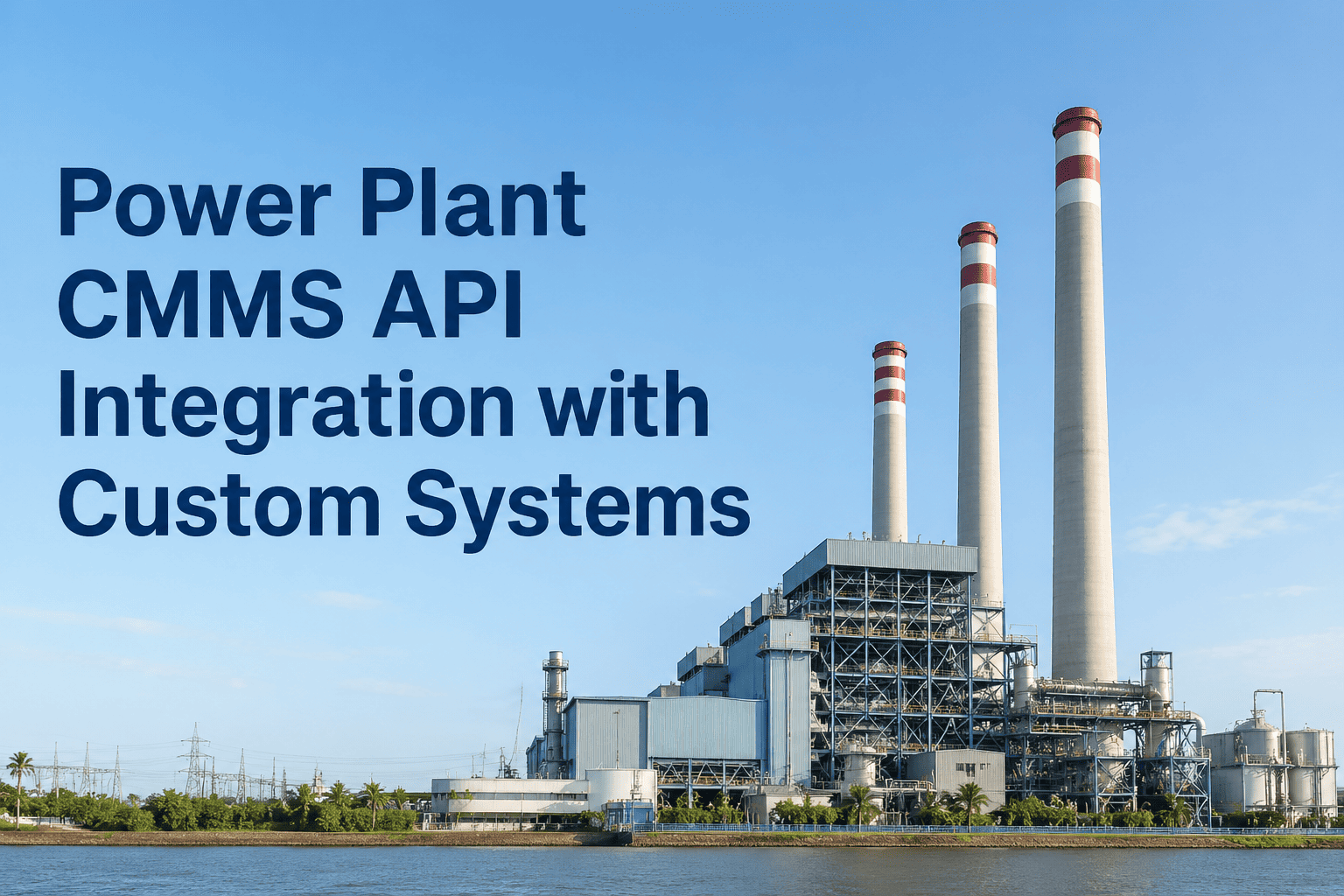
Power Plant CMMS API Integration with Custom Systems
Connect your CMMS to DCS historians, ERP systems, oil analysis labs, and custom plant applications — eliminating the data silos that cause expensive maintenance blind spots.
The Data Silo Problem in Power Plant Maintenance
Every system in your plant was purchased to solve a specific problem. None of them were designed to share data with each other. This is how siloed maintenance looks from a planner's desk on any given morning.
Six Integration Categories That Change How Plants Operate
Not all integrations deliver equal value. These six categories represent the highest-ROI connections for power plant CMMS deployments — ranked by the operational problem each one eliminates.
Historians store years of process variable data — but planners cannot access it when building maintenance cases. API integration pulls historian trends directly into OxMaint asset records. When a work order is opened for a pump, the planner sees the last 30 days of bearing temperature, vibration amplitude, and flow rate without leaving the CMMS.
When a work order in OxMaint requires parts not in stock, the API triggers a purchase requisition in your ERP automatically — with the correct cost center, vendor code, and line-item description pre-populated from the work order. Invoice matching happens in reverse: ERP receipts sync back to OxMaint to close the parts loop on the work order.
Oil analysis results arrive as PDF reports from external labs — and they typically get filed in email inboxes never to be seen again. API integration with lab portals (or automated PDF parsing) pulls sample results into OxMaint asset records, triggers advisory work orders when metal particle counts exceed limits, and builds a longitudinal oil condition history for each lubricated asset.
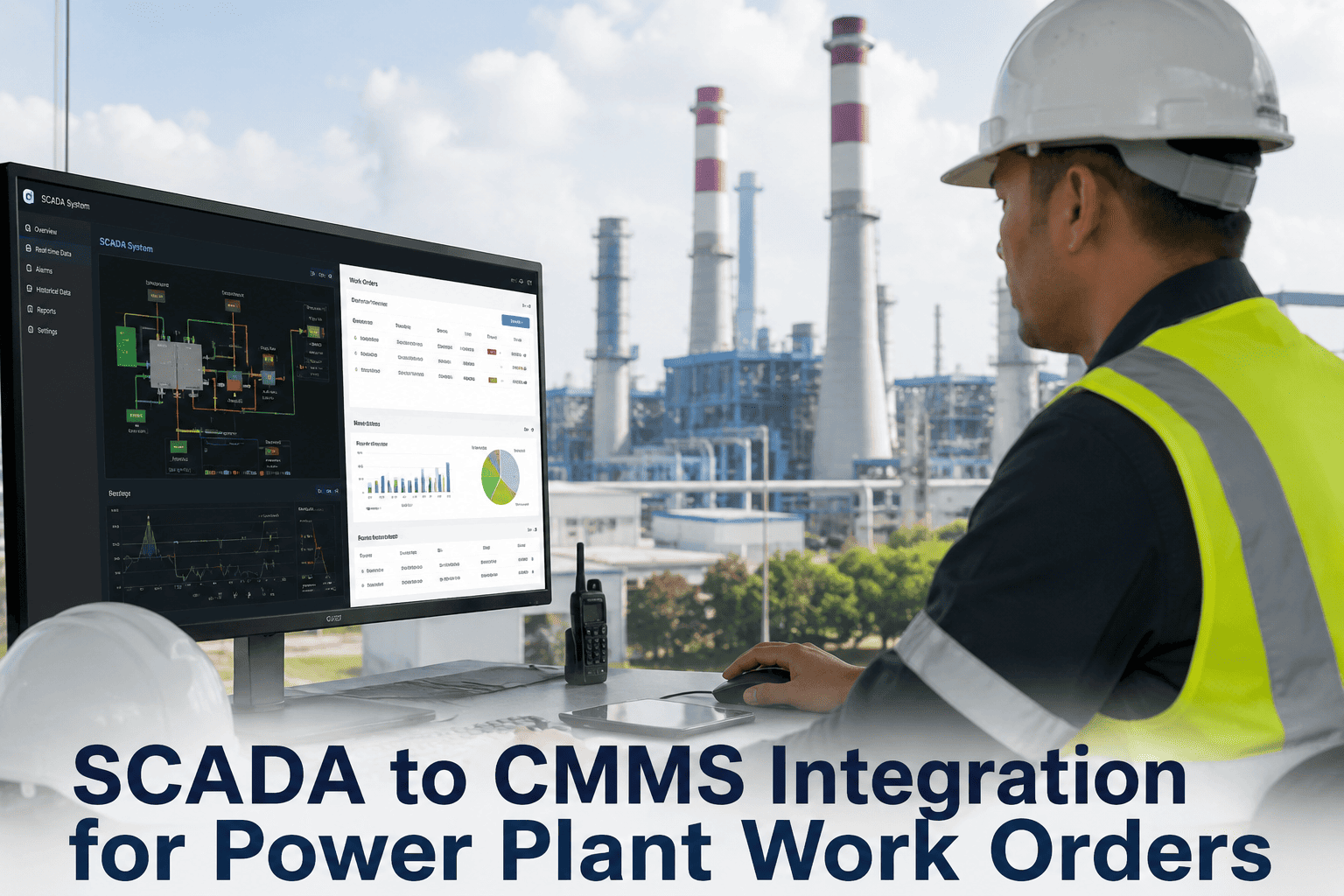
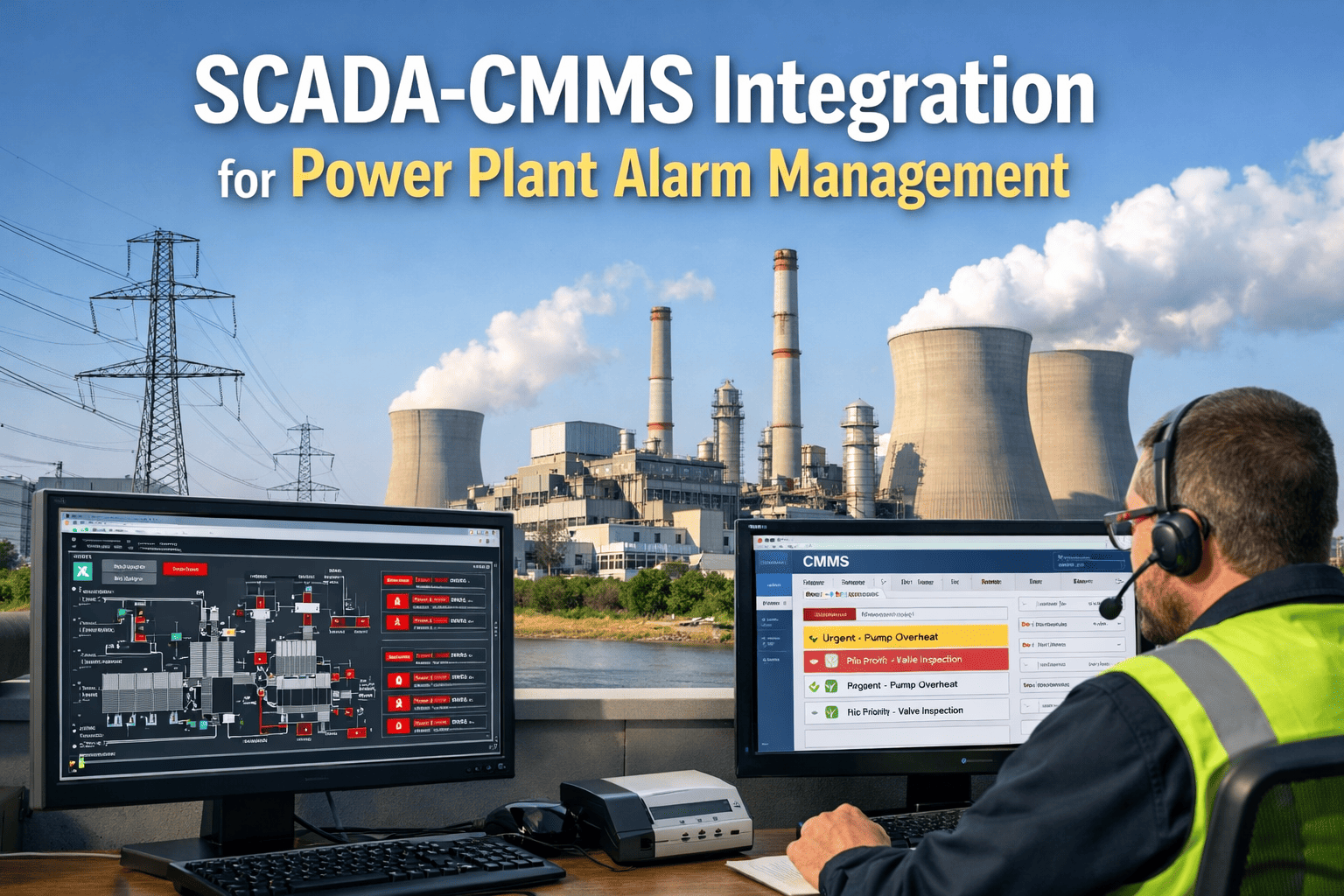
SCADA systems generate hundreds of alarms per shift — but control room operators are not empowered to create maintenance work orders. The CMMS API integration creates a configurable alarm-to-work-order bridge: specific SCADA alarm codes automatically generate prioritized OxMaint work orders routed to the right maintenance crew, without operator manual entry.
Ultrasonic thickness measurement software, thermal imaging platforms, and vibration analysis tools produce findings that need maintenance follow-up. API connectors pull inspection findings directly into OxMaint as draft work orders — with the original measurement data, inspector signature, and urgency classification already attached. No transcription, no data loss.
Every plant has at least one application built in-house a decade ago that no vendor supports. OxMaint's REST API and webhook architecture allow custom integrations through simple HTTP calls — meaning your legacy equipment tracking spreadsheet, your custom reliability database, or your in-house scheduling tool can push and pull data from OxMaint without a middleware platform.
OxMaint's open API connects to DCS historians, ERP systems, lab portals, and custom applications used in power plants. See exactly how your current system stack would connect in a 30-minute technical walkthrough — no commitment required.
OxMaint API Architecture: How the Connections Work
Understanding the technical layer helps maintenance engineers and IT teams evaluate integration scope before committing to a deployment. OxMaint uses three integration patterns depending on the source system.
Source systems push events to OxMaint via HTTPS POST when state changes occur — a sensor threshold breach, an alarm activation, an inspection finding submitted. OxMaint processes the event payload and creates or updates work orders immediately. Latency under 2 seconds.
OxMaint's scheduler queries source systems at defined intervals — every 15 minutes, hourly, or daily — to pull updated records, historian trends, or inventory levels. Changes are reconciled against OxMaint's data model and applied without duplicating records.
For systems that need two-way data flow — particularly ERP platforms — OxMaint supports message queue integration via AMQP or Kafka. Work order status changes in OxMaint trigger ERP updates, and ERP procurement events update OxMaint parts records in near real time.
Before and After API Integration: The Data Flow Difference
The operational difference between siloed systems and API-connected CMMS is not subtle — it changes what a planner can accomplish in a single shift.
| Maintenance Task | Without API Integration | With OxMaint API | Time Saved |
|---|---|---|---|
| Prepare repair plan for pump failure | Query historian manually, review paper oil reports, check ERP for parts — 3+ hours | All data surfaced in OxMaint work order automatically — 15 minutes | 2.75 hrs |
| Order parts for planned outage | Create ERP requisition manually from CMMS work order details — duplicate entry | OxMaint triggers ERP requisition automatically on work order approval | 45 min |
| File oil analysis results | Download PDF from lab portal, attach to email, manually update asset log | Lab results auto-imported into asset record with threshold alert if needed | 30 min |
| Convert SCADA alarm to work order | Operator calls maintenance supervisor, verbal handoff, manual work order creation | Alarm-to-work-order bridge creates and assigns work order in under 2 seconds | 25 min |
| Generate monthly compliance report | Compile from CMMS, historian, ERP, and inspection records manually — 2 days | Single OxMaint export with all integrated data sources — under 10 minutes | 15+ hrs |
Frequently Asked Questions
Your Systems Already Collect the Data. Connect Them.
OxMaint's open API eliminates the manual reconciliation work that consumes your maintenance team every day — by connecting the systems you already run into a unified maintenance data layer. Book a 30-minute technical walkthrough to map your current system stack to OxMaint's integration architecture.