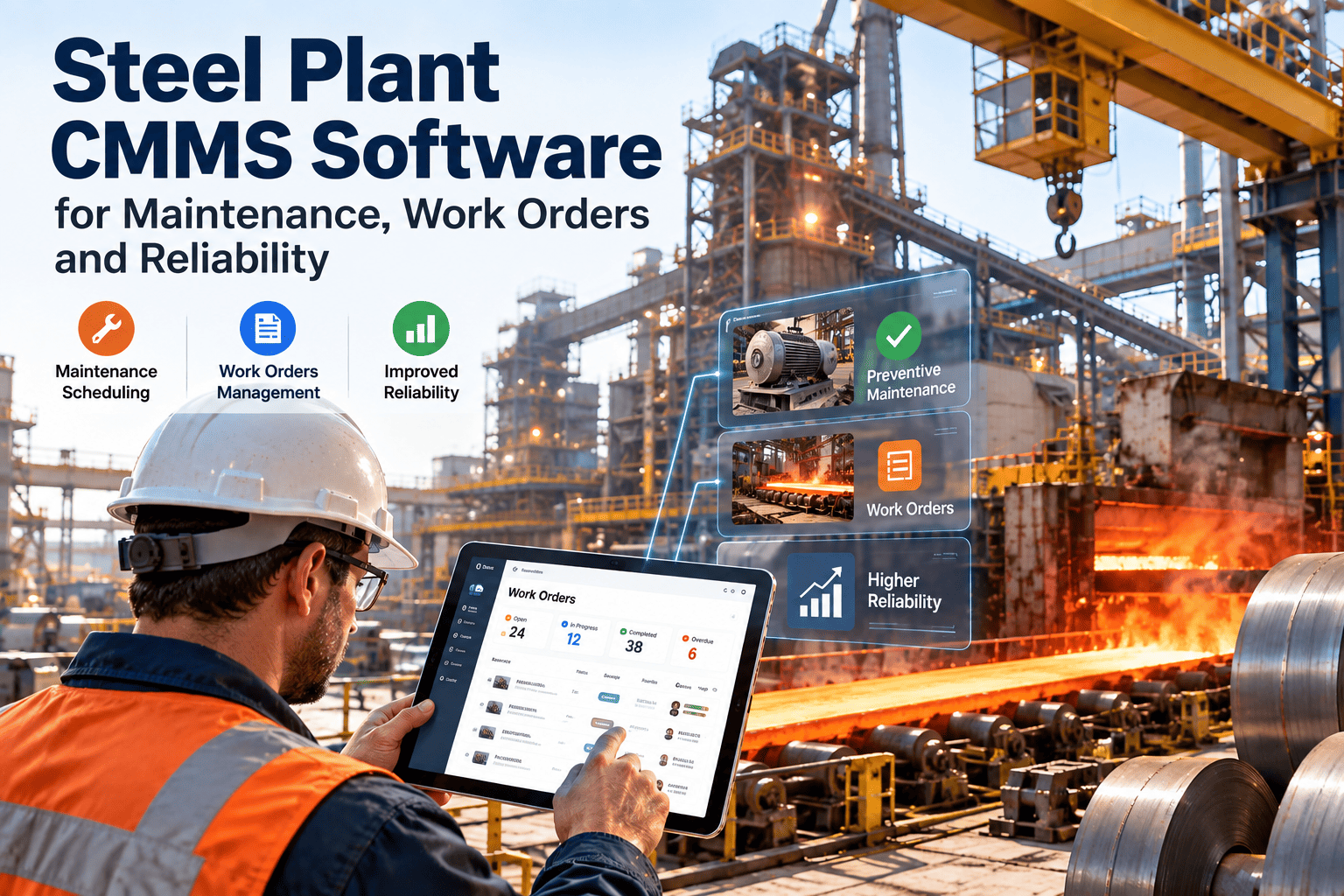
Steel plants running maintenance on Excel are not maintaining assets — they are managing documents. Every missed PM, every untracked spare, every work order scribbled on paper represents a gap between what was planned and what was actually done. OxMaint's cloud CMMS was built specifically to close those gaps: giving steel plant maintenance teams a live dashboard of every asset, every work order, and every spare part — without the version-control chaos of shared spreadsheets. This guide breaks down exactly where Excel falls short and what a purpose-built CMMS delivers instead.
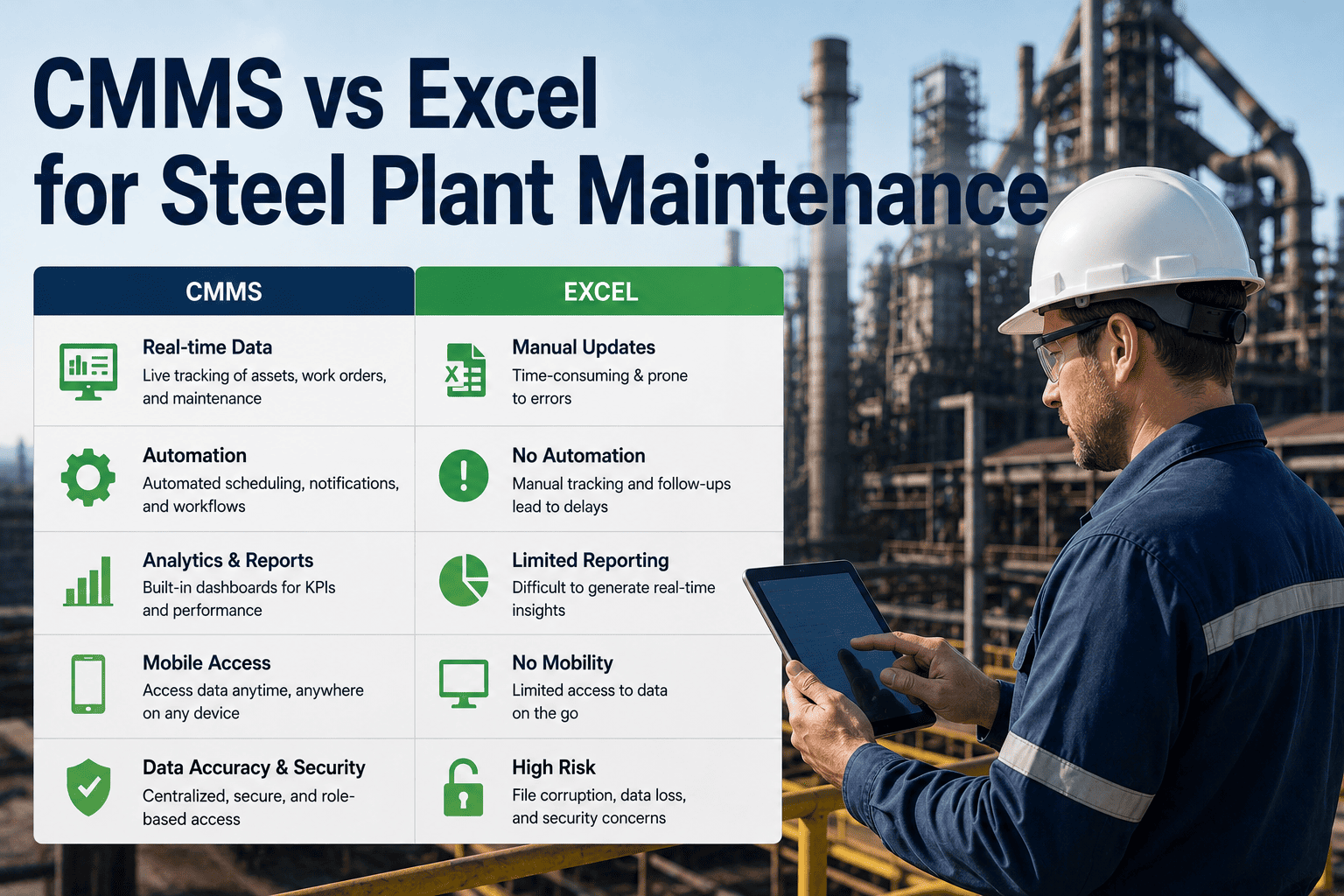
CMMS vs Excel for Steel Plant Maintenance
Work orders, audit trails, asset history, spare parts, and downtime visibility — a data-driven comparison for maintenance managers in integrated steel facilities.
Why Excel Fails in Steel Plant Maintenance
Steel plant maintenance involves thousands of assets — blast furnaces, rolling mills, BOF converters, coke oven batteries, conveyors, and drive systems — each with its own PM schedule, spare inventory, and failure history. Excel was designed for financial modelling, not for managing maintenance workflows across three shifts, multiple contractors, and live equipment data.
Excel files are snapshots. By the time a supervisor opens the sheet, the data is hours old. In a steel plant running continuous casts, a 4-hour lag in downtime reporting means decisions are made on stale information.
ISO 9001 and ISO 55001 require immutable maintenance records with technician sign-off. Excel rows can be edited, deleted, or overwritten with no record of who changed what — a direct compliance failure.
Work orders in Excel are static rows. There is no escalation logic, no mobile dispatch, no technician notification. Critical tasks on assets like the BOF converter get missed because no one saw the row update.
Bearing inventory, roller replacements, and hydraulic seals tracked in separate sheets cause duplicate orders and zero-stock emergencies during unplanned outages — adding days to MTTR when parts cannot be located.
Head-to-Head: CMMS vs Excel Across 8 Critical Areas
The comparison below covers every dimension that matters in steel plant maintenance operations — from work order management to compliance documentation. Each row reflects real operational requirements, not theoretical features.
| Maintenance Area | Excel / Spreadsheet | OxMaint CMMS | Steel Plant Impact |
|---|---|---|---|
| Work Order Management | Manual rows, no dispatch logic | Auto-assigned, mobile-notified, escalated | Eliminates missed tasks on critical assets |
| Asset History | Scattered across multiple files | Unified asset record with full history | Reduces repeat failures by 35–45% |
| PM Scheduling | Calendar reminders, manually tracked | Meter-based, calendar, and condition-triggered | PM compliance rises from ~44% to 91%+ |
| Spare Parts Inventory | Separate spreadsheet, no reorder logic | Integrated inventory with auto-reorder triggers | Zero-stock emergencies reduced by 60% |
| Audit Trail | Editable, no sign-off record | Immutable, timestamped, digital signature | ISO 55001 and ISO 9001 compliant |
| Downtime Reporting | Reconstructed from logs after the fact | Real-time dashboard with categorised losses | MTTR visibility reduces average response by 2.4 hrs |
| Multi-Shift Coordination | Email handover, version conflicts | Live work order status across all shifts | Shift handover time cut by 70% |
| ROI Measurement | No cost-per-asset tracking | Maintenance cost per asset, per period | Identifies top-10 cost assets for budget decisions |
Downtime Impact: Excel Era vs CMMS Era
The graph below compares actual operational metrics from a 2.4 MTPA integrated steel plant before and after switching from Excel-based maintenance tracking to OxMaint CMMS — measured over 12-month periods.
See What Your Steel Plant Looks Like With Real-Time Maintenance Visibility
OxMaint connects your blast furnace, rolling mill, and BOF assets to a live CMMS dashboard — replacing Excel sheets with automated work orders, spare part alerts, and audit-ready records from day one.
Work Order Workflow: Excel vs OxMaint Side by Side
The lifecycle of a maintenance work order determines how fast failures get resolved. In a steel plant where every hour of rolling mill downtime can cost ₹8–25 lakh, the difference between a 7-step manual Excel process and a 3-step automated CMMS workflow is measured in tonnes of steel not produced.
Asset History & Audit Trail — The Compliance Gap
ISO 55001 (Asset Management) and ISO 9001 both require maintenance records that are tamper-evident, traceable, and retrievable on demand. An OSHA or third-party auditor asking for the maintenance history of a blast furnace top platform crane should receive complete records in minutes — not days of file searching.
| Compliance Requirement | Excel Capability | OxMaint Capability |
|---|---|---|
| ISO 55001 — Asset maintenance record | Manually entered, editable by anyone | Immutable digital record, timestamped per event |
| Technician sign-off traceability | No digital signature, typed initials only | Digital sign-off locked to user account |
| Contractor work verification | Paper forms, often incomplete | Contractor portal with photo evidence upload |
| Audit report generation | 18–40 hrs manual compilation | Dashboard export in under 5 minutes |
| Corrective action documentation | Separate corrective action file, often missing | Linked to failure event, auto-prompted |
Expert Review
The argument for Excel is always the same: it is free, everyone knows it, and it works well enough. What steel plant leaders underestimate is the compounding cost of "well enough." A missed PM on a rolling mill bearing that could have been caught by a condition-triggered work order costs 40x more to repair than the PM itself. The audit trail failure alone — when an ISO 55001 auditor finds no evidence that a critical task was completed — creates compliance risk that no CFO would accept if they understood it. Platforms like OxMaint have eliminated the excuse that CMMS is only for large maintenance teams or large IT budgets. The ROI conversation in steel is straightforward: one prevented unplanned outage pays for 2–3 years of CMMS subscription.
Frequently Asked Questions
Your Steel Plant Deserves Better Than a Spreadsheet
Excel was never built for blast furnace bearing schedules, BOF converter work orders, or rolling mill spare part inventory. OxMaint was. Get a 30-minute walkthrough built around your specific asset mix and see the ROI calculation for your plant configuration.