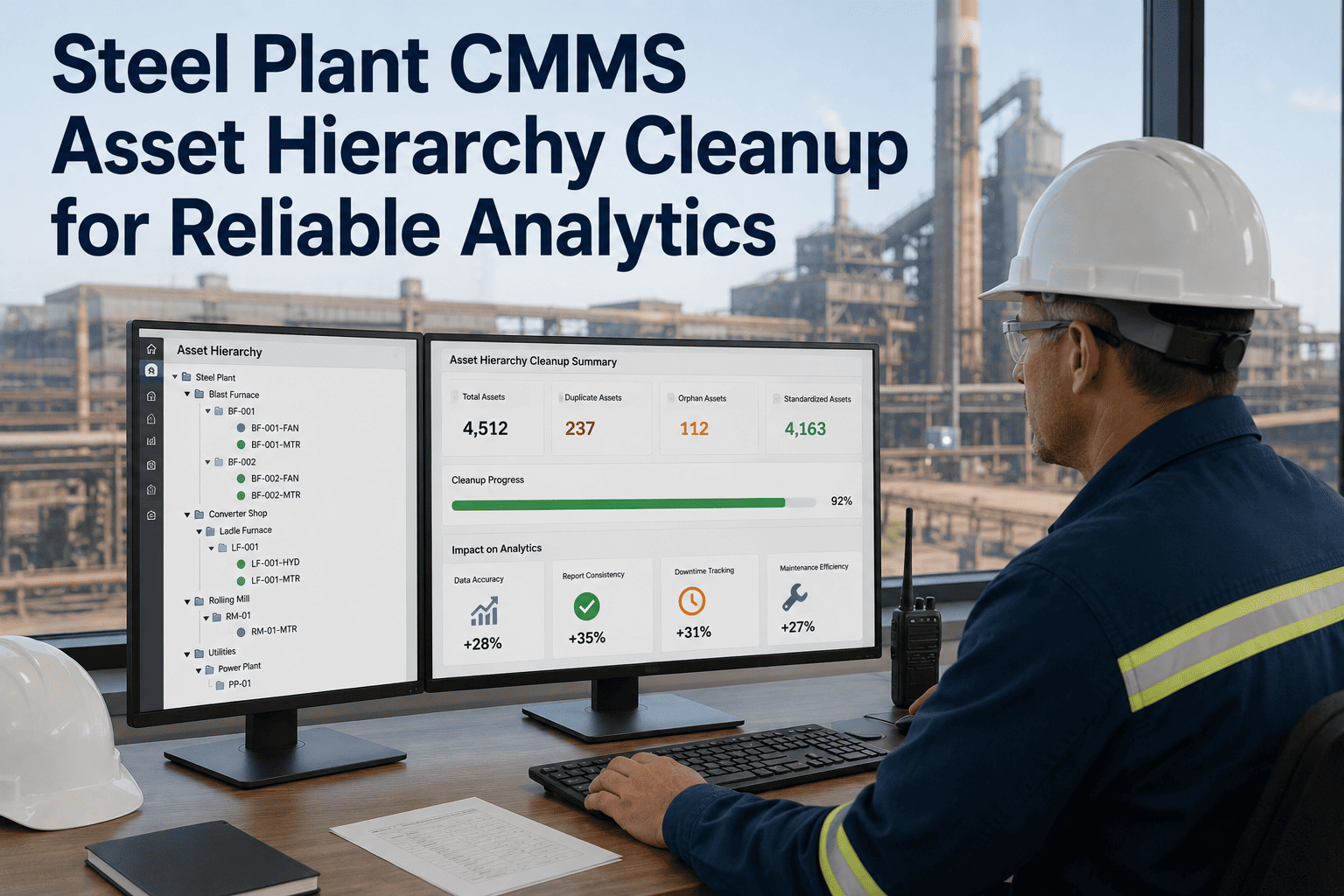
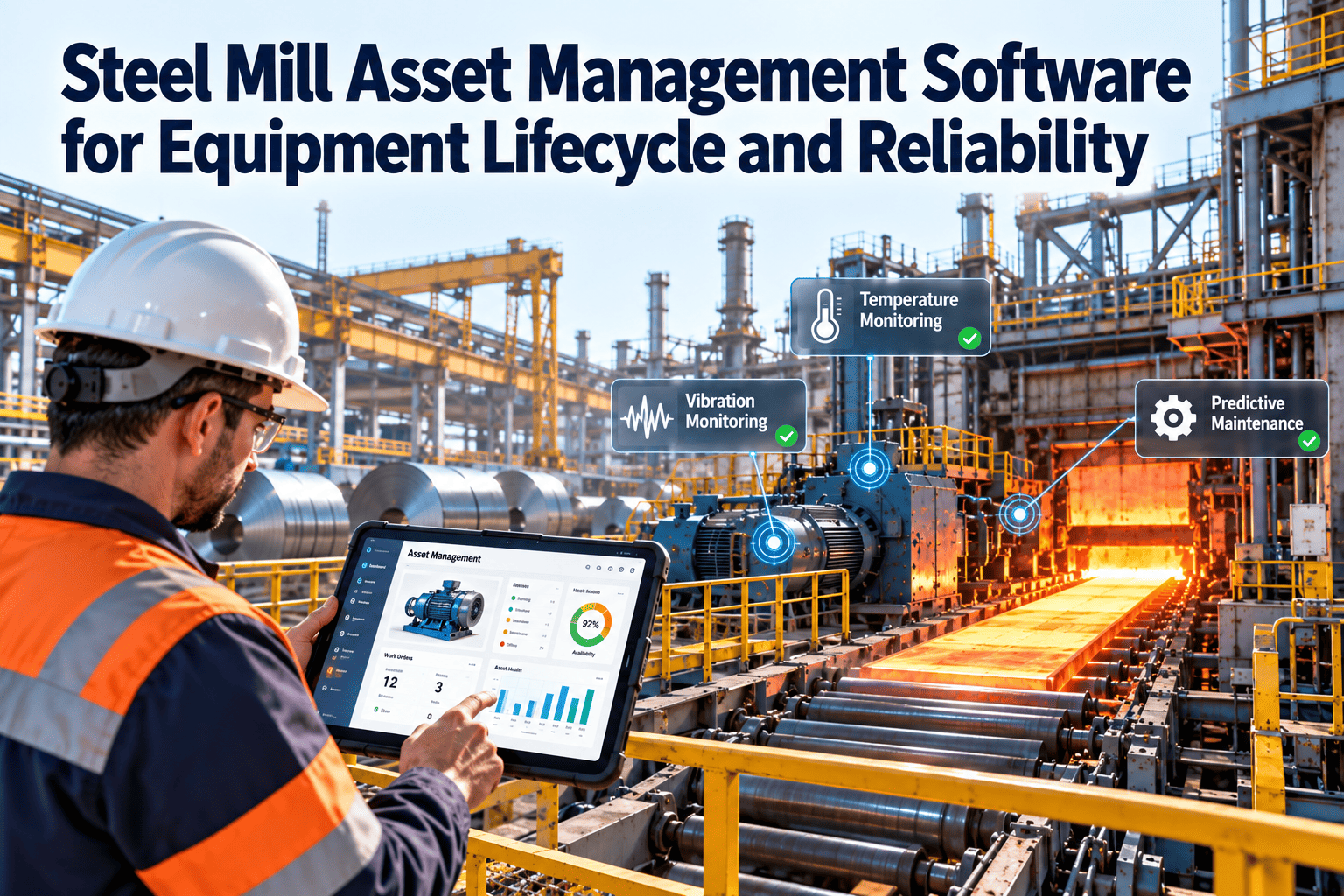
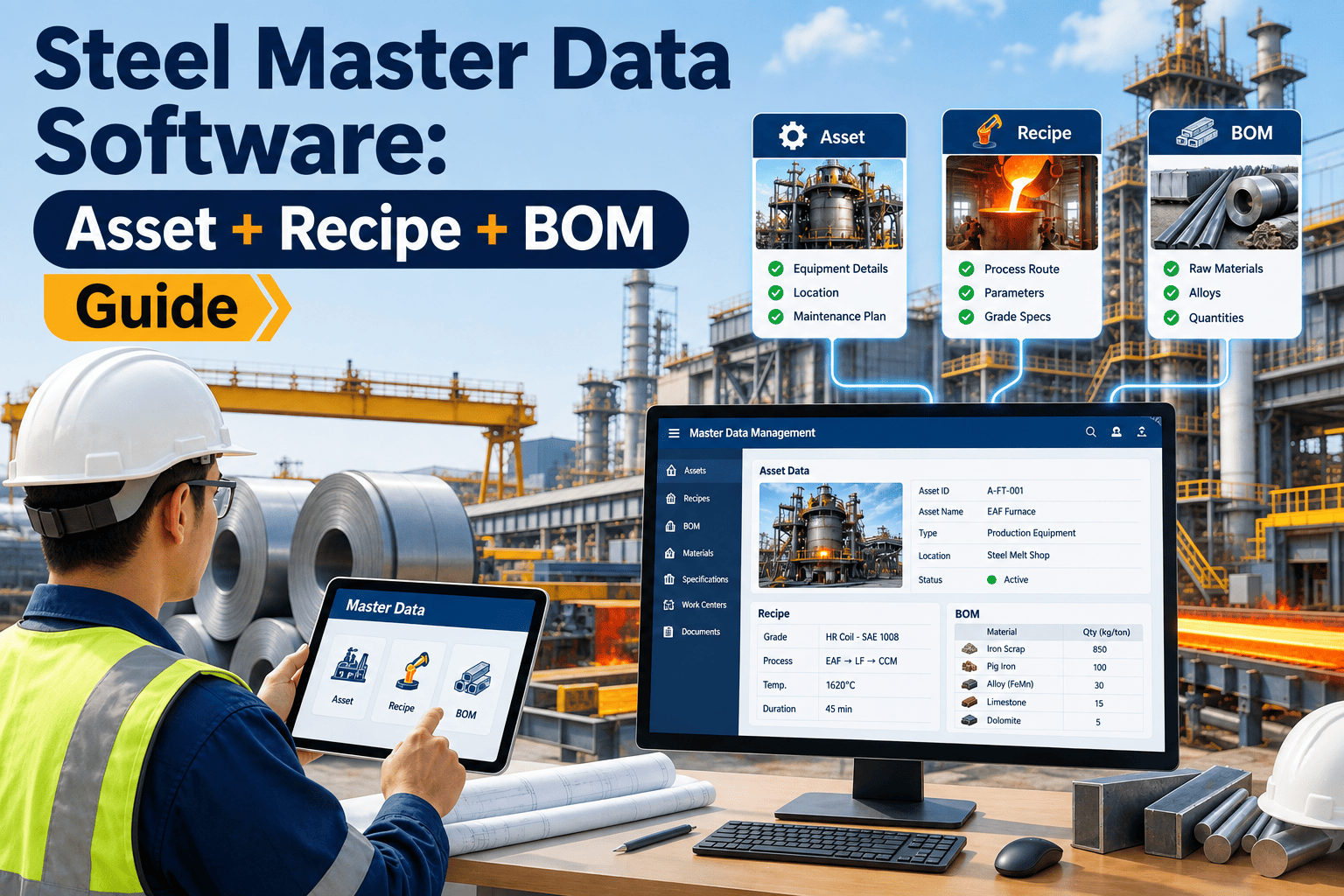
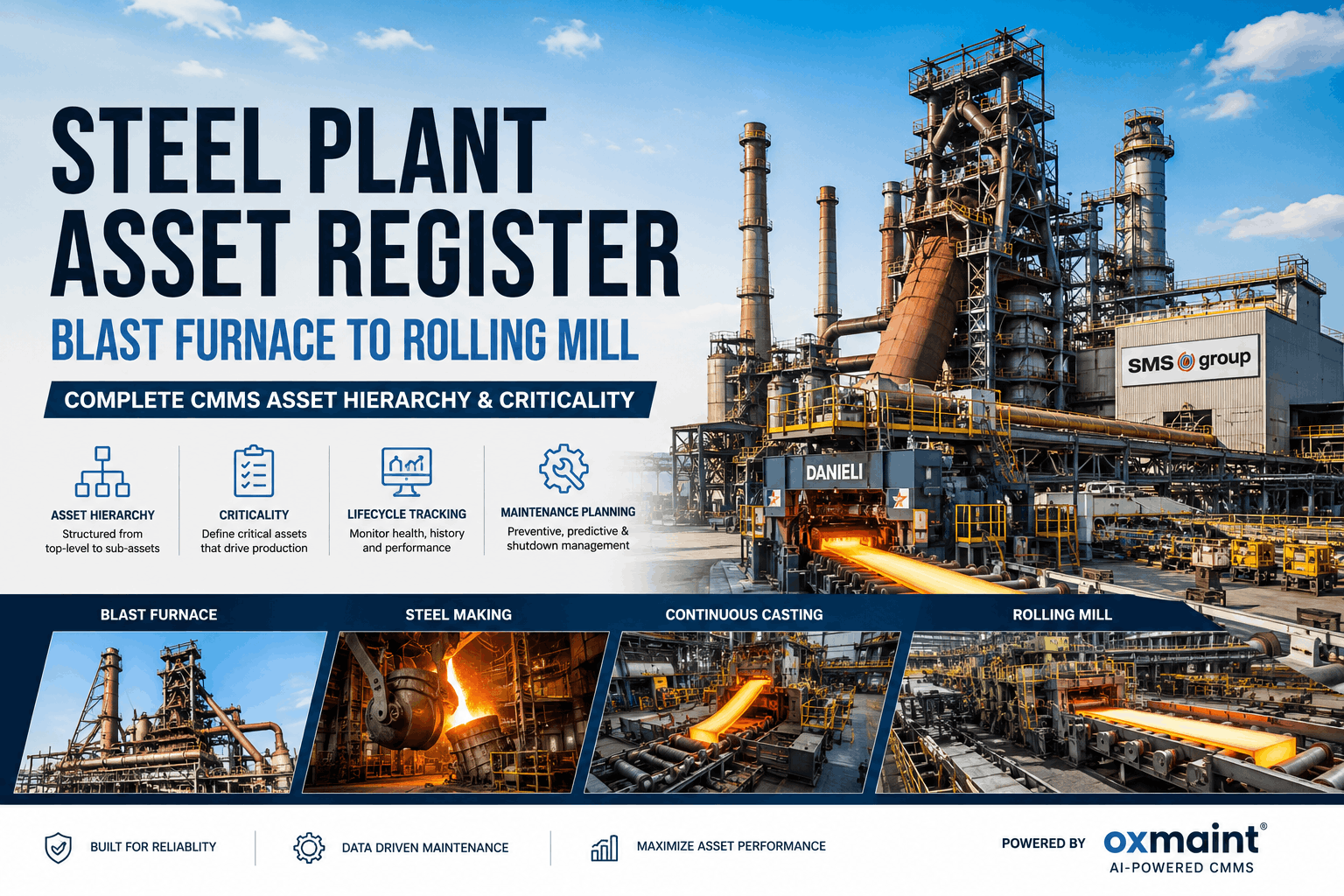
A steel plant's CMMS is only as reliable as the asset data inside it. When the same blast furnace blower appears under three different tag names, when orphaned equipment records accumulate from a 2019 plant expansion that was never fully entered, and when asset hierarchies mix functional locations with physical locations in the same field, every analytics report becomes suspect. Maintenance teams stop trusting the data, revert to spreadsheets, and the CMMS investment produces dashboards nobody believes. Cleaning and structuring your asset master data is not a housekeeping task — it is the prerequisite for reliable analytics, predictive maintenance, and regulatory compliance. Start a free trial on Oxmaint to see how the asset lifecycle management module supports a structured hierarchy cleanup, or book a 30-minute demo to walk through a live steel plant asset register review.
Article · Asset Lifecycle Management · Enterprise Steel Operations
Steel Plant CMMS Asset Hierarchy Cleanup for Reliable Analytics
How to identify and resolve duplicate assets, inconsistent tags, orphaned equipment, and broken hierarchy structures in your CMMS — and why none of your analytics can be trusted until you do.
The Four Data Quality Problems That Break Steel Plant CMMS Analytics
Each problem below degrades a different layer of your maintenance data. Together, they make it impossible to answer the most basic reliability question: which assets are costing the most, and why.
01
Duplicate Asset Records
The same physical asset appears as two or more records — created during a system migration, a plant expansion, or by different teams using different naming conventions. Work orders split across duplicates produce incomplete cost and failure history for each record. Neither record looks like a problem. Both are.
SymptomAsset cost reports show suspiciously low maintenance cost for a critical unit
02
Inconsistent Tag Naming
The same asset class appears as "BF-BLW-01", "BF Blower 1", and "Blast Furnace Blower Unit 1" in different records. Queries, filters, and analytics that depend on tag structure return incomplete results. Technicians searching by tag find the wrong asset or nothing at all.
SymptomAsset search returns no results for known equipment; analytics filters miss assets
03
Orphaned Equipment Records
Assets removed from service, scrapped, or relocated that remain as active records in the CMMS. PM work orders continue generating against decommissioned equipment. Compliance reports show "completed" maintenance tasks on assets that no longer exist. Reliability metrics are distorted by phantom completions.
SymptomPM completion rates look high but plant still experiences frequent unplanned failures
04
Broken Hierarchy Structure
Equipment is registered without a parent functional location, or at the wrong level — a drive motor at plant level instead of system level. Roll-up analytics cannot aggregate maintenance cost by production line, system, or area. You can see individual asset cost but not system-level cost trends that drive capital decisions.
SymptomCannot run line-level or system-level cost reports — only individual asset views available
The Standard Steel Plant Asset Hierarchy Structure
A correctly structured CMMS hierarchy mirrors the physical and functional layout of the plant. Every asset lives at the right level, with a clear parent chain that enables roll-up reporting at any level of the organization.
Level 1 — Plant / Site
North Steel Complex | South Rolling Mill | EAF Melt Shop
Level 2 — Production Line / Area
Blast Furnace Area | Hot Rolling Mill | Continuous Caster | Utilities
Level 3 — System / Functional Location
BF Cooling System | Rolling Mill Drive Train | Caster Water Circuit
Level 4 — Equipment / Asset
BF-BLW-01 · RM-MOT-04 · CC-PUMP-02 · BF-HX-01
Level 5 — Component (optional for critical assets)
Drive Bearing · Impeller · Motor Winding · Seal Assembly
Asset Hierarchy Cleanup Checklist — 5-Phase Approach
Hierarchy cleanup done wrong creates more problems than it solves. This five-phase process is structured to audit first, resolve by impact, then validate before going live on the cleaned data.
| Phase |
Action |
Tool / Method |
Quality Gate |
Phase 1
Audit |
Export full asset register. Identify duplicates by asset name, tag, serial number, and location cross-reference |
CMMS export + deduplication script or Oxmaint data quality audit tool |
Duplicate list produced — no merges yet |
Phase 2
Classify |
Tag each record as: Active, Duplicate, Orphaned, or Incorrectly Placed. Assign to responsible area engineer for confirmation |
Spreadsheet classification with engineer sign-off per area |
100% of assets classified before any changes |
Phase 3
Standardize |
Apply naming convention to all active assets. Enforce tag format: [Area]-[Type]-[Number] (e.g., BF-BLW-01). Update description fields |
Oxmaint bulk edit + naming convention template |
Zero assets outside naming convention |
Phase 4
Merge & Retire |
Merge duplicate records, preserving full work order history. Retire orphaned records with decommission date. Reparent misplaced assets to correct hierarchy level |
CMMS merge function + Oxmaint asset lifecycle status |
All WO history preserved on merged record |
Phase 5
Validate |
Run analytics reports on cleaned data. Validate roll-up cost totals match known maintenance spend by area. Confirm PM schedules are assigned correctly after reparenting |
Oxmaint analytics dashboard + finance cost reconciliation |
Cost reports within 5% of known actuals |
What Clean Hierarchy Data Unlocks — Analytics Before vs After
The business case for hierarchy cleanup is not organization. It is analytics accuracy. These are the reports that become reliable only after the data structure is corrected.
Before Cleanup
Cost per asset report shows $12K for Blast Furnace Blower 01 — actually $38K split across 3 duplicates
PM completion rate shows 94% — 12% of "completions" are against decommissioned assets
No system-level cost roll-up possible — all 47 hot mill assets are at plant level
Failure frequency analysis misses repeat failures on duplicate records
Predictive maintenance model trained on incomplete asset history — low accuracy
After Cleanup
Accurate $38K cost against single consolidated BF-BLW-01 record with full history
True PM completion rate of 82% — identifies the actual gap driving unplanned failures
Hot Rolling Mill system-level cost: $1.2M/yr — drives capital replacement decision
BF-BLW-01 shows 3 bearing failures in 18 months — triggers predictive monitoring
PdM model trained on complete 4-year failure history — prediction accuracy rises to 88%+
"I have been called into steel plants where the CMMS had been live for six years but the maintenance leadership still ran the plant on spreadsheets. Every time, the reason was the same: the asset data inside the CMMS was so unreliable — duplicates, dead records, mismatched tags — that nobody trusted the reports. A CMMS with dirty data produces wrong answers confidently, which is worse than no CMMS at all. The hierarchy cleanup is not glamorous work. It takes two to four weeks for a large integrated plant and requires engineers to sign off on classifications they would rather not spend time on. But every analytics capability your CMMS was supposed to deliver — cost trends, failure patterns, PM optimization, predictive maintenance triggering — depends entirely on that foundation being correct. You cannot predict equipment failures from bad data. You cannot drive reliability improvement from wrong history. The cleanup is the investment that makes every other CMMS investment pay off."
Suresh Iyer, CMRP, PE
Professional Engineer · Certified Maintenance and Reliability Professional · 24 years enterprise CMMS implementation and data governance in integrated steel and heavy industrial operations · Former Head of Asset Management, integrated steelworks with 1,200+ maintainable assets
Frequently Asked Questions
How long does a full CMMS asset hierarchy cleanup take for a steel plant?
For a typical integrated steel plant with 500–1,500 maintainable assets, a structured cleanup takes 3–6 weeks end to end. The audit phase (identifying duplicates and orphans) takes 3–5 days with CMMS export tools. Classification requires engineer sign-off per area and takes the most calendar time. Merging, standardizing, and validating takes 5–7 days with CMMS bulk-edit tools. Oxmaint's implementation team supports customers through every phase of this process.
Start your free trial to access the asset data quality audit tool.
Will merging duplicate asset records lose historical work order data?
When merges are executed correctly, all work order history from all duplicate records is preserved on the consolidated master record. Oxmaint's asset lifecycle management module merges duplicates while retaining full WO history, parts consumption records, and inspection logs from every source record. The merged record shows the complete maintenance history under a single asset ID, which is precisely what makes post-cleanup analytics more accurate, not less.
Book a demo to see the merge workflow in Oxmaint.
What naming convention should a steel plant use for CMMS asset tags?
The most reliable convention for steel plants is a three-part format: [Area Code]-[Equipment Type]-[Sequential Number], for example BF-BLW-01 for Blast Furnace Blower 01 or RM-MOT-12 for Rolling Mill Motor 12. Area codes should match functional location codes used in your P&ID and equipment drawings to enable cross-reference. The convention must be enforced in CMMS configuration so new assets cannot be created outside the format — preventing the naming inconsistency from recurring after cleanup is complete.
How does Oxmaint support ongoing data governance after a hierarchy cleanup?
Oxmaint enforces data quality at the point of asset creation — required fields, tag format validation, and mandatory parent hierarchy assignment prevent new assets from being added outside the clean structure. Data quality dashboards flag records that drift outside governance rules over time. Monthly data quality reports give asset management teams visibility into the registry health without a manual audit. This prevents the accumulation problem from recurring after the initial cleanup investment.
Start a free trial to see the asset governance controls.
Clean Asset Data Is the Foundation Every Steel Plant CMMS Investment Rests On
Oxmaint's Asset Lifecycle Management module audits, cleans, and governs your steel plant asset register — so your analytics, reliability programs, and predictive maintenance models work from data you can actually trust.