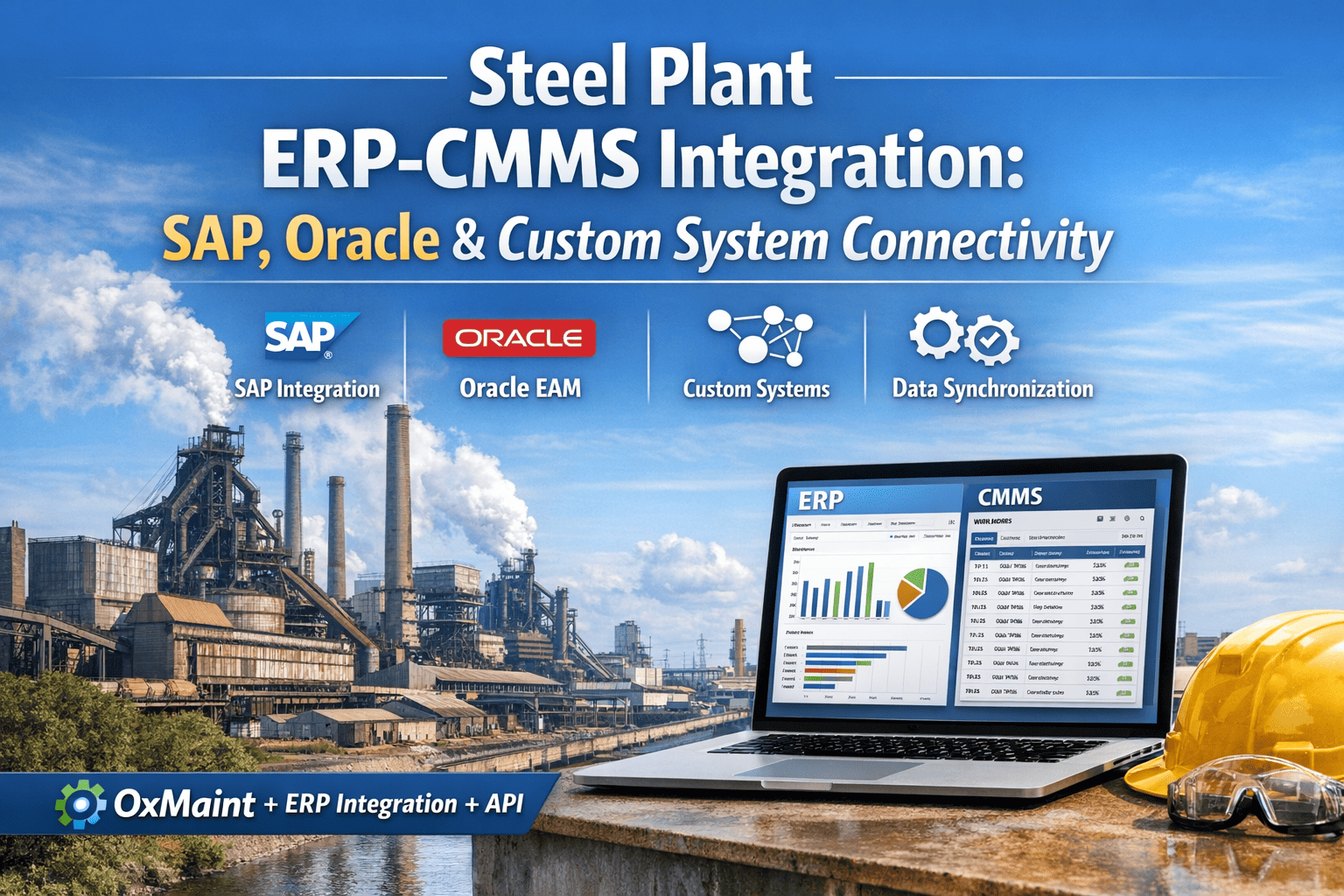
Running SAP PM, Oracle E-Business Suite, or Microsoft Dynamics alongside a separate maintenance program creates a familiar problem for steel plant finance and operations teams: purchase orders that never match actual parts consumption, cost centers that lag repair spend by weeks, and equipment registers that quietly drift apart from what corporate finance sees in the general ledger. Corporate wants financial numbers that reconcile on the first pass, not after a manual clean-up cycle every month-end, while the maintenance floor needs work orders, labor, and parts postings that move in both directions without anyone re-keying the same transaction twice. Closing that gap is what steel ERP integration is built to solve, and it starts with knowing exactly where your current SAP, Oracle, or Dynamics setup breaks down between the plant floor and the corporate ledger. Book a demo to see this mapped against your own ERP configuration.
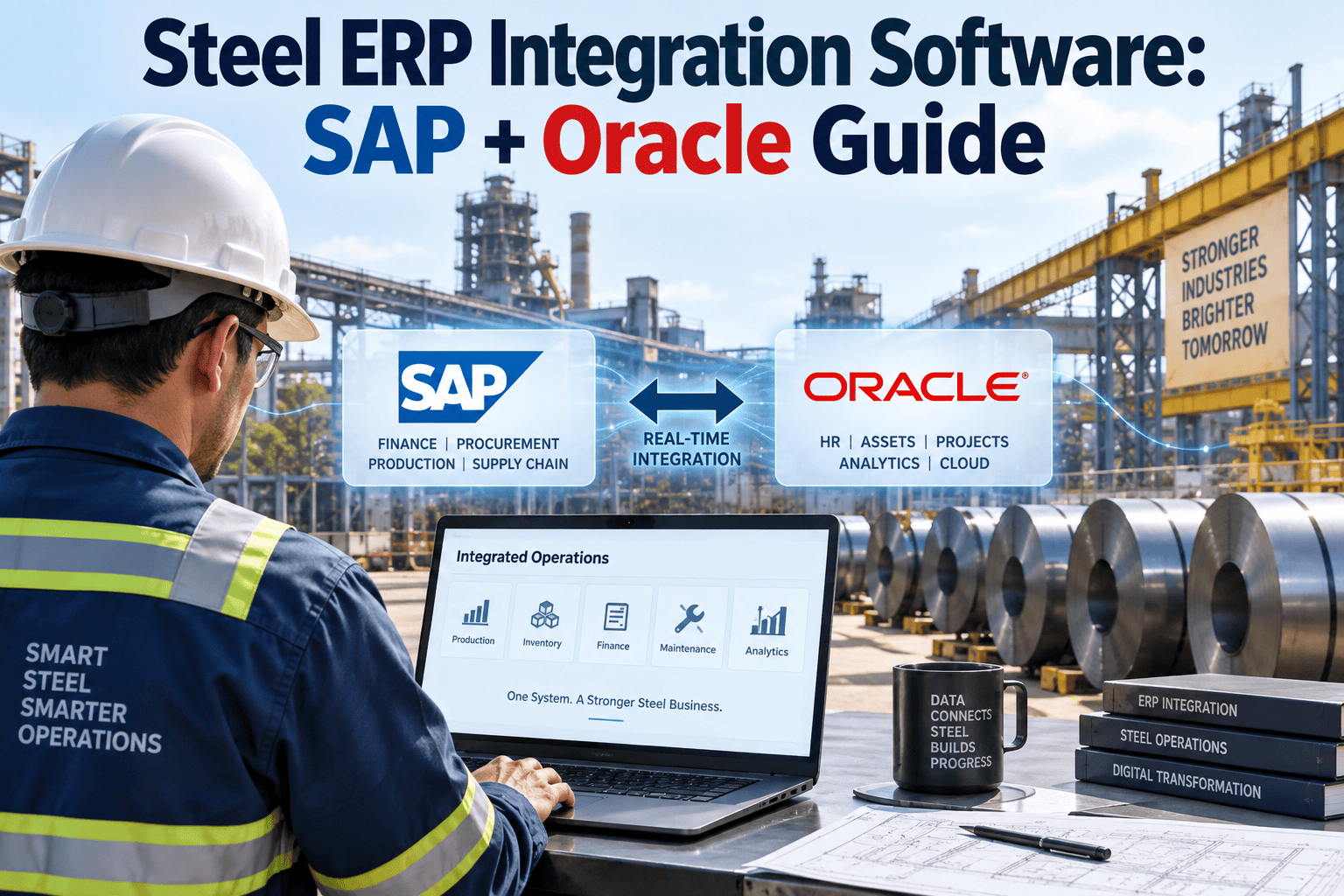
Steel ERP Integration Software: SAP, Oracle, and Dynamics Guide
A structured look at how SAP PM/MM, Oracle E-Business Suite, and Microsoft Dynamics connect to a maintenance CMMS in a steel plant — and where the connection typically fails without a dedicated integration layer.
Which ERP Are You Running? The Integration Path Is Different for Each
Steel producers rarely run one clean ERP instance. Many integrated mills carry SAP for finance and procurement, an Oracle EAM module inherited from an acquired site, and pockets of Microsoft Dynamics in smaller service centers or distribution arms — sometimes all three across a multi-plant network built up through years of expansion and acquisition. Each of these systems structures equipment, cost, and inventory data differently, and each has accumulated its own configuration quirks, custom fields, and workaround processes over a decade or more of use, so a single integration approach never fits all three cleanly. The cards below outline what changes depending on which ERP sits behind your maintenance data today, and what a connector layer needs to prioritize for each one.
How Data Actually Moves: The Four-Stage Flow Between Floor and Ledger
Whichever ERP sits at the corporate layer, the same four data movements have to happen reliably for the integration to hold up under audit and daily use, whether that is an internal financial audit, a customer quality audit, or a corporate governance review of maintenance spend. Skipping any one of these stages is what produces the mismatched numbers that finance teams flag at month-end, and it is almost always one of these four links — not the ERP configuration itself — where the breakdown actually occurs.
Your ERP Was Built for the Ledger. Your Floor Needs a Faster Layer.
OxMaint connects to SAP PM/MM, Oracle E-Business Suite, and Microsoft Dynamics through standard API connectors, extending each system to the plant floor without replacing the corporate configuration your finance and procurement teams already depend on.
Where Integrations Break: Common Failures and the Fix
Most steel ERP integration problems are not caused by the ERP itself — SAP, Oracle, and Dynamics are all technically capable of supporting this data flow when configured correctly. The failures below are the ones that show up repeatedly once a mill has been running an integration for a year or more without a dedicated maintenance-side execution layer, and they tend to compound quietly: a two-week cost posting delay this quarter becomes a materially wrong maintenance budget forecast next quarter, and a mismatched parts count in one plant becomes an emergency air-freight part order across the whole network during a shutdown.
| Symptom Finance or Operations Sees | Root Cause | Integration Fix |
|---|---|---|
| Maintenance cost postings lag two to three weeks behind the work | Technicians write up jobs on paper first, then a planner keys them into SAP or Oracle later | Mobile completion writes labor, material, and service entries back to the ERP the moment the job closes |
| Parts inventory in the ERP never matches the physical crib count | Consumption is logged in a spreadsheet or the CMMS but never synced to ERP inventory | Bidirectional MRO sync decrements ERP stock the instant a part is issued against a work order |
| Duplicate equipment records across sites after an acquisition | A merged Oracle or Dynamics instance was never de-duplicated against the SAP functional location hierarchy | Equipment master sync runs a de-duplication pass before creating the digital twin in the CMMS |
| Predictive maintenance alerts never generate a work order automatically | SAP PM and Oracle EAM require custom coding to trigger orders from sensor or condition data | The CMMS layer generates the work order from the alert and pushes it into the ERP as a standard notification |
| Corporate reporting shows different downtime numbers than the plant floor | Two systems of record exist and neither is treated as the single source of truth | All work order and cost data settle to the ERP as the system of record, with the CMMS as the execution layer only |
A Phased Rollout That Doesn't Touch Your Existing ERP Configuration
Replacing SAP PM or Oracle EAM outright means losing years of configuration work tied to procurement, finance, and production planning modules — work that in many cases represents a multi-million-dollar implementation investment nobody wants to repeat. The rollout sequence below extends the existing ERP instead of replacing it, which is why most steel plants complete it in weeks rather than the eighteen-to-twenty-four-month timeline typical of a full ERP re-implementation. Starting with a single pilot area also gives finance and IT teams a low-risk way to validate cost settlement accuracy before the connector touches every functional location across the plant.
What Changes for Finance, Procurement, and Maintenance Once Integration Is Live
The value of ERP integration is easiest to see by function, because each team is solving a different daily frustration with the same disconnected setup. Finance stops chasing cost postings that arrive weeks late and starts closing the month against numbers that already reconcile. Procurement stops issuing emergency purchase orders for parts that were actually sitting in the crib the whole time, because MRO inventory in SAP MM or Oracle Purchasing finally reflects real consumption instead of a stale count. Maintenance planners stop splitting their attention between a desktop ERP screen and a paper job board, because work orders, technician assignments, and completion data all live in one execution layer that writes straight back to the ERP of record. None of this requires a new chart of accounts, a new cost center structure, or a renegotiated ERP license — it requires a connector layer purpose-built for how steel plants actually generate maintenance data on a rolling mill floor, in a blast furnace cast house, or across a multi-site service center network. The plants that get the most value from this kind of integration are usually the ones that have already invested years into SAP or Oracle configuration and are not looking to start over; they are looking for the missing execution layer that makes the investment they already made actually pay off in daily operations.
Expert Perspective
Frequently Asked Questions
Security and Access Control Across a Multi-System Environment
Connecting a CMMS to SAP, Oracle, or Dynamics raises a fair question for IT and security teams: does the connector introduce a new access point that has to be governed separately from existing ERP user roles? A properly built integration layer authenticates through the same corporate identity provider used for ERP access, so a technician's mobile permissions mirror exactly what they are already authorized to see and edit in SAP or Oracle — nothing more. Role-based access carries over rather than being redefined in a second system, API traffic between the CMMS and the ERP is encrypted end to end, and every write-back transaction is logged with a technician identity and timestamp, which matters as much for a routine internal audit as it does for demonstrating compliance to a customer conducting a supplier quality review. This is also the reason most steel plants keep the ERP as the system of record for cost and asset data even after integration — the CMMS layer executes and captures field data, but the ERP remains the single source of financial truth that corporate reporting is built on.
Stop Reconciling Two Systems That Should Already Agree.
OxMaint's integration layer connects SAP PM/MM, Oracle E-Business Suite, and Microsoft Dynamics to a mobile-first maintenance execution platform — so equipment records, work orders, cost postings, and MRO inventory move between the plant floor and the corporate ledger without a manual re-entry step anywhere in between.
.png)
.png)