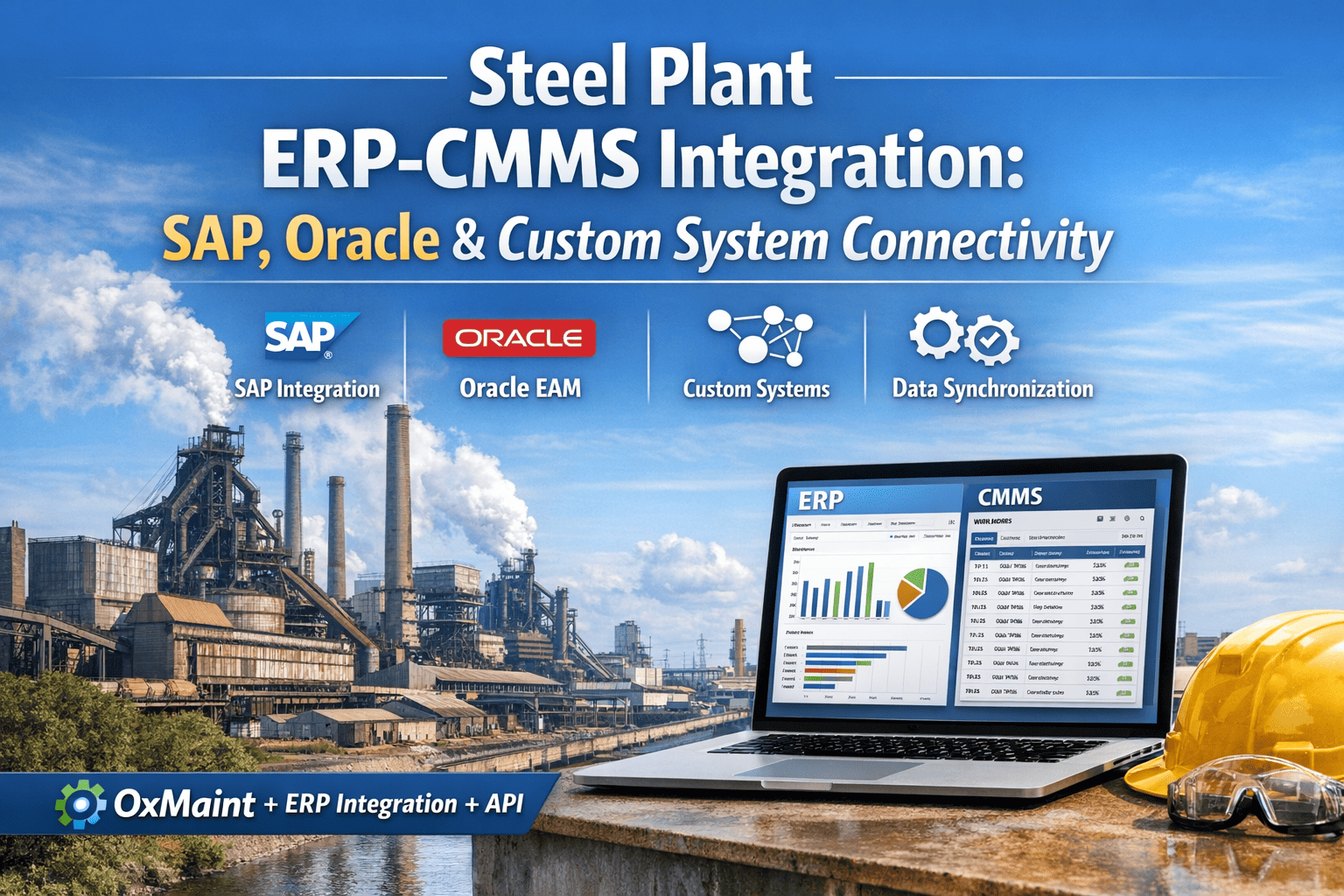
Steel plants running SAP, Oracle, or custom ERP systems face a persistent problem: the enterprise system that finance and procurement rely on is the same system that maintenance technicians struggle to use on the plant floor. Nearly 40% of maintenance data goes unrecorded or entered incorrectly when technicians are forced through complex ERP desktop interfaces — and the downstream impact on inventory accuracy, cost tracking, and equipment reliability compounds every shift. Oxmaint integrates directly with your existing ERP as a mobile-first execution layer, keeping your ERP as the system of record while giving maintenance teams a tool they will actually use. Start free on Oxmaint or book a 15-minute demo to see live ERP integration in action.
Steel Plant ERP-CMMS Integration: SAP, Oracle & Custom System Connectivity
Your ERP manages finance, procurement, and master data. Your CMMS manages how maintenance work actually gets done. When these two systems talk to each other in real time, data stops drifting — and decisions stop being made on stale information.
Why ERP Alone Does Not Work for Plant Floor Maintenance
SAP PM and Oracle EAM are powerful systems — built for enterprise data management, financial integration, and audit trails. They were not built for a technician crawling inside a blast furnace casing or working in a rolling mill environment with no reliable connectivity. The result is a widening gap between what the ERP says is happening and what is actually happening on the plant floor.
SAP PM requires technicians to navigate multi-screen transaction flows to close a single work order. Plants report technicians needing weeks to become proficient, versus hours for a purpose-built CMMS. Low adoption means data is skipped, delayed, or estimated — none of which serves the ERP's function as a system of record.
SAP's native mobile capabilities require SAP Fiori licensing and a separate implementation project adding $100K–$300K in cost. Oracle EAM mobile requires similar supplementary investment. Meanwhile, technicians work in environments with intermittent connectivity, extreme temperatures, and no patience for slow-loading enterprise interfaces.
When a technician consumes a spare part but does not update the ERP in real time — because the terminal is in the maintenance office, not at the point of work — stock levels drift. Reorder points trigger late. Emergency purchases follow. A steel plant managing 8,000–15,000 spare part SKUs cannot afford manual reconciliation.
Maintenance cost allocation to cost centers in SAP FI/CO depends on work order confirmations being completed accurately and promptly. When confirmations are delayed or skipped — which happens consistently with complex desktop interfaces — finance receives incomplete data and cannot produce reliable maintenance cost reports until end-of-month manual corrections are applied.
System of Record + System of Action: How Integration Should Work
The integration model that works in steel plants keeps each system in the role it was designed for. The ERP remains the authoritative source for master data, financial records, and enterprise reporting. The CMMS becomes the execution layer — where work is assigned, tracked, and closed — with all data flowing back to the ERP automatically.
Real-Time API Sync
SAP stays the backbone. Oxmaint becomes the layer your maintenance team actually uses. Zero modifications to your core ERP. No parallel systems. No data silos.
What Data Flows Between Oxmaint and Your ERP — and in Which Direction
Knowing exactly which data elements sync — and which system owns each one — is the foundation of a successful integration. This map covers the complete data flow for a steel plant ERP-CMMS deployment.
| Data Element | Direction | ERP Module | Sync Trigger | Business Impact |
|---|---|---|---|---|
| Equipment master records | ERP to CMMS | SAP PM / Oracle EAM | Initial sync + on change | Single asset hierarchy — no duplicate entry |
| Spare part / material master | ERP to CMMS | SAP MM / Oracle INV | Initial sync + daily delta | Technicians see live stock levels while working |
| Parts consumption | CMMS to ERP | SAP MM / FI-CO | On work order close | Inventory deducted instantly — reorder triggers on time |
| Labor hours (time confirmations) | CMMS to ERP | SAP CATS / HR module | On work order close | Maintenance labor cost allocated to correct cost center |
| Work order status | Bidirectional | SAP PM / Oracle EAM | On status change | ERP and CMMS always reflect same work order state |
| Purchase requisitions | CMMS to ERP | SAP MM / Oracle PO | On parts request approval | Procurement triggered from maintenance — no email chain |
| Cost center allocation | CMMS to ERP | SAP FI-CO / Oracle GL | On work order settlement | Accurate maintenance cost by asset and department |
| PM schedules | ERP to CMMS | SAP PM maintenance plans | On plan change | PM calendar in CMMS reflects ERP-approved schedule |
Scroll horizontally on smaller screens
Book a 15-minute demo and we will walk through exactly how work orders, parts consumption, and cost data flow between Oxmaint and your ERP — with your asset data as the example.
SAP, Oracle, and Custom ERP — Integration Approach for Each
Each ERP platform has a different integration architecture. The approach differs by ERP version, API availability, and the modules your plant uses most heavily.
Oxmaint integrates with both SAP ECC (legacy) and SAP S/4HANA environments — supporting plants mid-migration between versions. Integration covers PM (notifications, orders, confirmations), MM (material master, goods movements, reservations), FI-CO (cost center posting, internal orders, settlement), and CATS (time recording). API connectivity via SAP standard BAPIs and RFC calls — no custom ABAP development required on the SAP side.
Integration with Oracle EAM covers work order synchronization, asset hierarchy replication, and inventory transaction posting. Oracle Fusion Cloud connectivity uses REST APIs for real-time bidirectional sync. Oracle EBS (E-Business Suite) integration is available via SOAP web services for plants on legacy Oracle versions. Work order confirmations, parts issues, and labor postings flow automatically on work order closure in Oxmaint.
Steel plants with in-house ERP systems, proprietary MES platforms, or custom financial systems connect via Oxmaint's REST API. The API exposes all core CMMS data — work orders, assets, parts, labor, PMs — as structured JSON endpoints. Middleware integration via platforms such as MuleSoft, Dell Boomi, or Azure Integration Services is supported for plants with existing integration layers. Webhook support enables real-time event-driven updates without polling.
4-Phase Integration Deployment — Live in 4 Weeks
ERP integration projects have a reputation for running over time and over budget. The Oxmaint integration approach is scoped to go live on a single production area within 4 weeks — proving value before extending plant-wide.
Audit existing ERP configuration, map equipment hierarchies, identify data flow requirements, and define integration scope across relevant modules. Agree on master data ownership rules — which system wins on conflict.
Establish API connections. Configure bidirectional sync for equipment masters, material masters, and maintenance plans. Set up automated work order creation and confirmation workflows. Validate data integrity across all sync points.
Deploy on a single production line or asset group — rolling mill, caster, or blast furnace. Confirm that work order confirmations, parts consumption, and cost settlements flow correctly to ERP. Collect technician feedback and adjust mobile workflows.
Extend integration to all plant areas. Enable advanced features — predictive analytics feeding ERP reporting, automated compliance documentation, and real-time KPI dashboards synchronized with ERP cost data.
Frequently Asked Questions
Oxmaint connects to SAP, Oracle, and custom ERP systems in 4 weeks — giving your maintenance team mobile-first execution while keeping your ERP accurate and your finance team's data current.
.png)
.png)

