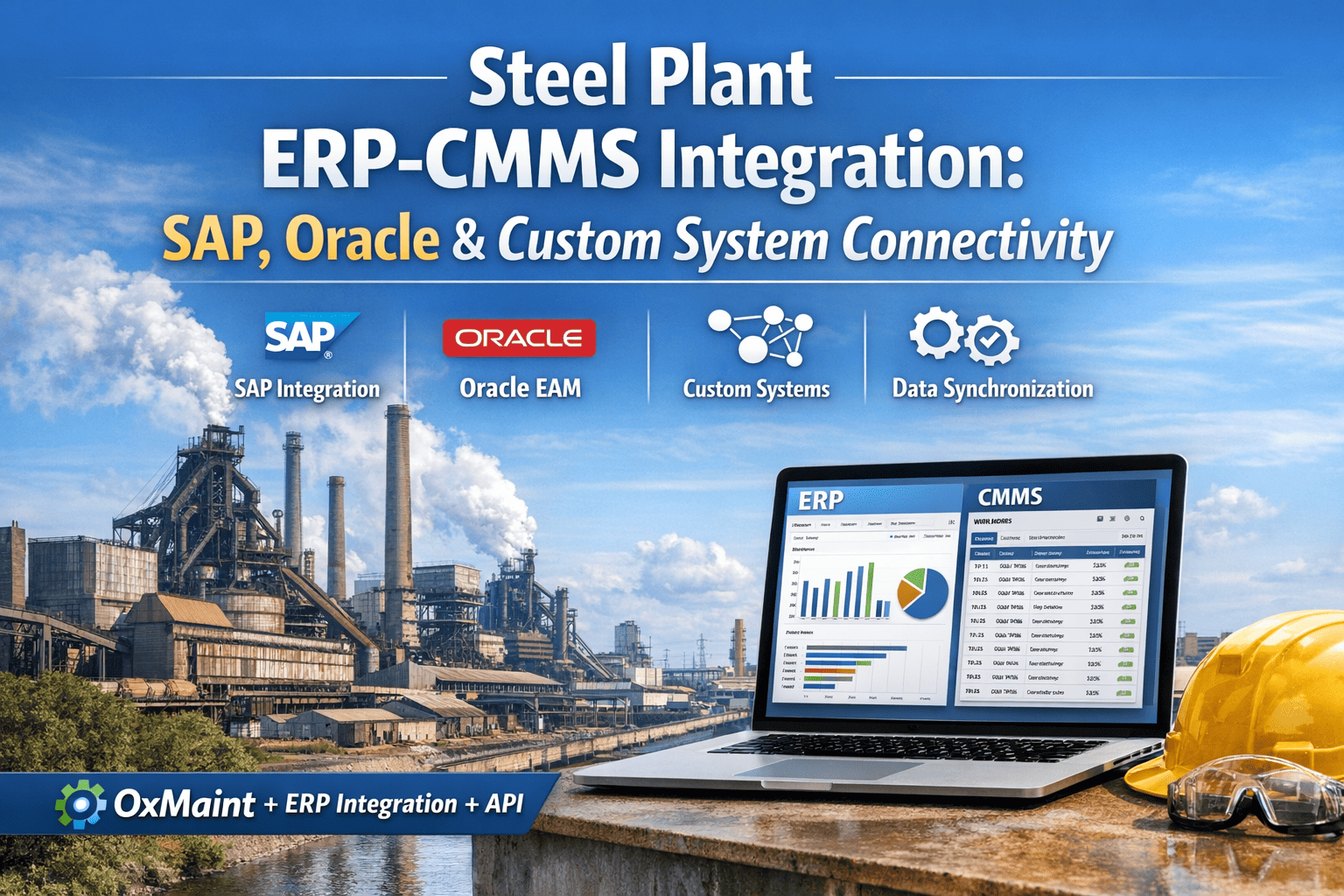
An integrated steel plant running SAP PM for work order management and a separate CMMS for field execution is operating two versions of maintenance reality simultaneously — and the gap between them costs more than most plant managers realize. Duplicate data entry consumes 2–4 hours of planner time per day, procurement requests stall because CMMS work orders never reach SAP MM, and equipment history lives in one system while spare parts inventory lives in the other. OxMaint's bidirectional ERP integration eliminates every one of these gaps — synchronizing work orders, asset records, purchase requisitions, and completion data between SAP PM, SAP MM, Oracle EAM, and the field maintenance layer in real time, without rebuilding your existing ERP configuration.
Steel plants that successfully integrate their ERP and CMMS see maintenance planning cycle times drop by 40%, emergency procurement lead times cut in half, and wrench time recover 8–12 percentage points in the first 90 days — not because the workforce changed, but because planners finally have one source of truth. Book a demo to see how OxMaint maps to your existing SAP or Oracle configuration, or start a free trial to run a live data sync against your asset hierarchy.
Steel Plant ERP-CMMS Integration: Eliminating Duplicate Entry, Stale Data, and Procurement Delays
Every steel plant running SAP or Oracle alongside a field CMMS is managing two maintenance realities. This article covers what breaks at the seam, what bidirectional sync fixes, and what the data shows for plants that have closed the gap.
What Actually Breaks When ERP and CMMS Are Disconnected
The failure is not dramatic — it accumulates slowly. A work order is created in the CMMS but never reaches SAP PM, so the corporate reporting dashboard shows zero open corrective work on a blast furnace that has 14 open jobs. A spare part is consumed on a CMMS work order but the SAP MM inventory record still shows it in stock, causing another crew to travel to the warehouse for a part that isn't there. These are not edge cases — they are daily operational friction in any steel plant running disconnected systems.
How Bidirectional ERP-CMMS Sync Works in a Steel Plant
OxMaint's integration layer sits between your ERP and field operations — translating data objects in both directions without requiring SAP or Oracle configuration changes. Work orders created in SAP PM appear in OxMaint automatically, fully populated with asset data, cost center, and order type. When a technician completes the work in OxMaint, completion confirmation, labor hours, and parts consumed write back to SAP PM as technical completion and to SAP MM as goods issue — closing the cost loop without a second keystroke from the planner.
| Data Object | Flow Direction | SAP PM / Oracle EAM | OxMaint Field Layer | Sync Frequency |
|---|---|---|---|---|
| Planned Work Orders | ERP → CMMS | PM Order (IW31/IW32) created, released | Work order appears with asset, procedure, parts list | Real-time on release |
| Technical Completion | CMMS → ERP | TECO set on PM Order automatically | Technician marks work order complete with photo + notes | On WO close |
| Labor Hours (CATS) | CMMS → ERP | Cross-application timesheet entries posted to cost center | Time logged against work order steps in mobile app | Daily batch or real-time |
| Parts Consumption (Goods Issue) | CMMS → ERP | SAP MM goods issue posted against PM order, inventory decremented | Parts confirmed used during work order execution | On WO close |
| Purchase Requisitions | CMMS → ERP | PR created in SAP MM with correct cost center, GL account | Missing parts flagged during work order planning in OxMaint | On parts shortage flag |
| Asset Master Data | ERP → CMMS | Functional location and equipment master in SAP PM / Oracle | Asset hierarchy in OxMaint mirrors ERP structure | Nightly sync + on-change |
| Preventive Maintenance Plans | ERP → CMMS | PM maintenance plans (IP10) drive work order generation in SAP | OxMaint receives planned orders, adds field-execution detail | On order generation |
The 4 Integration Disciplines That Determine Whether Sync Works in Steel
A bidirectional ERP-CMMS integration is not a plug-in — it requires four configuration disciplines to be correct before the first work order syncs. Steel plants that skip any one of them spend months troubleshooting mismatched records, missing cost postings, and phantom inventory that the integration was supposed to eliminate. OxMaint's steel industry integration framework addresses all four as part of the standard implementation.
SAP / Oracle Object Alignment
Every CMMS asset must map to exactly one SAP Functional Location or Oracle EAM Asset Number. Many steel plants have equipment in the CMMS that has no ERP counterpart — or vice versa — because the two systems were built independently. Object mapping resolves every mismatch before integration goes live.
PM Order Type and Status Mapping
SAP PM uses order types (PM01, PM02, PM03) and system statuses (CRTD, REL, TECO, CLSD) that must map to equivalent workflow states in OxMaint. A work order released in SAP (REL status) must become an open, actionable job in OxMaint — and a completion in OxMaint must trigger TECO in SAP without a second manual step.
MRO Inventory Real-Time Write-Back
Parts consumed in OxMaint must decrement SAP MM inventory in the same transaction — not in a nightly batch. A blast furnace crew consuming 14 bearing sets during a planned reline cannot wait until 2 AM for inventory to update; the next crew planning a similar job needs to know stock levels are accurate now. Real-time goods issue posting via OxMaint's MM integration eliminates phantom stock.
Automated Purchase Requisition Generation
When OxMaint identifies a parts shortage during work order planning — a bearing required for a rolling mill PM that is below reorder point in SAP MM — it automatically generates a purchase requisition in SAP MM with the correct material number, plant, cost center, and required delivery date. No email to procurement. No manual PR entry. Lead time from parts-shortage-identified to PR-in-SAP drops from 2–5 days to under 10 minutes.
Stop Paying for Two Versions of Maintenance Reality
OxMaint integrates with SAP PM, SAP MM, and Oracle EAM out of the box — no custom development, no ERP reconfiguration. Work orders, asset data, labor hours, parts consumption, and purchase requisitions stay synchronized across both systems in real time.
What Integration Looks Like Across the Blast Furnace Reline Cycle
A blast furnace reline is the highest-cost, most complex maintenance event in a steel plant — 20–30 days of planned downtime, 400–800 individual work orders, $15–40M in labor and materials. It is also the event where ERP-CMMS misalignment causes the most damage: parts not ordered on time because PRs never reached procurement, labor hours that disappear from cost reports because CMMS completion never synced to SAP, and equipment history gaps that make the next reline planning cycle start from scratch.
Work Orders Synchronized
400–800 planned orders generated in SAP PM, received in OxMaint with full asset hierarchy, craft assignments, and parts lists. Zero duplicate entry by planners. Completion data returns to SAP automatically as each job closes.
Parts Availability Confirmed Pre-Shutdown
OxMaint checks real-time SAP MM inventory against every work order parts list 14 days before shutdown. Shortages auto-generate PRs. Zero warehouse misses during the shutdown window — average 47-minute delay per miss eliminated across 200+ jobs.
Labor Cost Posted in Real Time
CATS time entries posted to SAP from OxMaint mobile as technicians close jobs. Shutdown cost reporting is accurate at the end of each shift — not 3 days after the reline completes when planners manually reconcile timesheets.
Equipment History Continuity
Every corrective and preventive action recorded in OxMaint writes back to the SAP PM equipment master as a maintenance notification. Reliability engineers running failure analysis have complete history — not just the work orders planners remembered to enter in SAP.
Predictive Maintenance Triggers
Vibration and temperature data from OxMaint's IoT layer creates SAP PM notifications automatically when thresholds are exceeded on rolling mill bearings and drive motors. Condition-based work orders are in SAP before the next shift starts — not after the bearing fails.
PR-to-PO Cycle Time
PRs auto-generated by OxMaint enter SAP MM with complete item data — material number, vendor, plant, storage location, required delivery date. Procurement reviews and converts to PO. Average PR-to-PO cycle time drops from 4.8 days to 1.2 days in connected plants.
Integration Architecture: SAP PM, SAP MM, and Oracle EAM
OxMaint connects to SAP via standard BAPIs and RFC calls — no ABAP customization required in your SAP landscape. For Oracle EAM, OxMaint uses Oracle's REST API layer with certified connectors for Oracle EAM 12.2+ and Oracle Cloud Asset Management. All integration runs over encrypted HTTPS; no VPN tunnel required for cloud-hosted SAP or Oracle instances. On-premise ERP installations connect via OxMaint's Edge Gateway, a lightweight server-side component that runs inside your network perimeter and handles all API translation.
The reason ERP-CMMS integration projects fail in steel plants is almost never technical — it is that nobody mapped the asset objects before go-live. Every steel plant I have worked with had functional locations in SAP PM that did not match equipment records in the CMMS, and vice versa. When the integration goes live with unmapped objects, work orders post to wrong cost centers, parts consumption disappears from inventory, and within two weeks the maintenance team stops trusting the data and goes back to manual reconciliation. At OxMaint's implementation, we spent the first three weeks doing nothing but object mapping validation — matching every CMMS asset to its SAP functional location and resolving the 340 records that had no match. The integration has been running cleanly for 14 months. Every work order syncs. Every goods issue posts. Every labor hour lands in the right cost center. That outcome came entirely from the three weeks of mapping work done before the first API call was made.
Frequently Asked Questions
Does OxMaint require SAP ABAP development or configuration changes?
No ABAP development is required. OxMaint's SAP integration uses standard BAPIs and RFC calls that exist in every SAP PM and SAP MM installation from ECC 6.0 onwards. Your SAP configuration remains unchanged — OxMaint reads and writes through the same API layer used by SAP's own mobile applications. For S/4HANA environments, OxMaint uses the OData API layer that S/4HANA exposes natively. The only SAP-side prerequisite is an RFC user with appropriate authorization profiles, which takes approximately 30 minutes for your SAP BASIS team to configure.
How long does ERP-CMMS integration implementation take for a steel plant?
A standard SAP PM + SAP MM bidirectional integration for a steel plant with 200–800 CMMS assets takes 6–10 weeks from kickoff to production go-live. The critical path is asset object mapping — matching every CMMS asset to its SAP functional location — which typically takes 2–3 weeks depending on how well-maintained the existing SAP master data is. Oracle EAM integrations follow a similar timeline. Plants with poorly maintained SAP asset master data (missing functional locations, duplicate equipment records) should budget an additional 2–3 weeks for data cleanup before integration mapping begins. Book a scoping call for a timeline specific to your ERP version and asset count.
Can OxMaint integrate with both SAP PM and a third-party scheduling tool simultaneously?
Yes. OxMaint operates as the field execution and data collection layer, not as a replacement for existing enterprise planning tools. Many steel plants use SAP PM for corporate work order management, a third-party advanced planning and scheduling tool for outage optimization, and OxMaint for field execution and mobile work order management. OxMaint's integration framework supports multi-system bidirectional sync — work orders can originate in SAP, be enriched in the planning tool, and execute in OxMaint, with completion data flowing back to both upstream systems. See the full steel industry integration guide for multi-system architecture details.
What happens to work orders created in OxMaint that don't have a matching SAP PM order?
OxMaint handles CMMS-originated work orders — emergency breakdowns, operator-reported defects, and field-initiated corrective actions — by automatically creating a corresponding PM notification or PM order in SAP based on configurable rules. An emergency bearing failure logged by a technician in OxMaint at 2 AM becomes a SAP PM notification (IW21) within minutes, routed to the correct plant and maintenance planner group. Cost postings from these emergency jobs flow to SAP the same way as planned work orders. Start a free trial to test the emergency work order sync flow against your SAP environment.
.png)
.png)