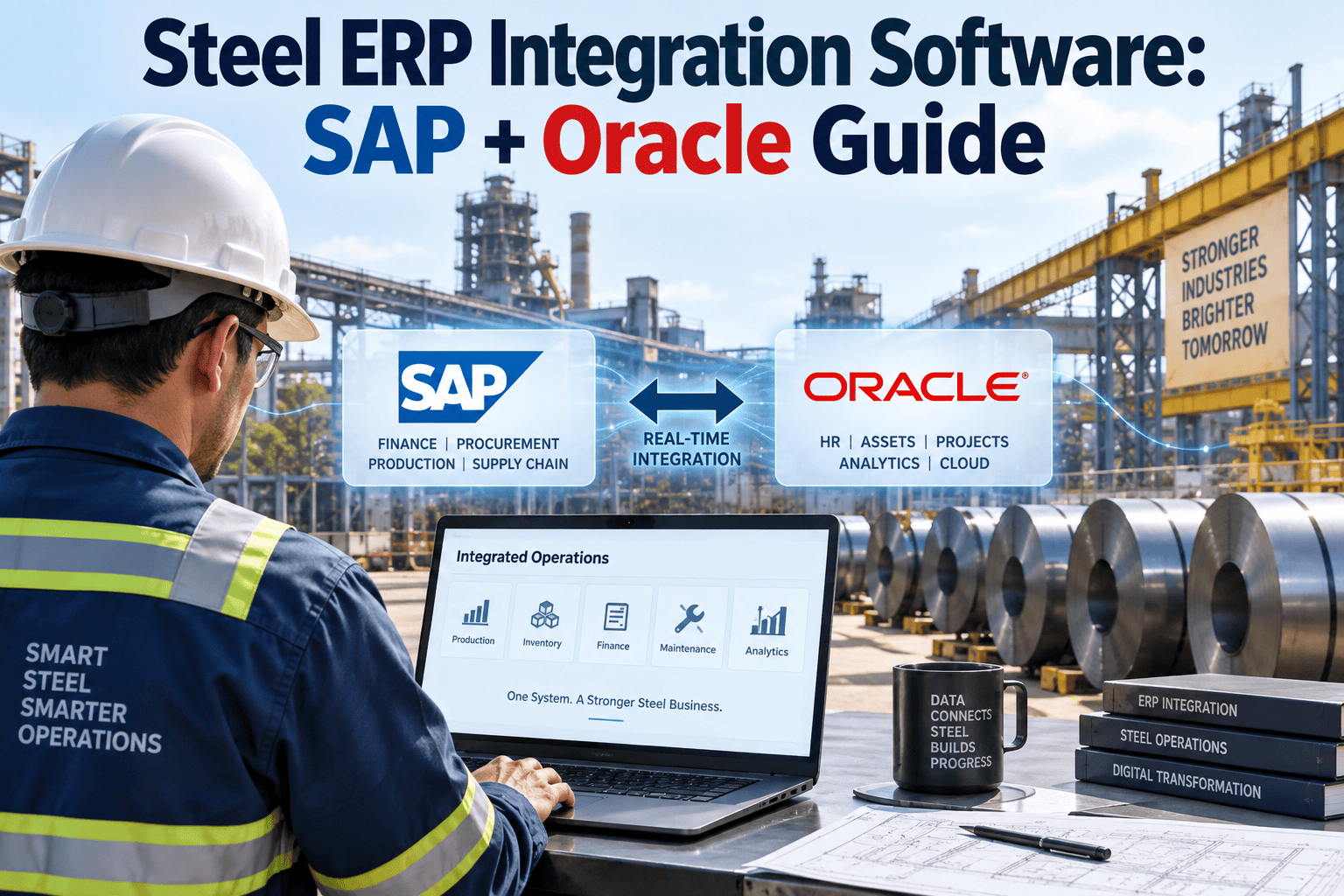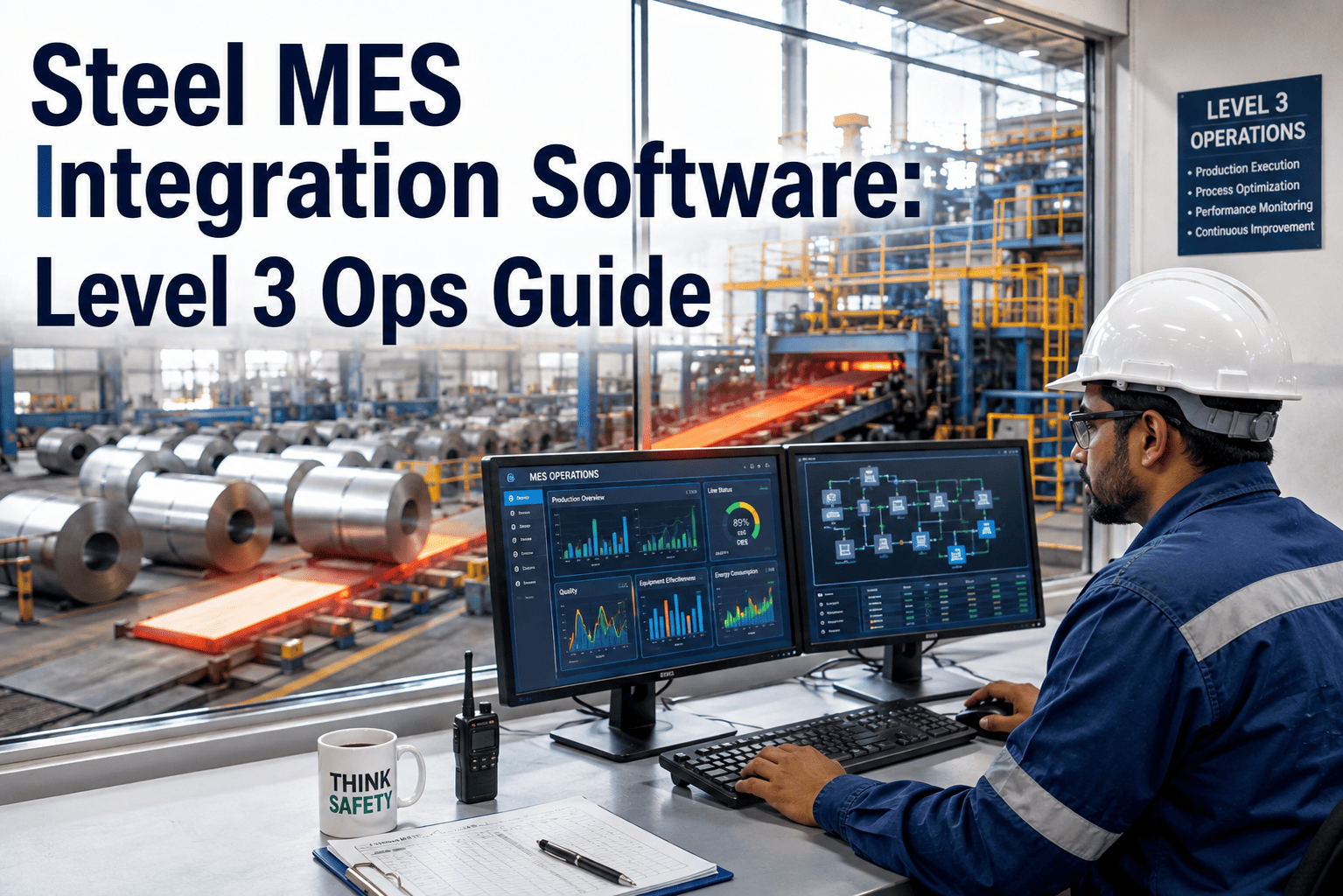
Steel plants run two Level 3 systems that were never built to talk to each other. The MES — GE Proficy, Wonderware MES, or Siemens Opcenter — owns the cast schedule, the rolling program, and the OEE number reported every shift. The maintenance system tracks roll wear, refractory life, and hydraulic failures on a separate island down the hall. When a caster trips because a segment bearing seized, the MES logs a production stop and the maintenance team logs a breakdown days apart, and nobody reconciles the two until a plant manager asks why downtime and defects never match. Solving that gap is what integration actually means, and it's why OxMaint connects directly to Proficy, Wonderware, and Opcenter tag data instead of asking a plant to rip out systems that already work.
Level 3 Integration
Bring Your MES and Maintenance Data Into One System
OxMaint reads directly from GE Proficy, Wonderware MES, and Siemens Opcenter — no middleware project, no rip-and-replace. Downtime events become work orders automatically.
Where Steel Plants Sit on the ISA-95 Stack
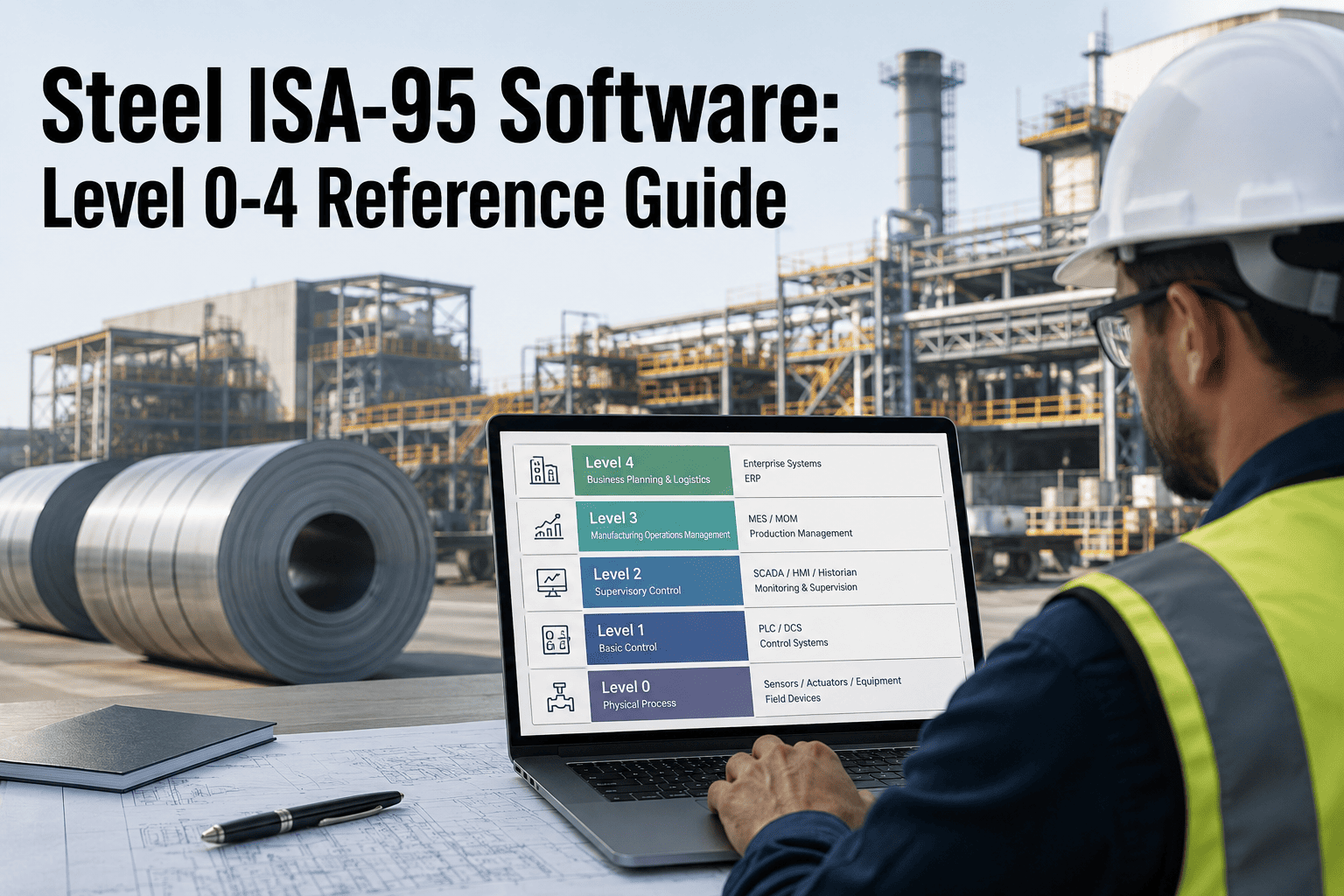
Every major MES vendor — GE Proficy, AVEVA's Wonderware, and Siemens Opcenter — builds on the same ISA-95 reference model, and understanding the five layers is the fastest way to see exactly where a maintenance system needs to plug in. Level 0 and 1 are the sensors and PLCs on the caster, the walking beam furnace, and the finishing mill. Level 2 is SCADA — the historian pulling roll speed, bearing temperature, and hydraulic pressure off the floor in real time. Level 3 is where Proficy, Wonderware, and Opcenter live, translating that floor data into production orders, genealogy, and the OEE figure that shows up on the plant dashboard. Level 4 is the ERP — SAP or Oracle — running cost centres and procurement. A maintenance system that only talks to Level 4 through a monthly cost-centre file misses everything that actually predicts failure. The value sits at Level 3: the MES already knows a roll changed grade, ran hotter than spec, or tripped on a fault code, and a CMMS that reads that tag stream can open a work order before a technician ever walks the line.
Proficy, Wonderware, and Opcenter — How They Handle Maintenance Differently
No two Level 3 platforms expose maintenance-relevant data the same way, which is exactly why a one-size integration rarely survives contact with a real steel plant. GE Proficy leans on its historian-native architecture, making equipment fault codes and downtime reason codes easy to pull as structured tags but harder to push corrective-action data back into. Wonderware MES, now under AVEVA, is strongest on genealogy and batch tracking, and its System Platform layer already speaks OPC-UA fluently, which simplifies the connection but still leaves the maintenance write-back path to be built. Siemens Opcenter — technically a Manufacturing Operations Management platform rather than a classic MES — was born from the controls side of the industry, so it tends to have the cleanest native path between Level 2 and Level 3, but its maintenance object model was designed for discrete manufacturing, not roll changes and refractory campaigns. This matters most in steel because the asset base is so different from discrete manufacturing — a stamping plant cares about cycle time per part, while a steel plant cares about roll campaign life, refractory wear rate, and ladle turnaround, none of which map cleanly onto the maintenance objects any of these three platforms ship with by default. The table below is a working reference for what each platform gives you out of the box and where a steel-specific CMMS layer has to fill the gap.
| Platform | Vendor | Native Strength | Maintenance Gap | Integration Path |
|---|---|---|---|---|
| GE Proficy | GE Vernova / GE Digital | Historian-native fault and downtime tags | No structured write-back for corrective actions | REST API + tag subscription |
| Wonderware MES | AVEVA | Genealogy, batch tracking, OPC-UA fluent | Maintenance object model not native | OPC-UA + System Platform bridge |
| Siemens Opcenter | Siemens (MOM) | Clean Level 2 to Level 3 data path | Asset model built for discrete, not process assets | REST API + Opcenter Execution adapter |
The Four Handshakes a Real Integration Needs
Connecting a CMMS to a Level 3 MES is not one integration — it is four separate data handshakes, and skipping any one of them leaves the loop open. A plant that only builds the first handshake ends up with a CMMS full of downtime-triggered work orders and an MES that still has no idea when the line will be back, which is the same finger-pointing problem the integration was meant to solve. All four have to run in both directions for the numbers on the OEE dashboard and the maintenance backlog to ever agree with each other. Building only the first handshake is the most common half-measure we see — it looks like progress because work orders start appearing automatically, but the plant is still running two separate versions of the truth about why the caster was down and for how long, which is the exact problem the integration was supposed to fix in the first place.
MES Downtime Event Creates a Work Order
When Proficy, Wonderware, or Opcenter logs a stoppage against a reason code — bearing failure, hydraulic fault, roll change overrun — the CMMS opens a work order automatically, tagged to the correct asset and shift, with no operator re-entry.
CMMS PM Windows Return to the Production Schedule
A planned roll change or annual furnace reline shows up inside the MES scheduler as a constraint, not a surprise, so production planners see maintenance demand and casting demand on the same calendar instead of two separate ones.
Sensor Thresholds Trigger Condition-Based Work Orders
Bearing temperature, vibration, or hydraulic pressure tags crossing a threshold inside the historian generate a work order before a fault code ever fires, moving maintenance from reactive to condition-based without a separate monitoring system.
Work Order Closure Reconciles OEE and Cost
When a work order closes in the CMMS, the true downtime duration and root cause feed back into the MES OEE calculation and the ERP cost centre, so the plant manager's dashboard and the maintenance log finally tell the same story.
Steel-Specific Asset Model
Built for Rolls, Refractory, and Ladle Linings — Not Generic Assets
OxMaint's asset model already understands caster segments, mill stands, and campaign life. Connect it to your Proficy, Wonderware, or Opcenter instance and the downtime-to-work-order loop closes on day one.
Why Most Steel MES-Maintenance Integrations Stall
Roughly forty percent of MES projects underdeliver, and the pattern in steel plants is remarkably consistent: the vendor is rarely the problem, the sequencing is. The four failures below account for most of the stalled or half-finished integrations we see when a plant brings in a maintenance system after the MES has already been running for a year or more. In almost every case, the fix is cheaper than the original mistake — a mapping table, a second API call, or a properly scoped asset hierarchy, not a re-platforming project.
One-Way Data Flow
Plants connect the MES to the CMMS to auto-generate work orders and stop there. Production never sees maintenance status or asset availability in return, so the MES scheduler keeps planning around equipment that is already down for repair.
Custom Point-to-Point Code
Hard-coded scripts written against one Proficy version or one Opcenter database schema break the moment the vendor pushes an update. Standard REST APIs and OPC-UA tag subscriptions survive version upgrades; custom code becomes technical debt that compounds every year.
Generic Asset Hierarchy
A CMMS built for HVAC and forklifts has no concept of roll campaign life, refractory wear, or ladle turnaround time. When the asset model doesn't match the process, teams abandon the CMMS side of the integration within months and go back to spreadsheets.
No Reason-Code Mapping
MES downtime reason codes and CMMS failure codes are built by different teams at different times and rarely match. Without a mapping table translating one taxonomy into the other, the OEE report and the maintenance backlog keep disagreeing on why the line was down.
We had Proficy running downtime tracking for three years before maintenance ever saw a single tag from it. Once OxMaint connected to the historian directly, work orders started opening the moment a fault code fired — not the next morning when someone finally read the shift log.
Maintenance Manager — Integrated steel plant, hot strip mill, US Midwest
What Actually Changes on the Plant Floor After Integration
The technical handshakes matter, but the reason a plant manager cares is what happens on the floor once they're running. Before integration, a caster segment bearing failure looks like this: the MES logs a stoppage with a generic reason code, the shift supervisor writes a note in a logbook, and someone in maintenance finds out about it the next morning during the daily standup. By the time a work order exists, the failure is twelve hours old, the root cause is secondhand, and nobody has looked at whether the same bearing failed the same way three months earlier. After integration, the sequence compresses to minutes. The fault code fires in Proficy or Opcenter, the CMMS opens a work order against the exact asset with the sensor readings attached, a technician is dispatched before the shift supervisor has finished writing the logbook entry, and the failure history is sitting next to the last four times that bearing was serviced. That compression is the entire business case — not a dashboard, not a report, but minutes instead of hours between a fault firing and a technician standing in front of the right asset with the right history in hand.
The second-order effect shows up in planning, not just response. Once PM windows are visible inside the MES scheduler, production planners stop discovering maintenance downtime the hard way — as a missed cast — and start building it into the schedule the same way they'd plan around a known material delay. Roll changes get sequenced against order books instead of against whichever line happens to be free. Refractory campaigns get tracked against actual heat counts pulled from the historian instead of a calendar estimate that's always a little wrong. None of this requires a new interface for operators to learn; it requires the two systems that already run the plant to finally agree on what happened and when, and it requires that agreement to hold up automatically, shift after shift, without someone reconciling two logbooks at the end of the week.
Frequently Asked Questions
Does OxMaint replace GE Proficy, Wonderware, or Siemens Opcenter?
No. OxMaint sits alongside the MES you already run and reads its tag and event data directly. Connect your existing Proficy, Wonderware, or Opcenter instance without a re-platforming project.
How long does a typical MES-to-CMMS integration take?
Most single-plant integrations against a standard Opcenter or Wonderware tag structure are configured in a few weeks, not months, because the connection uses standard REST and OPC-UA interfaces rather than custom code written from scratch.
What data actually moves between the MES and the CMMS?
Downtime events, fault and reason codes, and sensor thresholds flow from the MES into the CMMS as work orders. PM windows, asset availability, and root-cause data flow back from the CMMS into the MES scheduler and OEE calculation.
Can this work with a historian instead of a full MES?
Yes. Plants running OSIsoft PI or Wonderware System Platform without a full MES layer can still connect sensor thresholds and fault tags directly into work order triggers using the same OPC-UA and REST pathways.
What is the biggest reason these integrations stall halfway through?
One-way data flow. Teams build the MES-to-CMMS work order trigger and stop, so production never sees maintenance status in return. Book a demo to see all four handshakes running together.
Ready When You Are
Connect Your Steel MES to a CMMS That Already Speaks the Floor's Language
Proficy, Wonderware, or Opcenter — OxMaint plugs into what's already running and closes the loop between production and maintenance.