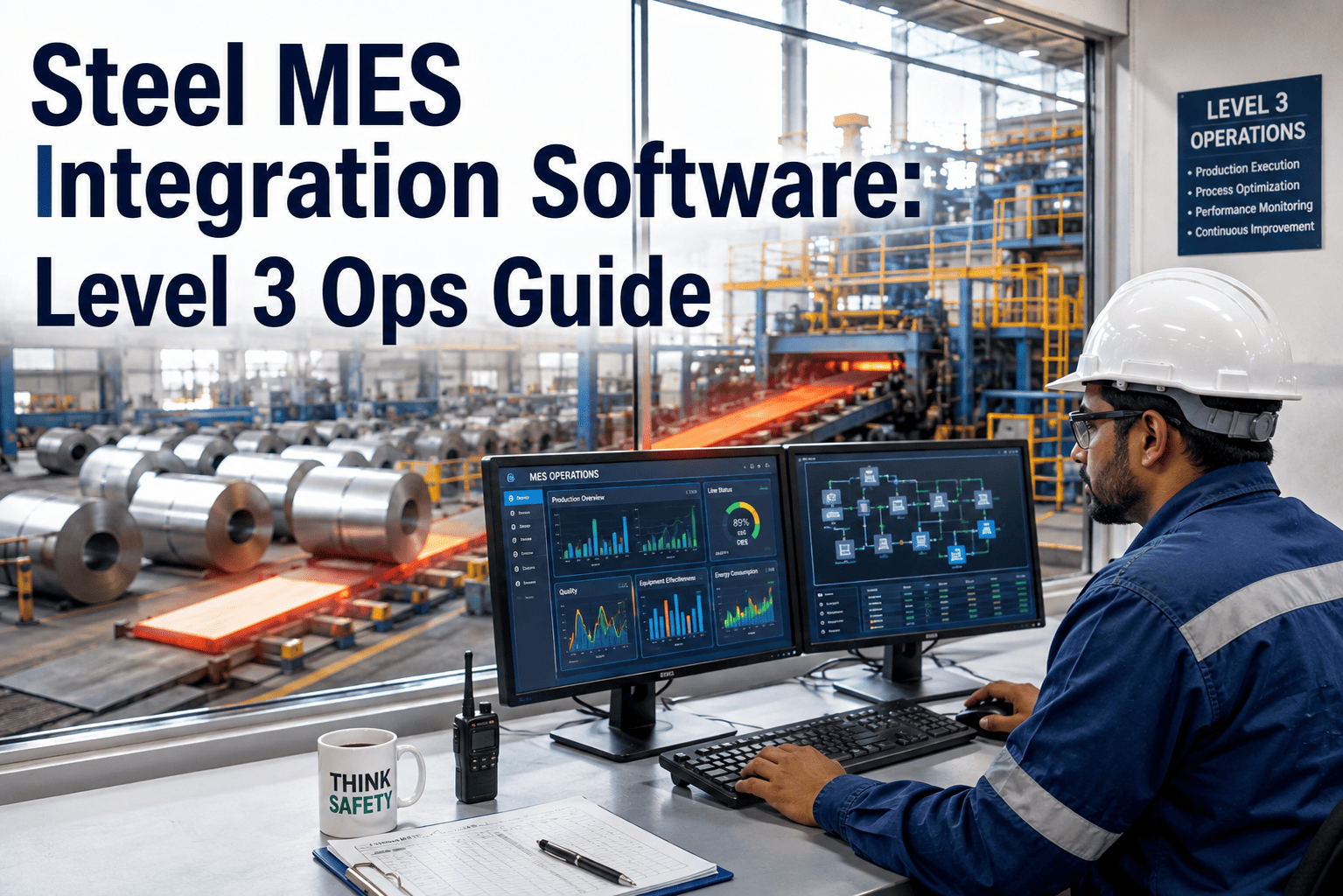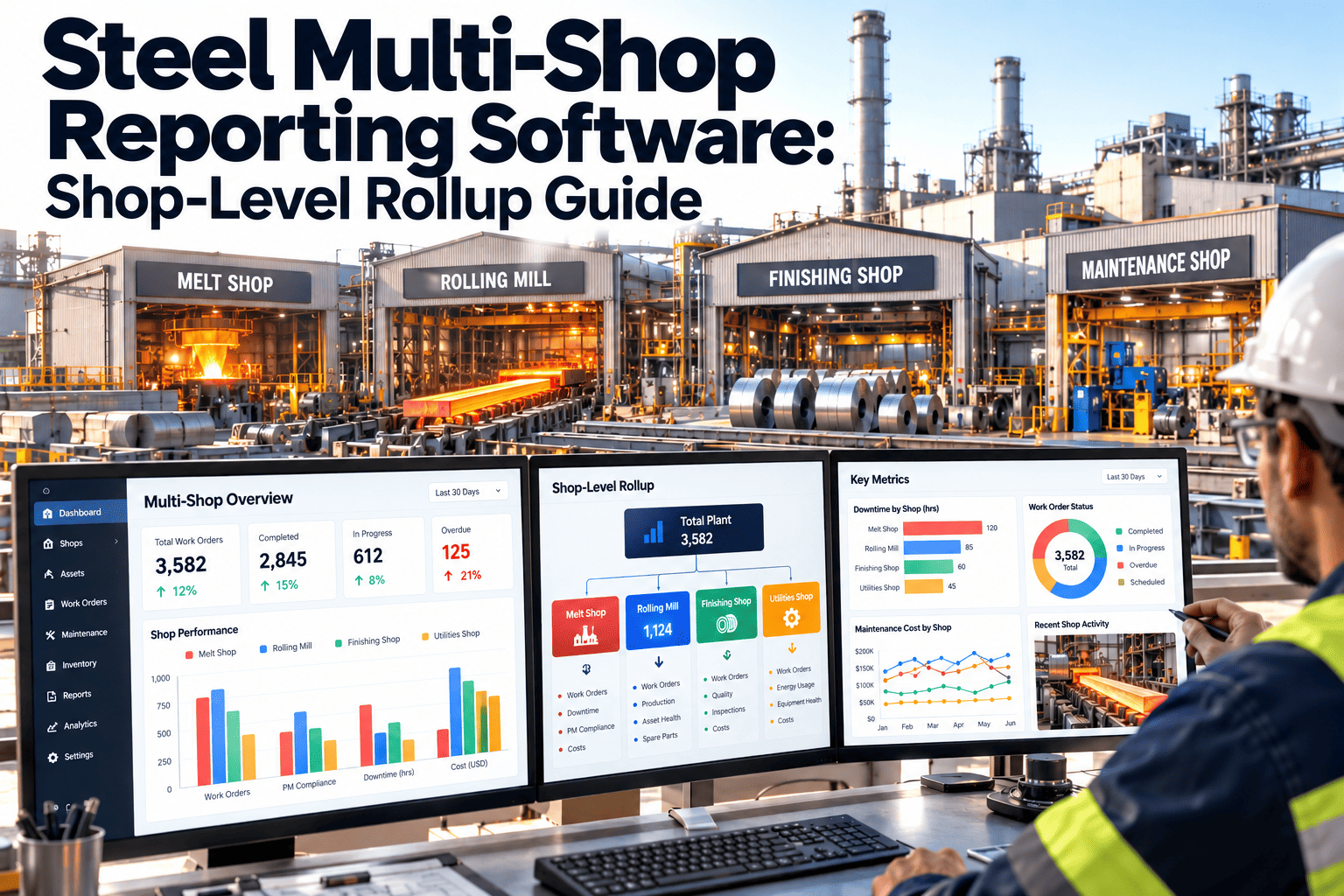
A steel plant rarely suffers from a lack of maintenance data. It suffers from shops that each count availability, backlog, and cost in their own way, so the monthly review turns into an argument about whose number is right. The blast furnace reports campaign health, the melt shop reports delay minutes, the hot strip mill reports roll changes, and the cold rolling mill reports line stops. Finance then rebuilds the story in a spreadsheet. A shared reporting model removes that rework, and it starts with a CMMS built for shop-level rollups.
Steel Multi-Shop Reporting Software: One Rollup From Blast Furnace to Cold Rolling Mill
Report availability, planned work, backlog, and cost per tonne the same way across the blast furnace, steel melt shop (SMS), hot strip mill (HSM), and cold rolling mill (CRM), then consolidate them for plant and finance leadership without rebuilding spreadsheets every month.
Blast Furnace
- Campaign-critical availability
- Planned versus emergency work
- Outage backlog
Steel Melt Shop
- Equipment delay minutes
- Crane and ladle work orders
- Repeat failures
Hot Strip Mill
- Roll change adherence
- Drive and gearbox work
- Lubrication compliance
Cold Rolling Mill
- Line stop causes
- Hydraulic and strip handling
- Spares consumption
Why Steel Shop Reports Never Add Up
Every shop in an integrated plant runs a different physical process, so each one built its own reporting habits. Those habits make sense locally and cause confusion when someone tries to combine them.
Typical Monthly Reporting
- Shops export work orders or spreadsheets on different dates, so period totals do not line up.
- Availability is calculated against different calendars, with some shops excluding planned outages and others including them.
- Asset names differ between shops, so similar equipment cannot be compared across the plant.
- Backlog is counted in jobs in one shop and in labour hours in another.
- Maintenance cost reaches finance weeks late and without a link to the asset that caused it.
Rollup Reporting in a CMMS
- Every shop closes work orders in one system against one asset hierarchy.
- Availability follows one written definition and one calendar rule.
- A shared failure code list makes causes comparable across shops.
- Backlog is measured in estimated labour hours and weeks of work for every shop.
- Cost is captured at the work order, so shop and plant totals are sums rather than estimates.
What the Disagreement Actually Costs
- Review meetings spend their time reconciling numbers instead of deciding where to act.
- Outage budgets get set by negotiation between shop heads because nobody can show a like-for-like backlog.
- The same bearing, gearbox, or hydraulic failure appears in two shops under two different names, and the pattern stays invisible.
- Corporate and finance teams lose trust in maintenance data and start asking for their own versions.
The Four Shops and What Each One Needs to Report
A useful rollup respects what is different about each shop while forcing the same definitions on the shared measures. This table shows where the reporting focus differs and where each shop usually goes wrong.
| Shop | Maintenance Reality | Signals Worth Reporting | Common Reporting Trap |
|---|---|---|---|
| Blast Furnace | Continuous operation with long campaigns. Stoppages are costly and slow to recover from. Tuyeres, stoves, cooling systems, and blowers dominate the work. | Availability of campaign-critical equipment, stove and blower condition work, planned versus emergency work, outage backlog | Counting a planned stop as an unplanned loss, which distorts availability |
| Steel Melt Shop | Heat-by-heat rhythm with furnaces or converters, ladles, cranes, and casters tightly linked. | Delay minutes caused by equipment, crane and ladle handling work, caster segment and mould work, repeat failures | Delay minutes sit in production systems while work orders sit in maintenance, with no shared event reference |
| Hot Strip Mill | Reheating furnace, roughing and finishing stands, and coilers, with frequent scheduled roll changes. | Roll change duration, drive and gearbox work, lubrication and hydraulic work orders, planned stop adherence | Mixing scheduled roll changes with genuine breakdowns |
| Cold Rolling Mill | Pickling, tandem mill, annealing, and finishing lines supported by many auxiliary systems. | Line stop causes, strip handling and hydraulic issues, quality-related maintenance, spares usage | Reporting by line only, which hides shared electrical and utility causes behind several lines |
How a Rollup Is Built: Four Levels From Work Order to Plant
A rollup only works when each level is a sum of the level below it. Build the structure from the bottom, and the plant view stops being a separate reporting project.
Asset and Work Order
Every job is raised against a specific asset with a failure code, labour hours, parts issued, and a close-out date. This is the only level where data is entered.
Area or Line
Assets group into areas such as a stove set, a converter, a finishing stand group, or a tandem mill. Area leads see their own backlog and repeat failures.
Shop
Area totals roll into the blast furnace, SMS, HSM, or CRM view. Shop managers compare planned work, emergency work, and cost against their own targets.
Plant and Finance
Shop totals roll into plant reliability, cost per tonne, and budget variance. Nothing is retyped, so the plant figure always reconciles to the shop figures.
Three Design Rules That Keep the Rollup Honest
- Enter data once, at the work order, and let every higher view calculate from it.
- Use one asset hierarchy template for all shops, with shop-specific branches below the shared top levels.
- Lock KPI definitions centrally so a shop cannot quietly change how it counts availability or backlog.
KPIs That Must Mean the Same Thing in Every Shop
Most consolidation arguments come down to a handful of measures. Write each definition down once, publish it, and configure the CMMS to apply it to every shop.
| Measure | Standard Definition to Agree | Why Shops Usually Diverge |
|---|---|---|
| Planned work ratio | Planned labour hours divided by total maintenance labour hours in the period | Some shops count any job with a work order as planned, even when it was raised after the failure |
| PM compliance | Preventive tasks completed within the agreed window divided by tasks due in the period | Windows are loose in one shop and strict in another |
| Backlog in weeks | Estimated labour hours of approved open work divided by available weekly crew hours | Unapproved requests and ready-to-schedule work get mixed together |
| MTTR | Total repair time divided by number of failures, measured from failure reported to equipment returned | Clock start and stop points differ between crews |
| MTBF | Operating time divided by number of failures for the same asset class | Standby and planned stop time is treated inconsistently |
| Emergency work share | Emergency work orders divided by all work orders, using one agreed priority scale | Priority levels mean different things in different shops |
| Maintenance cost per tonne | Labour, parts, and contractor cost from closed work orders divided by tonnes produced | Contractor and outage costs are booked outside the maintenance system |
Stop Reconciling Shop Spreadsheets Before Every Review
Oxmaint gives each shop its own workflow while feeding one shared reporting model, so plant and finance views reconcile to the work orders behind them.
What Each Audience Needs, and When They Need It
A single monthly report cannot serve a shift supervisor and a finance director. Build a cadence where every layer sees the same data at a different zoom level.
-
Every Shift: Handover View
Open emergency work orders, equipment out of service, parts waiting, and safety-critical jobs carried over from the previous shift.
-
Daily: Shop Meeting View
Yesterday's stops by cause, today's scheduled work, jobs blocked by parts or access, and any repeat failure flagged in the last seven days.
-
Weekly: Planning View
Backlog in weeks, schedule compliance, planned work ratio, and the next stoppage windows for each shop, compared side by side.
-
Monthly: Plant Review View
Shop-level KPIs on one page, cost per tonne by shop, top recurring failure modes, and variance against the maintenance budget.
-
Quarterly: Finance and Corporate View
Consolidated cost, reliability trends, spares exposure, and outage plan status, with drill-down to the shop and asset behind each number.
From Work Order Cost to Shop Result
Finance teams need maintenance cost that can be traced, not estimated. The path below shows how cost builds up from individual jobs.
Captured at the Job
- Technician hours by trade
- Parts issued from stores
- Contractor invoices linked to the order
Allocated by Asset
- Cost tied to the asset and its area
- Outage work tagged to the stoppage
- Shared utilities split by agreed rule
Summarised by Shop
- Planned versus emergency spend
- Cost per tonne by shop
- Variance against budget
Consolidated for Plant
- One reconciled maintenance figure
- Drill-down from plant to work order
- Audit trail for every line
Where Cost Data Usually Leaks
- Contractor work during outages is invoiced through purchasing and never linked back to a work order.
- Parts are drawn from stores without a work order reference, so the cost lands in general overhead.
- Shared utility equipment is charged to whichever shop raised the job, which makes one shop look expensive and another look cheap.
Checklist Before You Trust a Plant Rollup
A rollup amplifies whatever is in the data. Run these checks per shop before the first plant-level review.
- Every active asset belongs to the shared hierarchy and carries a unique tag.
- Failure codes are limited to one agreed list and cover mechanical, electrical, instrumentation, hydraulic, and process-related causes.
- Planned and emergency priority levels have written definitions that every shop signs off on.
- Work orders cannot be closed without hours, failure code, and a short finding.
- Production stop events are matched to maintenance work orders by time and equipment.
- Stores issues require a work order or asset reference.
- Calendar rules for planned outages, standby time, and holidays are documented once.
- One person owns each KPI definition and approves any change.
Five Steps to Move From Four Reports to One Rollup
Agree the Definitions
Bring the four shop leads and finance into one session and settle the seven KPI definitions in writing before touching any software.
Build the Shared Hierarchy
Create the top levels once, then let each shop add its own equipment branches beneath them.
Start With One Shop
Prove the work order discipline and the reports in the shop with the strongest data habits, then copy the pattern.
Run Parallel for One Cycle
Produce the old report and the rollup side by side for a full month, and explain every difference between them.
Retire the Spreadsheets
Move the plant review to the CMMS dashboards and stop accepting manually built shop reports.
What a Consolidated View Reveals That Shop Reports Hide
Once every shop reports on the same basis, patterns appear that no single shop could see. These are the findings plant leaders usually value most.
- Repeat failure modes across shops, such as the same gearbox seal or hydraulic valve failing in the HSM and the CRM.
- Shared utilities, such as cooling water or compressed air, that cause stops in several shops but appear in none of their reports.
- Uneven planned work ratios that show which shop is firefighting and which is working from a plan.
- Competing demand for the same specialist crews, which explains backlog growth better than headcount totals.
- Spares exposure that is invisible within one shop but significant when shared parts are combined.
How to Use the Findings
- Send repeat failure modes to a plant-level reliability review rather than leaving them with each shop.
- Use backlog in weeks to move crews or contractor support towards the shop with the largest gap.
- Agree outage priorities from one ranked list so shops stop competing on separate lists.
How Oxmaint Supports Multi-Shop Steel Reporting
Oxmaint is a maintenance management platform, so the rollup sits on the same records technicians already use. The capabilities below matter most for shop-level consolidation.
- Asset management with a multi-level hierarchy, so blast furnace, SMS, HSM, and CRM equipment share one structure.
- Work order management with failure codes, labour, and parts captured at close-out.
- Preventive maintenance scheduling with compliance reporting by shop and by area.
- Inventory tracking linked to work orders for traceable parts cost.
- Mobile workflows that let technicians close jobs at the equipment instead of at a desk.
- Dashboards and reports that present the same data to shop managers, plant leaders, and finance.
Steel Multi-Shop Reporting Questions
Do all four shops need to change how they work?
Shop workflows can stay different, but work order closure and KPI definitions must be shared. Book a demo to see how each shop keeps its own view.
How do we handle planned outages in availability?
Decide once whether planned stops are excluded or reported separately, then apply that rule in every shop. Consistency matters more than the specific choice.
Can the rollup link maintenance cost to tonnes produced?
Yes, once work order cost is captured and production tonnes are supplied as an input for each shop. Start with a trial and test it on one shop.
What if our asset naming is inconsistent today?
Clean the top levels of the hierarchy first and map legacy names to new tags. Perfect naming is not required before a pilot shop goes live.
Who should own the KPI definitions?
Assign one reliability or maintenance excellence owner at plant level, with shop leads and finance approving any change to a definition.
Give Plant Leadership a Rollup That Reconciles to Every Shop
Bring the blast furnace, melt shop, hot strip mill, and cold rolling mill into one maintenance reporting model with Oxmaint.