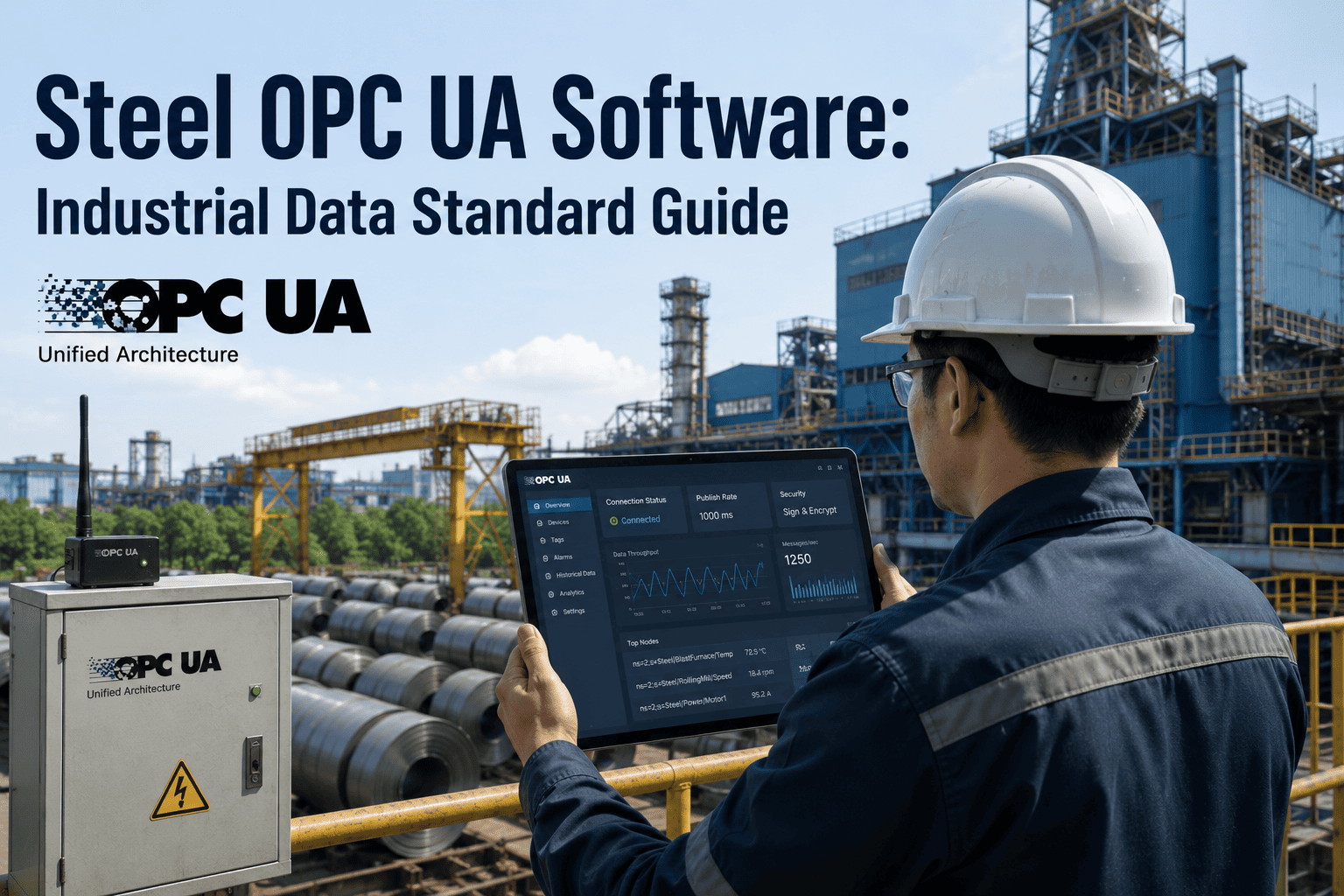
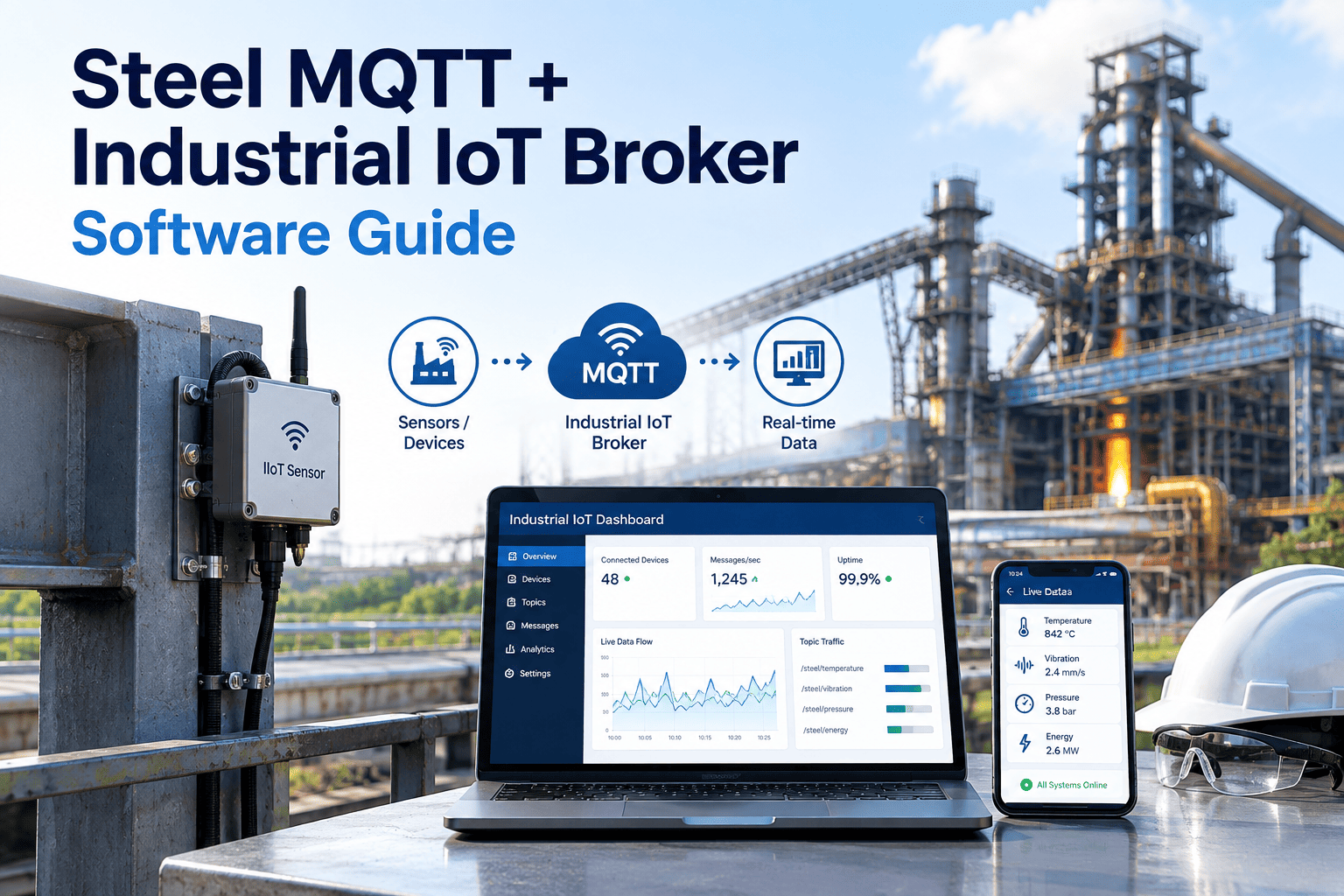
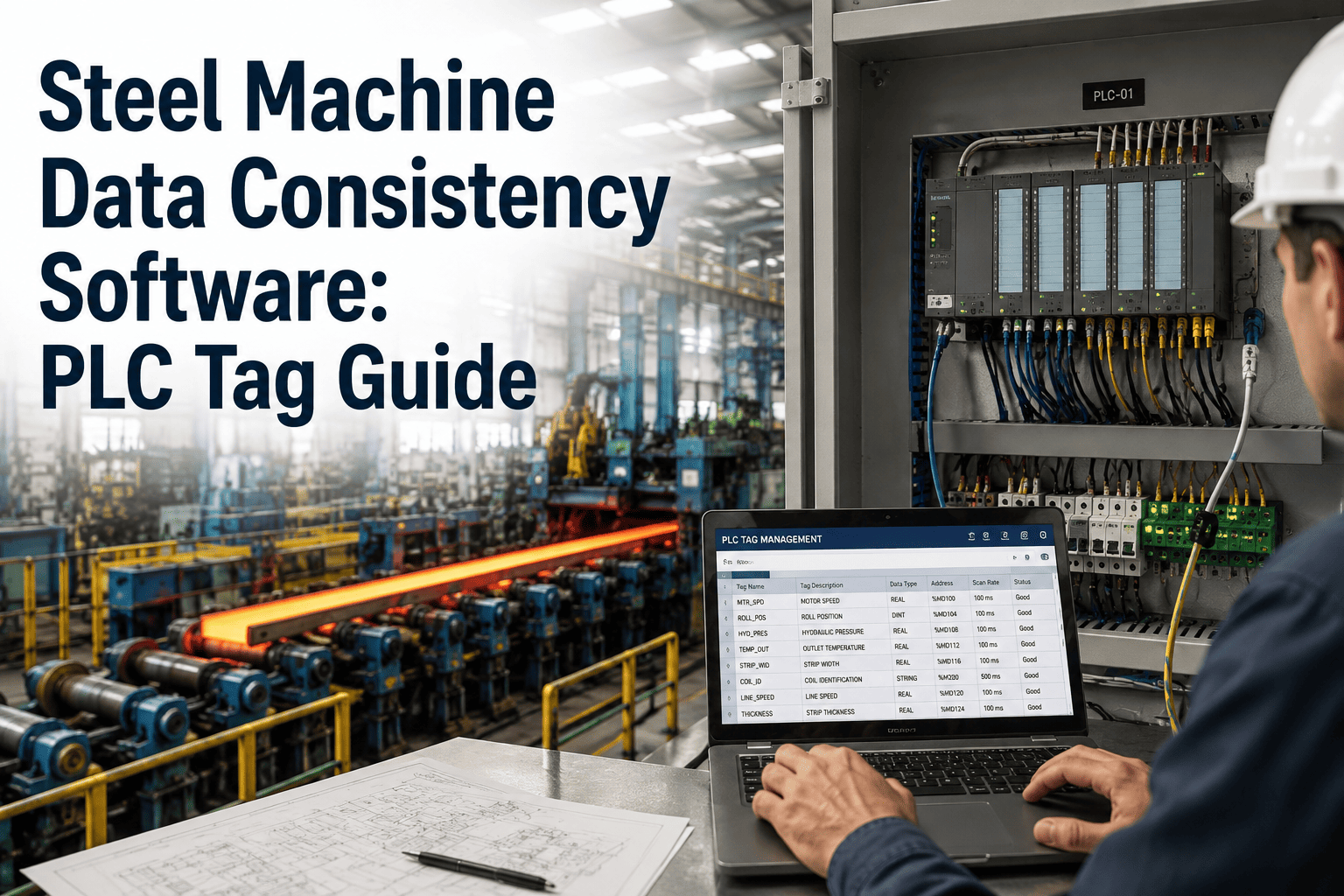
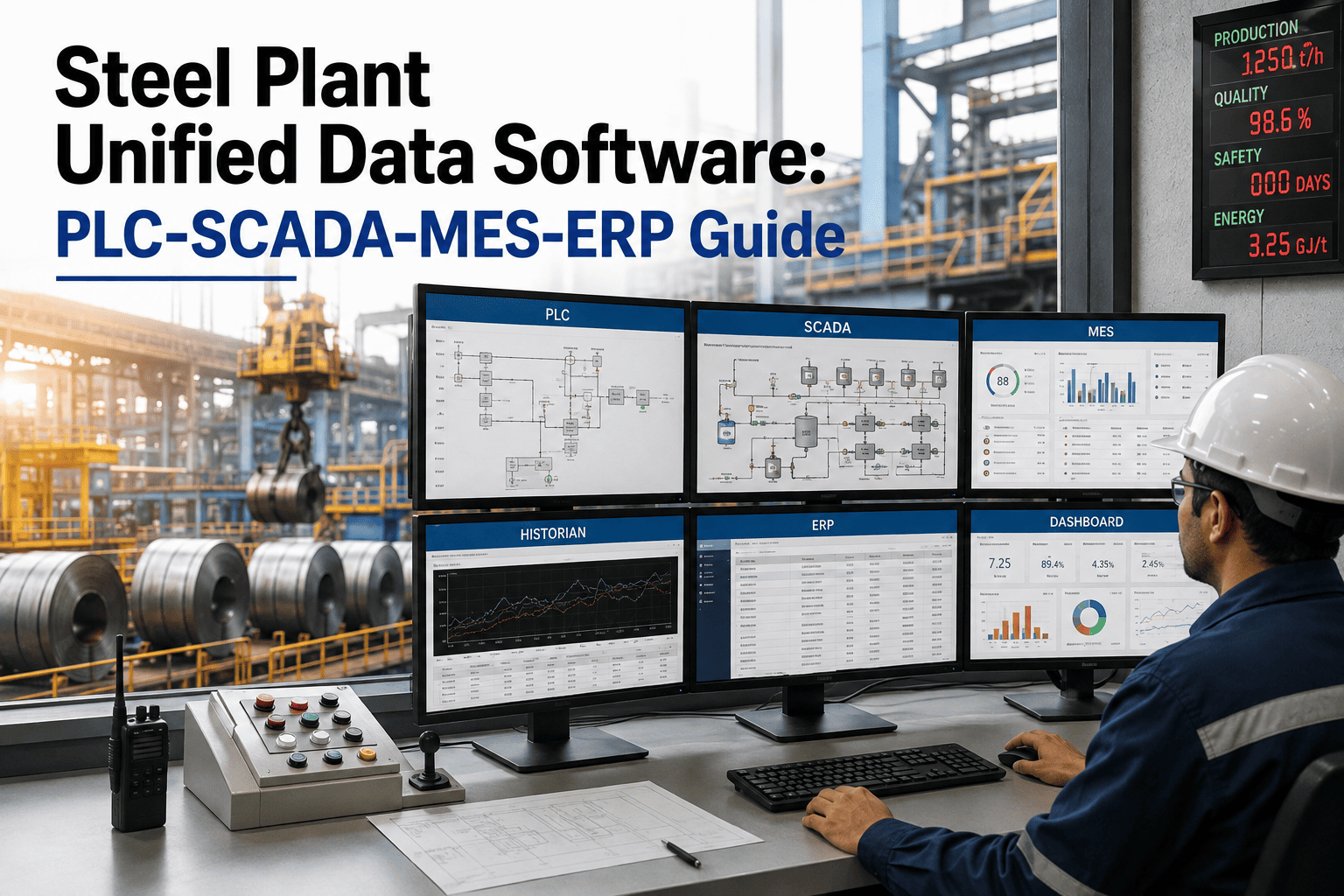
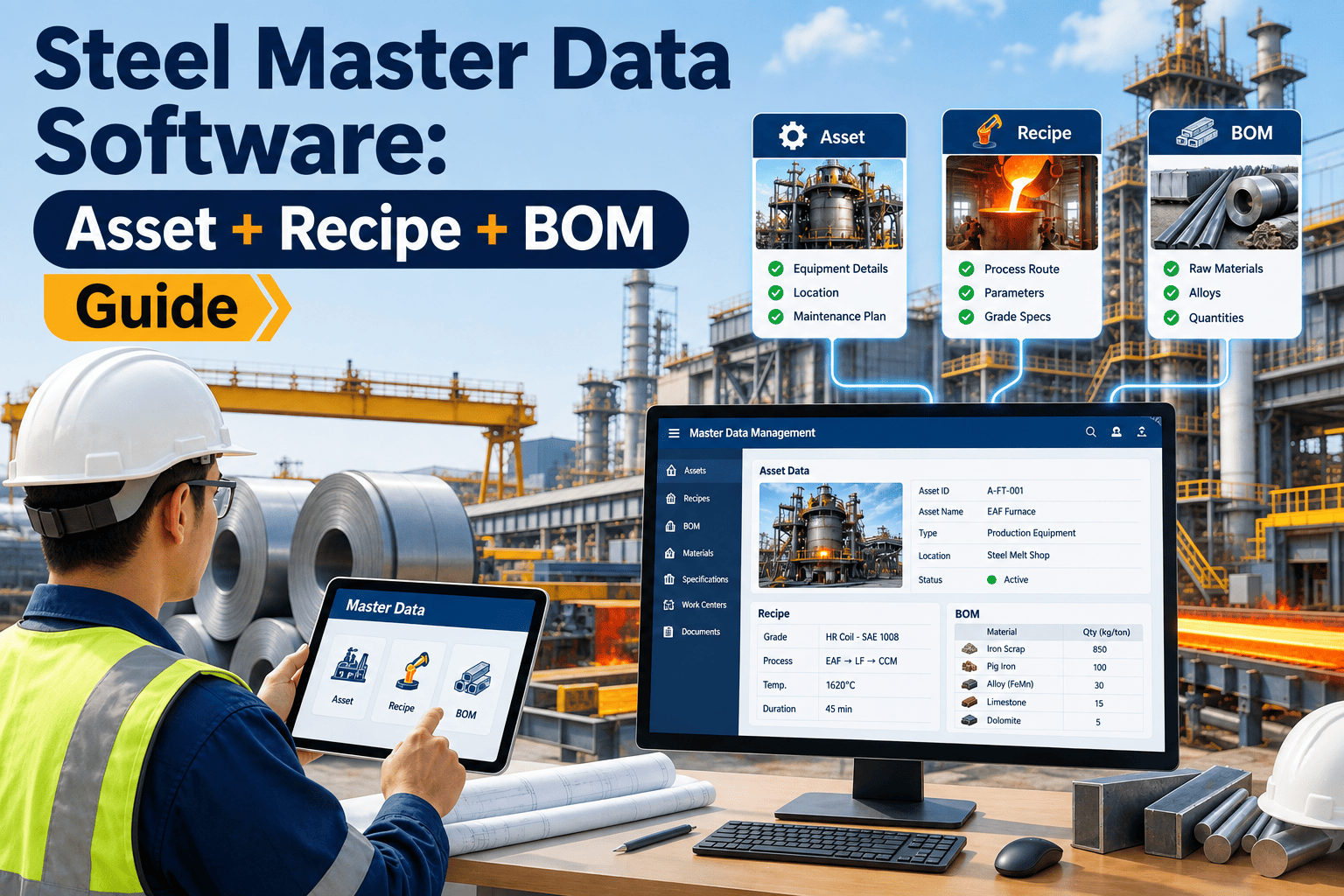
A steel plant's PLCs speak one dialect, its SCADA historian speaks another, and the CMMS on the maintenance floor speaks a third. For years the fix was custom point-to-point drivers between every pair of systems — one for the caster PLC to the historian, another for the historian to the CMMS, another for the ERP to everything else. Every new sensor or system meant another driver to write and maintain. OPC UA replaces that tangle with one standardized, secure data layer that PLCs, SCADA, MES, ERP, and CMMS can all read from and write to the same way, regardless of vendor. If your plant is still held together by a patchwork of custom integrations, start a free trial with Oxmaint to see how a CMMS connects into that layer without a new driver for every system.
Industrial Connectivity · OPC UA · Data Integration
Steel OPC UA Software: The Industrial Data Standard Guide for Plant and Maintenance Teams
OPC UA has become the default way steel plants connect the floor to the front office — one standard instead of a different protocol for every vendor. This guide covers what OPC UA actually does, where it fits between your PLCs and your CMMS, and how to plan a rollout that doesn't stall on legacy equipment or leave your maintenance team blind to half the floor.
2008
The year the OPC Foundation released OPC UA, formalized as international standard IEC 62541
5
Communication levels OPC UA spans, from field devices up to enterprise systems, on one data model
1
Standardized layer replacing a separate custom driver for every vendor pairing on the floor
Why This Matters Now
The Problem OPC UA Was Actually Built to Solve
Before OPC UA, industrial data exchange depended on a web of proprietary protocols — each PLC vendor, each SCADA package, each historian had its own way of talking. Connecting two systems meant writing and maintaining a custom driver for that exact pairing, and every equipment change put that driver at risk of breaking. OPC UA was designed to remove that fragility by giving every layer of the plant, from a single field sensor up to enterprise reporting, one shared, secure, vendor-neutral way to exchange data. That shift matters most in steel plants specifically, where equipment lifecycles run decades, vendors change across expansions and rebuilds, and a maintenance system that can only read tags from one PLC brand quickly becomes blind to half the floor.
One Model, Not One Driver Per Pair
Instead of a driver written specifically for "this SCADA to that historian," every system connects to the same standardized information model and reads what it needs.
Security Built Into the Standard
Certificate-based authentication and encryption are part of the specification itself, rather than something each integration has to implement separately and inconsistently.
Semantic Context, Not Just Numbers
A tag carries meaning with it — what asset it belongs to, what unit it's measured in, what range is normal — instead of arriving as a bare register value that only makes sense to the system that originally wrote it.
The Architecture
The Five Communication Levels OPC UA Was Built to Connect
OPC UA is designed to carry data cleanly through five layers of a plant, from a single sensor on a motor to a spreadsheet in a corporate office. Each level has historically spoken its own protocol — OPC UA gives them a shared one, so a value read at the sensor level keeps the same meaning by the time it reaches a report at the top.
L4
Enterprise — ERP and Business Systems
Cost accounting, procurement, and production planning systems that need summarized plant performance, not raw sensor streams flowing straight from the floor.
L3
Management — MES and CMMS
Manufacturing execution and maintenance management systems that track work orders, production runs, and asset condition against the floor in near real time, closing the gap between what's happening and what gets recorded.
L2
Operations — SCADA and Historians
Supervisory systems that aggregate tag data across a line or plant area and store it for trending, alarms, and operator displays.
L1
Control — PLCs and Controllers
The programmable logic controllers running the actual sequencing and control logic for furnaces, casters, and rolling equipment — the layer where most of a plant's real-time decisions are made.
L0
Field — Sensors and Actuators
The vendor-specific instruments themselves: vibration sensors, thermocouples, drives, and valves generating the raw signal everything above depends on and ultimately traces back to.
Before and After
Point-to-Point Integration vs. a Standardized OPC UA Layer
The clearest way to see what OPC UA changes is to compare it directly against the custom-driver approach most plants started with — the difference shows up most in what happens the day something on the floor changes.
| Factor | Point-to-Point Drivers | OPC UA Layer |
| New system added |
Requires a custom driver to every connected system |
Connects once to the OPC UA layer, reads what it needs |
| Vendor swap |
Every downstream integration breaks and needs rework |
Data model stays the same; only the source endpoint changes |
| Security |
Security handled per-driver, inconsistently |
Built-in certificate-based authentication and encryption |
| Data context |
Raw tag values with little shared meaning across systems |
Semantic information modeling — data carries context, not just a number |
| Maintenance burden |
Grows with every new integration, owned by whoever built it |
Centralized; new consumers plug into one governed layer |
One Layer, Not One Driver Per System
Your CMMS Shouldn't Need a Custom Integration for Every PLC on the Floor
Oxmaint reads asset condition data straight from your OPC UA layer, so work orders, sensor alerts, and equipment history stay current without a maintenance team hand-building integrations.
Where the CMMS Sits
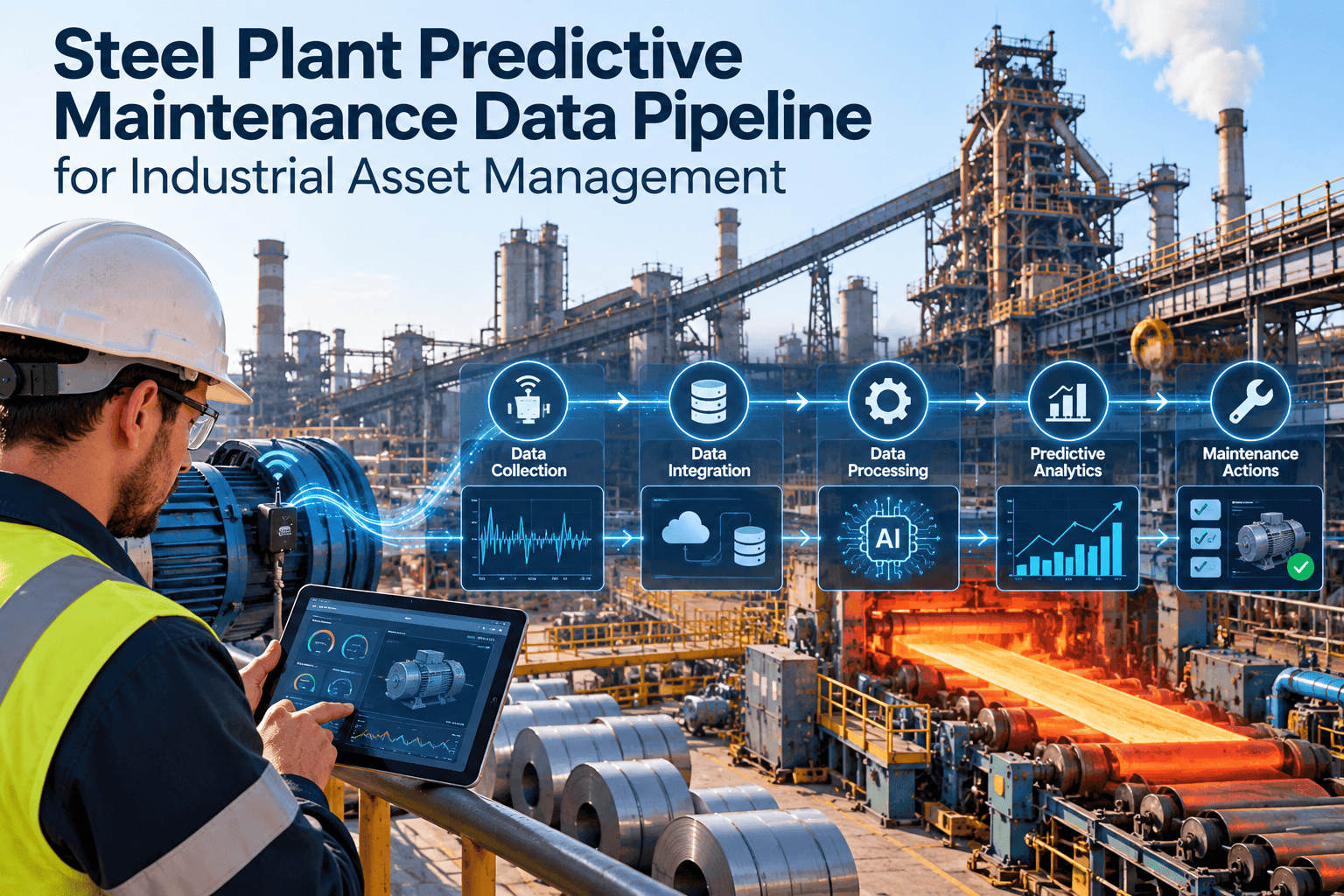
How Data Actually Flows From a Furnace Sensor to a Work Order
Field
Sensor or Drive Generates a Raw Signal
A vibration sensor, temperature probe, or drive parameter changes on the equipment itself — the same raw signal that has always existed on the floor.
Control
PLC Exposes the Tag Through an OPC UA Server
The PLC, or a gateway sitting in front of an older controller, publishes that value as a structured, named OPC UA tag instead of a raw, vendor-specific register address that only the original system's engineers would recognize.
Operations
SCADA Subscribes and Contextualizes It
SCADA and historian systems subscribe to that tag, trend it, and apply alarm limits, giving operators a live view of the equipment's state without polling the controller directly themselves.
Management
CMMS Reads the Same Tag for Asset Health
Rather than polling the PLC directly with its own driver, the CMMS subscribes to the same OPC UA tag and compares it against maintenance thresholds for that asset.
Action
Threshold Breach Opens a Work Order
When the value crosses a configured limit, the CMMS generates a work order automatically, tagged to the exact asset and tied back to the sensor reading that triggered it.
Enterprise
Summarized Data Rolls Up to ERP
Maintenance cost, downtime, and parts consumption tied to that event roll up to the ERP as summarized figures, not raw sensor noise, giving finance and planning teams numbers they can actually act on.
Applied Across the Plant
Where OPC UA Connectivity Shows Up in Day-to-Day Maintenance Work
The value of a standardized data layer isn't abstract — it shows up in specific, recurring maintenance situations where a missing integration used to mean a blind spot on the floor.
Bearing temperature, vibration, and motor current tags stream continuously into the CMMS, replacing manual log sheets with live threshold-based alerting on the equipment that matters most, and giving technicians a trend line instead of a single reading taken once a shift.
A plant running PLCs and drives from several manufacturers no longer needs a separate integration built for each. Every vendor that supports OPC UA speaks through the same layer, which matters most after an acquisition, expansion, or rebuild that brought in equipment from a different supplier than the rest of the plant.
Run-hour and cycle-count tags from the control layer feed usage-based PM triggers directly, instead of technicians estimating hours run since the last service from a production log that may be a day or two out of date.
Adding a new furnace zone or conveyor drive means connecting one OPC UA endpoint, not re-wiring integrations across SCADA, MES, and CMMS separately for the new asset — often cutting commissioning time from weeks of integration work to a few days of tag mapping.
Fewer Integrations, More Reliable Data
Every Asset Connected to OPC UA Is an Asset Your CMMS Can Watch Without Extra Setup
Oxmaint connects to your OPC UA layer once and picks up new tags as equipment is added, so condition data keeps flowing into work orders without repeated integration work.
Getting There
A Realistic OPC UA Rollout Sequence for a Steel Plant
Most plants don't convert everything at once. A phased rollout that starts with the equipment that matters most avoids stalling on the oldest, hardest-to-touch controllers, and it gives the maintenance team visible wins early instead of waiting for a plant-wide cutover to finish before anyone sees a benefit.
Step 1
Inventory What's Already OPC UA-Capable
Anything installed after roughly 2008 likely has native OPC UA support built in. Start by identifying what needs no extra hardware at all, since that equipment can usually be connected within days rather than weeks.
Step 2
Plan Gateways for Legacy Controllers
Older PLCs speaking Modbus or proprietary protocols need a gateway or converter in front of them to publish an OPC UA-compatible tag set, and budgeting for that hardware early avoids a mid-rollout scramble.
Step 3
Prioritize High-Value, High-Risk Equipment First
Convert the caster, main furnace drives, and other critical assets before secondary equipment, so maintenance benefits show up early.
Step 4
Size the Network for the New Traffic
More systems subscribing to more tags means more network load. Plan capacity ahead of rollout rather than discovering the gap after go-live.
Step 5
Connect the CMMS and Validate Against Real Alerts
Point the CMMS at the new layer, confirm thresholds trigger correctly against known conditions, and only then retire the manual monitoring it replaces.
Quick Reference
OPC UA Rollout Decision Guide
| Your Situation | Recommended Approach | Priority |
| Mostly post-2008 PLCs and drives |
Enable native OPC UA servers directly |
Fast rollout, minimal hardware |
| Mix of legacy and modern controllers |
Gateways for legacy, native for the rest |
Phased, prioritize critical assets |
| Multiple PLC vendors across lines |
Standardize on OPC UA as the shared layer |
High — removes ongoing driver maintenance |
| CMMS still on manual data entry |
Connect CMMS to OPC UA layer for live alerts |
High — direct maintenance impact |
Common Questions
OPC UA for Steel Plants — Frequently Asked Questions
Do we need to replace our existing PLCs to use OPC UA?+
Not usually. Controllers installed after around 2008 often support OPC UA natively. Older equipment typically needs a gateway or converter in front of it rather than a full PLC replacement.
How is OPC UA different from older protocols like Modbus?+
Modbus moves raw register values with no shared meaning attached, and every consumer has to already know what that register represents. OPC UA carries semantic context with the data, built-in security, and a consistent model across vendors.
Book a demo to see how that context reaches the CMMS.
Is OPC UA secure enough for plant floor deployment?+
Security is built into the standard, using certificate-based authentication and encryption between clients and servers, rather than being bolted on separately for each integration as older protocols require.
Can a CMMS really connect to OPC UA without custom development?+
Yes, when the CMMS is built to subscribe to OPC UA tags directly.
Start a free trial to connect asset tags without writing a driver for each PLC.
What's the biggest reason OPC UA rollouts stall in steel plants?+
Underestimating legacy equipment. Controllers from before 2008 need gateway hardware planned in early, and skipping that step is the most common cause of a rollout losing momentum midway, often after the easy wins on modern equipment are already done.
From the Floor
What Plant Teams Say
We had four different PLC vendors across the mill and a custom driver for every one of them feeding the historian. Every time something changed on the control side, someone had to go rebuild an integration, and it usually happened at the worst possible time — mid-outage, with a contractor waiting on data that wasn't flowing. Standardizing on OPC UA meant new equipment gets added in days instead of weeks, and the CMMS just picks up the tags it needs without anyone writing new code for it.
— Controls and Reliability Manager, Integrated Steel Facility
One Standard, Every System Reading From It
Stop Building a New Integration Every Time a Controller Changes
Oxmaint connects into your OPC UA layer once, so asset condition data flows straight into work orders — no matter how many PLC vendors sit on your floor today or get added tomorrow.