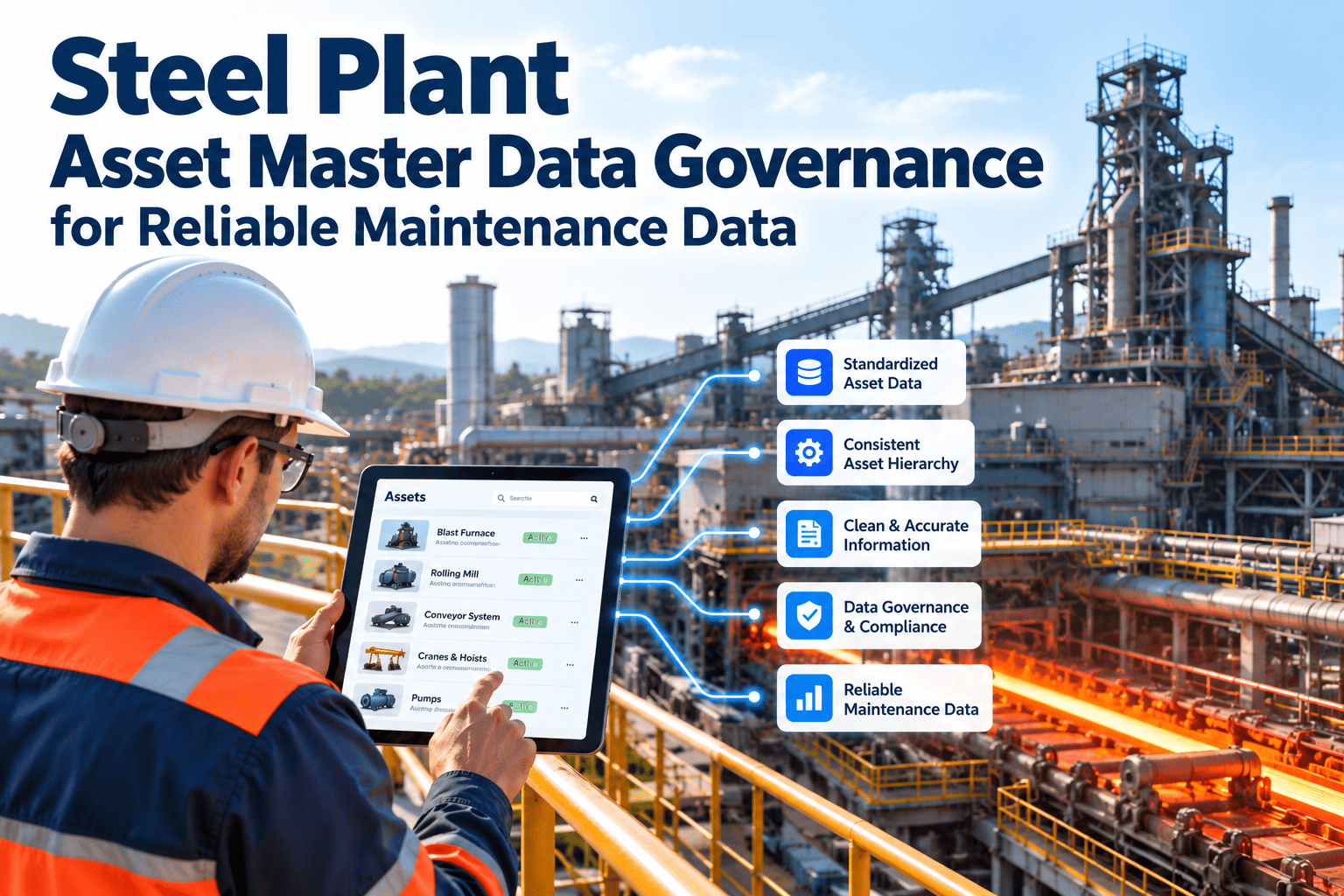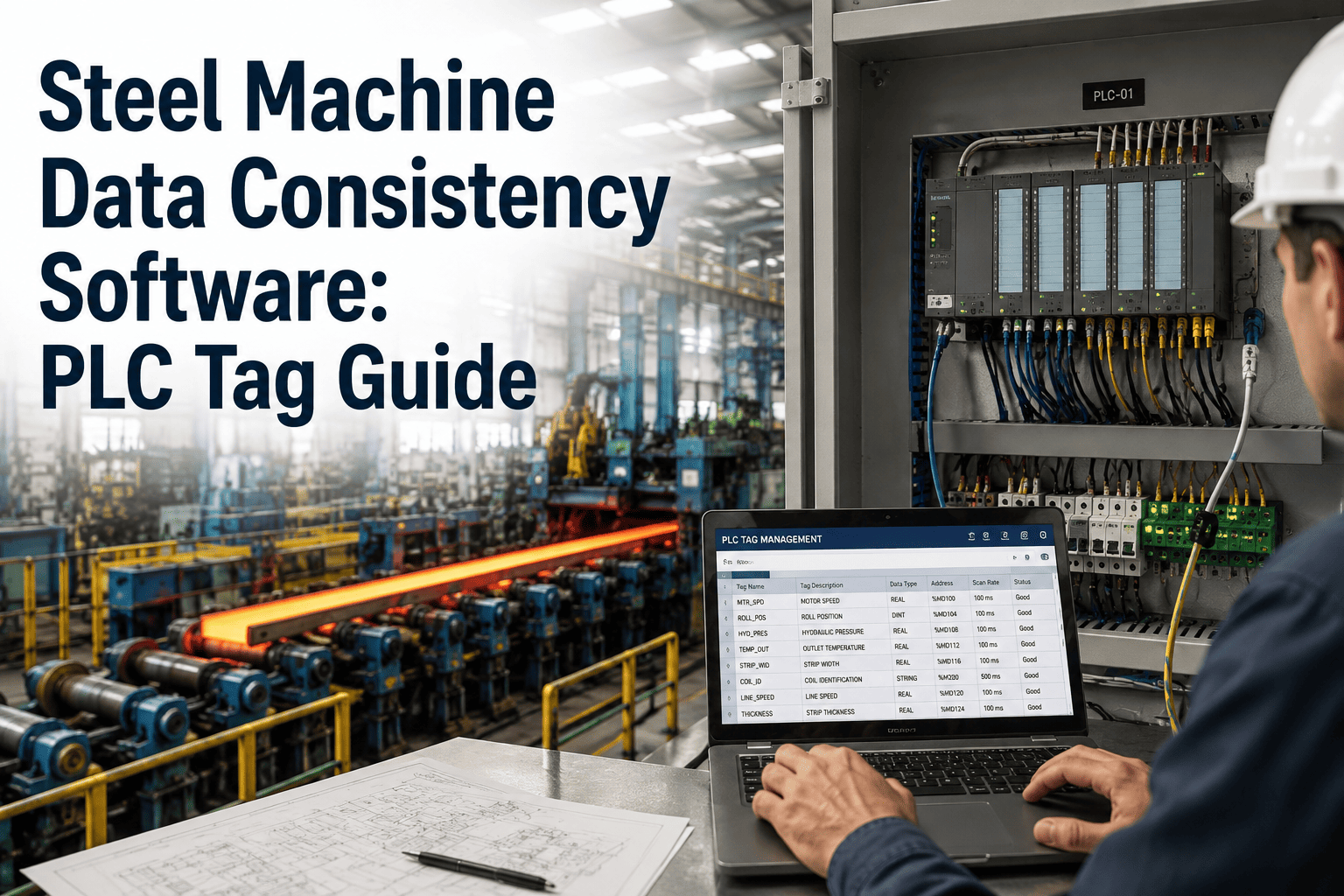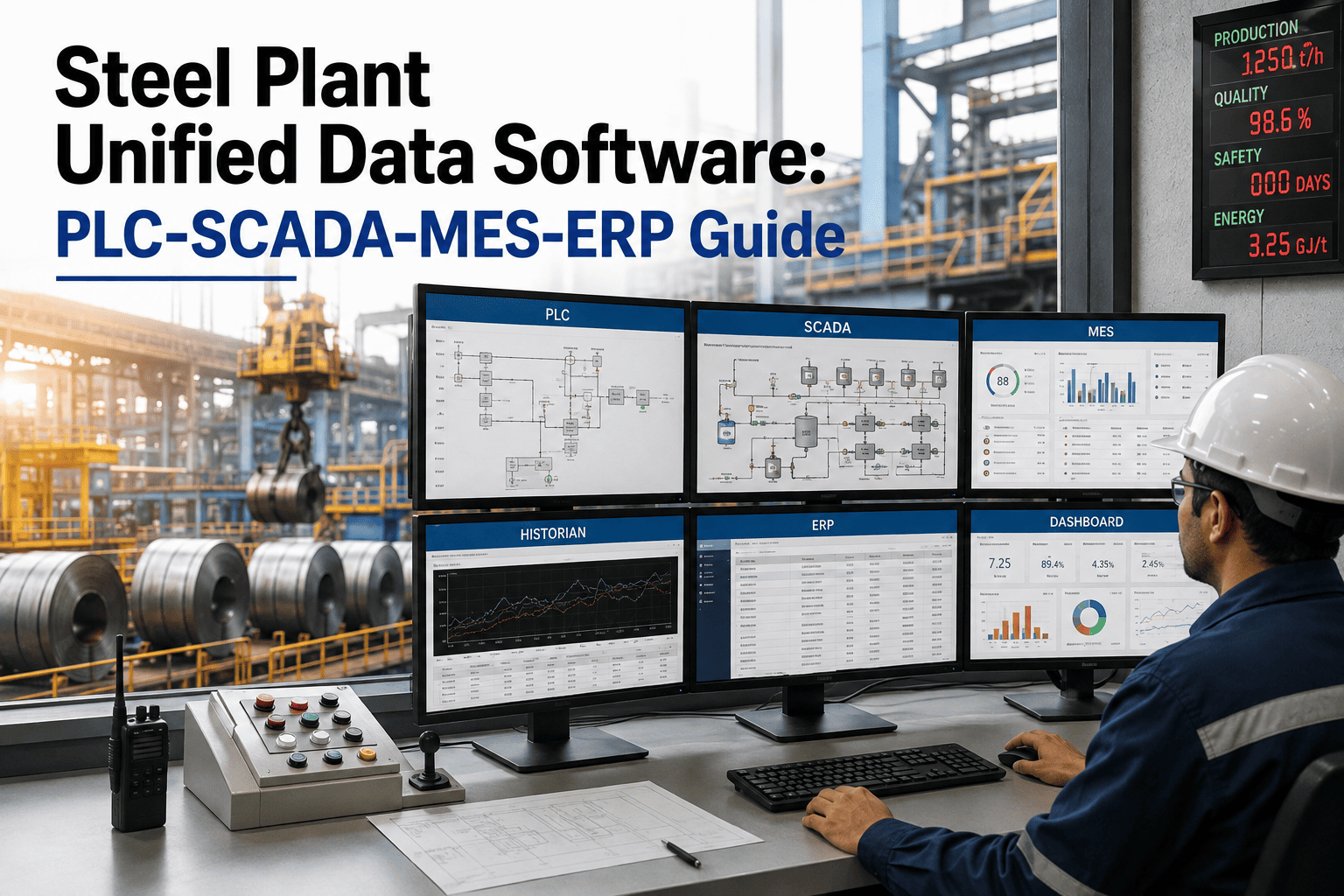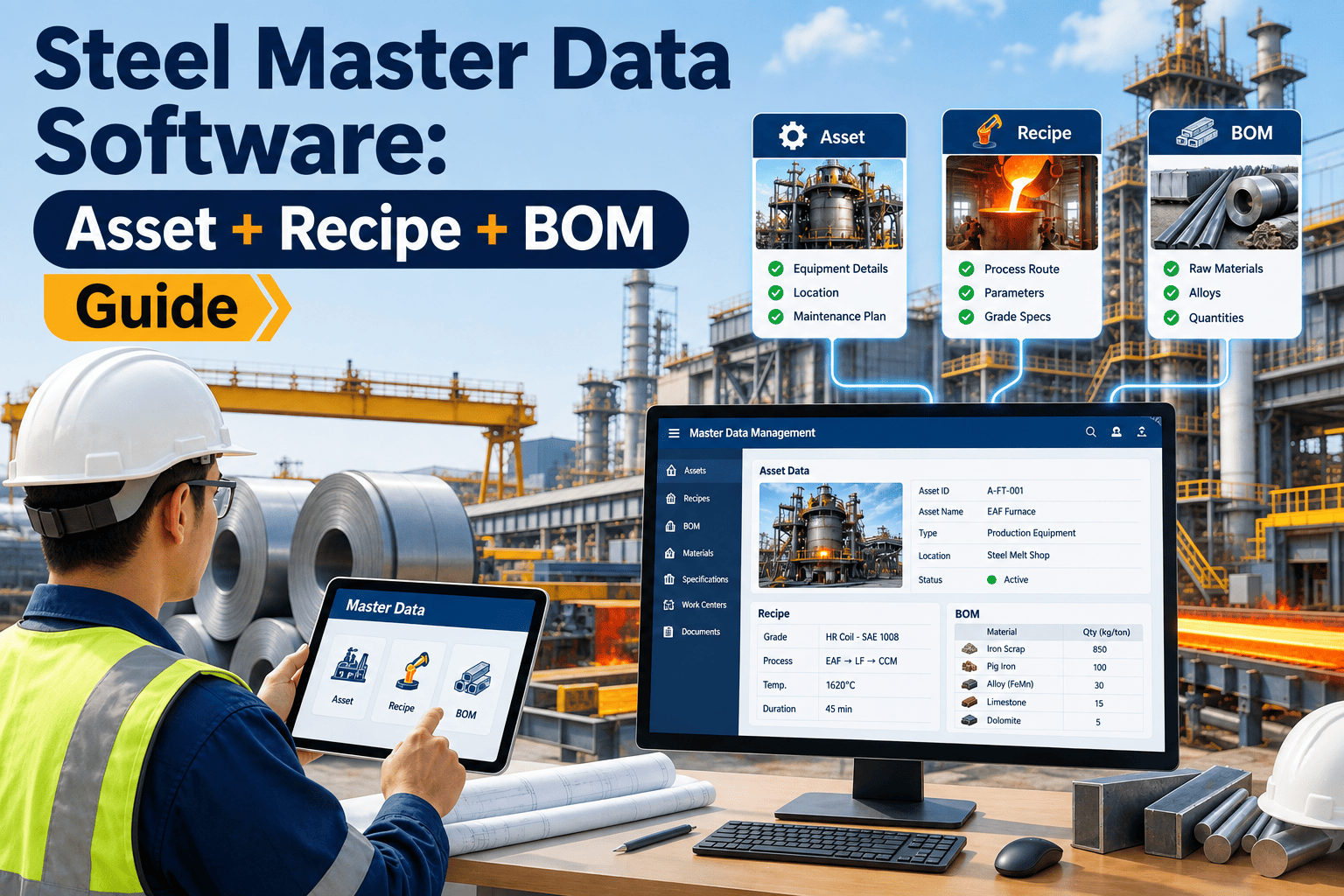
Ask any plant IT lead why a new CMMS, ERP, or sensor integration project ran six months over schedule, and the honest answer is rarely the software itself — it is the asset list that had three different names for the same rolling mill motor, the recipe master that stored grade specifications in two conflicting formats, and the vendor master with four entries for the same bearing supplier. Master data is the unglamorous layer underneath every plant system, and in a steel operation it spans four distinct domains — asset, recipe or grade, bill of materials, and vendor — each maintained by a different department at a different time with a different naming convention. When that foundation is inconsistent, every system built on top of it inherits the mess, from purchasing to maintenance scheduling to production reporting. This guide covers what steel plant master data management actually needs to get right, why it breaks down the way it does, and how a purpose-built CMMS like OxMaint gives plants a single, governed foundation instead of four disconnected spreadsheets.
Asset, Recipe, and BOM Master Data: The Layer Every Steel Plant System Depends On
Why integration projects stall on bad master data, the four domains a steel plant must govern, and the phased path to a clean, single source of truth.
The Four Pillars of Steel Plant Master Data
Master data management is often talked about as one problem, but in a steel plant it is really four separate but connected domains. Getting any one of them wrong creates downstream friction in systems that have nothing to do with where the error started.
How One Bad Record Ripples Through the Plant
Master data errors rarely stay contained to where they were made. A single mistyped asset ID entered by one technician can surface as a purchasing delay, a missed PM, and a reporting gap weeks later in three different departments.
OxMaint gives every asset, recipe, BOM line, and vendor one governed record instead of four disconnected spreadsheets, so a work order, a parts request, and a purchase order all point at the same truth.
Siloed Spreadsheets vs a Centralized Master Data Foundation
Most plants do not lack master data — they lack one version of it. The comparison below is the difference between data scattered across department spreadsheets and a single governed foundation inside a CMMS.
| Capability | Siloed Spreadsheets | Centralized MDM in CMMS |
|---|---|---|
| Asset identification | Varies by department, no single ID | One asset ID referenced by every module |
| BOM accuracy | Updated manually, drifts from physical reality | Linked directly to the asset record and history |
| Vendor records | Duplicate entries across purchasing files | Single vendor record tied to contracts and parts |
| Recipe/grade versioning | Multiple copies, unclear which is current | Version-controlled, one active specification |
| New system integration | Requires manual data cleanup before go-live | Clean data already structured for integration |
| Reporting accuracy | Fragmented history undercounts real failure rates | Full asset history in one continuous record |
Building a Clean Master Data Foundation in Four Phases
Fixing master data does not require a plant-wide freeze. It is a phased cleanup that most maintenance teams can run alongside normal operations.
Why Integration Projects Depend on This Foundation
Every new system a plant adds — a BMS integration, a sensor network, an ERP upgrade — is only as reliable as the master data it connects to. Clean data at the start compresses go-live timelines; dirty data extends them.
Before your next integration project starts, get your asset, recipe, BOM, and vendor records into one governed system. OxMaint gives your team the structured foundation every plant integration depends on.
Field Perspective
Every failed go-live I have been part of had the same root cause meeting three weeks before launch — someone discovering the asset list in the new system did not match the asset list everyone had been using for ten years. Master data cleanup is not exciting work, so it gets skipped until it blocks the project it was supposed to support. Plants that treat asset, recipe, BOM, and vendor data as one governed foundation from day one do not have that meeting. They just go live.
Frequently Asked Questions
Stop Rebuilding the Same Asset List in Four Different Systems
Give your plant one governed source of truth for asset, recipe, BOM, and vendor data — the foundation every future integration project will thank you for.