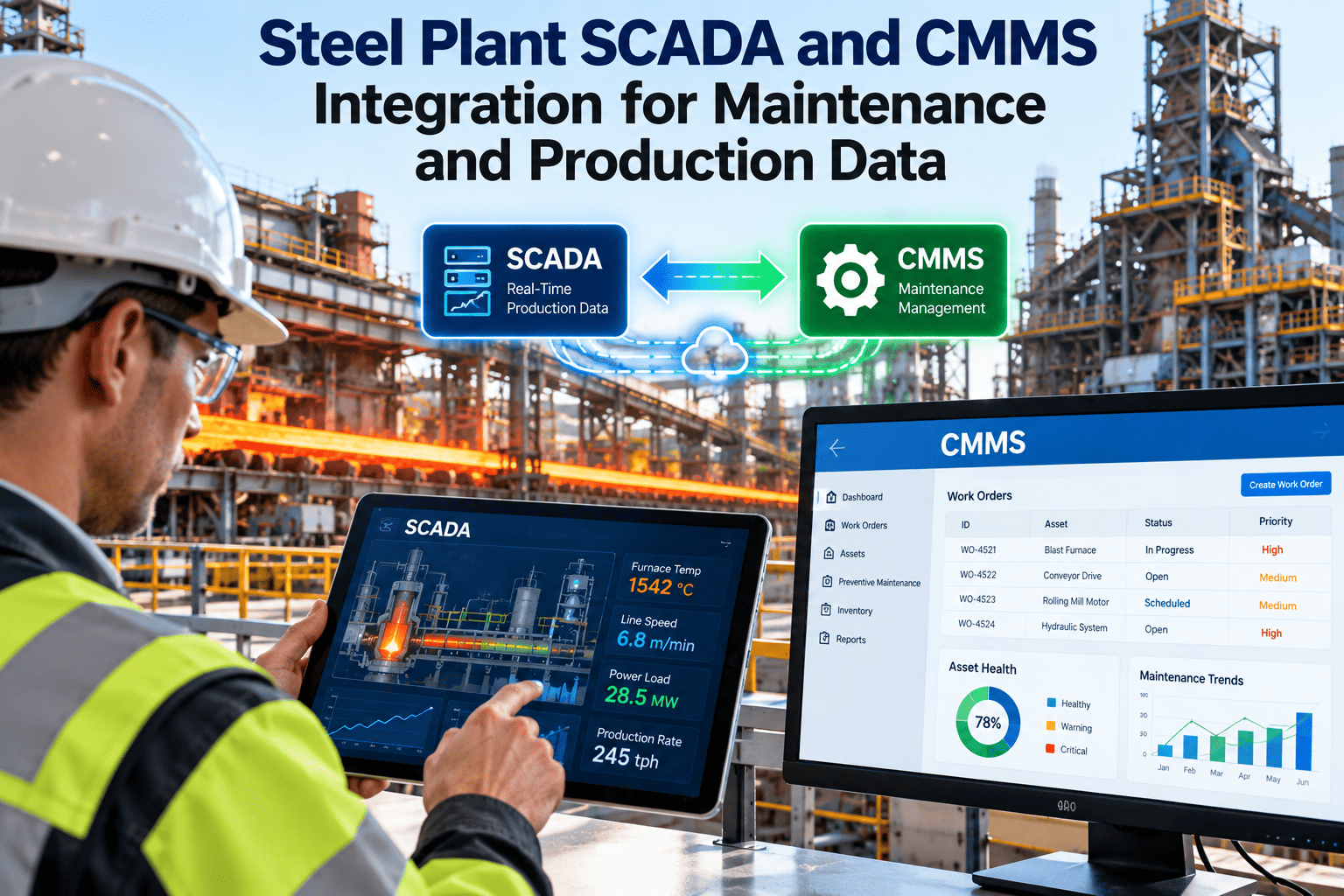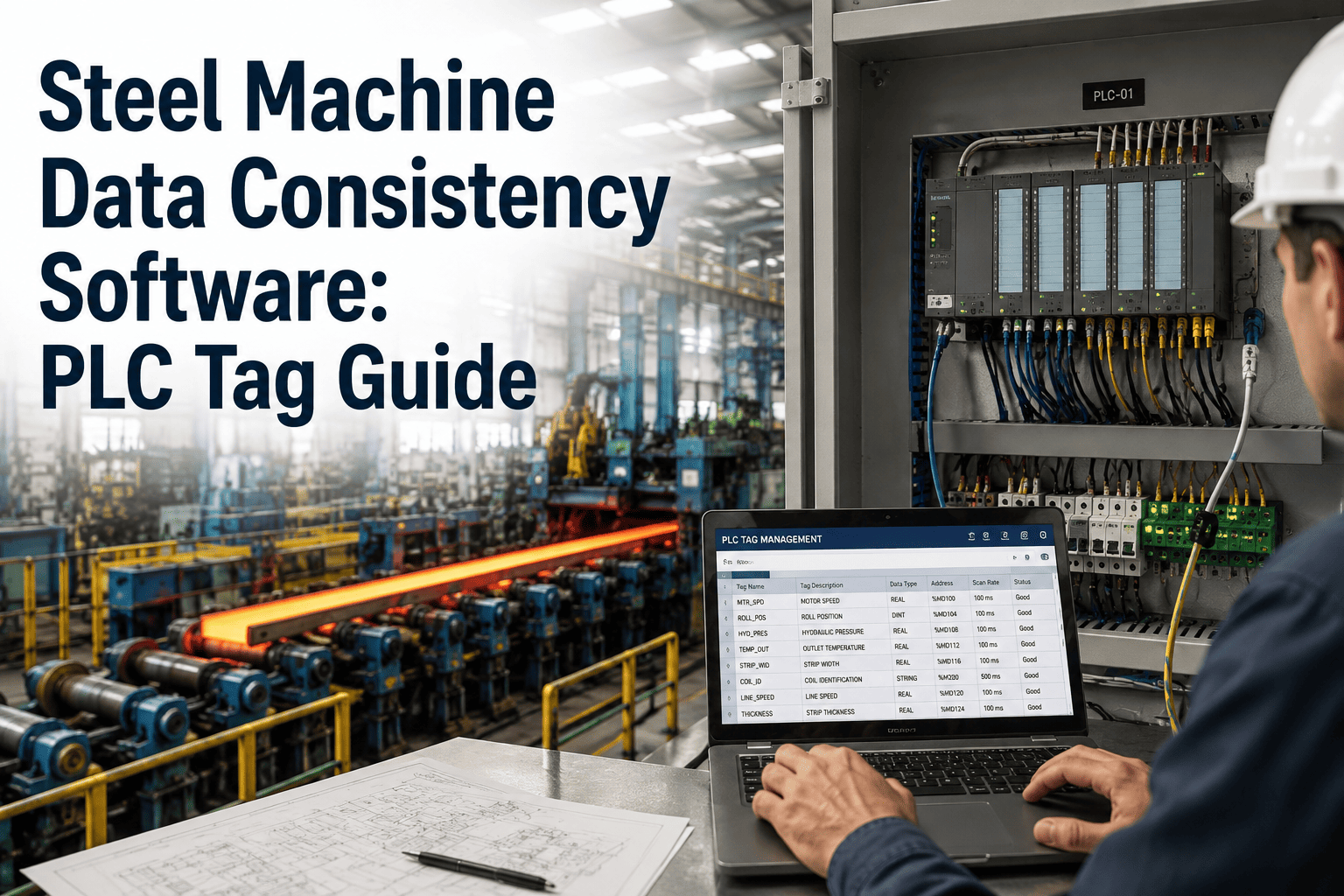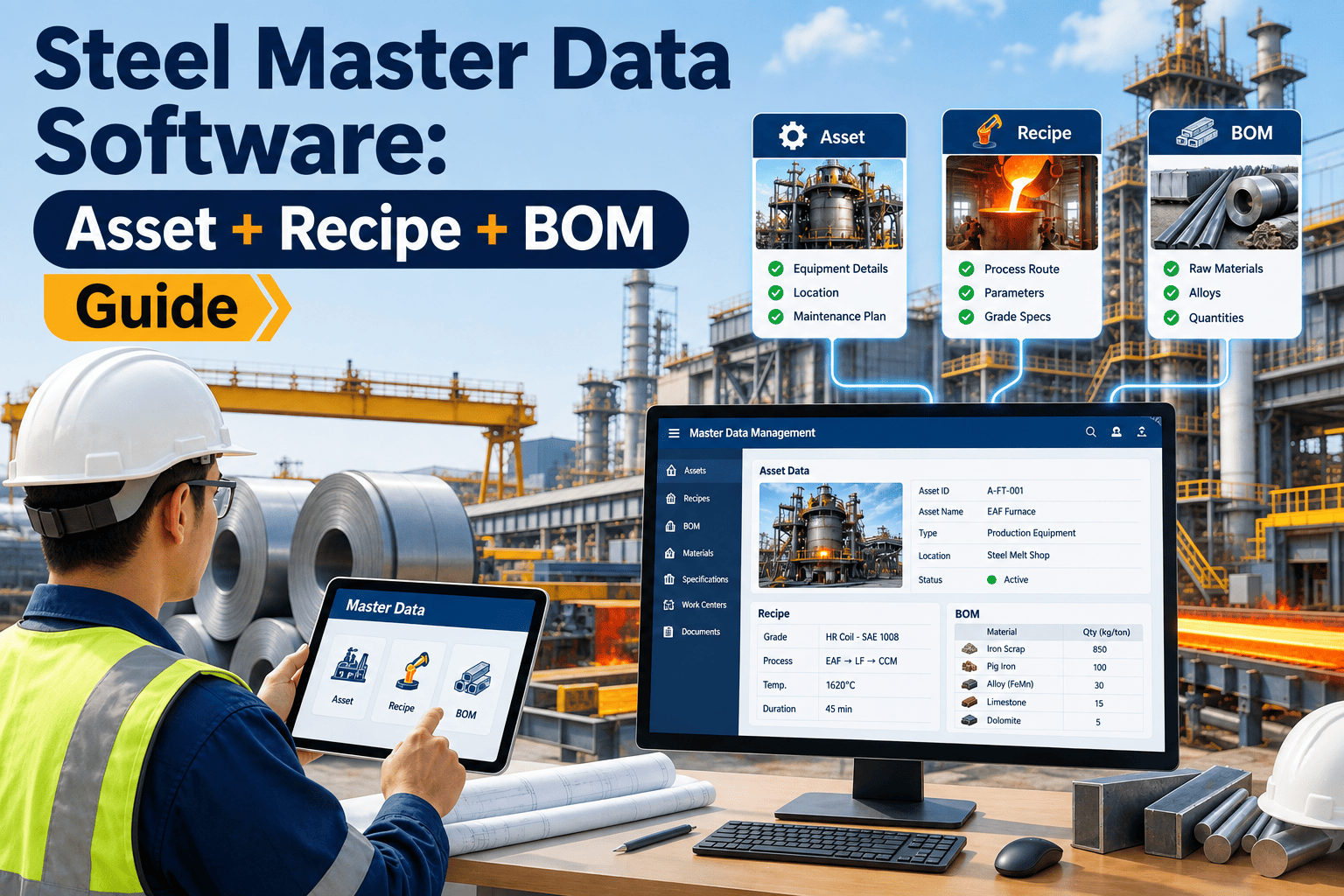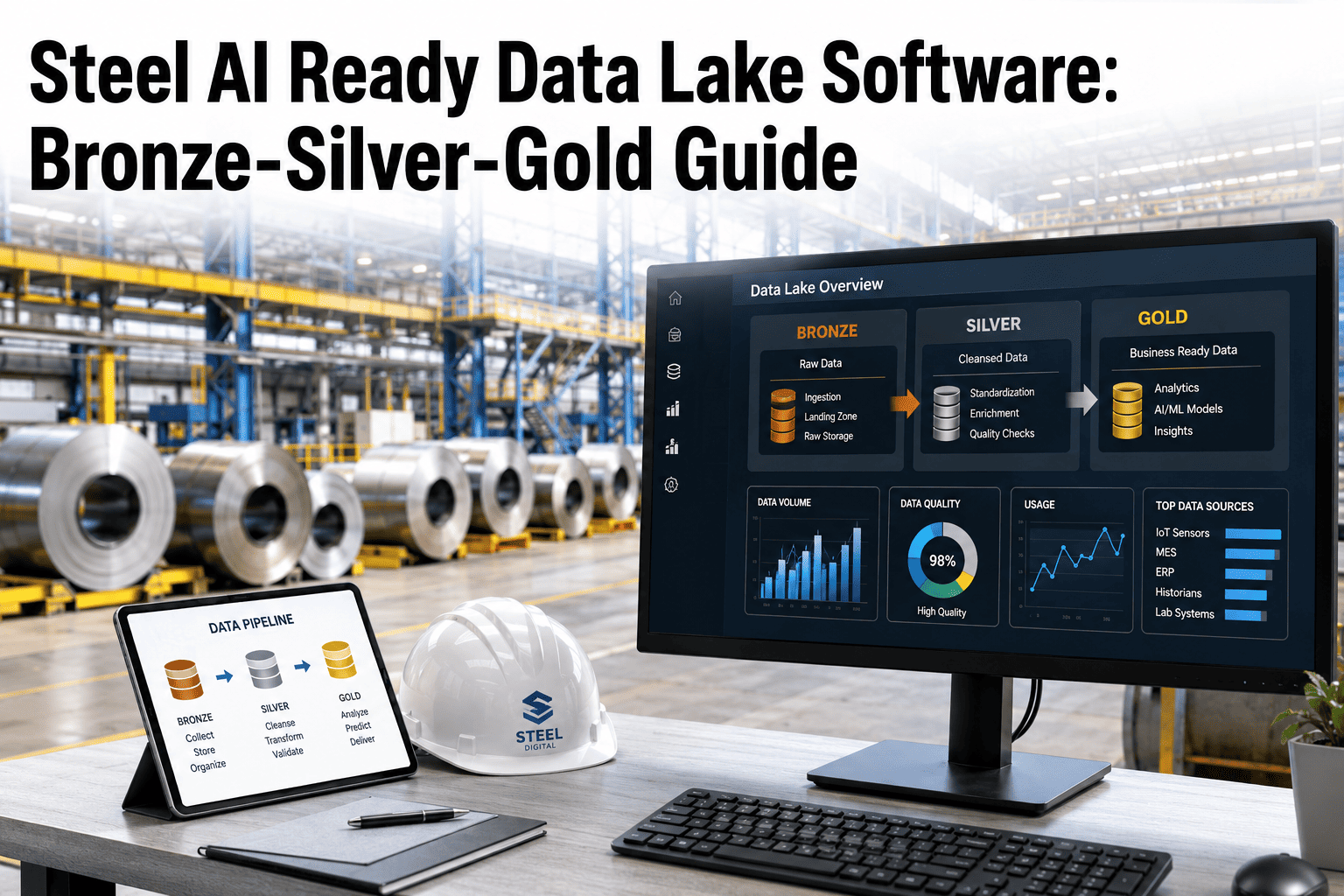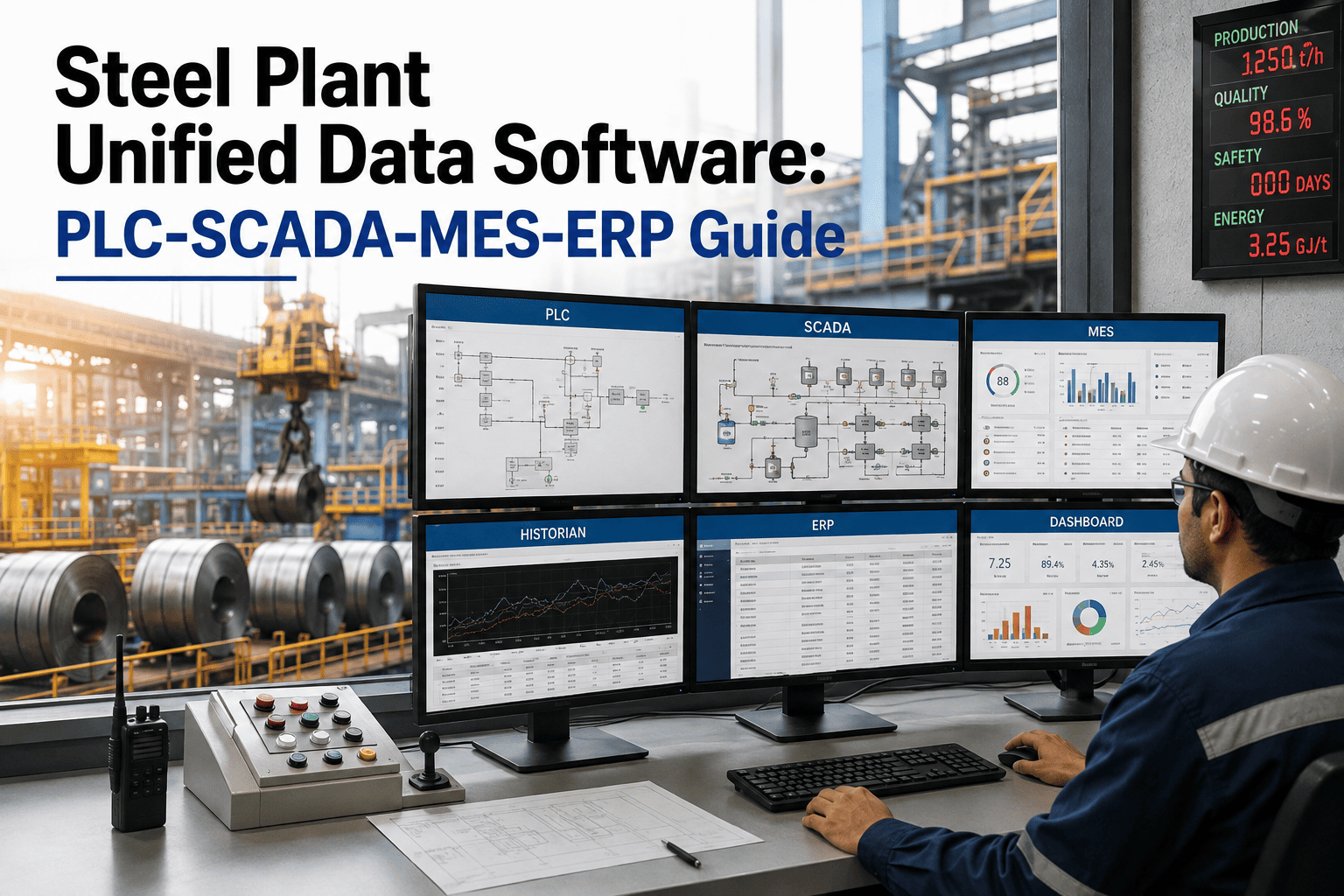
A single steel plant runs four systems that were never designed to talk to each other. PLCs control the rolling mill drives and furnace burners in milliseconds. SCADA and Level 2 historians watch thousands of tags across casting, hot strip, and finishing lines. MES tracks heats, coils, and production orders as they move through the mill. ERP manages inventory, procurement, and the business numbers leadership reports on. Each layer produces accurate data inside its own world, but the moment a temperature spike on the SCADA screen needs to become a maintenance work order, or a production order in MES needs to check whether a machine is actually available, someone is exporting a spreadsheet, phoning another department, or simply working from whatever number they can see on their own screen. A unified data layer connects PLC, SCADA, MES, and ERP data into one real-time view without replacing any of them, and it is the piece steel plants keep discovering they are missing only after two departments report two different numbers for the same shift — you can see how that connection works inside Oxmaint.
UNIFIED PLANT DATA · OXMAINT PLATFORM
One Real-Time View Across PLC, SCADA, MES, and ERP
Stop reconciling four systems by hand. Connect control-floor data to production orders, inventory, and maintenance work orders in one live dashboard, without touching a single PLC program.
Four Layers, One Plant, Four Different Languages
Steel plants run on what automation engineers call the ISA-95 model: PLCs at the control layer, SCADA and historians at the supervisory layer, MES at the operations layer, and ERP at the business layer. Each layer was built by a different vendor, on a different protocol, at a different point in the plant's history. A PLC on a 15-year-old walking beam furnace speaks Modbus. The SCADA historian sitting above it speaks OPC-UA. MES pulls production orders through its own database schema. ERP runs on SAP, Oracle, or Dynamics, updated in business-hours batches rather than real time. None of this is a design flaw in any single system — each layer does its own job well. The flaw is in the gaps between them, where a temperature trend that SCADA sees perfectly clearly has no path to becoming a prioritized maintenance task, and a production order sitting in MES has no way of knowing that the rolling mill it depends on has been throwing an alarm for the last two hours.
This is not a niche problem limited to older mills either. Even plants that modernized their control systems in the last decade run into the same wall, because MES and ERP platforms were typically selected and implemented years apart by different teams with different priorities, and integration between them was treated as a project to revisit later rather than a requirement from day one. The result across the industry is a familiar pattern: engineers who understand the OT side rarely have write access to ERP, IT teams who own ERP rarely have deep context on what a specific PLC tag actually measures, and the unified view everyone says they want ends up living in someone's personal spreadsheet, rebuilt from scratch every time a report is due. Steel plants running unified data report the difference shows up first in speed of response and second in trust — when everyone from the control room to the planning office is looking at the same number, arguments about whose data is right stop consuming meeting time that used to go toward actually fixing the problem. None of this requires ripping out any layer. The PLC still runs the same control logic it always has, SCADA still owns supervisory monitoring, MES still owns production execution, and ERP still owns the business numbers — the missing piece has always been the connective layer that lets each system's data carry context into the next one instead of stopping dead at the edge of its own database.
ERP — Business Layer
Orders, inventory, procurement, finance. Updated in batches, hours or days behind the floor.
MES — Operations Layer
Heats, coils, routings, production orders moving through the mill in real time.
SCADA / Historian — Supervisory Layer
Thousands of live tags, alarms, and trends across every production line.
PLC — Control Layer
Millisecond drive, burner, and safety logic on the actual equipment.
6–10 hrs
Engineer time spent per week reconciling data across historian, ERP, and CMMS
up to 23%
Higher unplanned downtime reported by plants running disconnected automation layers
~40%
Of plant integration projects stall on data silos and inconsistent master data
Silo Behavior vs. Unified Behavior on the Same Alarm
The clearest way to see what unified data changes is to follow one event through both worlds. A motor bearing on a continuous caster starts drawing higher current and running a few degrees hotter than usual. In a siloed plant, SCADA logs the trend on a screen an operator may or may not be watching, MES has no idea the asset behind the current production order is degrading, ERP has no visibility at all, and the CMMS only hears about it once the motor trips and someone writes a reactive work order by hand. In a unified plant, that same current-and-temperature trend is evaluated the moment it happens, correlated against the specific asset and the production order running through it, and turned into a prioritized work order inside the CMMS automatically — with the MES order flagged so planners know exactly which batch is at risk and ERP inventory checked so the right spare part is already confirmed in stock before a technician is dispatched. The gap between these two outcomes is not a difference in sensor quality or alarm sensitivity — both plants have the exact same SCADA tag firing the exact same reading. The difference is entirely in whether that reading has anywhere to go once it leaves the historian.
SILOED SYSTEMS
SCADA logs the trend on a screen nobody is watching this shift
MES has no signal that the running order depends on this asset
ERP has zero visibility until a purchase requisition is typed manually
CMMS only opens a work order after the motor trips
UNIFIED DATA LAYER
Trend is evaluated against the asset's own baseline the moment it shifts
Affected MES production order is flagged automatically
ERP spares availability is checked before a technician is dispatched
CMMS work order opens before the motor trips, not after
The same pattern repeats across nearly every alarm class in a steel plant, not just bearing faults. A slag viscosity deviation in the DCS, a clogging spray nozzle on a cooling bed, a drifting current on a rolling mill drive — each one sits in a different system's window, readable by whoever happens to be watching that particular screen at that particular moment. Without a shared context layer, root cause analysis after a failure becomes a manual reconstruction exercise: someone has to pull SCADA trend exports, cross-reference them against MES production logs by timestamp, and check ERP for whether the right spare was even in stock, often days after the event, when the details that would have explained the failure have already faded from memory or been overwritten by the historian's retention policy.
STEEL PLANT INTEGRATION CMMS · OXMAINT PLATFORM
Connect the Layers Without Touching PLC Logic
Read-only OPC-UA and historian connections bring SCADA, MES, and ERP data into one dashboard, so alarms, production orders, and spares checks finally share the same view.
The Journey a Single Data Point Should Take
Unifying PLC, SCADA, MES, and ERP data is not about building one giant database that replaces the four systems — every steel plant that has tried a big-bang replacement has learned that lesson the hard way. It is about giving one data point, like a rising bearing temperature or a falling line speed, a clear path to travel through every layer that has a stake in it, arriving at the maintenance and planning teams in a form they can act on immediately instead of a raw number they have to interpret. Think of it less as a new system and more as a translator that sits between the four systems you already trust, carrying context forward instead of forcing every team to re-derive it from scratch.
PLC Captures the Signal
Drive current, bearing temperature, or cycle time changes at the equipment, millisecond by millisecond.
SCADA Contextualizes It
The tag is matched to its line, its normal range, and its alarm history across the historian.
MES Links It to the Order
The affected asset is matched to the heat, coil, or batch currently running through it.
ERP Confirms the Spares
Inventory and procurement data confirm what part is on hand before a technician is called.
CMMS Closes the Loop
A prioritized work order lands with the technician, tagged to the asset, the order, and the part.
| What Teams Experience | Siloed PLC / SCADA / MES / ERP | Unified Data Layer + CMMS |
|---|---|---|
| Source of truth for a shift's numbers | Different figures per department, reconciled manually | One live dashboard shared across teams |
| Time to convert an alarm into a work order | Hours, dependent on who is watching the screen | Minutes, generated automatically from the trend |
| Spares check before dispatch | Manual lookup after the technician is already assigned | Confirmed automatically as part of the work order |
| Cross-site benchmarking | Difficult; each plant runs a different configuration | Straightforward on a shared data model |
| Engineer hours spent reconciling data weekly | 6–10 hours per engineer | Reclaimed for actual analysis and planning |
We had a SCADA system firing hundreds of alarms a shift and maybe one in five ever became a real work order. Once the alarm feed was connected to our CMMS and matched against production orders, that ratio flipped — we went from roughly 80 alarm-driven work orders a month to over 300, and they were the right 300.
— Maintenance Manager, Integrated Steel Plant
What Unified Data Changes for Planning and Multi-Site Teams
The maintenance floor is where unified data shows up first, but the effect reaches further. Production planners gain a live picture of asset availability instead of relying on a schedule that assumes every machine is healthy until someone reports otherwise. Procurement teams see spares consumption patterns tied to actual failure history instead of guessing reorder points from historical averages. For steel groups running more than one plant, the bigger payoff is comparability: when every site's PLC, SCADA, MES, and ERP data flows through the same unified model, corporate teams can finally benchmark one plant's rolling mill performance against another's using the same definitions, instead of discovering during a review meeting that "downtime" means something different at each site. That comparability is also what makes onboarding a newly acquired facility faster — instead of spending a year mapping a new plant's unique system quirks before any useful reporting exists, the same connective layer extends to the new site and starts producing comparable numbers within weeks.
Finance and leadership teams benefit in a quieter but equally important way. When ERP cost data can finally be traced back to specific assets, specific failure modes, and specific production orders, a maintenance budget conversation stops being an argument about whether spend was "too high" in the abstract and becomes a conversation about which asset classes are actually driving the cost, backed by the same trend data the maintenance team used to justify the work in the first place. That shared evidence base is often what turns a maintenance department from a cost center leadership tolerates into a function leadership actively invests in.
Rolling Out Unified Data Without a Big-Bang Replacement
Every successful unified data project in a steel plant moves in phases, and every one of them keeps PLC, SCADA, MES, and ERP exactly where they are. The integration layer sits alongside these systems as a read-only client on OPC-UA or historian feeds, pulling context outward instead of pushing new logic in. That distinction matters to automation and OT teams, because it means production risk stays at zero throughout the rollout — nothing about how the furnace burner logic or the caster drive actually runs is ever touched. Governance matters just as much as architecture here: a clear owner for master data definitions, a shared vocabulary for what counts as an asset, a production order, or a spare part, and a phased rollout plan are what separate the roughly six in ten integration projects that succeed from the four in ten that stall on inconsistent data and legacy protocols.
Discovery
Map every tag, alarm, and data source across PLC, SCADA, MES, and ERP for the target production line.
Read-Only Connection
Establish OPC-UA and historian links as a read-only client, with zero changes to PLC or SCADA configuration.
Context Matching
Match live tags to specific assets, production orders, and spare parts so every alert carries full context.
Live Dashboard and Work Orders
Teams see one shared view, and confirmed anomalies open prioritized work orders automatically.
Frequently Asked Questions — Unified Steel Plant Data
Does unifying PLC, SCADA, MES, and ERP data mean replacing any of them?
No. A unified data layer sits alongside your existing systems and connects to them, typically read-only over OPC-UA or a historian feed. Your ERP, MES, and SCADA stay exactly where they are and keep doing their own jobs.
Will connecting to our SCADA or historian create any risk to production?
A properly scoped integration connects as a read-only client with no changes to PLC logic, HMI screens, or SCADA configuration, so control-layer safety and production logic are never touched during setup or ongoing operation.
How does this reduce alarm noise instead of just adding more alerts?
Raw alarms are matched against asset history, current production orders, and known fault patterns before a work order is created, so technicians see confirmed, contextualized issues instead of every transient spike SCADA logs.
Can this work across multiple plants running different system configurations?
Yes — a shared data model is what makes cross-site benchmarking possible in the first place. You can see how multi-site connections are configured by starting a free trial against one of your own production lines first.
How long does a typical unified data rollout take on one production line?
Discovery and read-only connection usually complete within the first few weeks, with context matching and live dashboards following shortly after, all without scheduling any production downtime for the integration work itself.
STEEL PLANT UNIFIED DATA CMMS · OXMAINT PLATFORM
Give Every Team the Same Number, in Real Time
Connect PLC, SCADA, MES, and ERP data into one live view and let confirmed anomalies drive maintenance work orders automatically — start with your own plant's data today.