A predictive model that scores well in a data science notebook can still fail on a steel plant floor. Scale, heat, vibration, water and slow-moving mill data all work against it, and maintenance teams quickly stop trusting alerts that arrive without context or an owner. Deploying a model is a maintenance process, not just an IT project. The sections below walk through readiness, rollout stages, alert handling and governance, and show where Oxmaint maintenance management software connects predictions to real work.
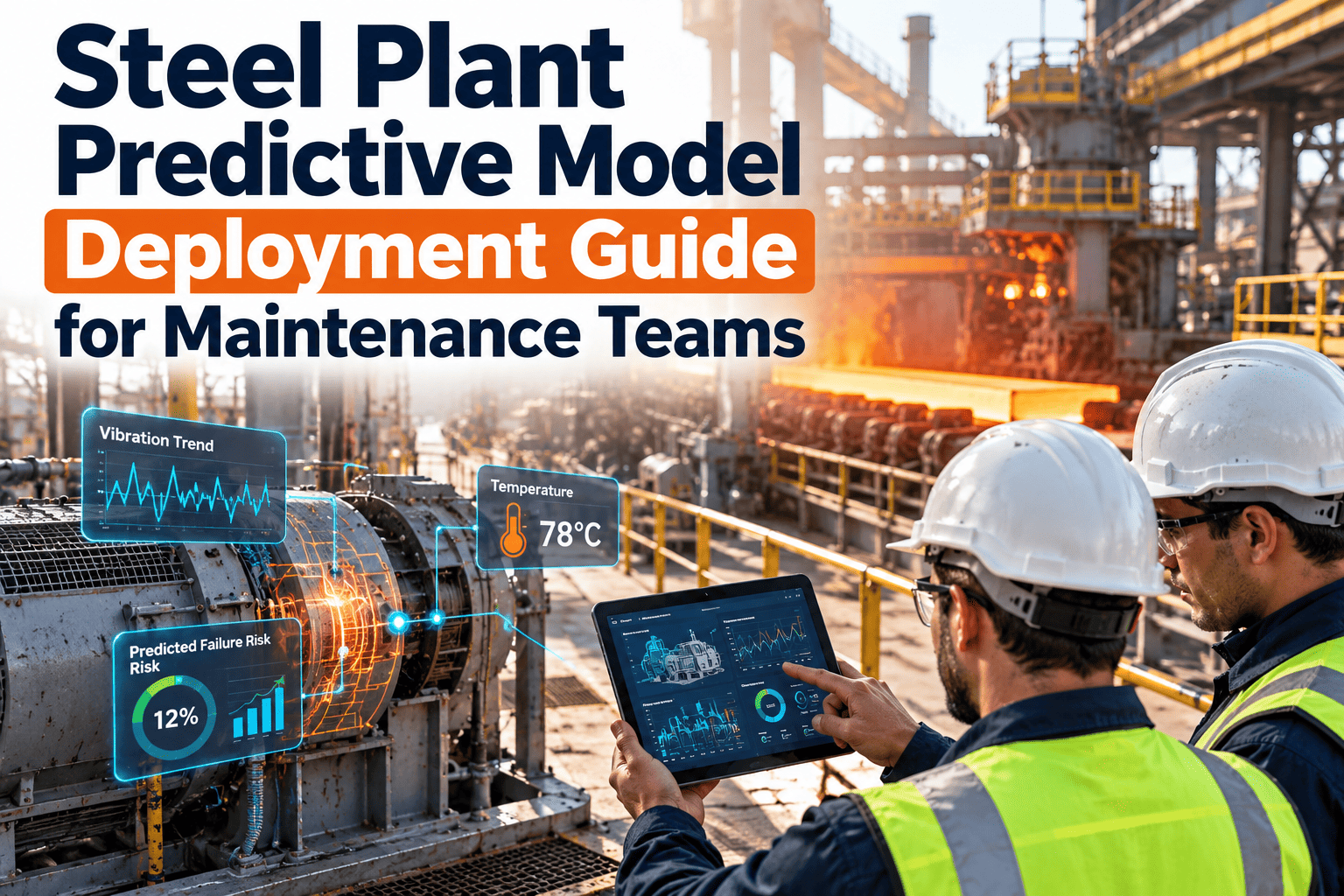
Steel Plant Predictive Model Deployment Guide for Maintenance Teams
Move from a trained failure-prediction model to a trusted, working alert process on rolling mills, casters, furnaces, fans and drives, with every prediction tied to an asset, an owner and a work order.
Why Steel Plant Predictive Models Stall After the Pilot
Most stalled deployments share the same few causes. None of them are about algorithm choice.
Typical stalled pilot
- Model trained on one clean month of data from a single motor
- Alerts sent to an email inbox nobody owns
- No link between a prediction and a work order
- Planners never learn whether the alert was right
- Thresholds fixed once and never reviewed
- Operators see warnings as extra noise during campaigns
Deployed with maintenance in the loop
- Training data includes failures, repairs and normal load changes
- Each alert is routed to a named planner or reliability engineer
- Accepted alerts become inspection or corrective work orders
- Technician findings flow back as confirmed or false alarm labels
- Thresholds reviewed monthly against outcomes
- Alerts ranked by criticality so crews see the few that matter
The steel plant factors that break generic models
- Heavy duty cycles: a hot strip mill stand under a thick slab behaves very differently from the same stand idling between slabs.
- Product mix changes: grade, width and thickness shift load, so a fixed vibration limit produces false alarms.
- Harsh sensing conditions: scale, water, heat and dust damage sensors and cabling, producing bad readings that look like faults.
- Rare failures: catastrophic events such as roll neck bearing seizure or caster segment failure are infrequent, so labeled examples are scarce.
- Planned stops and campaign schedules: maintenance windows drive when anything can actually be fixed.
Readiness Checklist Before You Deploy Anything
Answer these questions honestly for each asset class. A single no usually means fix the foundation first.
Asset register
Is every candidate asset uniquely identified, with a parent line, area and criticality rating that planners agree on?Failure history
Do work orders record the failed component, failure mode and cause, not just a free-text note such as "motor problem"?Signal trust
Are sensors calibrated, time-synchronized and tagged to the right asset, with a way to flag bad or missing readings?Operating context
Can the model see load, speed, product grade and running state, so it separates a fault from a heavy campaign?Response capacity
Do crews, spares and shutdown windows exist to act on an early warning, or will the alert just be logged?Ownership
Is a named person accountable for reviewing alerts every day and for closing the feedback loop?Six-Stage Deployment Timeline
Roll out in controlled stages. Each stage ends with a decision point rather than a calendar date.
Select the use cases
Choose two or three failure modes with high downtime cost, measurable precursors and enough history. Examples: gearbox bearing wear on a mill drive, cooling water pump degradation, induced draft fan imbalance, hydraulic unit contamination.Prepare data and labels
Align sensor history with work orders. Label confirmed failures, repairs and normal running. Remove periods with known sensor faults so the model does not learn them as machine faults.Validate offline
Test on past failures the model has not seen. Judge it on lead time, missed events and false alarm count per month, not a single accuracy number.Run in shadow mode
Let the model score live assets without raising official alerts. Reliability engineers compare its warnings with what technicians find in routine rounds.Go live with limited scope
Release alerts for a small asset group, with a defined response procedure and a short daily review meeting.Scale and retrain
Extend to similar assets, then retrain as equipment is rebuilt, process conditions change or confirmed outcomes accumulate.Matching Models to Steel Plant Failure Modes
Different assets need different signals and different maintenance responses. This table is a starting point for your own failure mode analysis.
| Asset area | Typical failure mode | Useful signals | Maintenance response |
|---|---|---|---|
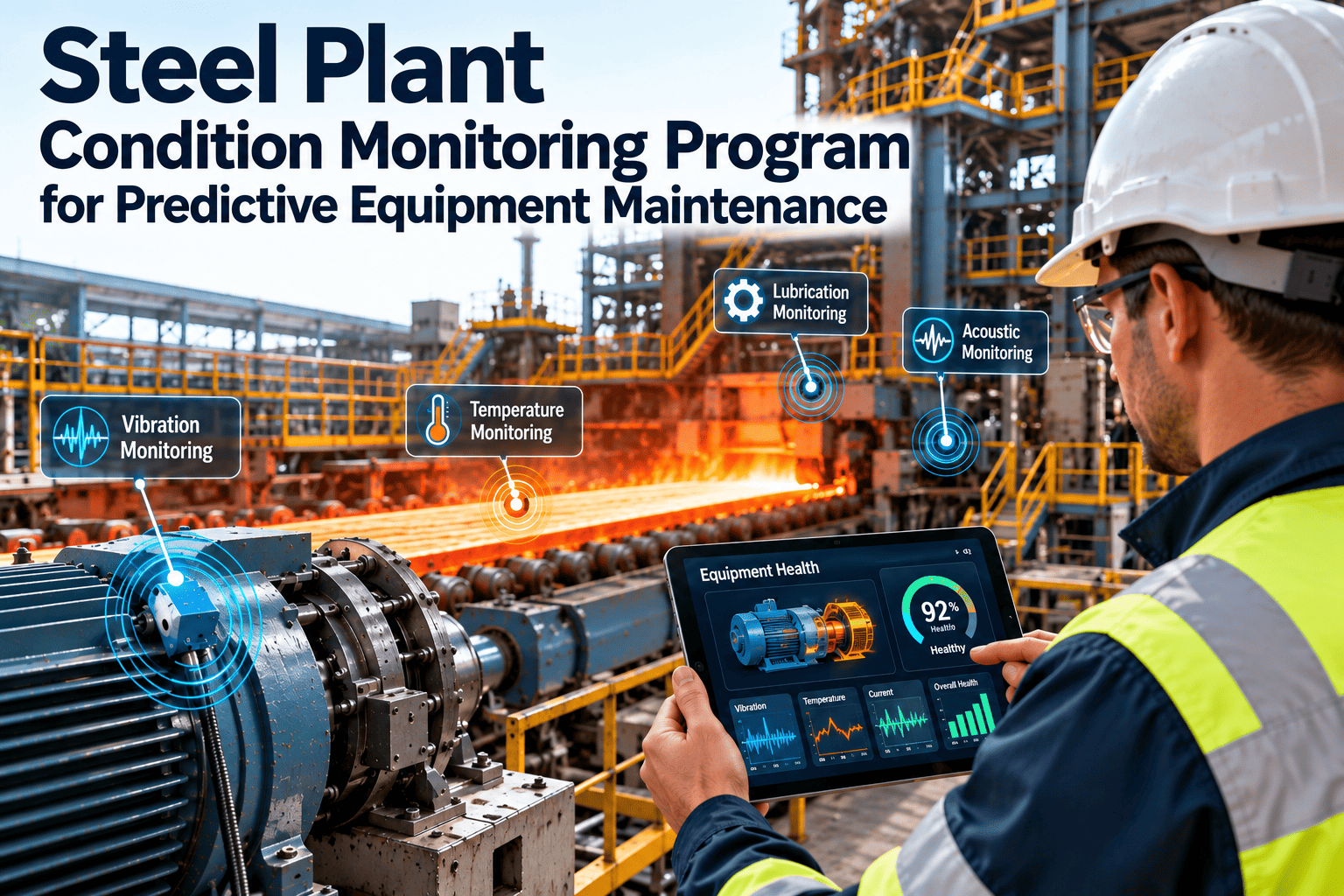
| Rolling mill gearbox and drive | Bearing or gear tooth wear | Vibration spectra, oil temperature, oil particle data, motor current | Oil sample, borescope inspection, plan bearing change in next outage |
| Continuous caster | Segment roll bearing seizure, cooling spray blockage | Roll drive torque, water flow and pressure, temperature | Inspect segment, clean nozzles, schedule segment swap |
| Induced and forced draft fans | Imbalance, bearing damage, buildup | Vibration, bearing temperature, motor load | Balance check, cleaning, bearing replacement |
| Hydraulic power units | Pump wear, contamination, leaking seals | Pressure, temperature, filter differential, pump case drain | Filter change, oil analysis, pump overhaul |
| Cooling water pumps | Cavitation, impeller wear, seal leakage | Flow, pressure, vibration, power draw | Alignment check, seal replacement, spare pump changeover |
| Electrical drives and transformers | Insulation degradation, overheating | Winding temperature, current imbalance, thermal imaging, dissolved gas data where fitted | Thermography round, electrical inspection, scheduled testing |
| Overhead cranes | Brake wear, hoist gearbox and wire rope wear | Motor current, brake test results, hours, load cycles | Brake inspection, rope check, preventive task adjustment |
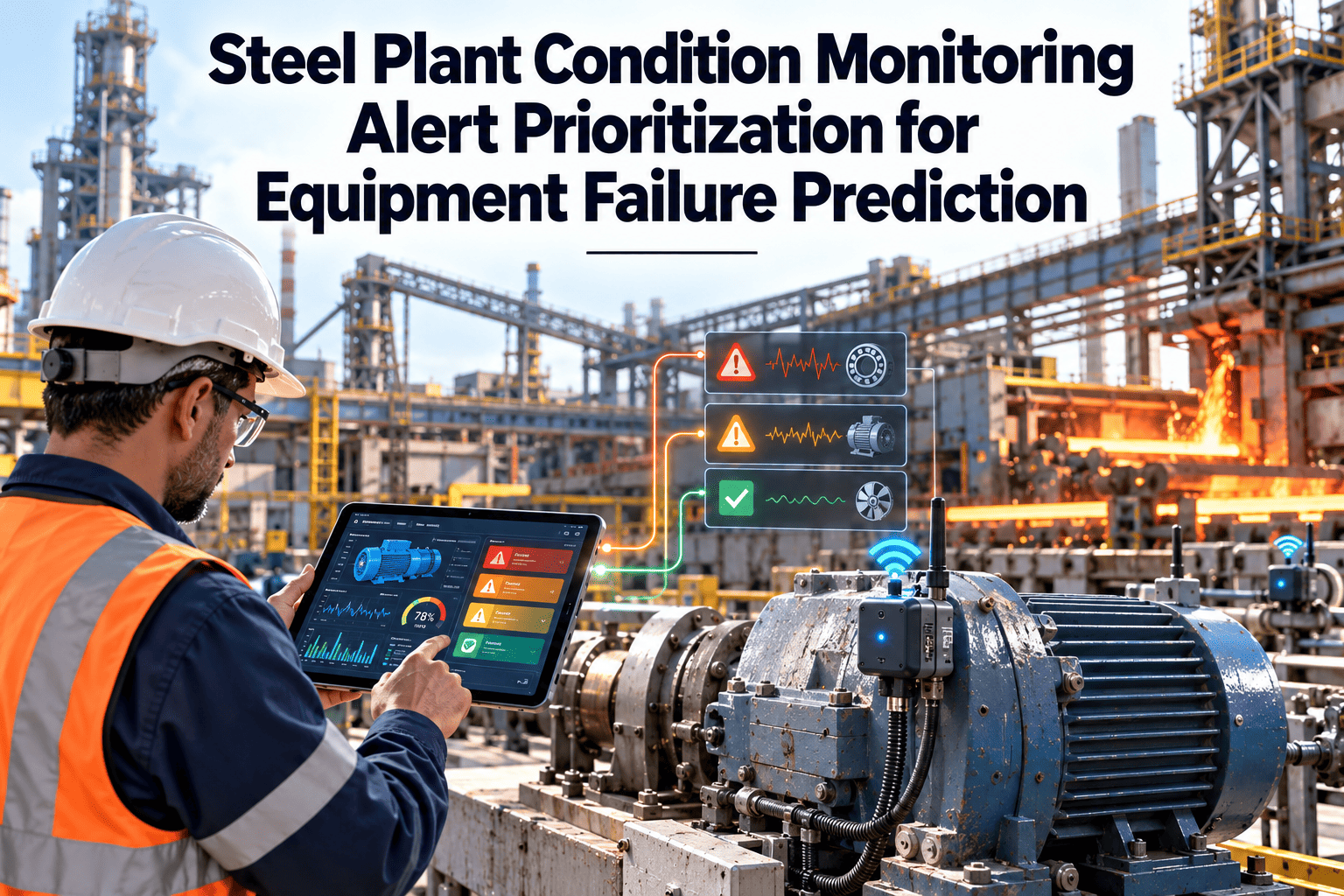
Prioritizing Alerts So Crews Act on the Right Ones
A model should not raise equal alarms for every asset. Combine how confident the model is with how much a failure would cost the plant.
What every alert should carry
- The asset and its position in the line hierarchy
- Failure mode suspected and the signals that triggered it
- Estimated time window, stated as a range, not a false precision date
- Recommended inspection or corrective action
- Spare parts and skills likely required
- A one-click way for the technician to confirm or reject the finding
Give Every Prediction an Owner and a Work Order
Oxmaint turns alerts into assigned inspections, tracks the findings and keeps asset history in one place, so your predictive program improves with every job closed.From Alert to Closed Loop: The Maintenance Workflow
Value only appears when a prediction changes what the maintenance team does. The workflow below keeps that path short and traceable.
Alert is reviewed
A planner or reliability engineer checks the signals, load context and recent work history within the agreed response time.Work order is raised
An inspection or corrective job is created against the asset with priority, checklist, required parts and safety steps.Technician inspects
Findings, readings and photos are recorded on a mobile device at the equipment, even where connectivity is limited.Repair is scheduled
If a fault is confirmed, the job is slotted into a planned stop with parts reserved from inventory.Outcome feeds the model
The confirmed failure mode or false alarm label is stored in asset history for the next retraining cycle.How Oxmaint supports this workflow
- Asset management with hierarchy, criticality and full maintenance history for each machine
- Work order management for corrective and inspection jobs, with priorities, assignments and checklists
- Preventive maintenance scheduling that can be adjusted as condition findings come in
- Mobile workflows so technicians record readings and findings where the work happens
- Inventory tracking so spares for predicted failures are checked before the outage window
- Reports and dashboards for overdue jobs, repeat failures and response times
Measuring Whether the Model Is Working
Track outcomes the maintenance team can verify. Review them monthly and adjust thresholds and scope.
Governance, Safety and Compliance Considerations
Predictive programs touch safety-critical equipment, so treat the model as one input into maintenance decisions, not an authority.
- Keep a documented rule for when an alert requires isolation, lockout and inspection, and record the completed steps on the work order.
- Follow recognized condition monitoring guidance such as ISO 17359 and vibration standards such as the ISO 20816 series when setting alarm limits.
- Version every model, record the data it was trained on and note who approved each threshold change.
- Define a manual fallback so inspections continue when sensors, networks or the model are unavailable.
- Protect operational data with role-based access, and review any external connectivity with plant IT and cyber security teams.
- Retain inspection and repair records for audits and for insurer or internal reliability reviews.
Common deployment mistakes to avoid
- Starting with the whole plant instead of one or two asset groups.
- Treating every anomaly as a failure, which floods planners with alerts.
- Ignoring technician feedback because it is entered after the fact.
- Skipping spares planning, so a valid warning still ends in a long wait for parts.
- Never retraining after a major rebuild or process change.
A Practical 90-Day Rollout Outline
| Period | Focus | Output |
|---|---|---|
| Days 1 to 30 | Asset register cleanup, criticality ranking, failure code standard, data review | Agreed pilot assets and a usable history of failures and repairs |
| Days 31 to 60 | Model validation and shadow running, alert format and routing design | Documented thresholds, response procedure and named alert owners |
| Days 61 to 90 | Live alerts for pilot group, daily review, feedback capture | First outcome report with precision, lead time and lessons for scaling |
Who Does What: Roles in a Predictive Program
Predictive work fails when everyone assumes someone else owns the alerts. Write down responsibilities before go-live.| Role | Responsibility | Typical output |
|---|---|---|
| Reliability engineer | Chooses failure modes, reviews alert quality, owns thresholds | Monthly outcome review and threshold change requests |
| Maintenance planner | Reviews alerts daily, creates and schedules work orders | Planned jobs with parts and permits attached |
| Technician | Inspects the asset and records what was found | Confirmed fault or false alarm label with photos and readings |
| Production supervisor | Agrees outage windows and operating context changes | Approved stop slots and notice of product changes |
| Automation and IT | Keeps sensors, gateways and data feeds healthy | Data availability reports and fault fixes |
Watching for model drift after go-live
- Compare the share of alerts confirmed by technicians each month. A steady decline suggests the model no longer matches the equipment.
- Flag any asset that has been rebuilt, re-aligned or moved to a new product range, since its normal behavior has probably changed.
- Keep a short log of sensor replacements and recalibrations so changes in readings are not mistaken for wear.
- Retrain on a schedule agreed with reliability engineering, and only after reviewing new confirmed outcomes.