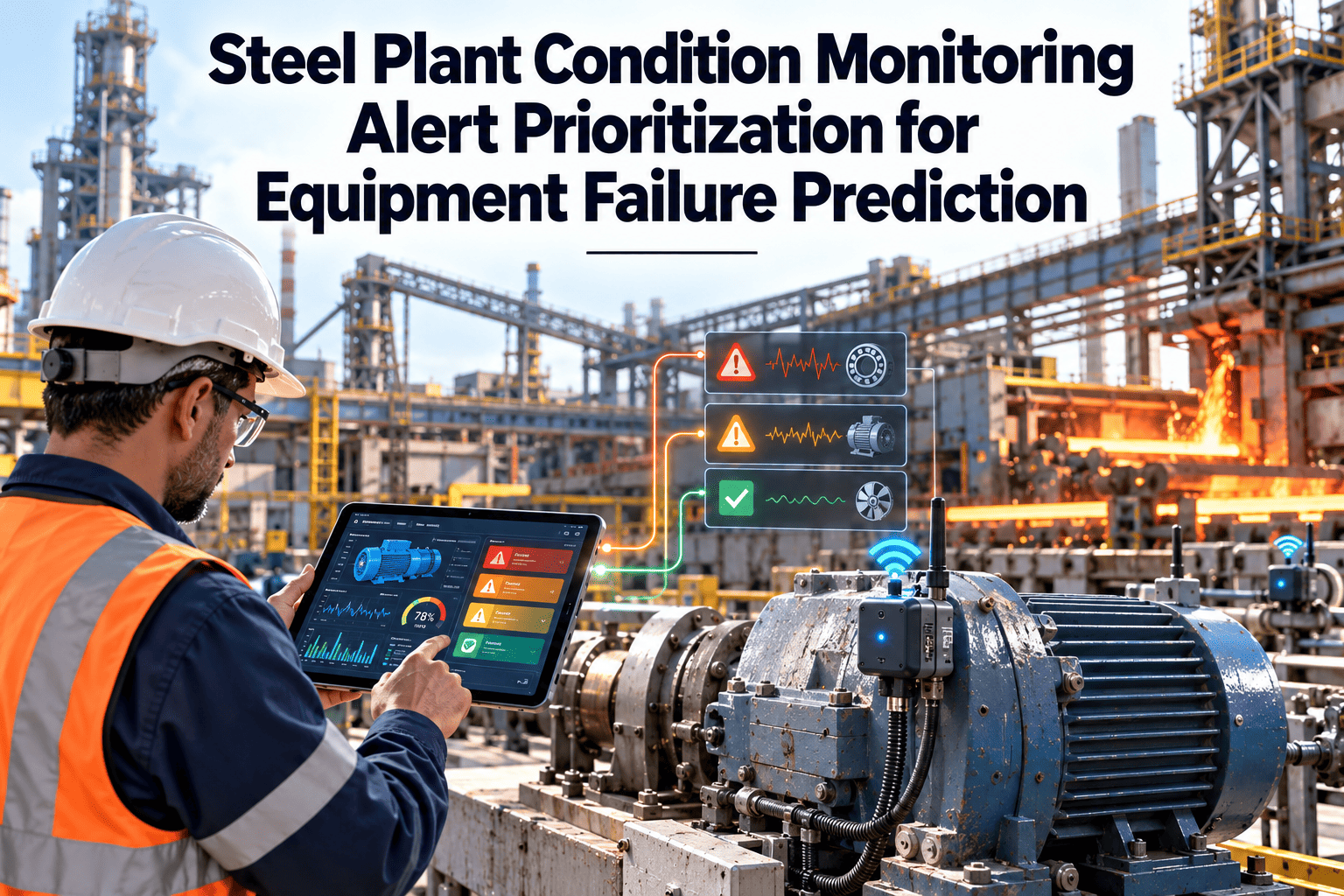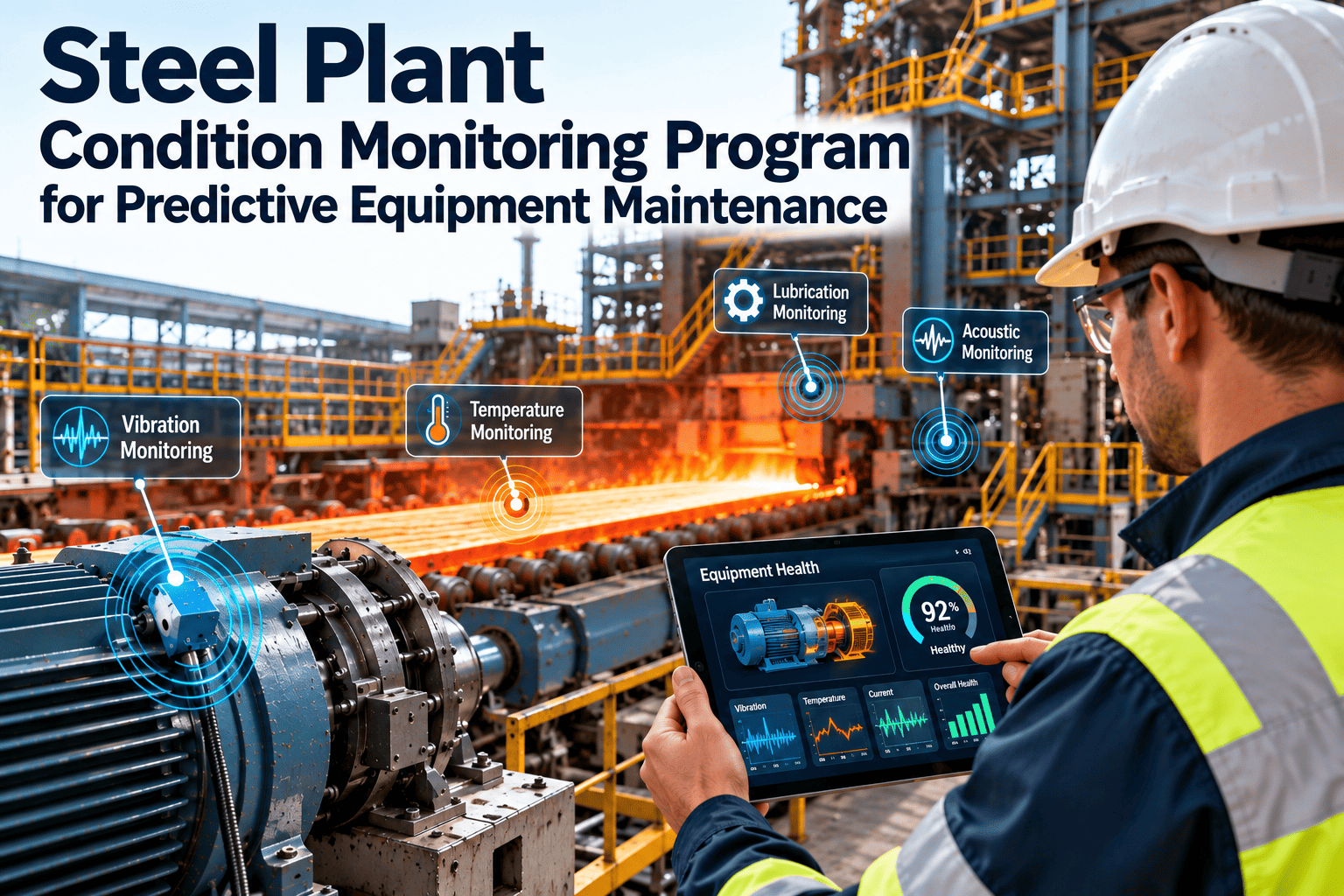
When a bearing temperature climbs on a mill drive at night, the useful outcome is a work order with the right asset, the right priority and the right instructions, not an email that someone may read tomorrow. Automating the path from sensor to work order shortens response time and keeps a record of every decision. Done carelessly, it floods planners with duplicates and false jobs. This article explains what to automate, how to build safeguards and how Oxmaint maintenance management software supports the workflow.
Turn Condition Signals Into Planned Maintenance Work
Connect trusted sensor findings to work orders that carry the asset, the symptom, the priority and the next step, with rules that stop duplicates and noise.
Where the manual path loses time and information
In many plants, a monitoring alert and a work order live in different systems, and a person bridges them by hand. Each handoff adds delay and risk.
- Alert arrives by email or on a separate dashboard
- Someone retypes the asset name into a work order
- Readings are pasted into notes or left behind
- Priority depends on who happens to read it
- Closure rarely returns to the monitoring team
- Validated finding creates a task linked to the asset
- Signal, trend and threshold attach to the work order
- Priority follows criticality and severity rules
- Planner and technician are notified with a due time
- Closure outcome flows back to improve the rule
Decide which findings create work orders on their own
Not every signal deserves automatic work. Match the level of automation to how well the rule has been proven and how much a false job costs.
| Finding type | Typical example | Suggested automation | Why |
|---|---|---|---|
| Hard limit breach on a protected parameter | Bearing temperature above the alarm limit | Automatic urgent work order and notification | Clear, well understood and time critical |
| Proven trend rule | Vibration level rising steadily over several weeks | Automatic inspection task for the area technician | Rule has a track record, cost of a check is low |
| Usage-based trigger | Operating hours or lift count reached | Automatic preventive work order | Based on counters, not on interpretation |
| Anomaly or model finding | Unusual combination of current and vibration | Proposed task for engineer review before release | New or less certain, human judgment needed |
| Data quality problem | Flat-line or drifting sensor | Instrument work order, not an equipment repair | Fix the sensor before trusting the signal |
| Informational change | Small shift within normal limits | Log only, no task | Avoids noise and keeps focus on real risk |
Four trigger types and how to use each one
What an automated work order should carry
A good automated work order saves the technician from searching. Map each signal property to a work order field.
| Source information | Work order field | Benefit |
|---|---|---|
| Sensor tag mapped to an asset | Asset or component | Work lands on the right machine and history stays complete |
| Rule name and measured value | Problem description | Technician sees what triggered the job and how far from normal |
| Criticality and severity | Priority and due date | Consistent response without manual ranking |
| Fault pattern | Suggested task list | Inspection steps match the expected failure mode |
| Trend chart or reading snapshot | Attachment or note | Evidence travels with the job |
| Spare part links on the asset | Parts list | Planner can reserve parts before the stop |
| Area and craft | Assignment | Right team receives the task first |
Stop Retyping Alerts Into Work Orders
Create structured tasks from condition findings, assign them by area and criticality and keep the full history on each asset.
Safeguards that keep automation under control
Automation without limits creates its own backlog. Build these checks into every rule before it goes live.
Duplicate check
If an open work order already covers the same asset and fault, add the new reading to it instead of creating another.Cooldown period
After a work order closes, hold new alerts for a short period while the repair settles and the baseline resets.Sensor health gate
Block automatic jobs when the sensor shows drift, gaps or flat-line, and raise an instrument task instead.Operating state filter
Ignore alerts during startup, idle and known transient states unless the rule is designed for them.Rate limit
Cap automatic jobs per asset and per area per day, with a warning to the reliability owner when the cap is hit.Approval tiers
Let low-risk rules release work directly, and send new or high-impact rules to an engineer for approval.How the path looks for four steel plant assets
| Asset | Signal | Rule type | Resulting work |
|---|---|---|---|
| Finishing mill gearbox | Vibration at bearing defect frequency | Trend, then engineer review | Inspection with oil sample, repair planned for the next roll change |
| Descaling pump | Pressure drop and rising current | Anomaly with threshold backup | Inspection of seals and impeller, spare kit reserved |
| Conveyor drive | Motor temperature and belt tracking | Threshold plus trend | Round task for idlers, alignment check at next stop |
| Overhead crane hoist | Lift count and brake wear reading | Usage and threshold | Preventive brake inspection with signed checklist |
Feedback is what makes automation get better
Closing a work order with one of these outcomes takes seconds on a phone, and it is the information that most improves the next prediction.
A staged plan to introduce automation safely
Map and prepare
Link sensor tags to assets, confirm criticality and define work order templates for the first asset class.Shadow mode
Run rules and show proposed work orders without releasing them, then compare with what technicians would have done.Release low-risk rules
Switch on automatic tasks for proven rules with guardrails and a named owner for each.Expand and review
Add asset classes, review outcomes monthly and retire or retune weak rules.Measure whether automation is helping
- Time from finding to work order: should fall to minutes for automated rules.
- Time from work order to action: shows whether planners and technicians can keep up.
- Confirmed fault rate by rule: identifies strong rules and those that need retuning.
- Duplicate and cancelled work orders: a rising count means guardrails need attention.
- Planned versus emergency work: the long-term sign that early warnings are being used.
- Repeat failures on monitored assets: shows whether repairs address the real cause.
Oxmaint capabilities that support the workflow
- Asset register that links sensors, history and spares
- Work order templates, priorities, assignment and scheduling
- Condition-based and usage-based preventive maintenance
- Mobile completion with photos, readings and closure outcomes
- Inventory and parts linked to the asset
- Dashboards and reports on backlog, overdue work and repeat failures
Set priority and due dates from rules, not from guesswork
Automatic work orders need consistent priority and due dates. Base them on asset criticality and the strength of the finding, and let planners adjust with a recorded reason.
| Asset criticality | High severity finding | Moderate finding | Early or low finding |
|---|---|---|---|
| Critical | Urgent, same shift, supervisor notified | High, within 48 hours | Normal, next planned window |
| Important | High, within 48 hours | Normal, within a week | Low, add to next preventive task |
| Standard | Normal, within a week | Low, next preventive visit | Log only |
Permissions worth defining
- Create: rules and approved integrations may create work orders, but only to defined templates.
- Release: low-risk rules release directly, while new rules wait for engineer approval.
- Change priority: planners and supervisors can adjust priority, with a short reason recorded.
- Cancel: only a named role may cancel an automatic work order, and the reason must be selected.
- Close: technicians close with a required outcome so feedback reaches the rule owner.
What the person in the field needs from an automated work order
If the task is unclear, technicians will ignore it or complete it badly. Design the work order around the person standing at the equipment.
Why automation sometimes fails
- Work orders arrive with no asset detail, so technicians search for the equipment.
- Jobs appear with no parts or permit information, causing delays at the equipment.
- Too many low-value tasks bury the important ones in the backlog.
- Closure forms are long, so technicians pick the first outcome or skip the step.
- Nobody reviews cancelled or false jobs, so the rules never improve.
Show the benefit with measures planners and managers trust
Avoid claiming savings you cannot trace. Use before and after comparisons on the same assets, and keep the comparison period long enough to include normal variation.
Ways to connect monitoring to the maintenance system
The right connection depends on what your monitoring tools support and how much real-time response you need. Many plants start simple and move to tighter integration later.
| Approach | How it works | Strength | Consideration |
|---|---|---|---|
| Direct integration | Monitoring software sends findings to the maintenance system through an interface | Fast and consistent | Needs agreed fields, asset mapping and testing |
| Scheduled import | Findings are exported and loaded at regular intervals | Simple to set up, tolerant of limited tools | Delay of minutes to hours, so unsuitable for urgent alarms |
| Review then release | An engineer approves each finding before a task is created | Human control for new or uncertain rules | Adds effort and delay, so reserve it for rules that need it |
| Manual entry from a dashboard | A person creates a work order from a monitoring view | Works with any tool | Prone to missing detail and delay |
Checklist before go-live
- Every sensor tag in scope maps to an asset in the register.
- Work order templates exist for each rule, with tasks, craft and priority.
- Duplicate, cooldown and sensor health checks have been tested.
- Owners and escalation contacts are named for each asset area.
- Technicians have been trained on the new jobs and closure outcomes.
- A rollback plan exists to switch a rule back to review mode quickly.
Audit trail
- Record which rule or model created each work order, with its version.
- Keep the reading, threshold and time that triggered the task on the work order.
- Log priority changes, cancellations and approvals with the person and reason.
- Retain this information with the asset history for later review and audits.
Automation must never bypass safety controls
An automatic work order tells people what to check. It does not authorize work. Keep isolation, permits and competent person rules fully in force.
- Include permit and isolation reminders on templates for equipment that needs them.
- Require competent person sign-off for work on lifting equipment, pressure systems and energy sources.
- Never let an automated rule restart or stop equipment unless engineering has approved that specific function.
- Flag jobs that need production to stop, so planners can coordinate with operations.
- Record who accepted the risk when a high-priority job is deferred.
Sensor-to-work-order automation questions
Should every alert create a work order?
No. Automate proven, time-critical rules, and send uncertain findings to review. Many alerts should only be logged and trended.How do we avoid duplicate work orders?
Check for an open job on the same asset and fault, and add new readings to it instead of raising a new one.Do we need a new monitoring system?
Not necessarily. Existing monitoring can feed the maintenance system if tags are mapped to assets. You can book a demo to discuss options.Who approves automatic rules?
A reliability engineer should own each rule, with maintenance and operations agreeing on priority and response time.What is a good first step?
Choose one critical asset class, map its tags and create work order templates in Oxmaint before switching on automation.Close the Gap Between Warning and Repair
Give every condition finding an owner, a due date and a record, so early warnings become planned maintenance instead of lost messages.