SAP PM Configuration Guide for Successful CMMS Integration
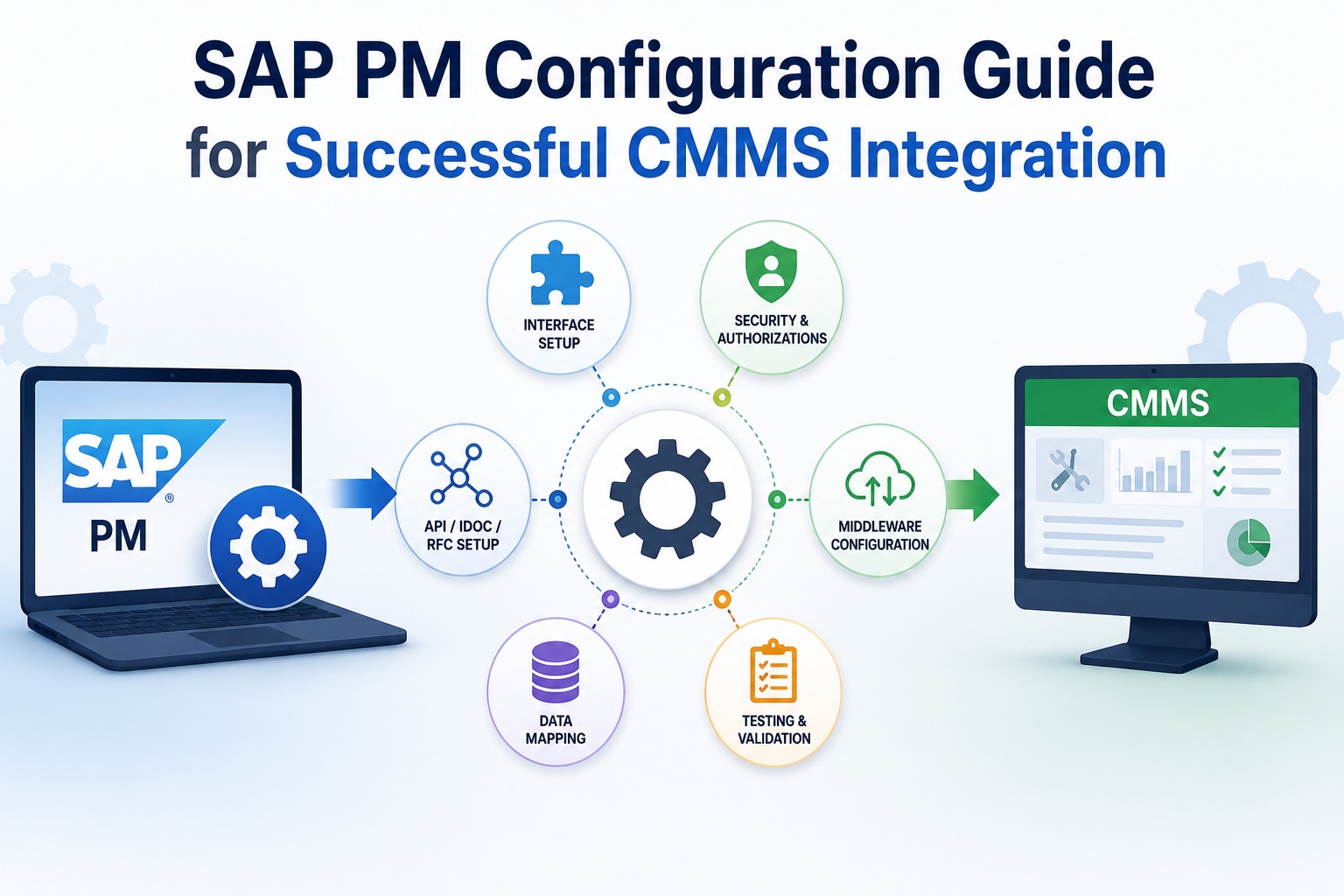
SAP PM configuration is the layer where CMMS integrations succeed or quietly fail. The integration platform connects to SAP through specific configuration touchpoints: RFC destinations, IDoc partner profiles, BAPI exposures, authorization roles, OData services, and change document activations. Getting these right requires SAP Basis discipline applied with integration architecture in mind. This technical guide walks through the eight configuration domains every CMMS integration depends on—with specific T-codes, transaction paths, and validation criteria you can apply at each step. Book a free demo to see configured integration in action.
TECHNICAL CONFIGURATION REALITY
Eight Configuration Domains Determine Whether Integration Works
SM59
RFC Foundation
8
Config Domains
WE20
IDoc Partners
PFCG
Authorization
Why SAP PM Configuration Determines Integration Success
CMMS integrations don't fail at the application layer—they fail at the SAP configuration layer. The middleware works. The CMMS application works. The integration code is tested. Then production traffic hits an authorization gap nobody caught in development, an IDoc partner profile that has wrong outbound parameters, or a BAPI that the integration user doesn't have permission to call. The visible symptom is "the integration is broken"; the actual cause is one missing configuration touchpoint in SAP that should have been done weeks earlier.
The pattern that prevents these failures is treating SAP PM configuration as production code rather than system settings. Version-controlled, peer-reviewed, transported through dev → QA → production with the same discipline application code receives. Integration architects ready to apply this discipline can Sign up free to assess SAP PM configuration readiness.
Integration Pattern Selection: IDoc, BAPI, RFC, or OData
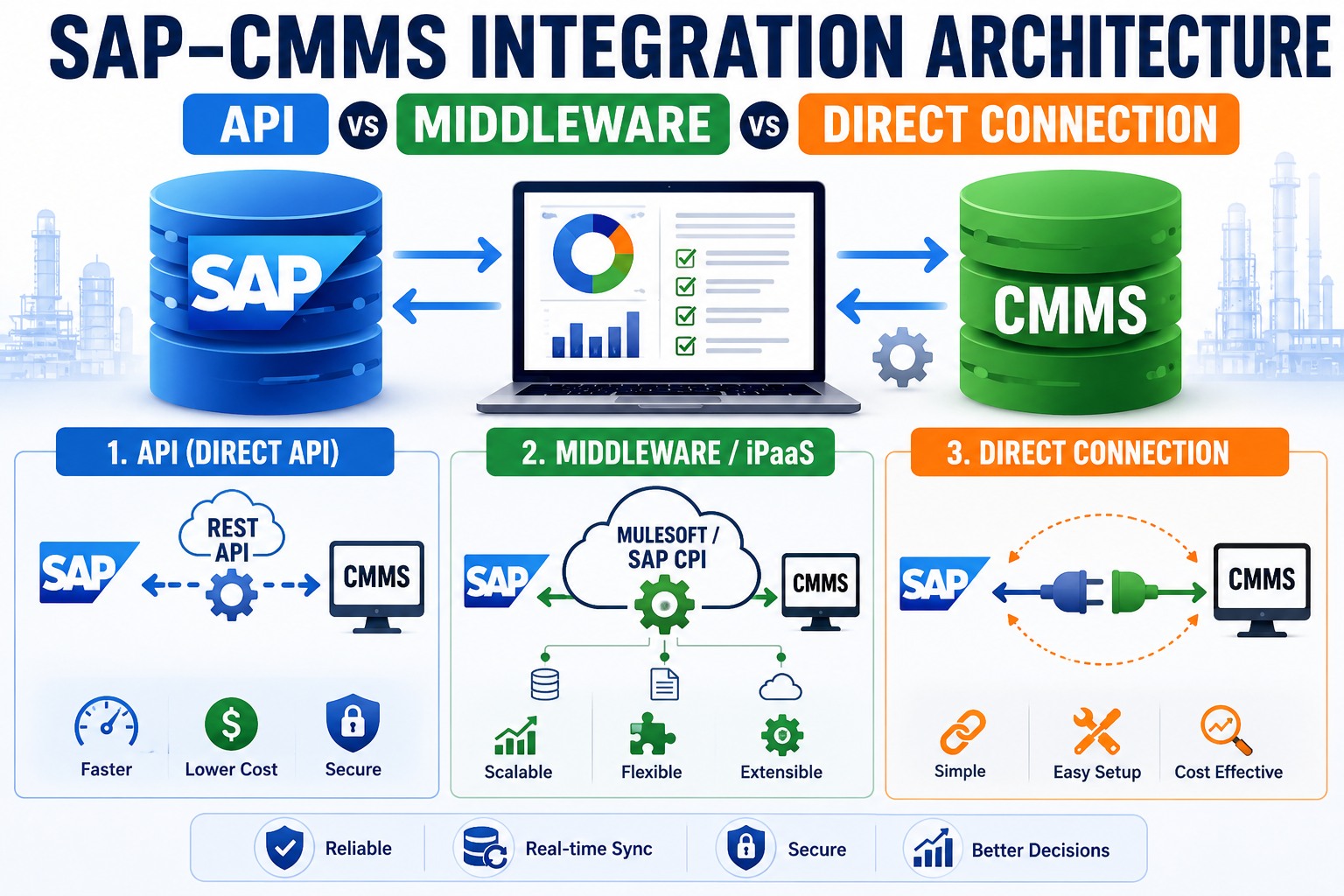
The first architectural decision is which integration pattern to use. Each has its place, and most production CMMS integrations end up using multiple patterns for different data flows. The comparison below helps you match pattern to use case.
Pattern · Async
IDoc / ALE
message-based
Best for high-volume, loose-coupling, message-based integration with retry logic built in
Pattern · Sync
BAPI / RFC
function call
Best for real-time queries and transactional updates where tight coupling is acceptable
Pattern · REST
OData
modern web
Best for mobile, modern web integrations, and microservices-style architectures
Pattern · Hybrid
SAP CPI
cloud platform
Best for cloud-to-cloud, hybrid landscape, and pre-built CMMS connector scenarios
The 8-Domain SAP PM Configuration Map for CMMS Integration
The configuration map below covers the eight SAP PM domains every CMMS integration depends on. For each domain, the map shows the relevant SAP transaction code, the configuration purpose, the specific tasks to complete, and the validation criterion that confirms the configuration is correct. Work through these in sequence and your integration foundation is solid.
8 DOMAINS · T-CODES · TASKS · VALIDATION
SAP PM Configuration Map
PHASE A · Foundation Connectivity
PHASE B · Business Object Access
PHASE C · Audit & Validation
01
RFC Connection Setup ANCHOR · FOUNDATION
SM59
Establish technical connection between SAP and CMMS middleware. Everything else depends on this working correctly.
→ Create RFC destination of type TCP/IP or HTTP in SM59 transaction
→ Configure target host, gateway service, and authentication credentials
→ Test connection and authorization from SM59 with technical and remote logon tests
VALIDATION: SM59 connection test returns success; both technical and authorization tests pass
02
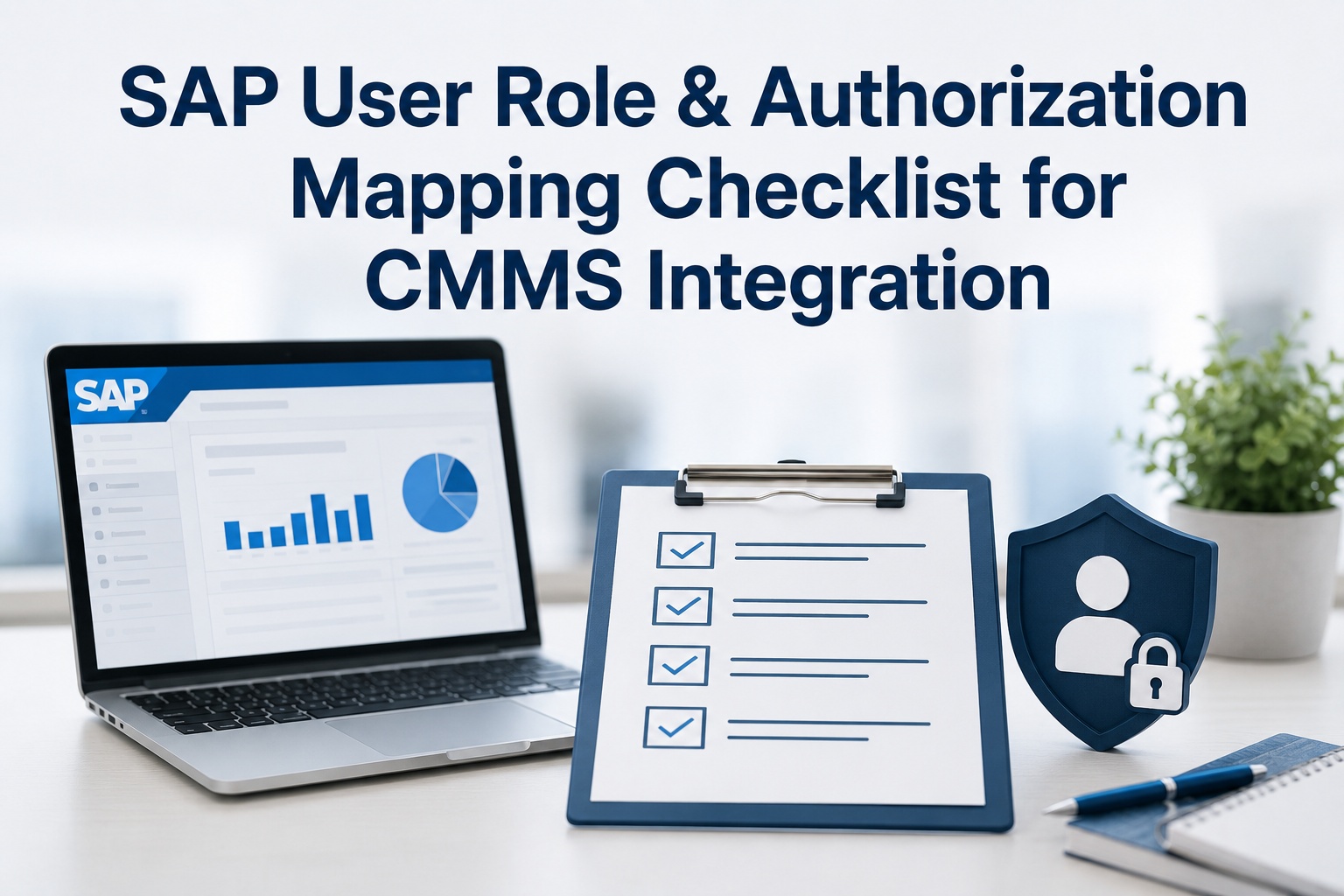
Authorization Roles & Profiles
PFCG
Create authorization roles for the integration technical user. Insufficient authorizations are the most common cause of production integration failures.
→ Create PFCG role with required authorization objects (S_RFC, M_ORDER, I_QMEL, M_IPLM)
→ Generate profile and assign to integration user via SU01
→ Test with SU53 trace during integration execution to catch missing authorizations
VALIDATION: SU53 shows zero missing authorizations during end-to-end integration test scenarios
03
IDoc Configuration
WE20 / BD64
Configure IDoc partner profiles and message types for asynchronous, message-based integration patterns.
→ Create logical system (BD54) and partner profile (WE20) for the CMMS endpoint
→ Configure outbound parameters (port, message types: PMNOTI, ORDERS) and inbound process codes
→ Distribute model via BD64 and activate change pointers (BD50, BD61)
VALIDATION: WE05 monitor shows status 03 (passed to port) and 53 (application document posted)
04
BAPI & Function Module Access
SE37 / BAPI
Expose work order, notification, and equipment BAPIs for CMMS synchronous access to SAP business objects.
→ Test each BAPI in SE37 with realistic input data before exposing to CMMS
→ Enable BAPI authorization for integration user and confirm RFC profile includes S_RFC for BAPI functions
VALIDATION: All required BAPIs callable via RFC from CMMS test environment with correct return data
05
Number Range Management
SNRO / CNR1
Ensure unique notification, work order, and equipment numbers across SAP and CMMS to prevent collision and reconciliation failures.
→ Reserve number ranges per object via SNRO (objects: AUFTRAG, QMEL, EQUI)
→ Configure external vs internal assignment rules based on which system is the master
→ Document range allocations and communicate to all integrated systems
VALIDATION: Zero number conflicts in cross-system reconciliation testing over 1,000+ records
06
OData Service Configuration
/IWFND/MAINT_SERVICE
Enable OData services for modern REST integration patterns, mobile apps, and microservices-style architectures.
→ Register OData services via /IWFND/MAINT_SERVICE in the gateway hub
→ Activate ICF nodes (/sap/opu/odata/sap/*) for the relevant services
→ Configure CORS if cross-origin access is needed, set up OAuth tokens for authentication
VALIDATION: GET / POST requests return expected data via REST client (Postman, curl, browser)
07
Change Document Configuration
SCDO / BD50
Enable change documents for audit trail and change pointer activation for downstream synchronization to CMMS.
→ Activate change documents for EQUI, ILOA, IFLOT via SCDO
→ Set BD50 to activate change pointers for relevant message types
→ Schedule BD21 job to process change pointers on the required frequency
VALIDATION: BD22 monitor shows change pointers being created and processed within SLA
08
Integration Test Framework
SE38 / STAD / SM58
Establish baseline test data, performance monitoring, and error handling infrastructure before production cutover.
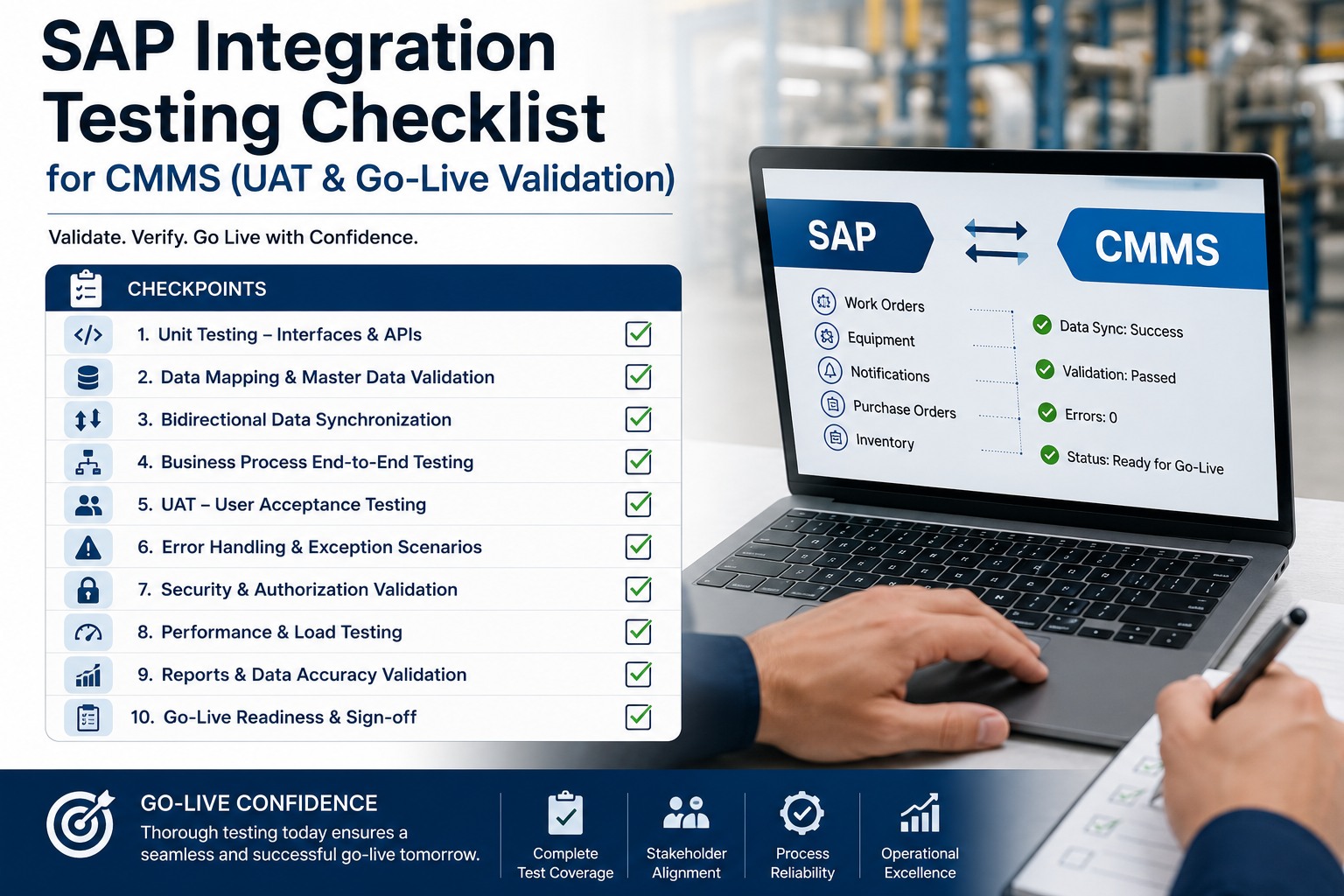
→ Create test data sets covering happy path, edge cases, and known error scenarios
→ Configure STAD performance traces and SM58 RFC error monitoring
→ Document test scenarios with expected outcomes and reconciliation criteria
VALIDATION: End-to-end test scenario completes successfully with all reconciliation checks passing
3Foundation Connectivity
3Business Object Access
2Audit & Validation
01SM59 Anchor
Each domain's validation criterion is what separates "configured" from "configured correctly." Skipping validation produces integrations that work in development and fail in production under load or edge cases. Integration architects ready to apply the configuration map can Sign up free to walk through the 8 configuration domains.
SEE IT IN PRACTICE
Walk Through Live SAP PM Configuration for CMMS
30-minute technical walkthrough of the full 8-domain configuration in a live SAP system—T-codes, transaction screens, validation steps, common pitfalls demonstrated.
The pitfalls below account for the majority of failed SAP-CMMS integration go-lives. Each one is preventable with disciplined configuration practice. Recognizing them in advance saves weeks of post-cutover firefighting.
Missing Change Documents
Forgetting to activate change documents on EQUI/IFLOT/ILOA. Master data changes don't propagate to CMMS. Caught months later during audit.
Authorization Gaps in Production
Test user has SAP_ALL; production user has minimal role. Production integration fails on first authorization-protected operation.
Number Range Conflicts
Both systems generating overlapping notification numbers. Reconciliation breaks; manual rework consumes thousands of hours.
No Retry Logic for Failures
Transient network failures cause permanent IDoc errors. Manual reprocessing required for what should be automated retries.
Each pitfall has a configuration solution that, applied during initial setup, prevents the production crisis entirely. Integration architects ready to audit configurations against these pitfalls can Sign up free to audit configurations against common pitfalls.
Performance Tuning for Production Integration
Development configurations rarely survive production load without tuning. The performance delta between baseline and tuned configurations shows where the largest gains come from—and which knobs to turn first.
BASELINE CONFIG vs TUNED CONFIG
Production Integration Performance Delta
IDoc Throughput (per hour)
2,000
15,000+
+650%
BAPI Response Time (P95)
3-5 sec
<500 ms
−85%
RFC Connection Pool Utilization
95% (saturated)
40-50%
Healthy
Background Job Queue Depth
500-1,000
<50
−90%
Memory per Integration Worker
2 GB
600 MB
−70%
2-4 wk
Typical tuning effort for production-grade SAP integration configuration
7-10x
Typical throughput improvement from baseline to tuned configuration
The biggest tuning gains come from connection pool sizing, background job parallelization, IDoc collect/distribute job scheduling, and BAPI query optimization. Integration architects ready to walk through tuning patterns can Book a free demo to review tuning patterns.
Expert Perspective on Integration Configuration
"
The SAP-CMMS integrations I've watched run reliably for years share a property that surprises new integration architects: their configurations are version-controlled like production code. Every PFCG role change, every WE20 partner profile update, every SM59 destination modification is tracked, peer-reviewed, transported through environments, and documented. The configurations aren't "system settings" managed casually by whoever has the access; they're production artifacts treated with the same discipline as application code. The teams that skip this discipline—usually because configurations feel different from code—are the ones explaining six months later why nobody knows why a critical partner profile was changed, who changed it, or how to reproduce the working state. SAP configuration is code. Treat it accordingly.
01
Configuration Is Code
Version-controlled, peer-reviewed, transported with discipline. Configuration drift causes outages just like code drift does.
02
Test With Production Authorization
SAP_ALL in test masks real-world authorization gaps. Test with the actual production user role to catch gaps before cutover.
03
Document T-Codes With Decisions
Document not just what was configured but why. The why becomes critical when troubleshooting six months later.
90-Day Configuration Roadmap
The 90-day roadmap below sequences the eight configuration domains across realistic SAP project timelines, including QA testing and production validation phases.
90-DAY CONFIGURATION ROADMAP
From RFC Foundation to Production-Ready Integration
DAYS 1–25
01
Foundation Connectivity
Configure RFC destinations (SM59), authorization roles (PFCG), and IDoc partner profiles (WE20). Validate dev environment connectivity end-to-end.
DAYS 26–50
02
Business Object Access
Enable BAPIs (SE37), configure number ranges (SNRO), register OData services. Test all integration patterns with realistic data volumes.
DAYS 51–75
03
Audit & Test Framework
Activate change documents (SCDO), establish test framework, transport configurations to QA. Run full end-to-end test scenarios with reconciliation.
DAYS 76–90
04
Production Tuning & Cutover
Apply performance tuning, transport to production, validate authorizations with production roles, execute cutover playbook with rollback procedures.
CONFIGURE WITH DISCIPLINE
Make Your SAP PM Configuration Production-Grade
Eight domains. Specific T-codes. Validation criteria. The configuration discipline that separates integrations that survive production from those that don't.
Should we use IDoc or BAPI for work order integration?
Use both for different purposes. IDoc (asynchronous) works best for bulk master data synchronization and high-volume notification flows where eventual consistency is acceptable—you get built-in retry logic and loose coupling. BAPI (synchronous) works best for real-time operations where the user needs immediate confirmation: creating a notification from a mobile app, updating work order status, querying current equipment data. Most production CMMS integrations use IDoc for master data and asynchronous events, BAPI for real-time user-facing operations. The architectural decision isn't either/or—it's matching the right pattern to each data flow.
What's the minimum SAP PM version required for modern CMMS integration?
SAP ECC 6.0 EHP6 or later supports all the integration patterns described in this guide—IDoc, BAPI, RFC, and OData. Earlier versions work but may lack some OData services that simplify modern integration. SAP S/4HANA 1709 or later provides the richest integration capabilities including the modern OData services and Fiori-aligned BAPIs. If you're on SAP ECC 6.0 without EHP6, integration works but you'll rely more heavily on traditional BAPI/RFC patterns. Plan to validate specific BAPI availability against your version before committing to integration architecture.
How do we handle SAP transports for integration configuration?
Transport everything that supports transport: PFCG roles (transportable by default), IDoc configurations (WE20, BD64 via transport), OData service registrations, and BAPI authorization changes. Non-transportable items like SM59 RFC destinations need to be manually replicated across environments with documented procedures. The discipline that works: maintain a transport request specifically for integration configuration changes, separate from application transports, with peer review before release. Document any environment-specific values (hostnames, ports) that need adjustment after transport. Treat transports as the deployment mechanism just like you would for code.
Can we integrate without involving the SAP Basis team?
Not effectively. SM59 RFC destinations, PFCG role generation, RFC profile maintenance, and ICF service activation all require SAP Basis authorizations and expertise. The architecture that works: SAP Basis owns the SAP-side configuration, CMMS team owns the CMMS-side configuration, integration architect coordinates across both. Attempting integration without Basis involvement reliably produces production failures from missing authorizations, incorrect connection parameters, or unactivated services. Engage Basis early in the design phase rather than at the deployment phase—their input shapes architectural decisions in ways that prevent rework later.
What's the difference between SAP PI/PO and SAP CPI for integration?
SAP PI/PO (Process Integration / Process Orchestration) is the traditional on-premise integration platform—mature, feature-rich, but increasingly legacy. SAP CPI (Cloud Platform Integration, now SAP Integration Suite) is the cloud-native modern replacement, with pre-built connectors for many CMMS platforms and integration with SAP BTP services. For new SAP-CMMS integrations, SAP recommends CPI over PI/PO due to its modern architecture and active development roadmap. Organizations already on PI/PO can continue using it but should plan eventual migration to CPI to align with SAP's strategic direction. CMMS platforms with pre-built CPI connectors offer the fastest path to production for new integrations.