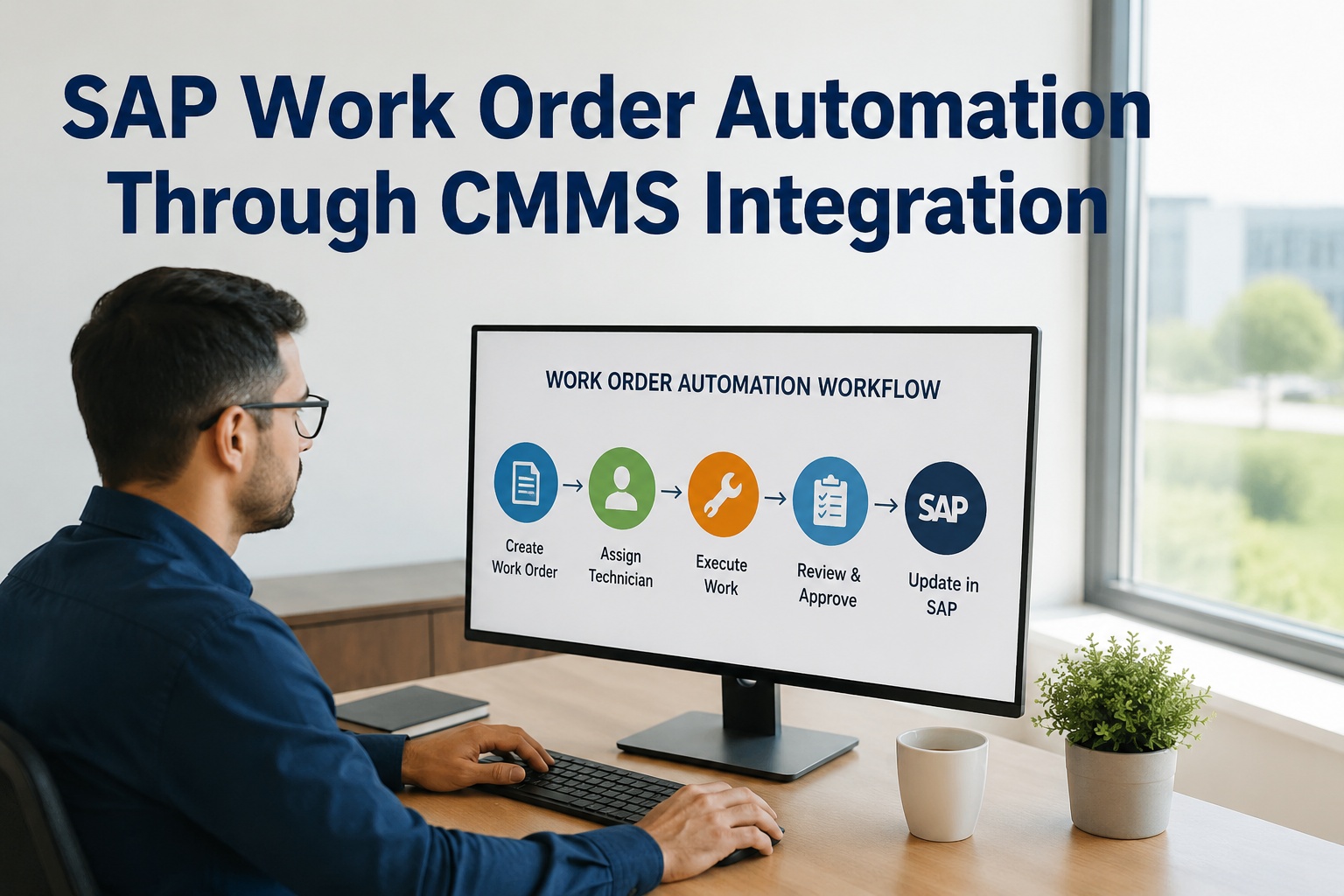
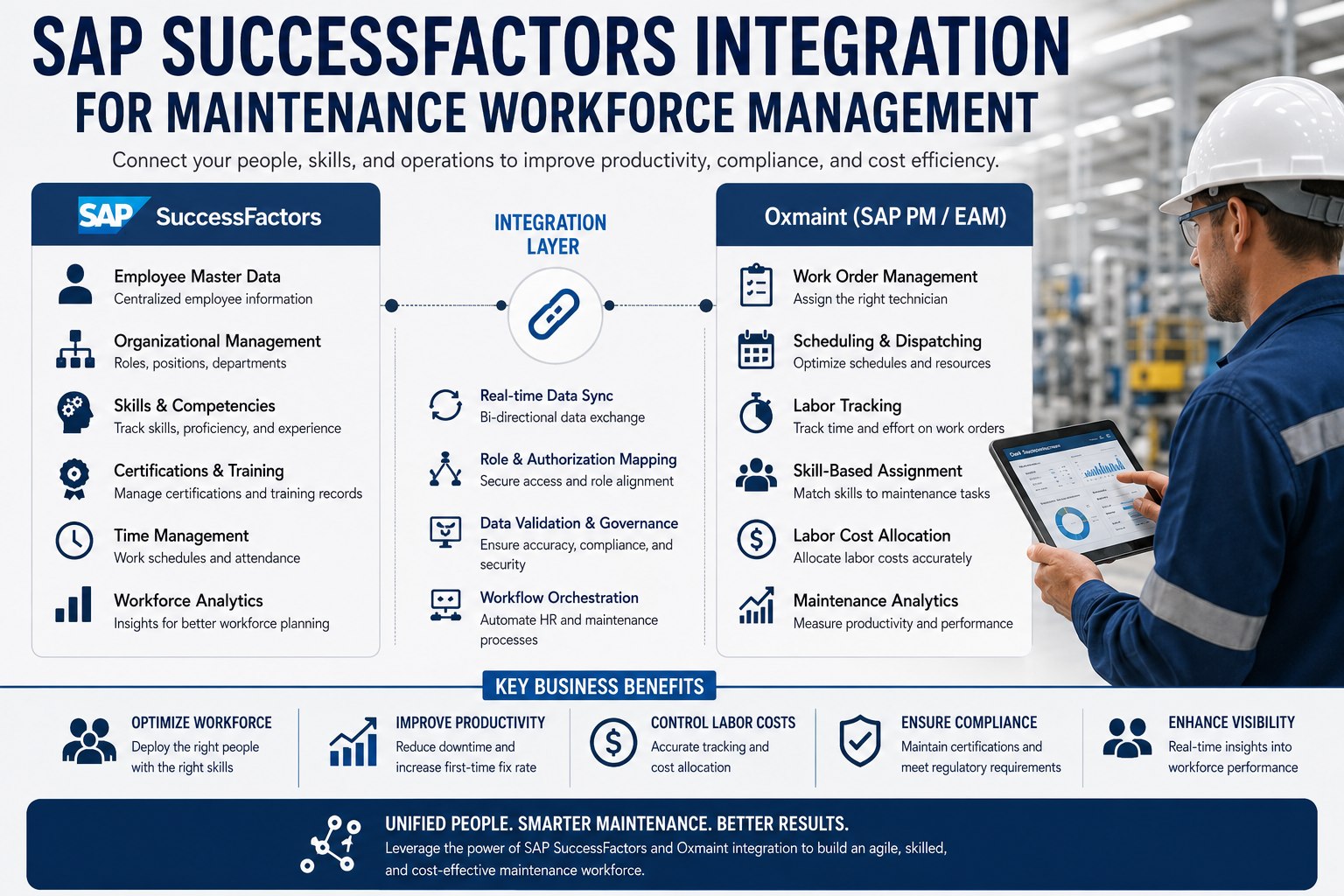
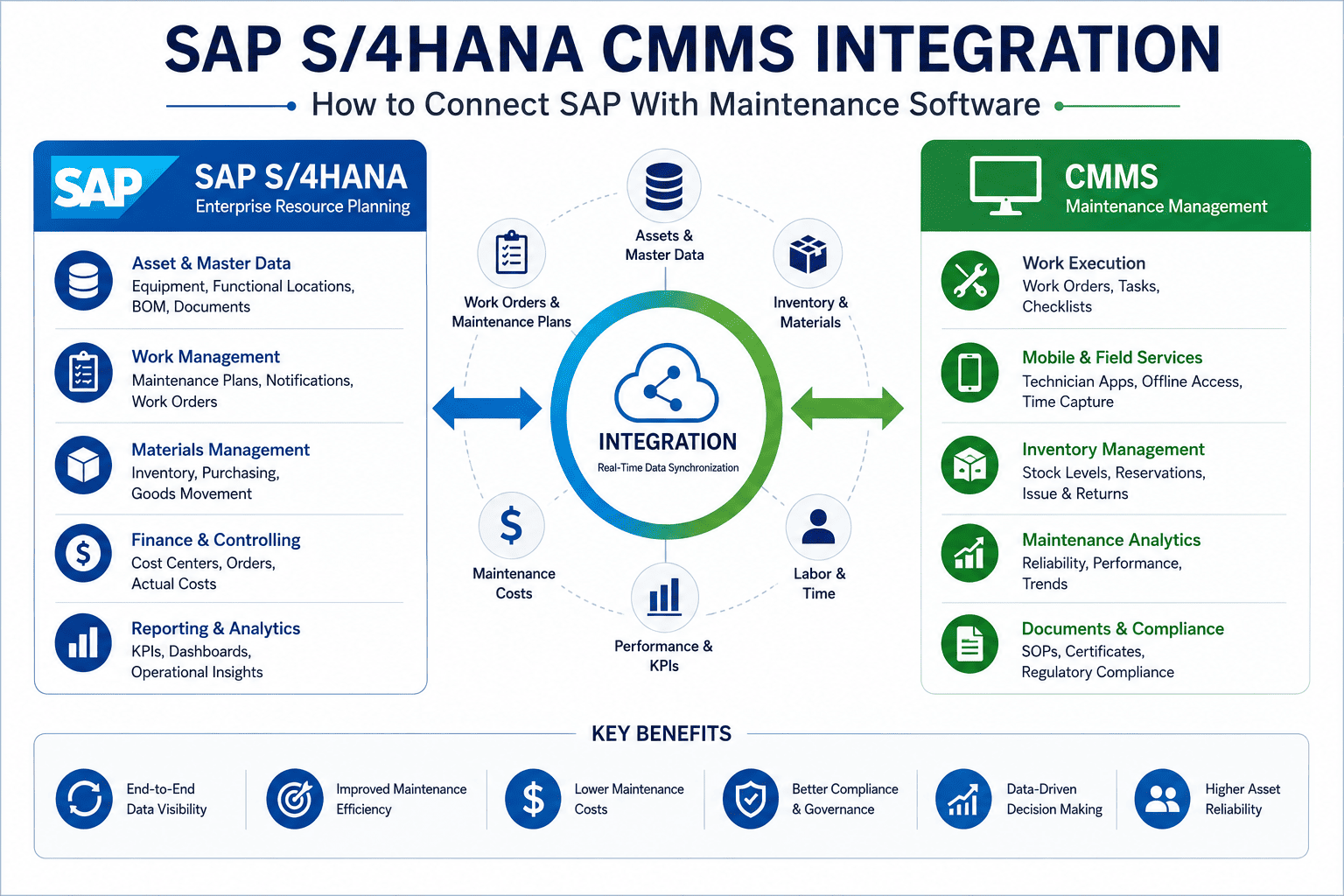
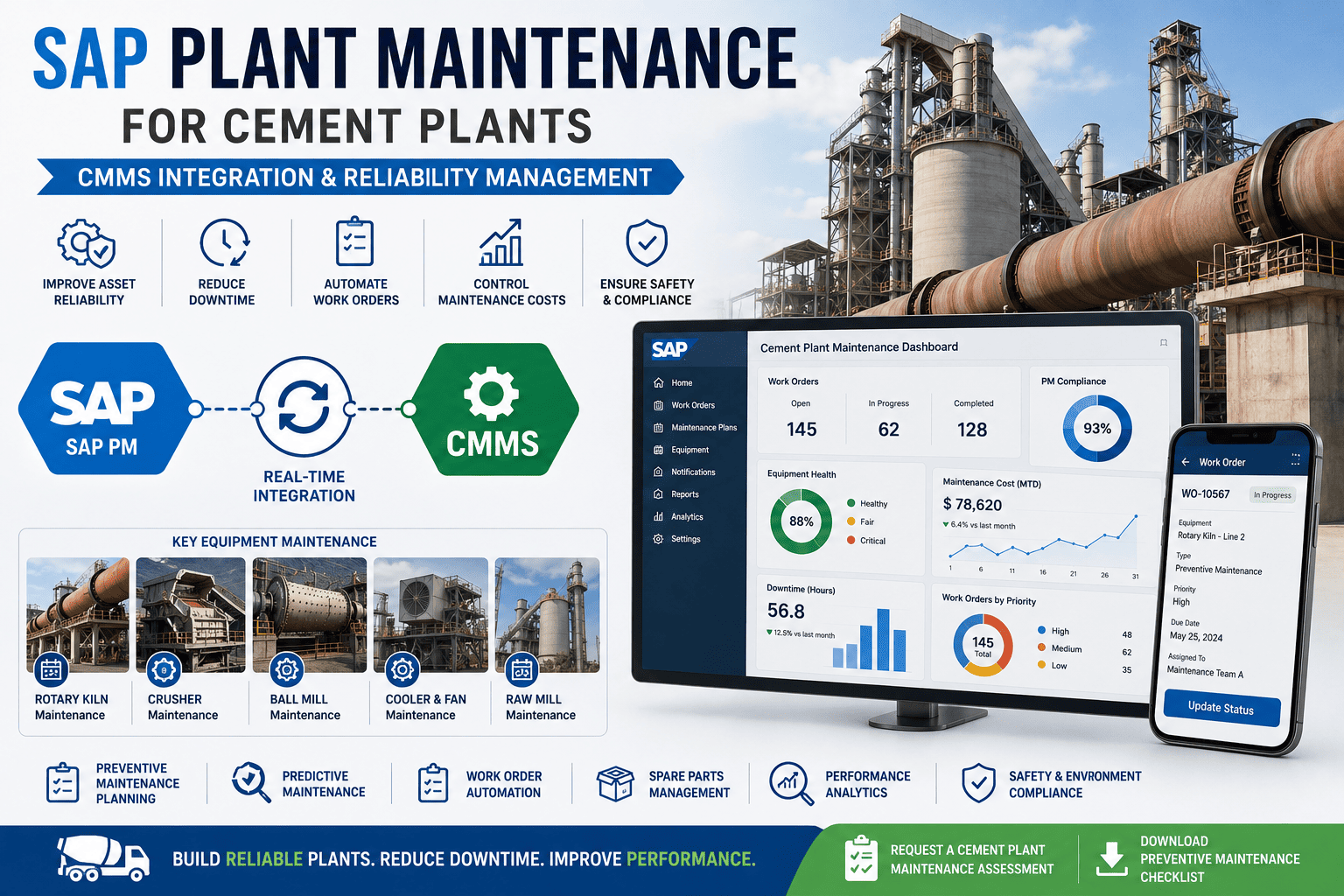
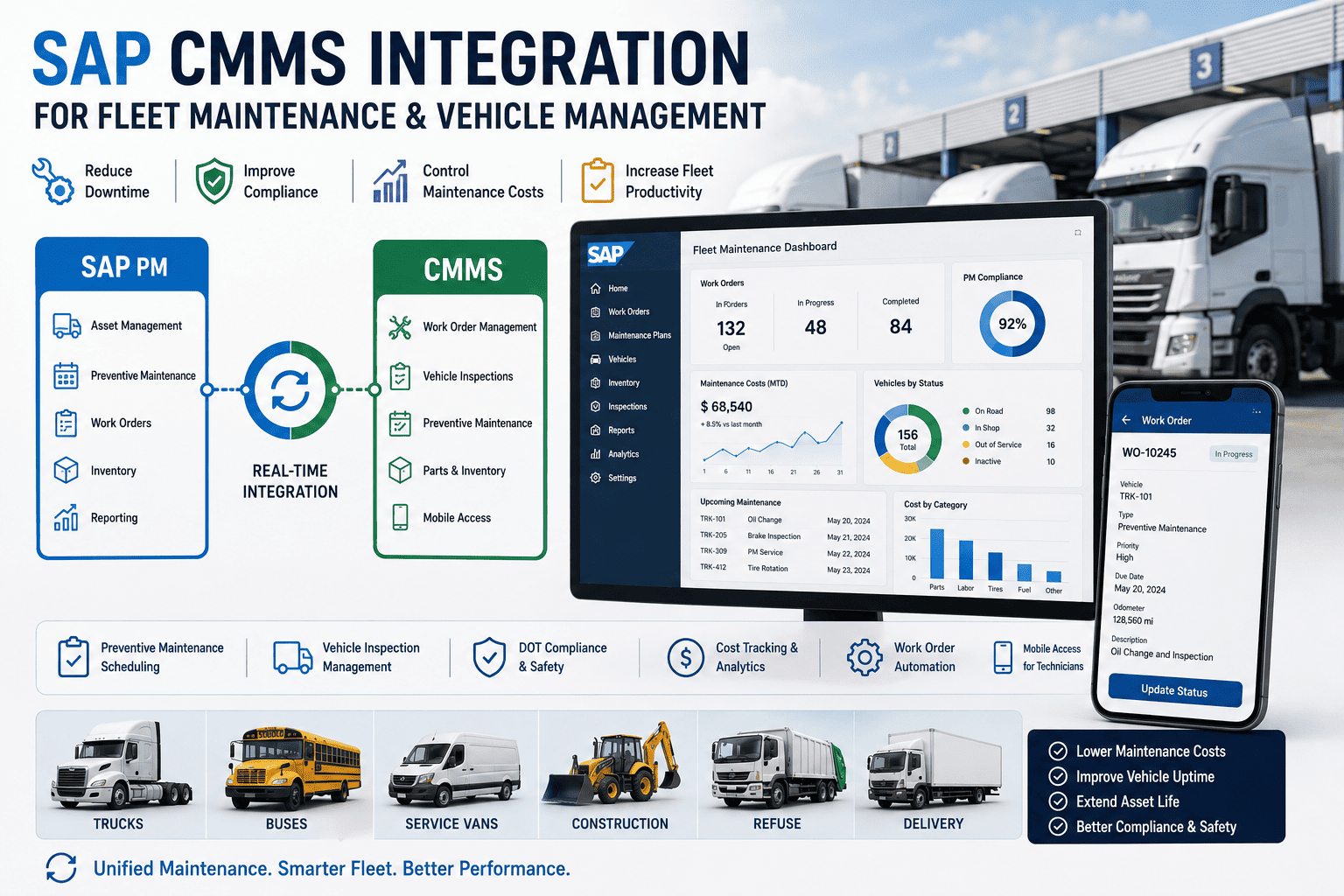
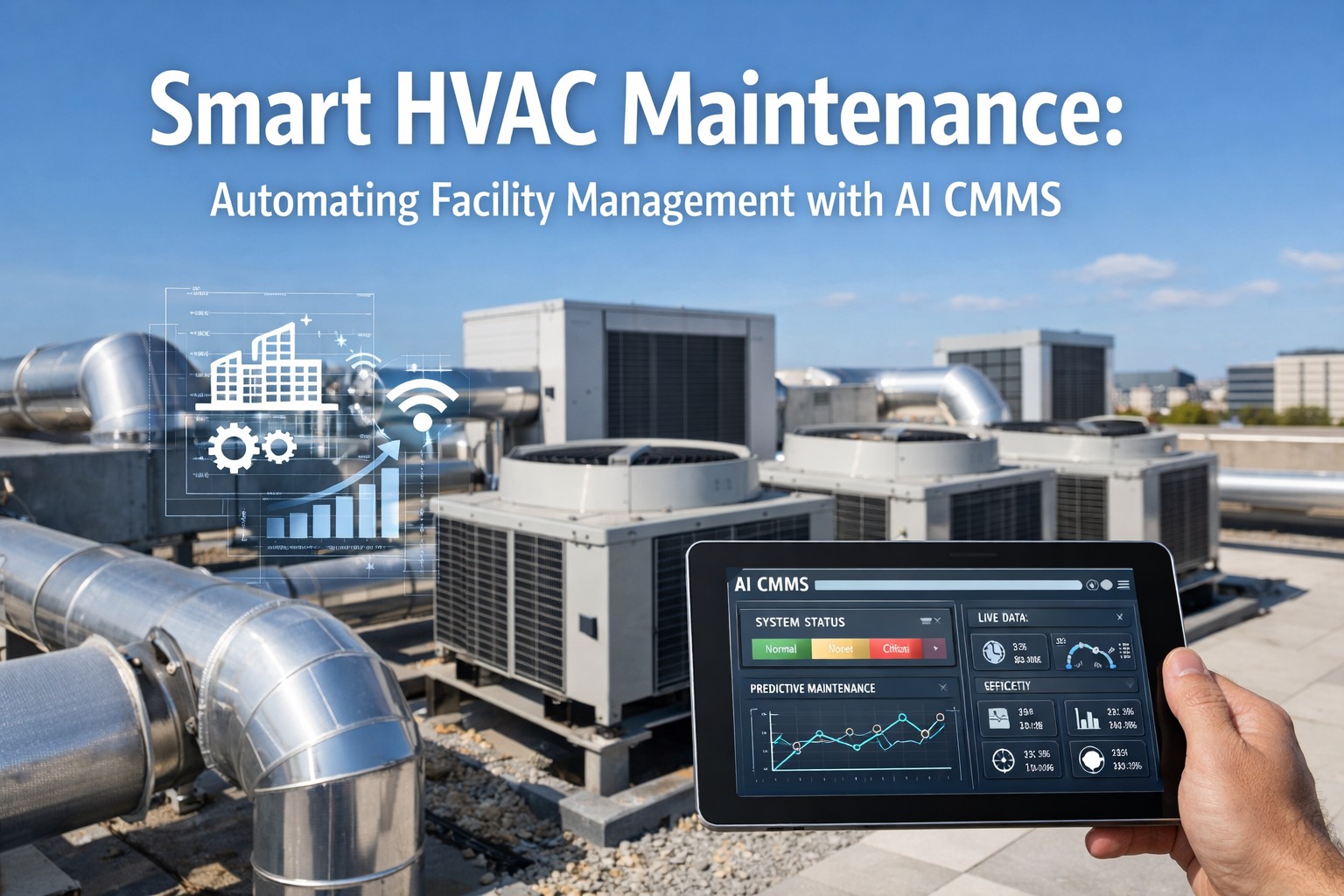
SAP Work Order Automation Through CMMS Integration
Your maintenance team is creating about 200 work orders today. Each one requires manual entry into SAP PM, lookup of equipment history, search for available parts, routing for approval, dispatch to a technician, paper-based field execution, time entry, and cost roll-up. That's 45-90 minutes of administrative time per work order before any actual maintenance happens. Across a year, that adds up to thousands of hours your team spends pushing paperwork instead of fixing equipment. Integrated SAP-CMMS automation changes that math entirely. Book a free demo to see the workflow running.
WORK ORDER AUTOMATION REALITY
The Productivity Math Manual Work Orders Are Costing You
45-90 min
Manual WO Admin Time
2-4 hr
Per Technician / Week Saved
15-30%
Downtime Reduction
60-80%
Approval Cycle Reduction
Why Manual Work Orders Are Crushing Maintenance Productivity
The hidden cost in most maintenance organizations isn't equipment failures—it's the administrative time spent processing work orders. A planner spends 90 minutes a day reconciling CMMS records against SAP order statuses. A technician spends 2-4 hours a week re-entering data they already captured on paper. A manager spends days each month chasing approval signatures. None of that work fixes equipment. None of it improves reliability. It's friction tax on every single work order.
The shift from manual to automated work orders isn't a technology upgrade—it's a productivity multiplier. Each step of the work order lifecycle that gets automated removes a friction point from the day. Maintenance leaders ready to assess current automation gaps can Sign up free to begin a work order automation assessment.
Where the Time Actually Goes in Manual Work Order Workflows
The hidden cost of manual workflows isn't in any single step—it's in the cumulative drag across the day. The breakdown below shows where the four largest time sinks live in a typical maintenance organization without automation.
Planner Time
90 min
per day
Reconciling CMMS records against SAP order statuses manually
Technician Time
2-4 hr
per week
Re-entering field data already captured on paper checklists
Approval Cycle
2-3 days
per major WO
Email chains, follow-ups, lost approvals—the biggest delay
Month-End
5-8 days
finance close
Reconciling labor, materials, and cost center postings manually
The Work Order Lifecycle: Manual vs Automated Time Compression
The map below shows each stage of the work order lifecycle with the time required under manual workflows versus integrated automation. The gray bars represent manual time; the gold bars represent automated time. The compression at each stage compounds into the 20x productivity multiplier integrated teams report.
8 STAGES · TIME COMPRESSION FRAMEWORK
Work Order Lifecycle · Manual vs Automated
PHASE A · Initiate
PHASE B · Plan & Approve
PHASE C · Execute & Close
01
Trigger Detection
Initiate
Manual
30 min
Automated
Instant
Sensor anomaly, inspection finding, or operator request auto-generates notification with full asset context.
02
Work Order Creation
Initiate
Manual
15-18 min
Automated
1 min
Notification auto-converts to SAP PM work order with equipment ID, priority, work type, and cost center pre-populated.
03
Planning & Resource Lookup
Plan
Manual
25-30 min
Automated
3-4 min
System suggests parts with live SAP MM availability and routes to qualified technician based on skill matrix.
04
Approval Routing BIGGEST DELAY · BIGGEST WIN
Approve
Manual
2-3 days
Automated
15-20 min
Conditional rules auto-approve routine WOs under threshold; mobile sign-off for higher-value approvals with full context.
05
Dispatch & Mobile Sync
Execute
Manual
30-40 min
Automated
Instant
Push notification to technician's mobile with full job context, parts staging info, and asset history one tap away.
06
Field Execution
Execute
Manual
Paper · tracked later
Automated
Real-time mobile
Mobile checklists, photos, voice notes, and time tracking captured in real-time and synced to SAP automatically.
07
Closure & Confirmation
Close
Manual
1-2 days
Automated
Instant
Tech closes WO on mobile; SAP order transitions REL → TECO automatically with all labor, materials, and notes attached.
08
Cost Roll-up & Analytics
Close
Manual
1-2 weeks
Automated
Real-time
Labor and materials post to SAP CO cost centers automatically; finance sees live budget vs actual instead of month-end surprise.
8Lifecycle Stages
~3 dManual Total Time
~4 hrAutomated Total Time
20xProductivity Multiplier
The compression at each stage isn't impressive in isolation—it's the compounding across the full lifecycle that produces the 20x multiplier. A WO that took three days end-to-end manually completes in four hours when every stage runs through integrated automation. Maintenance leaders ready to map current lifecycle bottlenecks can Sign up free to map your work order lifecycle against the framework.
SEE IT IN ACTION
Watch Automated Work Orders Run on Your SAP Architecture
Trigger detection, conditional routing, mobile execution, real-time SAP sync. 30-minute live walkthrough of the full automated lifecycle.
Automation starts upstream of the work order itself. Each trigger source becomes a tributary feeding into the integrated workflow, with the right context attached before the WO even reaches a planner.
Sensor / IoT Anomaly
Vibration spike, temperature drift, pressure deviation—condition data crosses threshold, WO auto-generates with sensor context
Scheduled PM Plan
Time-based, usage-based, or condition-based PM plans in SAP IP01/IP02 auto-generate WOs on due date with task lists pre-attached
Mobile Inspection
Tech finds issue during round, taps "create WO" on tablet—asset linked, photos attached, location captured automatically
Operator Request
Production team submits issue via mobile app at the machine; WO created with line context, urgency, and asset relationship intact
Each trigger source carries its own context into the WO, eliminating the manual data entry step that used to bottleneck planners. What used to require a planner manually creating WOs from notifications now happens automatically with full asset history, parts requirements, and priority assigned upfront—turning the trigger event itself into a complete work order ready for execution.
ROI of Work Order Automation
The financial case sits on three compounding factors: reclaimed technician wrench time (the productive hours hidden in admin work), accelerated approval cycles (the days hidden in email chains), and real-time cost visibility (the surprises hidden in month-end reconciliation).
MANUAL vs AUTOMATED WORK ORDERS
Annual Operating Performance Delta
Admin Time Per Work Order
75 min
12 min
−84%
Technician Wrench Time
25%
55%
+30 pts
Approval Cycle Time
3 days
4 hr
−94%
Work Orders Per Planner / Week
25
80
+220%
Month-End Reconciliation
5-8 days
Same-day
−80%
4-8 mo
Typical payback period for SAP-CMMS work order automation
$350K / yr
Average annual benefit per 100 maintenance FTEs
The largest contributor isn't any single metric—it's the compounding effect of all five shifting at once. When wrench time rises while approval cycles fall while month-end close accelerates, the maintenance organization becomes structurally more productive. Leaders ready to model ROI on their actual workforce numbers can Book a free demo to walk through ROI modeling on current workforce numbers.
Expert Perspective: Why Process Discipline Beats Technology
"
The teams I've watched successfully automate their work order workflows share a property that often surprises new project leads: they spend more time on process design than on configuration. The technology choices are usually clear within the first two weeks. What takes the rest of the project is mapping the actual workflow—who triggers what, what conditions route an approval, what exception cases need human intervention, what data flows back to SAP and when. The teams that skip the process discipline and jump to configuration end up with automated workflows that nobody trusts, because the automation makes the wrong decisions. The teams that get the process right end up with automation everybody trusts, because it makes the same decisions a senior planner would make.
01
Process Design Comes Before Configuration
Map the workflow, conditions, exceptions, and routing logic before touching any system settings. Configuration is the easy part; process design is the actual work.
02
Automate the Routine, Escalate the Exceptional
Routine WOs under threshold auto-route and auto-approve. Higher-stakes WOs escalate to humans with full context. Don't automate decisions that need judgment.
03
Trust Is Built Through Transparency
Field technicians adopt automation that's predictable and visible. Show them why each WO routed to them, what was checked, what was skipped. Black-box automation fails adoption.
90-Day Path to Work Order Automation
The 90-day rollout pattern below produces measurable productivity gains by day 60 and full lifecycle automation operational by day 90. Each phase builds on the previous one.
90-DAY DEPLOYMENT ROADMAP
From Manual Workflows to Fully Automated Lifecycle
DAYS 1–20
01
Process Audit & Master Data
Map current WO workflow stage-by-stage. Document SAP PM master data state. Identify automation candidates. Sponsor sign-off on target-state process design.
DAYS 21–45
02
Trigger Sources & Routing
Integrate sensor data streams, scheduled PM plans, mobile inspection forms, operator request channels. Configure conditional routing and approval thresholds.
DAYS 46–70
03
Mobile Field Execution
Deploy mobile work order app to field crews. Validate offline capability. Activate real-time SAP sync. Begin parallel run with paper for first two weeks.
DAYS 71–90
04
Analytics & Continuous Improvement
Activate cost roll-up automation. Configure KPI dashboards. Establish weekly improvement cadence. Mobile inspection findings feed back into PM plans.
By day 90, the integration runs the full lifecycle automatically, KPI dashboards show real-time work order health, and the planning organization has shifted from administrative reconciliation to genuine planning work. Maintenance leaders ready to start the process audit phase can Sign up free to begin the work order process audit this week.
START THE TRANSFORMATION
Give Your Maintenance Team Their Hours Back
Eight lifecycle stages compressed. Three days down to four hours. Twenty-times the throughput per planner. See the framework running live.
How does work order automation integrate with SAP PM specifically?
Integration uses SAP's standard BAPI and RFC interfaces, so no custom ABAP development is required in the SAP landscape. The CMMS layer becomes the field execution interface while SAP PM remains the system of record for order types, cost objects, functional location hierarchy, and financial postings. Work order status transitions REL → TECO automatically when techs close on mobile; labor and materials post to the correct SAP cost centers in real time; PM plans defined in SAP IP01/IP02 generate WOs in the CMMS mobile queue on their due date.
Do we need to replace SAP PM to get work order automation?
No. The integrated CMMS runs alongside SAP PM rather than replacing it. SAP stays as the system of record for financials, asset valuation, cost postings, and enterprise reporting. The CMMS provides the mobile execution interface that field technicians actually use, with all field data flowing back to SAP automatically. Your existing SAP PM investment is preserved and its data quality improves because technicians record completions in real time instead of paper-then-batch entry.
How do we handle exception cases where automation can't decide?
Automation handles the routine, escalation handles the exceptional. Conditional rules define what counts as routine: WO value under a threshold, work type on an approved list, technician skill match available, parts in stock. When all conditions are met, the WO auto-routes and auto-approves. When any condition fails, the WO escalates to the appropriate human (planner, supervisor, manager) with full context for the decision. The split typically settles around 70-80% automated, 20-30% escalated—and the escalated work gets faster decisions because context is pre-attached.
What's the typical adoption curve with field technicians?
Field adoption is the biggest predictor of automation success. The pattern that works: 2-week training period with parallel paper running, daily standup with floor supervisors during week 1, dedicated support person on the floor for week 2-3, then full digital cutover with paper removed. Adoption typically reaches 80%+ by week 4 and 95%+ by week 8. The technicians who resist are usually responding to bad UX on the mobile app, not to automation in principle—so UX quality matters more than training intensity.
Which SAP versions and deployment types are supported?
Standard SAP-CMMS connectors support both SAP ECC 6.0 and SAP S/4HANA, in on-premise and cloud deployments. Integration uses SAP's standard interfaces (BAPI, RFC, OData) without custom ABAP development. For organizations on the ECC-to-S/4HANA migration path (deadline Dec 31, 2027), the CMMS integration architecture stays consistent across the migration—the same connector configuration works against both SAP versions, making the CMMS layer migration-safe rather than migration-dependent.